How we make this list: we compare pricing pages, product documentation and public user reviews. Ratings come from G2, Capterra or Trustpilot, with the date we checked them.
Key takeaways
- Google Drive offers the most generous free tier at 15 GB shared across Gmail, Drive and Photos, while Dropbox offers only 2 GB free.
- The 2 TB price clusters tightly: Google Drive, OneDrive and iCloud all sit at 9.99 dollars a month, while Dropbox Plus costs 9.99 dollars billed annually or 11.99 dollars monthly.
- pCloud is the only mainstream option with a lifetime plan, at 199 dollars for 500 GB, which beats subscriptions after about three years.
- Privacy buyers should pick zero knowledge providers like Proton Drive, Sync.com or MEGA, since mainstream services hold the encryption keys.
Quick comparison
| Tool | Best for | Starting price | Free plan |
|---|
 Google Drive Google Drive | Gmail and Android users | Free | Yes |
 Dropbox Dropbox | Fast reliable sync | Free | Yes |
 OneDrive OneDrive | Office and Windows users | Free | Yes |
 iCloud+ iCloud+ | Apple households | Free | Yes |
 pCloud pCloud | Lifetime payment fans | Free | Yes |
 MEGA MEGA | Biggest free encrypted tier | Free | Yes |
 Proton Drive Proton Drive | Privacy first users | Free | Yes |
 Sync.com Sync.com | Privacy minded professionals | Free | Yes |
Is your product missing or out of date?
We review this list regularly. Vendors can request a listing, send updated pricing or ask about featured placement.
The best cloud storage services comparison
Starting priceFree
Free planYes
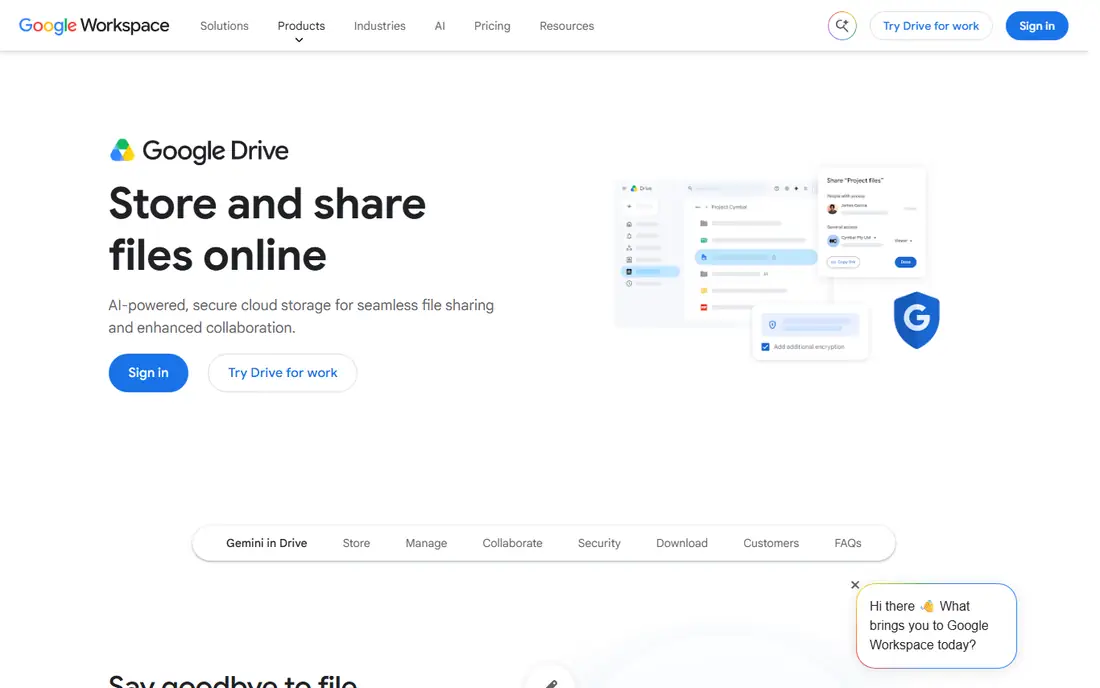
Google Drive is the best choice for most people, thanks to the 15 GB free tier and smooth integration with Gmail, Docs, Sheets and Android. Sharing is effortless, collaboration in Docs is the best in the category, and search across file contents finds documents other services miss. Paid plans start at 1.99 dollars a month for 100 GB, with 2 TB at 9.99 dollars a month.
The shared 15 GB is the catch, since Gmail and Photos eat the same allowance, so heavy photo users hit the limit fast. The desktop sync app also uses more resources than Dropbox. Still, for a Google household, Drive is the obvious pick, and the free tier alone covers light users for years.
What we like- 15 GB free shared across Google services
- Best in class Docs and Sheets collaboration
- Powerful content search
Watch out for- 15 GB fills fast across Gmail, Drive and Photos
- Desktop sync app is heavier than Dropbox
- Support is limited on consumer plans
#2Dropbox
Best for: Fast reliable sync4.4/5 on
G2 (31,453 reviews, checked Oct 2026)
Visit dropbox.com
Starting priceFree
Free planYes
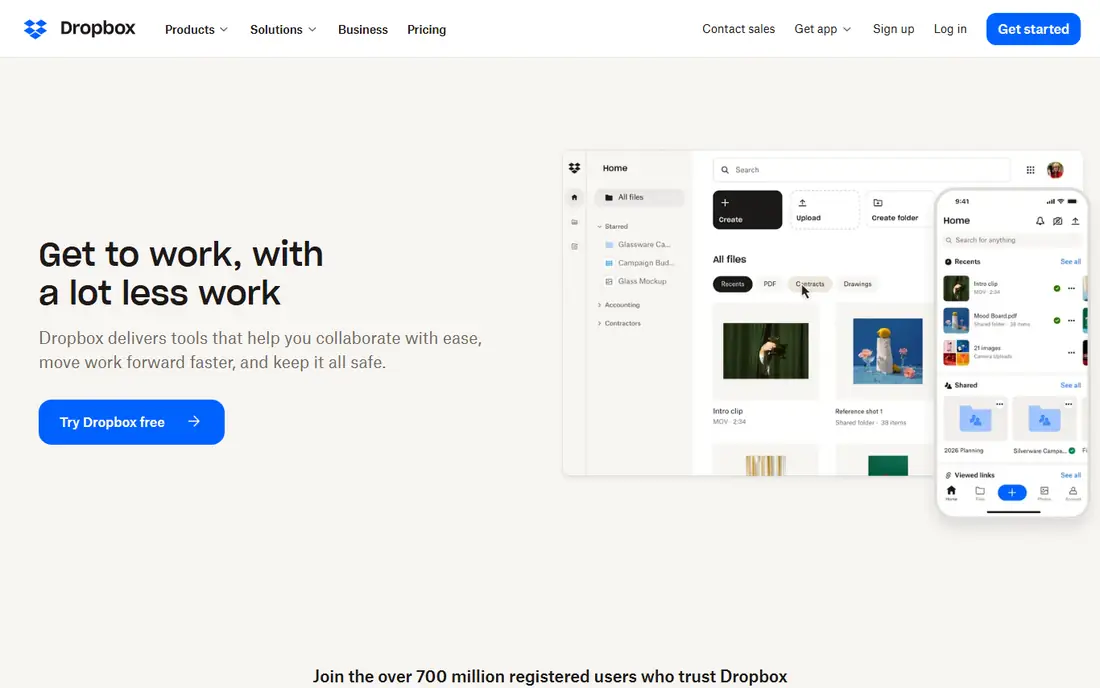
Dropbox built its name on sync that simply works. Block level sync uploads only changed parts of a file, so large files update fast, and conflict handling is clean. Creative teams and freelancers value the large transfer features, document signing and the wide ecosystem of third party apps that connect to Dropbox.
The free tier is tiny at 2 GB, and Plus at 2 TB costs 9.99 dollars a month billed annually or 11.99 dollars monthly. Privacy buyers should note that Dropbox holds encryption keys, so it is not zero knowledge. For a team that moves large files daily, Dropbox sync speed justifies the price.
What we like- Gold standard block level sync
- Large transfer and signing features
- Wide third party app ecosystem
Watch out for- Only 2 GB free
- Plus costs 11.99 dollars monthly if not billed annually
- No zero knowledge encryption
Starting priceFree
Free planYes
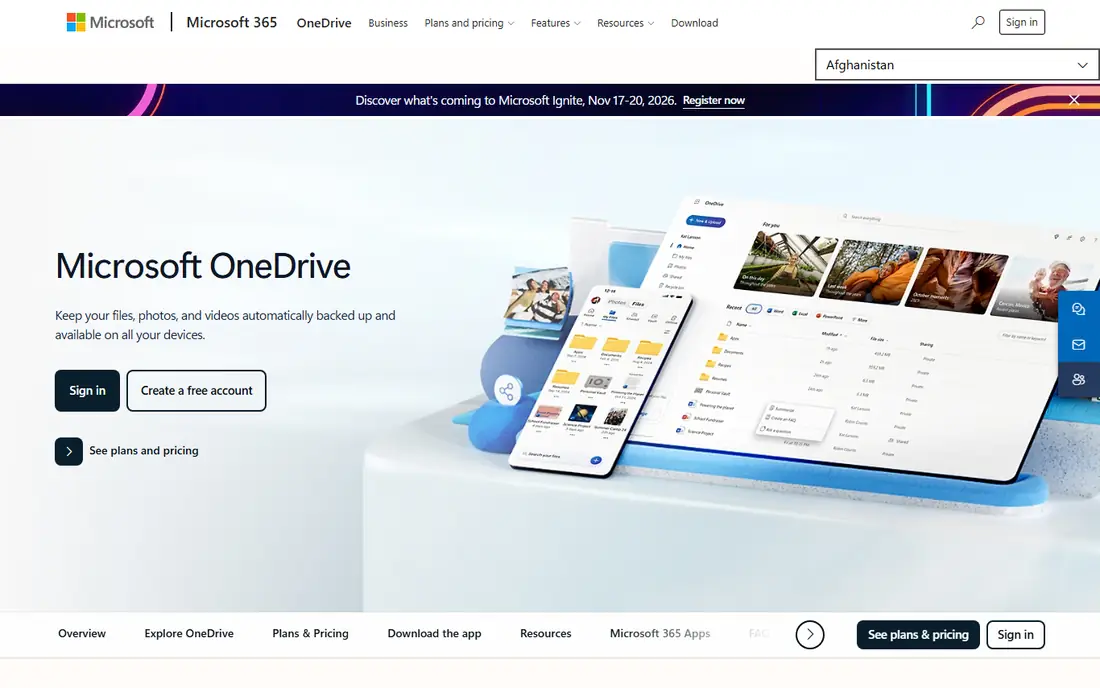
OneDrive is the best value for Office users. It is built into Windows, co edits Word, Excel and PowerPoint in real time, and Microsoft 365 Personal bundles 1 TB with the desktop Office apps for 99.99 dollars a year or 9.99 dollars a month. Paid plans add a Personal Vault with strong authentication and ransomware detection with file recovery.
The free tier is only 5 GB, and Microsoft holds the encryption keys, so it is not zero knowledge. A standalone Basic plan at 100 GB costs 19.99 dollars a year. For a Windows and Office household, OneDrive plus Microsoft 365 is the best bundle in this list.
What we like- Built into Windows with deep Office co editing
- 1 TB plus Office apps for 99.99 dollars a year
- Personal Vault and ransomware protection
Watch out for- Only 5 GB free
- Not end to end encrypted
- Standalone 100 GB plan is limited
#4iCloud+
Best for: Apple households4.4/5 on
G2 (3 reviews, checked Oct 2026)
Visit icloud.com
Starting priceFree
Free planYes
iCloud+ is the invisible choice for Apple households. Device backup, photo sync and app data move across iPhone, iPad and Mac without thought, preserving Live Photos, depth data and original files. Plans start at 0.99 dollars a month for 50 GB, 2.99 dollars for 200 GB and 9.99 dollars for 2 TB, with family sharing for up to 6 people and extras like Private Relay and Hide My Email.
The free tier is only 5 GB, which a single phone backup can exceed, and the Windows experience is weaker than on Apple devices. For an Apple only household, iCloud+ is the frictionless pick. For mixed device homes, Google Drive or OneDrive fit better.
What we like- Invisible sync across iPhone, iPad and Mac
- Device backup preserves photos and data
- Family sharing for up to 6 people
Watch out for- Only 5 GB free
- Windows experience is weaker
- Advanced Data Protection scope needs checking
#5pCloud
Best for: Lifetime payment fans4.3/5 on
G2 (166 reviews, checked Oct 2026)
Visit pcloud.com
Starting priceFree
Free planYes
pCloud is the only mainstream service here with a lifetime option: 199 dollars once for 500 GB, or 399 dollars for 2 TB, which beats subscriptions after about three years. The free tier offers up to 10 GB, media streaming plays audio and video directly from storage, and the apps cover every major platform.
Zero knowledge encryption costs extra as an add-on, unlike Proton or Sync where it is default, and the collaboration suite is smaller than Google or Microsoft. For a buyer who would rather pay once than subscribe forever, pCloud is the clear pick.
What we like- Lifetime plans at 199 dollars for 500 GB
- Up to 10 GB free
- Direct media streaming built in
Watch out for- Zero knowledge encryption is a paid add-on
- Annual plans cost more than some rivals
- Smaller collaboration suite
Starting priceFree
Free planYes
MEGA offers the biggest free encrypted tier in this list at 20 GB, with end to end encryption by default. Paid plans start around 5 dollars a month for 400 GB and about 11 dollars a month for 2 TB, charged in euros, which makes it one of the cheapest large storage options. Privacy is the brand promise, and it holds up better than mainstream rivals.
The interface is less polished than Dropbox, and collaboration tools trail Google and Microsoft. Currency conversion also makes exact dollar pricing move with exchange rates. For a privacy conscious user who wants a large free tier, MEGA is the best starting point.
What we like- 20 GB free with end to end encryption
- Cheap large storage
- Strong privacy stance
Watch out for- Prices charged in euros
- Interface trails Dropbox polish
- Collaboration tools are thinner
Starting priceFree
Free planYes
Proton Drive is the privacy pick for users who also want documents. End to end, zero access encryption covers files and folder names, with servers in Switzerland, and the free plan includes an online document and spreadsheet editor. Drive Plus at 200 GB costs 3.99 dollars a month billed annually, and an Unlimited plan at 500 GB adds Mail, VPN and Pass.
The free tier is only 5 GB, and Linux users get a command line tool rather than a full app. Storage caps also trail Google and Dropbox at the top end. For a user who treats privacy as the first requirement, Proton Drive is the strongest mainstream option.
What we like- End to end zero access encryption from Switzerland
- Encrypted link sharing
- Document editor included on free plan
Watch out for- Only 5 GB free against Google 15 GB
- Linux gets a command line tool, not an app
- Storage caps trail rivals
#8Sync.com
Best for: Privacy minded professionals4.0/5 on
G2 (44 reviews, checked Oct 2026)
Visit sync.com
Starting priceFree
Free planYes
Sync.com targets professionals who share files with clients under privacy rules. Zero knowledge encryption is default, not an add-on, and sharing controls, compliance features and client facing links suit lawyers, accountants and consultants. The free tier gives 5 GB, and the 2 TB plan costs 8 dollars a month billed annually.
Sync speed on very large files trails Dropbox, and the free tier is small. For a solo professional who needs client sharing with real privacy, Sync.com balances price and protection well.
What we like- Zero knowledge encryption by default
- Strong client sharing and compliance features
- Good for solo professionals
Watch out for- Only 5 GB free
- 2 TB plan costs 8 dollars a month
- Sync speed trails Dropbox on large files
How we chose
We compared published pricing pages read in October 2026, and we weighed free tier size, 2 TB price, sync speed, collaboration depth, ecosystem fit and encryption model. We noted where limits like file size caps and version history windows are not published on pricing pages, and we favored services with clear published prices. No tool was credited with hands-on testing, and no user counts, awards or ratings were invented for this guide.
What to check before you subscribe
Start with your ecosystem, not the price table. Apple households save friction with iCloud, Google households with Drive, and Office households with OneDrive, and those savings are worth more than a dollar or two a month. Then audit your actual usage: most casual users fit in 100 to 200 GB once photos and backups are counted, while 4K video shooters need at least 1 TB.
Next, check the privacy model. Mainstream services hold encryption keys and can access files under legal process, while zero knowledge providers like Proton, Sync and MEGA cannot. For sensitive records, pick zero knowledge, turn on two factor authentication, and review shared links regularly. Finally, keep a second copy of irreplaceable files, since no single cloud provider should be the only home for photos or documents that cannot be recreated.
Frequently asked questions
How much storage do I actually need?
Most casual users fit in 100 to 200 GB once photos, documents and device backups are counted. Anyone shooting regular 4K video or managing a large photo archive should plan on at least 1 TB. Audit old device backups and duplicate photo libraries first, since they commonly inflate usage.
Which cloud storage is cheapest for 2 TB?
Google Drive, OneDrive and iCloud all charge 9.99 dollars a month for 2 TB, while Dropbox Plus costs 9.99 dollars billed annually. Over three years, pCloud lifetime at 399 dollars for 2 TB beats all subscriptions. For the first year only, IDrive style backup services can cost less, but they are backup tools, not sync drives.
Is free cloud storage safe?
Free tiers from major providers use the same encryption in transit and at rest as paid tiers, but the provider holds the keys on mainstream services. For sensitive files, use a zero knowledge provider and turn on two factor authentication. Also keep a local copy of irreplaceable files.
Can I share a plan with family?
Yes, on several services. iCloud+ plans share with up to 5 other people, Microsoft 365 Family covers 6 people with 1 TB each, and Google plans can share storage with a family group. Sharing usually costs less per person than separate individual plans.
What happens if I stop paying?
Most services keep your files read only for a grace period, then may delete data after extended nonpayment. Download or move files before cancelling, and check the provider retention policy, since grace periods vary widely.
Is pCloud lifetime really lifetime?
It means a one time payment for the life of the account, not your lifetime in a legal sense, and terms can change. For most buyers it still beats subscriptions after about three years, but read the current terms before paying a large one time fee.
Sources we checked (4)
- https://www.productsverdict.com/blog/best-cloud-storage-services-compared
- https://www.pawvian.com/2026/10/best-cloud-storage-2026-google-drive-vs.html
- https://www.uplarn.com/best-cloud-storage-services/
- https://www.flozic.ai/blog/alternatives/google-drive-alternatives
Is your product missing or out of date?
We review this list regularly. Vendors can request a listing, send updated pricing or ask about featured placement.

Shihab Mia · Founder, Rankite
Shihab has 5+ years in B2B and SaaS SEO. He writes Rankite's software buying guides from pricing pages, documentation and public user reviews. More about Shihab.