How we make this list: we compare pricing pages, product documentation and public user reviews. Rankite is independent; if a vendor ever pays for a featured spot, that listing is clearly labeled Partner.
Key takeaways
- GitHub Actions is the default pick for most teams in 2026: zero setup for GitHub repos, 2,000 free minutes a month, and the largest integration marketplace.
- GitLab CI/CD is the all-in-one alternative with security scanning and self-hosting built in, but Premium at $29 per user per month costs far more than GitHub Team.
- Jenkins remains the king of self-hosted CI, free and open source with 2,300+ plugins, if you accept the maintenance burden.
- CircleCI wins on raw build speed and Buildkite wins on bring-your-own-compute flexibility, while Azure DevOps and Bitbucket Pipelines reward teams already committed to Microsoft or Atlassian.
Quick comparison
| Tool | Best for | Starting price | Free plan |
|---|
 GitHub Actions GitHub Actions | Teams whose code already lives on GitHub | Free (2,000 minutes/month); Team $4/user/month | Yes |
 GitLab CI/CD GitLab CI/CD | One platform for code, CI, security, and planning | Free (400 minutes/month); Premium $29/user/month | Yes |
 Jenkins Jenkins | Teams that must own their CI infrastructure | Free (open source) | Yes |
 CircleCI CircleCI | Teams where build speed is the bottleneck | Free (6,000 build minutes/month); Performance from $15/month | Yes |
 Azure DevOps Azure DevOps | Organizations standardized on Microsoft | Free (5 users, 1,800 hosted minutes/month); Basic $6/user/month | Yes |
 Bitbucket Pipelines Bitbucket Pipelines | Teams running Jira and Confluence | Free (50 build minutes/month); Standard $3.65/user/month | Yes |
 TeamCity TeamCity | JetBrains users wanting polished self-hosted CI | See website (free Professional tier) | Yes |
 Harness Harness | Enterprises standardizing delivery at scale | Free ($0 tier); paid plans quote-based | Yes |
 Buildkite Buildkite | Teams with their own compute to spare | Free (500 hosted minutes/month); Pro $30/user/month | Yes |
Is your product missing or out of date?
We review this list regularly. Vendors can request a listing, send updated pricing or ask about featured placement.
The best CI/CD software
#1
GitHub Actions
Best for: Teams whose code already lives on GitHub
Visit github.com
Starting priceFree (2,000 minutes/month); Team $4/user/month
Free planYes
GitHub Actions won this category by being where the code already is. Workflows live in YAML next to your code, pull requests get checks automatically, and the marketplace has a prebuilt action for nearly every tool you use. For open source projects it is effectively unlimited, and for small private teams the 2,000 free minutes a month go further than most expect.
The pricing beyond free is straightforward: $0.006 per Linux minute after the allowance, with Team at $4 per user per month and Enterprise at $21. The honest catch is that teams rarely feel the per-minute meter until the bill arrives, especially on macOS runners. Self-hosted runners are the standard escape hatch and take minutes to register. If your code is on GitHub, starting anywhere else needs a reason.
What we like- Zero friction for GitHub repos with PR checks built in
- 2,000 free private-repo minutes a month, unlimited on public
- Huge marketplace of reusable actions
Watch out for- Per-minute costs add up at scale
- No built-in advanced analytics or security scanning without paid add-ons
Starting priceFree (400 minutes/month); Premium $29/user/month
Free planYes
GitLab's pitch is the opposite of GitHub's marketplace: one application instead of many integrations. CI/CD pipelines sit next to the repo, the container registry, security scanning, and agile planning, which removes an entire category of integration maintenance. The pipeline model is genuinely strong, with stages, DAG dependencies, child pipelines, and merge trains that keep main green under heavy merge volume.
The trade is cost and weight. The free tier's 400 minutes a month runs out fast on active projects, and Premium at $29 per user per month is more than seven times GitHub Team's $4. Self-hosted Community Edition is free and open source with full CI/CD, which is the real GitLab advantage: no other major platform lets you run the entire thing on your own servers at zero license cost. Choose GitLab when you want fewer tools and control over the infrastructure.
What we like- Pipelines, container registry, SAST/DAST scanning, and issue tracking in one app
- Full platform can be self-hosted
- Merge trains and DAG pipelines
Watch out for- Premium at $29 per user per month is far pricier than GitHub Team
- Free tier only includes 400 compute minutes a month
#3
Jenkins
Best for: Teams that must own their CI infrastructure
Visit jenkins.io
Starting priceFree (open source)
Free planYes
Jenkins is the veteran that refuses to die because nothing else does what it does for free. As the leading open source automation server, it runs on your infrastructure with no per-minute metering, no seat licenses, and plugins for practically every tool in the CI/CD toolchain. Regulated industries and air-gapped environments keep choosing it for exactly that reason.
The price is operational, not monetary. Someone on your team becomes the Jenkins person, managing upgrades, plugin compatibility, agent fleets, and the occasional 2 AM controller outage. Declarative pipelines help, but the ecosystem's flexibility means two Jenkins setups rarely look alike. Pick Jenkins when compliance or cost-at-scale demands self-hosting and you have the people to run it.
What we like- Completely free with no minute or user limits
- 2,300+ plugins cover nearly every toolchain
- Runs anywhere, including air-gapped networks
Watch out for- You own all maintenance, upgrades, and plugin conflicts
- The UI and pipeline-as-code learning curve are steep
Starting priceFree (6,000 build minutes/month); Performance from $15/month
Free planYes
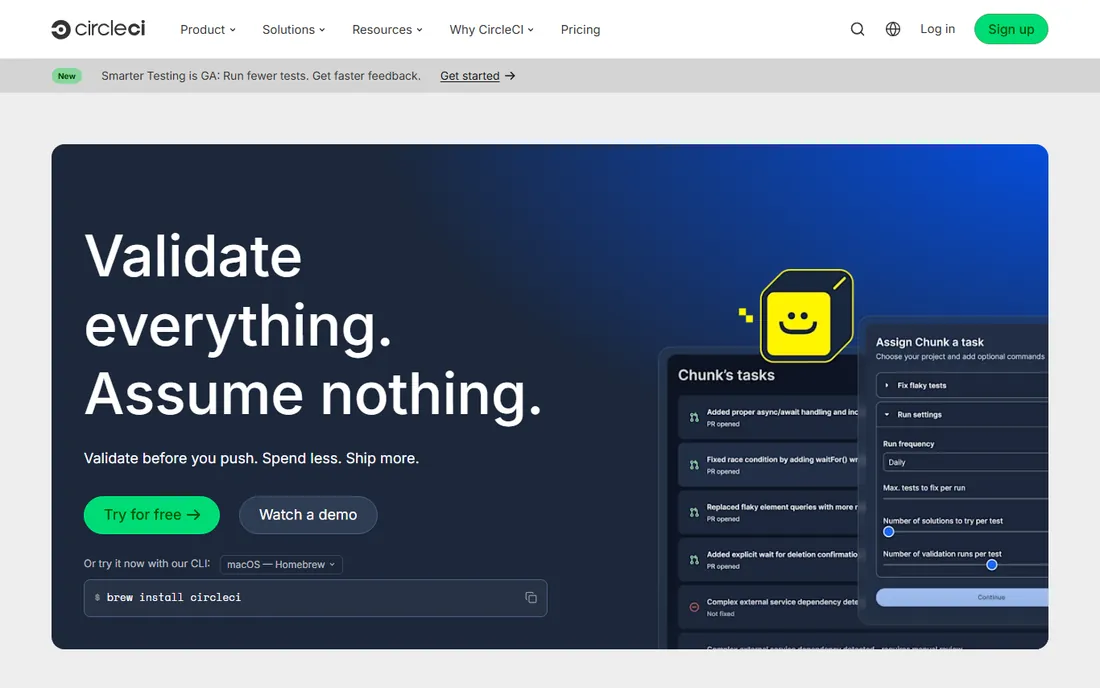
CircleCI built its reputation on one thing: getting developers their build results faster. Test splitting across parallel containers, aggressive caching, and granular resource classes mean Docker-heavy pipelines that crawl elsewhere fly here. The free tier includes 30,000 credits a month, roughly 6,000 build minutes on small Docker executors, which is genuinely generous.
The credit model is the catch. Different resource classes consume credits at different rates, and a macOS build can burn 50 credits a minute, so the bill rarely matches the headline plan price of $15 a month for Performance. CircleCI now even runs GitHub Actions YAML in open preview, which tells you where the market went. Choose it when slow builds are your team's actual pain and the speed is worth the pricing complexity.
What we like- Fastest builds in its class via caching, parallelism, and test splitting
- Orbs make complex configs reusable
- Generous free tier of 6,000 build minutes
Watch out for- Credit-based pricing is hard to predict
- Effective per-minute cost runs 4 to 8 times GitHub Actions
Starting priceFree (5 users, 1,800 hosted minutes/month); Basic $6/user/month
Free planYes
Azure DevOps is Microsoft's full DevOps suite: repos, pipelines, boards, artifacts, and test plans in one place. The pricing is friendly to small teams, with the first 5 users free and 1,800 free Microsoft-hosted minutes a month, and self-hosted agents run unlimited minutes for $15 per extra parallel job. For organizations already on Azure, the identity, permissions, and billing integration is hard to beat.
The honest assessment is that Microsoft's energy has moved to GitHub, and Azure DevOps shows it. The interface lags behind modern tools, and teams outside the Microsoft ecosystem get less for the learning curve. But for enterprises with Azure commitments, compliance requirements, and existing Visual Studio licenses, Azure DevOps remains the pragmatic, predictable choice.
What we like- First 5 users free with 1,800 hosted pipeline minutes a month
- Self-hosted agents get unlimited free minutes
- Deep Azure and Visual Studio integration
Watch out for- Interface feels dated next to GitHub Actions
- Strongest value only for teams already in the Microsoft ecosystem
Starting priceFree (50 build minutes/month); Standard $3.65/user/month
Free planYes
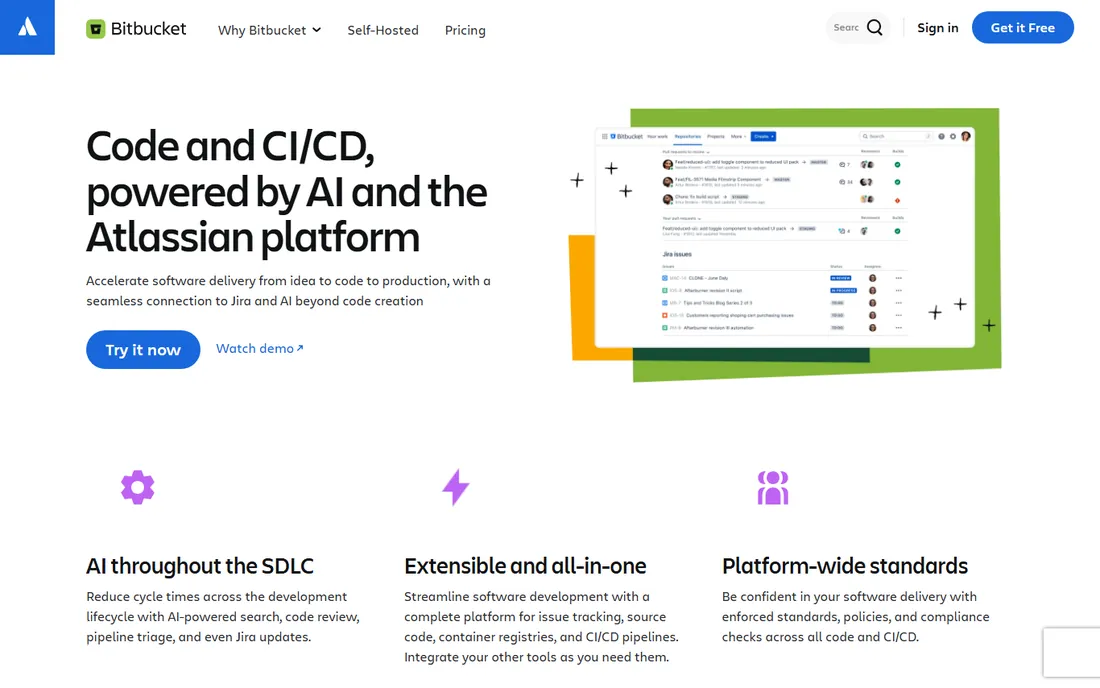
Bitbucket Pipelines is the CI/CD for Atlassian shops. It is built into Bitbucket Cloud, so there is nothing extra to install, and the Jira connection is the real selling point: include an issue key in a commit and the ticket updates itself, giving the whole team traceability from plan to deployment. Standard costs $3.65 per user per month with 2,500 build minutes, and Premium at $7.25 adds governance features.
The free tier is thin at 50 build minutes a month, and the ecosystem is a fraction of GitHub's. But Bitbucket's 15 million developers are mostly there because of Jira, and for them Pipelines is the path of least resistance. If your project management lives in Jira, this is the CI/CD that fits without adapters.
What we like- Native Jira integration connects commits to tickets automatically
- Standard at $3.65 per user per month is cheap
- Built-in CI/CD with no extra product to buy
Watch out for- Free tier only includes 50 build minutes a month
- Smaller community and marketplace than GitHub Actions
Starting priceSee website (free Professional tier)
Free planYes
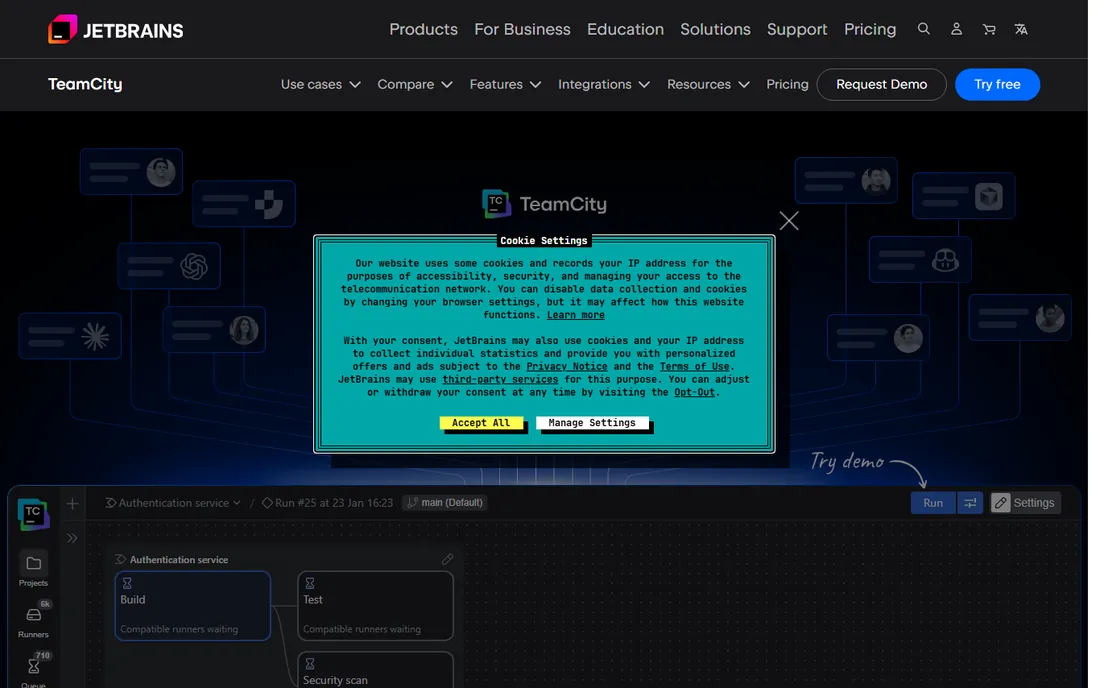
TeamCity is JetBrains' answer to Jenkins: the same self-hosted control with the polish JetBrains is known for. The on-premises Professional tier is completely free for up to 3 build agents and 100 build configurations, which covers small teams comfortably. Build chains visualize complex pipelines beautifully, test reporting is excellent, and the Kotlin DSL lets developers configure pipelines in a real language instead of YAML.
JetBrains also offers TeamCity Cloud with a free starting tier of build minutes for teams that want hosting without managing servers. The honest weakness is ecosystem: with single-digit adoption percentages in developer surveys, community plugins and Stack Overflow answers are scarcer than for Jenkins or GitHub Actions. It suits .NET and JVM shops already living in IntelliJ or Rider.
What we like- Free Professional tier with 3 agents and 100 build configurations
- Best-in-class build chain visualization and test reporting
- Kotlin DSL for pipeline configuration
Watch out for- Paid pricing is not published transparently
- Smaller community and fewer third-party integrations than Jenkins
#8
Harness
Best for: Enterprises standardizing delivery at scale
Visit harness.io
Starting priceFree ($0 tier); paid plans quote-based
Free planYes
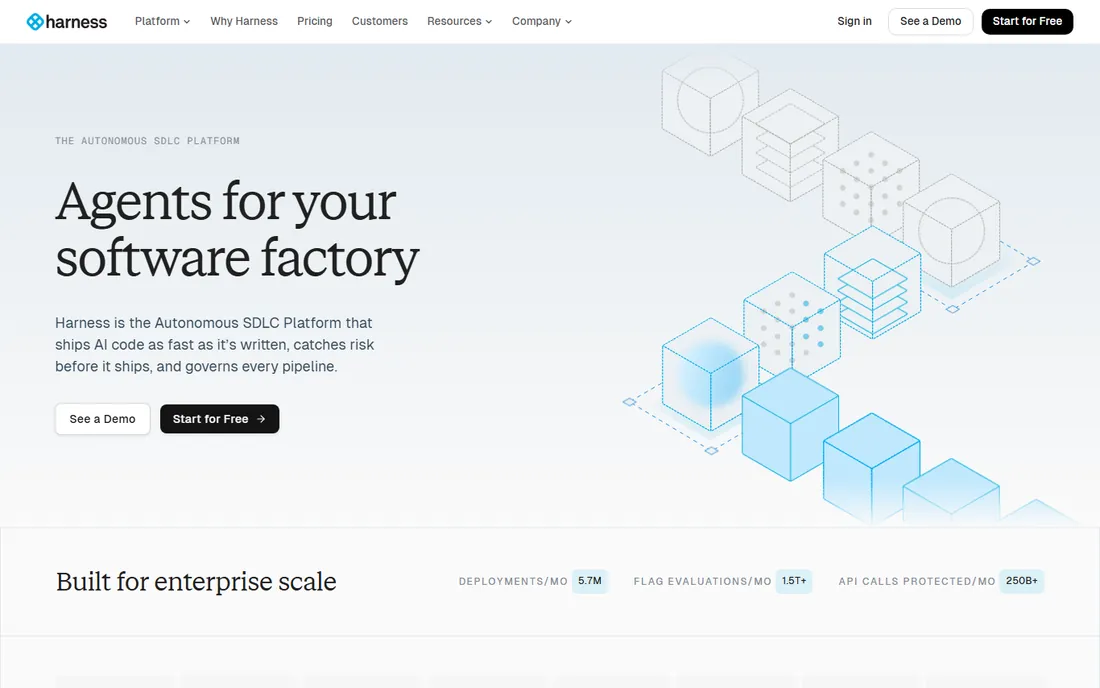
Harness has repositioned itself as the AI platform for the software delivery lifecycle, and the free tier is surprisingly real: $0 a month with 2,000 cloud credits across modules covering CI, CD and GitOps, code repository, cloud cost management, and feature flags. The headline customers are large enterprises: Citi, United Airlines, and The Home Depot run serious volume on it.
The catch for smaller buyers is that paid pricing is quote-based through sales, and the platform's governance features, policy-as-code guardrails, and audit trails are built for organizations with compliance teams. Harness claims customers replaced tens of thousands of scripted pipelines with governed templates. Evaluate it when delivery standardization across many teams is the goal, not when you just need builds to run.
What we like- Free tier includes 2,000 cloud credits a month across CI, CD, and GitOps modules
- AI agents for delivery, security testing, and cost management
- Strong governance and audit trails
Watch out for- Paid Essentials pricing requires talking to sales
- Platform breadth is overkill for small teams
Starting priceFree (500 hosted minutes/month); Pro $30/user/month
Free planYes

Buildkite splits CI/CD in two: the hosted control plane orchestrates pipelines while your own agents, on your VMs, Kubernetes clusters, or bare metal, run the builds. That architecture is why companies like Uber run 100,000 concurrent agents on it. There is no per-minute metering on your own machines, and unlimited parallelism crushes test suite times.
The free tier includes 500 hosted minutes a month for one user with unlimited self-hosted agents, and Pro is $30 per user per month with 10 self-hosted agents. Recent additions include a Test Engine for flaky test management and an MCP server connecting AI tools to pipeline data. Buildkite fits platform teams with existing infrastructure and security requirements that rule out shared cloud runners.
What we like- Bring-your-own-agents model means unlimited builds on your infrastructure
- Unlimited parallelism for fast feedback
- Excellent test analytics and flaky test detection
Watch out for- Pro at $30 per user per month is expensive relative to GitHub Actions
- You manage the agent infrastructure yourself
How we chose
We evaluated the CI/CD tools teams actually choose in 2026, from hosted platforms to self-hosted servers. Every tool here is actively developed and available today. Pricing comes from vendor pricing pages and 2026 third-party pricing research, and we stated free tier limits in minutes or credits because that is how these tools really bill. We weighted real-world fit for small and mid-size teams: setup effort, pricing predictability, ecosystem size, and whether the free tier survives contact with an active project.
Self-hosted vs cloud: the real fork
Every CI/CD decision starts here, and the answer shapes everything else.
Choose cloud when you want zero maintenance
GitHub Actions, CircleCI, Harness, and Bitbucket Pipelines run the infrastructure for you. You write YAML, they run builds. The trade is metering: minutes, credits, and concurrent jobs all have limits and prices. For most teams under 50 developers, cloud is cheaper once you count the engineer hours self-hosting consumes.
Choose self-hosted when control or scale demands it
Jenkins, TeamCity, GitLab self-managed, and Buildkite's agent model put compute on your infrastructure. No per-minute metering, no data leaving your network, builds as fast as your hardware. The trade is ownership: upgrades, agents, and outages are yours. The math flips in your favor at high build volumes or under strict compliance regimes.
The hybrid middle
Most growing teams land here: cloud orchestration with self-hosted runners. GitHub Actions and GitLab both support your own runners, which cuts the per-minute markup while keeping the hosted UI. It is the cheapest way to scale without becoming a CI administrator.
How CI/CD pricing actually works in 2026
Three models dominate, and mixing them up is how teams get surprised.
Per-minute billing
GitHub Actions charges $0.006 per Linux minute after the free allowance, with macOS and Windows costing multiples. Simple to understand, and the meter runs fast on big test suites.
Credit systems
CircleCI and Harness sell credits consumed at different rates per resource class. A credit is worth a fraction of a cent, but a macOS minute can cost 50 credits. Always convert credits to your actual workload before comparing prices.
Per-user platform pricing
GitLab Premium ($29 per user per month) and Buildkite Pro ($30 per user per month) bundle CI into a seat license. The minutes or agents included vary, so divide by your team size and build volume to find the real per-build cost.
The universal advice: estimate your monthly build minutes first, then price each tool against that number. Free tiers range from 50 minutes (Bitbucket) to 6,000 (CircleCI), and that spread decides more than any feature list.
Frequently asked questions
What is CI/CD software?
CI/CD software automates building, testing, and deploying code. Continuous integration merges and tests every change automatically, and continuous delivery ships approved changes to production, often with one click. Tools like GitHub Actions, Jenkins, and GitLab CI/CD run these pipelines on every commit.
Which CI/CD tool is best for small teams?
GitHub Actions for teams on GitHub, thanks to 2,000 free minutes a month and zero setup. Bitbucket Pipelines for Jira shops. Jenkins or TeamCity if you need self-hosting for free. The best choice usually follows where your code already lives.
Is Jenkins still worth using in 2026?
Yes, for the right teams. It is free, open source, runs anywhere including air-gapped networks, and has 2,300+ plugins. It is worth it when you need full infrastructure control or your build volume makes per-minute pricing painful. It is not worth it if nobody on the team wants to maintain it.
How much does CI/CD cost per month?
It ranges from $0 to thousands. Small teams often pay nothing on free tiers: GitHub Actions gives 2,000 minutes, CircleCI 6,000 build minutes, and Jenkins is unlimited on your own hardware. Paid plans start at $4 per user per month (GitHub Team) and scale with minutes, users, or parallel jobs.
What is the difference between GitHub Actions and Jenkins?
GitHub Actions is cloud-hosted CI/CD built into GitHub with per-minute pricing and a huge action marketplace. Jenkins is a free, open source, self-hosted automation server you run and maintain yourself with no usage limits. Actions optimizes for convenience, Jenkins for control.
Can I use my own servers with cloud CI/CD tools?
Yes. GitHub Actions, GitLab CI/CD, and Bitbucket Pipelines all support self-hosted runners, and Buildkite is built entirely around your own agents. This avoids per-minute charges on your own hardware while keeping the cloud dashboard and workflow definitions.
Sources we checked (17)
- https://github.com
- https://about.gitlab.com
- https://jenkins.io/
- https://circleci.com/
- https://azure.microsoft.com/en-us/products/devops
- https://bitbucket.org
- https://www.jetbrains.com/teamcity/
- https://harness.io/
- https://buildkite.com
- https://toolradar.com/blog/best-ci-cd-tools
- https://leanopstech.com/blog/ci-cd-pipeline-costs-github-actions-circleci-gitlab-2026/
- https://www.eesel.ai/blog/gitlab-pricing
- https://saascompared.com/blog/github-vs-gitlab-vs-bitbucket-2026-refresh
- https://www.deployhq.com/blog/best-ci-cd-software-top-10-tools-to-know-in-2025
- https://blog.jetbrains.com/teamcity/2026/03/best-ci-tools/
- https://www.cloudzero.com/blog/harness-pricing/
- https://www.releaseteam.com/circleci-pricing-credits-explained/
Is your product missing or out of date?
We review this list regularly. Vendors can request a listing, send updated pricing or ask about featured placement.

Shihab Mia · Founder, Rankite
Shihab has spent more than a decade helping SaaS and e-commerce brands grow through search. He writes Rankite's software buying guides from pricing pages, documentation and public user reviews. More about Shihab.