How we make this list: we compare pricing pages, product documentation and public user reviews. Rankite is independent; if a vendor ever pays for a featured spot, that listing is clearly labeled Partner.
Key takeaways
- OBS Studio is free and runs most church streams well, but it needs a volunteer willing to learn it.
- Church-built platforms like Resi and BoxCast cost more because they solve the two problems that matter on Sunday morning: reliability and simplicity.
- Switcher Studio turns iPhones into a multi-camera setup, which fits churches that cannot afford a camera crew.
- StreamYard and Ecamm Live are the easiest on-ramps for small teams that stream to Facebook and YouTube.
- vMix and Wirecast serve churches with a dedicated tech volunteer who wants broadcast-level control.
It is 10:58 on a Sunday morning. The worship team is mid-song, the chat is filling up with greetings from members watching from home, and your stream just froze. The volunteer in the AV booth is clicking things. Nobody knows which things. This is the moment that decides whether your church streaming software was a good purchase. Churches do not need the most powerful streaming tool on the market. They need the one that a rotating team of volunteers can run reliably at the same time every week, on a budget approved by people who think in terms of ministry, not megabits.
Quick comparison
| Tool | Best for | Starting price | Free plan |
|---|
 OBS Studio OBS Studio | free, full-control streaming | Free | Yes |
 Resi Resi | bulletproof reliability for multisite churches | See website | See website |
 BoxCast BoxCast | all-in-one church streaming platform | See website | Free trial |
 Switcher Studio Switcher Studio | iPhone-based multi-camera production | See website | Free trial |
 StreamYard StreamYard | easy browser-based services | See website | Yes |
 Ecamm Live Ecamm Live | Mac-based church productions | See website | Free trial |
 vMix vMix | volunteer-run broadcast control rooms | See website | Free trial (60 days) |
 Wirecast Wirecast | cross-platform pro switching | See website | Free trial |
Is your product missing or out of date?
We review this list regularly. Vendors can request a listing, send updated pricing or ask about featured placement.
The best church streaming software
Starting priceFree
Free planYes
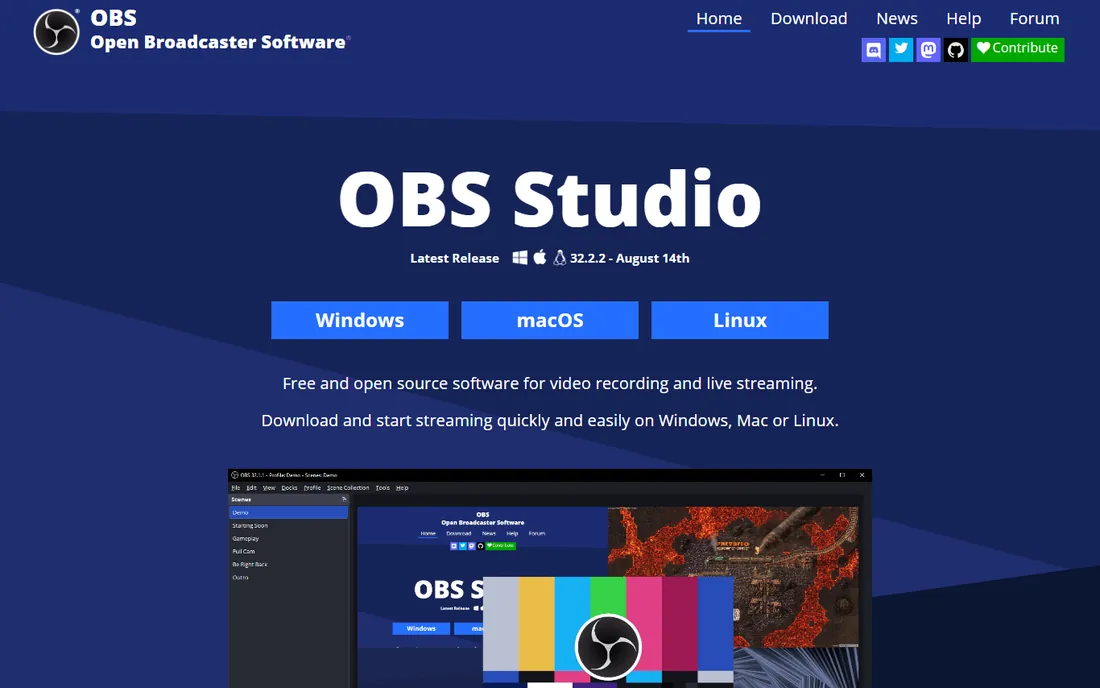
The default answer for churches on a tight budget is also one of the most capable streaming tools ever made. OBS Studio handles multiple cameras, screen capture for lyrics and sermon slides, picture-in-picture for the pastor, and streaming to YouTube, Facebook or any RTMP destination, all for free. Thousands of churches run their entire Sunday broadcast on it, and the tutorial ecosystem includes guides written specifically for church volunteers.
The catch is the human one. OBS assumes someone on your team enjoys tinkering with scenes, audio routing and encoder settings. When that volunteer moves away, the knowledge often leaves with them. There is no phone number to call at 10:58 on Sunday. If your church has one technically confident volunteer who documents everything, OBS is unbeatable value. If your team turns over every semester, a managed platform will cost less in stress.
What we like- Completely free and open source
- Scenes, overlays, lower thirds and lyrics display
- Huge community with church-specific tutorials
Watch out for- No official support, you rely on forums
- Setup is technical for non-technical volunteers
- No built-in church features like giving or chat moderation
#2
Resi
Best for: bulletproof reliability for multisite churches
Visit resi.io
Starting priceSee website
Free planSee website
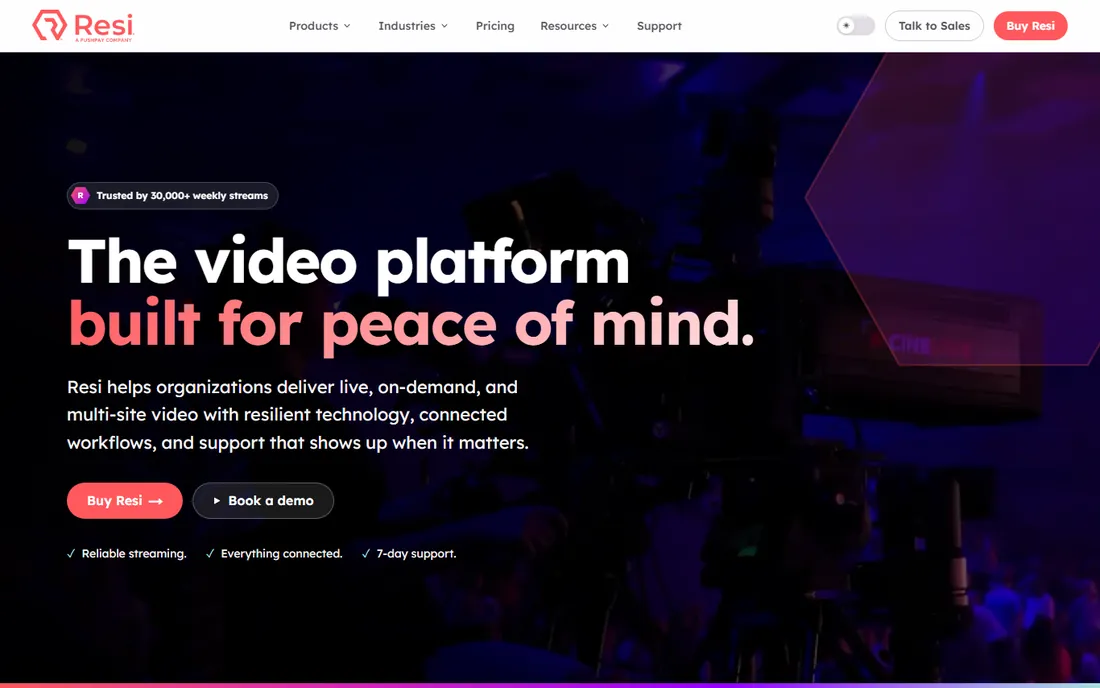
Resi, formerly Living As One and now part of Pushpay, was founded by church tech people who were tired of their own stream failing every Sunday. Its core innovation is the Resilient Streaming Protocol: the encoder caches video locally and the cloud waits for a complete copy before viewers see it, so a 16-minute internet outage becomes invisible to the audience instead of a frozen stream. For multisite churches pushing one service to many campuses, that reliability is the whole product.
This is not budget software. Pricing is quote-based and aimed at churches that treat streaming as infrastructure, and the recommended hardware encoder is a real upfront purchase. Smaller churches will find BoxCast or StreamYard more approachable. But if your online congregation is large, your internet is flaky, or a failed stream is a pastoral problem rather than a technical one, Resi is the industry standard for a reason.
What we like- Resilient Streaming Protocol survives internet outages without buffering
- Built for multisite and multi-campus churches
- Strong church-specific support
Watch out for- Premium pricing aimed at larger churches
- Hardware encoder adds upfront cost
- Overkill for a single small congregation
Starting priceSee website
Free planFree trial
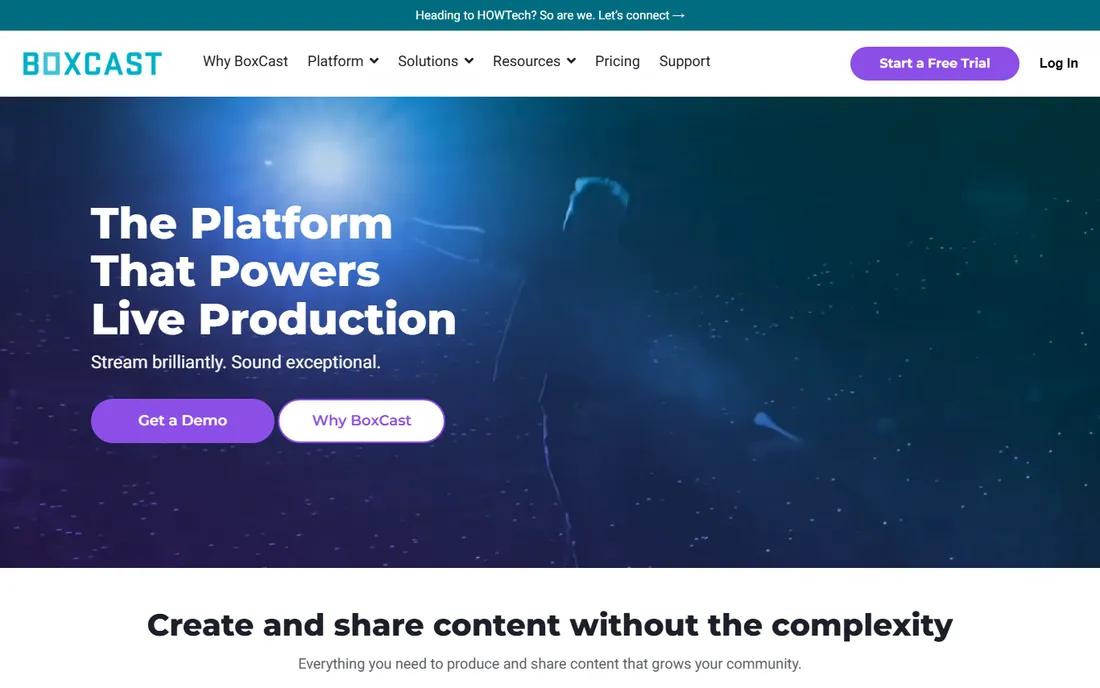
BoxCast positions itself as the streaming platform designed for ministry rather than a generic tool churches happen to use. Schedule your Sunday services in advance and the broadcast starts and stops itself, which removes the most common volunteer error. Streams go simultaneously to your website, apps, Facebook and YouTube, and the platform includes a church website builder, a Netflix-style video hub for past sermons, and tools to clip and share sermon moments on social media.
Pricing sits around the $99 per month mark for the core streaming tier, which is a real line item for a small congregation but reasonable for what it replaces. The trade-off is production depth: BoxCast handles distribution and reliability beautifully, but if you want multi-camera switching with graphics, you will pair it with OBS, vMix or a hardware switcher upstream. Think of it as the dependable delivery system, not the production studio.
What we like- Scheduling automates start and stop of broadcasts
- Simulcasts to website, app, Facebook and YouTube
- Includes website builder, video hub and clip sharing
Watch out for- Monthly cost adds up for small churches
- Advanced production features need other software
- Support hours are generous but not 24/7
Starting priceSee website
Free planFree trial
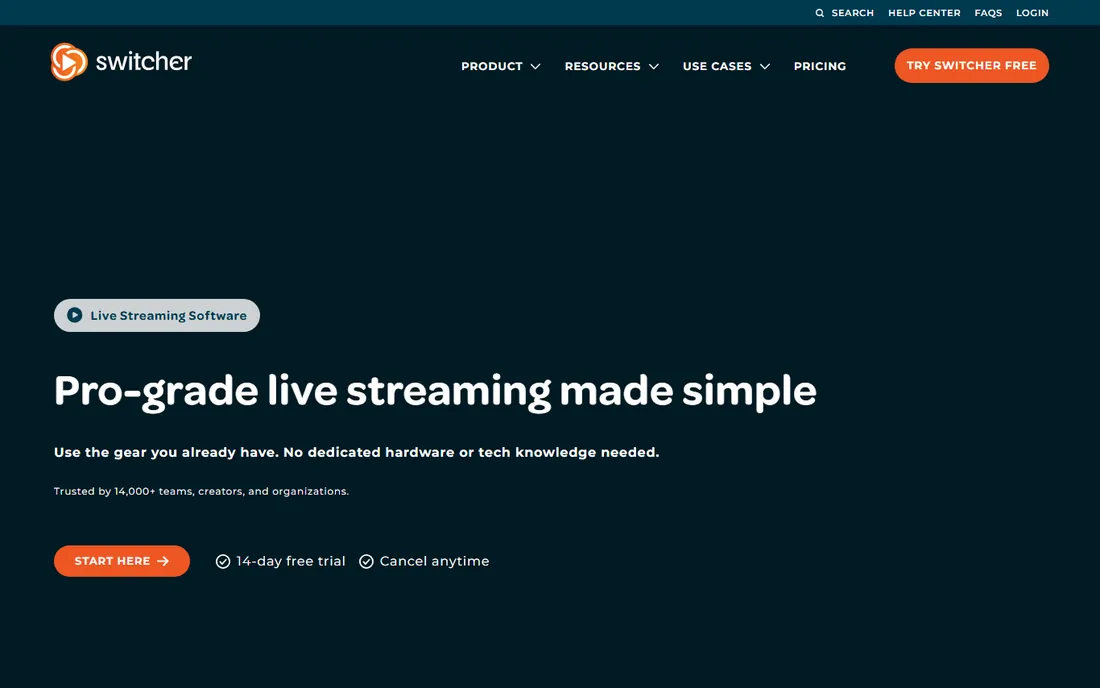
Many churches own the cameras already: they are in the congregation's pockets. Switcher Studio connects up to multiple iPhones and iPads as wireless cameras, and one iPad acts as the switcher, letting a single volunteer cut between the pulpit, the worship team and the congregation. It streams directly to YouTube, Facebook and other platforms, records in high quality, and supports overlays, lower thirds and pre-recorded video rolls.
The obvious requirement is Apple hardware, and you need enough devices to cover your angles. Wireless video also lives and dies by your network, so a dedicated router for the production network is wise. At around $65 per month, it costs less than one traditional camera. For churches that want a multi-camera look without buying cameras, training operators or running cables, it is a clever shortcut.
What we like- Turns iPhones and iPads into wireless cameras
- Multicam switching from one device
- No capture cards or camera crew needed
Watch out for- Apple devices only
- Subscription cost per month
- Wireless reliability depends on your network
Starting priceSee website
Free planYes
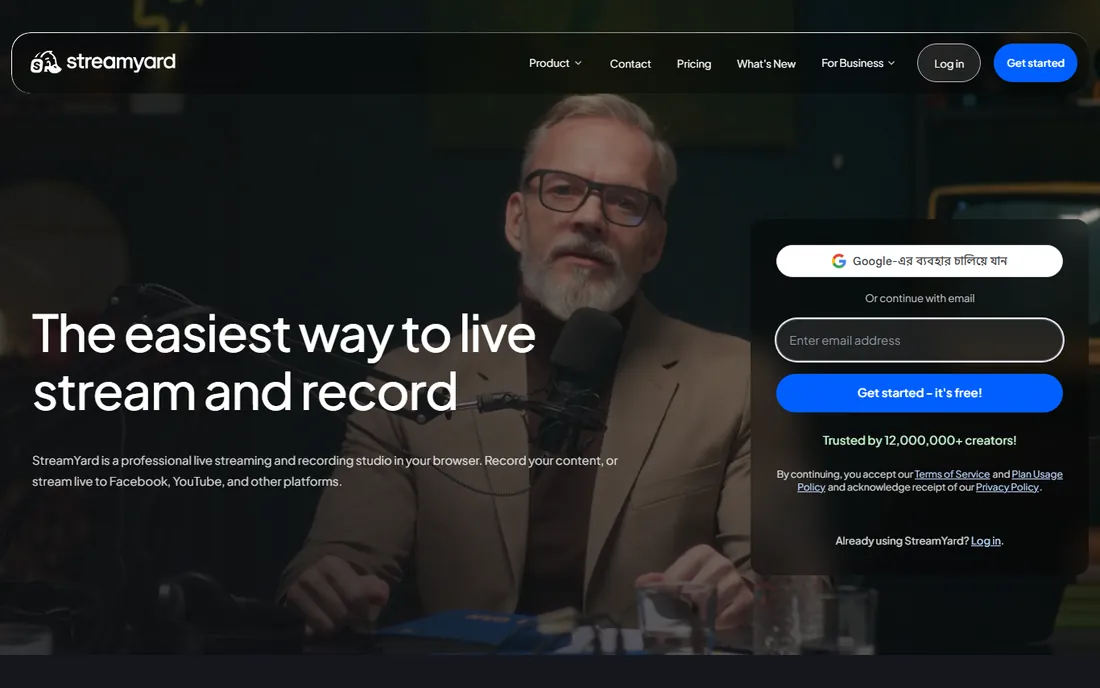
When the team is small and the service is simple, StreamYard is the path of least resistance. Everything runs in Chrome: the pastor's laptop becomes the studio, remote guests like missionaries join through a link, and the stream goes to Facebook, YouTube and other destinations at once with all comments in one feed. The Salvation Army and countless small congregations use it exactly this way. A free tier exists for testing and very small needs.
The limits are real but honest. The free plan watermarks your stream and caps features, and because it is browser-based you will not get the scene complexity of OBS or vMix. Local recording helps you repurpose the sermon as a podcast. For a church whose stream is one camera, one speaker and a few remote guests, StreamYard removes every technical barrier except the internet connection itself.
What we like- Runs entirely in the browser, nothing to install
- Remote guests join with a link
- Multistreams to major platforms with unified chat
Watch out for- Free tier carries StreamYard branding and limits
- Browser-based means fewer production features
- Needs a stable internet connection
Starting priceSee website
Free planFree trial
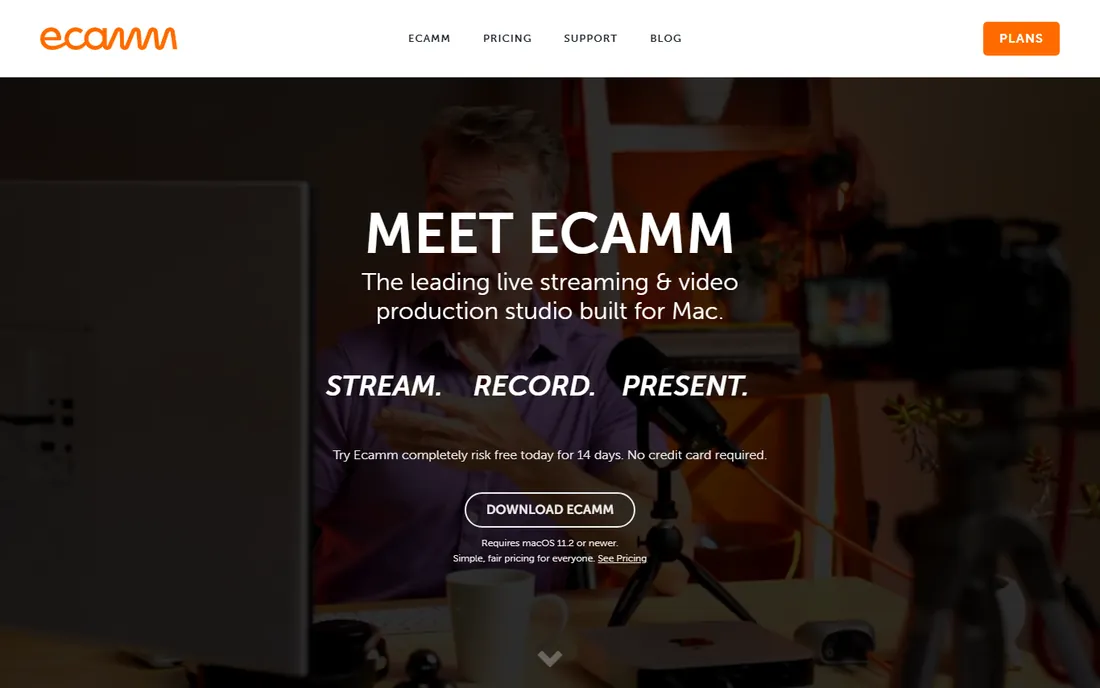
If your church runs on Macs, Ecamm Live is the friendliest serious streaming tool available. It combines camera switching, screen sharing for lyrics and slides, interview mode for bringing remote guests on screen with branded overlays, and one-click streaming to YouTube, Facebook, LinkedIn and others. The interface is designed for people who do not think of themselves as technical, which describes most church volunteers.
Ecamm also works as a virtual camera, so the same polished setup feeds into Zoom for midweek Bible studies without reconfiguration. Everything records locally to the Mac automatically. The subscription is the main consideration, and Intel Mac owners should note the guest limits. For Mac-based churches that want professional results without a learning cliff, it hits a sweet spot between StreamYard's simplicity and OBS's depth.
What we like- Native Mac app with polished, friendly interface
- Interview mode for remote guests
- Virtual camera feeds into Zoom and other apps
Watch out for- Mac only
- Subscription pricing
- Interview guest limits on older Intel Macs
Starting priceSee website
Free planFree trial (60 days)
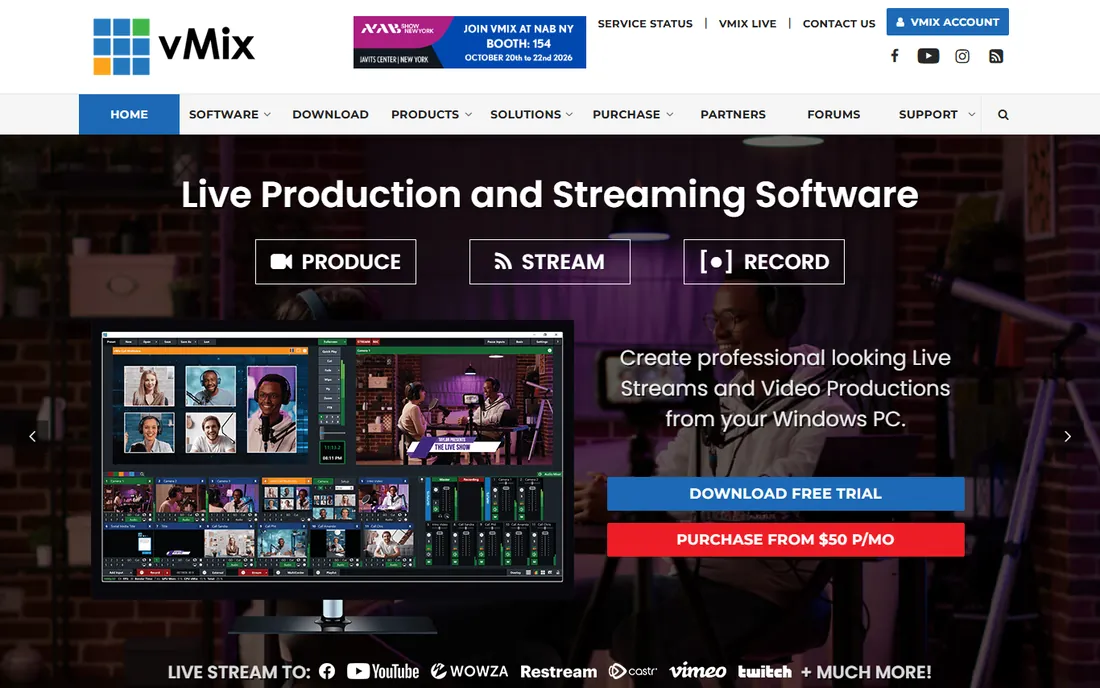
vMix is what you buy when your church has a volunteer who dreams in broadcast terms. It is a full software vision mixer: multi-camera switching, instant replay, graphics and titles, virtual sets, audio mixing with VST3 plugins, and streaming to any destination, in resolutions up to 4K. Churches are explicitly among its target users, and the 60-day trial is the complete product with no watermark, so you can run real services during evaluation.
The demands match the power. vMix is Windows-only and hungry for GPU performance, so budget for a proper production PC, not the office hand-me-down. Editions scale from Basic to Pro by input count and features, with one year of free updates and modest renewal pricing after that. Put it in the hands of your most capable volunteer, document the setup, and it will carry a growing church for years.
What we like- Professional vision-mixer features at software prices
- 60-day full trial with no watermark
- NDI, SDI and HDMI input support
Watch out for- Windows only
- Needs a powerful PC with a good GPU
- Interface overwhelms casual volunteers
Starting priceSee website
Free planFree trial
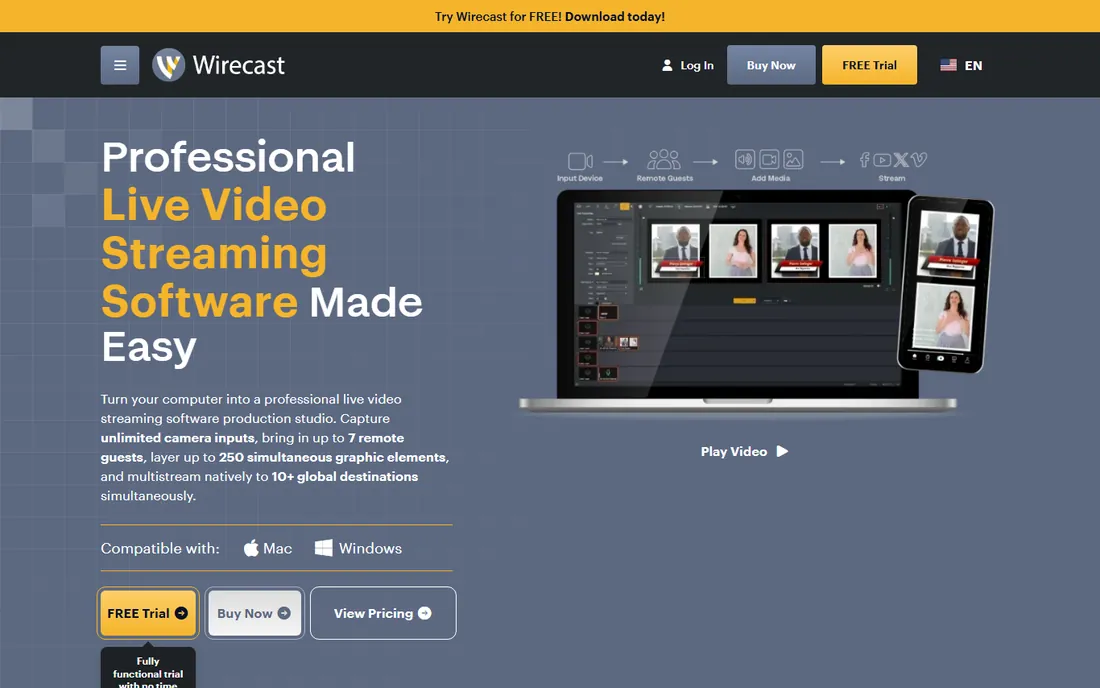
Wirecast has been streaming church services since 2004, and Telestream names churches among its core users in nearly every announcement. It is the cross-platform answer to vMix: professional switching, encoding and multi-destination streaming on both Windows and macOS, with features like chroma key, virtual sets, scoreboards and the Rendezvous remote-guest system. If your team mixes Macs and PCs, Wirecast is the rare pro tool that does not force a platform choice.
Pricing has moved toward subscriptions starting around $35 per month for Pro, with perpetual licenses still available at higher upfront cost. The interface reflects twenty years of feature accumulation, so new volunteers face a learning curve. For churches that need pro switching on the Macs they already own, with a vendor that has served houses of worship for decades, it remains a solid, if pricey, choice.
What we like- Runs on both Windows and Mac
- Long track record with church services specifically
- Rendezvous brings in remote guests easily
Watch out for- Perpetual licenses are expensive
- Subscriptions add up over years
- Interface carries two decades of accumulated features
How we chose
We started from the realities of church production: volunteer teams, Sunday-morning reliability pressure, tight budgets approved by non-technical decision makers, and the need to reach both in-person overflow and online members. We reviewed vendor product pages and documentation, church tech community discussions, and integrator write-ups, weighting reliability, volunteer-friendliness and church-specific features over raw production power. We favored tools with current development and real church adoption. We did not test the software hands-on, and no vendor paid for placement.
What to look for before you buy
Reliability beats features. Ask every vendor what happens when the internet drops mid-service, and believe the specific answer over the marketing. Resi's protocol-level resilience, BoxCast's automated scheduling, and StreamYard's cloud-based simplicity all attack this problem differently. Your worst Sunday will involve a network hiccup, a volunteer no-show, or both, so choose the tool whose failure mode you can live with.
Count the humans, not just the cameras. A tool is only as reliable as the volunteer running it, and church teams rotate. Favor software with a short training path and document your exact setup: which scene is which, what to click when audio drops, who to call. OBS is free but demands expertise; BoxCast and StreamYard cost money partly to reduce that demand. Match the tool to the team you will have in two years, not the team you have today.
Check the total cost including hardware and destinations. Software is often the smallest line item. Cameras, a production computer, audio interfaces, and a reliable internet connection cost more than any subscription here. Also confirm where you are allowed to stream: some churches simulcast to Facebook, YouTube and their website, which needs multistreaming support, while others embed a single player on their site. Buy the distribution you need, not the production you admire.
Frequently asked questions
How much does church streaming software cost?
Anywhere from free to several hundred dollars per month. OBS Studio costs nothing. StreamYard and Switcher Studio run on modest subscriptions. BoxCast sits around $99 per month for its core tier. Resi is quote-based and aimed at larger churches. Most small to mid-size churches land between free and $100 per month for software, plus hardware.
Do we need special hardware to stream our services?
At minimum: a camera (even a phone), a computer, an audio feed from your soundboard, and a stable internet connection with at least 5 to 10 Mbps upload speed. Audio matters more than video quality; viewers forgive a soft image but leave over bad sound, so take the feed from the mixer rather than the camera microphone. Better cameras, capture cards and dedicated encoders improve quality but are not required to start.
Can we stream to Facebook and YouTube at the same time?
Yes, with most tools on this list. OBS Studio, StreamYard, BoxCast, vMix, Wirecast and Ecamm Live all support multistreaming to several destinations at once. Note that Facebook and YouTube have their own rules about music copyright, and automated systems can mute or block streams containing copyrighted worship music, so check your licensing.
What internet speed does a church stream need?
For a stable 1080p stream, plan for at least 8 to 10 Mbps of dedicated upload bandwidth, and test during service times when the building's network is busy. Wired connections beat Wi-Fi for the streaming computer. If your upload speed is unreliable, Resi's resilient protocol or a bonded cellular backup are worth considering before you upgrade cameras.
How do we display lyrics and sermon slides on the stream?
Every production tool here supports overlays. The usual setup runs presentation software like ProPresenter or PowerPoint on a computer, captures that screen as a source in OBS, vMix, Wirecast or Ecamm, and composites it over or beside the camera feed. Switcher Studio and StreamYard accept screen shares as sources too. Rehearse the slide changes with your operator before Sunday.
Should we use a free tool or pay for a church platform?
Use free if you have a skilled, stable volunteer team and simple needs; OBS Studio handles most church streams well. Pay when reliability, automation, or volunteer turnover are concerns: BoxCast's scheduling, Resi's outage-proof streaming, and StreamYard's simplicity all buy peace of mind. Many churches start free and upgrade when the stream becomes a ministry priority rather than an experiment.
Volunteer-friendly setup checklist
The best software still fails without a repeatable Sunday routine. Build a one-page run sheet and tape it to the AV booth wall: what time to start the stream, which scene shows the pre-service slide, when to switch to the worship team, who advances the lyrics, and what to do if the audio drops. Keep it to ten steps or fewer; nobody reads a manual at 10:58.
Assign one owner per Sunday, even on a team. Shared responsibility means nobody checks the audio levels. The owner runs a five-minute pre-service check: stream preview live, audio meters moving, lyrics advancing, chat monitored. Record every service locally as a backup, which OBS, Ecamm, vMix and most others do automatically, so a streaming failure never means a lost sermon.
Finally, rehearse the failure. Once a quarter, simulate the common disasters with your team: unplug the network for thirty seconds, mute the audio feed, have the lyrics operator step away. The team that has practiced the recovery stays calm when it happens for real. Software choice matters, but a practiced team with a checklist outperforms an unpracticed team with expensive software every time.
Sources we checked (8)
- https://obsproject.com
- https://resi.io/
- https://www.boxcast.com/
- https://switcherstudio.com
- https://streamyard.com
- https://www.ecamm.com/
- https://www.vmix.com
- https://www.wirecast.io/en/
Is your product missing or out of date?
We review this list regularly. Vendors can request a listing, send updated pricing or ask about featured placement.

Shihab Mia · Founder, Rankite
Shihab has spent more than a decade helping SaaS and e-commerce brands grow through search. He writes Rankite's software buying guides from pricing pages, documentation and public user reviews. More about Shihab.