How we make this list: we compare pricing pages, product documentation and public user reviews. Rankite is independent; if a vendor ever pays for a featured spot, that listing is clearly labeled Partner.
Key takeaways
- Blender is free, open source, and genuinely production-capable, which makes it the default starting point for freelancers and the hardest tool on this list to argue against.
- Autodesk Maya and 3ds Max remain the studio standards for character animation and game art, but both are subscription-only and priced for businesses, not hobbyists.
- Maxon Cinema 4D is the easiest professional tool to learn, and its MoGraph toolset still owns the motion graphics world.
- SideFX Houdini is the most powerful option here for simulations and procedural work, with a free Apprentice version and an Indie license for artists earning under $100K a year.
Quick comparison
| Tool | Best for | Starting price | Free plan |
|---|
 Blender Blender | freelancers who want a full 3D suite for free | Free | Yes |
 Autodesk Maya Autodesk Maya | character animation and film VFX | See website | Free trial |
 Maxon Cinema 4D Maxon Cinema 4D | motion graphics and fast 3D turnaround | See website | Free trial |
 Autodesk 3ds Max Autodesk 3ds Max | game art and architectural visualization | See website | Free trial |
 SideFX Houdini SideFX Houdini | simulations and procedural VFX | See website | Yes (Houdini Apprentice, free for non-commercial use) |
 Maxon ZBrush Maxon ZBrush | digital sculpting and character detail | See website | Free trial |
 Daz 3D Daz 3D | beginners who want posed characters fast | Free | Yes |
 Unreal Engine Unreal Engine | real-time rendering and virtual production | Free (free until $1M in revenue, then royalty or seat license) | Yes |
 Chaos V-Ray Chaos V-Ray | photorealistic rendering inside your existing 3D app | See website | Free trial |
 KeyShot KeyShot | product rendering without a 3D learning curve | See website | Free trial |
Is your product missing or out of date?
We review this list regularly. Vendors can request a listing, send updated pricing or ask about featured placement.
The best CGI software
Starting priceFree
Free planYes
Blender is the elephant in this room. It is free and open source, forever, and it covers modeling, sculpting, texturing, rigging, animation, simulation, rendering, compositing, motion tracking, and video editing in one download. The Cycles path-tracer produces work that holds up next to renders from software costing thousands a year, and short films, advertisements, and TV series are made with it now.
The honest catches are about fit, not quality. The interface has improved enormously but still overwhelms first-timers. Some studios run Autodesk-only pipelines and will not take Blender files, which matters if you freelance for them. And there is no support contract to call. For a freelancer or small studio starting out, though, the price-to-capability ratio is unmatched anywhere in software.
What we like- Complete pipeline from modeling to compositing
- Cycles renderer is genuinely competitive
- Huge community and tutorial base
Watch out for- The interface still confuses newcomers
- Some studios will not accept Blender files in their pipeline
- Support is community-based
Starting priceSee website
Free planFree trial
Maya is what most people picture when they hear professional 3D software. It dominates character animation, rigging, and film visual effects, and it ships with Arnold, a production renderer behind a long list of feature films. If your goal is a job at a VFX studio or animation house, Maya on your resume is close to mandatory.
What you pay for that is money and patience. Maya is subscription-only at a price aimed at businesses, and the interface carries twenty-five years of accumulated menus. For motion graphics or simple product renders, Cinema 4D or Blender will get you there faster and cheaper. Buy Maya when the work demands it: character-driven animation, film VFX, or employment at studios that standardize on it.
What we like- The industry standard for character rigging and animation
- Deep simulation and effects toolset
- Every major studio hires for it
Watch out for- Subscription-only and expensive
- The interface shows decades of accumulated complexity
- Overkill for simple modeling or motion graphics
#3
Maxon Cinema 4D
Best for: motion graphics and fast 3D turnaround
Visit maxon.net
Starting priceSee website
Free planFree trial
Cinema 4D built its reputation on being the 3D software that designers could actually learn. The interface is clean, the workflow is logical, and the MoGraph module made procedural motion graphics, clones, and effectors accessible to people who never wanted to be 3D specialists. That is why it owns broadcast design, advertising, and title sequences. Every subscription now bundles Redshift, Maxon's GPU renderer, which closed the biggest historical gap in its rendering story.
The trade-offs are well known. It is subscription-only, so you rent forever. For destruction, fluids, and large-scale simulation, Houdini is in another league. Character animators will find Maya's rigging deeper. But for a small studio doing client motion graphics on deadlines, Cinema 4D's speed from idea to render is the reason it keeps winning that market.
What we like- The easiest professional 3D app to learn
- MoGraph toolset dominates broadcast motion design
- Redshift renderer bundled with subscriptions
Watch out for- Subscription-only with no perpetual option
- Weaker at heavy simulation than Houdini
- Character animation tools trail Maya
Starting priceSee website
Free planFree trial
3ds Max is Maya's sibling and the game industry's workhorse for environment art, hard-surface modeling, and architectural visualization. The modifier stack is still one of the best non-destructive modeling workflows anywhere: stack modifiers, reorder them, go back and change the base mesh, and everything updates. Decades of game production have produced an enormous library of scripts, plugins, and ready-made assets, and most arch-viz studios render with V-Ray or Corona inside it.
The limitations are structural. It runs on Windows only, which cuts out Mac-based artists entirely. Like Maya it is subscription-only at professional pricing. And the interface, while powerful, feels like software designed in a different era. For game art and visualization on Windows, it remains a default choice. For anything else, check the other options first.
What we like- The standard for game environment art
- Huge modifier stack for non-destructive modeling
- Massive asset and plugin ecosystem
Watch out for- Windows only
- Subscription pricing like Maya
- The interface is showing its age
Starting priceSee website
Free planYes (Houdini Apprentice, free for non-commercial use)
Houdini is the tool behind the explosions, collapsing buildings, oceans, and crowds in modern film. Everything is procedural and node-based: instead of pushing vertices, you build networks of operations that generate geometry, and you can go back and change any parameter at any time. For simulation work, pyro, fluids, destruction, and crowds, nothing else on this list is close. The Karma renderer and the Solaris USD workflow keep it current with how big studios actually work.
The price of that power is the famous learning curve. Artists coming from Maya or Cinema 4D often bounce off the node paradigm in the first week. SideFX softens the entry with Houdini Apprentice, a free non-commercial version with nearly all features, and Houdini Indie, a full commercial license for artists and studios earning under $100K a year. If simulations are your work, the climb is worth it. If they are not, it is more software than you need.
What we like- Unmatched procedural and simulation power
- Houdini Indie is affordable for small earners
- Houdini Engine plugs into Maya, Unreal, and Unity
Watch out for- The steepest learning curve on this list
- Node-based workflow frustrates artists used to direct modeling
- Full FX pricing is studio-level
#6
Maxon ZBrush
Best for: digital sculpting and character detail
Visit maxon.net
Starting priceSee website
Free planFree trial

ZBrush is where digital characters get their skin. Pixologic's sculpting tool lets artists push, pull, and carve digital clay with a feel no polygon modeler matches, handling tens of millions of polygons without breaking a sweat. Film creatures, game characters, collectibles, and jewelry all pass through it. Since Maxon acquired Pixologic, ZBrush lives inside the Maxon ecosystem and comes bundled with Maxon One alongside Cinema 4D and Redshift.
Two things to know before committing. The interface is unlike any other software you have used, with its own vocabulary and logic, and the first month is genuinely disorienting. And ZBrush is a specialist: you sculpt here, then retopologize, rig, and animate elsewhere. For character artists it is close to essential. For everyone else it is a luxury.
What we like- The definitive digital sculpting tool
- Handles tens of millions of polygons smoothly
- Now bundled in Maxon One subscriptions
Watch out for- The interface is famously idiosyncratic
- It is a sculpting specialist, not a full 3D app
- Subscription-only since the Maxon acquisition
#7
Daz 3D
Best for: beginners who want posed characters fast
Visit daz3d.com
Starting priceFree
Free planYes
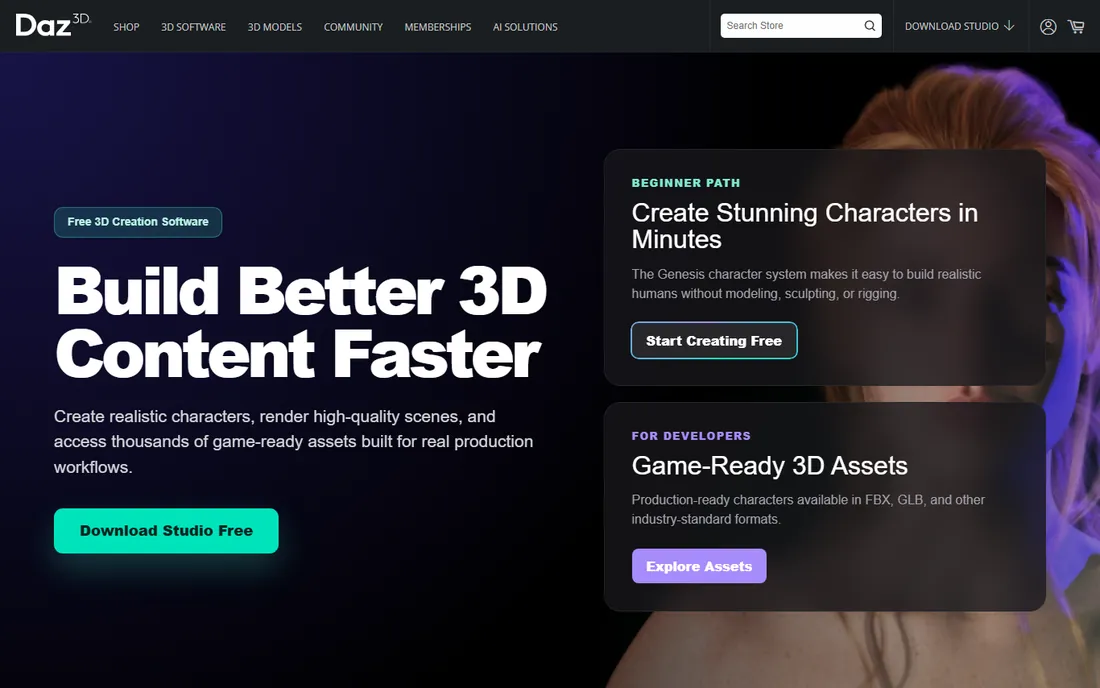
Daz 3D takes the opposite approach from everything else here. Instead of teaching you to model, it gives you ready-made articulated figures, clothing, hair, props, and environments, and lets you pose, light, and render them. The base application and a starter bundle are free, and the Iray renderer produces decent results fast. For book covers, storyboards, concept art, and hobby projects, you can go from install to finished image in an afternoon.
The catch is the marketplace. The free starter content is limited, and building a serious library of characters and environments means buying from the Daz store, where spending adds up quickly. It also has almost no real modeling tools: you assemble other people's assets rather than creating your own. Treat it as a fast illustration tool with a shopping habit attached, not as a replacement for learning 3D.
What we like- The base software and starter content are free
- Huge marketplace of characters, clothing, and environments
- Renders quickly with Iray
Watch out for- The business model is the content store, and costs add up
- Limited modeling tools of its own
- Output can look generic without customization
Starting priceFree (free until $1M in revenue, then royalty or seat license)
Free planYes
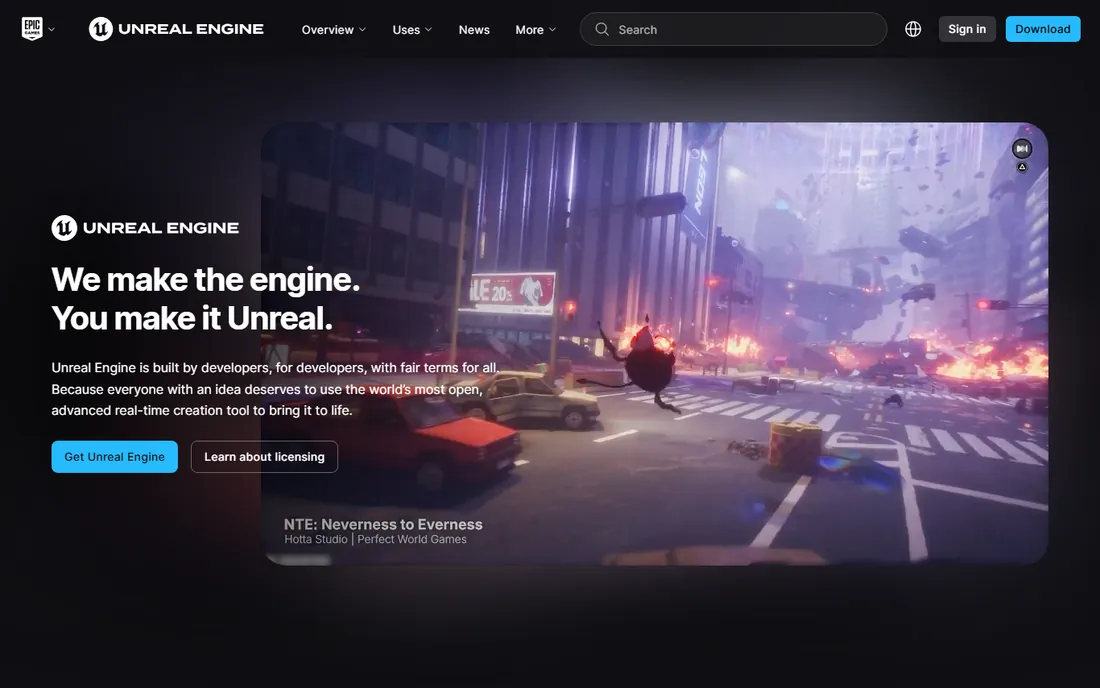
Unreal Engine rewrote the economics of rendering. Instead of waiting hours for frames, you light and render in real time, which is why it now powers virtual production stages, architectural walkthroughs, broadcast graphics, and of course games. Epic's terms are famously generous: free to use until your product passes $1M in gross revenue. The marketplace offers thousands of environments, characters, and tools, many free each month.
The adjustment is conceptual. Unreal is a game engine, not a modeling app: you build or import assets elsewhere and assemble, light, and direct inside it. The editor is enormous, the hardware demands are serious, and artists used to Maya or Cinema 4D will need weeks to reorient. But for real-time work, previz, and virtual production, there is no substitute at any price, let alone free.
What we like- Real-time rendering that changed film and arch-viz
- Free to start with generous revenue terms
- Massive asset marketplace and community
Watch out for- It is a game engine, so the workflow differs from DCC apps
- Large download and heavy hardware demands
- The learning curve is real for non-games people
#9
Chaos V-Ray
Best for: photorealistic rendering inside your existing 3D app
Visit chaos.com
Starting priceSee website
Free planFree trial

V-Ray is not a 3D application. It is the renderer that plugs into one, and for architectural visualization and product rendering it has been the default answer for over a decade. It runs inside 3ds Max, Maya, Cinema 4D, SketchUp, Rhino, and others, so you keep your modeling workflow and replace the render button. The material library, lighting tools, and sheer predictability of the output are why arch-viz studios standardize on it.
Understand what you are buying. You still need the host application, so V-Ray is a second subscription on top of the first. Chaos offers both CPU and GPU rendering paths, and the licensing for render nodes deserves a careful read before you commit.
What we like- The benchmark for photorealistic arch-viz rendering
- Runs inside 3ds Max, Maya, Cinema 4D, SketchUp, and more
- Huge material and asset library
Watch out for- It is a renderer, not a modeling tool
- Subscription adds up on top of your DCC subscription
- CPU and GPU rendering options complicate licensing
Starting priceSee website
Free planFree trial
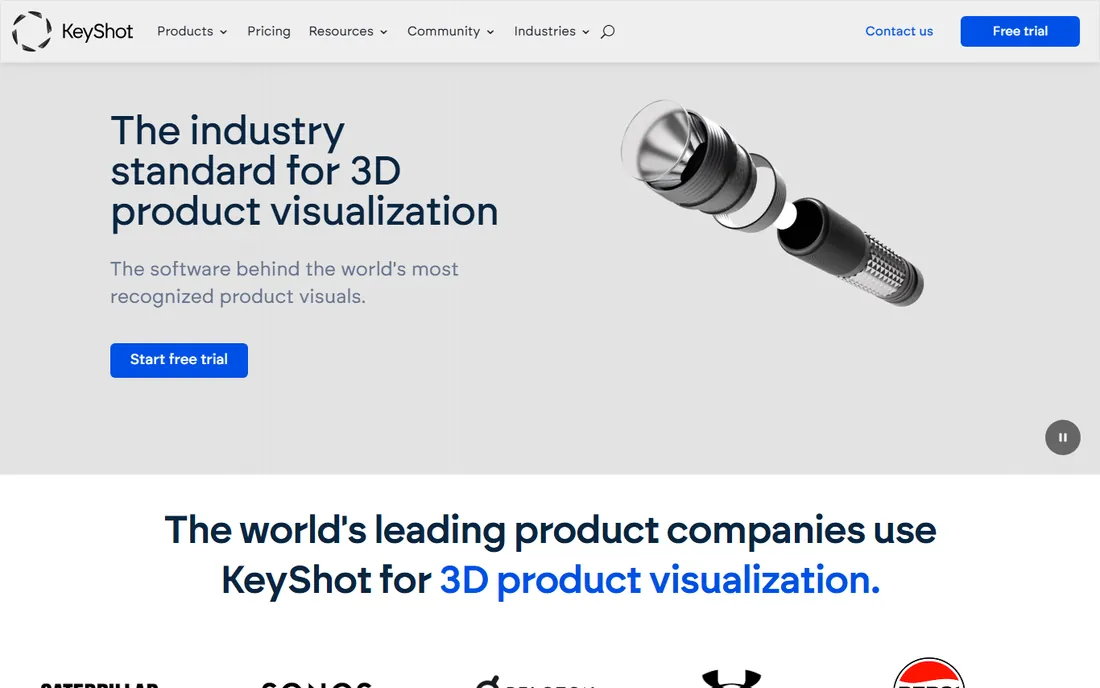
KeyShot is the renderer for people who do not want to become 3D artists. Import a CAD model, drag a material onto it, drop in an environment, and the image updates live as you work. Product designers, engineers, and marketers use it to turn SolidWorks, Creo, or Rhino files into catalog images and configurator visuals without learning a DCC application. The material and HDRI libraries are excellent, and the workflow from import to final render is the fastest on this list.
The limits follow from the focus. KeyShot does not model, its animation tools are basic, and it will not build you a scene the way Blender or Cinema 4D will. Pricing is aimed at product design professionals rather than hobbyists.
What we like- Drag-and-drop materials and lighting
- Live rendering feedback as you work
- Imports from every major CAD and DCC format
Watch out for- Priced for product design professionals
- Limited animation and scene-building tools
- Not a modeling application
The free-to-paid ladder most artists actually climb
Almost nobody starts with a $2,000-a-year subscription. The typical path in 2026 looks like this. Stage one is Blender or Daz 3D: free, full-featured enough to learn what 3D work actually involves, and honest about whether you enjoy it. Stage two is specialization: ZBrush for sculpting, Unreal for real-time, or Houdini Apprentice for effects, all cheap or free to learn. Stage three is the paid professional tool, chosen because clients or employers require it: Maya for character work, Cinema 4D for motion graphics, 3ds Max for games.
The practical lesson is to climb the ladder in order. Paid software does not make you faster until you know what you are doing, and the free tools are good enough to find out.
How we chose
We verified that every product on this list exists and is actively sold in 2026, checking vendor sites, release announcements, and documentation. Two once-common names were deliberately excluded: Foundry discontinued Modo in November 2024, so it has no future, and we skipped tools with uncertain ownership rather than risk recommending dead software. Prices come from vendor pricing pages where we could verify them; where pricing sits behind a quote process or a store we could not confirm, we say so. We weighted real-world fit for freelancers and small studios over feature checklists.
Picking the right 3D software without overspending
Match the software to the work, not to the hype. Four questions cut through the marketing.
What are you actually making?
Character animation points to Maya. Motion graphics points to Cinema 4D. Game environments point to 3ds Max. Simulations point to Houdini. Product shots point to KeyShot or V-Ray. Sculpting points to ZBrush. Real-time and virtual production point to Unreal. General 3D on a budget points to Blender. Most buying mistakes come from choosing the impressive tool instead of the appropriate one.
Who are you working with?
Studios have pipelines, and pipelines have opinions. A Maya house will not take your Blender files, and a V-Ray arch-viz studio will not switch renderers for one freelancer. If you freelance for studios, ask what they run before you buy. If you work alone or sell direct to clients, choose whatever makes you fastest.
What does it really cost?
Add the full stack, not just the headline app. Maya plus V-Ray is two subscriptions. Cinema 4D through Maxon One bundles ZBrush and Redshift, which changes the value calculation. Blender plus a $0 renderer is still $0. And remember that subscriptions never end: multiply any monthly price by 36 before comparing it to anything.
How will you learn it?
Every tool here has a learning curve, but they differ wildly in shape. Cinema 4D and Daz 3D get beginners producing quickly. Houdini and ZBrush demand months before they feel natural. Check the tutorial ecosystem for your chosen tool, because that is where you will actually learn it.
Frequently asked questions
Is Blender really good enough for professional work?
Yes, for a wide range of it. Blender handles modeling, animation, and rendering at a level that holds up in production. What it does not give you is compatibility with studios that mandate Autodesk pipelines.
Which 3D software is easiest to learn?
Cinema 4D has the gentlest learning curve among the professional paid tools, which is why design schools and motion graphics studios favor it. Daz 3D is easier still, but it teaches posing rather than 3D. Blender is free and capable, but expect a steeper first month than Cinema 4D.
Do I need a powerful computer for CGI software?
It depends on the work. Modeling and animation run fine on a mid-range machine. GPU rendering with Redshift, V-Ray GPU, or Cycles, and real-time work in Unreal Engine, benefit enormously from a strong graphics card and plenty of RAM. Houdini simulations will use every core you give them.
What happened to Modo?
Foundry discontinued Modo in November 2024 and ended development. Existing licenses keep working, but there will be no new versions. New buyers should choose from the actively developed tools on this list instead.
Should I learn Maya or Blender first?
Learn Blender first unless you have a specific reason not to. It costs nothing, teaches real 3D concepts, and tells you whether you enjoy the work. Learn Maya when a job or a studio pipeline requires it.
Sources we checked (13)
- https://www.blender.org/
- https://maxon.net/
- https://www.maxon.net/zbrush
- https://www.sidefx.com/buy/
- https://www.sidefx.com/
- https://www.daz3d.com/
- https://www.unrealengine.com/
- https://www.chaos.com/
- https://www.keyshot.com/
- https://www.autodesk.com/
- https://en.wikipedia.org/wiki/Modo_(software
- https://www.cgchannel.com/2018/02/sidefx-to-issue-a-free-extra-licence-to-all-houdini-indie-users/
- https://lightwave3d.com/press/vizrt-group-sells-lightwave-3d/
Is your product missing or out of date?
We review this list regularly. Vendors can request a listing, send updated pricing or ask about featured placement.

Shihab Mia · Founder, Rankite
Shihab has spent more than a decade helping SaaS and e-commerce brands grow through search. He writes Rankite's software buying guides from pricing pages, documentation and public user reviews. More about Shihab.