How we make this list: we compare pricing pages, product documentation and public user reviews. Rankite is independent; if a vendor ever pays for a featured spot, that listing is clearly labeled Partner.
Key takeaways
- Bizagi Modeler is free forever for BPMN diagramming: the $0 starting point for proper process maps.
- The cheapest paid tools are Creately ($5/user/month, billed annually) and Microsoft Visio Plan 1 ($5/user/month), with Lucidchart Individual at $9/month.
- Miro ($8/member/month) is the workshop pick for collaborative mapping sessions; Lucidchart ($9/month) is the fastest path to a professional BPMN diagram.
- Bizagi, SAP Signavio and Nintex publish no prices: all three are quote-based, with Signavio and Nintex firmly enterprise.
Quick comparison
| Tool | Best for | Starting price | Free plan |
|---|
 Lucidchart Lucidchart | Solo operators up to 50-person teams | $9/month billed annually (Individual); Team $10/user/month (3-user minimum) | Yes (free tier: 3 editable documents, 100 templates) |
 Miro Miro | 5-200 person teams mapping processes collaboratively in live sessions | $8/member/month billed annually (Starter) | Yes (free tier: 3 editable boards) |
 Microsoft Visio Microsoft Visio | M365-heavy SMBs of 5-100 staff | $5/user/month (Visio Plan 1, web only) | No (free trial available) |
 Bizagi Bizagi | Any SMB needing proper BPMN diagrams at $0; mid-market firms automating processes | $0 (Modeler free); automation platform is quote-based, See website | Yes (Bizagi Modeler, free desktop BPMN app) |
 SAP Signavio SAP Signavio | Enterprises, especially SAP shops with 200-plus staff running transformation programs | See website (custom enterprise quotes only) | No (free trial available) |
 Nintex Process Manager Nintex Process Manager | 50-500 staff organizations standardizing SOPs across departments | See website (quote-based) | No (free trial available) |
 Creately Creately | 1-50 person SMBs; arguably the value pick of this list | $5/user/month billed annually (Personal/Starter and Team) | Yes (unlimited canvases, 45 items per canvas) |
 Gliffy Gliffy | 2-50 person teams already living in Jira and Confluence | $6/user/month billed annually (Professional) | No (free trial available) |
Is your product missing or out of date?
We review this list regularly. Vendors can request a listing, send updated pricing or ask about featured placement.
The best business process mapping software
Every company runs on processes nobody wrote down. The new hire learns by shadowing, the veteran carries the exceptions in their head, and when someone quits, the process walks out with them. Process mapping software turns tribal knowledge into diagrams people can actually follow: BPMN flowcharts, SOPs, swimlanes and approval chains. These eight cover the real market, from free diagramming to enterprise transformation suites.
Starting price$9/month billed annually (Individual); Team $10/user/month (3-user minimum)
Free planYes (free tier: 3 editable documents, 100 templates)
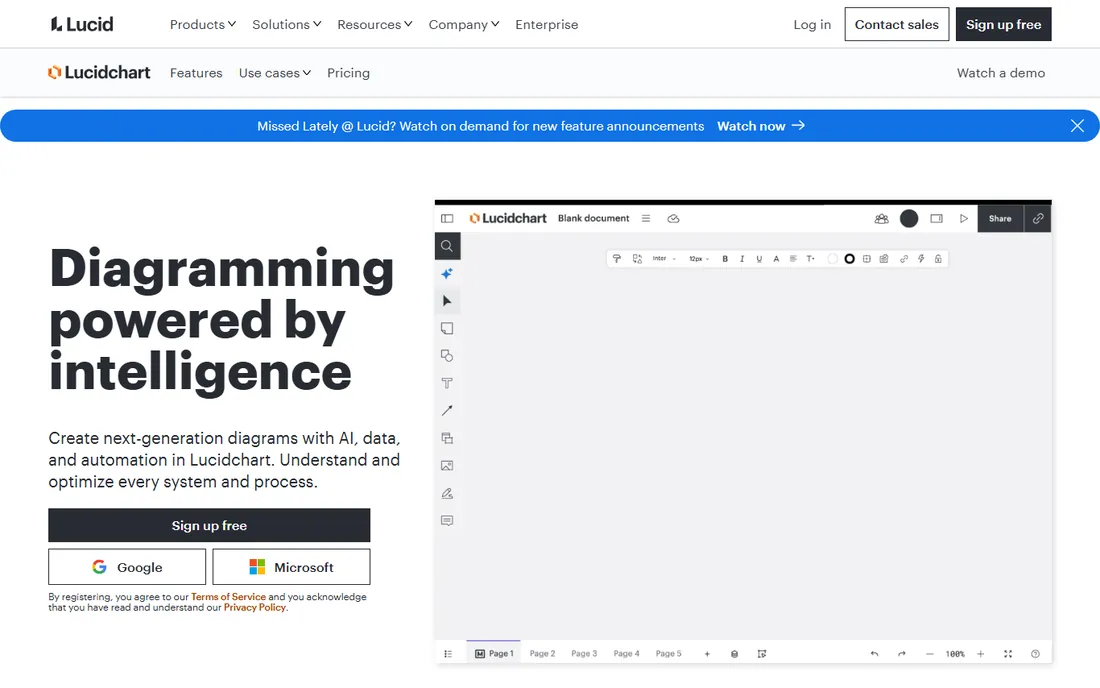
Lucidchart is the fastest path from idea to a professional BPMN diagram. Individual at $9 per month billed annually covers a solo mapper; Team at $10 per user per month (3-user minimum, so $30 per month real entry) adds shared spaces and integrations. BPMN 2.0 shapes are native, and 1,000-plus premium templates sit on paid plans.
The honest catch is the 3-seat minimum: a 2-person shop pays for 3 seats. The free tier's 3 documents are enough to test but not to run a documentation program. Real-time co-editing with version history works well, and Visio import eases migration. For the team that just needs good diagrams fast, without an enterprise platform, this is the default pick.
What we like- Massive template and shape libraries including BPMN 2.0, so maps start from standards
- Real-time co-editing with comments and Team Spaces
- Strong import/export with Visio files, M365, Google Workspace, Jira and Confluence
Watch out for- Team plan hard-requires 3 seats, tripling cost for 1-2 person teams
- SSO and advanced automation are locked behind custom Enterprise
#2
Miro
Best for: 5-200 person teams mapping processes collaboratively in live sessions
Visit miro.com
Starting price$8/member/month billed annually (Starter)
Free planYes (free tier: 3 editable boards)

Miro turns a whiteboard session into a documented process map. The facilitation toolkit, timers, voting, live cursors, makes process-mapping workshops productive, and AI-assisted diagramming speeds up the capture. Starter is $8 per member per month billed annually ($10 monthly); Business is $20 ($25 monthly); Enterprise is custom. Only full members are billed, so stakeholder reviews stay cheap.
The catch is seat hygiene and the SSO jump. Removed members typically stay billed until renewal, so audit seats, and security-conscious SMBs face a 2.5x jump for SSO. BPMN shapes come through diagramming packs rather than a dedicated BPMN editor. For teams that map together in live sessions, the workshop experience is unmatched; for solo diagramming, Lucidchart is cheaper.
What we like- Best facilitation toolkit: timers, voting, live cursors and Talktracks for mapping workshops
- 5,000-plus templates and 160-plus integrations
- Only full members are billed, visitors and guests are free
Watch out for- SSO only appears on Business ($20/member/month), a steep jump
- Users report lag on very large boards
Starting price$5/user/month (Visio Plan 1, web only)
Free planNo (free trial available)
Visio is the IT-friendly pick: licenses sit in the existing Microsoft 365 admin center, and diagrams embed in Teams and Power BI dashboards where M365 teams already work. Plan 1 at $5 per user per month is web-only; Plan 2 at $15 adds the desktop app, BPMN validation, AutoCAD import and live data-linking.
Budget Plan 2 per real mapper, not Plan 1: the $5 tier is too thin for serious process work. The desktop app is Windows-only with a dated interface next to web-first tools. Perpetual licenses ($309.99 Standard) pay for themselves in about 5 years against Plan 1 for buyers who hate subscriptions. For the Microsoft shop that wants diagrams living inside Teams, the integration is the argument.
What we like- BPMN 2.0 support with diagram validation on Plan 2
- Native inside Teams, SharePoint, OneDrive and Power BI
- Perpetual one-time licenses exist ($309.99 Standard, $579.99 Professional)
Watch out for- Plan 1 is web-only and thin
- Real process-mapping features need Plan 2 at $15/user/month
#4
Bizagi
Best for: Any SMB needing proper BPMN diagrams at $0; mid-market firms automating processes
Visit bizagi.com
Starting price$0 (Modeler free); automation platform is quote-based, See website
Free planYes (Bizagi Modeler, free desktop BPMN app)

Bizagi Modeler is the best free tool on this list: a genuine BPMN 2.0 desktop app for documenting processes at zero cost, with simulation to test workflows before changing them. The paid platform (Studio and Engine) extends the same models into no-code automation, so the free-to-paid ladder is real: model free today, automate on the same engine later.
Published pricing does not exist for the platform, so budget conversations start with a sales call. One-click publishing pushes process documentation to the web, and real-time co-modeling covers collaboration. For the SMB that just needs proper BPMN diagrams, Modeler at $0 beats every paid tool. For the mid-market firm eyeing automation, get the quote before comparing against per-seat SaaS.
What we like- The free Modeler is a genuine BPMN 2.0 diagramming tool, not a trial
- Drag-and-drop modeling with process simulation
- One platform grows from free modeling into no-code automation
Watch out for- Moving beyond modeling means enterprise sales quotes and real implementation effort
- Learning curve on the full platform
#5
SAP Signavio
Best for: Enterprises, especially SAP shops with 200-plus staff running transformation programs
Visit signavio.com
Starting priceSee website (custom enterprise quotes only)
Free planNo (free trial available)

SAP Signavio is the heavyweight: process mining that discovers real processes from system logs instead of interviews, full BPMN modeling, and journey analytics in one suite. For SAP transformation programs, the integration depth is unmatched, and the collaboration hub turns process documentation into a company-wide practice.
It is also the most expensive tool on this list and overkill for a small business documenting SOPs. No per-seat list price exists; expect five-figure annual contracts at minimum, and note that process mining is separately licensed, a common buyer surprise. SMBs should shortlist the lighter tools. This entry is the enterprise reference, not the pick.
What we like- Combines process mining, BPMN modeling, collaboration and journey analytics in one suite
- Deepest integration for SAP and S/4HANA transformations
- Collaboration hub lets the whole company improve published processes
Watch out for- Enterprise pricing only, with third-party reports around $2,000-$3,000/user/year (unverified)
- Process mining is a separately licensed module
#6
Nintex Process Manager
Best for: 50-500 staff organizations standardizing SOPs across departments
Visit nintex.com
Starting priceSee website (quote-based)
Free planNo (free trial available)
Nintex Process Manager, formerly Promapp, wins on adoption: processes read like instructions, not analyst diagrams, so non-technical staff actually follow them. Feedback loops, change requests and approvals keep documentation current instead of rotting, with versioning and ownership for regulated or quality-managed operations.
The buying process is enterprise throughout: no self-serve signup, no public pricing, expect a sales cycle and implementation scoping. Independent benchmarks suggest $15,000-$40,000 per year for 10-50 user deployments, unverified. Note it uses a simplified proprietary notation rather than strict BPMN 2.0; confirm export matters with the vendor if BPMN compliance is required. For the mid-size company standardizing SOPs, the adoption story is the pitch.
What we like- Processes written in plain language anyone can follow, driving real SOP adoption
- Built-in feedback, change requests and approvals keep docs current
- Strong versioning, ownership and governance
Watch out for- No public pricing at all
- Full value often requires the wider Nintex automation platform
#7
Creately
Best for: 1-50 person SMBs; arguably the value pick of this list
Visit creately.com
Starting price$5/user/month billed annually (Personal/Starter and Team)
Free planYes (unlimited canvases, 45 items per canvas)
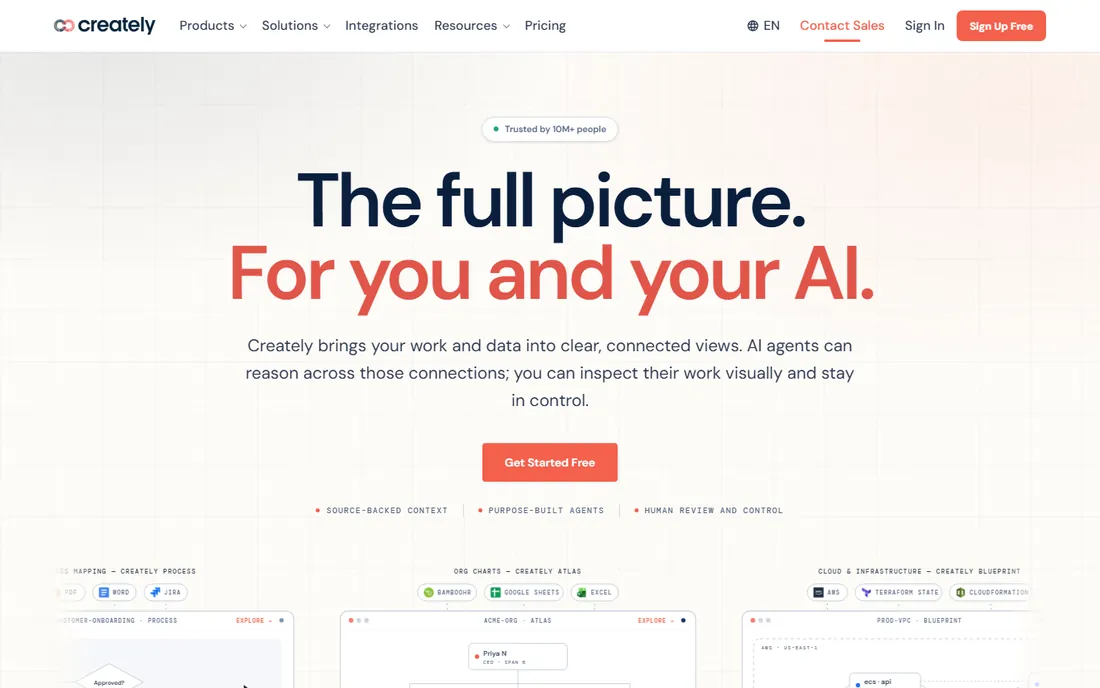
Creately's Business plan is the pricing story: $89 per month flat billed annually ($149 month-to-month) covers unlimited users. A 20-person company pays $89 flat instead of per-seat, undercutting Lucidchart Team and Miro Starter; Business wins past roughly 18 users. Per-user tiers run $5 per month billed annually ($8 monthly) for Starter and Team.
The catches are the caps: free-plan canvas limits and raster-only exports, plus workspace limits on per-user tiers, so check those before buying seats. BPMN 2.0 support is explicit in the shape libraries, with real-time editing, comments and 30-day version history on paid plans. For the SMB that wants real diagramming at the lowest team price, the flat Business plan is hard to beat.
What we like- Business plan is flat-rate at $89/month for unlimited users, the cheapest team math on this list
- Dedicated BPMN 2.0 shape library plus 50-plus diagram types
- Real-time collaboration with AI-assisted diagram generation
Watch out for- Free plan caps items per canvas and restricts exports
- Per-user tiers have workspace and folder limits
#8
Gliffy
Best for: 2-50 person teams already living in Jira and Confluence
Visit gliffy.com
Starting price$6/user/month billed annually (Professional)
Free planNo (free trial available)

Gliffy, now owned by Perforce, is the Atlassian-ecosystem pick: draw and edit diagrams natively inside Confluence pages, so process docs sit next to the wiki content they explain, with Jira integration to match. Professional is $6 per user per month billed annually ($8 monthly); Enterprise is custom. New users are productive in minutes.
The momentum question is real: Gliffy innovates slower than Lucidchart or Miro, users report lag on large canvases, and SSO requires custom Enterprise pricing. At 10 users it costs about $60 per month billed annually, cheaper than Lucidchart Team's $100 floor, but you lose the free tier and the bigger template libraries. For the Confluence-centric team, the native embedding is the reason; everyone else gets more elsewhere.
What we like- Simplest learning curve among traditional diagramming tools
- Deepest Atlassian integration with diagrams native inside Confluence and Jira
- Visio import plus BPMN, flowchart and org chart templates
Watch out for- No free plan, only a trial
- Interface feels dated with slower innovation than rivals
Frequently asked questions
How much does process mapping software cost?
From $0 to about $100 per month for a small team. Bizagi Modeler is free. Creately is $5/user/month, Visio Plan 1 $5, Gliffy $6, Miro Starter $8, Lucidchart Individual $9. A 10-person team runs roughly $50-$100 per month on the diagramming tools. Creately Business at $89 flat is the cheapest unlimited-user option. Bizagi, Signavio and Nintex are quote-based enterprise sales.
What is BPMN and do I need it?
BPMN 2.0 (Business Process Model and Notation) is the standard visual language for process diagrams: specific shapes for tasks, decisions, events and flows. You need it if processes must be understood across teams, audited, or eventually automated. Lucidchart, Visio Plan 2, Bizagi, Creately and Gliffy all support BPMN 2.0 natively; Miro offers it through shape packs; Nintex uses its own simplified notation.
What is the best free process mapping tool?
Bizagi Modeler: a genuine free BPMN 2.0 desktop app, not a trial. Lucidchart, Miro and Creately all offer free tiers, but capped at 3 documents or boards (Lucidchart, Miro) or limited canvas items (Creately). For a real documentation program, the free tiers are trials in disguise; Bizagi Modeler is the only free tool you can run on.
Lucidchart vs Miro: which should I choose?
Lucidchart for diagramming: faster path to professional BPMN diagrams, bigger template libraries, cheaper solo entry ($9/month). Miro for collaboration: the workshop toolkit (timers, voting, live cursors) makes it the better choice when the team maps together in live sessions. Many companies end up with both: Miro for discovery workshops, Lucidchart for the finished documentation.
Can process mapping software automate workflows?
Some can. Bizagi grows from free modeling into no-code automation on the same platform. Nintex pairs mapping with its automation platform. SAP Signavio combines modeling with process mining and automation. The pure diagramming tools (Lucidchart, Miro, Visio, Creately, Gliffy) document processes; they do not execute them. Decide whether you need documentation, automation, or both before shortlisting.
How do I get my team to actually follow documented processes?
Pick the tool people will open. Nintex's plain-language format drives adoption because processes read like instructions. Miro's workshop approach builds buy-in during mapping. Whatever you choose, assign process owners, build feedback loops, and review quarterly: documentation rots without ownership, no matter how pretty the diagram.
The free-to-paid ladder: start at $0, upgrade when it hurts
Three tools on this list cost nothing to start: Bizagi Modeler (full BPMN app, free forever), Lucidchart free (3 documents), Miro free (3 boards), Creately free (unlimited canvases, capped items). The honest progression is Bizagi Modeler for real diagramming at $0, then paid when the caps bite.
The upgrade triggers are predictable: you need more than 3 documents, you need SSO or audit logs, you need real-time collaboration at team scale, or you want to move from modeling into automation. At that point the paid math is friendly: $5-$10 per user per month across Creately, Visio, Gliffy, Miro and Lucidchart, or $89 flat for Creately Business. Do not buy the enterprise platforms until you have outgrown the diagramming tier; most SMBs never do.
BPMN purists vs. pragmatists: which camp are you in
BPMN 2.0 purists need strict notation: Lucidchart, Visio Plan 2, Bizagi and Creately deliver it natively, with validation rules in Visio and Bizagi. Pragmatists need diagrams people will read: Nintex's plain-language format and Miro's whiteboard style win on adoption even without strict BPMN.
The wrong choice is buying strict BPMN for an audience that will not read it, or buying pretty whiteboards for a compliance audit that demands notation. Match the notation rigor to the audience: auditors and automation engineers get BPMN; frontline staff get plain language. When in doubt, start pragmatic; you can redraw in BPMN later.
How we chose
We started with the categories buyers search: business process mapping software and business process mapping tools. For each candidate we opened the vendor's own pricing page, checked plan names and prices against public reviews on G2 and Capterra and practitioner discussion on Reddit, and compared feature lists, BPMN support, collaboration depth, template libraries and team-size fit. Where a price could not be verified on the vendor's page we wrote "See website" rather than guessing, and we did not convert third-party benchmarks into stated prices.
Sources we checked (10)
- https://www.lucidchart.com/pricing/
- https://miro.com/pricing/
- https://www.microsoft.com/en-us/microsoft-365/visio/pricing
- https://www.bizagi.com/en/pricing
- https://www.signavio.com/pricing/
- https://www.nintex.com/pricing/
- https://creately.com/pricing/
- https://www.gliffy.com/pricing/
- https://www.g2.com/categories/business-process-management
- https://www.capterra.com/business-process-management-software/
Is your product missing or out of date?
We review this list regularly. Vendors can request a listing, send updated pricing or ask about featured placement.

Shihab Mia · Founder, Rankite
Shihab has spent more than a decade helping SaaS and e-commerce brands grow through search. He writes Rankite's software buying guides from pricing pages, documentation and public user reviews. More about Shihab.