How we make this list: we compare pricing pages, product documentation and public user reviews. Rankite is independent; if a vendor ever pays for a featured spot, that listing is clearly labeled Partner.
Key takeaways
- For most small businesses, the choice is Zoho One ($37/employee/month annually) for breadth, Odoo (from $24.90/user/month) for modular flexibility, or Bitrix24 ($49/organization/month) for flat pricing with a real free plan.
- Service businesses that sell time should look at Scoro ($19.90/user/month) and HoneyBook ($29/month): both are built around the quote-to-cash flow, not generic ERP.
- NetSuite is the only true ERP on this list, and it behaves like one: quote-based pricing, months of implementation, and a real administrator on staff.
- Per-organization pricing (Bitrix24) beats per-user pricing once you pass about 10 people; do the math before you compare sticker prices.
Quick comparison
| Tool | Best for | Starting price | Free plan |
|---|
 Zoho One Zoho One | SMBs that want CRM, finance, HR and projects from one vendor | $37/employee/month (billed annually; $45 monthly) | Free trial (30 days) |
 NetSuite NetSuite | Mid-market companies that have outgrown QuickBooks plus spreadsheets | See website (quote-based) | No (demo only) |
 Odoo Odoo | SMBs that want modular ERP and are comfortable with open-source software | $24.90/user/month (Standard, billed annually; $31.10 monthly) | Yes (One App Free: one app, unlimited users, free forever) |
 Scoro Scoro | Agencies, consultancies and service firms that sell time | $19.90/user/month (Core, billed annually) | Free trial (14 days) |
 HoneyBook HoneyBook | Independent professionals and small studios managing client projects | $29/month (Starter, billed annually; $36 monthly) | Free trial (30 days) |
 vcita vcita | Solo practitioners and small service firms that live on appointments | $19/month (Essentials, billed annually; $29 monthly) | Free trial (14 days) |
 Bitrix24 Bitrix24 | Budget-conscious teams that want CRM plus collaboration without per-user pricing | $49/organization/month (Basic, 5 users, billed annually) | Yes (free plan with limited users and storage) |
 Keap Keap | Small businesses that want CRM, email automation and payments from one vendor | See website (custom quote) | Free trial (14 days) |
Is your product missing or out of date?
We review this list regularly. Vendors can request a listing, send updated pricing or ask about featured placement.
The best business management software
What does "all-in-one business software" actually include? For one vendor on this list it means more than 40 apps under a single login. For another it means a formal ERP implementation that costs more than your office lease. And for a third it means a booking page, an invoice template and a client chat window that all fit on a phone screen. These are not the same product, even though they share a category name. The eight platforms below cover the real range, from free to enterprise, with the pricing model spelled out for each.
#1
Zoho One
Best for: SMBs that want CRM, finance, HR and projects from one vendor
Visit zoho.com
Starting price$37/employee/month (billed annually; $45 monthly)
Free planFree trial (30 days)
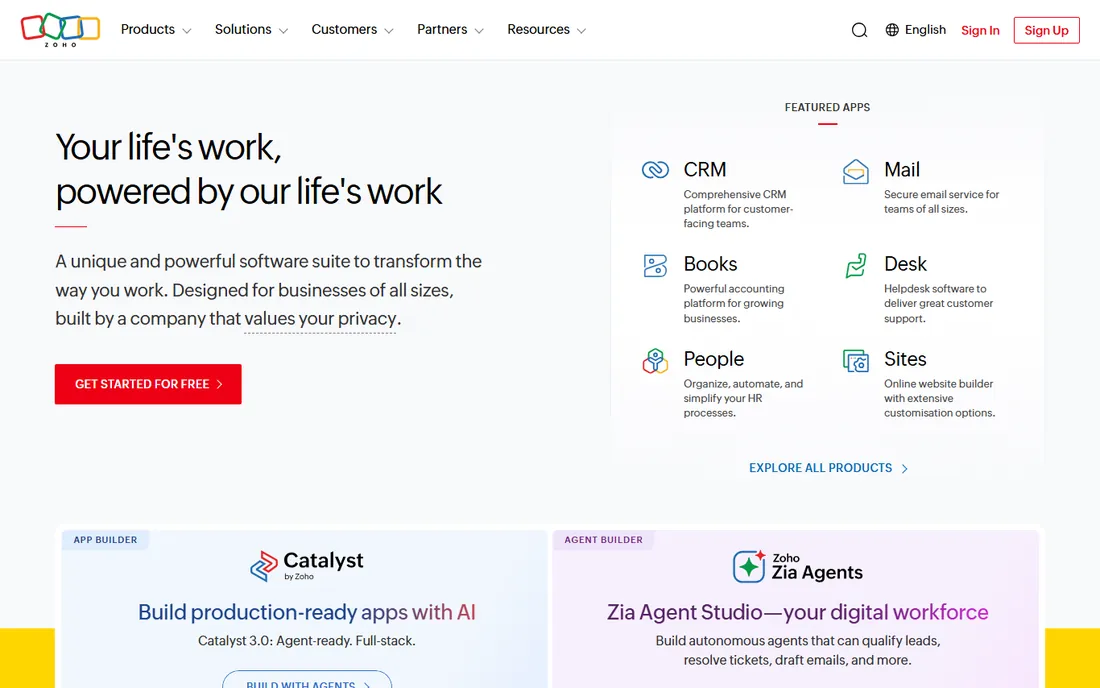
Zoho One is the breadth play. A single per-employee license unlocks the whole Zoho suite, so instead of five subscriptions for CRM, accounting, helpdesk, projects and HR, you pay one predictable number. At $37 per employee per month on the annual plan, a 20-person company pays $740 a month for the entire stack, which is usually cheaper than assembling best-of-breed tools. The mobile apps are genuinely good, and Zoho Directory keeps user management in one place.
The trade is depth. Individual Zoho apps are competent but rarely best in class, so teams with complex needs end up bolting on extras anyway. The interface packs in so much that new admins face a learning curve, and the advanced automation takes real study. Expect a week or two to configure users, data and workflows. If you want one vendor and predictable billing, start here. If you need the best CRM or the best project tool specifically, buy those separately.
What we like- One license covers 40+ integrated apps (CRM, books, desk, projects, HR)
- Per-employee pricing beats buying Zoho apps separately
- Strong mobile apps with centralized user management
Watch out for- Navigation can feel cluttered across so many apps
- Advanced automation and analytics take time to learn
#2
NetSuite
Best for: Mid-market companies that have outgrown QuickBooks plus spreadsheets
Visit netsuite.com
Starting priceSee website (quote-based)
Free planNo (demo only)
NetSuite is the only product here that is actually an ERP, and it behaves like one. Financials, inventory, CRM and ecommerce share a single database, which gives finance teams the audit trails and controls that spreadsheet stacks cannot. For companies with inventory, wholesale or multiple entities, that unified ledger is the whole point. Multi-currency and multi-subsidiary operations are native, not add-ons.
Everything else about it is enterprise-shaped too. Pricing is quote-based, implementation is a formal project that typically runs three to six months with a partner, and most companies end up hiring or contracting a NetSuite administrator. The subscription is only part of the bill. If your business has genuinely outgrown QuickBooks, this is the standard next step. If you are under 50 people with simple operations, it is far more system than you need.
What we like- True unified ERP with financials, inventory, CRM and ecommerce in one database
- Native multi-subsidiary and multi-currency support
- Strong audit trails and role-based controls
Watch out for- Implementation typically runs into five figures and takes months
- Ongoing admin usually needs a dedicated NetSuite administrator
#3
Odoo
Best for: SMBs that want modular ERP and are comfortable with open-source software
Visit odoo.com
Starting price$24.90/user/month (Standard, billed annually; $31.10 monthly)
Free planYes (One App Free: one app, unlimited users, free forever)
Odoo takes the opposite approach from NetSuite: start small and add modules as you grow. The One App Free tier is genuinely free forever for one app with unlimited users, which makes it the cheapest way to test-drive ERP-style software. The Standard plan at $24.90 per user per month adds the full app library, and the open-source core means thousands of community modules exist for niche needs. CRM, accounting, inventory, POS, website and HR all live in one platform.
The catch is polish versus price. The free and Standard tiers cover standard workflows well, but heavy customization, complex migrations and version upgrades often need developer help. Regional pricing varies, and the Custom plan roughly doubles the price. If you have technical resources or simple standard processes, Odoo is remarkable value. If you want everything done for you, the savings evaporate into consulting.
What we like- Open-source core with thousands of community apps
- One App Free tier runs a single app free forever
- Covers CRM, accounting, inventory, POS, website and HR in one platform
Watch out for- Community edition lacks some enterprise features and official support
- Customization and upgrades can require developer help
#4
Scoro
Best for: Agencies, consultancies and service firms that sell time
Visit scoro.com
Starting price$19.90/user/month (Core, billed annually)
Free planFree trial (14 days)
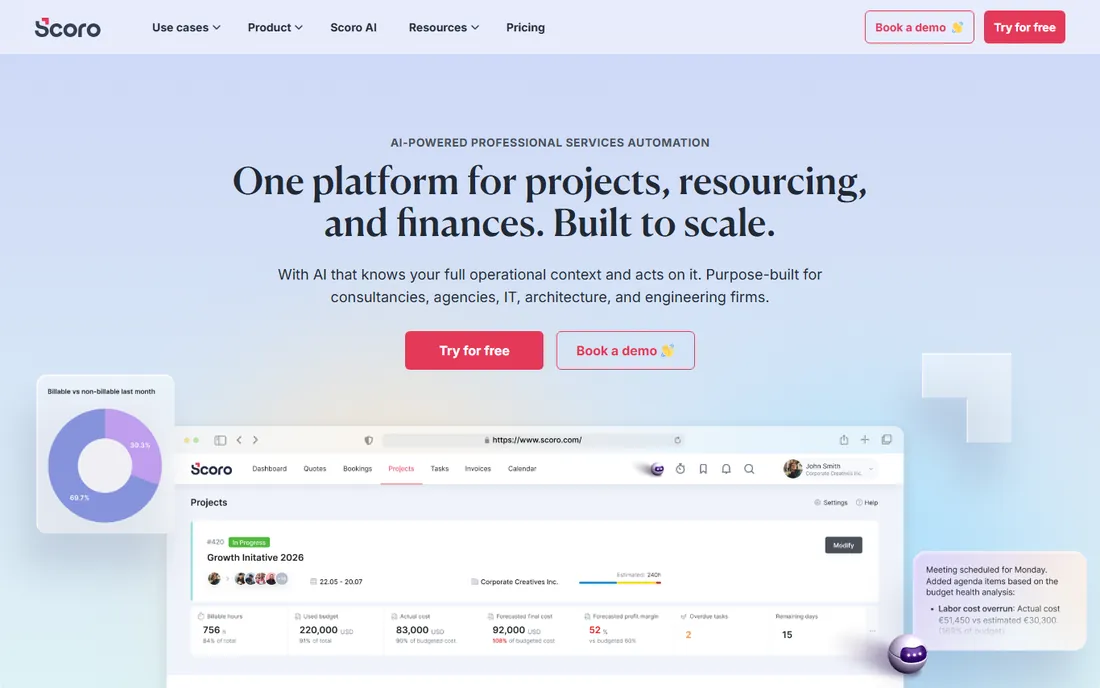
Scoro is built for one workflow: quote the work, deliver the work, bill the work. Pipeline, project delivery, time tracking and invoicing share the same data, so a consultancy can see which clients and which team members are actually profitable without exporting anything. The dashboard is clean, the utilisation reporting is the best in this price range, and plans scale from Core at $19.90 through Growth and Performance tiers as reporting needs grow.
Two limits matter. The five-user minimum means freelancers pay for seats they will never fill, and the CRM is basic next to a dedicated one. Finance features cover invoicing well but will not replace an accounting system. Setup takes a few days of configuring pipelines, rate cards and templates. If you sell hours, Scoro earns its place. If you sell products, look at the ERP options above.
What we like- Combines projects, CRM, quoting, billing and time tracking in one view
- Utilisation and profitability reporting per project and team member
- Clean dashboard built for client work
Watch out for- Five-user minimum prices out solo operators
- Quoting and finance features are lighter than dedicated tools
#5
HoneyBook
Best for: Independent professionals and small studios managing client projects
Visit honeybook.com
Starting price$29/month (Starter, billed annually; $36 monthly)
Free planFree trial (30 days)
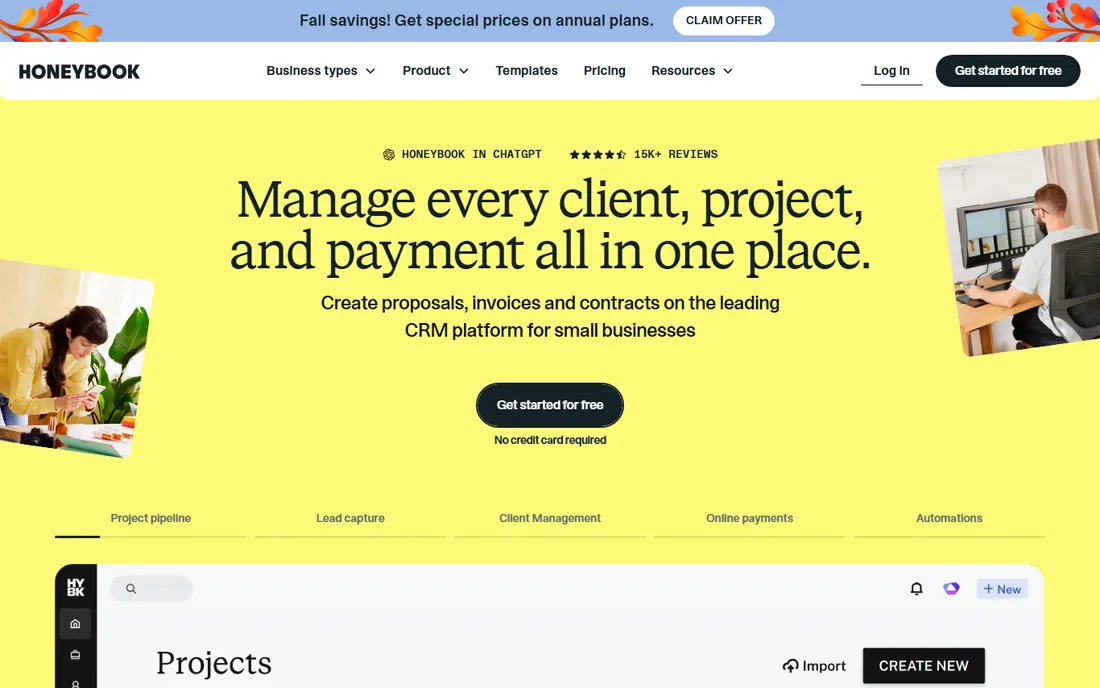
HoneyBook owns the client-experience niche for independents. Photographers, planners, designers and coaches get branded proposals, e-sign contracts and invoices in a single link the client can open on a phone. The Starter plan at $29 a month covers the core flow, with Essentials and Premium adding automations and team features. Templates mean most users are live in a day or two, and the built-in scheduler removes the usual booking-email tennis.
Be clear about what it is not. HoneyBook is a client workflow tool, not an accounting system; you will still need bookkeeping software at tax time. It has nothing for product businesses, inventory or payroll. The tier gating means the useful automations sit above Starter. For a solo professional juggling clients, it pays for itself in saved admin hours. For anything else, it is the wrong category.
What we like- Client pipeline, proposals, contracts, invoices and payments in one flow
- Templates and automation tuned for creative and service freelancers
- Built-in scheduler and client portal cut email back-and-forth
Watch out for- Pricing tiers gate automations and team seats
- Not a fit for product businesses or complex accounting
#6
vcita
Best for: Solo practitioners and small service firms that live on appointments
Visit vcita.com
Starting price$19/month (Essentials, billed annually; $29 monthly)
Free planFree trial (14 days)
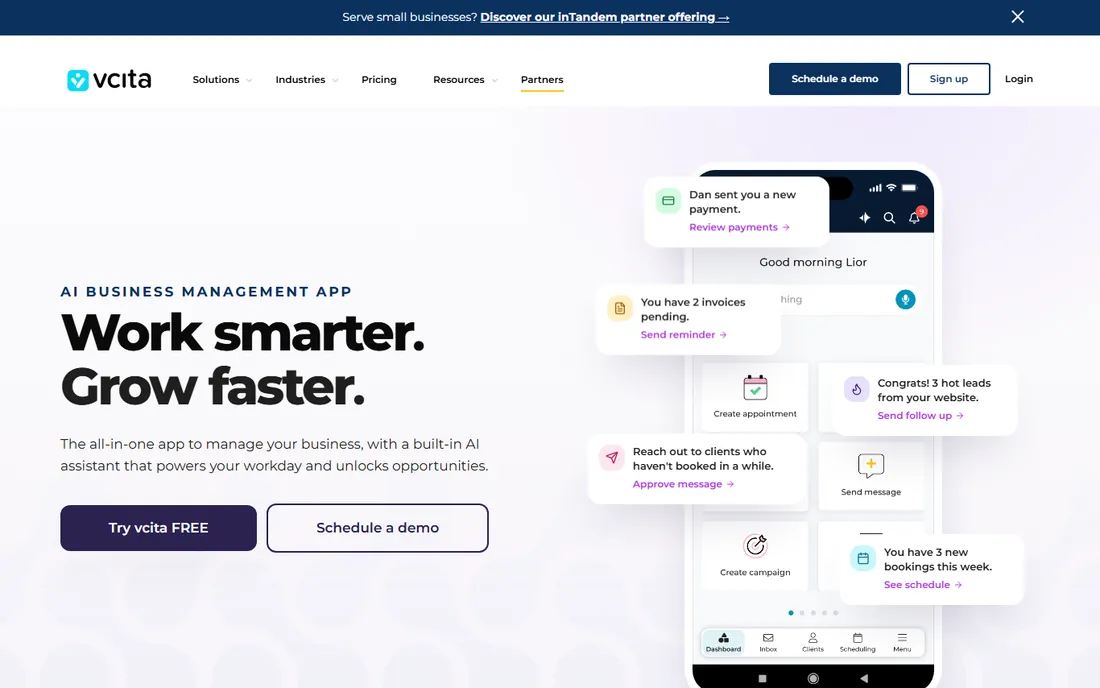
vcita is the phone-first business manager for appointment businesses. Salons, clinics, consultants and home service pros get booking pages, payment collection, reminders and client chat in one app, with the Essentials plan starting at $19 a month. Booking pages can be live in under an hour, and the reminder system alone justifies the price for businesses plagued by no-shows. Higher tiers add staff seats and marketing features.
The ceiling arrives fast for teams. Feature depth is deliberately shallow compared with dedicated scheduling or CRM tools, and reporting on the lower tiers is basic. This is software for one to five people who take appointments, not for companies with departments. Within that lane it is excellent value. Outside it, pick a platform with room to grow.
What we like- Scheduling, payments, marketing and client messaging in one SMB-focused app
- Online booking pages and reminders cut no-shows
- Affordable entry tier for solo providers
Watch out for- Feature depth lags behind dedicated scheduling or CRM tools
- Reporting and customization are limited on lower tiers
#7
Bitrix24
Best for: Budget-conscious teams that want CRM plus collaboration without per-user pricing
Visit bitrix24.com
Starting price$49/organization/month (Basic, 5 users, billed annually)
Free planYes (free plan with limited users and storage)
Bitrix24 wins on pricing structure alone. The free plan is genuinely usable for a small team, and paid plans charge per organization rather than per user: $49 a month covers the whole company on Basic, $99 on Standard, $199 on Professional. Adding your eleventh employee costs nothing extra, which no per-user competitor can match. Beyond CRM you get tasks, chat, a website builder, telephony and HR tools in the same login.
The price of all that is usability. The interface is dense, new users typically need training, and support on the lower tiers gets mixed reviews. Expect days to set up standard CRM use and longer if you configure telephony or automations. For a cost-sensitive team that can tolerate a learning curve, the value is unmatched. For teams that need polish and hand-holding, pay more elsewhere.
What we like- Generous free plan covering CRM, tasks and chat
- Flat per-organization pricing keeps costs predictable as you grow
- Includes website builder, telephony and HR tools
Watch out for- Dense interface takes time to learn
- Support quality is inconsistent on lower tiers
#8
Keap
Best for: Small businesses that want CRM, email automation and payments from one vendor
Visit keap.com
Starting priceSee website (custom quote)
Free planFree trial (14 days)
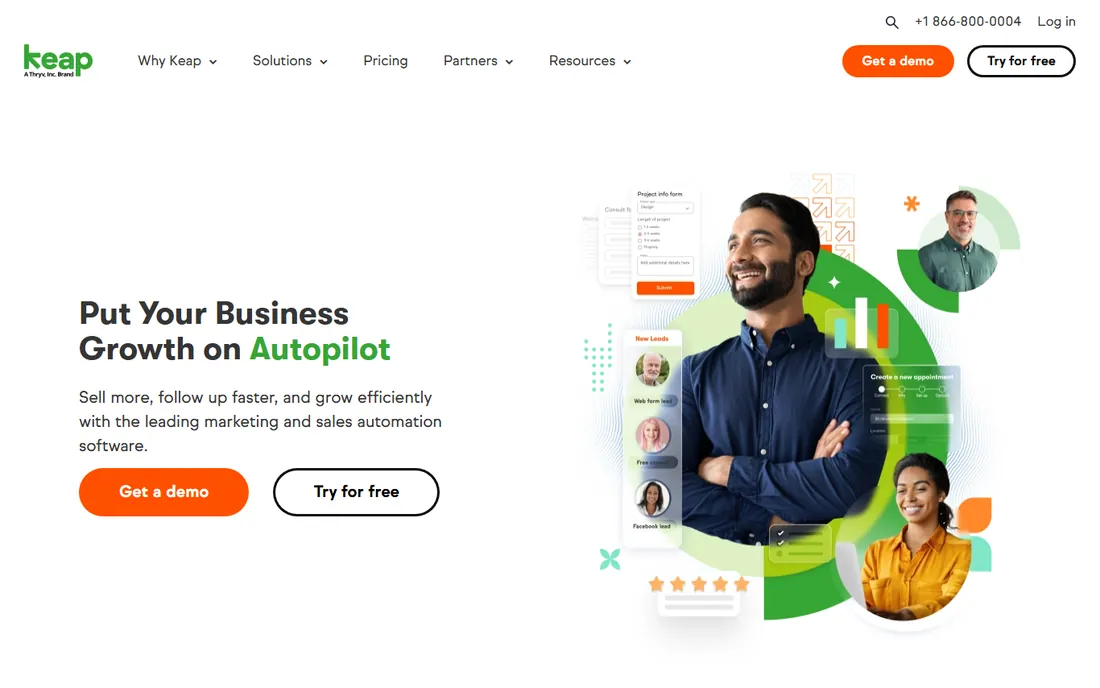
Keap sits between the pure business managers and the marketing platforms. You get a real CRM with visual campaign automation, so a coach, agency or home services company can run lead capture, follow-up sequences and invoicing without stitching tools together. The campaign builder is genuinely approachable for non-technical owners, and text marketing on higher tiers suits businesses that book by phone.
The catch is price creep. Contact-based pricing means the bill grows with your list, and the email builder feels dated next to ActiveCampaign or Brevo at similar prices. Migrations take effort, and paid onboarding is offered for a reason. If your bottleneck is follow-up and you want it tied to a CRM, Keap fits. If your bottleneck is email marketing itself, the dedicated platforms do it better for less.
What we like- CRM plus marketing and sales automation built for small businesses
- Visual campaign builder approachable for non-technical users
- Text marketing and invoicing on higher tiers
Watch out for- Pricing climbs as contacts and users grow
- Email builder and reporting feel dated next to newer competitors
Per-user vs. per-organization pricing: do the math
The sticker prices on this list are not comparable until you multiply by your headcount. Zoho One at $37 per employee, Odoo at $24.90 per user and Scoro at $19.90 per user all scale linearly: a 30-person team pays roughly $1,110, $747 and $597 a month respectively. Bitrix24 at $49 per organization charges the same whether you have 5 people or 50. Somewhere around 10 to 15 employees, flat pricing starts winning by a wide margin.
Then add the costs the pricing page hides. NetSuite's subscription is the smallest part of a NetSuite bill; implementation and admin dominate. HoneyBook and vcita are cheap because they exclude accounting; you will pay for bookkeeping separately. Keap's contact-based pricing means a growing email list raises the bill every year. Model three years of total cost, including the tools each platform does not replace, before you sign.
When all-in-one is the wrong answer
All-in-one software is a compromise by design, and sometimes the compromise costs more than it saves. If your CRM needs are genuinely complex, a dedicated CRM plus a separate accounting tool will outperform any suite at the same price. If you have inventory across warehouses, you need real ERP, not a business manager with an inventory tab. And if your team already runs well on two or three tools they like, ripping them out for a suite usually destroys more productivity than the consolidation saves.
The suites on this list earn their place in three situations: you are starting from spreadsheets and need everything at once, your team is small enough that one login beats five, or your workflows are standard enough that best-of-breed depth buys you nothing. Outside those cases, buy the best tool for your hardest problem and integrate the rest.
How we chose
We started with the categories buyers actually search: business management software, software to manage a small business, and all-in-one business platforms. For each candidate we opened the vendor's own pricing page, checked plan names and prices against public reviews on G2 and Capterra and practitioner discussion on Reddit, and compared feature lists, integrations and company-size fit. Where a price could not be verified on the vendor's page we wrote "See website" rather than guessing. The shortlist mixes broad suites with niche workflow tools, because a freelancer and a 200-person distributor are not buying the same thing.
Frequently asked questions
How much does business management software cost?
For a 10-person team, expect $190 to $450 a month on the per-user tools: Scoro ($199), Odoo ($249), Zoho One ($370). Bitrix24 charges $49 a month for the whole organization regardless of headcount. NetSuite is quote-based and typically starts in the low thousands per month once implementation is included. HoneyBook and vcita are flat monthly rates ($29 and $19) aimed at solo operators.
Is NetSuite overkill for a small business?
Usually, yes. NetSuite is built for companies with inventory, multiple entities or complex financial controls, and it assumes you have or will hire an administrator. Under 50 employees with straightforward operations, Zoho One or Odoo delivers most of the value at a fraction of the total cost. Consider NetSuite when QuickBooks starts breaking, not before.
Can I migrate from spreadsheets to one of these tools?
Yes, and most vendors expect it. Zoho, Odoo and Bitrix24 all have import tools for contacts, products and historical data, and paid onboarding is available on the higher tiers. The migration that hurts is not the data; it is the undocumented processes living in people's heads. Document your actual workflows before you migrate, or you will rebuild the spreadsheet chaos inside the new system.
What is the difference between business management software and ERP?
ERP is a subset: financials, inventory and operations in one database with strict controls, which is what NetSuite sells. Business management software is the broader category, covering CRM, projects, scheduling and client workflows, which is where Zoho One, Odoo, Scoro and HoneyBook live. If you need audit trails and multi-entity consolidation, you need ERP. If you need to run client work, you need the broader kind.
Are there really free options?
Bitrix24 has a usable free plan for small teams, and Odoo's One App Free tier runs a single app free forever. Both are real products, not trials. The limits are users, storage and features, so growing teams eventually pay. For a team under five with basic needs, either one can run the business for $0.
Sources we checked (10)
- https://www.zoho.com/one/pricing/
- https://www.netsuite.com/portal/products/erp.shtml
- https://www.odoo.com/pricing
- https://www.scoro.com/pricing/
- https://www.honeybook.com/pricing
- https://www.vcita.com/pricing/
- https://www.bitrix24.com/prices/
- https://www.keap.com/pricing
- https://www.g2.com/categories/business-management
- https://www.capterra.com/business-management-software/
Is your product missing or out of date?
We review this list regularly. Vendors can request a listing, send updated pricing or ask about featured placement.

Shihab Mia · Founder, Rankite
Shihab has spent more than a decade helping SaaS and e-commerce brands grow through search. He writes Rankite's software buying guides from pricing pages, documentation and public user reviews. More about Shihab.