How we make this list: we compare pricing pages, product documentation and public user reviews. Rankite is independent; if a vendor ever pays for a featured spot, that listing is clearly labeled Partner.
Key takeaways
- Slack remains the safest default for companies that want the biggest app directory and AI features, at $8.75 per user per month ($7.25 billed annually). Its free plan only keeps 90 days of message history.
- Microsoft Teams costs nearly nothing extra if you already pay for Microsoft 365, and its free plan keeps unlimited message history.
- Pumble is the best free option in this list: unlimited users and unlimited message history at $0, with paid plans starting at $2.49 per user per month billed annually.
- Mattermost, Rocket.Chat, Zulip and Element all offer self-hosted editions, which is the only honest answer for regulated industries.
- Twist is the odd one out on purpose: it is built for asynchronous, threaded conversation, not real-time chat, and distributed teams across time zones tend to love it.
Quick comparison
| Tool | Best for | Starting price | Free plan |
|---|
 Slack Slack | Largest integration ecosystem | $8.75 per user/month ($7.25 billed annually) | Yes (90-day message history, up to 10 apps) |
 Microsoft Teams Microsoft Teams | Microsoft 365 shops | $4 per user/month (Teams Essentials, billed annually) | Yes (unlimited message history) |
 Google Chat Google Chat | Google Workspace teams | $7 per user/month (Google Workspace Business Starter, billed annually) | Yes (free with a personal Google account) |
 Mattermost Mattermost | Self-hosted secure messaging | $10 per user/month (Professional) | Yes (free self-hosted Team edition) |
 Rocket.Chat Rocket.Chat | Open-source team chat with federation | $8 per user/month (Pro, billed annually) | Yes (Starter, free for up to 50 users self-managed) |
 Zulip Zulip | Organized async conversations | $6.67 per user/month (Cloud Standard, billed annually) | Yes (free cloud tier, 10,000-message search history) |
 Twist Twist | Async-first remote teams | $5 per user/month (Unlimited, billed annually) | Yes (free tier, one month of message history) |
 Pumble Pumble | Free unlimited team chat | $2.49 per user/month (Pro, billed annually) | Yes (unlimited users and unlimited message history) |
 Zoho Cliq Zoho Cliq | Companies already on Zoho | $1 per user/month (Unlimited plan) | Yes |
 Element Element | Federated encrypted messaging | $5 per monthly active user (Element Matrix Services) | Yes (self-hosted, open source) |
Is your product missing or out of date?
We review this list regularly. Vendors can request a listing, send updated pricing or ask about featured placement.
The best business instant messaging software
Starting price$8.75 per user/month ($7.25 billed annually)
Free planYes (90-day message history, up to 10 apps)
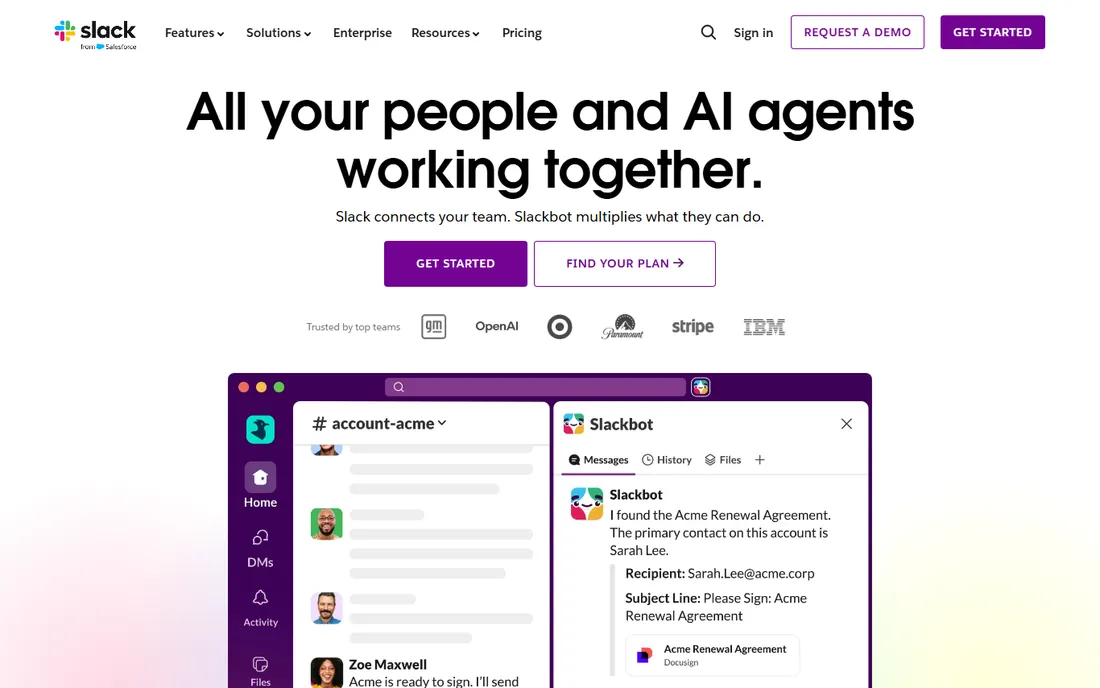
Slack is the default choice for a reason, and the reason is not the chat itself. The reason is everything around the chat: more than 2,600 integrations, Workflow Builder for no-code automation, Slack Connect for shared channels with clients and vendors, and canvases and lists that keep lightweight project work inside the conversation. On paid plans, message history is unlimited and fully searchable, which turns the tool into a company memory.
The honest catch is cost. Pro runs $8.75 per user per month, or $7.25 billed annually, and Business+ doubles that to $18 ($15 annually) for SSO, compliance exports, and stronger AI. Slack also bills a three-user minimum on paid plans, and the free tier caps history at 90 days, which means a growing team hits a paywall fast. If your budget is tight or your team is large, the per-seat math deserves a spreadsheet before you commit.
What we like- 2,600+ app integrations
- Unlimited searchable history on paid plans
- AI summaries and Slackbot agent on paid tiers
Watch out for- Expensive at scale
- Free plan message history is short
- Guest and workflow limits add up
Starting price$4 per user/month (Teams Essentials, billed annually)
Free planYes (unlimited message history)
If your company already pays for Microsoft 365, Teams is not really a choice. It is the chat that came with the suite, sitting next to Outlook, OneDrive, SharePoint, and the Office apps your staff already use. The free plan is unusually generous, with unlimited message history and 100-participant meetings, and Teams Essentials at $4 per user per month adds longer meetings, 10 GB storage, and phone support. For businesses standardizing on Microsoft, the value is hard to argue with.
Outside that world, Teams is a harder sell. The interface carries the weight of the whole Microsoft stack, third-party integrations lag behind Slack's directory, and the standalone Essentials plan excludes the email and Office apps that make the bundle attractive in the first place. Buy it as part of Microsoft 365, or buy something else.
What we like- Bundled with Microsoft 365 plans
- Free tier keeps unlimited history
- Meetings for up to 300 participants on paid plans
Watch out for- Weak outside the Microsoft ecosystem
- Essentials excludes email and Office apps
- Interface feels heavy
Starting price$7 per user/month (Google Workspace Business Starter, billed annually)
Free planYes (free with a personal Google account)
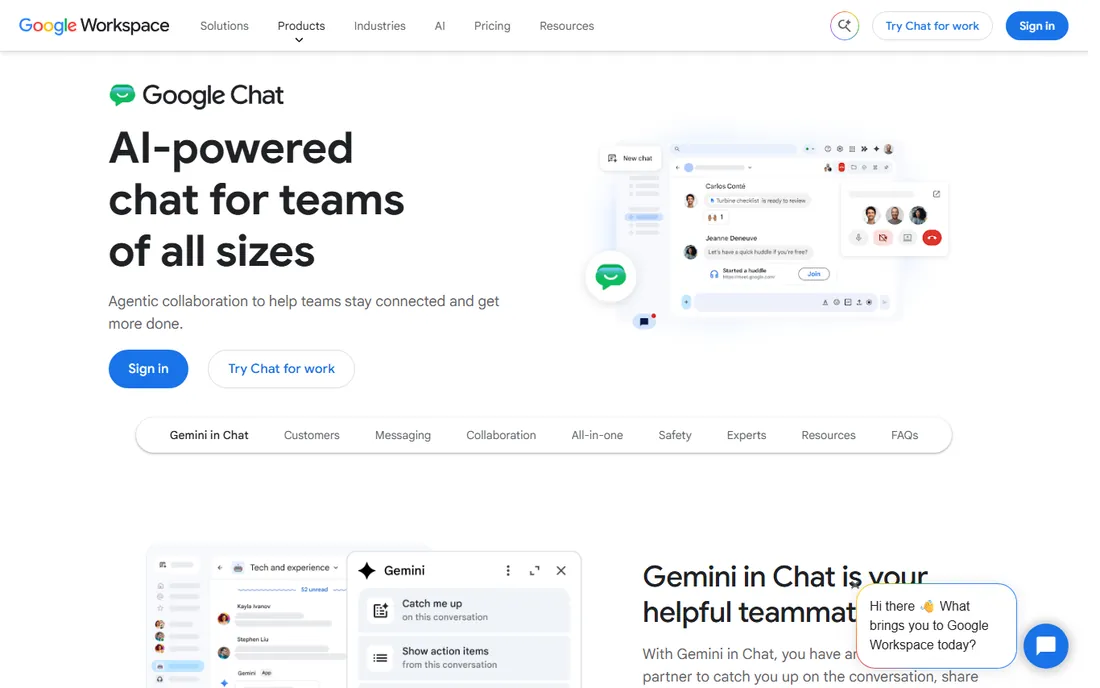
Google Chat is the quiet one in this list. It does not try to be a platform for everything. It is the messaging layer inside Google Workspace, with Spaces acting as topic-based rooms where files, tasks, and conversations sit together. Anyone with a free Google account can use it, which makes it an easy on-ramp for freelancers and tiny teams, and paid Workspace plans add admin controls, Vault retention, and larger Meet capacity.
The weakness is depth. The integration catalog is thin compared with Slack, automation options are limited, and some admin and compliance features only appear on higher Workspace tiers. If your company already runs on Gmail and Drive, Chat is the path of least resistance. If you need a chat platform to anchor custom workflows, look elsewhere.
What we like- Free for anyone with a Google account
- Spaces organize projects well
- Tight Gmail, Drive, and Meet integration
Watch out for- Fewer integrations than Slack or Teams
- Admin controls are basic
- Chat quality depends on the Workspace plan
Starting price$10 per user/month (Professional)
Free planYes (free self-hosted Team edition)
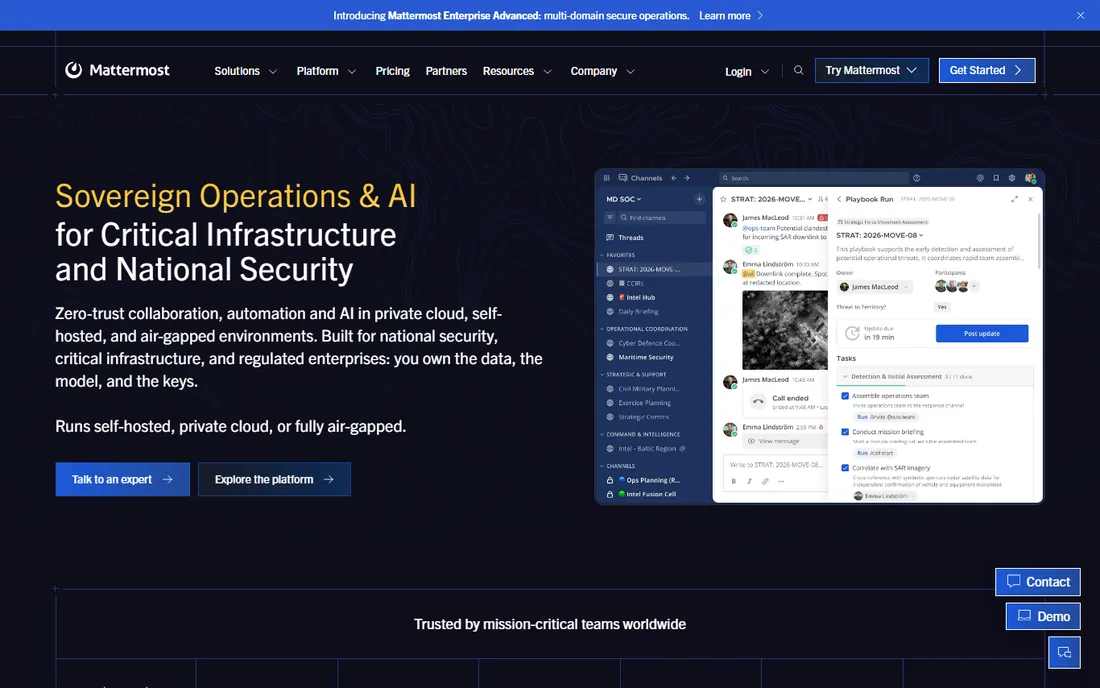
For teams that cannot put conversations on someone else's servers, Mattermost is the obvious shortlist. The open-source core runs on your own infrastructure, with deployment options from private cloud to fully air-gapped networks, and paid tiers add SSO, compliance exports, and retention policies. It also ships playbooks for incident response and kanban boards, so operational teams get more than chat. Defense, government, and critical infrastructure users show up on its customer list.
The trade is operational load. Self-hosting means your team handles updates, backups, and scaling, and the native integration catalog is smaller than Slack's, with more connections going through webhooks. At $10 per user per month for Professional, it is not the cheapest option either. Buy it for control and compliance, not for savings.
What we like- Self-host or use private cloud
- Strong compliance and audit tooling
- Incident playbooks and boards built in
Watch out for- You operate the infrastructure
- Fewer native integrations than Slack
- Paid tiers add up for large teams
Starting price$8 per user/month (Pro, billed annually)
Free planYes (Starter, free for up to 50 users self-managed)
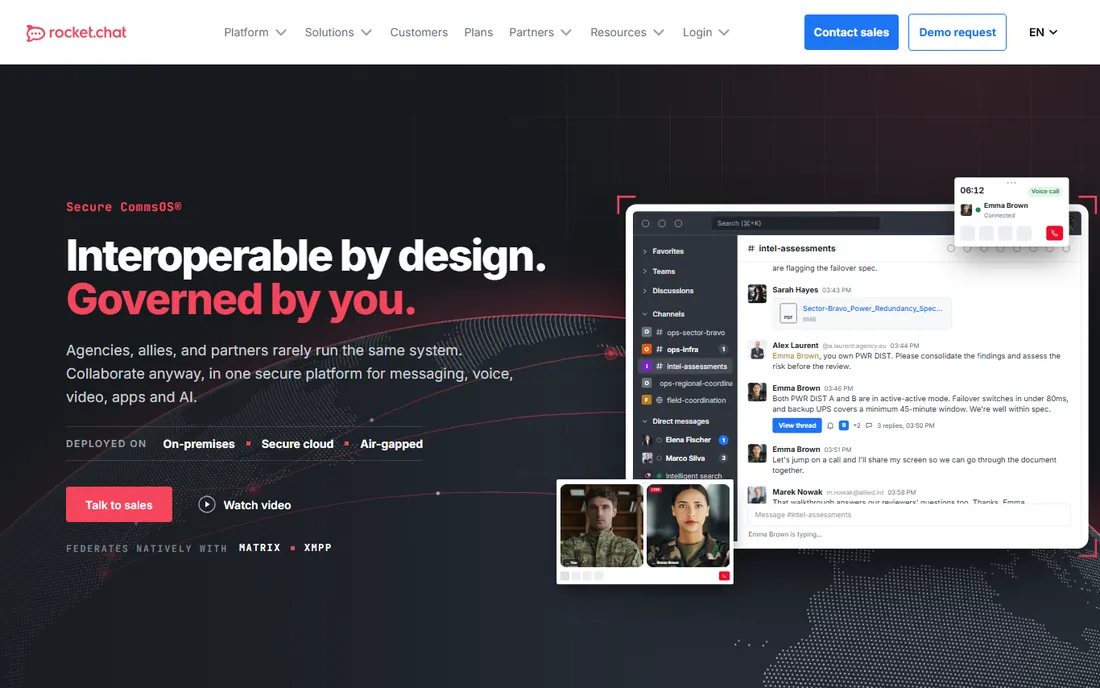
Rocket.Chat is the open-source option that behaves like a commercial product. The community edition is free and unlimited for self-hosted deployments, and the company has leaned into interoperability, with native Matrix and XMPP federation so different organizations can message each other without switching platforms. The Starter tier is free for up to 50 users on self-managed hosting, and Pro at around $8 per user per month adds white-labeling and standard support.
Two caveats. First, self-hosting Rocket.Chat is a genuine infrastructure commitment, with MongoDB and regular upgrades to manage. Second, the plan names and limits have shifted several times over the years, so confirm the current terms on the pricing page before you budget. For organizations that want open source without giving up federation, it is a strong pick.
What we like- Fully open-source core with unlimited self-hosted users
- Native Matrix and XMPP federation
- White-labeling on Pro
Watch out for- Self-hosting needs real IT effort
- Plan lineup has changed often
- Interface feels dated next to Slack
Starting price$6.67 per user/month (Cloud Standard, billed annually)
Free planYes (free cloud tier, 10,000-message search history)
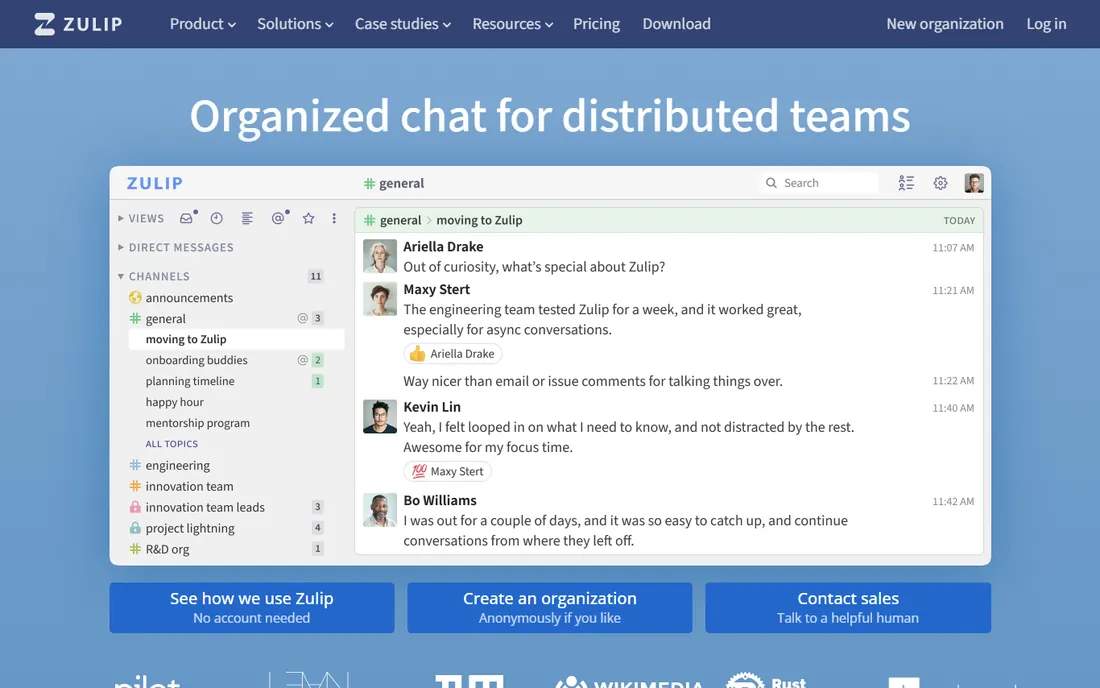
Zulip organizes every channel into topics, and that one design decision changes everything about how a busy team communicates. Instead of scrolling a river of messages, you follow labeled threads, reply in context, and catch up asynchronously without losing the plot. Distributed teams and open-source communities swear by it. The software is fully open source, self-hosting is free, and the hosted Cloud Standard plan is $6.67 per user per month billed annually, with unlimited history.
The catch is the learning curve. People used to Slack-style channels need a week or two to think in topics, and the integration catalog is smaller than the big commercial platforms. If your team spans time zones and important decisions keep getting buried, Zulip is worth the adjustment period.
What we like- Topic-based threading keeps discussions findable
- 100% open source with free self-hosting
- Cheap paid plans
Watch out for- Threading model takes two weeks to learn
- Smaller integration directory
- Mobile apps trail the web experience
Starting price$5 per user/month (Unlimited, billed annually)
Free planYes (free tier, one month of message history)
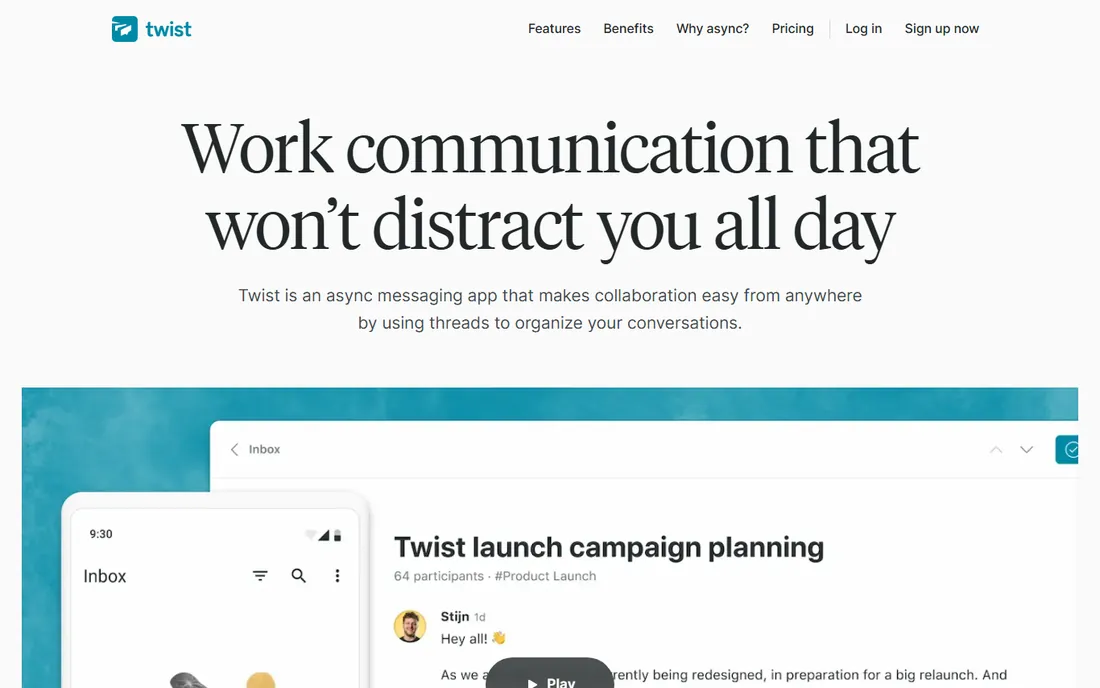
Twist comes from Doist, the company behind Todoist, and it is built on a bet: real-time chat is the problem, not the solution. Every conversation in Twist is a thread, there are no green "online now" dots, and notifications are designed to be checked on your schedule. For remote teams across time zones, that removes the anxiety of always-on messaging and produces a searchable archive of actual decisions.
It is not for everyone. If your work needs instant back-and-forth, Twist will frustrate you, and the integration list is modest next to Slack or Teams. The Unlimited plan at $5 per user per month billed annually is fairly priced for what it is. Choose Twist when your team wants calmer communication, not faster communication.
What we like- Threads keep every discussion organized
- No presence indicators or online pressure
- Calm notification design
Watch out for- Not built for real-time urgency
- Small integration list
- Free plan history is short
Starting price$2.49 per user/month (Pro, billed annually)
Free planYes (unlimited users and unlimited message history)
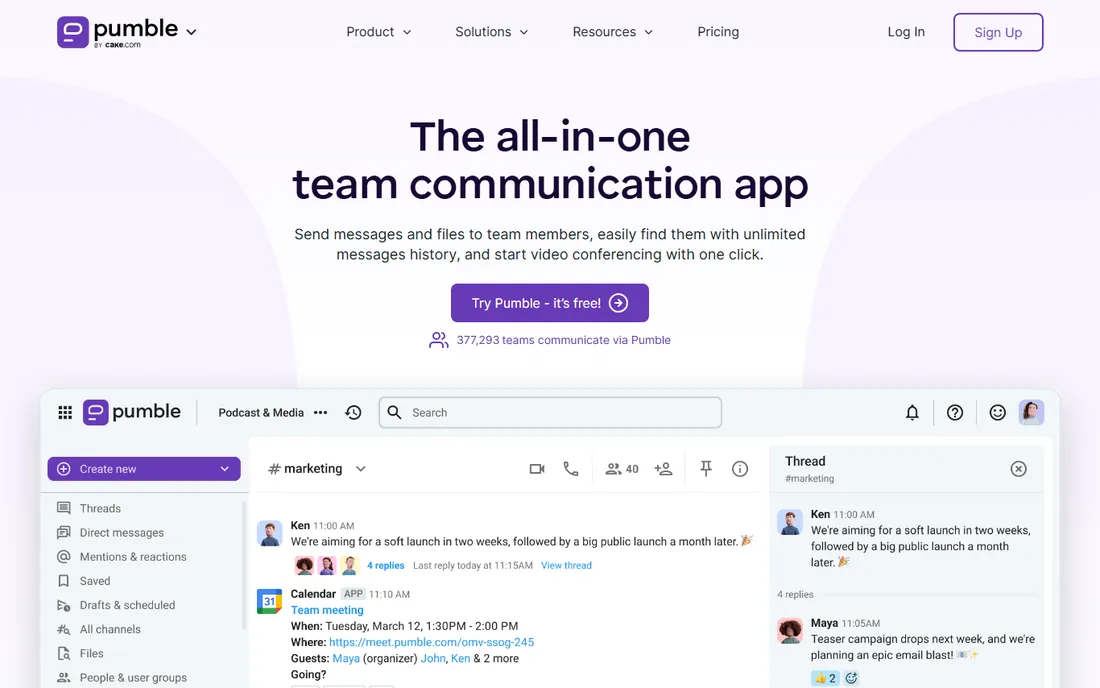
Pumble's pitch is simple: the core of Slack, free, with unlimited users and unlimited message history. That free tier is genuinely generous, including 1:1 voice and video calls and 10 GB of workspace storage. Paid plans stay cheap: Pro is $2.49 per user per month billed annually, Business is $3.99, and Enterprise is $6.99. It comes from CAKE.com, the company behind Clockify and Plaky, and support is human and round the clock even for free users.
The compromise is ecosystem depth. Integrations are limited compared with Slack or Teams, and advanced admin and compliance tooling is thinner. For a small business that wants a Slack-like experience without the Slack bill, Pumble is the most practical free option in this guide.
What we like- Free plan has no user or history limits
- Paid plans are among the cheapest here
- 24/7 human support on all plans
Watch out for- Integration catalog is small
- Fewer advanced admin features
- Younger company with less track record
Starting price$1 per user/month (Unlimited plan)
Free planYes
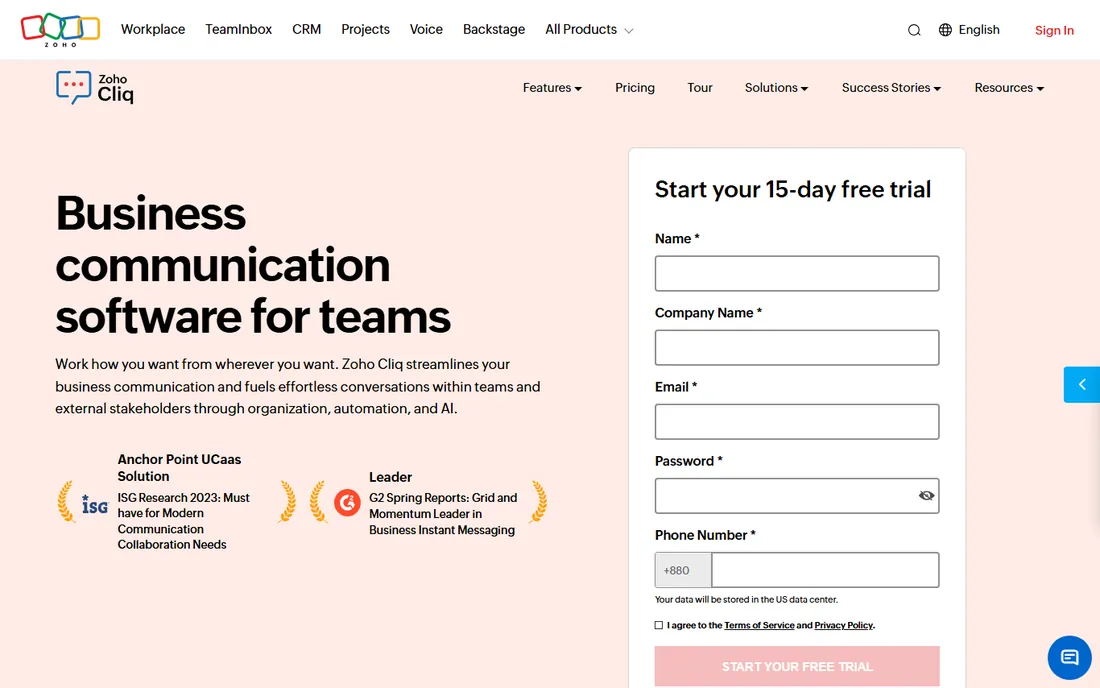
If your business already lives in Zoho, Cliq costs almost nothing to add. The Unlimited plan is $1 per user per month, and it plugs directly into Zoho CRM, Projects, Books, and the rest of the suite, so customer records and project data surface inside conversations. The free plan is usable, and paid plans include 100 GB of storage per user.
Outside Zoho, there is less reason to pick it. Third-party integrations are limited, the bot and automation story is weaker than Slack's, and the interface prioritizes function over polish. It is a value play for Zoho shops, not a general-purpose Slack killer.
What we like- Extremely cheap paid plan
- Deep integration with Zoho CRM, Projects, and Books
- 100 GB storage per user on paid plans
Watch out for- Thin outside the Zoho ecosystem
- Smaller third-party app directory
- Interface feels utilitarian
Starting price$5 per monthly active user (Element Matrix Services)
Free planYes (self-hosted, open source)
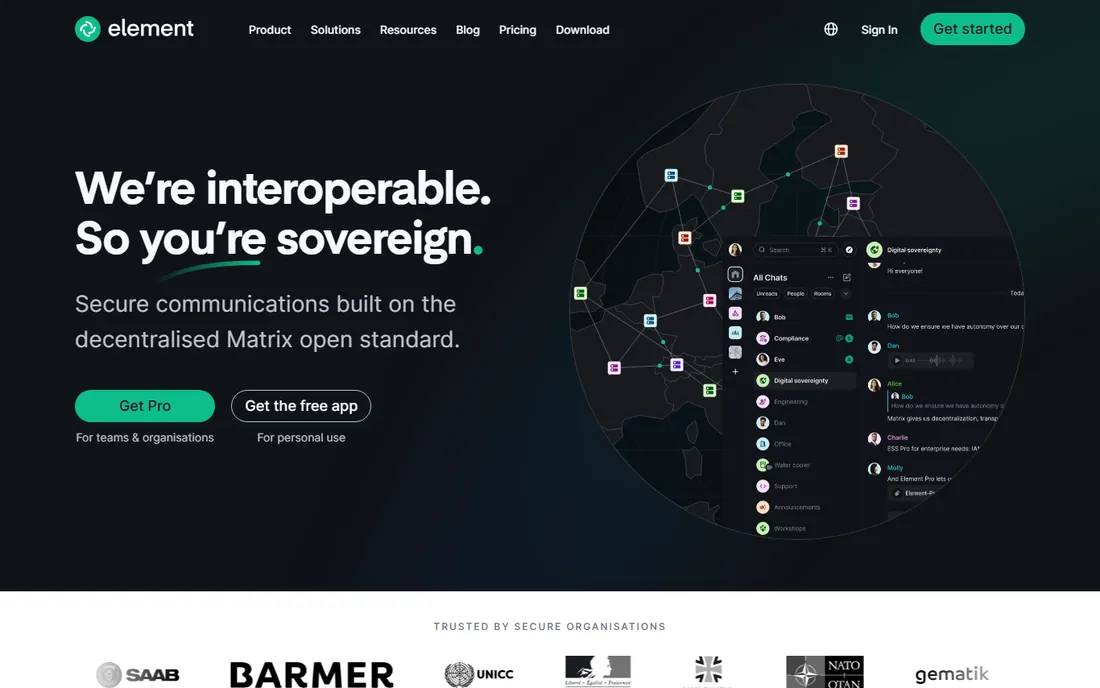
Element is the business face of Matrix, the open standard for decentralized messaging. Because Matrix servers federate, your team can message partner organizations without everyone joining the same system, a bit like email for real-time chat. Messages are end-to-end encrypted, you can self-host for free, and Element's hosted service starts at $5 per monthly active user. Government and public-sector buyers show up heavily in its customer base.
The trade-off is complexity. Federation, homeservers, and key verification are real concepts your admins will need to understand, and the per-active-user pricing model needs careful reading against your actual usage. For organizations that need sovereignty and cross-organization messaging, nothing else here does what Element does.
What we like- Built on the open Matrix standard with federation
- End-to-end encryption
- Message anyone across organizations
Watch out for- Setup and concepts are complex for non-technical teams
- Per-active-user pricing can surprise
- Apps feel less polished
How we chose
We started with tools that show up repeatedly in buyer conversations: G2 and Capterra category pages, Reddit threads from IT admins, and vendor documentation. Every product above is actively sold and developed in 2026. We checked pricing on each vendor's own pricing page and noted where free tiers end and paid plans begin. We excluded consumer chat apps like WhatsApp and Discord, which lack the admin controls businesses need, and we excluded pure video meeting tools, which solve a different problem. No vendor paid for placement, and we did not test-drive them all. The write-ups reflect documented features, published prices, and the patterns in public reviews.
What to check before you buy
Message history limits decide whether your chat becomes a company memory or a leaky bucket. Slack's free plan keeps 90 days. Zulip's free tier keeps 10,000 searchable messages. Pumble and Teams keep unlimited history even for free. If onboarding new hires quickly matters to you, pick a tool where history survives.
Admin controls matter more than most buyers expect. Ask who can export data, set retention policies, and manage guests before you roll out to fifty people. Slack reserves compliance exports and SSO for Business+ and up. Mattermost and Element give you those controls through self-hosting.
Count the real cost, not the sticker price. Per-seat tools like Slack get expensive fast at 100-plus users, while flat or free options like Pumble and Zulip self-hosted stay cheap. Self-hosted tools trade license fees for infrastructure and admin time, so budget both.
Integrations decide whether the chat becomes your work hub or just another tab. List the five tools your team opens daily, then check each candidate's directory for native integrations before you commit. Slack wins this category by a wide margin. If you only need the basics, a cheaper tool with Zapier access covers most of it.
Pricing explained: what the numbers really mean
Per-user pricing is the standard model in this category, and it punishes growth. A 50-person team on Slack Pro at the annual rate pays about $4,350 a year. The same team on Pumble Pro pays about $1,494. On Twist's Unlimited plan, about $3,000. Those gaps widen every time you hire.
Free tiers fall into two camps. Marketing free tiers, like Slack's, are built to convert you: limited history, limited apps, just enough to get hooked. Genuine free tiers, like Pumble's unlimited history or Zulip's free self-hosting, are usable long term. Know which kind you are signing up for.
Frequently asked questions
Is Slack still worth it in 2026?
For teams that use many integrations and want built-in AI features, yes. For small teams on a budget, the free plan's 90-day history limit pushes you toward paid plans quickly, and Pumble or Teams may be better value.
Which business messaging app is actually free?
Pumble offers the most generous free plan: unlimited users and unlimited message history. Teams keeps unlimited history on its free tier too. Zulip and Rocket.Chat offer free self-hosted editions, though you pay for the server.
Can I self-host a business chat tool?
Yes. Mattermost, Rocket.Chat, Zulip, and Element all offer self-hosted editions, which keeps your data on your own infrastructure. Budget for server costs and someone to maintain the installation.
What is the cheapest paid team chat?
Zoho Cliq at $1 per user per month is the cheapest paid plan in this list, followed by Pumble Pro at $2.49 per user per month billed annually. Both have smaller integration catalogs than Slack.
Should we pick Teams or Slack?
Pick Teams if your company already pays for Microsoft 365, since the chat effectively comes with the suite. Pick Slack if you need the biggest integration ecosystem or stronger workflow automation outside the Microsoft world.
Sources we checked (12)
- https://slack.com/pricing
- https://www.larksuite.com/en_us/blog/microsoft-teams-pricing
- https://www.uctoday.com/is-microsoft-teams-free-the-complete-guide
- https://www.cloudwards.net/google-workspace-plans-and-pricing/
- https://acridautomation.com/learn/google-workspace-pricing-explained/
- https://www.g2.com/products/mattermost/pricing
- https://www.itqlick.com/rocket-chat/pricing
- https://rust-dc.zulip.com/plans/
- https://github.com/ever-works/awesome-remote-team-tools/blob/HEAD/details/twist.md
- https://pumble.com/blog/pumble-vs-slack/
- https://www.saasworthy.com/product/zoho-cliq/pricing
- https://www.getapp.com/collaboration-software/a/element/
Is your product missing or out of date?
We review this list regularly. Vendors can request a listing, send updated pricing or ask about featured placement.

Shihab Mia · Founder, Rankite
Shihab has spent more than a decade helping SaaS and e-commerce brands grow through search. He writes Rankite's software buying guides from pricing pages, documentation and public user reviews. More about Shihab.