How we make this list: we compare pricing pages, product documentation and public user reviews. Rankite is independent; if a vendor ever pays for a featured spot, that listing is clearly labeled Partner.
Key takeaways
- Slack and Microsoft Teams dominate team chat, and the choice usually comes down to which ecosystem the company already pays for.
- Discord and Google Chat are the pragmatic free options, for communities and Google Workspace shops respectively.
- Mattermost and Rocket.Chat are the self-hosted answers for organizations that need data control.
- Twist is the contrarian pick for teams drowning in real-time chatter, trading speed for calm.
Quick comparison
| Tool | Best for | Starting price | Free plan |
|---|
 Slack Slack | Teams wanting the most integrations | Free | Yes |
 Microsoft Teams Microsoft Teams | Companies already on Microsoft 365 | See website | Yes |
 Discord Discord | Communities and casual team chat | Free | Yes |
 Google Chat Google Chat | Google Workspace teams | Free | Yes |
 Zoom Team Chat Zoom Team Chat | Organizations standardized on Zoom | Free | Yes |
 Mattermost Mattermost | Self-hosted chat with data control | Free | Yes |
 Rocket.Chat Rocket.Chat | Open-source team chat | Free | Yes |
 Twist Twist | Async-first teams avoiding chat overload | See website | Free trial |
 Flock Flock | Small businesses wanting chat plus productivity | Free | Yes |
 Chanty Chanty | Simple team chat for small teams | Free | Yes |
Is your product missing or out of date?
We review this list regularly. Vendors can request a listing, send updated pricing or ask about featured placement.
The best chat software
Starting priceFree
Free planYes
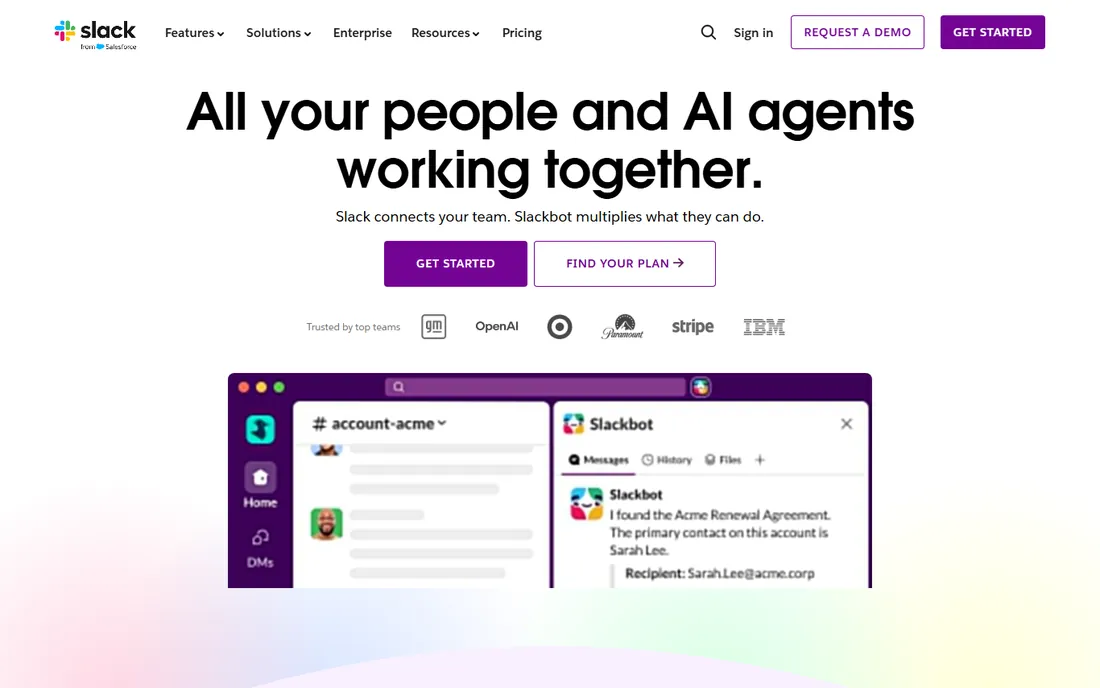
Slack defined modern team chat and still sets the standard others are measured against. Channels organize conversations by project or topic, threads keep discussions tidy, and the integration directory connects to thousands of tools, so alerts from GitHub, Salesforce or monitoring land where the team already works. Search across message history usually finds the decision from three months ago.
The free plan works for small teams but limits message history, which eventually forces an upgrade. Notification overload is the classic complaint: without discipline, Slack becomes a firehose. Per-user pricing means costs scale linearly with headcount. Still, for teams that live in integrations and want the broadest ecosystem, Slack remains the default choice.
What we like- Largest integration directory in team chat
- Channels organize work well
- Strong search across history
Watch out for- Message history limits on the free plan
- Notification overload is common
- Per-user pricing adds up
Starting priceSee website
Free planYes
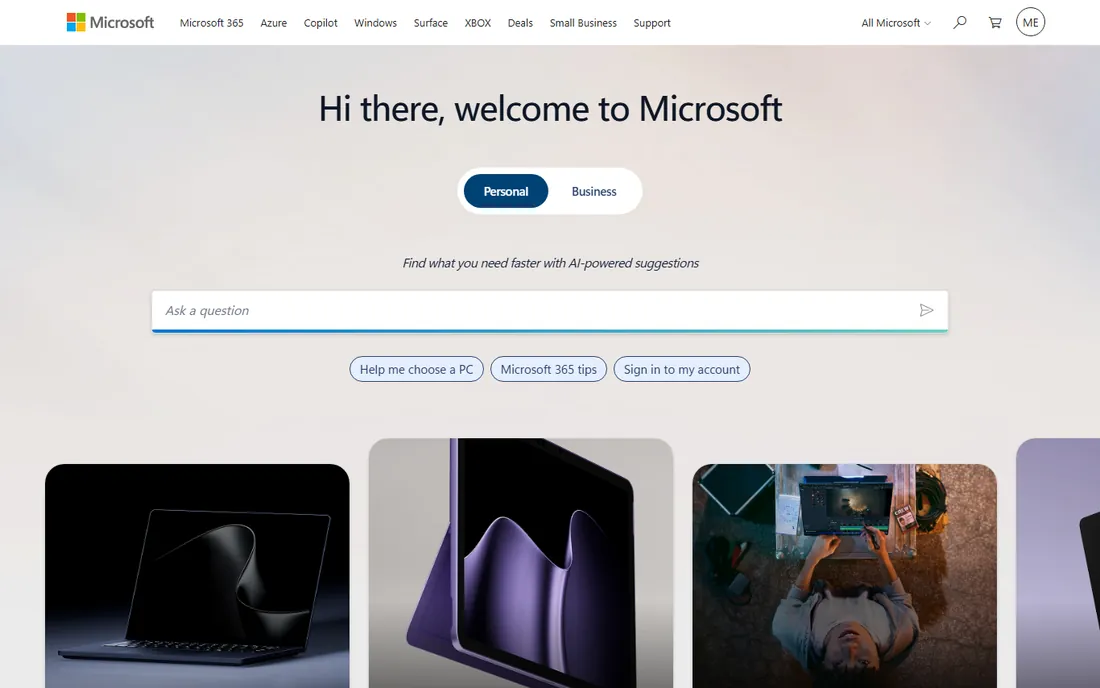
Nobody chooses Teams for the chat alone. They choose it because the company already pays for Microsoft 365, and Teams comes with it. That bundling is decisive: chat, video meetings, file storage and Office apps in one place, with the admin controls and compliance features enterprises require. For IT departments standardizing on Microsoft, the case closes itself.
As pure chat, Teams trails Slack in polish and integrations. The interface tries to do everything and can feel heavy for simple messaging. Organizations outside the Microsoft ecosystem gain little from it. But the economic logic is hard to fight. When Teams is already paid for, buying Slack means paying twice for overlapping functionality.
What we like- Bundled with Microsoft 365
- Chat, meetings and files in one app
- Enterprise admin controls
Watch out for- Interface can feel heavy
- Chat is weaker than Slack standalone
- Best value only inside 365
Starting priceFree
Free planYes
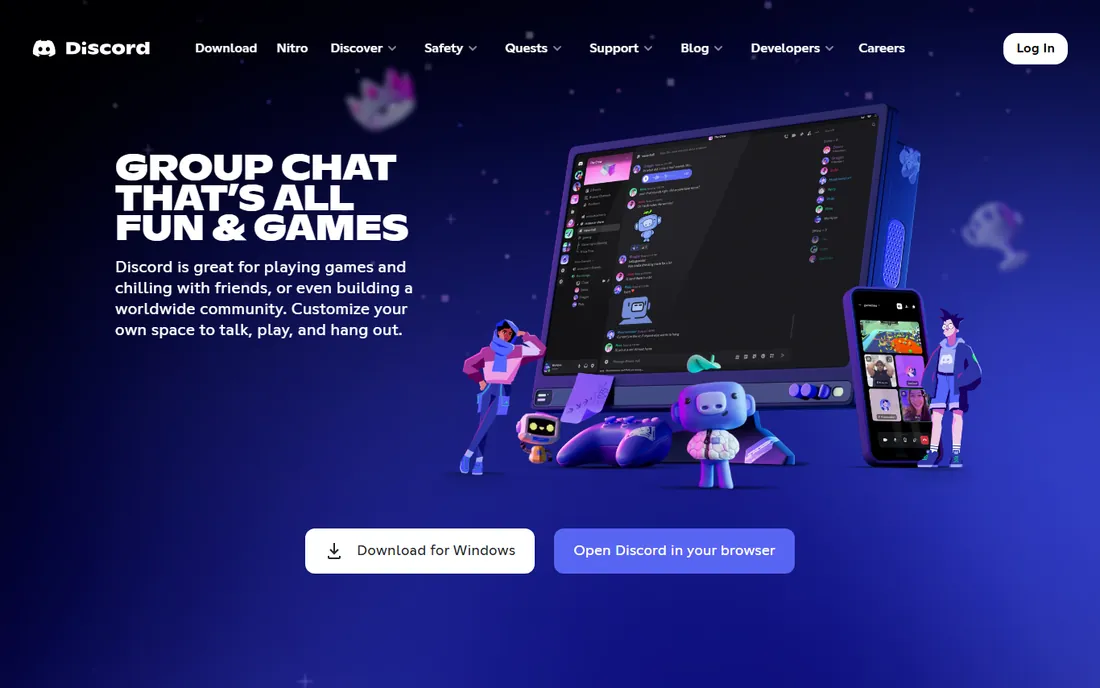
Discord grew up with gaming communities, but its combination of free text channels, excellent voice rooms and screen sharing makes it a legitimate casual team chat. Small teams, startups and open-source projects use it because it costs nothing and everyone already knows how it works. Voice channels that people can drop in and out of create a sense of presence that text-only tools miss.
The business gaps are real. Compliance, retention policies and admin controls are thinner than enterprise tools offer. Search and threading lag behind Slack. Some clients and partners raise eyebrows at a Discord invite. For internal team chat where culture is informal and budgets are tight, though, Discord's free tier is remarkably capable.
What we like- Free with generous limits
- Excellent voice channels
- Huge community familiarity
Watch out for- Not built for business compliance
- Thread and search features lag
- Professional perception varies
Starting priceFree
Free planYes
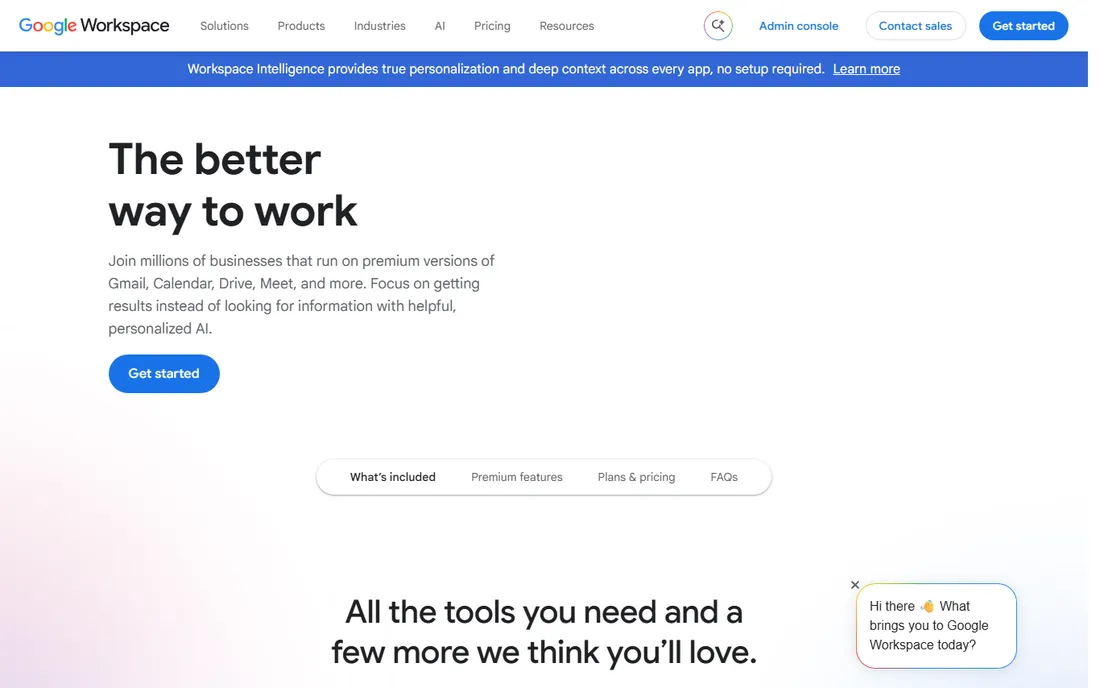
Google Chat follows the Teams playbook for the Google ecosystem. Workspace customers get it included, messages thread into spaces, and Gmail and Drive integration means files and conversations connect naturally. For teams living in Google Docs and Gmail, Chat removes the need for another app and another bill.
It is simpler than Slack, with fewer integrations and a slower feature pace. The spaces model confuses users expecting Slack-style channels. But simplicity has value, and the price, included, is unbeatable for Workspace shops. Teams already paying for Google Workspace should think hard before adding a separate chat bill.
What we like- Included with Google Workspace
- Tight Gmail and Drive integration
- Simple and fast
Watch out for- Fewer integrations than Slack
- Spaces confuse some users
- Feature pace is modest
#5
Zoom Team Chat
Best for: Organizations standardized on Zoom
Visit zoom.com
Starting priceFree
Free planYes
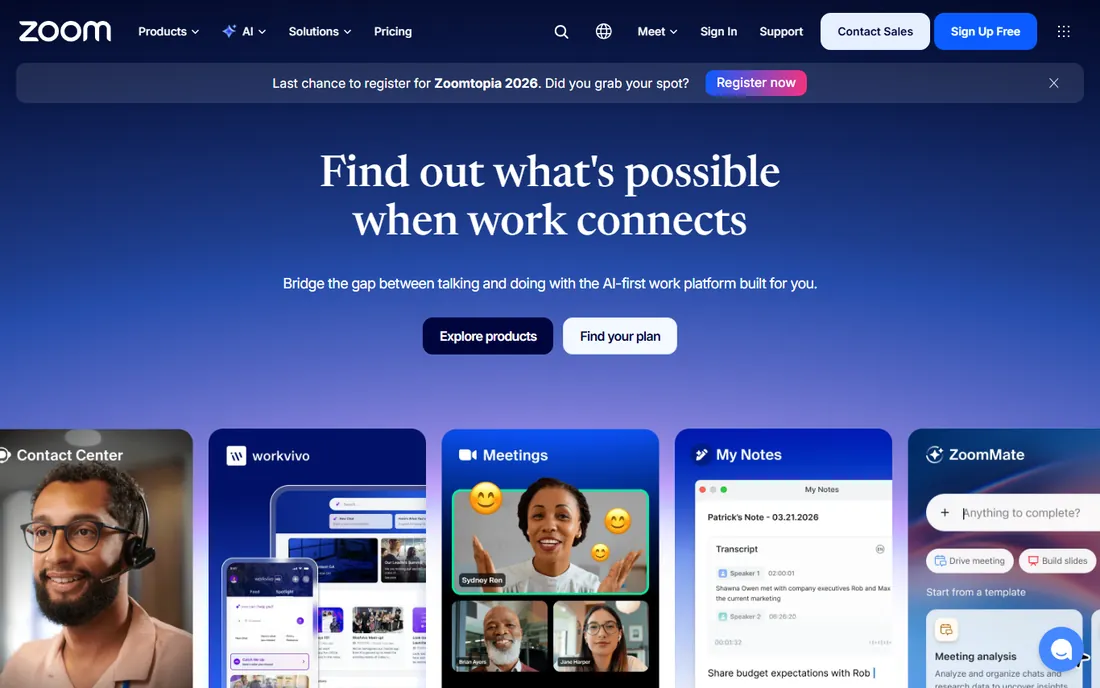
Zoom added persistent team chat to keep meeting-centric organizations inside its walls. For companies standardized on Zoom, Team Chat means conversations can escalate to video with one click, and the whole communication stack lives under one vendor and one bill. The free tier covers basic team messaging.
As a chat product it trails Slack and Teams in depth, integrations and workflow features. Zoom's DNA is meetings, and it shows. But the same bundling logic applies: when the organization already pays for Zoom, Team Chat is free and integrated. Meeting-heavy teams that want chat attached to their calls will find it sufficient.
What we like- Included with Zoom
- Chat connects directly to meetings
- Familiar to Zoom users
Watch out for- Chat features trail dedicated tools
- Ecosystem is meeting-centric
- Weaker integrations
Starting priceFree
Free planYes
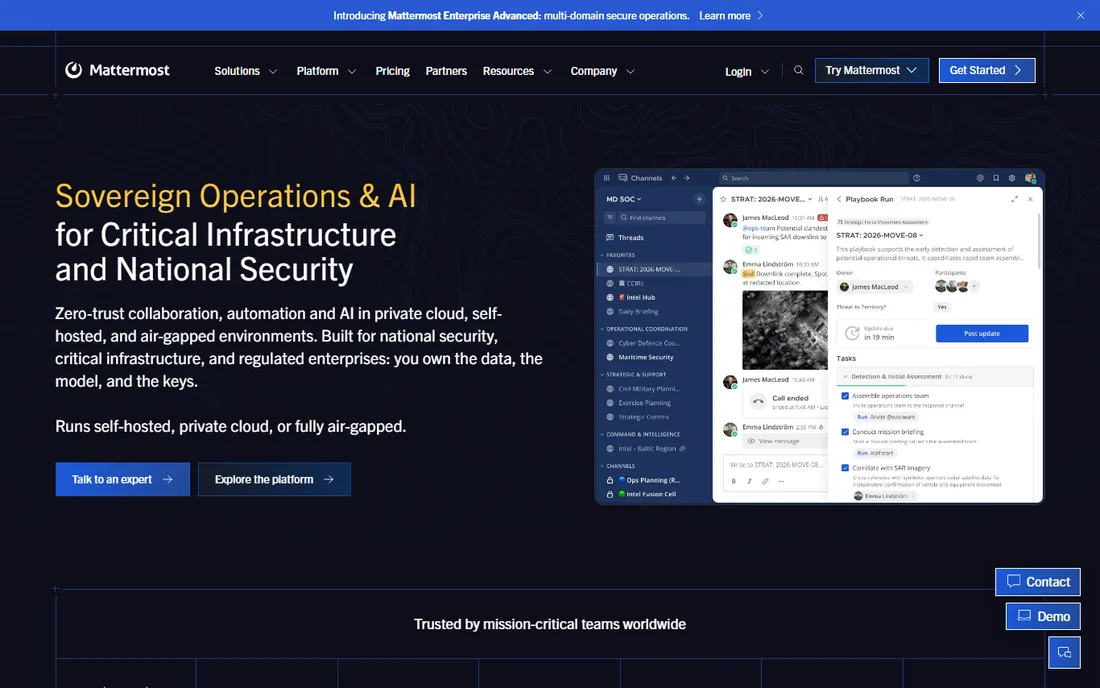
Some organizations cannot put conversations in someone else's cloud. Mattermost is the leading answer: an open-source, Slack-like chat platform that runs on the company's own servers. Government agencies, defense contractors, healthcare organizations and privacy-focused companies choose it for data sovereignty and compliance control.
Self-hosting is both the feature and the cost. Someone has to deploy, maintain and update the servers, which means IT resources that cloud tools do not require. The integration ecosystem is smaller than Slack's. But for organizations where data control is nonnegotiable, Mattermost offers the familiar channel-based chat experience without the cloud compromise.
What we like- Self-hosting keeps data in-house
- Open-source core
- Strong security and compliance story
Watch out for- Self-hosting needs IT resources
- Fewer integrations than Slack
- Mobile apps lag slightly
Starting priceFree
Free planYes
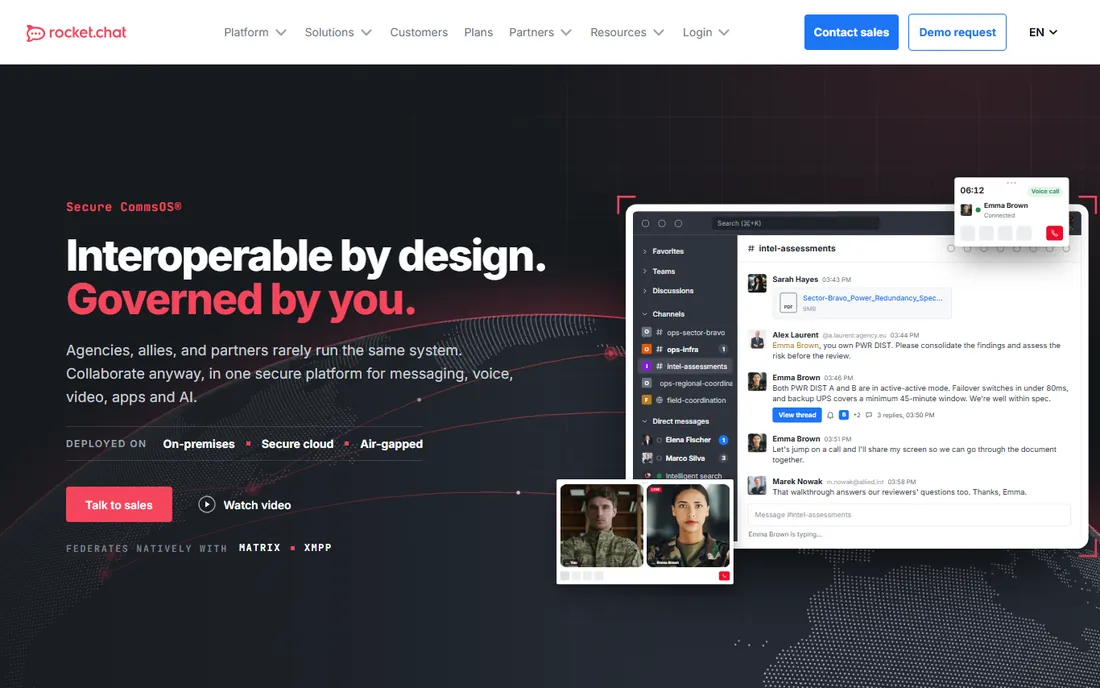
Rocket.Chat takes the open-source path even further toward flexibility. Beyond team chat, it handles omnichannel customer conversations, and the platform is deeply customizable for technical teams. Self-hosting is free, and the codebase can be adapted to unusual requirements that closed platforms cannot serve.
The flexibility demands skill. Customization means development work, and the out-of-box polish trails Slack. Hosted plans exist for teams that want Rocket.Chat without operating servers, and pricing climbs with features. For technical organizations that want to own and shape their chat platform, Rocket.Chat's openness is the attraction.
What we like- Open source with self-hosting option
- Highly customizable
- Broad protocol support
Watch out for- Interface polish trails Slack
- Customization needs technical skill
- Hosted pricing adds up
Starting priceSee website
Free planFree trial
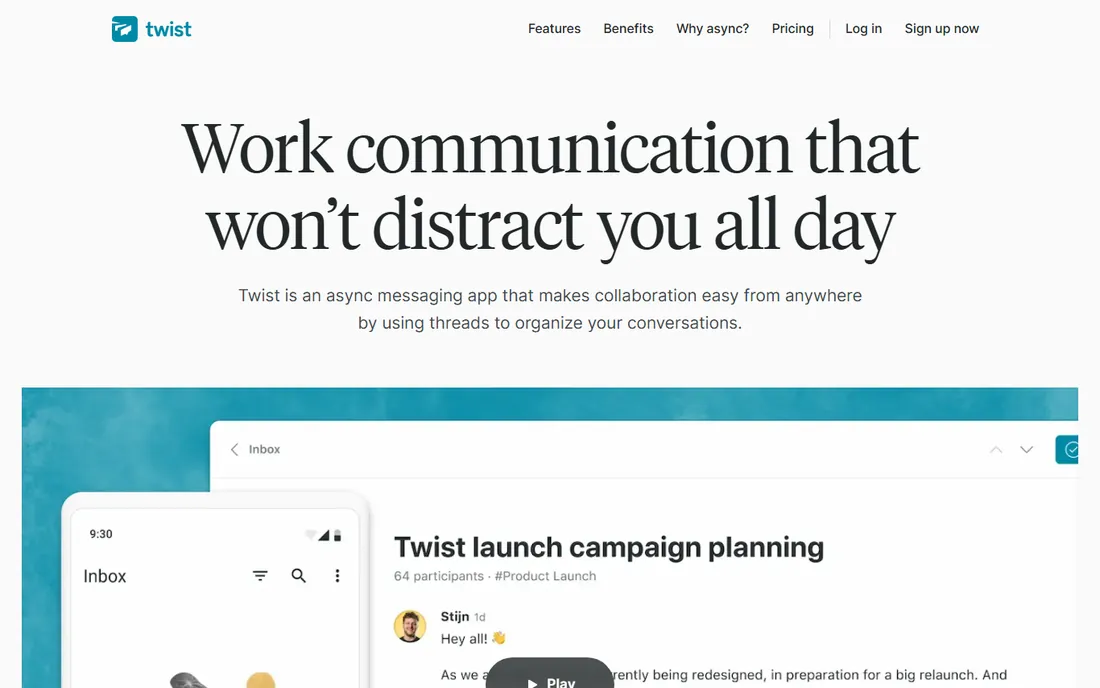
Twist is built on a heretical idea: real-time chat is the problem. From the makers of Todoist, it organizes every conversation into threads by default, which ends the scroll of doom that characterizes Slack. Notifications calm down, deep work becomes possible, and remote teams across time zones communicate without anyone needing to be online simultaneously.
The trade-off is real-time capability. Teams that need instant back-and-forth will find Twist slow. The ecosystem is small, and the whole team must buy into async habits for it to work. But for distributed teams drowning in chat noise, Twist's structured calm is a genuine alternative philosophy, not just another chat app.
What we like- Thread-first design kills notification overload
- Calm async culture built in
- From the Todoist team
Watch out for- Smaller ecosystem
- Real-time needs suffer
- Team must commit to async habits
#9
Flock
Best for: Small businesses wanting chat plus productivity
Visit flock.com
Starting priceFree
Free planYes
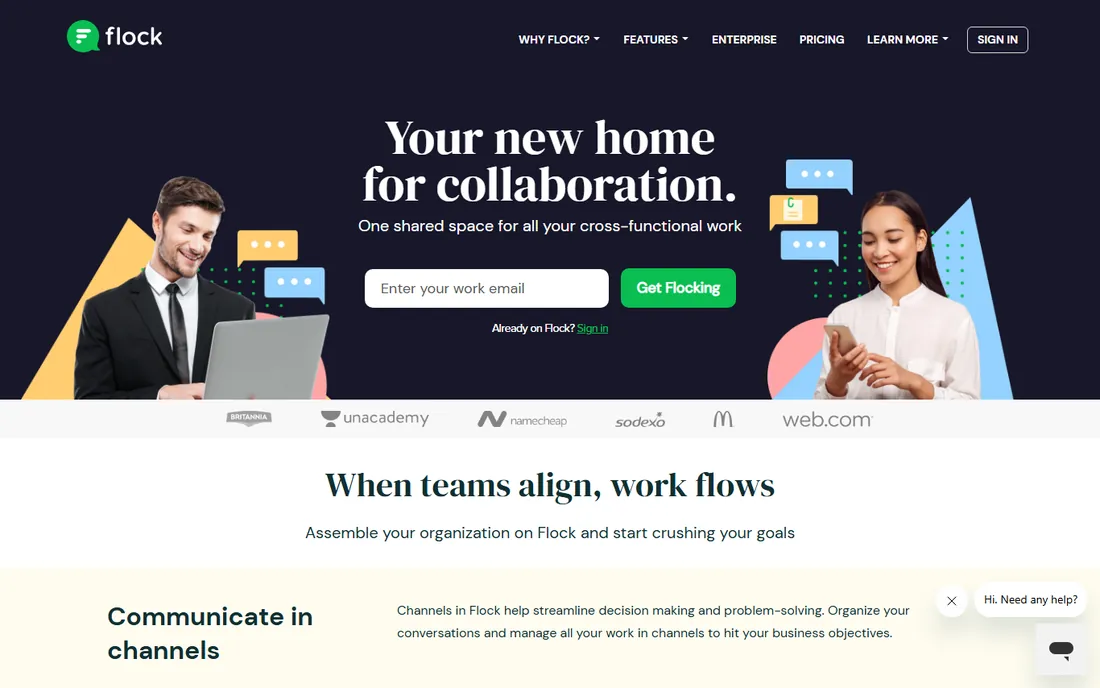
Flock targets small businesses that want more than bare chat without enterprise complexity. Polls, shared to-dos, reminders and notes are built in rather than bolted on, which suits teams that would otherwise juggle several apps. The free tier covers small teams, and paid plans are affordable.
The user base is smaller than the giants, which means fewer integrations and less community knowledge. Enterprise features like advanced compliance are thin. But Flock is not chasing enterprises. For a small business that wants team chat with useful productivity extras at a fair price, it is a solid, unpretentious choice.
What we like- Chat plus polls, reminders and notes built in
- Affordable
- Simple to adopt
Watch out for- Smaller user base
- Fewer integrations
- Limited enterprise features
Starting priceFree
Free planYes
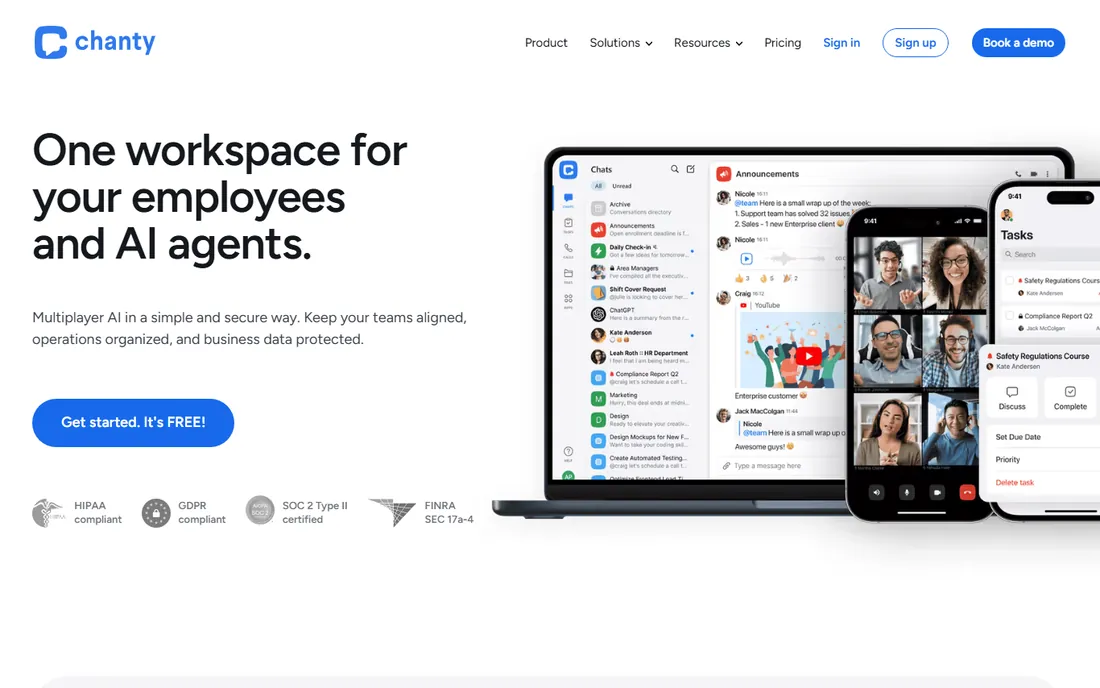
Chanty keeps team chat simple and cheap. The interface is straightforward, the free plan covers small teams, and paid plans are among the most affordable here, with unlimited message history addressing Slack's most annoying free-plan limit. For a small team that finds Slack overkill, Chanty covers the essentials.
Expectations should be modest. Features, integrations and administration are basic compared to the leaders. The company is small. But not every team needs a platform; some just need to talk. For those teams, Chanty's simplicity and price are the whole pitch.
What we like- Very simple to learn
- Unlimited message history on paid plans
- Affordable pricing
Watch out for- Basic feature set
- Small ecosystem
- Limited advanced administration
How we chose
We covered the team chat market from enterprise suites to open-source self-hosted options. Each product was verified as currently offered. We weighed messaging quality, integrations, voice and video, admin controls, pricing and ecosystem fit, drawing on vendor documentation and established market consensus. Pricing came from vendor pages where published and was marked honestly where it was not. No vendor paid for placement and we claimed no hands-on testing. The list mixes bundled suites, standalone apps and self-hosted platforms because teams choose across all three.
The bundling trap
The chat market is really an ecosystem market. Most teams do not choose the best chat app; they choose the chat app that comes with the suite they already buy. Teams on Microsoft 365 get Teams, Google Workspace shops get Chat, and Zoom customers get Team Chat. Each is good enough, and each is already paid for.
That makes standalone Slack, Discord and the self-hosted options the deliberate choices. Slack wins when integrations and workflow depth justify a separate bill. Discord wins for informal teams that want the best free option. Mattermost and Rocket.Chat win when data control overrides convenience. Before paying for standalone chat, calculate what the bundled option truly lacks. Often the answer is less than the marketing suggests.
What to check before you choose
Count the real cost per user per year, including the suite you already pay for. A ten-dollar chat app is expensive when Teams or Chat is already included in a subscription the company will not cancel. Model the total communication spend, not the chat line item.
Test notification behavior with your actual team. Chat tools live or die on whether people see important messages without drowning. Run a trial with real work, not a demo, and ask the team about noise levels after two weeks. Twist's async model deserves consideration if the trial reveals overload.
Check retention, compliance and admin needs early. Regulated industries need message retention, e-discovery and access controls that casual tools lack. Confirm these before rollout, because migrating chat history between platforms is painful. And verify the integrations that matter: the three tools your team uses daily should connect natively, not through fragile workarounds.
Frequently asked questions
What is the best team chat app?
Slack is the best standalone team chat app for integrations and polish. Microsoft Teams is the best choice inside Microsoft 365, and Google Chat inside Google Workspace. The right answer depends more on existing subscriptions than on feature comparisons.
Is Slack or Microsoft Teams better?
Slack has better chat features, integrations and user experience. Teams has unbeatable economics inside Microsoft 365 and stronger meeting integration. Companies already paying for 365 usually choose Teams; companies choosing chat on its merits usually choose Slack.
Is Discord good for business team chat?
For informal internal communication, yes, especially given the generous free tier and excellent voice channels. It lacks the compliance, retention and admin controls regulated businesses need, and some clients perceive it as unprofessional. Know your requirements before committing.
Can I self-host team chat software?
Yes. Mattermost and Rocket.Chat both offer self-hosted open-source options that run on your own servers. This gives full data control for compliance-sensitive organizations, at the cost of IT resources to deploy and maintain.
What is the cheapest team chat for a small business?
Discord, Google Chat and Microsoft Teams all offer capable free tiers. Among paid options, Chanty and Flock are the most affordable. Most small teams should start free and pay only when they hit a real limit like message history or storage.
Sources we checked (10)
- https://slack.com
- https://www.microsoft.com
- https://discord.com
- https://workspace.google.com
- https://www.zoom.com
- https://mattermost.com
- https://www.rocket.chat
- https://twist.com
- https://www.flock.com
- https://www.chanty.com
Is your product missing or out of date?
We review this list regularly. Vendors can request a listing, send updated pricing or ask about featured placement.

Shihab Mia · Founder, Rankite
Shihab has spent more than a decade helping SaaS and e-commerce brands grow through search. He writes Rankite's software buying guides from pricing pages, documentation and public user reviews. More about Shihab.