How we make this list: we compare pricing pages, product documentation and public user reviews. Rankite is independent; if a vendor ever pays for a featured spot, that listing is clearly labeled Partner.
Key takeaways
- Already paying for Microsoft 365 or Google Workspace? Teams and Google Chat are effectively free with what you own, and for most small businesses that settles it.
- Slack is still the best pure chat product, but its free plan caps message history, so budget for a paid tier if your team actually lives in it.
- The best free options with unlimited history are Pumble and Flock; Chanty is free for teams up to 5 and starts at $3 per user per month.
- If your team hates real-time chat pressure, Twist is built for asynchronous threads; if you need to self-host for compliance, Rocket.Chat is the open-source answer.
Quick comparison
| Tool | Best for | Starting price | Free plan |
|---|
 Slack Slack | Teams that want the best pure chat product | See website (per-user pricing, paid tiers) | Yes (90-day message history limit) |
 Microsoft Teams Microsoft Teams | Businesses already paying for Microsoft 365 | See website (included in most Microsoft 365 business plans) | Yes (basic free version with a Microsoft account) |
 Google Chat Google Chat | Businesses already on Google Workspace | See website (included in Google Workspace plans) | Yes (free with any Google account) |
 Zoom Zoom | Teams whose workday is mostly video meetings | See website (paid Workplace plans) | Yes (basic plan with meeting time limits) |
 Twist Twist | Async-first teams that hate always-on chat | See website | See website |
 Chanty Chanty | Small teams that want chat, tasks and calls in one app | $3/user/month (Business plan, billed annually) | Yes (free for teams up to 5 users) |
 Flock Flock | Budget teams that want unlimited history without paying | See website (Pro plan available) | Yes (unlimited users, channels and history) |
 Rocket.Chat Rocket.Chat | Teams that must self-host chat for security or compliance | See website (paid plans for cloud and enterprise) | Yes (self-hosted Community edition is open source) |
 Pumble Pumble | Teams that want Slack's shape without Slack's bill | See website (paid tiers add group calls and storage) | Yes (unlimited users, channels and history, free forever) |
Is your product missing or out of date?
We review this list regularly. Vendors can request a listing, send updated pricing or ask about featured placement.
Your team is in four chat apps and none of them is the right one
Picture the average 14-person company. Sales lives in text messages. The owner sends voice notes on WhatsApp. Two people use Slack from a previous job. Meeting links come from Zoom, Google Meet and Teams depending on who scheduled. Nothing is searchable, nothing is in one place, and every new hire gets onboarded into the mess. This is the actual problem communication software solves: not "chatting," but giving a small business one searchable home for its conversations.
The nine tools below cover the real options. Three of them you may already own through Microsoft 365, Google Workspace or Zoom. The rest compete on price, simplicity and philosophy, including one built for teams that hate chat and one you can host yourself.
#1
Slack
Best for: Teams that want the best pure chat product
Visit slack.com
Starting priceSee website (per-user pricing, paid tiers)
Free planYes (90-day message history limit)
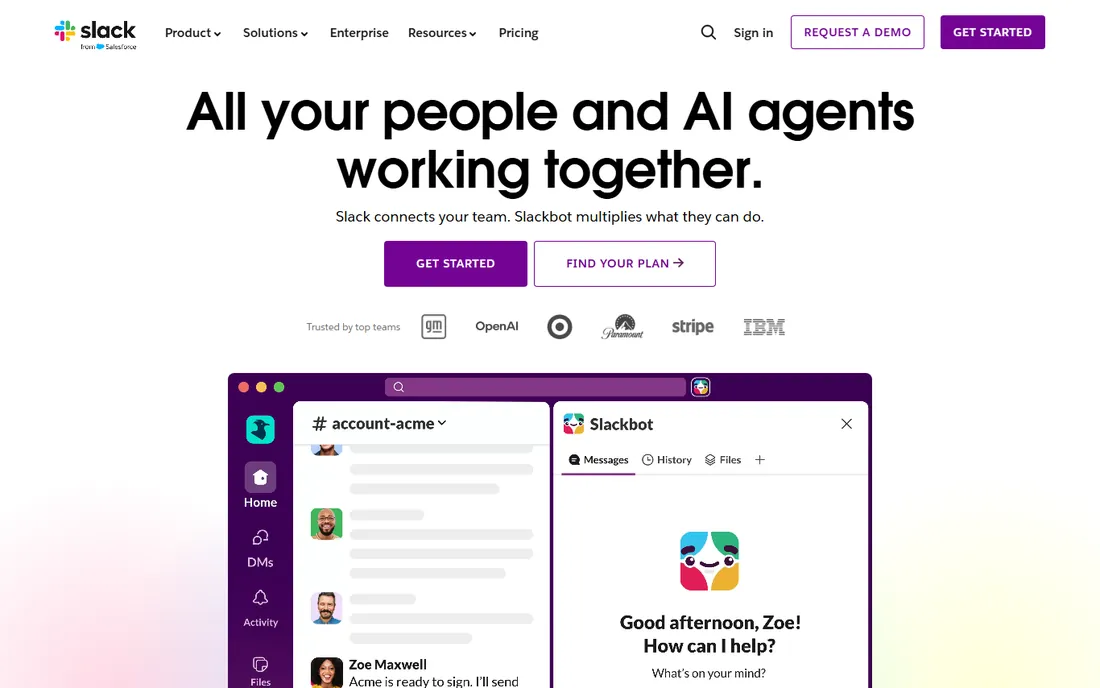
Slack is still the product every other chat app is measured against. Channels keep topics organized, threads keep side conversations from derailing the main one, and the search actually finds things from months ago on paid plans. The integration catalog is unmatched: your CRM, helpdesk, CI pipeline and calendar can all post into channels. Slack Connect lets clients and vendors join shared channels without buying seats.
The catch is the free plan. Ninety days of message history sounds fine until month four, when the answer to a repeat question has vanished. Teams that genuinely live in Slack end up on a paid tier, and per-user pricing means a 30-person company pays real money every month. If you are choosing Slack, budget for paid from the start rather than migrating mid-year.
What we like- Best-in-class channels, threads and search
- Thousands of integrations
- Slack Connect for chatting with clients and vendors
Watch out for- Free plan limits history to 90 days
- Per-user pricing adds up fast for larger teams
Starting priceSee website (included in most Microsoft 365 business plans)
Free planYes (basic free version with a Microsoft account)
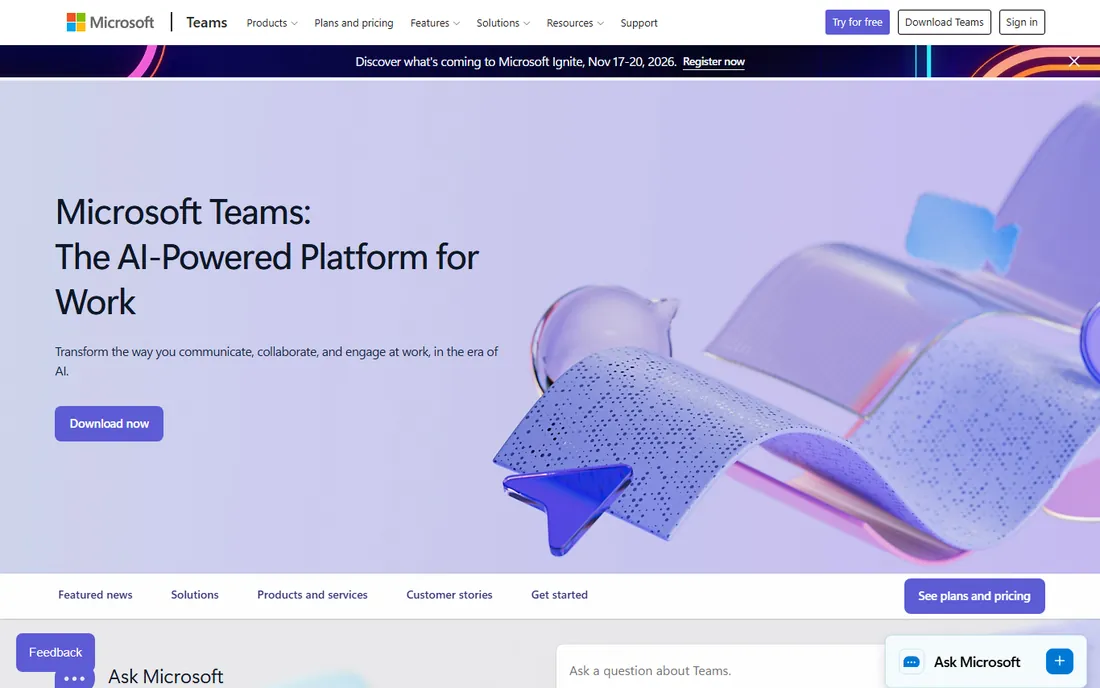
If your business already pays for Microsoft 365, this decision is nearly made. Teams comes with the subscription: chat, channels, video meetings, file sharing through SharePoint and OneDrive, and the Office apps your team already uses. For regulated industries, the compliance and retention controls are stronger than anything else on this list at the price.
The honest weakness is bloat. Teams tries to be chat, meetings, phone system, intranet and file server at once, and small teams often use ten percent of it while wading through the rest. If you are not on Microsoft 365, do not buy it just for chat; the standalone value is weaker. But if you are, turning it on beats paying for a second tool.
What we like- Effectively free if you own Microsoft 365
- Meetings, chat, file sharing and Office apps in one place
- Enterprise-grade admin and compliance controls
Watch out for- Heavier and more complex than pure chat apps
- The interface can feel cluttered for small teams
Starting priceSee website (included in Google Workspace plans)
Free planYes (free with any Google account)
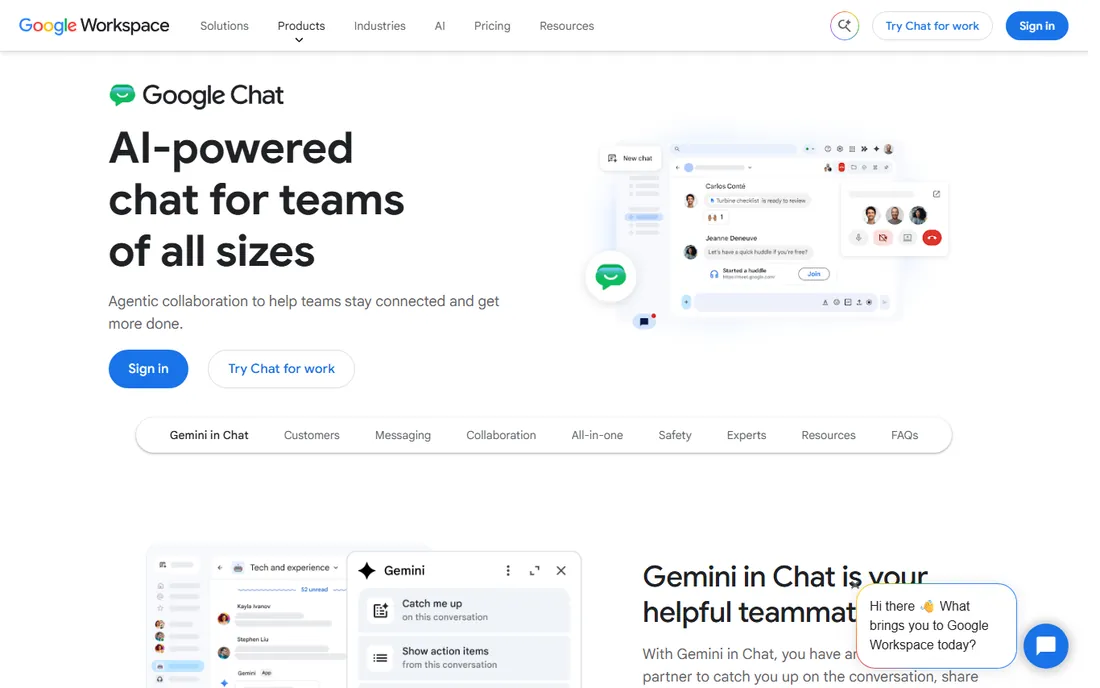
Google Chat is the quiet default for Workspace businesses. It lives inside Gmail, connects to Drive and Calendar without setup, and spaces give you persistent rooms for projects with files, tasks and conversations together. For a team that already runs on Google, there is nothing to buy and almost nothing to learn.
The trade is extensibility. The third-party app ecosystem is thinner than Slack's, and power users will notice missing workflow features. But most small businesses do not need a thousand integrations; they need chat that works with their email and files. On that test, Chat passes easily, and the price is already paid.
What we like- Included with Google Workspace at no extra cost
- Deep Gmail, Drive, Calendar and Meet integration
- Simple spaces model that is easy to learn
Watch out for- Weaker integration ecosystem than Slack
- Some advanced admin features need higher Workspace tiers
#4
Zoom
Best for: Teams whose workday is mostly video meetings
Visit zoom.us
Starting priceSee website (paid Workplace plans)
Free planYes (basic plan with meeting time limits)
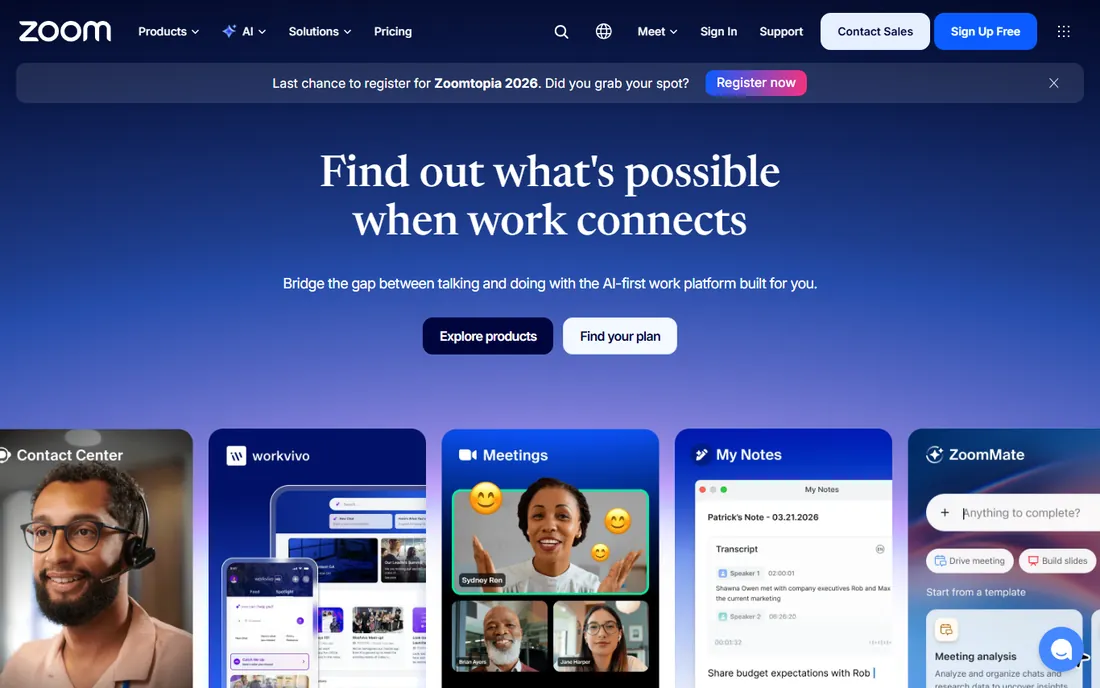
Zoom became a verb for a reason, and Zoom Workplace now bundles persistent Team Chat alongside meetings, phone, whiteboard and scheduling. If your team's real work happens on video, having chat in the same app as your meetings removes real friction: a meeting's chat, recording and follow-up live in one thread instead of three tools.
As a chat-first product, though, Zoom is still catching up. Channels, threads and integrations are serviceable but not best in class. The free plan's 40-minute group meeting cap pushes real users to paid tiers. Choose Zoom when meetings are the center of your day and chat is the supporting act, not the other way around.
What we like- Best-in-class video and audio quality
- Team Chat included with Workplace plans
- Phone, whiteboard and scheduling in one platform
Watch out for- Chat features lag behind Slack and Teams
- Free meetings cap at 40 minutes for groups
#5
Twist
Best for: Async-first teams that hate always-on chat
Visit twist.com
Starting priceSee website
Free planSee website
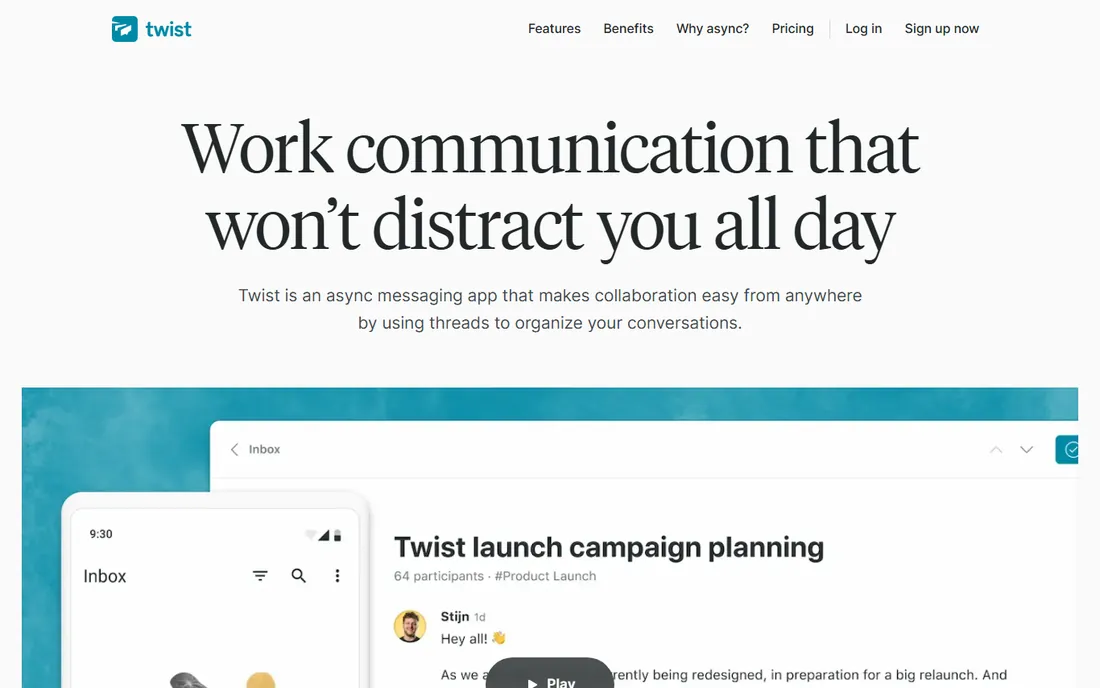
Twist is the anti-Slack, deliberately. Everything is a thread, nothing demands an immediate answer, and there are no green dots or typing indicators creating presence pressure. It was built by Doist, the fully remote company behind Todoist, for teams spread across time zones who found real-time chat exhausting. Conversations stay organized by topic instead of dissolving into a scrolling river.
The catch is cultural, not technical. Twist works when the whole team commits to async norms; one person treating it like instant messenger breaks the spell. The integration catalog is also smaller than the giants'. For distributed teams drowning in notifications, though, it is the most thoughtful option here.
What we like- Thread-first design keeps every conversation organized and calm
- No online-status pressure or typing indicators
- Built by Doist, the remote-work veterans behind Todoist
Watch out for- Smaller integration catalog
- Async culture takes deliberate onboarding
#6
Chanty
Best for: Small teams that want chat, tasks and calls in one app
Visit chanty.com
Starting price$3/user/month (Business plan, billed annually)
Free planYes (free for teams up to 5 users)
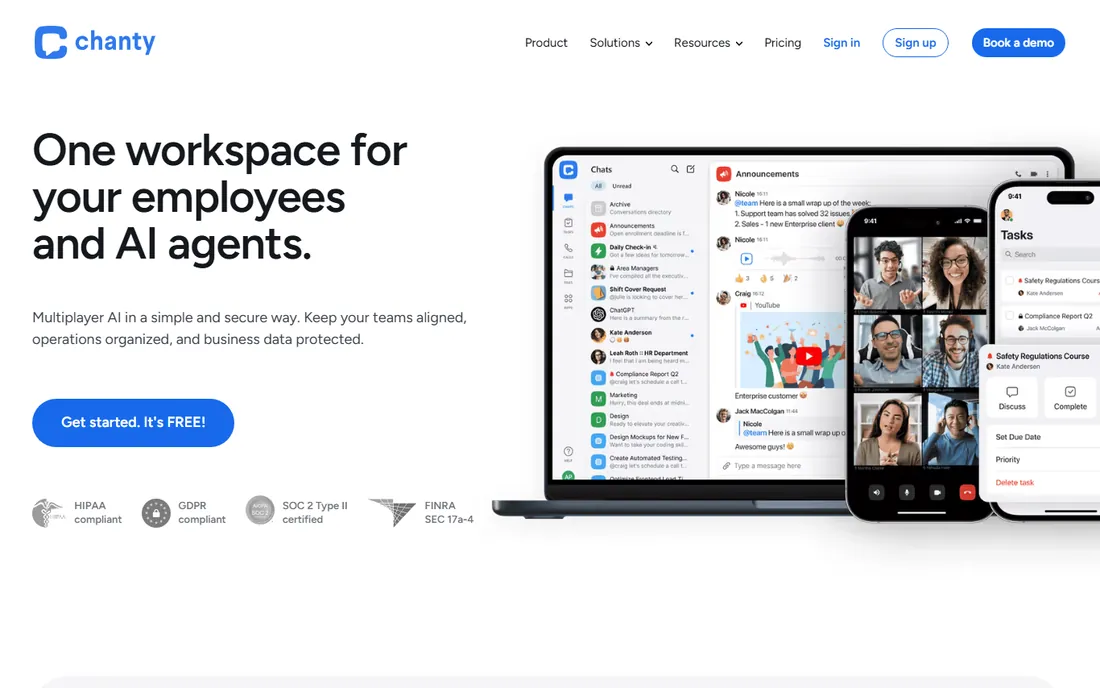
Chanty is the value pick for small teams that want more than chat. The built-in task manager turns any message into an assigned task, the team calendar handles scheduling, and voice and video calls are built in. Message history is unlimited even on the free plan, which is the exact thing Slack charges for. At $3 per user per month billed annually, the paid tier undercuts nearly everything on this list.
The honest limits: the free plan stops at five users, so growing teams will pay, and the integration catalog cannot match the giants. But for a team of ten that wants chat plus light project management for the price of a coffee per person, Chanty is hard to argue with.
What we like- Built-in task manager and team calendar, not just chat
- Unlimited message history even on free
- Published pricing starting at $3 per user per month
Watch out for- Free plan caps at 5 users
- Integration ecosystem smaller than Slack or Teams
#7
Flock
Best for: Budget teams that want unlimited history without paying
Visit flock.com
Starting priceSee website (Pro plan available)
Free planYes (unlimited users, channels and history)
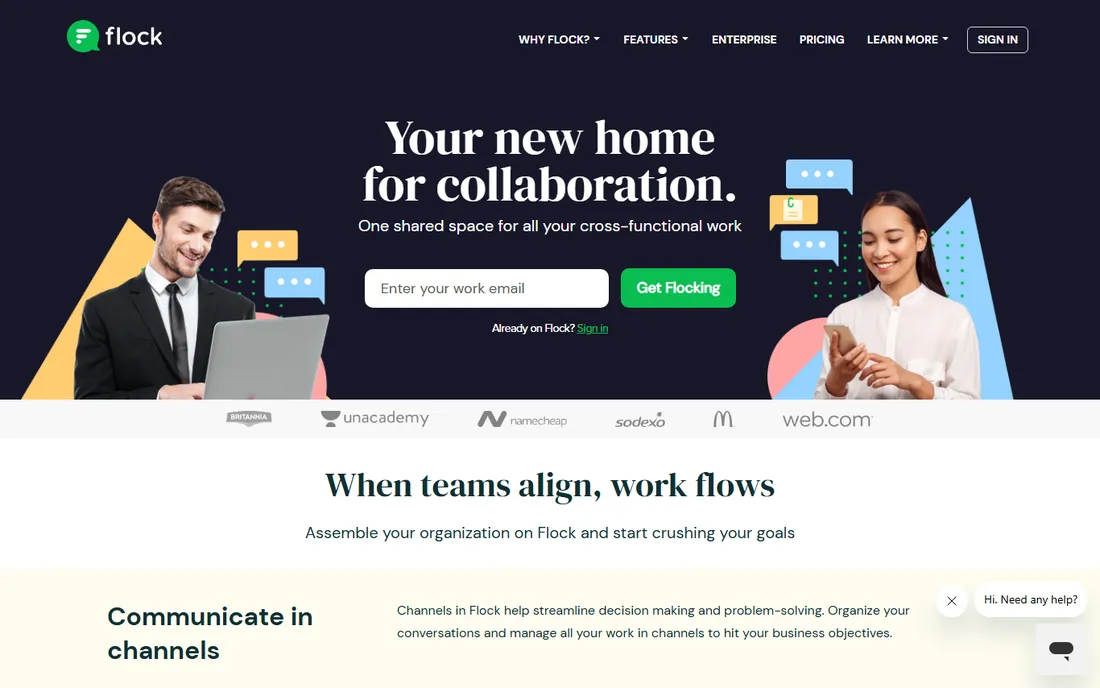
Flock's pitch is simple: the free plan gives you unlimited users, unlimited channels and unlimited message history, forever. On top of chat it bundles the small productivity tools teams actually use: polls for quick decisions, shared to-dos, reminders and notes. Setup takes minutes with no IT involvement, and there is a built-in Slack history importer for switchers.
The trade is ecosystem size. Flock has tens of thousands of companies on it, not millions, so community answers and third-party integrations are thinner. Video calling works but will not impress anyone coming from Zoom. If your priority is a free, complete chat home with no history anxiety, Flock delivers exactly that.
What we like- Free plan includes unlimited users, channels and message history
- Built-in polls, to-dos, reminders and notes
- Simple setup with no IT needed
Watch out for- Smaller user base means fewer community resources
- Video calling is serviceable rather than great
#8
Rocket.Chat
Best for: Teams that must self-host chat for security or compliance
Visit rocket.chat
Starting priceSee website (paid plans for cloud and enterprise)
Free planYes (self-hosted Community edition is open source)
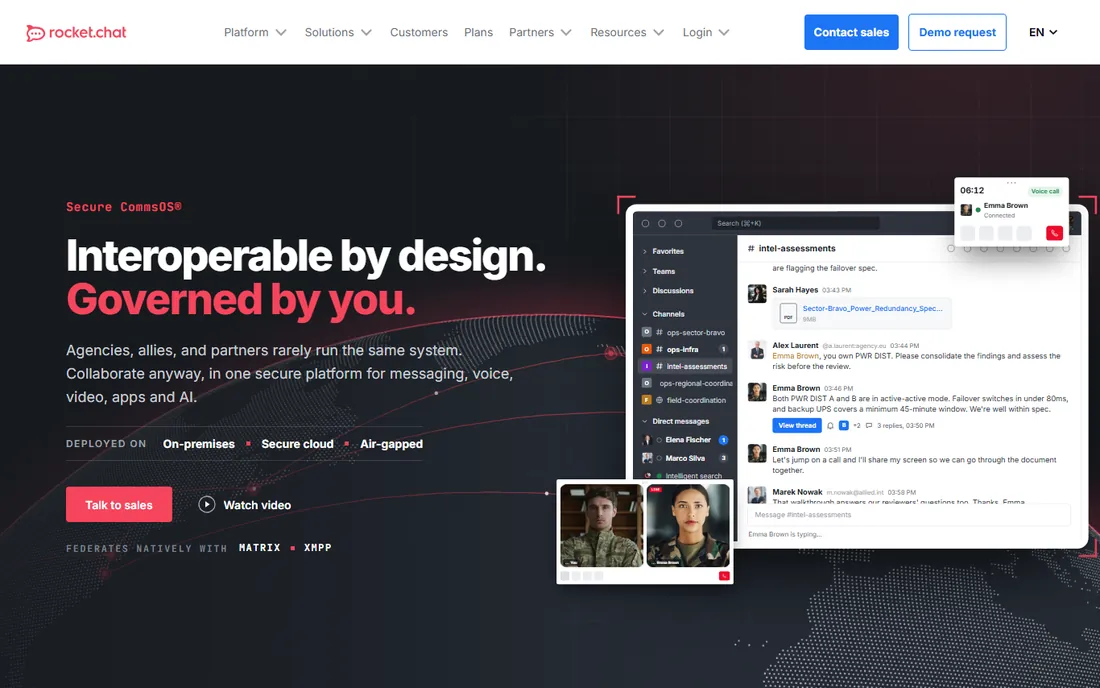
Rocket.Chat is the answer when "our chat lives on someone else's servers" is a dealbreaker. The open-source Community edition runs on your own infrastructure, so data residency, retention and access are entirely yours. Regulated industries, government contractors and privacy-conscious companies choose it for exactly that control, plus deep customization through open APIs.
The price of control is operations. Somebody maintains the servers, applies the upgrades and watches the security advisories. Teams without that capacity should look at Rocket.Chat's hosted plans instead, which defeats some of the purpose but keeps the customization. For everyone else, it is the only serious self-hosted alternative to the SaaS giants.
What we like- Open-source core you can self-host and audit
- Full data ownership for regulated industries
- Extensive customization and integration options
Watch out for- Self-hosting means you own servers, upgrades and security
- The interface feels utilitarian next to Slack
#9
Pumble
Best for: Teams that want Slack's shape without Slack's bill
Visit pumble.com
Starting priceSee website (paid tiers add group calls and storage)
Free planYes (unlimited users, channels and history, free forever)
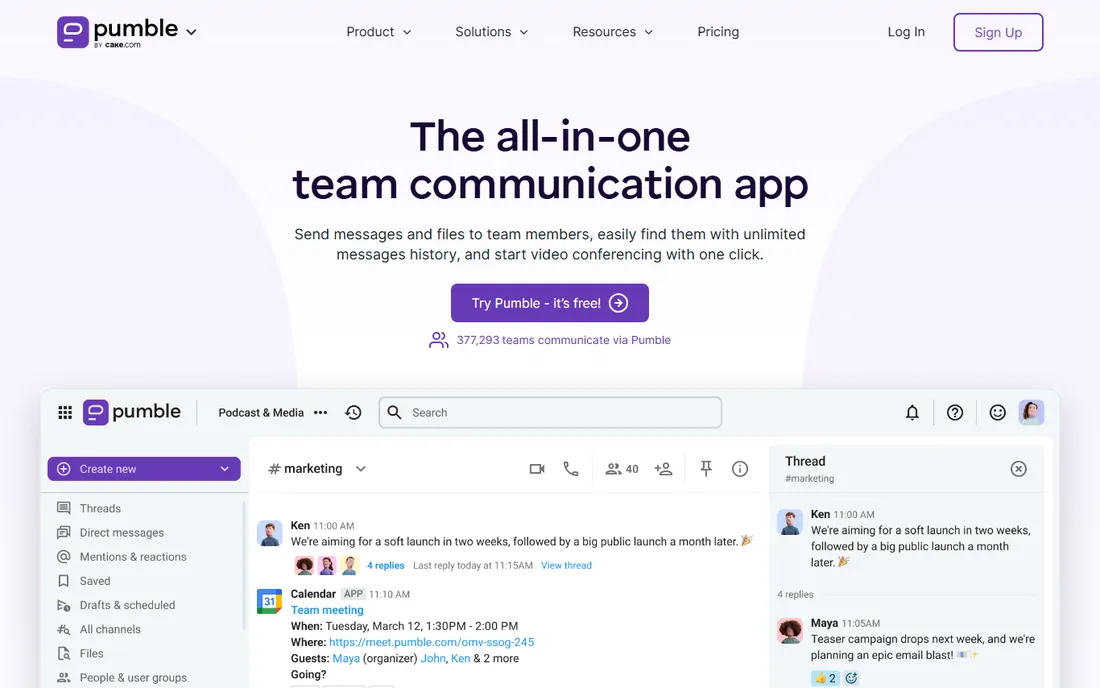
Pumble is the closest thing to free Slack. The interface will feel instantly familiar: channels, threads, direct messages, file sharing, plus voice and video messages. The free plan is genuinely generous: unlimited users, unlimited channels and unlimited message history, free forever. It comes from CAKE.com, the company behind Clockify, so it is not a weekend project.
The catches are at the edges. Group video calls and extra storage need a paid tier, and the integration catalog is still growing. But for a small business that wants the Slack experience with no per-user meter running, Pumble is the easiest recommendation on this list.
What we like- Free plan covers unlimited users, channels and message history
- Clean Slack-like interface with zero learning curve
- Video and voice messages built in
Watch out for- Advanced features like group calls sit on paid tiers
- Younger product with a smaller integration catalog
Async or real-time: the choice that matters more than the vendor
Before comparing features, decide how your team should communicate. Real-time chat (Slack, Teams, Zoom) is for teams that work overlapping hours and value quick answers. It creates speed but also interruption: every ping costs focus. Asynchronous-first tools (Twist, and to a degree Pumble and Flock used deliberately) are for distributed teams or deep-work cultures where a three-hour response is fine.
Most small businesses actually need a mix: real-time for the ten percent of conversations that are urgent, async norms for the rest. That means the tool matters less than the rules you set: which channels allow @everyone, expected response times, and what belongs in chat versus email versus a call. Pick the tool that fits your stack, then write the norms down. The norms are the product.
What to check before you commit your team to a chat app
Start with what you already pay for. Microsoft 365 includes Teams; Google Workspace includes Chat; Zoom Workplace includes Team Chat. Running a second paid chat tool alongside one of these is the most common waste in small-business software. Audit your subscriptions before you shop.
Second, check the free plan's real limits. The two that bite are message history (Slack's 90 days) and user caps (Chanty's 5 users). Unlimited-history free plans from Pumble and Flock change the math completely for cost-sensitive teams. Third, test the mobile apps, not just desktop. Half your team's messages will be thumbs; a chat tool with a bad mobile app will quietly push people back to texting.
Fourth, count the integrations you actually need, not the catalog size. Most teams need five: calendar, file storage, CRM or helpdesk, project tool, and one alert source. Every tool here covers those basics; only power users need Slack's thousands. Finally, plan the migration. Flock and others offer Slack history importers, but channels, permissions and habits still need rebuilding. Budget a week of overlap where both tools run, and appoint one person to own the move.
How we chose
We started with the searches buyers actually run: team communication software, business chat app, Slack alternatives and small business messaging. For each candidate we checked the vendor's own pricing page and product documentation, read public reviews on G2, Capterra and Reddit, and compared free-plan limits, integration ecosystems, calling features and company-size fit. Where pricing could not be verified on the vendor's page, we wrote "See website" instead of guessing.
Frequently asked questions
What is the best free team chat app for a small business?
Pumble and Flock both offer genuinely free plans with unlimited users and unlimited message history. Chanty is free for up to 5 users. Slack and Microsoft Teams have free tiers but limit history or features. If "free" must include "forever and unlimited," start with Pumble or Flock.
Should we use Slack or Microsoft Teams?
If you already pay for Microsoft 365, use Teams; you are already paying for it. If you do not, Slack is the better pure chat product but costs per user per month. Google Workspace shops should look at Google Chat for the same already-paid logic. The stack you own usually decides this.
Do we need video calling built into our chat app?
Not necessarily, but it helps. Zoom, Teams, Google Chat, Flock, Chanty and Pumble all include some form of voice or video calling. If your team already pays for Zoom, its Team Chat may be enough. If meetings are occasional, a chat app with light calling built in removes one more subscription.
How do we move from WhatsApp or texting to a real team chat app?
Pick one tool, create channels that mirror how work actually flows, and set a cutoff date for work talk on personal apps. Import what history you can, but expect some loss. The hard part is not technical; it is getting the owner and the holdouts to actually use the new tool. Lead by example for two weeks.
What is the difference between Twist and Slack?
Slack is real-time chat organized into channels; Twist is asynchronous discussion organized into threads. Slack rewards fast responses and presence; Twist is built so a reply three hours later is normal. Distributed teams and deep-work cultures tend to prefer Twist; co-located teams that thrive on quick back-and-forth prefer Slack.
Is self-hosted team chat worth it for a small business?
Usually not. Self-hosting Rocket.Chat means owning servers, security patches and upgrades, which is real ongoing work. It is worth it for regulated industries, government contractors, or companies with strict data-residency requirements. Everyone else should use a SaaS tool and spend the saved time on the business.
Sources we checked (9)
- https://slack.com/
- https://www.microsoft.com/en-us/microsoft-teams
- https://workspace.google.com/products/chat/
- https://zoom.us
- https://twist.com/
- https://www.chanty.com/
- https://flock.com/
- https://rocket.chat
- https://pumble.com
Is your product missing or out of date?
We review this list regularly. Vendors can request a listing, send updated pricing or ask about featured placement.

Shihab Mia · Founder, Rankite
Shihab has spent more than a decade helping SaaS and e-commerce brands grow through search. He writes Rankite's software buying guides from pricing pages, documentation and public user reviews. More about Shihab.