How we make this list: we compare pricing pages, product documentation and public user reviews. Rankite is independent; if a vendor ever pays for a featured spot, that listing is clearly labeled Partner.
Key takeaways
- Ramp is free and the best overall pick for card-first spend management, with a $15-a-user Plus tier for advanced controls.
- Expensify from $5 a user a month remains the simplest receipt-heavy tracker for small teams, with a free tier for individuals.
- Zoho Expense is the budget standalone pick: free for up to 3 users, paid from $5 a user a month.
- BILL Spend & Expense offers its core platform free, which makes it the value alternative to Ramp.
- SAP Concur and Emburse serve enterprises and mid-size companies where policy compliance matters more than price.
Quick comparison
| Tool | Best for | Starting price | Free plan |
|---|
 Ramp Ramp | card-first spend management, free core | Free; Plus $15 per user/month | Yes |
 Expensify Expensify | simple receipt-heavy tracking for small teams | Free individuals; Collect $5 per user/month | Yes |
 Zoho Expense Zoho Expense | budget standalone expense tracking | Free up to 3 users; Standard $5 per user/month | Yes |
 BILL Spend & Expense BILL Spend & Expense | free core platform with budget controls | Free core platform | Yes |
 Brex Brex | startups and distributed companies | $0-$12 per user | Free trial |
 Navan Navan | travel-heavy teams combining travel and expense | Free eligible plans; $15 per user/month | No |
 Emburse Emburse | mid-size companies needing policy compliance | $8-$12 per user (quote-based) | No |
 SAP Concur SAP Concur | large enterprises with complex policies | See website | No |
 Rydoo Rydoo | international teams needing multi-currency | $10 per user/month | No |
 Fyle Fyle | real-time expense tracking with deep integrations | $11.99 per active user/month | No |
Is your product missing or out of date?
We review this list regularly. Vendors can request a listing, send updated pricing or ask about featured placement.
The best business expense tracker app
Automated expense systems cut expense processing costs by up to 70% compared to manual methods (OFX, 2026). That figure captures why the shoebox-of-receipts era is ending: every manual expense report costs real staff time in submission, approval, and reconciliation, and automation removes most of it.
The best app for business expense tracking in 2026 does more than scan receipts. It connects to corporate cards for real-time transaction sync, enforces spending policies automatically, routes approvals by amount and department, and pushes clean data into QuickBooks, Xero, or NetSuite. The ten tools below range from free card-first platforms to enterprise compliance systems.
#1
Ramp
Best for: card-first spend management, free core
Visit ramp.com
Starting priceFree; Plus $15 per user/month
Free planYes
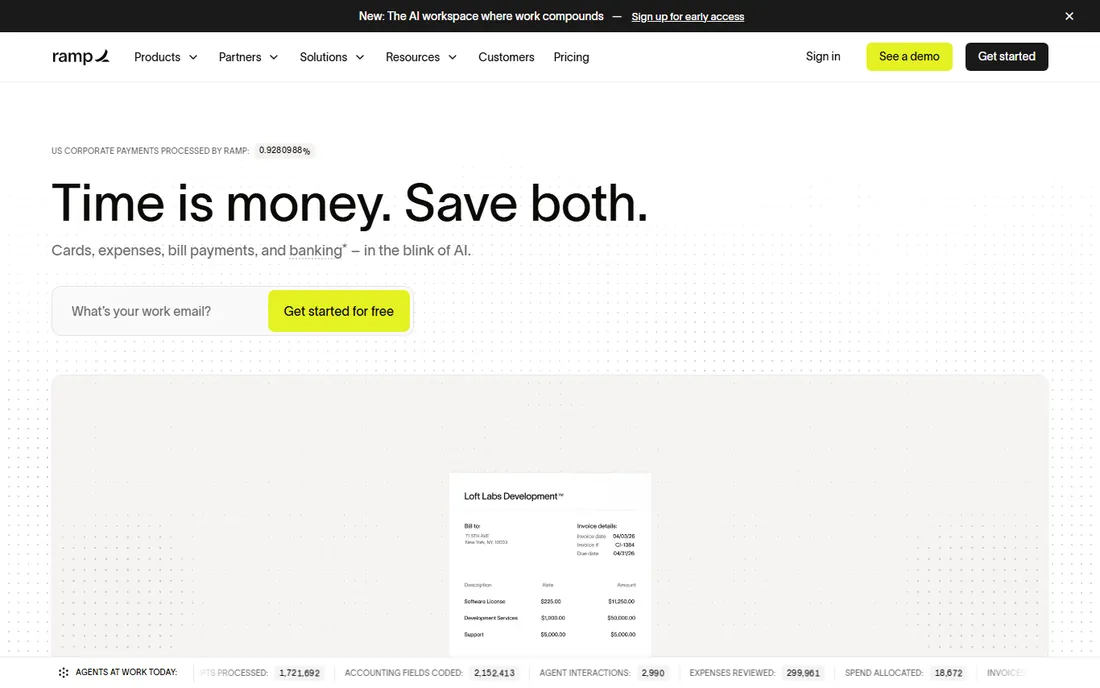
Ramp gives away its core expense management platform for free and makes money on card interchange, which reshaped pricing across the whole category. Companies get corporate cards, real-time spend controls, receipt capture, approvals, and accounting integrations at $0. The free tier is not a trial; it is the business model.
Ramp Plus at $15 a user a month adds advanced approvals, custom policies, and deeper automation. The requirement is the Ramp card: you cannot use Ramp's software with another issuer's cards. For companies willing to switch card providers, the value is unmatched. Firms locked into existing card relationships should look at Expensify or Zoho Expense instead.
What we like- Core platform genuinely free
- Real-time card controls and alerts
- Strong accounting integrations
Watch out for- Requires using Ramp corporate cards
- Advanced features need the Plus tier
Starting priceFree individuals; Collect $5 per user/month
Free planYes
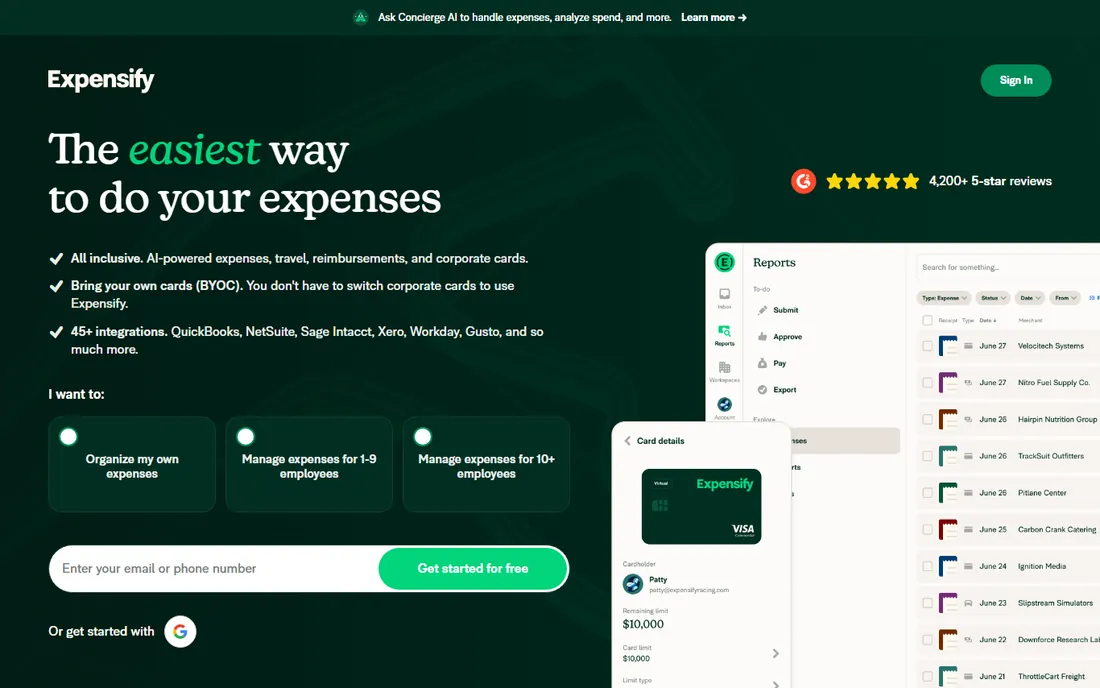
Expensify is the veteran of receipt scanning, and SmartScan remains one of the best OCR experiences in the category: photograph a receipt and the data appears with minimal correction. The Collect plan at $5 a user a month covers expense reports, approvals, and reimbursements for small teams. Individuals track personal expenses free.
The Control tier at $9 a user a month adds corporate cards, multi-level approvals, and deeper policy controls. Multi-currency support is limited compared to Rydoo or Emburse, which matters for international teams. Expensify fits small businesses and consultants with receipt-heavy workflows who want the simplest possible path from shoebox to accounting. Card-first companies get more from Ramp.
What we like- SmartScan receipt capture is excellent
- Simple enough for non-finance staff
- Free for individuals
Watch out for- Limited multi-currency
- Advanced controls need the $9 Control tier
#3
Zoho Expense
Best for: budget standalone expense tracking
Visit zoho.com
Starting priceFree up to 3 users; Standard $5 per user/month
Free planYes
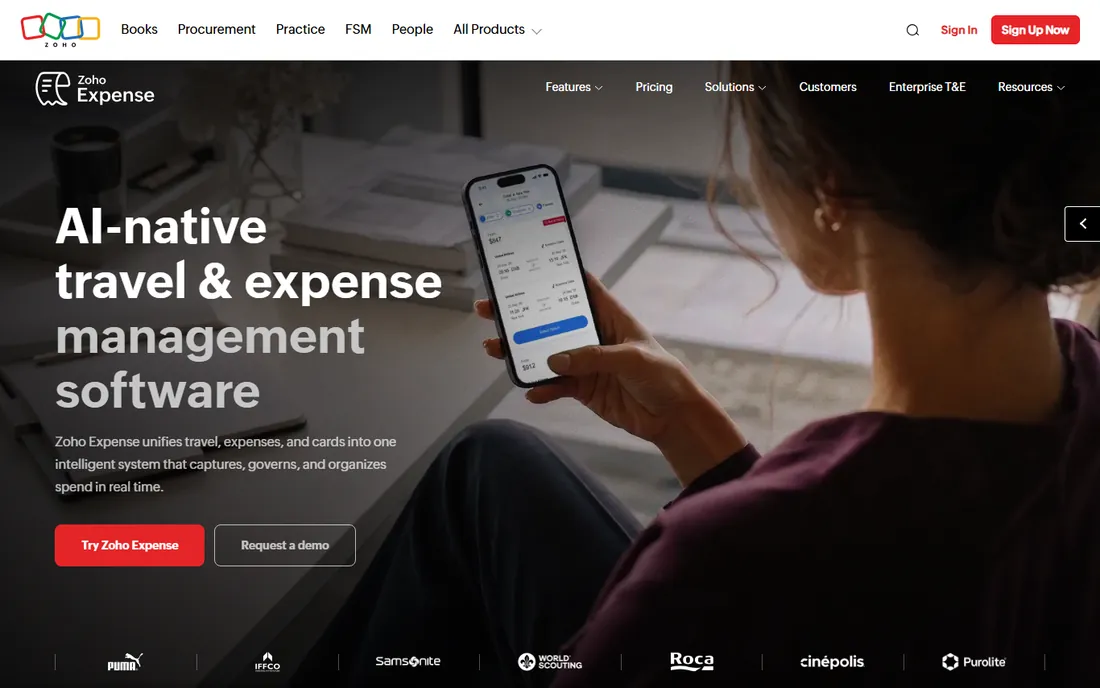
Zoho Expense is the budget champion for companies that want standalone expense software without switching card providers. The free plan covers 3 users with receipt scanning and approvals, Standard at $5 a user a month adds automation and integrations, and Premium at $9 adds advanced controls. Few tools deliver this much at these prices.
Integration with Zoho Books is native, and QuickBooks, Xero, and Sage connectors cover everyone else. The tradeoff is polish: the interface feels functional rather than delightful, and there is no Zoho-issued card, so card-first automation depends on your existing cards. For Zoho shops and cost-conscious small businesses, it is the rational pick.
What we like- Free for teams up to 3 users
- Full-featured at $5 a user
- Deep Zoho ecosystem integration
Watch out for- No corporate cards of its own
- Interface less polished than Ramp
#4
BILL Spend & Expense
Best for: free core platform with budget controls
Visit bill.com
Starting priceFree core platform
Free planYes
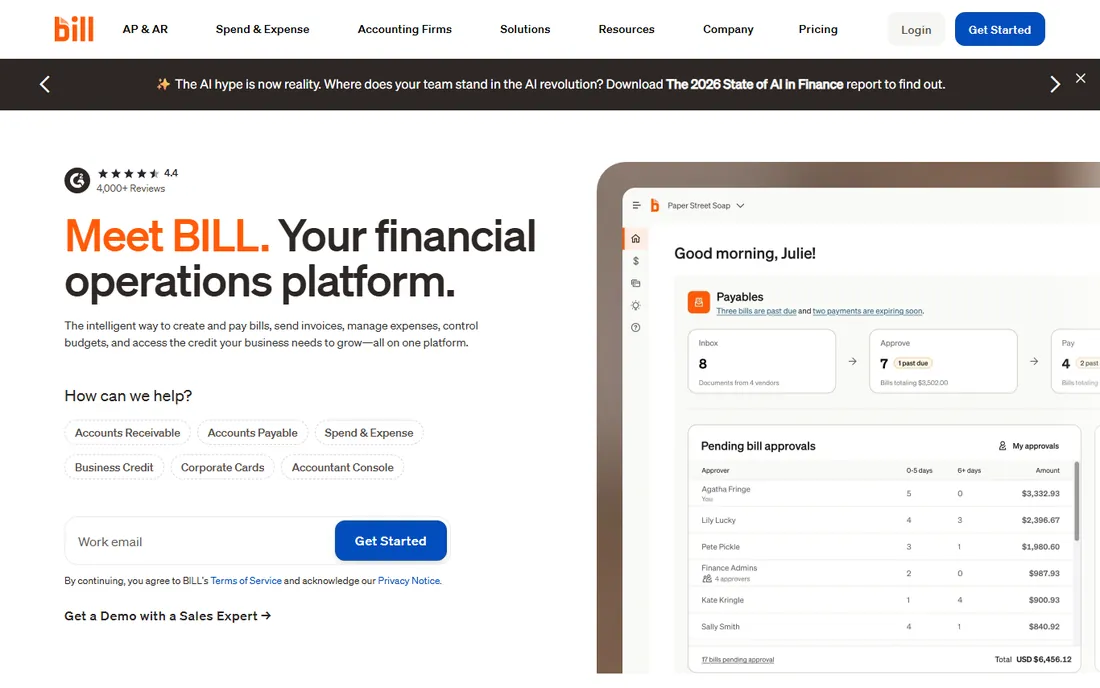
BILL Spend & Expense, formerly Divvy, follows the Ramp playbook: a free core platform funded by card economics. Companies get budgeting tools, virtual and physical cards, real-time spend visibility, and reimbursements without a software subscription. Integration with the broader BILL platform for AP and payments is a plus for finance teams consolidating vendors.
Like Ramp, the full value requires using BILL's cards. The free tier is generous, and budget controls, department budgets with automatic enforcement, are genuinely useful for controlling spend before it happens rather than reconciling it after. Companies choosing between the two free platforms should trial both: the workflows differ enough that team preference decides.
What we like- Core platform free with no user limits mentioned
- Strong budget and approval controls
- BILL ecosystem integration
Watch out for- Requires BILL cards for full value
- Advanced features may need paid tiers
Starting price$0-$12 per user
Free planFree trial
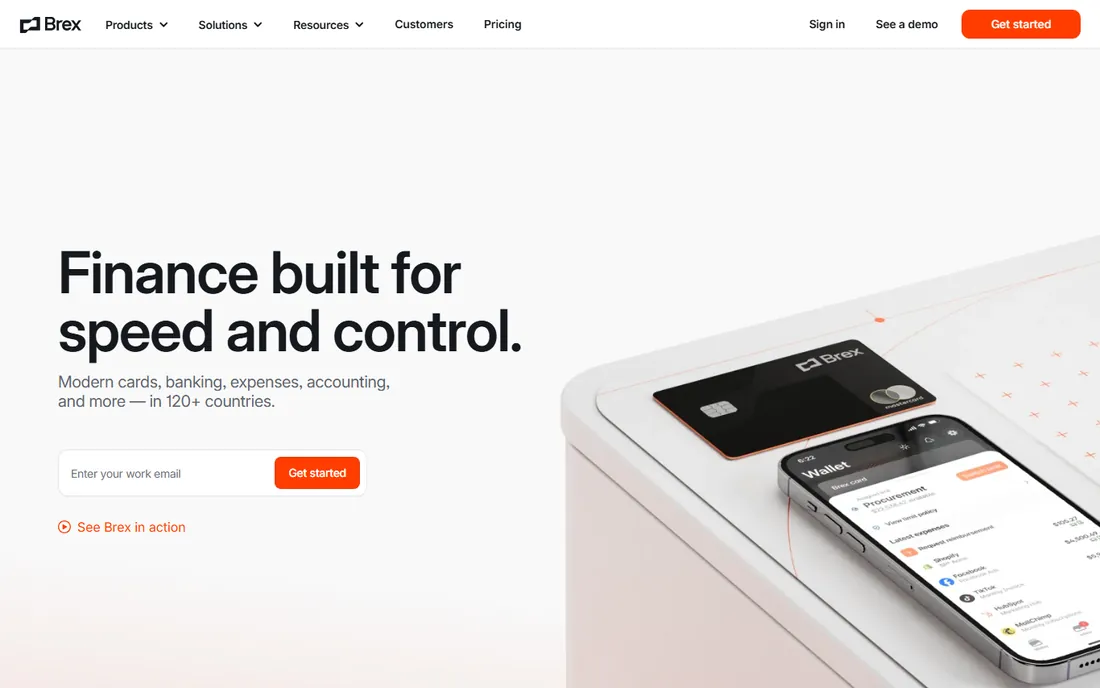
Brex pioneered the startup-focused corporate card with built-in expense management, and it remains the default for venture-backed companies and distributed teams. Cards, reimbursements, travel booking, and bill pay live in one platform, with spend controls tuned for fast-moving organizations rather than enterprise policy manuals.
Pricing ranges from free tiers to around $12 a user depending on plan and qualification. Startups like the founder-friendly onboarding and the way the product assumes growth rather than bureaucracy. Companies with heavy compliance requirements or complex approval chains will find Emburse or Concur more suitable. For the startup use case Brex was built for, it is still the reference point.
What we like- Built for startup spending patterns
- Global card acceptance
- Strong integrations
Watch out for- Pricing varies by plan and qualification
- Startups outgrow the free tier's limits
#6
Navan
Best for: travel-heavy teams combining travel and expense
Visit navan.com
Starting priceFree eligible plans; $15 per user/month
Free planNo
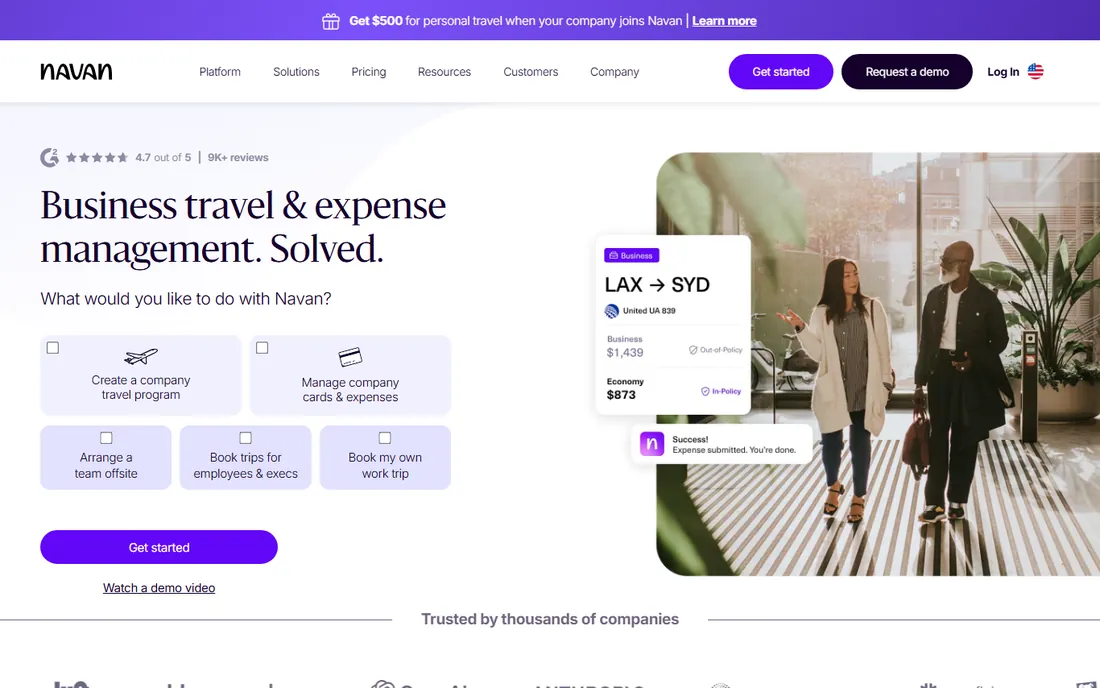
Navan, formerly TripActions, unifies business travel and expense, which solves the real problem for travel-heavy companies: the trip and its costs live in separate systems everywhere else. Employees book within policy, expenses flow from the trip automatically, and finance sees total trip cost in one place. Eligible plans start free, with the $15-a-user tier applying beyond 15 users.
For companies where travel is occasional, the travel machinery is overkill and Ramp or Expensify handle expenses better. For consulting firms, sales organizations, and anyone whose staff live on the road, Navan's combined flow removes the reconciliation pain that defines travel expense management. Evaluate it on the travel experience first; the expense features follow.
What we like- Travel booking and expense in one flow
- Strong policy enforcement on bookings
- Good traveler experience
Watch out for- Expense-only value weaker than Ramp
- $15 tier for larger teams
Starting price$8-$12 per user (quote-based)
Free planNo
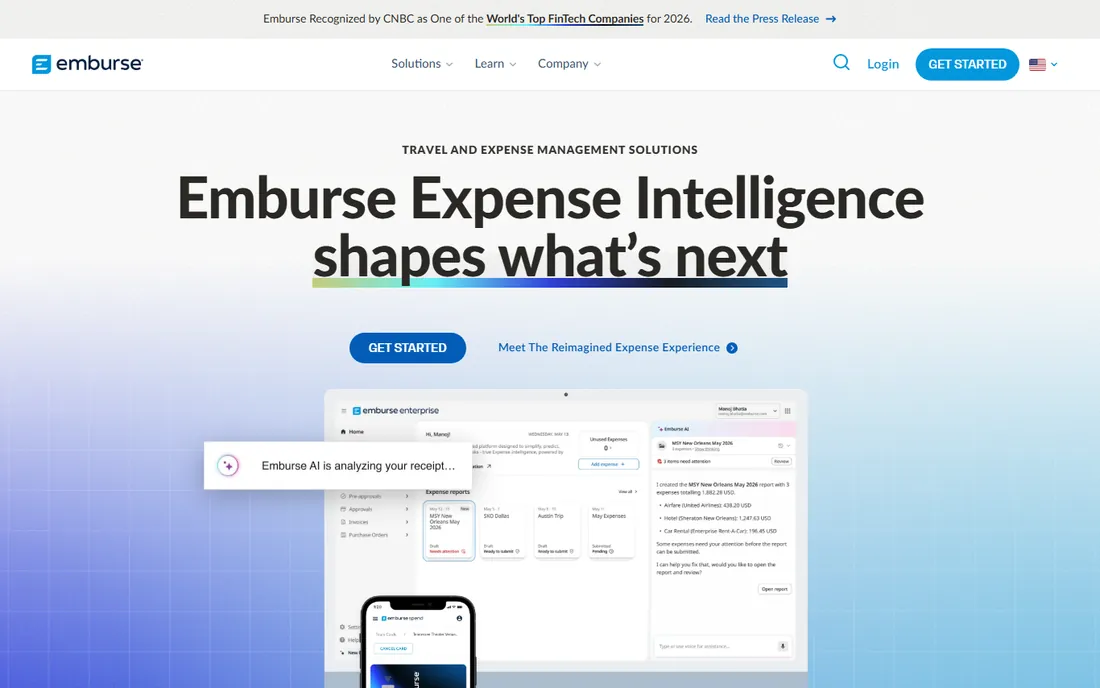
Emburse, which includes the Certify and Chrome River product lines, targets mid-size companies where expense policy actually matters: multi-level approvals, per-diem rules, VAT reclaim, and audit trails that satisfy finance and regulators. Pricing runs $8 to $12 a user with quote-based contracts.
The compliance depth is the reason to choose Emburse over cheaper tools. International expenses, complex reimbursement rules, and integration with SAP or Oracle all work properly. The tradeoff is buying experience: demos and quotes instead of self-serve signup, and implementations that take weeks. Companies with straightforward domestic expenses should save the money and pick Expensify or Zoho.
What we like- Strong policy engine and compliance controls
- Multi-currency support
- Broad accounting integrations
Watch out for- Quote-based pricing
- Implementation heavier than Expensify
Starting priceSee website
Free planNo
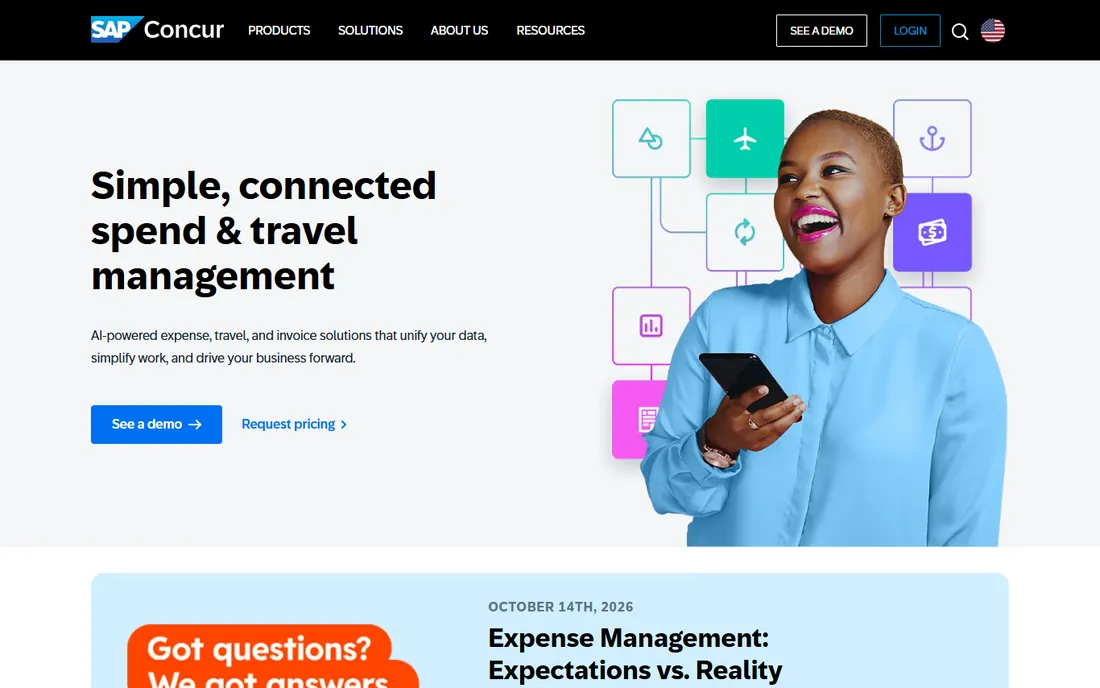
SAP Concur is the enterprise standard for travel and expense, running some of the world's largest companies. No competitor matches its depth on global tax compliance, per-diem engines, audit rules, or integrations with SAP and Oracle ERP systems. For multinationals with entities in forty countries, that depth is not optional.
The price is enterprise in every sense: quote-based contracts, implementation projects, and a user experience that draws consistent complaints. Small and mid-size companies should not consider it. Concur fits organizations where expense policy spans jurisdictions and the alternative is building compliance machinery in-house. Everyone else gets better value and happier employees elsewhere.
What we like- Deepest enterprise feature set
- Global compliance and tax handling
- Massive integration ecosystem
Watch out for- Quote-only enterprise pricing
- Notorious implementation complexity and user experience complaints
#9
Rydoo
Best for: international teams needing multi-currency
Visit rydoo.com
Starting price$10 per user/month
Free planNo
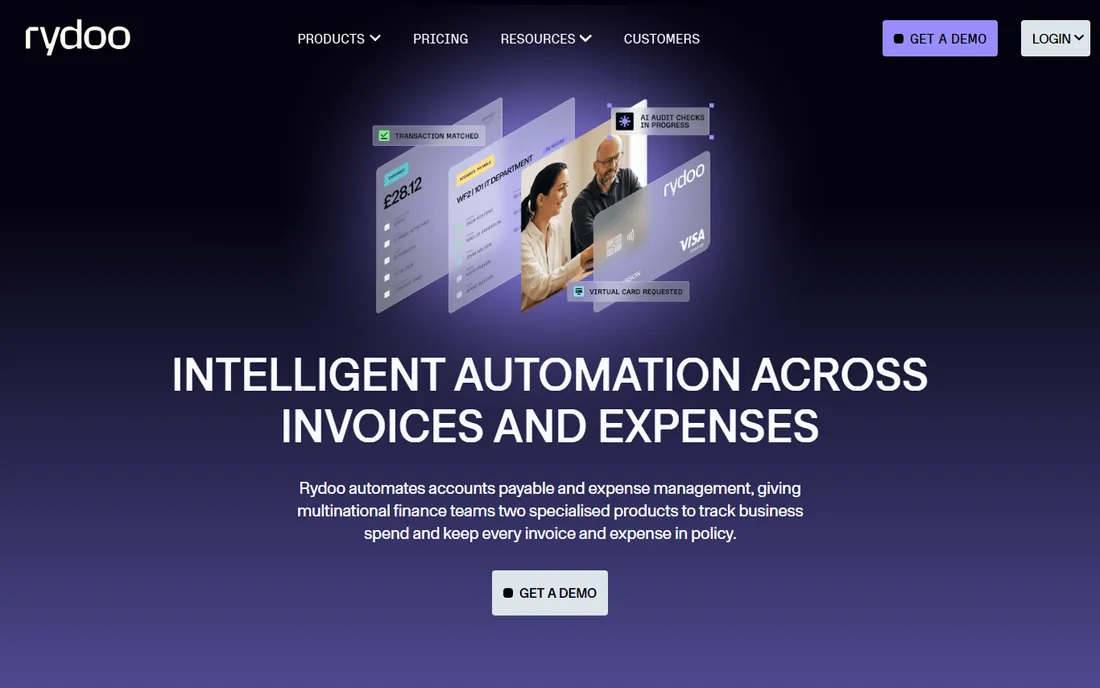
Rydoo focuses on the international expense problem: multi-currency expenses, per-diem calculations across countries, and VAT handling that domestic tools fumble. The mobile experience is clean, with receipt scanning and mileage tracking that traveling employees actually use. Pricing at $10 a user a month is transparent.
EU-based companies with staff crossing borders regularly are the core audience. The ecosystem is smaller than Concur's or Emburse's, and very large enterprises may miss the deepest ERP integrations. For mid-size international teams that find Concur excessive and Expensify too domestic, Rydoo hits the middle precisely.
What we like- Strong multi-currency and per-diem support
- Clean mobile experience
- Good for EU-based companies
Watch out for- $10 a user adds up for large teams
- Smaller ecosystem than Concur
#10
Fyle
Best for: real-time expense tracking with deep integrations
Visit fylehq.com
Starting price$11.99 per active user/month
Free planNo
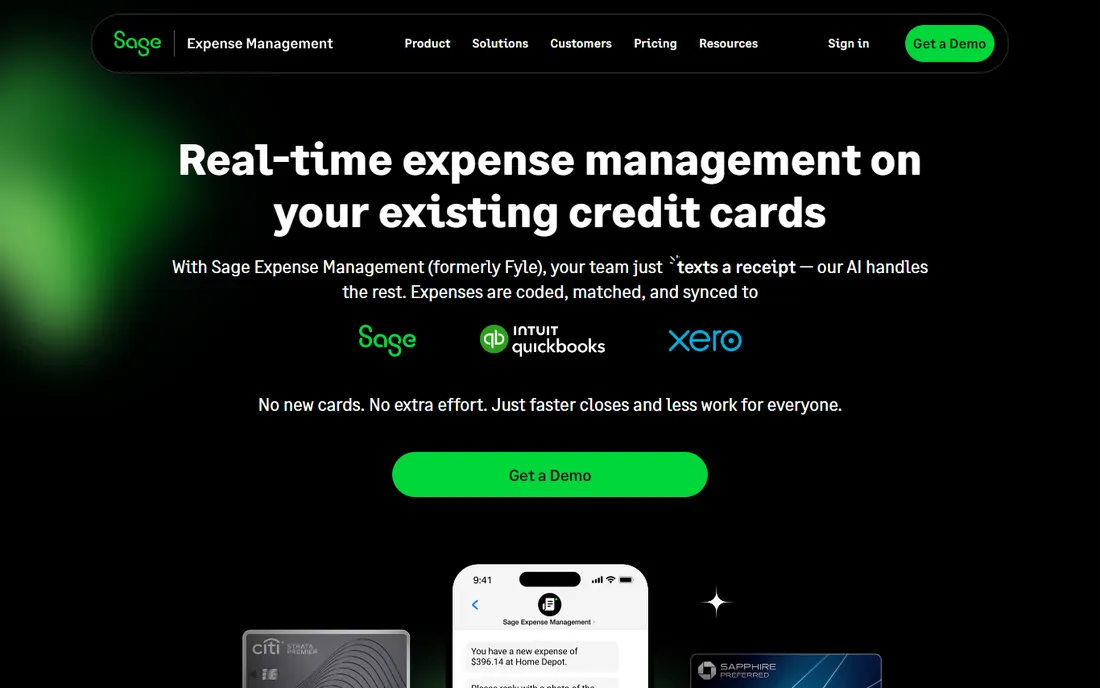
Fyle, now part of Sage, differentiates on real-time data: credit card transactions appear instantly with receipt matching, and the active-user pricing means you pay only for employees who actually file expenses in a given month. At $11.99 per active user, the headline rate is the highest here, but the effective cost drops for companies with many occasional spenders.
The accounting integrations are deep, particularly with QuickBooks and NetSuite, and Sage ownership adds stability. The active-user definition deserves a direct question during evaluation: understand exactly what triggers a billed user before modeling costs. Fyle fits companies with existing corporate cards that want best-in-class tracking without switching card providers.
What we like- Real-time credit card feeds
- Only pay for active users
- Strong QuickBooks and NetSuite sync
Watch out for- Highest per-user price here
- Active-user definition needs checking
How we built this shortlist
We compared business expense tracker apps using vendor pricing pages, feature documentation, and review data from G2, Capterra, SelectHub, and finance publications. We weighted receipt capture quality, card integration depth, approval workflow flexibility, accounting integrations, pricing transparency, and fit for company size. We did not run hands-on trials, so workflow details come from documentation and verified user reviews rather than our own use.
What to check before you choose
Decide whether you are buying software or switching card providers. Ramp and BILL deliver their best value, including free tiers, only with their own cards. Expensify, Zoho Expense, and Fyle work with the cards you already have. If your company cannot change card issuers, half this list is decided for you before the evaluation starts.
Test receipt scanning with your real receipts. Vendor demos use clean printed receipts. Photograph crumpled taxi receipts, faded thermal paper, and foreign-language invoices, then check the OCR accuracy. Scanning quality varies enormously and it is the feature your employees will touch every single day.
Check the accounting integration at the transaction level, not the marketing level. "Integrates with QuickBooks" can mean automatic sync of categorized expenses or a monthly CSV export. Ask exactly which fields sync, how errors are handled, and whether the integration supports your QuickBooks edition. The month-end close is where weak integrations reveal themselves.
Model the real user count including approvers and finance staff. Per-user pricing covers everyone with a login, and approval chains pull in managers who file nothing themselves. Active-user pricing like Fyle's changes this math favorably. Get each vendor's definition of a billable user in writing.
Ask about reimbursement speed and mechanics. How quickly do employees get paid back, and through what rails? ACH timelines, international reimbursement support, and per-diem handling all affect employee satisfaction directly. The best expense tool with slow reimbursements still generates complaints.
Corporate cards changed the pricing game
The most important shift in this category is not a feature but a business model. Ramp, BILL, and Brex fund free or cheap software through card interchange revenue, which collapsed the old $8-to-$15 per user pricing for basic expense management. Companies now get corporate cards, real-time controls, and receipt automation at zero software cost.
That deal has a shape worth understanding. The vendor's incentive is card spend volume, not software excellence. Features that do not drive card usage get less investment. Companies with low card spend, heavy reimbursement workflows, or existing card relationships they cannot move may find the free platforms less generous in practice than on the pricing page.
The practical move is to evaluate both models honestly. If you can consolidate spending onto one card platform, the free tier economics are genuinely excellent. If you cannot, traditional per-user tools like Expensify, Zoho Expense, and Rydoo price fairly for what they deliver. Do not let a $0 sticker price push you into a card migration your finance team will regret.
Frequently asked questions
What is the best app for business expense tracking?
Ramp is the best overall pick for most companies: the core platform is free and the card-first automation is excellent. Expensify suits receipt-heavy small teams, Zoho Expense suits tight budgets, and SAP Concur serves large enterprises.
Are there really free expense tracker apps?
Yes. Ramp and BILL Spend & Expense offer free core platforms funded by card revenue. Expensify is free for individuals, and Zoho Expense is free for up to 3 users. The free tiers are genuine products, not trials, though advanced features usually cost extra.
How much does expense management software cost?
Per-user tools run $5 to $15 a user a month: Expensify from $5, Zoho Expense from $5, Rydoo at $10, Fyle at $11.99 per active user. Card-funded platforms like Ramp and BILL are free at the core. Enterprise tools like Concur and Emburse are quote-based.
Do I need corporate cards to use these apps?
For Ramp and BILL's free tiers, yes, you use their cards. Expensify, Zoho Expense, Rydoo, and Fyle all work with your existing cards or pure reimbursement workflows. Decide the card question before evaluating.
Which expense app integrates best with QuickBooks?
Ramp, Expensify, Zoho Expense, Fyle, and BILL all offer QuickBooks integrations. The depth varies: ask whether sync is automatic or manual, which fields transfer, and how errors surface. Test with your QuickBooks edition during the trial.
Can expense apps handle international expenses?
Rydoo and Emburse lead on multi-currency, per-diems, and VAT. Expensify's multi-currency support is limited. If your team spends across borders regularly, make international handling a primary evaluation criterion rather than an afterthought.
Sources we checked (4)
- https://blog.reviewaitool.com/2026/09/23/best-spend-management-and-finance-automation-ramp-2026/
- https://www.ofx.com/en-us/blog/best-expense-management-software-solutions/
- https://ramp.com/blog/corporate-credit-card-expense-management-software
- https://selecthub.com/c/expense-management-software/
Is your product missing or out of date?
We review this list regularly. Vendors can request a listing, send updated pricing or ask about featured placement.

Shihab Mia · Founder, Rankite
Shihab has spent more than a decade helping SaaS and e-commerce brands grow through search. He writes Rankite's software buying guides from pricing pages, documentation and public user reviews. More about Shihab.