How we make this list: we compare pricing pages, product documentation and public user reviews. Rankite is independent; if a vendor ever pays for a featured spot, that listing is clearly labeled Partner.
Key takeaways
- Amazon SES is the cheapest way to send in bulk, at $0.16 per 1,000 emails on the Essentials plan, with an a-la-carte option for bare-bones sending.
- The most generous free starts are SMTP2GO (up to 1,000 emails a month), Brevo (300 a day) and Elastic Email (100 a day); Mailgun and Postmark free tiers are much smaller.
- Postmark and Mailgun are the strongest picks for transactional email like receipts and password resets, while Brevo and Mailjet fit marketing teams better.
- Dedicated IPs always cost extra, from $50 a month at Postmark to $59 a month at Mailgun, so factor that in before you commit.
- SendGrid no longer offers a free plan and now lives under Twilio, so check pricing on the Twilio site before you budget.
Quick comparison
| Tool | Best for | Starting price | Free plan |
|---|
 SendGrid SendGrid | high-volume sends through a proven API | See website (pricing now lives on Twilio) | Free trial |
 Mailgun Mailgun | developers building custom email programs | $15/mo for 10,000 emails | Yes (100 emails a day) |
 Amazon SES Amazon SES | the lowest per-email cost at scale | $0.16 per 1,000 emails (Essentials plan) | Free trial (new AWS accounts get a 6-month free plan plus credits) |
 Brevo Brevo | all-in-one marketing plus bulk sending | See website | Yes (300 emails a day) |
 Mailjet Mailjet | collaborative teams sending together | See website | Yes |
 SMTP2GO SMTP2GO | drop-in SMTP relay without the fuss | $10/mo for 10,000 emails | Yes (up to 1,000 emails a month) |
 Postmark Postmark | transactional email with top deliverability | $15/mo for 10,000 emails | Yes (100 emails a month) |
 Elastic Email Elastic Email | budget bulk sending with a full editor | See website | Yes (100 emails a day) |
Is your product missing or out of date?
We review this list regularly. Vendors can request a listing, send updated pricing or ask about featured placement.
The best bulk mailing software
Nina runs marketing for a regional furniture chain in Raleigh. Her monthly flyer goes out to 40,000 subscribers, and her old email tool just raised its prices for the third time in two years. She needs something that sends in bulk, lands in inboxes, and does not eat her whole budget. These eight tools are the ones worth comparing.
Starting priceSee website (pricing now lives on Twilio)
Free planFree trial
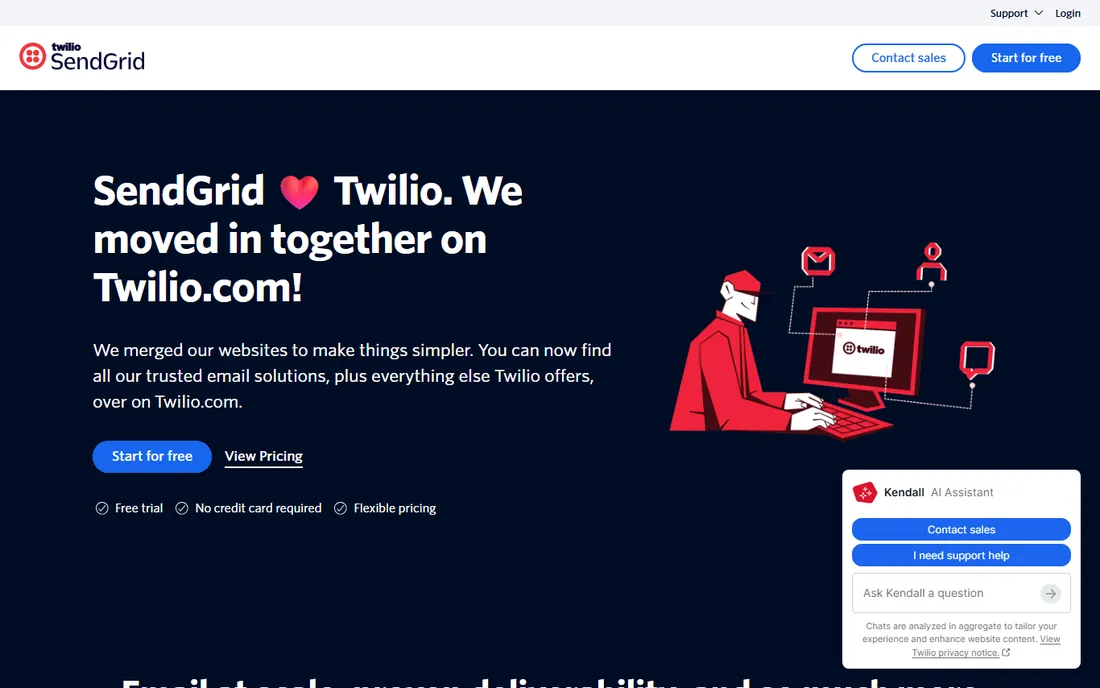
If your volume is measured in millions, SendGrid is the name most teams land on first. The platform delivers more than 200 billion emails a month, according to its own homepage, and it covers the full spread: a developer-friendly email API, an SMTP relay, and campaign tools for marketers. The free trial needs no credit card, which makes testing painless.
The honest catch is that SendGrid has moved in with Twilio, and the brand now lives as Twilio SendGrid on twilio.com. That means pricing pages, docs and sign-up flows sit in a different place than long-time users expect. There is also no free tier anymore, only a trial, so small senders on a budget should look at Brevo or SMTP2GO first. For teams with real volume and engineering support, the scale story still holds up.
What we like- Proven at enormous scale
- API plus SMTP plus marketing campaigns
- Strong deliverability tooling
Watch out for- No free plan, trial only
- Brand migration to Twilio can confuse
- Pricing takes digging to find
Starting price$15/mo for 10,000 emails
Free planYes (100 emails a day)
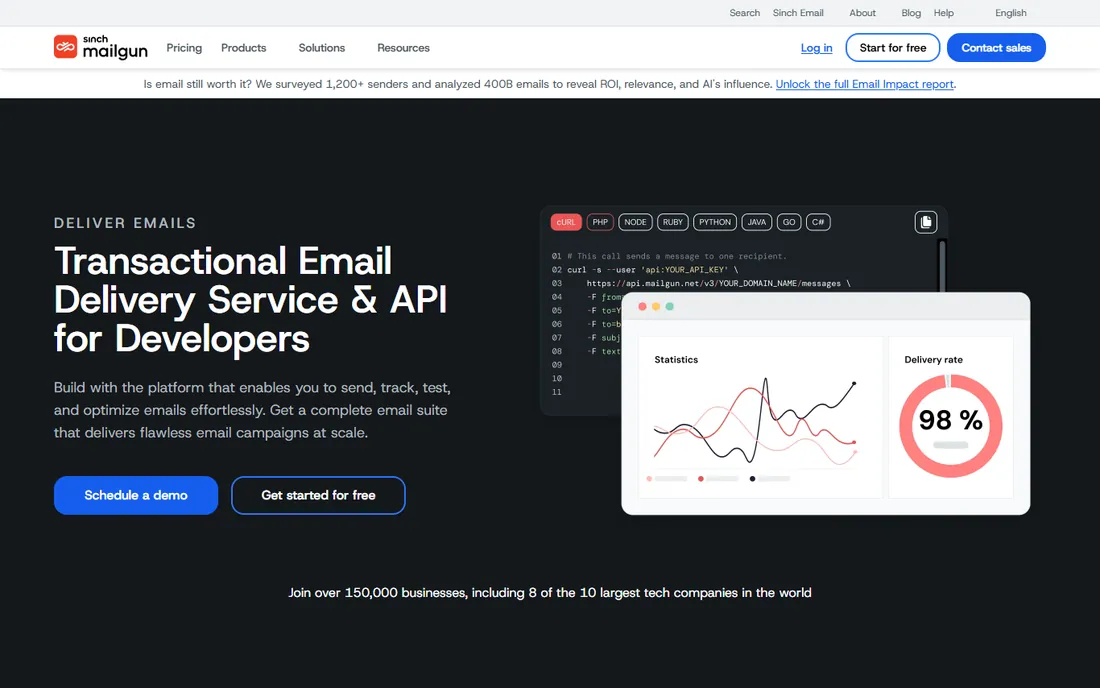
Mailgun is built for the team that wants to send email the way developers build everything else: through an API. It offers RESTful email APIs and an SMTP relay, inbound routing, tracking, analytics and webhooks, plus email validation and a template builder on higher tiers. The paid plans scale cleanly from Basic at $15 a month for 10,000 emails, to Foundation at $35 for 50,000, to Scale at $90 for 100,000, with extra emails from $1.80 per 1,000.
The catch is that Mailgun is not a marketing tool. As its own FAQ puts it, there is no send button in Mailgun; if you want drag-and-drop campaigns, this is the wrong product. The free plan caps you at 100 emails a day with one custom sending domain and one day of log retention, so it is really a testing tier. It remains one of the best values for developers who want control over every part of their sending.
What we like- Built for developers, with strong APIs
- Send from US or EU regions
- Flexible overage pricing
Watch out for- Free tier is small
- No campaign builder for marketers
- Dedicated IPs cost $59 a month extra
Starting price$0.16 per 1,000 emails (Essentials plan)
Free planFree trial (new AWS accounts get a 6-month free plan plus credits)
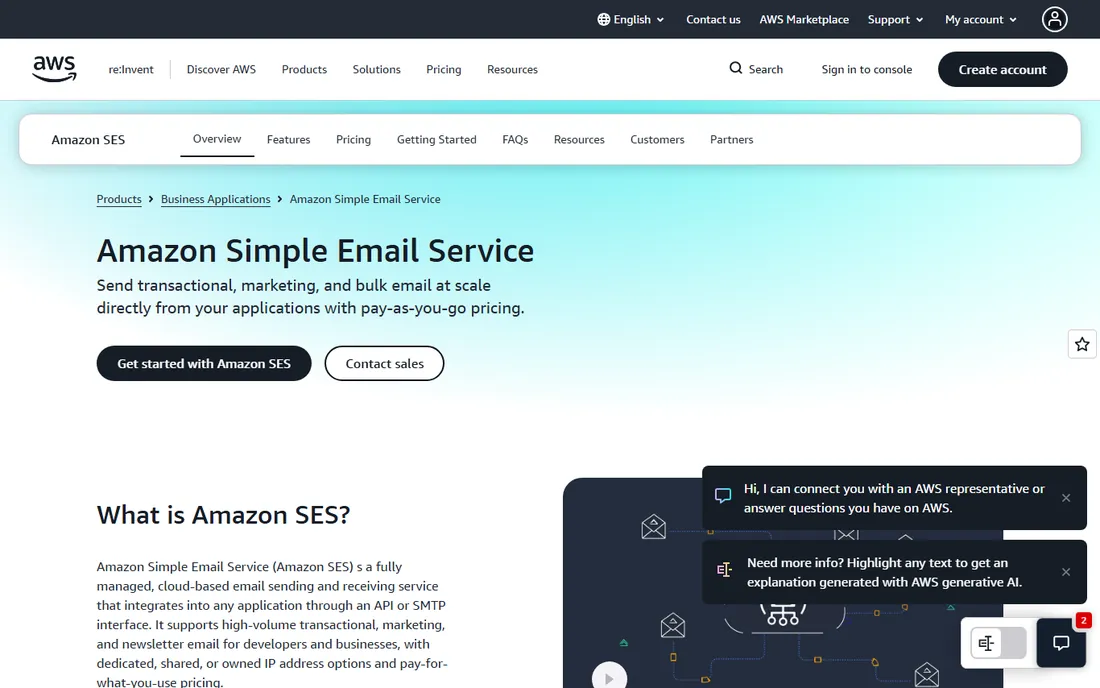
Nobody beats Amazon SES on raw price. The Essentials plan charges $0.16 per 1,000 emails, with the price dropping as volume grows, and an a-la-carte option exists for teams that want bare sending with no bundled extras. Higher tiers add deliverability tooling and dedicated IPs: Pro at $0.22 per 1,000 plus $105 a month, and Enterprise at $0.23 per 1,000 plus $500 a month. New AWS accounts get a free plan for six months after creation plus up to $200 in Free Tier credits.
The trade is that SES is infrastructure, not software. There is no campaign builder, no drag-and-drop editor, and no friendly dashboard for marketers; you bring your own templates and your own analytics. Setting up domains, authentication and sending limits takes AWS know-how, and deliverability is your job to manage. For companies with engineering resources and serious volume, the savings are hard to argue with.
What we like- Cheapest bulk sending by a wide margin
- Scales to billions of emails
- Pay-as-you-go with no contracts
Watch out for- No campaign UI or templates
- AWS setup is not beginner friendly
- You manage your own sender reputation
Starting priceSee website
Free planYes (300 emails a day)
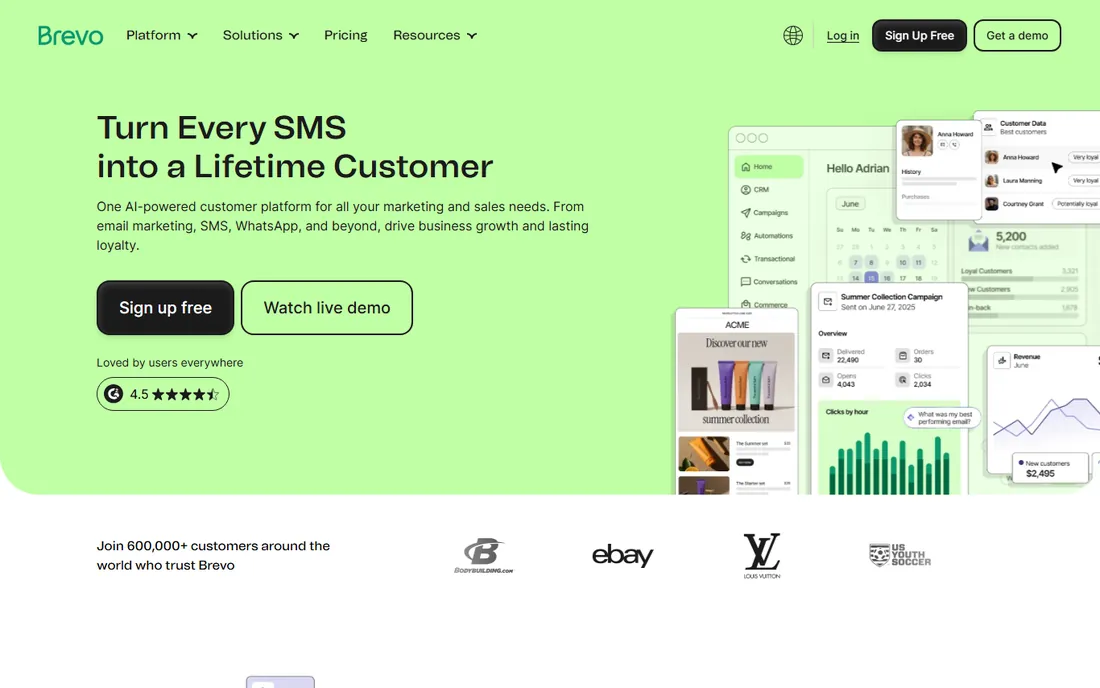
Brevo started as an email marketing tool and grew into an all-in-one customer platform covering email, SMS, WhatsApp, automation and CRM. Its free plan is one of the most generous in the category: 300 emails a day with unlimited contacts, which is enough to run a small newsletter without paying anything. Paid plans price by send volume rather than list size, which suits businesses with large lists and modest sending frequency.
The honest catch is the daily cap. A 300-email daily limit means a 10,000-subscriber list cannot go out in a single send on the free plan; you would split it across days. Free emails also carry Brevo branding in the footer, and marketing automation only comes with paid tiers. Still, for small businesses that want marketing email, transactional sending and a CRM in one login, Brevo is hard to beat for the price.
What we like- Generous free tier with unlimited contacts
- Marketing, SMS and CRM in one platform
- No contact-count pricing
Watch out for- Free emails carry Brevo branding
- 300-a-day cap limits real campaigns
- Automation sits on paid tiers
Starting priceSee website
Free planYes
Mailjet treats email as a team sport. Its editor supports real-time co-editing, shared templates between developers and marketers, user roles and approval flows, so nothing goes out without the right eyes on it. It handles both marketing campaigns and transactional email on one platform, with AI-assisted copy, segmentation and a RESTful API with SDKs for PHP, Python and Node. Security-minded buyers will note the ISO 27001 and SOC 2 certified infrastructure with EU-based data centers.
The catch is that Mailjet does not publish pricing clearly on its homepage, so you will need to dig or talk to sales to budget properly. The collaboration features that make it shine are wasted on a one-person operation, and a solo sender may find a simpler tool like SMTP2GO easier to live with. For marketing and product teams that share email duties, the workflow is genuinely well thought out.
What we like- Real-time co-editing and approval flows
- Strong deliverability and compliance tooling
- EU-based infrastructure
Watch out for- Pricing is not transparent upfront
- Built for teams, less so for solo senders
- Advanced features sit on paid tiers
Starting price$10/mo for 10,000 emails
Free planYes (up to 1,000 emails a month)
Some teams do not want a marketing platform at all. They want their app, their server or their Outlook client to send email reliably, with reports that show what happened to every message. That is exactly what SMTP2GO does. The free tier covers up to 1,000 emails a month for as long as you like, paid plans start at $10 a month for 10,000 emails with extra emails at $1 per 1,000, and a 30-day money-back promise backs every plan.
The reporting is the quiet strength here: visual reports on sends, bounces, spam complaints and unsubscribes, plus spam-filter testing and automatic SPF and DKIM handling. The catch is that this is a relay service, not a campaign builder; if you need drag-and-drop newsletters and automation journeys, pair it with something else or pick Brevo. For transactional and system email, the simplicity is the selling point.
What we like- Free tier lasts as long as you like
- Simple setup with strong reporting
- 24/7 support included
Watch out for- Light on marketing design tools
- Professional jumps to $75 a month
- Premier tier is custom priced
Starting price$15/mo for 10,000 emails
Free planYes (100 emails a month)
Postmark plays a narrower game than everyone else on this list, and that is the point. It focuses on transactional email: password resets, receipts, notifications, the messages your business cannot afford to lose. To protect those, it routes promotional mail through a separate sending infrastructure, so a newsletter blast never hurts the deliverability of your login emails. The free Developer plan gives 100 emails a month and never expires; paid plans start at $15 a month for 10,000 emails, with Pro at $16.50 and Platform at $18.
The catch is the price curve. Extra emails cost $1.80 per 1,000 on Basic, and there is no tier between the tiny free plan and 10,000 emails a month, which leaves an awkward gap for growing apps. Dedicated IPs start at $50 a month and need a Pro plan or higher. If your bulk mail is mostly transactional and deliverability is the top priority, Postmark earns its premium.
What we like- Excellent deliverability reputation
- Transactional and broadcast mail kept on separate streams
- Fast, clear docs
Watch out for- Pricey per email above 10,000 a month
- No marketing automation
- No plan between 100 and 10,000 emails a month
Starting priceSee website
Free planYes (100 emails a day)
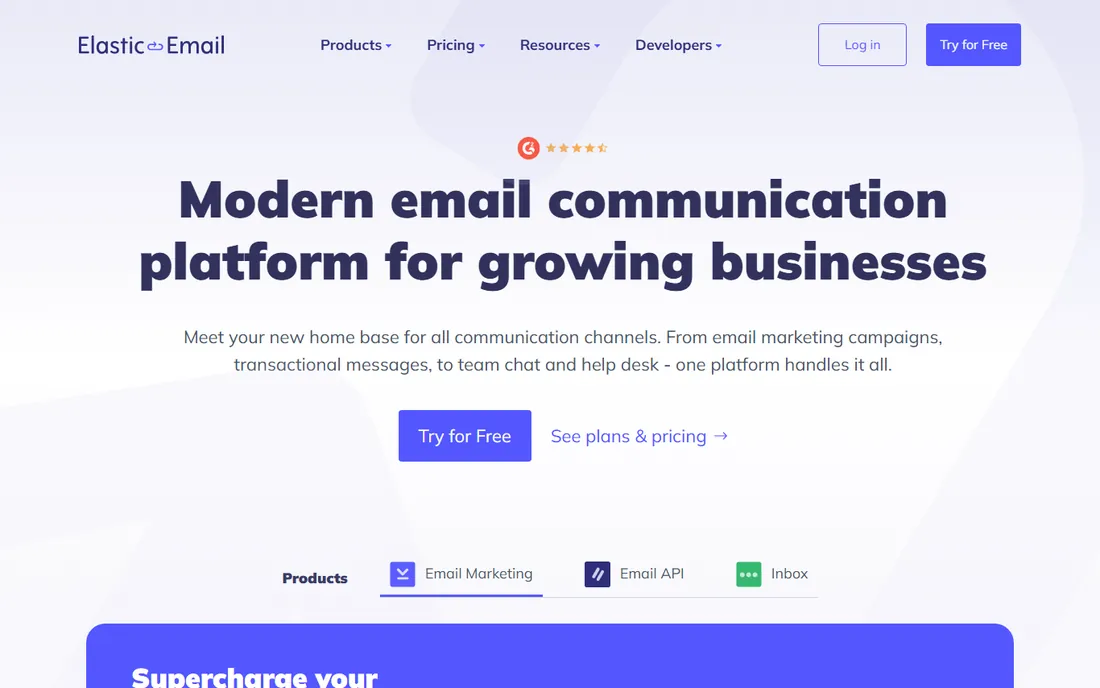
Elastic Email is the budget pick that quietly covers both marketing campaigns and transactional sending in one account. The free tier offers 100 emails a day with instant setup and no credit card required, and the platform includes an AI template designer, automation workflows, an API and SMTP, plus integrations with HubSpot, WooCommerce, Shopify and WordPress. It positions itself as a full communication platform rather than just a sending pipe.
The catch is ecosystem size. With a smaller user base than SendGrid or Mailgun, you will find fewer community tutorials and third-party integrations, and exact pricing takes more effort to pin down. For small businesses that want an affordable all-rounder without the complexity of AWS, it is a reasonable place to start.
What we like- Free tier needs no credit card
- Covers marketing and transactional in one account
- Ready integrations with major platforms
Watch out for- Smaller ecosystem than the big platforms
- Pricing details sit behind signup
- Fewer third-party guides and tutorials
How we chose
We compared bulk mailing tools by opening each vendor's homepage and pricing page, then weighing the factors that matter to small and mid-size senders: entry price and free tier, per-email cost at realistic volumes, deliverability features like dedicated IPs and authentication, and how much technical skill each platform demands. We also checked public reviews on G2 and Capterra and community threads on Reddit for recurring complaints about deliverability, support and billing surprises. We never claim hands-on testing; every price and plan detail here comes from the vendor's own site or a clearly cited source.
What to check before you commit to a bulk email provider
Do the volume math first
Price your real monthly volume, not the plan's headline number. A $15 plan that includes 10,000 emails is cheap until you send 40,000 and pay overage rates on the rest. Pull your last three months of send volume, add 30 percent for growth, and compare the all-in cost across two or three providers. This is where Amazon SES usually wins and where Postmark usually loses.
Decide who is sending
Marketing newsletters and transactional emails have different needs. Marketing teams want editors, templates, segmentation and automation, which points to Brevo or Mailjet. Developers sending receipts and alerts want APIs, webhooks and logs, which points to Mailgun, Postmark or SES. SMTP2GO fits the in-between case: system email from apps and servers with no marketing UI at all.
Check the deliverability basics
Every provider on this list handles SPF, DKIM and DMARC, but the details differ. Ask whether you get a dedicated IP and what it costs, how bounce and complaint handling works, and whether transactional and marketing mail share the same sending infrastructure. Postmark separates them by design; with others, you may need a dedicated IP to get the same protection.
Test before you migrate
Use the free tier or trial to send to a seed list and check where the mail lands. Warm up new domains and IPs gradually rather than blasting your full list on day one. Most deliverability problems come from rushing the migration, not from the provider itself.
Shared IPs vs dedicated IPs: the part most buyers miss
Every provider on this list starts you on shared IPs, where your sender reputation is mixed with other customers'. That is fine at low volume, and providers like Postmark protect their shared pools by vetting senders carefully. But once you send hundreds of thousands of emails a month, a dedicated IP gives you full control over your reputation, for better or worse. The catch is cost and effort: dedicated IPs run $50 to $59 a month at Postmark and Mailgun, and a fresh IP needs weeks of gradual warm-up before it performs. Do not buy one until your volume justifies it, and do not expect it to fix a bad list; no IP saves mail that recipients never asked for.
Frequently asked questions
What is bulk mailing software?
Bulk mailing software sends large volumes of email through dedicated infrastructure instead of your regular email account. It handles the technical work of delivery, authentication, bounce handling and unsubscribe management, and most tools offer either an API for developers or a campaign builder for marketers.
How many emails can I send for free?
It varies widely. SMTP2GO allows up to 1,000 emails a month free, Brevo allows 300 a day, and Elastic Email allows 100 a day. Mailgun and Postmark offer much smaller free tiers aimed at testing. Always check the current free plan on the vendor's site, since these limits change.
Will my emails land in the inbox or the spam folder?
No provider can guarantee inbox placement. What they can do is give you authenticated sending, good IP reputation, bounce handling and deliverability monitoring. The rest depends on your list quality, engagement and sending habits. Sending only to people who opted in matters more than which provider you pick.
Do I need a developer to set these up?
It depends on the tool. Brevo, Mailjet and Elastic Email are built for marketers and need no code. Mailgun, Postmark and Amazon SES assume someone comfortable with APIs and DNS records. SMTP2GO sits in the middle: pointing your app or mail client at its SMTP server is usually a short configuration job.
What is the difference between transactional and marketing email?
Transactional emails are triggered by user actions: order confirmations, password resets, shipping alerts. Marketing emails are campaigns you choose to send: newsletters, promotions, announcements. Providers treat them differently because inbox providers do too; mixing them on the same sending stream can hurt the deliverability of your most important messages.
Can I use bulk mailing software for cold email?
Most providers on this list prohibit unsolicited cold email in their terms, and sending it can get your account suspended. Amazon SES in particular enforces strict bounce and complaint thresholds. If cold outreach is your goal, use a dedicated cold email tool and keep it separate from the infrastructure that sends your customer email.
Sources we checked (13)
- https://sendgrid.com/
- https://mailgun.com/
- https://www.mailgun.com/pricing/
- http://aws.amazon.com/ses/
- https://aws.amazon.com/ses/pricing/
- https://www.brevo.com
- https://www.emailvendorselection.com/brevo-review/
- https://mailjet.com/
- https://www.smtp2go.com/
- https://www.smtp2go.com/pricing/
- https://postmarkapp.com
- https://postmarkapp.com/pricing
- https://elasticemail.com/
Is your product missing or out of date?
We review this list regularly. Vendors can request a listing, send updated pricing or ask about featured placement.

Shihab Mia · Founder, Rankite
Shihab has spent more than a decade helping SaaS and e-commerce brands grow through search. He writes Rankite's software buying guides from pricing pages, documentation and public user reviews. More about Shihab.