How we make this list: we compare pricing pages, product documentation and public user reviews. Ratings come from G2, Capterra or Trustpilot, with the date we checked them.
Key takeaways
- WordPress.org gives the most long term control, but it also asks the most from a beginner in setup and maintenance.
- WordPress.com, Wix, and Squarespace trade some control for a much easier first week.
- Ghost and Substack suit writers who want newsletters and paid subscriptions built in, rather than added with plugins.
- A free platform is fine for learning, but check export and domain options before you build an audience there.
- The best beginner tool is the one that lets you publish your second, tenth, and fiftieth post without friction.
Quick comparison
| Tool | Best for | Starting price | Free plan |
|---|
 WordPress.org WordPress.org | Full control and growth | $0 software | Yes |
 WordPress.com WordPress.com | Hosted WordPress without server work | $0 | Yes |
 Ghost Ghost | Newsletter and membership blogs | See website | No |
 Wix Wix | Drag and drop beginner sites | $17 per month | Yes |
 Squarespace Squarespace | Design led blogs and portfolios | $16 per month | Free trial |
 Medium Medium | Built-in audience for writers | $0 | Yes |
 Substack Substack | Newsletter first publishing | $0 | Yes |
 Blogger Blogger | Free hobby blogging | $0 | Yes |
 Beehiiv Beehiiv | Newsletter growth tools | See website | Yes |
Is your product missing or out of date?
We review this list regularly. Vendors can request a listing, send updated pricing or ask about featured placement.
The best blogging tools for beginners
#1WordPress.org
Best for: Full control and growth4.4/5 on
G2 (9,546 reviews, checked Oct 2026)
Visit wordpress.org
Starting price$0 software
Free planYes
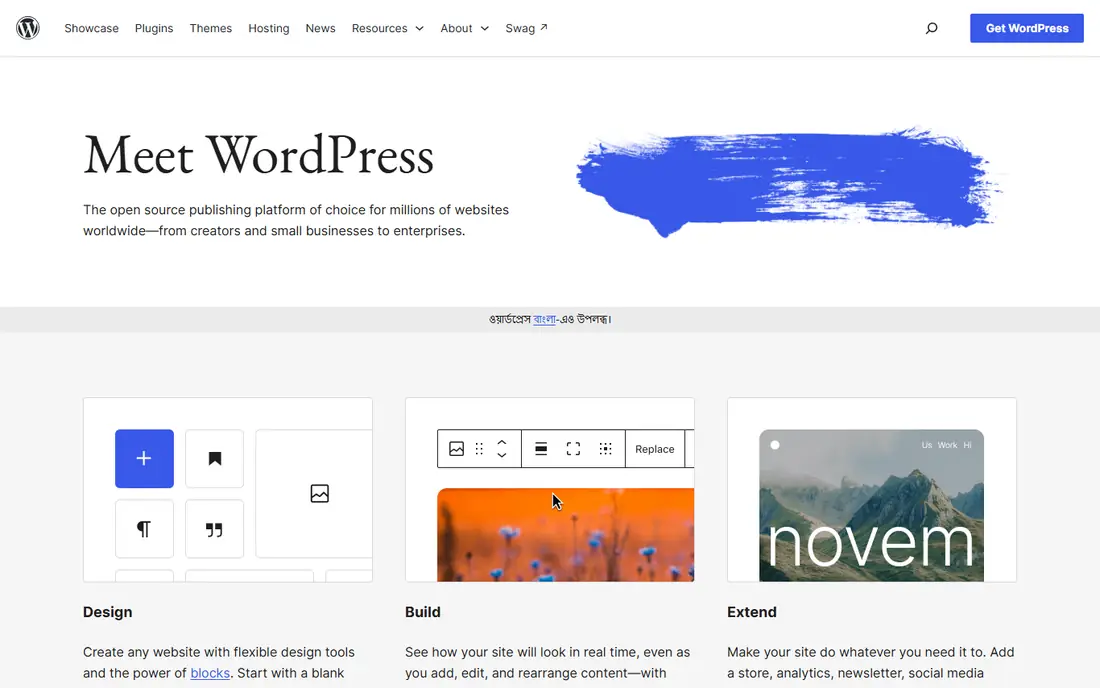
WordPress.org is the self-hosted version of WordPress, and it remains the most flexible blogging platform available. The software itself is free, you choose a host and domain, and you can add themes, plugins, and custom code without platform limits. That freedom matters when a blog grows into a business: you can add a store, memberships, courses, or a custom design, and you own the content and the site. The huge community also means guides exist for almost every problem a beginner will face.
Freedom comes with work. You must arrange hosting, keep WordPress, themes, and plugins updated, and handle backups and basic security. Beginners who enjoy learning will find that manageable, especially with managed WordPress hosting that handles updates. Beginners who only want to write may find the setup and choices tiring. Choose WordPress.org when long term control matters more than the easiest first day.
What we like- Full ownership
- Huge theme and plugin choice
- Best long term flexibility
Watch out for- Needs hosting and maintenance
- Plugin choices can overwhelm beginners
- Security is your job
#2WordPress.com
Best for: Hosted WordPress without server work4.4/5 on
G2 (2,717 reviews, checked Oct 2026)
Visit wordpress.com
Starting price$0
Free planYes
WordPress.com takes the WordPress editor and removes server work. You sign up, pick a theme, and publish, with hosting, updates, and security handled for you. The free plan is a useful way to learn the editor and test whether blogging suits you, and paid plans remove ads, add a custom domain, and gain access to more features. For beginners who like WordPress but do not want to manage a server, it is a sensible middle path.
Limits appear on lower plans, where plugin and theme choices are restricted and some customization options require an upgrade. That can frustrate a blogger who later wants a specific plugin that only higher plans allow. Still, the upgrade path is clear, and moving to self-hosted WordPress later is possible with export tools. Choose WordPress.com when you want WordPress writing without server chores.
What we like- No server maintenance
- Familiar WordPress editor
- Easy upgrade path
Watch out for- Free and cheap plans limit plugins and themes
- Ads on free plan
- Higher plans cost more
#3Ghost
Best for: Newsletter and membership blogs4.0/5 on
G2 (40 reviews, checked Oct 2026)
Visit ghost.org
Starting priceSee website
Free planNo
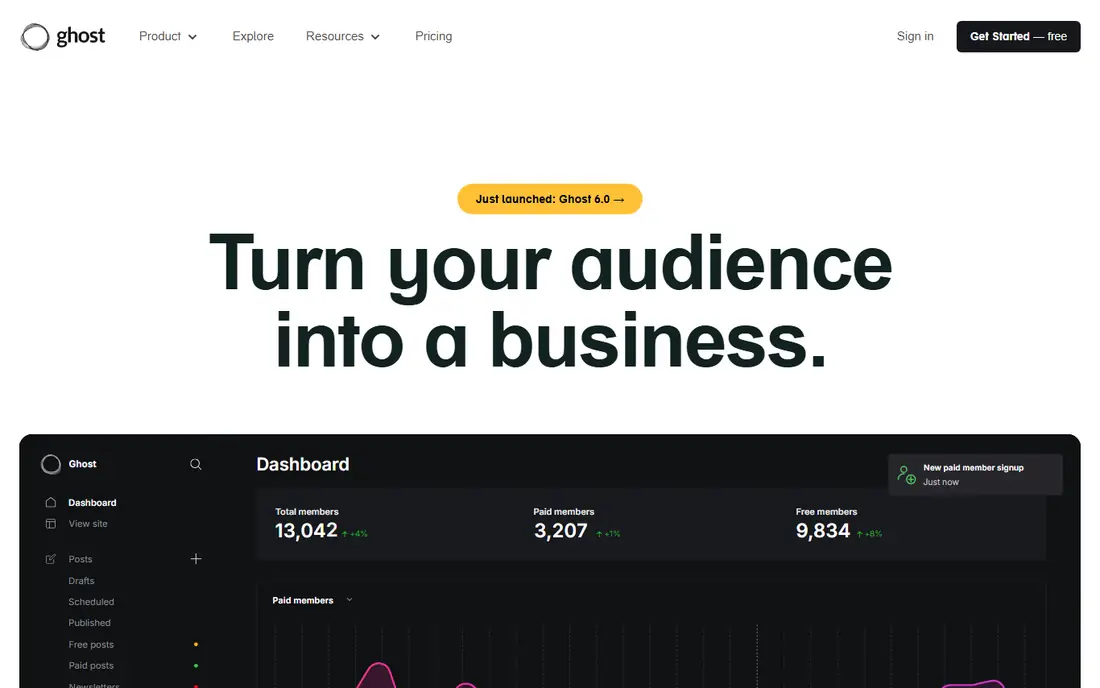
Ghost is a publishing platform built for writers who want newsletters and paid memberships without bolting on plugins. The editor is clean and fast, member signup and paid subscriptions are built in, and hosted Ghost takes no cut of subscription revenue, unlike some newsletter platforms. That makes it attractive for independent writers who plan to charge readers, and for publications that want a simple, fast site.
Ghost deliberately offers fewer extensions than WordPress. There is no plugin marketplace, and theme choice is smaller, so bloggers who want a store, forum, or complex custom features may feel limited. Self-hosting Ghost is free software but needs technical setup, while hosted Ghost starts at a monthly price. Choose Ghost when writing, newsletters, and memberships are the core of your plan.
What we like- Built-in newsletters and memberships
- Clean fast editor
- No fee on subscriptions on hosted plans
Watch out for- No plugin marketplace
- Fewer themes than WordPress
- Self-hosting needs technical skill
#4Wix
Best for: Drag and drop beginner sites4.2/5 on
G2 (1,888 reviews, checked Oct 2026)
Visit wix.com
Starting price$17 per month
Free planYes
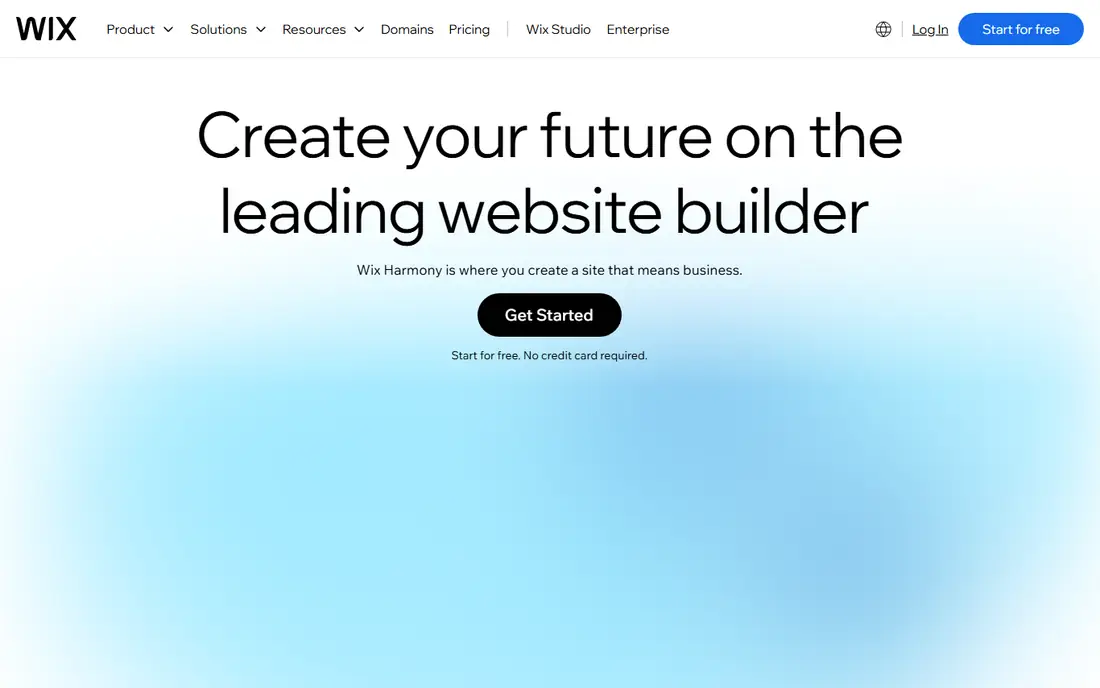
Wix is often the easiest platform for a complete beginner to get a good looking blog online quickly. The drag and drop editor lets you move text, images, and sections without code, templates cover many niches, and hosting is included in the price. AI assisted setup can even generate a starting site from a few answers. For a personal blog, portfolio, or small business blog where design matters and technical skill is low, Wix removes most barriers.
Large, content heavy blogs may find Wix less flexible than WordPress for SEO control, custom post types, and bulk management. The free plan shows Wix branding and uses a Wix subdomain, and exporting a Wix site to another platform is not straightforward. Choose Wix when ease and design matter most, and when you are happy to stay on Wix as the blog grows.
What we like- Very easy visual editor
- Many templates
- Hosting included
Watch out for- Less flexible for large blogs
- Free plan shows Wix branding
- Moving away can be hard
#5Squarespace
Best for: Design led blogs and portfolios4.4/5 on
G2 (1,133 reviews, checked Oct 2026)
Visit squarespace.com
Starting price$16 per month
Free planFree trial
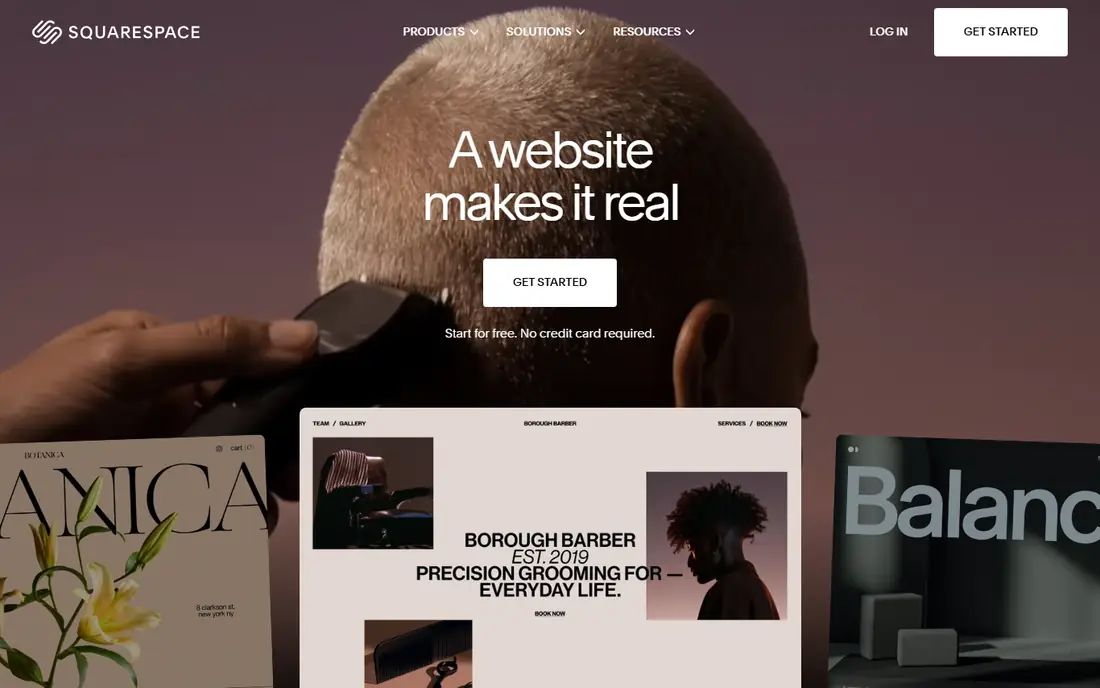
Squarespace suits bloggers who care deeply about how the site looks. Its templates are polished and consistent, the block editor is pleasant to use, and one subscription can cover hosting, domain, commerce, and email marketing tools. That single bill simplicity helps small businesses and visual creators who want a professional site without assembling separate services. Blogging features, including scheduling, categories, and basic SEO controls, cover most beginner needs well.
Squarespace offers less freedom than WordPress for plugins and custom code, and some template changes require workarounds. There is no permanent free plan, only a trial, so you pay from the start. Choose Squarespace when design quality and simplicity matter more than plugin choice, and when your blog sits alongside a portfolio or small store.
What we like- Polished templates
- One bill for site and domain
- Built-in commerce and email tools
Watch out for- Less plugin freedom
- Template customization has limits
- No permanent free plan
Starting price$0
Free planYes
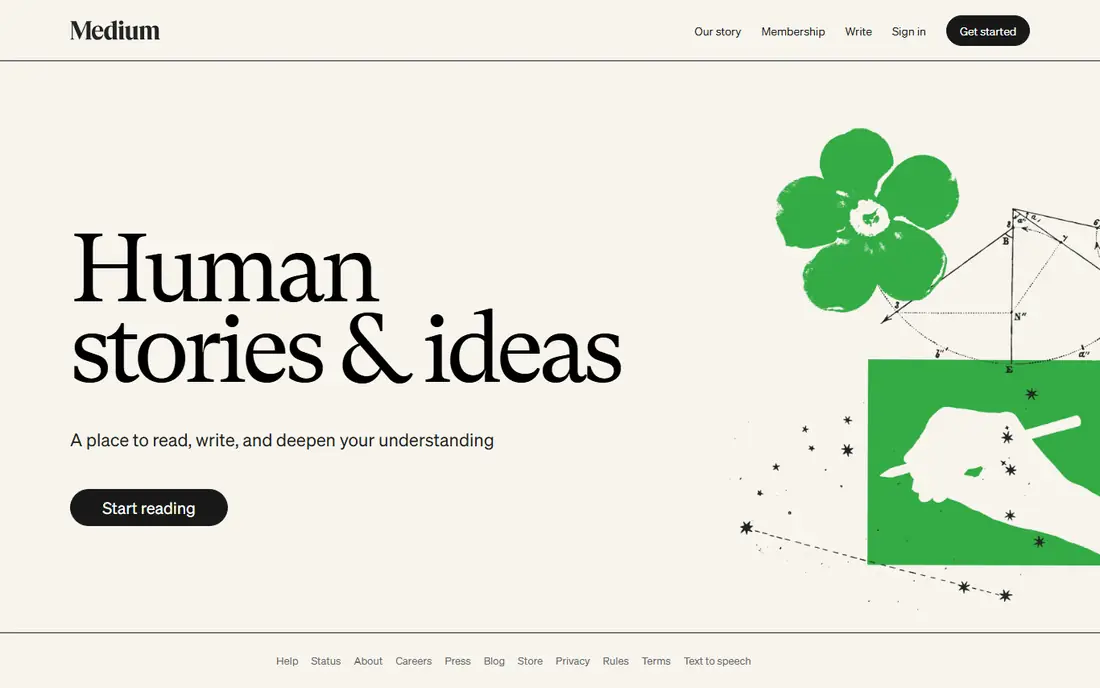
Medium is the fastest way to put writing in front of readers. You create an account and publish, with no hosting, theme, or plugin decisions, and the platform can surface your work to readers interested in the topic. That built-in distribution helps new writers get feedback and readers without learning SEO or marketing first. The reading experience is clean, and the editor stays out of the way.
Control is the price. Your blog lives on Medium, branding is limited, and monetization follows Medium rules, including its Partner Program payouts based on reading time. Building an email list you own is harder than on Ghost or WordPress. Medium fits writers who want practice, feedback, and reach, and who do not yet need their own brand or business. It fits less well as a permanent home for a commercial blog.
What we like- Instant audience
- Zero setup
- Clean reading experience
Watch out for- Limited branding and control
- Payout rules set by Medium
- Hard to build an owned list
#7Substack
Best for: Newsletter first publishing4.3/5 on
G2 (17 reviews, checked Oct 2026)
Visit substack.com
Starting price$0
Free planYes
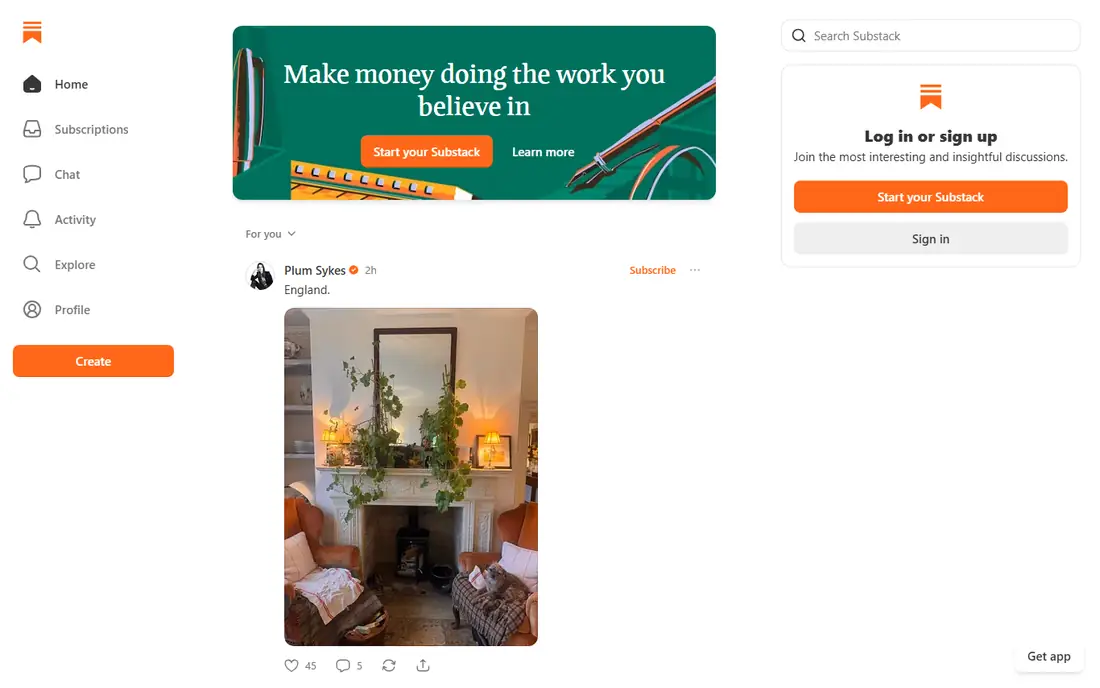
Substack turned newsletter publishing into a simple business for independent writers. You write a post, it appears on the web and in subscriber inboxes, and readers can pay for a subscription with Substack handling payments. The free tier lets you build an audience before charging anyone, and the writing workflow is deliberately simple. For writers whose main product is a regular newsletter, Substack removes almost every technical barrier.
Substack takes 10 percent of paid subscription revenue, plus payment processing fees, which adds up as income grows. Site design and customization are also limited compared with WordPress or Ghost. Writers who later want full control may move to Ghost or a self-hosted site, and exporting subscribers is possible but takes planning. Choose Substack when a newsletter is the product and speed matters more than design control.
What we like- Free to start
- Built-in subscriptions
- Simple writing and email workflow
Watch out for- Takes 10 percent of paid subscriptions
- Limited site design
- Platform rules apply
Starting price$0
Free planYes
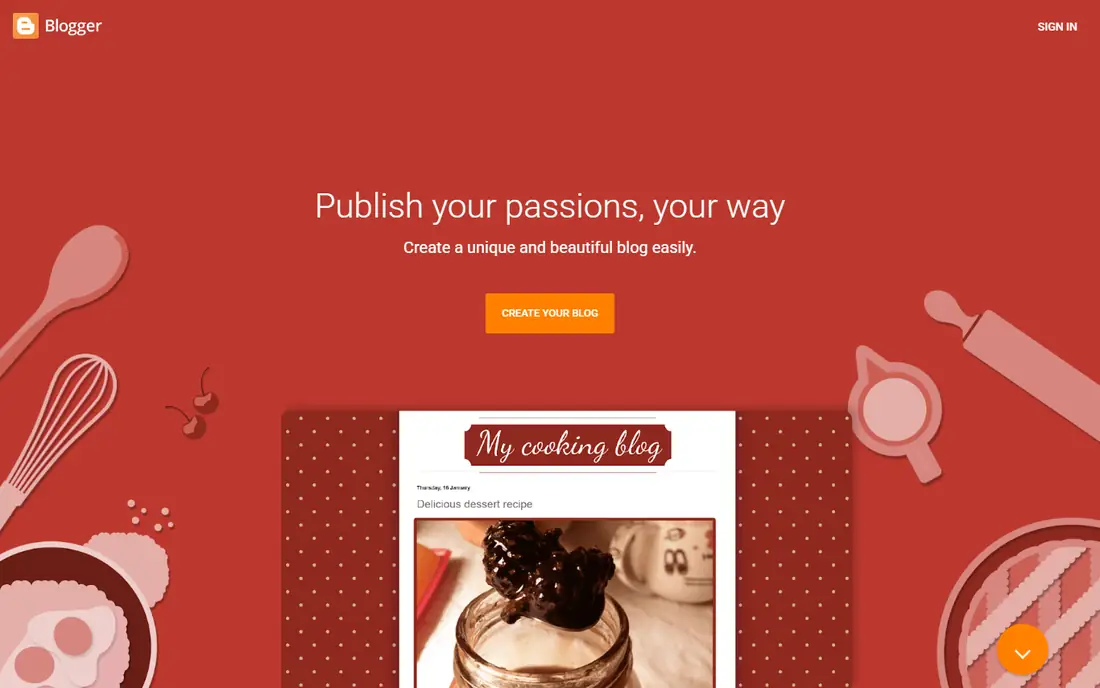
Blogger, from Google, remains a free and simple way to start a hobby blog. Sign in with a Google account, pick a template, and publish, with hosting included at no cost. It supports custom domains and basic monetization through ads and affiliate links, which is enough for casual bloggers who write for fun. Its simplicity is genuine: there are few decisions to make, and few ways to break the site.
Blogger feels dated next to modern platforms, with fewer templates, weaker newsletter and membership features, and a less active development pace. Serious bloggers who later want advanced SEO, commerce, or memberships will likely outgrow it. Choose Blogger for a free hobby blog, a school project, or a test run before committing to a paid platform. Choose a more active platform when you plan to grow an audience or business.
What we like- Completely free
- Google account login
- Simple setup
Watch out for- Dated design and features
- Limited growth path
- Future of platform is uncertain to some users
#9Beehiiv
Best for: Newsletter growth tools4.5/5 on
G2 (40 reviews, checked Oct 2026)
Visit beehiiv.com
Starting priceSee website
Free planYes
Beehiiv is a newer newsletter platform that appeals to writers who want growth tools built in, including referral programs, recommendations, and subscriber analytics. The editor is clean, the free plan lets you start and test the workflow, and paid plans add automation, segmentation, and more advanced publishing features. Writers who treat subscriber growth as a core goal often prefer Beehiiv over a plain blog platform.
Beehiiv is newsletter first, so it is not a full website builder for complex sites, stores, or forums. Advanced features sit on paid plans, and template choice is smaller than on Wix or Squarespace. Choose Beehiiv when a newsletter is your main channel and growth tools matter. Choose WordPress or Ghost when you need a fuller website alongside the newsletter.
What we like- Newsletter growth and referral tools
- Clean editor
- Analytics for subscribers
Watch out for- Newsletter first, not a full website builder
- Paid plans needed for advanced features
- Smaller template range
How we chose
We compared ease of setup, ownership and export, monetization, SEO control, newsletter and membership features, and pricing, using vendor pricing pages, documentation, and public reviews. Prices were checked in October 2026, and any price we could not confirm is shown as See website. We did not claim hands-on testing. The list favors platforms a beginner can actually publish on in an afternoon, with a clear note where a free plan limits growth.
Start with your goal for the next year, not the next week. If you want a hobby blog, a free platform is fine. If you want a business, a newsletter, or a portfolio that must look professional, pay for a platform that supports that goal from the start. A cheap start that forces a painful migration later is not cheap.
Next, check three things before you publish widely: can you use a custom domain, can you export posts and subscriber lists, and can you add the monetization method you plan to use. Those three checks prevent most beginner regrets. Finally, publish ten posts before you judge the platform. Early friction often comes from learning any new editor, not from a flaw in the tool itself, and ten posts reveal whether the workflow truly suits you.
Frequently asked questions
What is the easiest blogging platform for a complete beginner?
Wix and Medium are the easiest to start, because they require almost no setup. WordPress.com is also beginner friendly if you want WordPress without server work. Choose based on whether you want a designed site, a built-in audience, or a WordPress foundation.
Is WordPress free?
WordPress.org software is free, but you pay for hosting and a domain. WordPress.com offers a free plan, with paid plans for a custom domain, more storage, and extra features. The total cost depends on hosting, theme, and plugins you choose.
Can I move my blog to another platform later?
Often yes, but ease varies. WordPress, Ghost, and Substack offer export tools for posts and, in some cases, subscribers. Wix and Medium exports are more limited. Check export options before you build a large archive on any platform.
Should beginners start with a newsletter or a blog?
Both can work, and many writers do both. A blog suits searchable, evergreen content that readers find over time. A newsletter suits regular, personal writing delivered to inboxes. Ghost, Substack, and Beehiiv combine both, with a web archive plus email delivery.
Do I need to pay to start blogging?
No. Blogger, Medium, Substack, WordPress.com, and Beehiiv all offer free ways to start. Pay when you need a custom domain, removal of platform branding, advanced features, or a professional design that free plans do not provide.
Sources we checked (9)
- https://wordpress.org
- https://wordpress.com/pricing
- https://ghost.org/pricing
- https://www.wix.com/pricing
- https://www.squarespace.com/pricing
- https://medium.com
- https://substack.com
- https://www.blogger.com
- https://www.beehiiv.com/pricing
Is your product missing or out of date?
We review this list regularly. Vendors can request a listing, send updated pricing or ask about featured placement.

Shihab Mia · Founder, Rankite
Shihab has 5+ years in B2B and SaaS SEO. He writes Rankite's software buying guides from pricing pages, documentation and public user reviews. More about Shihab.