How we make this list: we compare pricing pages, product documentation and public user reviews. Rankite is independent; if a vendor ever pays for a featured spot, that listing is clearly labeled Partner.
Key takeaways
- Autodesk Revit remains the industry default, especially where Revit deliverables are contractually required.
- Graphisoft Archicad is the strongest alternative for design-led practices that want BIM without the heaviness.
- Vectorworks Architect suits small studios that want sketch-to-BIM in one flexible package.
- Rhino is not traditional BIM software, but with Grasshopper and BIM plugins it powers the most ambitious parametric architecture.
Quick comparison
Is your product missing or out of date?
We review this list regularly. Vendors can request a listing, send updated pricing or ask about featured placement.
What architects actually need from BIM
BIM software for architects is not just 3D modeling. It is a database of building information disguised as a model: walls that know they are walls, doors that schedule themselves, sections that update when the plan changes. The tools below differ in how they balance design freedom against documentation rigor, and in which project types and regions they dominate. Pick based on your collaborators as much as your own preferences, because BIM is a team sport and file compatibility decides more purchases than feature lists.
Starting priceSee website
Free planNo
Revit is the BIM tool most architects mean when they say BIM. On large commercial, healthcare and institutional projects, Revit models are frequently the contractual deliverable, which makes proficiency in it a business requirement rather than a preference. Its parametric families, worksharing for multi-user models, and coordination with structural and MEP disciplines in the same ecosystem are unmatched at scale.
The costs are real. Subscriptions are priced per user per year with no perpetual option, and serious projects demand workstation-class hardware. Many architects also find early-stage design in Revit constraining; the common pattern is to design in Rhino or SketchUp and document in Revit. If your clients, consultants or contractors require Revit files, none of that matters: this is the tool.
What we like- The de facto standard on large projects
- Huge family and template libraries
- Deep integration with the Autodesk ecosystem
Watch out for- Subscription-only pricing
- Demanding hardware requirements
- Design modeling feels rigid compared with alternatives
Starting priceSee website
Free planNo
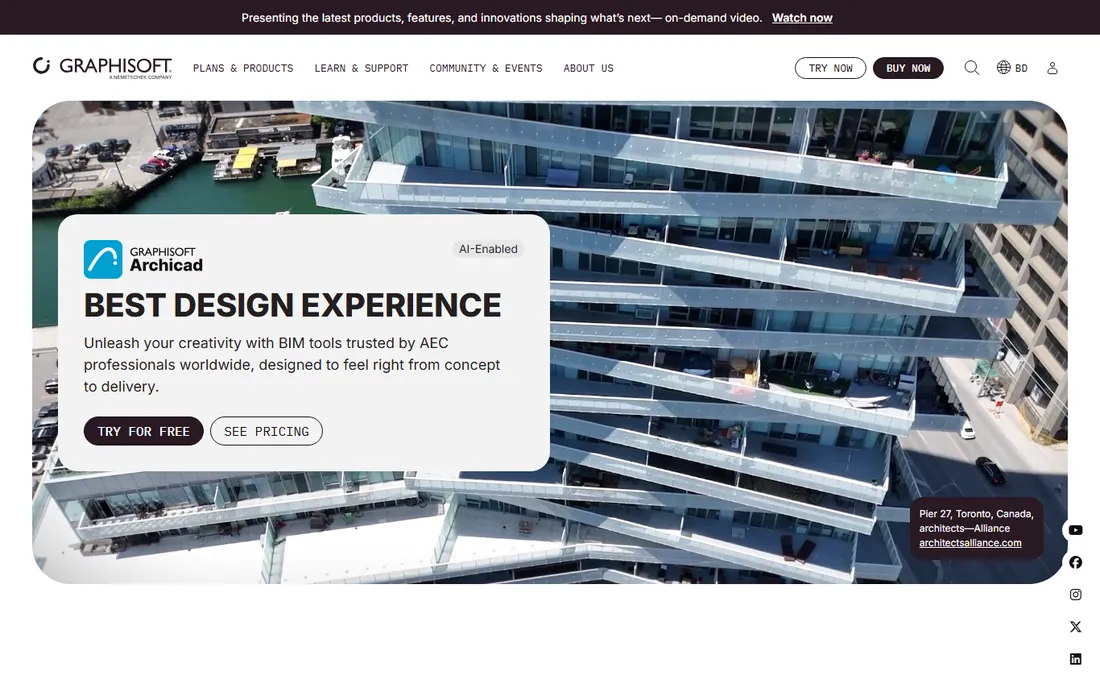
Archicad has been doing BIM since before the term existed, and it shows in a workflow that feels designed by architects rather than imposed on them. Modeling, documentation and visualization live in one environment, so design development flows into construction documents without the export-import rituals other tools require. BIMcloud enables real-time collaboration across distributed teams, and BIMx gives clients an interactive model viewer on desktop and mobile.
Firms that choose Archicad tend to stay: it rewards design-led practices with speed in the phases where architects add the most value. The tradeoff is ecosystem gravity. In regions and sectors where Revit is the mandated deliverable, Archicad shops rely on IFC and DWG exchange, which works but adds friction. Evaluate it on a real project before committing a practice to it.
What we like- Fluid design-to-documentation workflow
- Excellent built-in visualization
- Strong on Mac as well as Windows
Watch out for- Smaller user base than Revit in some markets
- Fewer third-party plugins
- Subscription pricing like the rest
Starting priceSee website
Free planNo
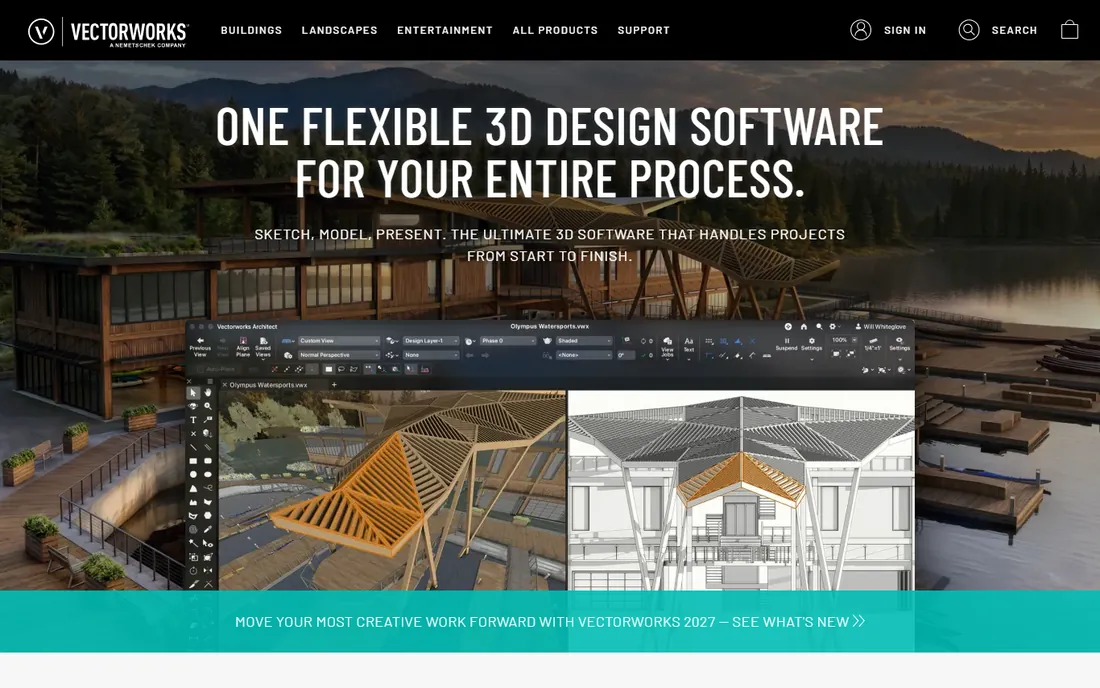
Vectorworks Architect pitches itself as the flexible alternative: one application that takes you from sketch to fully documented BIM without switching tools. Its roots in 2D CAD give it drafting chops that pure modelers lack, and its modeling is more forgiving than Revit's, which suits studios doing varied project types rather than one building type at scale.
It has a loyal following among small and mid-size architecture firms, landscape architects and entertainment designers. On very large or highly regulated projects, you will feel the smaller ecosystem: fewer specialist consultants working natively in Vectorworks, fewer plugins. For a studio of five to fifty people doing diverse work, that rarely matters.
What we like- Sketch, model and document in one package
- Strong 2D drafting heritage
- Popular with small and mid-size firms
Watch out for- Less dominant on mega-projects
- BIM features trail Revit in depth
- Smaller consultant ecosystem

#4
Bentley OpenBuildings Designer
Best for: large infrastructure and multidiscipline firms
Visit bentley.com
Starting priceSee website
Free planNo

Bentley Systems serves infrastructure: roads, rail, plants, campuses, airports. OpenBuildings Designer is its BIM application for buildings within that world, designed to coordinate architecture with the civil, structural and systems engineering that Bentley dominates. If your projects involve infrastructure-scale coordination, digital twins and asset handover, this is native territory.
For a conventional architecture practice doing commercial or residential buildings, it is more tool than needed, with enterprise pricing to match. Bentley lists starting prices for sibling products like MicroStation from $2,656, which signals the budget tier. Choose it when the project demands infrastructure-grade BIM, not for everyday architectural practice.
What we like- Built for massive multidiscipline projects
- Strong infrastructure integration
- MicroStation heritage in precision drafting
Watch out for- Enterprise pricing and complexity
- Overkill for typical building projects
- Steeper learning curve

#5
Tekla Structures
Best for: structural BIM and constructible modeling
Visit tekla.com
Starting priceSee website
Free planYes (trial)

Tekla Structures, by Trimble, is where structural BIM gets serious: accurate, constructible models that flow directly to fabrication. Detailers, fabricators and contractors build in Tekla what actually gets built, down to bolts and welds. For architects, its relevance is collaboration: on projects with complex structures, the Tekla model is the source of truth your architectural model must coordinate with.
Trimble Connect provides the common data environment for that coordination. Architects rarely author in Tekla, but understanding its role matters when structural complexity drives the project. Free trials are available for evaluation, with commercial pricing handled through sales.
What we like- The standard for constructible structural models
- Superb steel and concrete detailing
- Trimble Connect collaboration
Watch out for- Structural focus, not an architect's primary tool
- Pricing is quote-based
- Significant training investment
Starting priceSee website
Free planNo
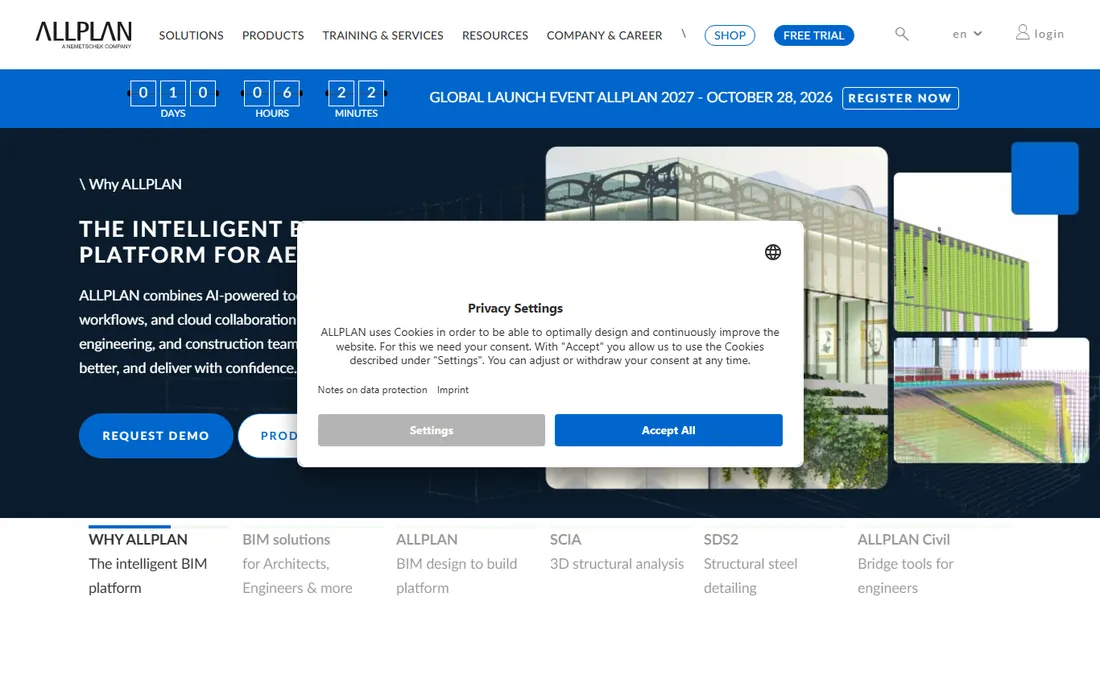
Allplan positions itself as an intelligent BIM platform for the full AEC workflow, from architecture through engineering to construction, with specialized modules for precast fabrication, structural steel detailing (SDS2) and offsite construction. It is particularly strong in German-speaking and central European markets, where it competes directly with Revit and Archicad.
For firms working on European projects, especially with precast or design-build delivery, Allplan's integrated approach has real advantages. Outside Europe the community and consultant ecosystem thin out considerably. If your work is continental Europe-centric, it deserves a place on the shortlist.
What we like- Strong in European markets
- Design-to-build platform covering precast and steel
- AI-powered tools in recent versions
Watch out for- Limited presence outside Europe
- Smaller international community
- Pricing through sales
Starting priceSee website
Free planYes (trial)
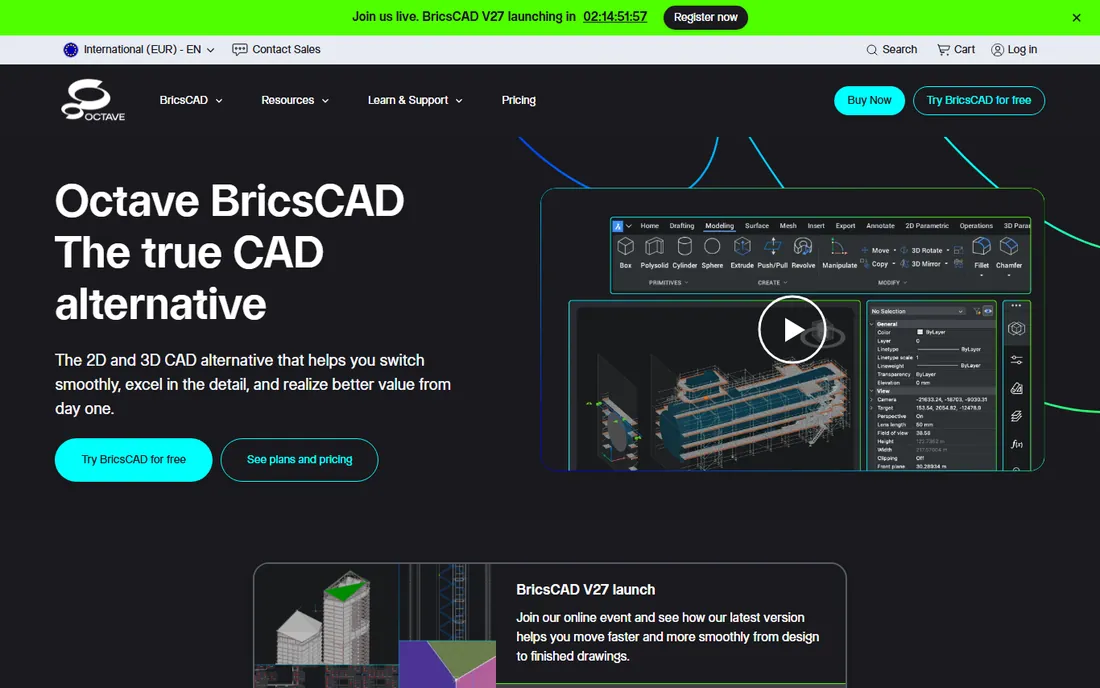
BricsCAD BIM is the value play: real BIM tools on the DWG format AutoCAD users already know, with AI-assisted features that automate classification and modeling drudgery. For firms with deep DWG libraries and staff trained on AutoCAD-style workflows, the transition is gentler than moving to Revit, and licensing costs notably less.
Bricsys offers free trials so you can test the BIM workflows on your own projects. The honest limitation is maturity: the ecosystem of families, plugins and trained collaborators is a fraction of Revit's. For cost-conscious firms doing mainstream building types, that tradeoff often pencils out.
What we like- Native DWG compatibility
- AI-driven BIM assistance
- Significantly cheaper than Revit
Watch out for- Smaller ecosystem than the leaders
- BIM workflows less mature
- Advanced features trail Revit
Starting price$995 one-time
Free planYes (90-day evaluation)

Rhino earns its place differently: it is the design tool behind the most geometrically ambitious architecture of the last two decades. Grasshopper, its visual programming environment, lets architects build parametric systems and generative forms that BIM-native tools cannot touch. With plugins like VisualARQ adding BIM objects, levels and IFC export, Rhino participates in BIM workflows on its own terms.
The commercial license is $995 as a one-time perpetual purchase with no maintenance fees, and a 90-day full evaluation is free. Most practices use Rhino for design and a BIM authoring tool for documentation. If your work pushes formal or computational boundaries, Rhino is not optional.
What we like- Perpetual license, no subscription
- Grasshopper is the best parametric design environment
- Unmatched geometric freedom
Watch out for- Not BIM software out of the box
- Needs plugins like VisualARQ for BIM data
- Documentation requires other tools
How we chose
We reviewed vendor product pages, documentation and pricing information, plus industry adoption patterns and practitioner communities. We compared BIM authoring depth, design flexibility, collaboration and IFC interoperability, discipline coverage, platform availability and pricing models. We included Rhino because of its central role in architectural BIM workflows despite not being a traditional BIM authoring tool. We did not claim hands-on testing.
Large firms doing institutional, healthcare or commercial work where Revit is the deliverable should standardize on Revit; the ecosystem gravity is decisive. Design-led practices that control their own deliverables should trial Archicad, which many architects find faster from concept to documents. Small studios doing varied work get the most flexibility per dollar from Vectorworks.
Infrastructure-adjacent practices belong with Bentley. Structural specialists belong with Tekla. European design-build firms should look at Allplan. Budget-conscious DWG shops should trial BricsCAD BIM. And any practice doing complex geometry needs Rhino in the toolkit regardless of which BIM authoring tool documents the building.
The interoperability question
No firm uses one tool in isolation. IFC (Industry Foundation Classes) is the open standard for exchanging BIM data between platforms, and every tool here supports it to varying degrees. In practice, native file exchange within an ecosystem (Revit to Revit, Archicad via BIMcloud) is smoother than cross-platform IFC handoffs, which is why matching your consultants' tools matters.
Before committing, test round-trip exchange with the structural and MEP consultants you actually work with. A tool that is perfect in isolation but lossy in your project team's workflow is the wrong choice. Ask vendors for reference projects in your sector and region, and talk to those users.
Frequently asked questions
What is the best BIM software for architects?
Autodesk Revit is the industry standard and the safest choice where Revit deliverables are required. Graphisoft Archicad is the leading alternative for design-led firms, and Vectorworks Architect suits smaller studios.
How much does BIM software cost?
Revit, Archicad and Vectorworks are subscription-based with pricing on vendor sites. Rhino is $995 as a one-time perpetual license. Bentley and Tekla are quote-based enterprise products. Budget for workstation hardware too.
Is Rhino BIM software?
Not natively. Rhino is a 3D modeler with Grasshopper for parametric design. Plugins like VisualARQ add BIM objects and IFC export, letting Rhino participate in BIM workflows, usually for design phases.
Archicad vs Revit: which should I learn?
Learn Revit if you want maximum employability at large firms. Learn Archicad if you are joining or founding a design-led practice. Many architects eventually learn both.
Can small firms afford BIM?
Yes. Vectorworks and BricsCAD BIM are priced for smaller practices, Rhino is a one-time $995, and all major vendors offer trials. The bigger cost is training time.
What is IFC and why does it matter?
IFC (Industry Foundation Classes) is the open file format for exchanging BIM data between different software. It matters because your architects, engineers and contractors rarely all use the same tool.
Do I need powerful hardware for BIM?
For serious BIM work, yes. Large models in Revit, Archicad or Bentley benefit from strong CPUs, plenty of RAM and professional GPUs. Rhino and SketchUp-level modeling are lighter.
Sources we checked (8)
- https://www.autodesk.com
- https://www.graphisoft.com
- https://www.vectorworks.net
- https://bentley.com/
- https://tekla.com/
- https://allplan.com/
- https://bricsys.com/
- https://rhino3d.com/
Is your product missing or out of date?
We review this list regularly. Vendors can request a listing, send updated pricing or ask about featured placement.

Shihab Mia · Founder, Rankite
Shihab has spent more than a decade helping SaaS and e-commerce brands grow through search. He writes Rankite's software buying guides from pricing pages, documentation and public user reviews. More about Shihab.
 Autodesk Revit
 Graphisoft Archicad
 Vectorworks Architect
 Allplan
 BricsCAD BIM
 Rhino
Rhino