How we make this list: we compare pricing pages, product documentation and public user reviews. Rankite is independent; if a vendor ever pays for a featured spot, that listing is clearly labeled Partner.

Key takeaways
- Karbon and Financial Cents lead practice management. Karbon suits larger firms at $59 per user per month and up; Financial Cents suits small firms at $49, with a $19 solo entry point.
- TaxDome is the all-in-one value play at $800 per user per year, but it bills annually upfront and most firms land on the $1,000 Pro tier.
- Ignition ($39 per month) and Dext (custom pricing) attack specific pain points: proposal-to-payment and receipt-to-ledger. Both pair well with a practice management platform rather than replacing one.
- Vic.ai brings genuine AI to accounts payable, trained on over a billion invoices. It is quote-based and demo-gated, so get the implementation scope and timeline in writing.
Quick comparison
| Tool | Best for | Starting price | Free plan |
|---|
 Karbon Karbon | Mid-size to large firms needing deep workflow control | $59 per user/month (billed annually) | No |
 Financial Cents Financial Cents | Small firms that want ease of use | $49 per user/month (billed annually) | Free trial |
 TaxDome TaxDome | Firms wanting all-in-one at a predictable per-seat price | $800 per user/year (billed upfront) | Free trial |
 Canopy Canopy | Firms that want modular practice management | See website | Free trial |
 Jetpack Workflow Jetpack Workflow | Small firms needing simple recurring workflow tracking | $40 per user/month (billed annually) | Free trial (14 days) |
 Ignition Ignition | Firms automating proposals through payment collection | $39 per month (Solo) | Free trial (14 days) |
 Dext Dext | Firms drowning in client receipts and invoices | See website | Free trial (14 days) |
 Vic.ai Vic.ai | Enterprises wanting autonomous AP processing | See website | No |
Is your product missing or out of date?
We review this list regularly. Vendors can request a listing, send updated pricing or ask about featured placement.
#1
Karbon
Best for: Mid-size to large firms needing deep workflow control
Visit karbonhq.com
Starting price$59 per user/month (billed annually)
Free planNo

Karbon has led the accounting practice management category on G2 for 20 consecutive quarters, and the product shows why. The platform unifies email, tasks, clients, billing, and reporting in one timeline, so a manager can see every job, who owns it, and what was last said to the client without opening five apps. Nearly 3,000 firms run on it, and the 2026 usage survey claims 19.9 hours saved per employee per week.
The pricing structure demands attention. Team starts at $59 per user per month on annual billing, but it omits automatic client reminders and API access, which pushes most firms to Business at $89. Implementation is a real project, not an afternoon; budget weeks, not days, and use the onboarding help. For firms of 10 to 100 staff that will use the depth, the ROI holds. For a five-person shop, it is more platform than you need.
What we like- Deep workflow automation with 30+ integrations
- Email, tasks, and client work unified in one timeline
- AI coworker (Kai) rolling out in 2026
Watch out for- No free trial
- Team plan lacks automatic client reminders and API access, so most firms need Business at $89
Starting price$49 per user/month (billed annually)
Free planFree trial
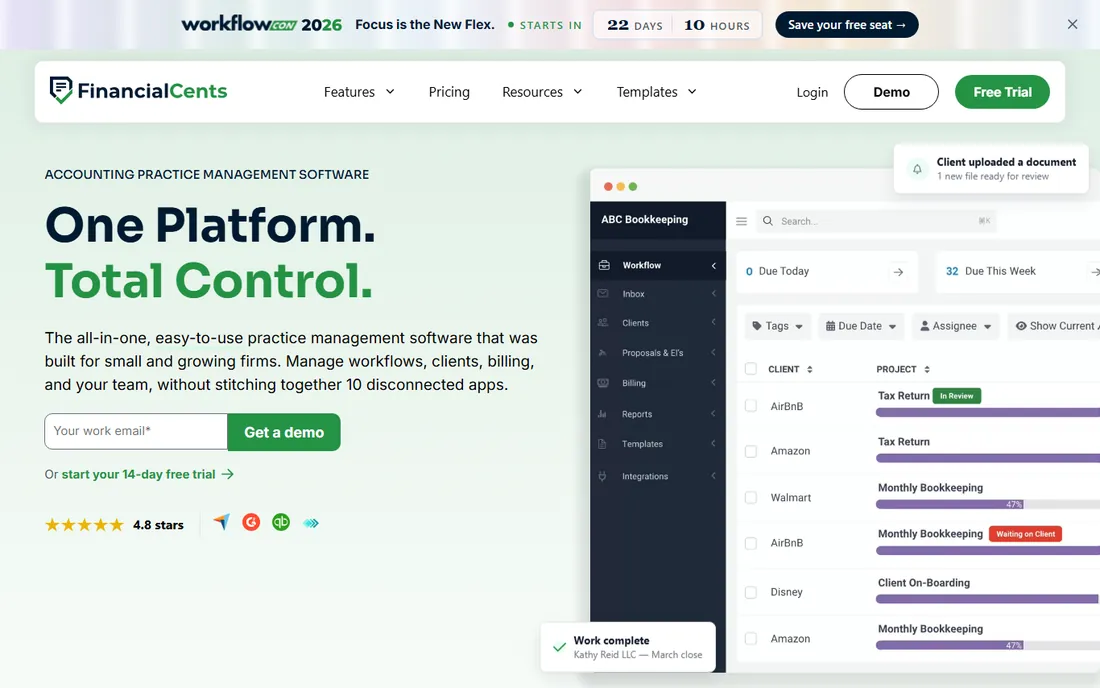
Financial Cents is built for the firms Karbon leaves behind: small practices that need structure without enterprise complexity. The pitch is consolidation; the average firm replaces 10 or more disconnected apps (spreadsheets, task tools, e-signature, portals) with one system. Over 10,000 accountants, bookkeepers, and CPAs use it, and it holds a 4.8 on both G2 and Capterra.
Pricing is straightforward: Solo at $19 per month for individual practitioners, Team at $49, and Scale at $69, all per user on annual billing. The AI agents are a genuine differentiator at this price; file validation, renaming, and routing run on every plan, not as an upsell. Native QuickBooks Online sync keeps the client record current. If your firm is 2 to 30 people and you want to be productive in week one, start here.
What we like- Voted easiest to use on Capterra
- 250+ pre-built workflow templates
- AI file validation, renaming, and routing included on all plans
Watch out for- Less depth for very large or multi-office firms
- Advanced analytics trail Karbon
#3
TaxDome
Best for: Firms wanting all-in-one at a predictable per-seat price
Visit taxdome.com
Starting price$800 per user/year (billed upfront)
Free planFree trial
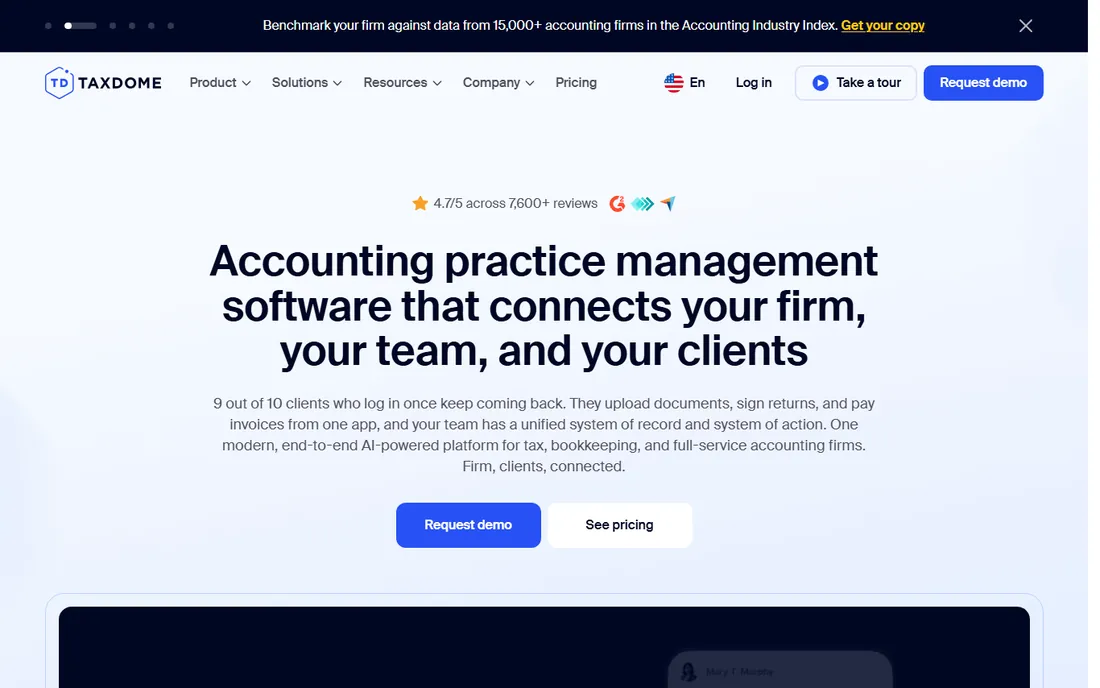
TaxDome's pitch is simple: everything the practice management leaders do, at a lower per-seat price, with the client portal as the centerpiece. More than 15,000 firms use it, and it averages 4.7 out of 5 across 7,600+ reviews. Clients upload documents, e-sign, chat, and pay from one app, and the firm gets CRM, workflows, billing, and AI document handling behind it.
The pricing page is refreshingly transparent. Essentials is $800 per user per year (solo users only), Pro is $1,000, and Business is $1,200, with discounts for two- and three-year commitments. Every plan bills upfront annually, which is the catch to budget for; a 10-person firm on Pro pays $10,000 on day one. Onboarding averages 6 to 8 weeks with a dedicated manager. For firms that want to consolidate five tools into one contract, the math is compelling.
What we like- True all-in-one with unlimited document storage and e-signatures
- Transparent per-seat pricing
- Top-rated client portal and mobile app
Watch out for- Annual upfront payment required on all plans
- Average onboarding runs 6 to 8 weeks
Starting priceSee website
Free planFree trial
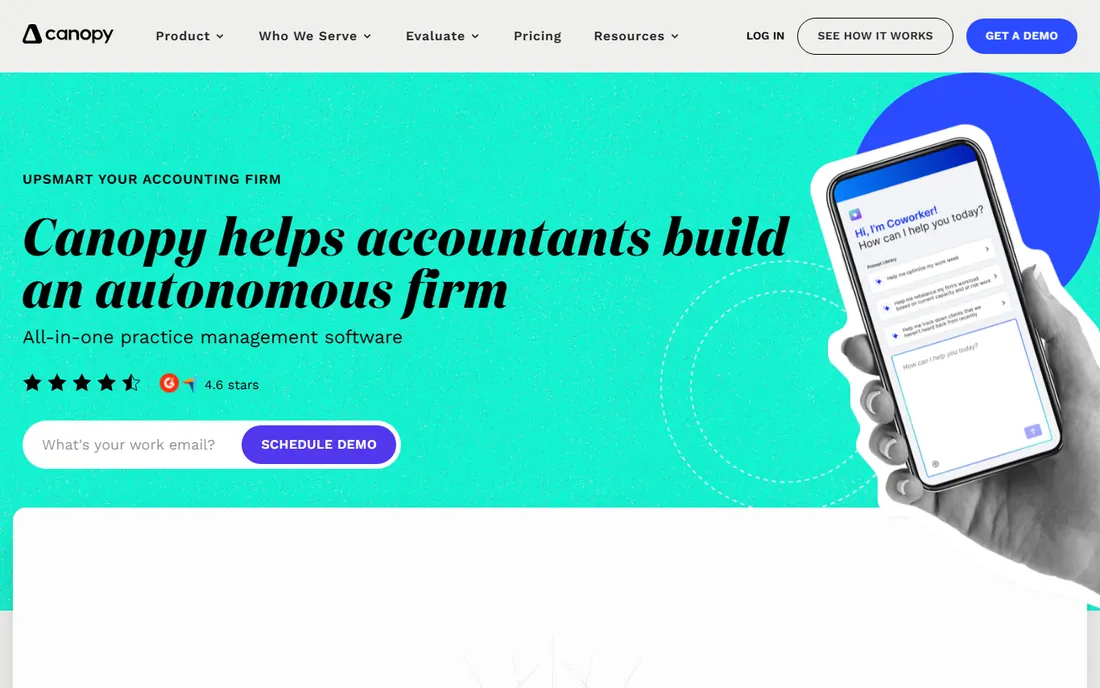
Canopy takes the opposite approach from all-in-one rivals: start with client management as the foundation, then add workflow, document management, billing, and other modules as needed. Note the domain; Canopy moved from canopytax.com to getcanopy.com, so older reviews and bookmarks may point to the old address. The platform is SOC 2 certified and holds a 4.6 on G2.
The modular model is both the appeal and the trap. You avoid paying for modules you will never use, but pricing the full suite requires a conversation, and third-party estimates put a complete setup around $1,704 per user per year. The 2026 additions are meaningful: a write API on Plus and Premium plans, plus an MCP server so AI assistants can work inside Canopy. For firms that want to start small and expand deliberately, the model fits. For firms that want one price on day one, it frustrates.
What we like- Modular design lets you buy only what you need
- Strong tax resolution and transcript tools
- New write API and AI assistant (Coworker) in 2026
Watch out for- Modular pricing is hard to compare
- The full suite costs significantly more than the base
Starting price$40 per user/month (billed annually)
Free planFree trial (14 days)
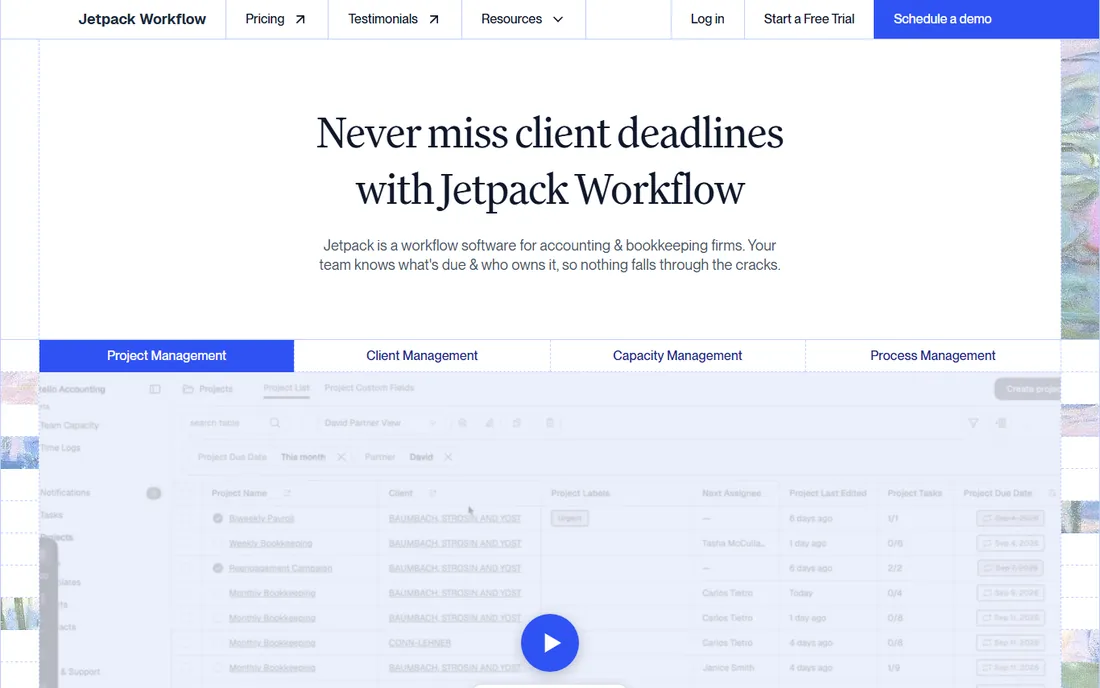
Jetpack Workflow does one thing, recurring workflow tracking, and refuses to do anything else. For a firm drowning in spreadsheets, that focus is a feature: you can be running in days, with templates for monthly closes, payroll runs, and tax returns, plus a clear view of what is overdue and who is overloaded. It is explicit that it is not an all-in-one suite and does not handle billing or invoicing.
Pricing is simple: Starter from $40 per user per month on annual billing ($49 monthly), Premium from $50 ($59 monthly), with a 14-day trial that needs no credit card. Both tiers include unlimited projects and clients. Integrations cover QuickBooks Online, Outlook, and Stripe. If your firm is under 20 people and the pain is missed deadlines rather than client experience, this is the cheapest credible fix.
What we like- Simplest implementation in this roundup
- Unlimited clients and projects
- Honest, affordable pricing
Watch out for- Workflow tracking only, no billing, portal, or CRM depth
- Automation is basic next to Karbon
Starting price$39 per month (Solo)
Free planFree trial (14 days)
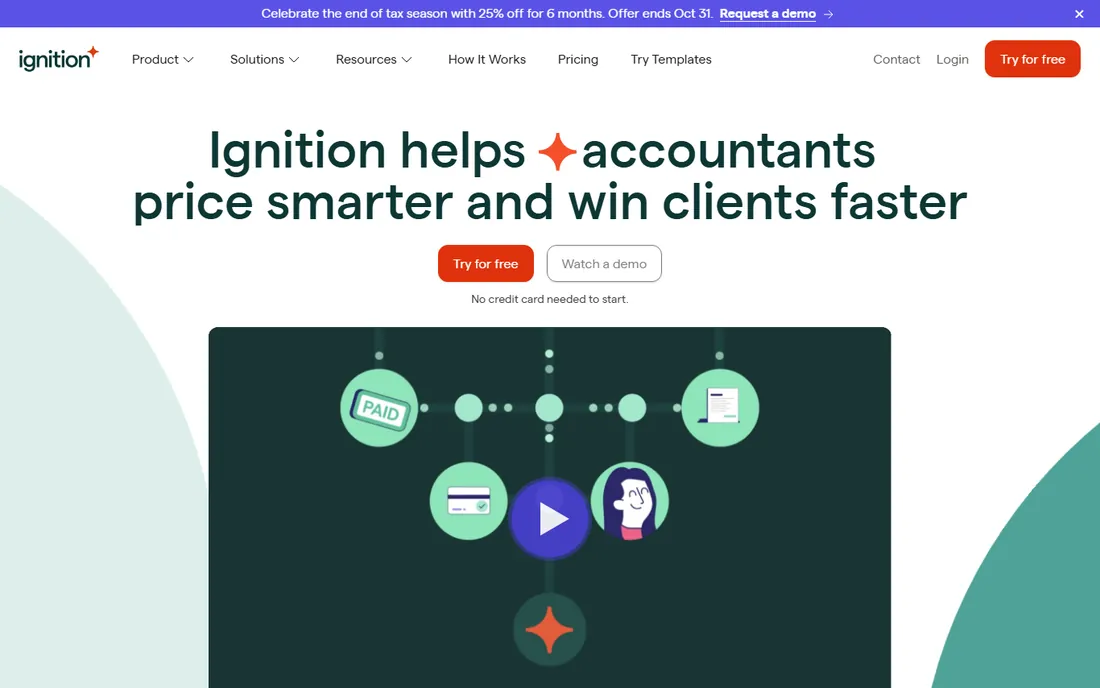
Ignition does not manage your practice; it makes sure you get paid for it. The flow is the product: send a polished proposal, the client signs electronically, and billing plus payment collection start automatically on the agreed schedule. Failed payments trigger automatic retries with plain-language explanations, and the platform now handles staged billing, installments, and invoice imports. More than $15.5 billion in client revenue has moved through it.
Pricing runs Solo at $39 per month, Core at $99, Pro at $199, and Pro+ at $399, with a 14-day trial. It is designed to sit alongside Karbon, Canopy, or Xero Practice Manager rather than replace them. The honest limitation is scope: if you need workflow management or a client portal, you still need another tool. For firms losing margin to slow proposals and manual collections, it pays for itself quickly.
What we like- Proposal, e-signature, and automatic recurring billing in one flow
- 8,500+ businesses on the platform
- Strong integrations with Karbon, Xero, and QuickBooks
Watch out for- Not a practice management system
- Time tracking is limited
#7
Dext
Best for: Firms drowning in client receipts and invoices
Visit dext.com
Starting priceSee website
Free planFree trial (14 days)
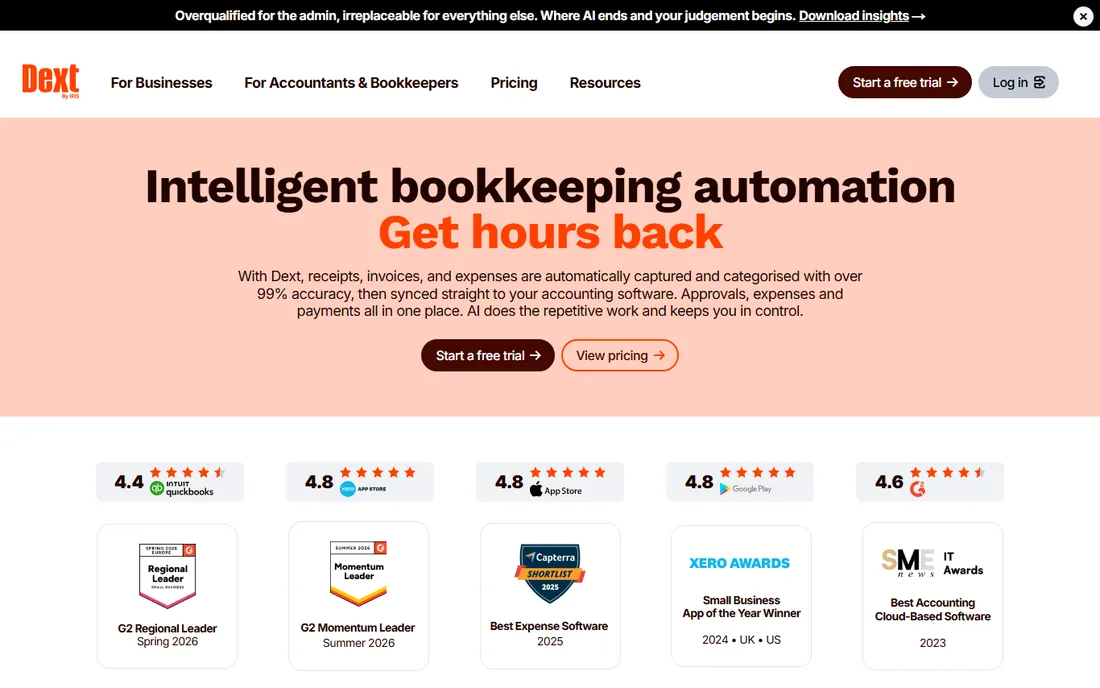
Every firm has the shoebox client, and Dext is the tool that empties it. Snap a receipt, forward an invoice, or pull from a supplier portal; Dext extracts the supplier, date, tax, and amount, then publishes to the ledger. AI Assist turns repeated coding decisions into rules you approve. Formerly Receipt Bank and now owned by IRIS Software Group, it serves 700,000+ businesses and 12,000 accounting and bookkeeping firms.
Pricing for practices is built through a plan builder based on client count and features, with a 10-client minimum, so there is no simple list price to quote. That is the main friction; budgeting requires running your client mix through their calculator. The 14-day trial is genuinely free with no card required. For bookkeeping-heavy practices where data entry eats the margin, it is the standard answer.
What we like- Claims over 99% extraction accuracy
- Connects to 36+ accounting systems and 11,500+ banks
- 14-day trial with no credit card
Watch out for- Practice pricing is custom via a plan builder
- 10-client minimum for practice plans
#8
Vic.ai
Best for: Enterprises wanting autonomous AP processing
Visit vic.ai
Starting priceSee website
Free planNo

Vic.ai is what happens when accounts payable automation stops being a feature and becomes the whole product. The platform targets enterprises with high invoice volume: autonomous invoice capture, PO matching, approval routing, payments, and vendor communications, all under enterprise controls. Founded in 2016 and backed by over $145 million, it claims 5x faster processing and 99% invoice accuracy without templates or coding.
There is no public pricing and no self-serve trial; you qualify through a demo. That is appropriate for the buyer it serves and a warning for everyone else. A 20-person firm does not need this. A CAS practice processing thousands of client invoices a month, or an enterprise finance team, should put it on the shortlist and get the implementation scope, timeline, and success metrics in writing before signing.
What we like- AI trained on over a billion invoices
- Claims 85% no-touch processing by month six
- Deep ERP integrations (NetSuite, SAP, Oracle, Workday)
Watch out for- Quote-based and demo-gated, no public pricing or trial
- Overkill for small firms
The pricing trap in practice management software
This category punishes buyers who compare headline prices. Karbon's $59 Team plan looks close to Financial Cents' $49, but Karbon's Team omits automatic client reminders and API access, which pushes most firms to the $89 Business tier. TaxDome's $800 per year looks like the bargain until you notice every plan bills upfront annually, and the Pro tier most firms need is $1,000 per seat. Canopy's modular pricing means the base fee is only the entry ticket. The only honest comparison is the tier you will actually buy, with the modules you will actually use, priced over three years. Get that number in writing before the demo ends.
What actually matters when you choose
Firm size dictates the shortlist more than features do. Under 10 staff, look at Financial Cents, Jetpack Workflow, or TaxDome Essentials. From 10 to 50, Karbon, Financial Cents Scale, and TaxDome Pro are the natural contenders. Above 50, it is Karbon Business or Enterprise, TaxDome Business, or Canopy. Buying above your size wastes money; buying below it guarantees a painful migration in 18 months.
Beyond size, four checks separate good buys from regrets. First, count the tools it replaces. TaxDome's unlimited e-signatures and storage can retire DocuSign and SmartVault; factor those savings in. Second, ask about implementation honestly. Jetpack Workflow runs in days, Karbon and TaxDome take weeks, and tax season is the wrong time to start either. Third, test the client portal with a real client, not the sales demo, because adoption lives or dies there. Fourth, confirm the renewal terms: annual upfront (TaxDome), per-seat annual (Karbon, Financial Cents), or modular (Canopy). The renewal is where the real price appears.
How we chose
We did not test-drive these platforms with live firm data, and you should be skeptical of anyone who claims hands-on testing across eight practice tools. Instead we worked from primary sources: each vendor's pricing page and documentation (including TaxDome's own published pricing, which we verified directly), feature lists, integration directories, and practitioner reviews on G2, Capterra, and Reddit. We confirmed every product is sold today under its current name and domain (including Canopy's move to getcanopy.com), that pricing is current as of October 2026, and that each tool is actually used by accounting firms rather than generic businesses. Where pricing was quote-based or custom, we say so instead of guessing.
Frequently asked questions
What is practice management software for accounting firms?
It is the operating system for running a firm: workflow tracking, client communication, document collection, time tracking, billing, and reporting in one place. Instead of stitching together spreadsheets, task tools, email, e-signature, and payment apps, the firm runs on one platform where work, clients, and deadlines stay connected.
How much does accounting practice management software cost?
In 2026, expect $40 to $89 per user per month for the mainstream platforms (Jetpack Workflow to Karbon Business), or $800 to $1,200 per user per year for TaxDome's upfront annual plans. All-in-one and modular pricing can push the real number higher once you add the tier and modules you actually need. Always price three years, not one.
Can practice management software replace my other tools?
Often, partially. TaxDome's unlimited e-signatures and storage can replace DocuSign and a file-sharing tool; Financial Cents consolidates around 10 apps for small firms. But most firms keep their tax prep software, and many keep Ignition for proposals or Dext for receipt capture alongside the practice platform. Count the replaced subscriptions when you build the business case.
How long does implementation take?
It ranges from days to months. Jetpack Workflow can run in days because it only does workflow tracking. Financial Cents aims for week-one productivity. Karbon and TaxDome typically take several weeks; TaxDome cites 6 to 8 weeks with a dedicated onboarding manager. Never start an implementation in January; begin in the quiet months so the team learns before busy season.
Do I need practice management software if I already use QuickBooks or Xero?
Yes, because they solve different problems. QuickBooks and Xero are ledgers; they record what happened. Practice management tracks the work itself: who is doing which return, what the client still owes you, and whether deadlines are at risk. Firms that try to run workflows inside their ledger end up back in spreadsheets within a year.
What is the difference between Karbon, TaxDome, and Financial Cents?
Karbon is the deepest and most expensive, built for firms of 10 to 100+ that want maximum workflow control. TaxDome is the all-in-one value play with the strongest client portal, priced per seat annually upfront. Financial Cents is the easiest to adopt, built specifically for small firms that want to consolidate quickly. Match the tool to your firm size first, then compare features.
Sources we checked (13)
- https://karbonhq.com
- https://financial-cents.com/
- https://taxdome.com/
- https://taxdome.com/pricing/
- https://getcanopy.com/
- https://jetpackworkflow.com/
- https://ignitionapp.com/
- https://dext.com/
- https://vic.ai/
- https://www.comparebiztech.com/best-accounting-practice-management-software/
- https://getuku.com/articles/financial-cents-vs-karbon/
- https://getuku.com/articles/jetpack-workflow-vs-karbon/
- https://taxdome.com/blog/accounting-practice-management-software-with-email-integration
Is your product missing or out of date?
We review this list regularly. Vendors can request a listing, send updated pricing or ask about featured placement.

Shihab Mia · Founder, Rankite
Shihab has spent more than a decade helping SaaS and e-commerce brands grow through search. He writes Rankite's software buying guides from pricing pages, documentation and public user reviews. More about Shihab.