How we make this list: we compare pricing pages, product documentation and public user reviews. Rankite is independent; if a vendor ever pays for a featured spot, that listing is clearly labeled Partner.
Key takeaways
- MetaTrader 5 and cTrader are free through brokers, with huge libraries of ready-made trading robots.
- NinjaTrader's platform is free forever for charting, backtesting, and simulated trading, with three brokerage plans.
- TradeStation's EasyLanguage makes strategy coding accessible, with commission-free stock trading on its plans.
- TradingView (from $12.95/month) is best for scripted strategy development and webhook-based automation.
Quick comparison
| Tool | Best for | Starting price | Free plan |
|---|
 MetaTrader 5 MetaTrader 5 | forex and multi-asset algorithmic trading | Free (provided by your broker) | Yes |
 NinjaTrader NinjaTrader | futures automation with a free platform | Free plan ($0/month) | Yes |
 TradeStation TradeStation | EasyLanguage strategy automation | Commission-free stock trading | Free trial |
 TradingView TradingView | Pine Script strategies and webhook automation | $12.95/month (Essential, billed annually) | Yes |
 cTrader cTrader | ECN forex automation with C# | Free (provided by your broker) | Yes |
 Interactive Brokers Interactive Brokers | multi-asset API trading | $0 (IBKR Lite); Pro from $0.0005/share | Yes |
 MultiCharts MultiCharts | professional backtesting and optimization | See website | Free trial |
Is your product missing or out of date?
We review this list regularly. Vendors can request a listing, send updated pricing or ask about featured placement.
Starting priceFree (provided by your broker)
Free planYes
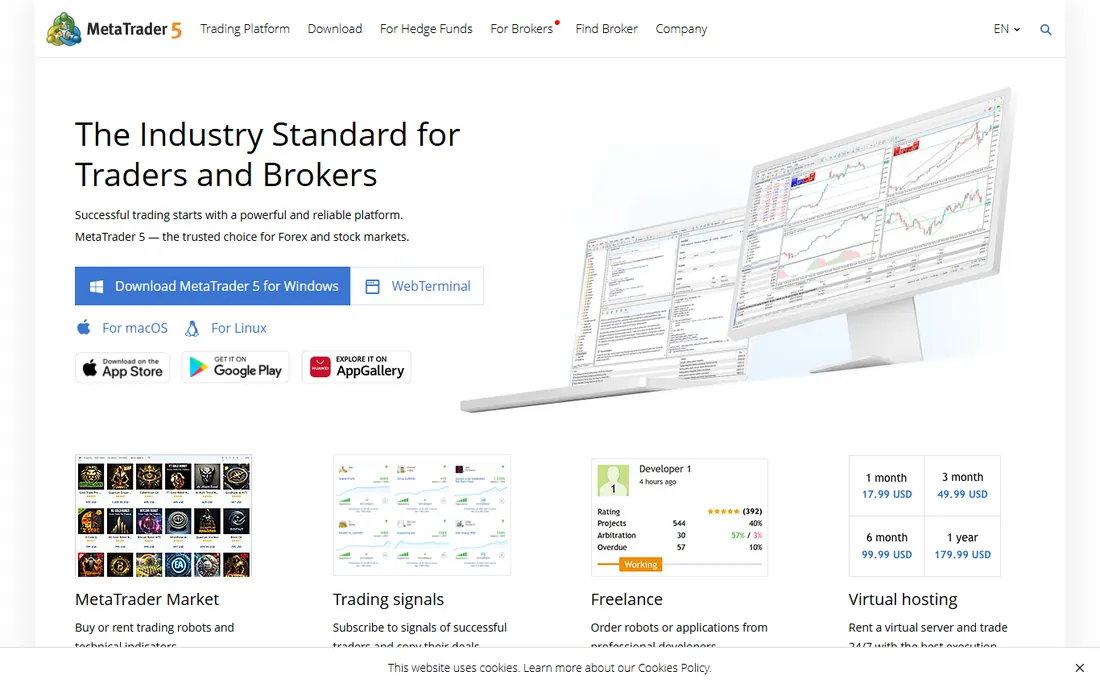
MetaTrader 5 remains the world's most-used automated trading platform, and it costs traders nothing: your broker provides the terminal free. The Expert Advisor engine lets you build trading robots in MQL5, and the built-in Market offers thousands of ready-made robots and indicators, free and paid, that you can demo in the Strategy Tester before spending a cent.
The backtesting is genuinely strong: multi-currency, multi-threaded testing with real tick data, plus optimization runs that tune parameters automatically. The MQL5 Code Base gives you thousands of free applications, and freelance developers will build custom robots on demand.
The honest catches: the interface looks like 2010, execution quality depends entirely on your broker, and the older MT4 is still widely used, but MT4 code does not run on MT5. For forex automation at zero platform cost, though, nothing else has this ecosystem.
What we like- Massive library of free and paid Expert Advisors
- MQL5 language and strategy tester built in
- Runs on desktop, web, and mobile
Watch out for- Dated interface
- Broker-dependent quality
- MT4 and MT5 scripts are not interchangeable
Starting priceFree plan ($0/month)
Free planYes
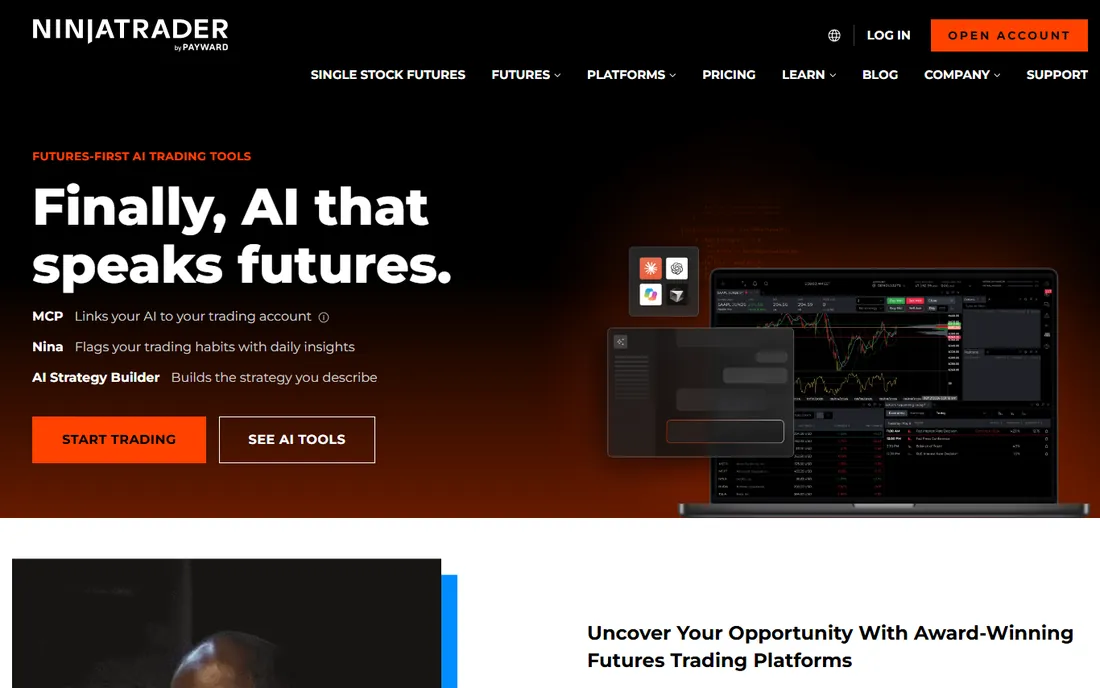
NinjaTrader's big differentiator is honesty in its free tier: the platform is always free to use for advanced charting, strategy backtesting, and unlimited simulated trading, no time limit, no funding required. When you go live on futures, you pick one of three plans: Free ($0/month, $0.39 per micro side, $1.29 per standard side), Monthly ($99/month with reduced commissions), or Lifetime ($1,499 one-time with the lowest commissions).
The NinjaScript framework (C#-based) lets you build indicators and strategies with a strategy wizard that requires no coding for simple systems. Market Replay lets you replay historical days tick-by-tick to practice, and over a thousand third-party add-ons extend the platform.
The catch is scope: this is a futures-first platform and broker. Stock and forex traders look elsewhere. But for automated futures trading with a genuinely free development environment, NinjaTrader is hard to beat.
What we like- Free forever for charting, backtesting, and simulation
- Three brokerage plans including lifetime
- Deep futures ecosystem
Watch out for- Futures-focused
- Commissions sit above the platform cost
Starting priceCommission-free stock trading
Free planFree trial
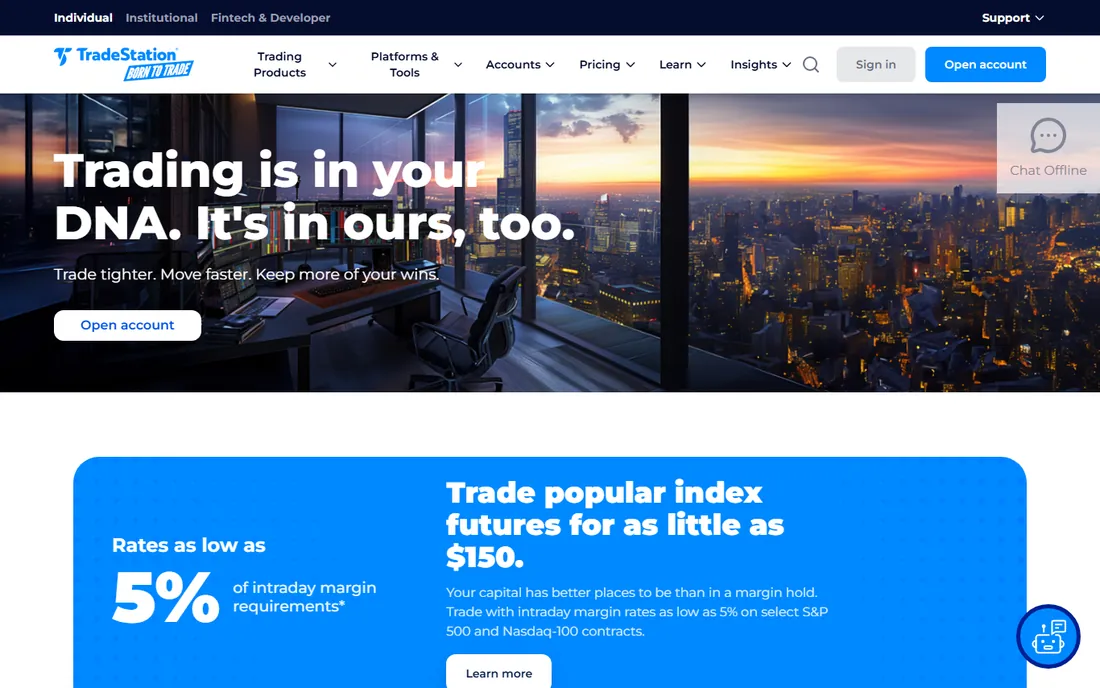
TradeStation pioneered retail strategy automation, and its EasyLanguage scripting remains the friendliest way to turn a trading idea into code: readable, English-like syntax that non-programmers can learn. Strategies can be designed, tested, optimized, and fully automated from one platform across stocks, options, and futures.
Pricing centers on TS Select and TS Go plans with commission-free stock and ETF trading: options cost about $0.60 per contract on Select and $0.50 on Go, with futures at $1.50 per contract per side on Select. There is no monthly platform fee on the standard plans.
The catch: automated trading shines on the desktop platform, where power users live, and futures traders pay per-contract costs that add up. For US stock and options traders who want to automate without becoming software engineers, TradeStation's EasyLanguage remains the classic on-ramp.
What we like- EasyLanguage makes strategy coding approachable
- Four decades of active-trader focus
- Commission-free stocks and ETFs
Watch out for- Futures commissions are extra
- Desktop-focused power users get the most
Starting price$12.95/month (Essential, billed annually)
Free planYes

TradingView is where most new strategy developers start, and for good reason: Pine Script is a simple scripting language purpose-built for indicators and strategies, the Strategy Tester shows win rate, drawdown, and equity curves instantly, and the community library contains tens of thousands of scripts to learn from. Plans run from free through Essential ($12.95/month billed annually), Plus, Premium, and Ultimate.
One honest limitation matters: TradingView cannot send automated trades directly to your broker. Real automation uses the alert system: a strategy alert fires a webhook to an external execution platform, which places the order. That works well but adds a moving part and a second subscription.
For developing and validating strategies, nothing beats the speed of Pine Script on TradingView. Treat it as the strategy lab, and add a webhook bridge when you are ready to go live.
What we like- Pine Script is easy to learn
- Huge community script library
- Alerts and webhooks connect to execution platforms
Watch out for- No direct automated brokerage execution
- Serious automation needs paid plans plus a bridge service
Starting priceFree (provided by your broker)
Free planYes
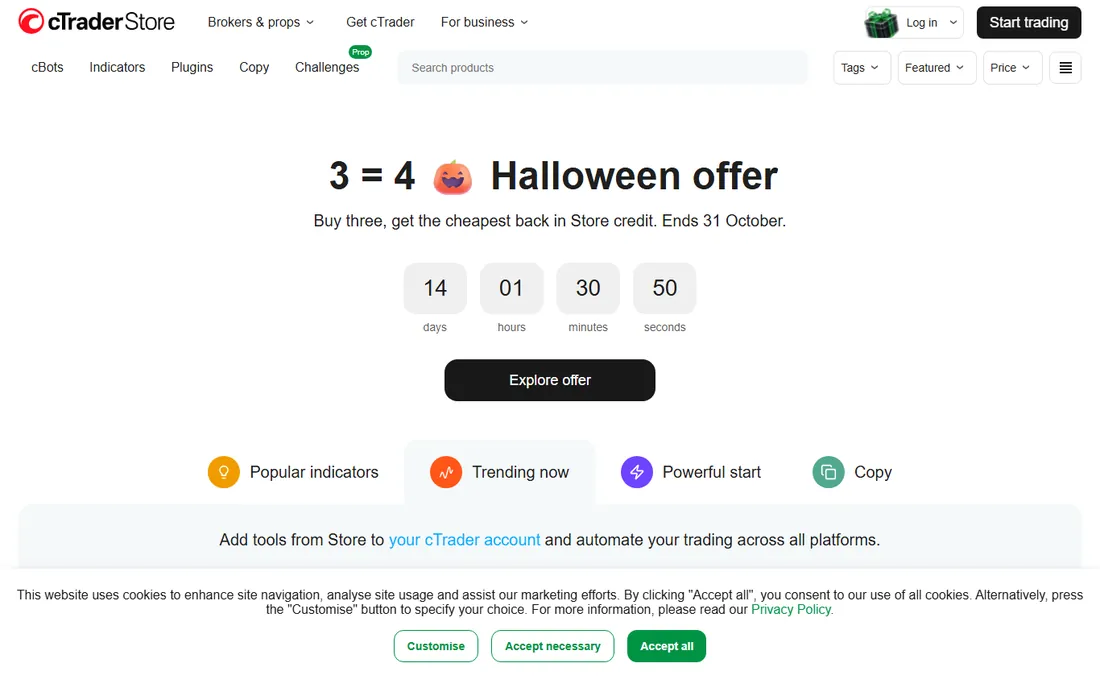
cTrader is the modern alternative to MetaTrader for forex automation: a clean, fast platform with ECN/STP execution, depth of market, and algorithmic trading through cBots, programmed in C#, a mainstream language with real debugging tools, not a proprietary scripting dialect. Like MT5, the platform is free through participating brokers.
The development experience is a genuine advantage: a full IDE with backtesting, optimization, and a community library of ready-made cBots. Execution transparency is the platform's selling point, with level II pricing and no dealing-desk interference.
The catches: far fewer brokers offer cTrader than MetaTrader, and the third-party robot marketplace is smaller. If your broker supports it and you want C# automation with honest execution, cTrader is the best-kept secret in retail algo trading.
What we like- True ECN execution model
- CBots programmed in C#, a real language
- Clean modern interface
Watch out for- Fewer brokers than MetaTrader
- Smaller robot marketplace
Starting price$0 (IBKR Lite); Pro from $0.0005/share
Free planYes
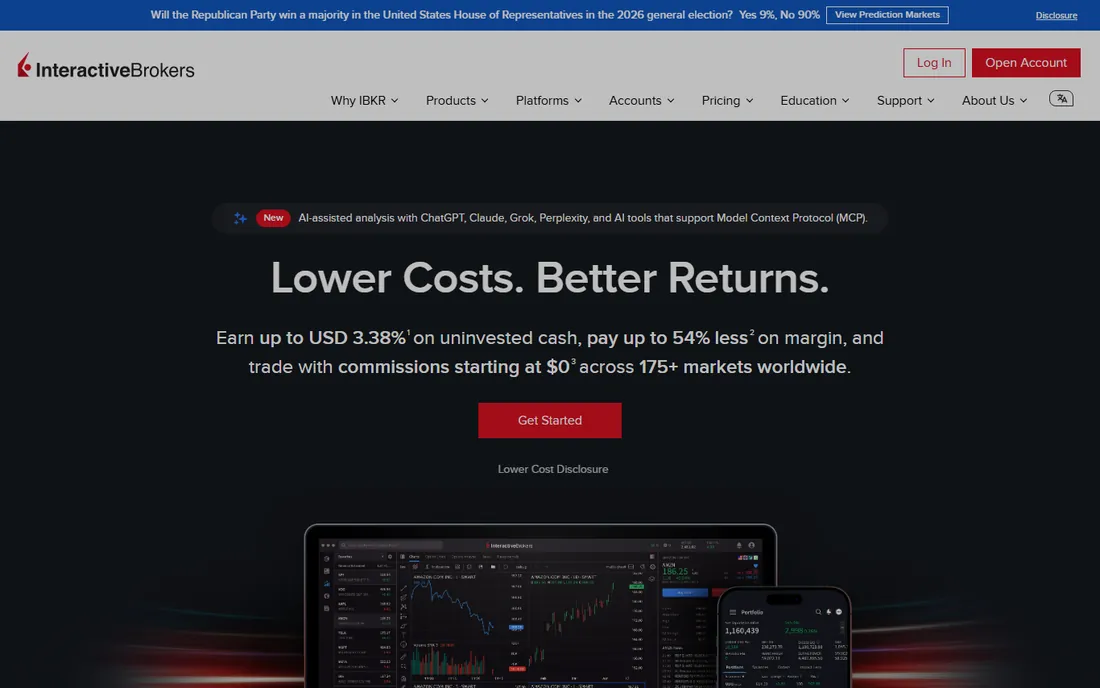
Interactive Brokers is where serious algo traders end up: one account trading stocks, options, futures, forex, and bonds across 150 markets in 40 countries, with APIs (TWS, Client Portal REST, and FIX) that let your Python, Java, or C++ code trade everything. IBKR Lite offers commission-free US stocks and ETFs; Pro runs tiered commissions from $0.0005 to $0.0035 per share.
The breadth is unmatched: a single API for global multi-asset strategies, portfolio margin, and institutional-grade execution. There are no platform fees and no account minimums.
The catch is infrastructure: your code talks to a running Trader Workstation or IB Gateway instance that restarts on schedule, so everyone builds reconnection logic. The developer experience is famously rough. This is the platform for programmers who want the world, not the platform for beginners who want a wizard.
What we like- Trade stocks, options, futures, forex globally from one account
- TWS, REST, and FIX APIs
- Razor-thin commissions
Watch out for- API architecture is demanding
- Lite accounts historically could not use the API
Starting priceSee website
Free planFree trial
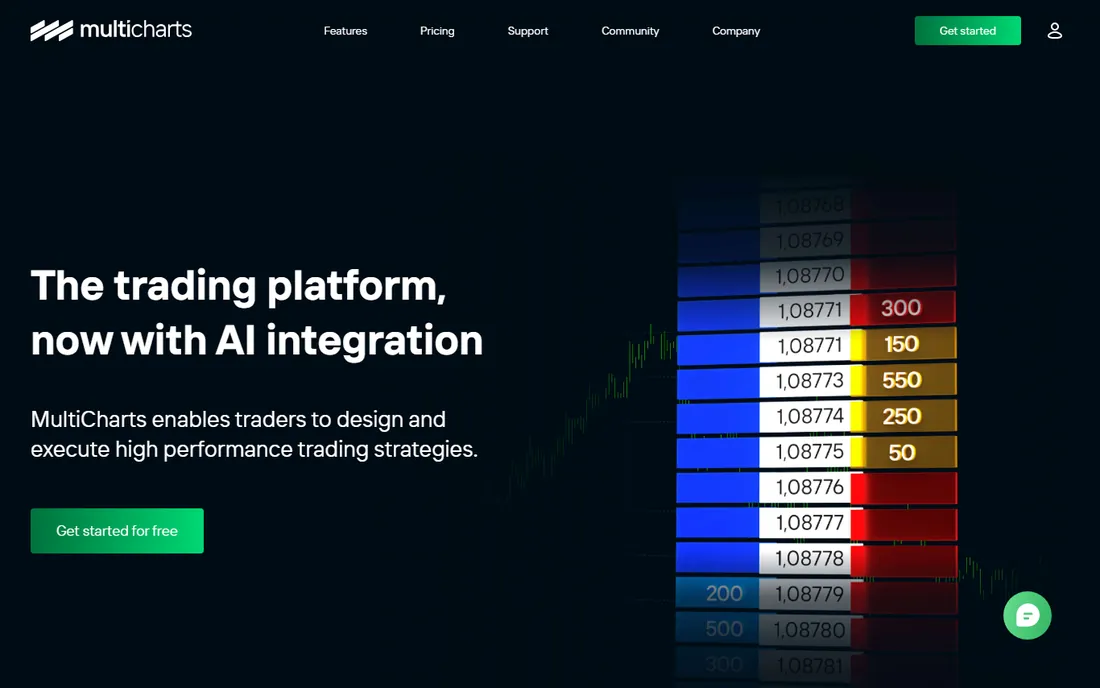
MultiCharts is the professional's backtesting machine: high-definition charting, tick-accurate backtesting, brute-force and genetic optimization, and portfolio-level testing across multiple symbols and strategies. PowerLanguage scripting is compatible with TradeStation's EasyLanguage, so existing strategies port over, and the platform connects to dozens of brokers and data feeds for live automated trading.
The backtesting honesty is the selling point: MultiCharts' engine is respected for avoiding the look-ahead bias and sloppy fill assumptions that make other platforms' backtests look better than reality. One-click trading from charts and depth of market support live execution.
The catches: pricing sits at the premium end with a trial to evaluate, and the interface rewards experienced traders more than beginners. For traders who live and die by backtest quality, MultiCharts earns its keep.
What we like- High-precision backtesting with tick-level accuracy
- PowerLanguage scripting
- Connects to many brokers and data feeds
Watch out for- Pricing is premium
- Windows-focused with a learning curve
How we chose
We evaluated automated trading platforms using vendor pricing pages and official documentation, plus reviews from BrokerChooser, trading communities, and financial press. We compared automation languages, backtesting quality, asset coverage, execution models, broker ecosystems, and cost structure. We covered broker-provided platforms, independent software, and API-first brokers. We did not perform hands-on trading or test strategies with real money.
Backtesting honesty comes first: ask whether the engine uses real tick data, models slippage and commission, and prevents look-ahead bias. A platform that makes every strategy look profitable is lying to you. Paper trade every strategy forward for weeks before risking real money, and compare live results to backtest results.
Execution matters as much as strategy: check the broker's spreads, commissions, and order types, because automation multiplies transaction costs. Confirm the platform handles disconnections gracefully, because strategies that assume a perfect connection fail at 3 a.m. during news events.
Finally, match the tool to your skill: EasyLanguage and Pine Script suit non-programmers, C# and Python APIs suit developers, and visual strategy builders suit idea-testers. The best platform is the one whose automation model you actually understand.
The risks nobody advertises
Automated trading removes emotion but adds new failure modes: overfitted strategies that memorized the past, bugs that fire at the worst moment, and infrastructure failures like internet outages and broker disconnects. Every automated trader needs kill switches: daily loss limits, position size caps, and alerts when a strategy behaves abnormally.
Start with money you can afford to lose completely, run strategies on demo accounts first, and monitor live strategies daily. Automation is a tool for executing a proven edge consistently, not a substitute for having one.
Frequently asked questions
What is the best free automated trading platform?
MetaTrader 5 and cTrader are free through brokers with full robot support, and NinjaTrader is free forever for charting, backtesting, and simulated trading. For strategy development, TradingView's free plan and Pine Script cost nothing to start.
Can TradingView automatically place trades?
Not directly. TradingView strategies cannot send orders to a brokerage account on their own. Automation uses alerts with webhooks routed to an external execution platform that places the trades with your broker.
Do I need to know how to code to automate trading?
Not necessarily. TradeStation's EasyLanguage, NinjaTrader's strategy wizard, and TradingView's Pine Script are all designed for non-programmers. But understanding basic logic, risk management, and statistics matters far more than syntax.
How much money do I need to start automated trading?
The platforms range from free to about $100 a month. The real capital question is the account: futures automation needs enough to survive drawdowns, and most experienced traders suggest starting with at least a few thousand dollars you can afford to lose.
Is automated trading profitable?
It can be, for traders with a tested edge, proper risk management, and realistic expectations. Most retail automated strategies fail because of overfitting, poor risk controls, or unrealistic backtests. Treat vendor profit claims with deep skepticism.
Which platform is best for forex automation?
MetaTrader 5 has the largest ecosystem of forex robots and the most brokers, while cTrader offers cleaner execution and C# programming. Both are free through brokers, so the choice often comes down to which your broker supports.
Sources we checked (7)
- https://www.metatrader5.com/en/automated-trading
- https://ninjatrader.com/pricing/pricing-faqs/
- https://www.tradestation.com/promo/tradeautomationtoolbox/
- https://www.tradestation.com/press-and-news/tradestation-integrates-with-multicharts-to-provide-brokerage-execution-to-the-automated-trading-platform/
- https://www.eazysignals.com/tradingview-review/
- https://www.usstockdaily.com/2026/09/stop-trading-manually-6-best.html
- https://sourceforge.net/software/compare/CurrencyXchanger-vs-cTrader/
Is your product missing or out of date?
We review this list regularly. Vendors can request a listing, send updated pricing or ask about featured placement.

Shihab Mia · Founder, Rankite
Shihab has spent more than a decade helping SaaS and e-commerce brands grow through search. He writes Rankite's software buying guides from pricing pages, documentation and public user reviews. More about Shihab.