How we make this list: we compare pricing pages, product documentation and public user reviews. Ratings come from G2, Capterra or Trustpilot, with the date we checked them.
Key takeaways
- If your callers join by phone rather than app, FreeConferenceCall.com is genuinely free with dial-in numbers, while Zoom, Webex and Teams gate dial-in on paid plans or add-ons.
- Most businesses already pay for conferencing inside a bigger bundle: Microsoft Teams rides on Microsoft 365, and Zoom, Webex, RingCentral and Dialpad all bundle audio conferencing with their phone systems.
- Participant limits decide more than features do: free tiers cap around 100 participants, while paid plans and dedicated services scale to 1,000 on audio.
- For a standalone conference bridge without a phone-system contract, GoTo Meeting and FreeConferenceCall.com are the cleanest picks.
Quick comparison
| Tool | Best for | Starting price | Free plan |
|---|
 Zoom Zoom | Teams that already meet on Zoom | See website | Yes |
 Microsoft Teams Microsoft Teams | Companies standardized on Microsoft 365 | See website | Yes |
 Cisco Webex Cisco Webex | Security-conscious enterprises | See website | Yes |
 GoTo Meeting GoTo Meeting | Simple standalone conference bridges | See website | Free trial |
 Dialpad Dialpad | AI transcription on every call | See website | No |
 RingCentral RingCentral | Phone system plus conferencing in one | See website | Yes |
 FreeConferenceCall.com FreeConferenceCall.com | Free dial-in conferencing | Free | Yes |
 Nextiva Nextiva | Small businesses wanting one vendor | See website | No |
Is your product missing or out of date?
We review this list regularly. Vendors can request a listing, send updated pricing or ask about featured placement.
The best audio conferencing software
Picture the quarterly investor call: forty people dialing in from cars, airports and bad hotel wifi. Nobody opens an app; they punch a number and a PIN. Audio conferencing is the unglamorous backbone of business communication, and the right choice depends on whether your callers use phones, apps, or both. Eight services that cover the real scenarios.
Starting priceSee website
Free planYes
Zoom is the default meeting tool for a reason, and its audio conferencing rides along. Paid plans add toll and toll-free dial-in numbers across dozens of countries, call-out to phone participants, and large-meeting add-ons that push capacity toward 1,000. If your team already runs on Zoom, the audio bridge is one toggle away.
The pricing structure deserves a look before you commit. Dial-in audio is not in the cheapest plans; it arrives with the paid tiers or as an audio conferencing add-on, and toll-free numbers cost extra per minute in many regions. For pure phone-based callers, a dedicated bridge can be cheaper. Zoom fits organizations where most participants join by app and a minority dials in by phone.
What we like- Dial-in numbers in many countries on paid plans
- Massive participant capacity with add-ons
- Everyone already knows how to join
Watch out for- Audio-only dial-in costs extra on top of meeting licenses
- The free plan caps group meetings at 40 minutes
Starting priceSee website
Free planYes
If your company lives in Microsoft 365, Teams is the path of least resistance. Meetings, chat, file sharing and calling sit in one client, and organizers schedule conference bridges straight from Outlook. Admin controls, retention policies and compliance tooling suit regulated industries.
The catch is the dial-in piece. PSTN conferencing, where participants call a phone number, is an add-on on several Microsoft 365 plans rather than a built-in feature, so check your specific plan. Teams suits enterprises already paying for the Microsoft stack; buying it standalone just for audio conferencing rarely makes sense.
What we like- Included with most Microsoft 365 business plans
- Deep integration with Outlook scheduling and SharePoint
- Strong compliance and admin controls
Watch out for- Dial-in conferencing needs the Teams Phone or Audio Conferencing add-on in many plans
- The interface overwhelms users who only need a bridge
Starting priceSee website
Free planYes
Webex has run some of the world's largest conference calls for decades, and it shows in reliability. The platform offers broad international dial-in coverage, operator-assisted options for big events, and security certifications that satisfy banks and governments. Audio quality over PSTN is consistently strong.
The buying experience is the weakness. Cisco reshuffles Webex packaging regularly, so confirm exactly which plan includes dial-in numbers before signing. The desktop client also carries video-first weight that pure audio users do not need. Webex fits large enterprises and regulated organizations where security review, not price, drives the decision.
What we like- Enterprise-grade security and compliance certifications
- Reliable global dial-in coverage
- Call-back and dial-out options for phone participants
Watch out for- Pricing and packaging change often enough to confuse buyers
- The full client is heavy for users who only need audio
#4
GoTo Meeting
Best for: Simple standalone conference bridges
Visit goto.com
Starting priceSee website
Free planFree trial
GoTo Meeting is the specialist pick: a conference bridge without a UCaaS contract attached. It offers dial-in numbers, call-out to participants, and mobile apps tuned for people joining from the road. Organizers get a straightforward host experience without the sprawl of a full phone system.
The trade-off is that there is no free lunch, only a trial. If your usage is occasional, a free service may serve you better. GoTo Meeting fits teams that host regular scheduled calls with external participants and want a dependable bridge that is not bundled into a phone system they do not need.
What we like- Long reputation for reliable audio bridges
- Commuter mode and one-tap mobile join
- No phone-system contract required
Watch out for- No meaningful free tier, only a trial
- The broader GoTo portfolio can make simple pricing hard to find
Starting priceSee website
Free planNo
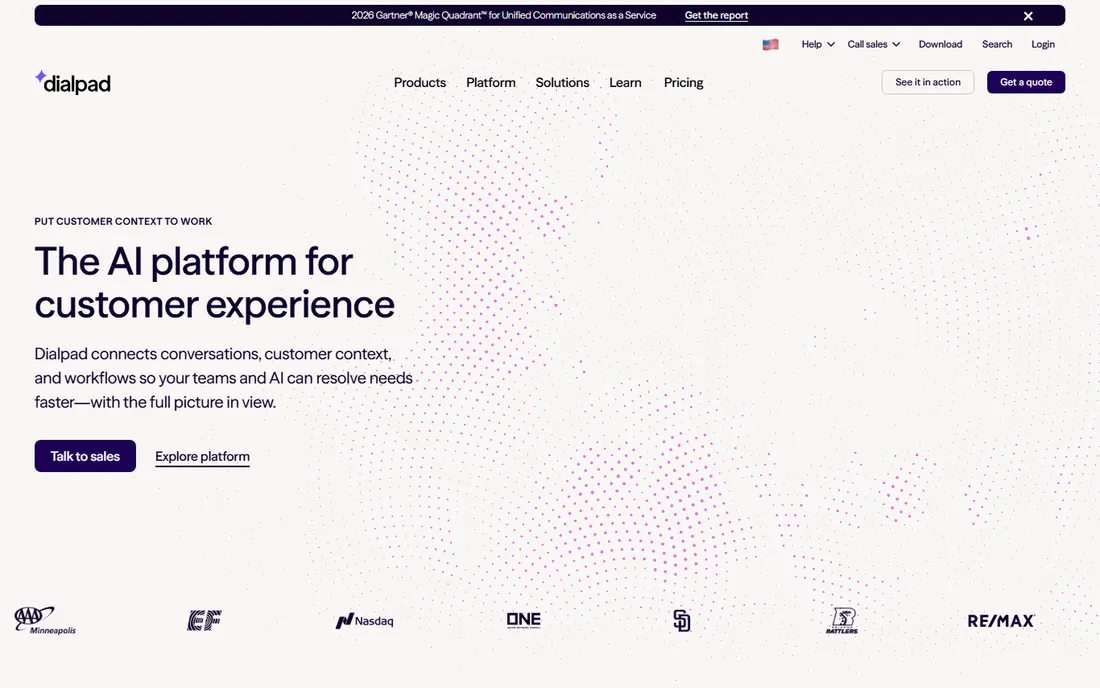
Dialpad brings AI to the humble conference call. Every call gets real-time transcription, automated summaries and sentiment markers, which turns a status call into searchable notes without extra software. The platform bundles voice, video conferencing, messaging and contact center tools in one subscription.
Audio conferencing here is part of the phone system, not a standalone bridge product, so it fits companies buying Dialpad as their business phone. Standalone conference-call buyers should look elsewhere. The AI features are the reason to choose it; if you will not use transcription and summaries, cheaper bridges do the audio job.
What we like- Real-time transcription and post-call summaries built in
- Clean modern apps
- Conferencing bundled with the business phone system
Watch out for- No free plan for business use
- Video meetings cap at modest participant counts on lower tiers
Starting priceSee website
Free planYes
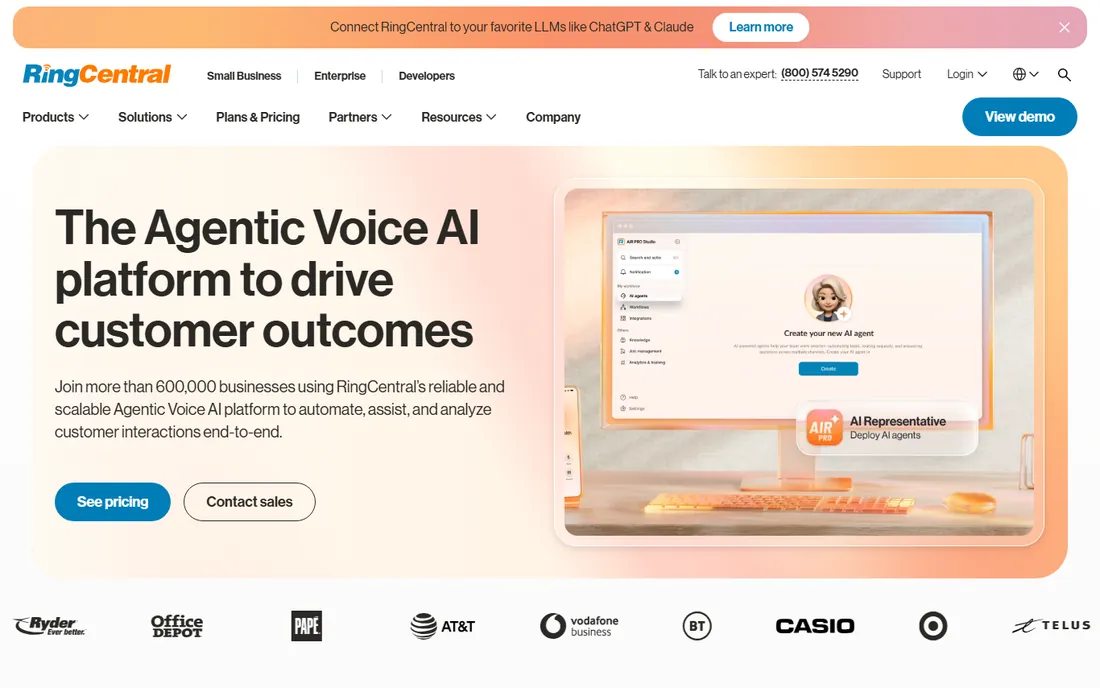
RingCentral sells the whole communications stack, and audio conferencing comes with it. Business plans support large conference bridges with dial-in numbers, call recording and host controls, alongside the cloud phone system, team messaging and video meetings. Admin tooling and call analytics suit multi-location companies.
For a company that just needs a monthly all-hands bridge, RingCentral is a cannon aimed at a fly. The value appears when you consolidate phone, meetings and messaging onto one bill. Small businesses should compare the total contract against a free bridge plus a separate cheap phone line before committing.
What we like- Full UCaaS platform with voice, video and messaging
- Large audio conference capacity on business plans
- Strong admin and analytics tooling
Watch out for- Pricing climbs quickly as you add users and features
- The platform is more than a small team needs for simple bridges
Starting priceFree
Free planYes
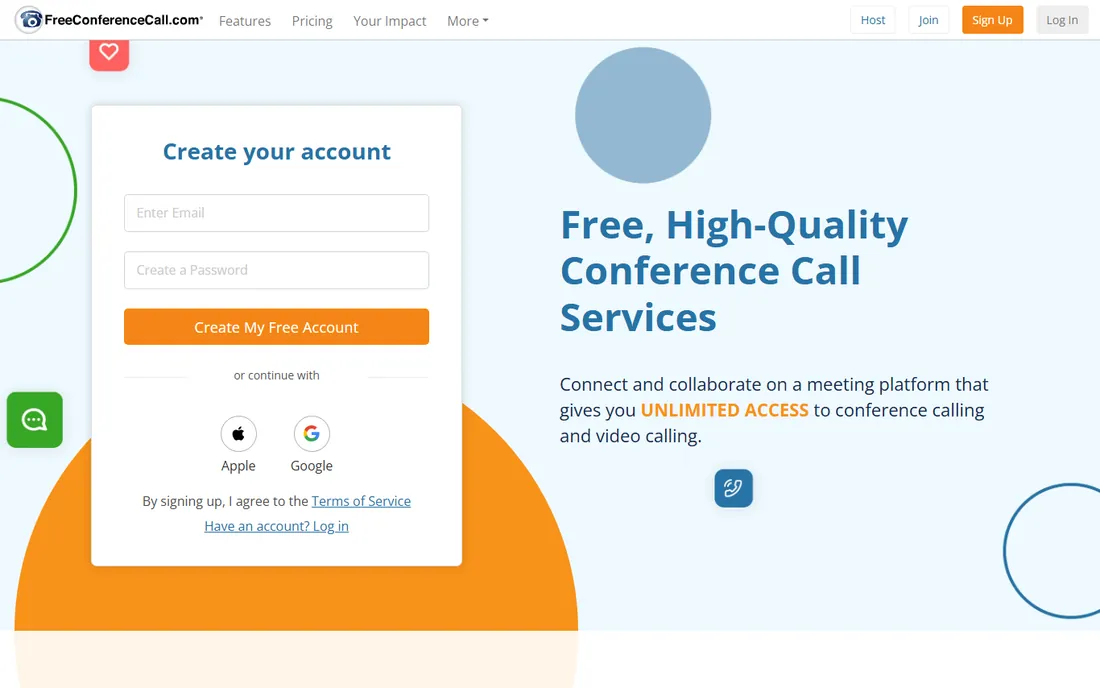
FreeConferenceCall.com does what the name says: free conference bridges with domestic dial-in numbers, no per-minute charges for the host, and capacity up to 1,000 audio participants. Screen sharing, recording and international numbers round out a package that paid vendors charge real money for.
Skepticism is healthy with free services. The interface shows its age, support is limited, and the business model leans on upsells. For internal team calls, community groups and cost-sensitive small businesses, though, it is hard to argue with the price. Use it where reliability requirements are moderate and the budget is zero.
What we like- Actually free audio conferencing with dial-in numbers
- Up to 1,000 participants on audio
- Screen sharing and recording included
Watch out for- The free model means upsells and a dated interface
- Support and SLAs do not match paid enterprise services
Starting priceSee website
Free planNo
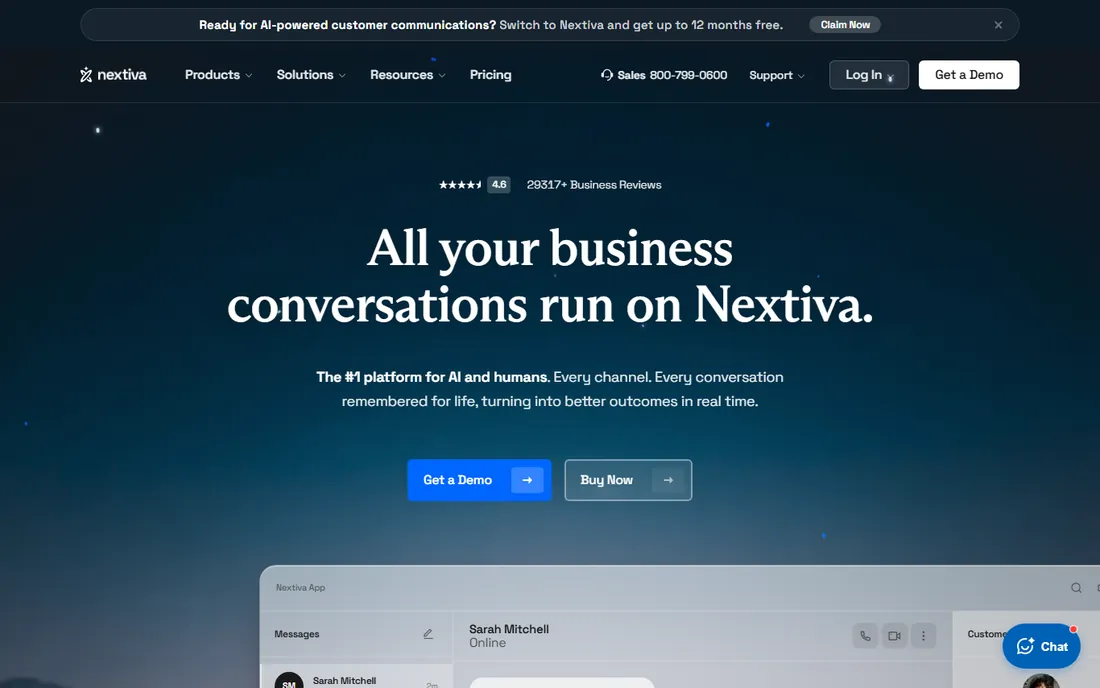
Nextiva targets small businesses that want one throat to choke for all communications. Its plans bundle voice service with conferencing, team messaging and video meetings, and the company is known for responsive US-based support. Setup is simpler than the enterprise UCaaS platforms.
The conferencing itself is competent rather than exceptional: fine for team calls and client meetings, not the pick for thousand-person dial-in events. Nextiva fits the ten-to-fifty-person business that wants phone plus conferencing on a single predictable bill and values support over the newest features.
What we like- Business phone, conferencing and CRM-ish tools from one vendor
- US-based support with a good reputation
- Straightforward per-user pricing
Watch out for- No free tier
- Advanced conferencing features trail the specialists
What to check before you buy
Start with how participants actually join. If they dial phone numbers, confirm which plans include dial-in and whether toll-free numbers cost extra. If they join by app or browser link, nearly every platform works, and the decision shifts to recording, transcription and integrations.
Check participant limits against your biggest call, not your average one. Free tiers typically cap around 100 participants with time limits, while paid bridges scale to 1,000 on audio. International callers change the math again: verify dial-in coverage in the countries you need, since gaps force expensive workarounds. Finally, ask about recording storage, security certifications and whether the contract locks you into a phone system you did not ask for.
How we chose
We selected services with live audio conferencing products, real dial-in infrastructure and documented plans, covering both bundled UCaaS platforms and standalone bridges. We used vendor sites, documentation and public reviews for facts. Pricing in this category shifts often and bundles complicate comparisons, so we list starting prices as See website where we could not verify a current figure on the vendor's own pricing page. We did not place test calls or measure audio quality in a lab.
The one upgrade that improves every call
Before comparing platforms, fix the thing that matters most on every conferencing call: audio quality at the endpoints. A great platform cannot save a laptop microphone in an echoing room, and a mediocre platform sounds fine with decent headsets. If your team takes calls from open offices or home desks, budget for headsets before you budget for software. It is the cheapest quality upgrade in conferencing, and no feature list compensates for its absence.
Frequently asked questions
What is the difference between audio and video conferencing?
Audio conferencing connects participants by voice, usually through dial-in phone numbers or VoIP. Video conferencing adds cameras and screen sharing. Many platforms do both, but dedicated audio bridges serve phone-only callers better.
Do I need dial-in numbers or is VoIP enough?
If participants join from desks with good internet, VoIP is enough. If they join from cars, rural areas or countries with poor connectivity, dial-in numbers are far more reliable. Investor calls and all-hands meetings usually need both.
How many people can join an audio conference?
Free services and plans typically support around 100 participants. Paid plans and dedicated bridges scale to 1,000 audio participants, with operator-assisted services going higher for large events.
Is FreeConferenceCall.com really free?
Yes for the core audio conferencing with domestic dial-in numbers. The company monetizes through upsells and premium features. It suits cost-sensitive use where enterprise SLAs are not required.
Can I record conference calls?
Most paid platforms include call recording with cloud storage, though retention limits vary. Free tiers often restrict recording length or storage. Check compliance rules before recording, since consent laws differ by state and country.
Do these tools work internationally?
The major platforms offer dial-in numbers in dozens of countries, but coverage gaps exist. Verify the specific countries your participants call from, and watch for per-minute toll-free charges outside your home country.
Sources we checked (10)
- https://zoom.us
- https://www.microsoft.com
- https://www.webex.com/
- https://www.goto.com/
- https://dialpad.com
- https://www.ringcentral.com
- https://www.freeconferencecall.com
- https://www.nextiva.com
- https://www.softwareworld.co/audio-conferencing-software/
- https://management.org/best-conference-call-services
Is your product missing or out of date?
We review this list regularly. Vendors can request a listing, send updated pricing or ask about featured placement.

Shihab Mia · Founder, Rankite
Shihab has 5+ years in B2B and SaaS SEO. He writes Rankite's software buying guides from pricing pages, documentation and public user reviews. More about Shihab.