How we make this list: we compare pricing pages, product documentation and public user reviews. Rankite is independent; if a vendor ever pays for a featured spot, that listing is clearly labeled Partner.

Key takeaways
- Revit remains the default BIM choice for firms that collaborate with engineers, while ArchiCAD suits design-led studios that value modeling freedom.
- Vectorworks Architect and BricsCAD BIM give smaller firms serious BIM and drafting without Autodesk-level pricing.
- AutoCAD Architecture and DraftSight cover the traditional 2D drafting workflow that many small practices still run on.
- Chief Architect Premier dominates residential drafting with automatic building tools that general CAD cannot match.
- LibreCAD is the only genuinely free option, and it is fine for learning or simple 2D work, not for production BIM.
Quick comparison
| Tool | Best for | Starting price | Free plan |
|---|
 Revit Revit | Full BIM for architecture and engineering teams | $3,005/year | Free trial (30 days) |
 ArchiCAD ArchiCAD | Design-led BIM for architects | $2,414/year (Studio, annual) | Free trial |
 Vectorworks Architect Vectorworks Architect | All-in-one design and BIM for small firms | $1,530/year | Free trial (7 days) |
 AutoCAD Architecture AutoCAD Architecture | 2D drafting with architectural toolsets | See website | Free trial |
 BricsCAD BIM BricsCAD BIM | DWG-based BIM at a lower price | See website | Free trial (30 days) |
 Allplan Allplan | BIM for complex buildings and infrastructure | See website | Free trial |
 MicroStation MicroStation | Large-scale drafting and infrastructure projects | $1,208/year (SELECT subscription) | Free trial |
 Chief Architect Premier Chief Architect Premier | Residential design and construction documents | $1,995/year (billed annually) | Free trial |
 DraftSight DraftSight | Affordable professional 2D drafting | $299/year (Professional) | Free trial |
 LibreCAD LibreCAD | Free open-source 2D CAD | Free (open source) | Yes |
Is your product missing or out of date?
We review this list regularly. Vendors can request a listing, send updated pricing or ask about featured placement.
Starting price$3,005/year
Free planFree trial (30 days)
Revit is the safe answer for architectural drafting at a professional level, and sometimes the safe answer is correct. It is the BIM platform most engineers, contractors and clients already use, which means collaboration happens in native files instead of through lossy exports. The parametric model is the real product: change a wall type or a door schedule and every plan, section, elevation and quantity updates together.
The costs are real. At $3,005 a year per seat, a ten-person firm spends $30,000 annually before any other software, and Revit wants serious hardware to stay smooth on large models. It is also Windows-only, which complicates Mac-based studios. But if your projects involve structural and MEP coordination, or your clients require Revit deliverables, nothing else on this list substitutes.
What we like- Industry-standard BIM with deep engineering collaboration
- Parametric model keeps plans, sections and schedules coordinated
- Huge ecosystem of families, plugins and trained staff
Watch out for- Expensive at $3,005 a year per seat
- Steep learning curve and heavy hardware demands
Starting price$2,414/year (Studio, annual)
Free planFree trial

ArchiCAD has been doing BIM since before the term existed, and architects who model first and document second tend to prefer it. The modeling tools feel closer to design software than to database software, which makes early-stage exploration faster, and the built-in rendering engine produces presentation-quality views without add-ons. Native Mac support is a genuine differentiator in design-led studios.
Graphisoft moved to subscription plans named Studio, Collaborate and Max, with Studio starting at $2,414 a year per seat on the US store. The honest limitation is ecosystem: fewer engineers work natively in ArchiCAD, so collaboration with Revit-based consultants runs through IFC, which works but adds friction. For firms that control their own deliverables, it is the most pleasant serious BIM tool here.
What we like- Modeling feels more intuitive than Revit for design work
- Runs natively on Mac and Windows
- Strong open BIM and IFC workflow
Watch out for- Smaller user base means fewer specialists to hire
- Some engineering consultants still expect Revit files
Starting price$1,530/year
Free planFree trial (7 days)
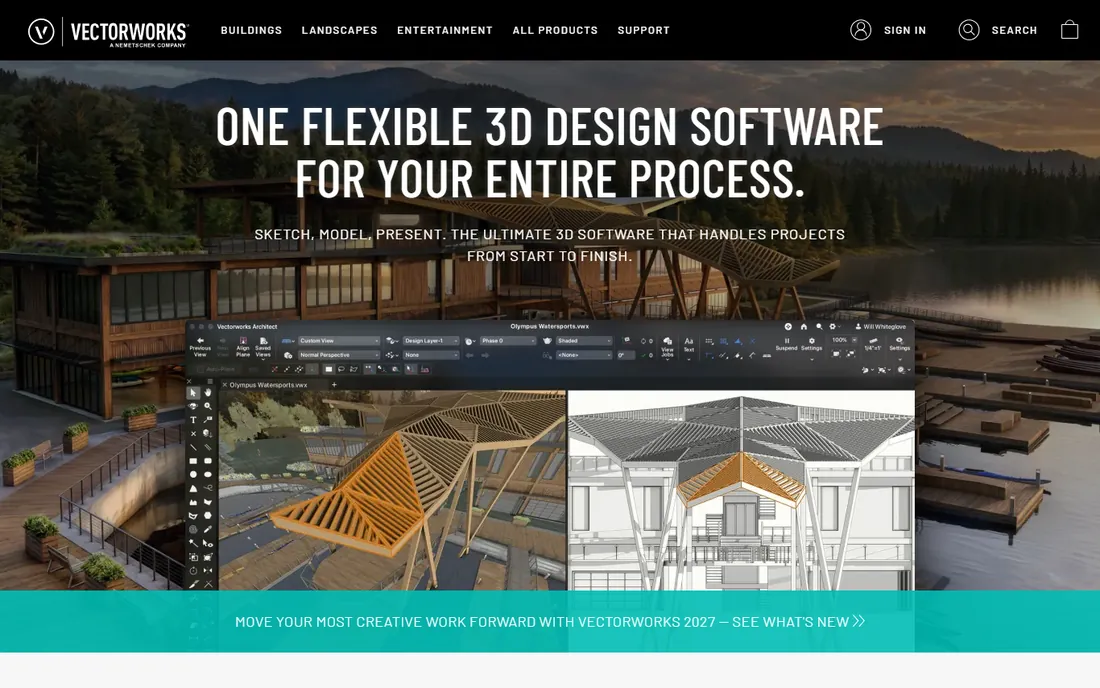
Vectorworks Architect is the generalist of professional architectural software. One license covers 2D drafting, 3D modeling, BIM and presentation rendering, which is why small firms, sole practitioners and design-build studios adopt it: there is no stack of add-ons to assemble. The drawing quality is excellent, and the built-in Renderworks engine handles client visuals without extra spending.
At $1,530 a year, it undercuts Revit substantially while covering most of what a small practice needs. The compromise appears on large, complex, multi-discipline projects, where Revit's coordination and engineering ecosystem pull ahead. It is also worth noting the 7-day trial is short for evaluating professional software, so plan the test week around a real project.
What we like- Combines 2D drafting, 3D modeling and BIM in one package
- Strong presentation and rendering tools included
- Popular with small and site-design-focused practices
Watch out for- BIM depth trails Revit on large complex projects
- Smaller community means fewer third-party resources
#4
AutoCAD Architecture
Best for: 2D drafting with architectural toolsets
Visit autodesk.com
Starting priceSee website
Free planFree trial
AutoCAD Architecture is AutoCAD with an architecture brain grafted on. Walls, doors, windows and stairs behave as architectural objects rather than dumb lines, and the included library of thousands of components speeds up documentation. It ships as a toolset with AutoCAD, so firms already paying for AutoCAD get it without a second license.
It is important to understand what it is not: a parametric BIM modeler. There is no single coordinated model; plans, sections and schedules are still separate drawings that you keep consistent yourself. For small practices doing straightforward buildings, additions and interiors, that is often fine and faster to learn than Revit. For complex coordinated work, it is a stepping stone, not a destination.
What we like- Familiar AutoCAD drafting with walls, doors and windows as intelligent objects
- Included with an AutoCAD subscription
- 8,000-plus component library
Watch out for- Not a true BIM modeler, so coordination is manual
- Tied to Autodesk subscription pricing
Starting priceSee website
Free planFree trial (30 days)

BricsCAD BIM deserves attention from any firm feeling squeezed by Autodesk pricing. It works natively in DWG, so existing drawings, blocks, linetypes and LISP routines carry over with minimal friction, and Bricsys still sells perpetual licenses alongside subscriptions. The BIM module adds classification, IFC import and export, and a project database on top of the Pro drafting core.
Pricing is reasonable next to Autodesk, with Pro subscriptions around $780 a year and the BIM tier above that, though you should confirm current figures on the Bricsys store since regional pricing varies. The ecosystem is the honest weakness: fewer ready-made BIM families, fewer trained hires, less third-party content. For firms that draft in DWG and want BIM without replatforming, it is the pragmatic middle path.
What we like- Native DWG workflow eases migration from AutoCAD
- Perpetual licenses still available
- AI-assisted tools speed up drafting
Watch out for- Smaller ecosystem of BIM content and specialists
- Interface familiarity helps AutoCAD users but BIM workflows still need learning
Starting priceSee website
Free planFree trial
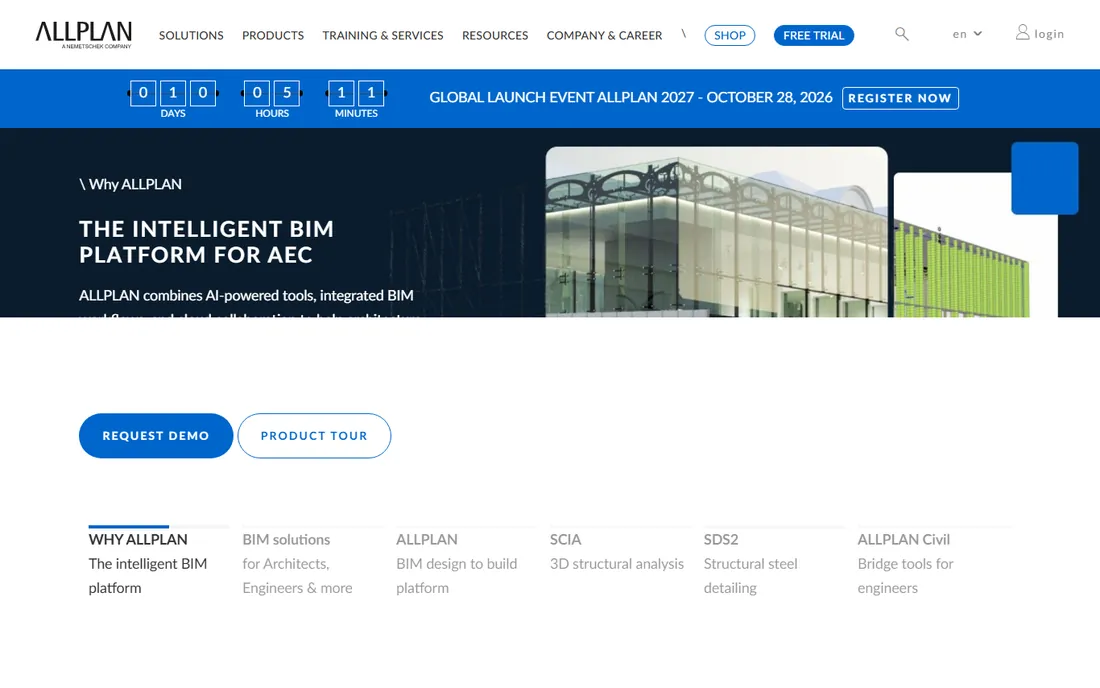
Allplan is the BIM tool many architects outside Europe have never tried, which is a shame because it is excellent at hard problems. It handles complex geometry, precast detailing and infrastructure-adjacent buildings with a precision that reflects its engineering roots, and its BIM-to-field workflows are mature. Firms doing bridges, tunnels-adjacent structures or geometrically demanding buildings rate it highly.
The barriers are commercial, not technical. Pricing is not published, so budgeting requires a sales conversation, and the user community is concentrated in Europe, which affects hiring and local support elsewhere. If your work is complex and your team is willing to learn, request the trial and judge the modeling yourself; the software is stronger than its market share suggests.
What we like- Strong on complex geometry and civil-integrated projects
- Precise German engineering heritage
- Good for bridges and infrastructure-adjacent buildings
Watch out for- Pricing is quote-based and opaque
- Smaller presence outside Europe limits local support and hiring
#7
MicroStation
Best for: Large-scale drafting and infrastructure projects
Visit bentley.com
Starting price$1,208/year (SELECT subscription)
Free planFree trial

MicroStation is Bentley's drafting foundation, and it is built for scale: massive infrastructure models, thousands of referenced files, government and DOT workflows. For pure drafting power on huge projects, it remains formidable, and the SELECT subscription at $1,208 a year includes license pooling, which suits firms with shifting project teams.
For a typical architecture practice, it is the wrong tool. The interface carries decades of history, the architectural BIM layer is thinner than Revit's or ArchiCAD's, and the ecosystem revolves around civil infrastructure rather than buildings. It belongs on this list because architects working on airports, hospitals and infrastructure-adjacent projects will encounter it, and knowing what it does well matters.
What we like- Handles enormous files and referenced models smoothly
- Deep integration with the Bentley infrastructure ecosystem
- Flexible SELECT licensing with pooling
Watch out for- Overkill and overpriced for small architectural practices
- Interface and workflows feel dated next to modern BIM tools
Starting price$1,995/year (billed annually)
Free planFree trial
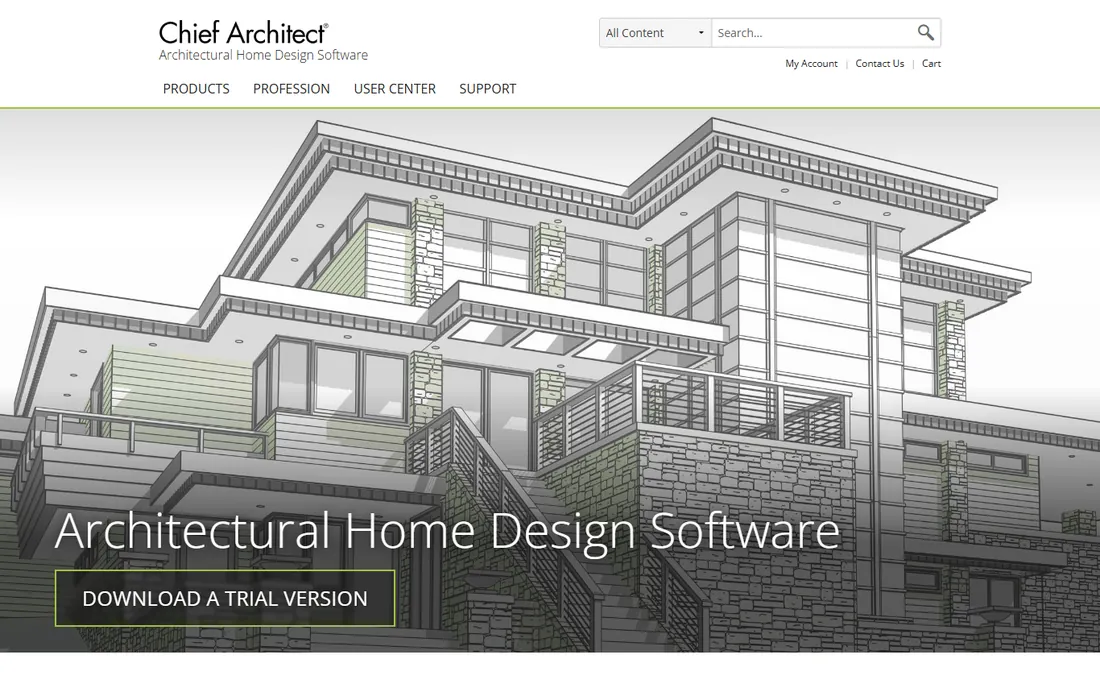
Chief Architect Premier is the residential specialist. Where Revit is a general BIM platform you configure for houses, Chief Architect is houses from the ground up: draw walls and the roof, framing, stairs, cabinets and foundation generate automatically with real building logic. Construction documents, elevations, 3D renderings and materials lists come out of the same model, which is why design-build firms and remodelers swear by it.
The $1,995 annual subscription, or $229 a month, positions it as professional software, and it earns that for residential work. It is not the tool for commercial towers or complex institutional buildings. But for architects, designers and builders whose work is houses, additions and light commercial, it produces construction-ready output faster than any general CAD tool here.
What we like- Automatic roofs, framing, stairs and foundations purpose-built for houses
- Construction documents and materials lists from the model
- Easier to learn than Revit
Watch out for- Residential focus limits commercial and large-scale work
- $1,995 a year is steep for sole practitioners
Starting price$299/year (Professional)
Free planFree trial
DraftSight is the budget answer for firms that live in 2D. From Dassault Systemes, it offers professional-grade DWG drafting with an interface AutoCAD users learn in days, at $299 a year for Professional or $599 for Premium with 3D capabilities. For producing plans, details and permit drawings, it is honest, capable software.
The history matters: DraftSight was free for years, then moved to paid-only, which still irritates longtime users. And it is unapologetically a drafting tool, not a BIM platform; there is no parametric model coordinating your drawings. For small practices, sole practitioners and anyone maintaining drawing archives in DWG, it is the cheapest legitimate seat in professional drafting.
What we like- Familiar AutoCAD-like 2D drafting at a fraction of the price
- Strong DWG compatibility
- Runs on Windows and Mac
Watch out for- 2D-focused, so no BIM or serious 3D
- Dassault killed the free version, so even basic use now costs
Starting priceFree (open source)
Free planYes
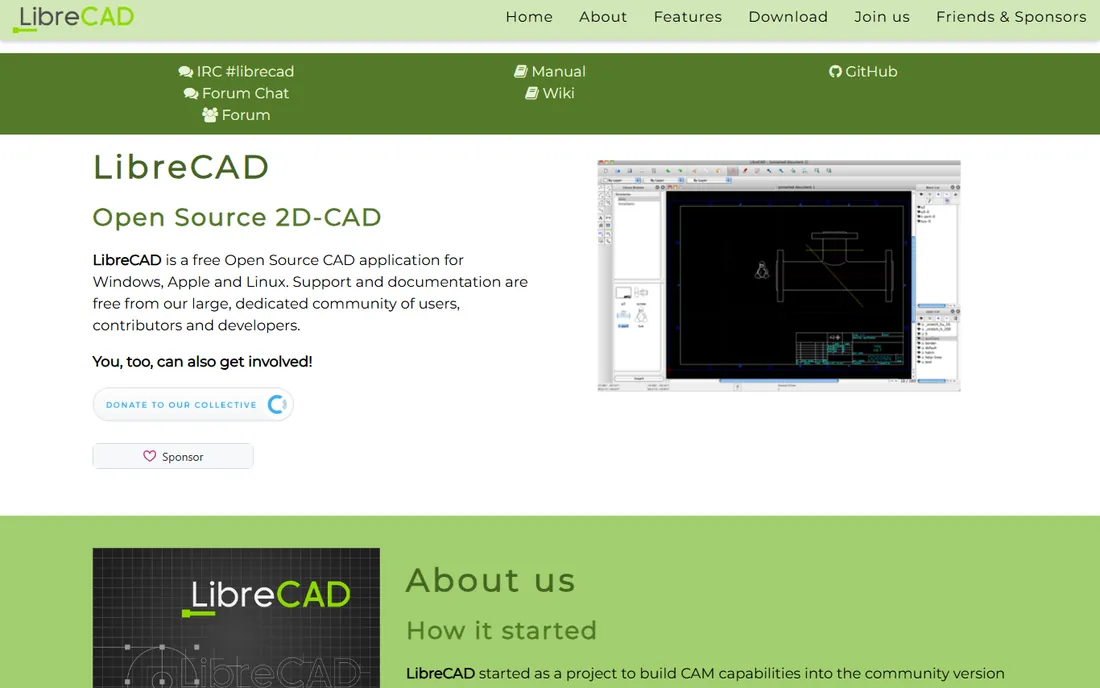
LibreCAD is the only tool here that costs nothing and asks nothing. It is a community-built open-source 2D CAD program that handles the fundamentals: lines, layers, dimensions, blocks and DXF and DWG file support. It runs on old hardware and on Linux, where commercial CAD barely exists.
Nobody should confuse it with production architectural software. There is no BIM, no 3D, no parametric modeling, and complex files can strain it. Its real roles are clear: learning CAD without spending money, quick 2D edits and conversions, and keeping a free DWG reader on every machine in the office. For students and hobbyists, it is genuinely useful; for professional deliverables, budget for something above.
What we like- Completely free with no trial, subscription or license server
- Lightweight and runs on Windows, Mac and Linux
- Decent DXF and DWG reading
Watch out for- 2D only with no BIM, 3D or parametric features
- Interface and stability lag commercial tools
How we chose
We focused on software that architects and drafters use for real deliverables: BIM modeling, construction documentation and 2D drafting. We checked vendor pricing pages, feature lists and documentation, plus public reviews on G2, Capterra and Reddit, and weighed ecosystem factors like hiring pools and consultant compatibility that decide software choices in practice. No hands-on testing is claimed. Prices reflect current vendor listings where published.
What actually matters when choosing drafting software
The first question is BIM or drafting. If your projects need coordinated models, clash detection and engineering collaboration, you need Revit, ArchiCAD, Vectorworks Architect, BricsCAD BIM or Allplan. If your output is 2D plans, details and permit sets, AutoCAD Architecture, DraftSight or even LibreCAD cover it for far less money and training time.
The second question is who you exchange files with. Architects rarely work alone: structural engineers, MEP consultants, contractors and clients all have preferred formats. If your consultants are on Revit, working natively in Revit removes a layer of translation risk. If you control the deliverables, you have more freedom to choose on merit and price.
The third question is total cost over three years, not the headline price. Multiply the seat price by your team size and three years, add hardware upgrades for the heavy BIM tools, and factor training time. A cheaper license that your team cannot hire for, or that consultants cannot open, is not cheaper.
BIM vs. CAD drafting: which does your practice need
BIM tools build a single intelligent model of the building. Walls have types and ratings, doors have schedules, quantities derive from geometry, and a change propagates to every view. That coordination is why large and complex projects demand BIM, and why Revit and ArchiCAD dominate that conversation.
CAD drafting draws lines that represent the building. It is faster to learn, lighter on hardware, cheaper to license, and perfectly adequate for straightforward buildings, interiors, additions and permit drawings. Most residential work and small commercial work still runs happily on CAD drafting.
The industry direction is toward BIM, and graduates increasingly expect it. But the right choice follows the work, not the trend: a two-person residential practice will likely produce more, faster, in Chief Architect Premier or AutoCAD Architecture than in Revit, while a firm chasing institutional work cannot avoid Revit.
Frequently asked questions
What is the best architectural drafting software for beginners?
Chief Architect Premier is the easiest professional path for residential work because the building tools automate roofs, stairs and framing. For general CAD skills, DraftSight teaches real DWG drafting cheaply, and LibreCAD teaches the fundamentals for free. Revit and ArchiCAD have the steepest learning curves here.
Is Revit better than AutoCAD for architecture?
They do different jobs. Revit builds a coordinated BIM model where plans, sections and schedules stay consistent automatically. AutoCAD, including the Architecture toolset, is a drafting platform where you manage that consistency yourself. Complex, collaborative projects favor Revit; straightforward 2D documentation is often faster in AutoCAD.
Can I use Mac for architectural drafting?
Yes, with the right tool. ArchiCAD, Vectorworks Architect, Chief Architect, DraftSight and LibreCAD all run natively on Mac. Revit and MicroStation are Windows-only, which is a deciding factor for Mac-based studios. BricsCAD also offers Mac versions.
How much does architectural drafting software cost?
It ranges from free to thousands per seat per year. LibreCAD costs nothing. DraftSight Professional is $299 a year. Vectorworks Architect is $1,530 a year. Chief Architect Premier is $1,995 a year. ArchiCAD Studio starts at $2,414 a year. Revit is $3,005 a year. Firms usually multiply by seats and add training and hardware.
What file formats matter in architectural drafting?
DWG remains the exchange standard for 2D drafting, and every serious tool here reads and writes it. IFC is the open standard for BIM model exchange between different platforms. RVT is Revit's native format, and PDF is the universal deliverable for permits and clients. Check that your tool exports what your consultants and authorities require.
Do I need BIM or is 2D CAD enough?
If your projects involve structural and MEP coordination, regulatory BIM requirements or large teams, you need BIM. If you produce plans, elevations, details and permit sets for straightforward buildings, 2D CAD is enough and will be faster and cheaper. Many successful small practices run entirely on 2D CAD.
Sources we checked (17)
- https://www.autodesk.com/
- https://bimtoolshub.com/autodesk-revit
- https://www.graphisoft.com/en-us/plans-and-products/archicad-max/
- https://architecturelist.com/archicad-studio-vs-collaborate-vs-max-plans-compared/
- https://www.vectorworks.net/
- https://www.g2.com/products/vectorworks-architect/pricing
- https://www.bricsys.com/
- https://www.bricsys.com/en-hk/maintenance
- https://www.allplan.com/
- https://www.allplan.com/ap_en/subscription-faq/
- https://www.bentley.com/
- https://www.g2.com/products/microstation/pricing
- https://www.chiefarchitect.com/
- http://www.chiefarchitect.com/rebates
- https://www.draftsight.com/
- https://librecad.org/
- https://www.softwareworld.co/software/draftsight-reviews/
Is your product missing or out of date?
We review this list regularly. Vendors can request a listing, send updated pricing or ask about featured placement.

Shihab Mia · Founder, Rankite
Shihab has spent more than a decade helping SaaS and e-commerce brands grow through search. He writes Rankite's software buying guides from pricing pages, documentation and public user reviews. More about Shihab.