How we make this list: we compare pricing pages, product documentation and public user reviews. Ratings come from G2, Capterra or Trustpilot, with the date we checked them.
Key takeaways
- Notion is the best all-round student workspace, with notes, project tracking, and templates, and a free plan for personal use.
- Quizlet suits flashcards and quizzes, with spaced repetition and AI features, while Anki suits powerful spaced repetition for medical and language study.
- Khan Academy is completely free, with video lessons and practice across K-12 and college subjects.
- Forest gamifies focus with a timer that grows a virtual tree, while Google Calendar handles scheduling and study sessions.
- Grammarly checks writing and style, while Microsoft OneNote offers full-featured notebooks with stylus support.
- Most students do fine with free tiers, and paid plans are only worth it after a semester of consistent free use.
Quick comparison
| Tool | Best for | Starting price | Free plan |
|---|
 Notion Notion | Notes and project workspace | $10 per month | Yes |
 Quizlet Quizlet | Flashcards and quizzes | See website | Yes |
 Khan Academy Khan Academy | Free lessons and practice | Free | Yes |
 Anki Anki | Spaced repetition | See website | Yes |
 Forest Forest | Focus and productivity | See website | No |
 Grammarly Grammarly | Writing and essays | $12 per month | Yes |
 Microsoft OneNote Microsoft OneNote | Note-taking and research | Free | Yes |
 Google Calendar Google Calendar | Scheduling and study sessions | Free | Yes |
Is your product missing or out of date?
We review this list regularly. Vendors can request a listing, send updated pricing or ask about featured placement.
The best apps for students to have on there phone
#1Notion
Best for: Notes and project workspace4.6/5 on
G2 (13,834 reviews, checked Oct 2026)
Visit notion.com
Starting price$10 per month
Free planYes
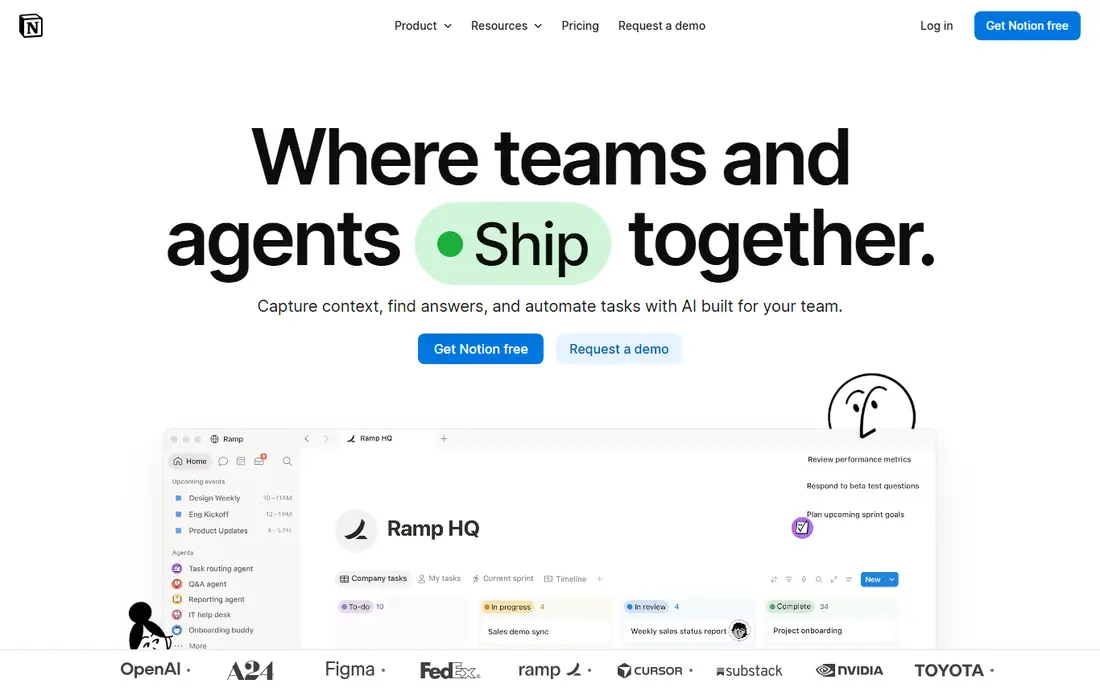
Notion is the best all-round student workspace, with flexible pages, templates, and databases for class notes, project tracking, and assignment planning. The free plan covers personal use, and Plus, at $10 per month billed yearly, adds larger file uploads and longer version history. Students can build a class dashboard with notes, deadlines, and reading lists in one place.
The learning curve for databases is real, and offline support is limited compared with OneNote. For an all-round student workspace, Notion is clearly the best pick, since its templates and databases cover notes, tasks, and project tracking in one place.
What we like- Flexible workspace and templates
- Notes, tasks, and databases in one app
- Plus free on a student email in some offers
Watch out for- Learning curve for databases
- Offline support limited
- Plus costs $10 per month billed yearly
#2Quizlet
Best for: Flashcards and quizzes4.5/5 on
G2 (291 reviews, checked Oct 2026)
Visit quizlet.com
Starting priceSee website
Free planYes
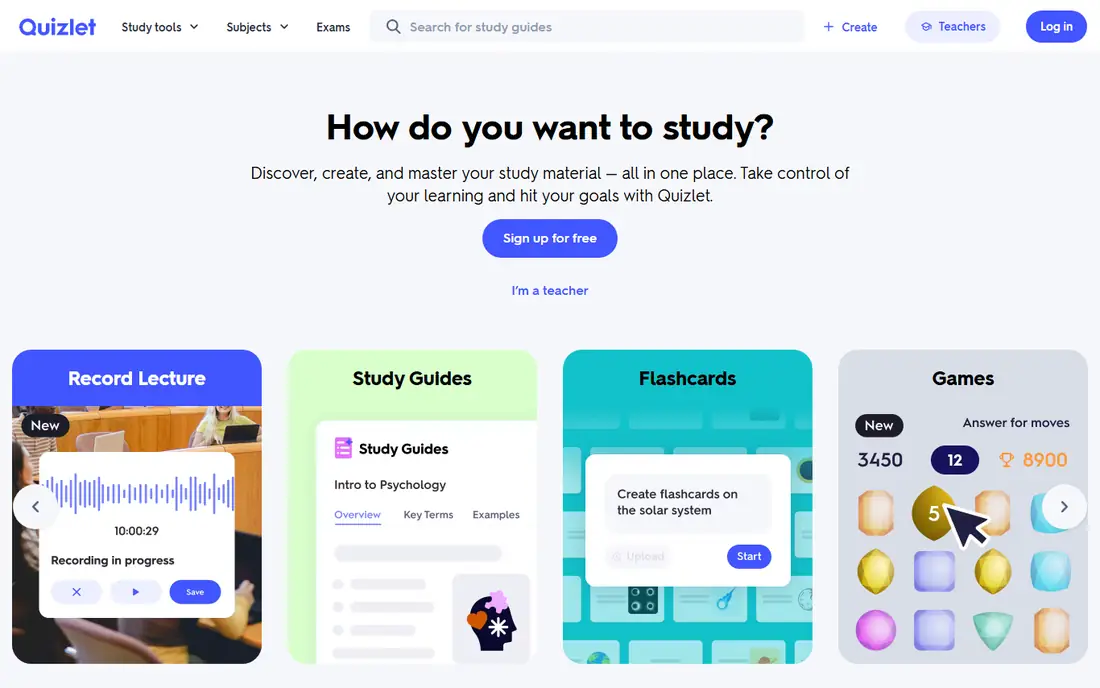
Quizlet suits flashcards and quizzes, with spaced repetition, learn modes, and AI features for generating study sets. The free tier covers basic flashcards and tests, while the paid plan adds AI features and removes ads. The large library of user-generated study sets suits common courses, though quality varies.
AI features are paywalled, and free tier ads interrupt study sessions. For flashcards and quizzes, Quizlet is clearly the best pick for most students, since its large study set library covers common courses.
What we like- Flashcards and quizzes
- Spaced repetition and AI features
- Large library of user study sets
Watch out for- AI features paywalled
- Ads on free tier
- Some study sets vary in quality
#3Khan Academy
Best for: Free lessons and practice4.5/5 on
G2 (177 reviews, checked Oct 2026)
Visit khanacademy.org
Starting priceFree
Free planYes
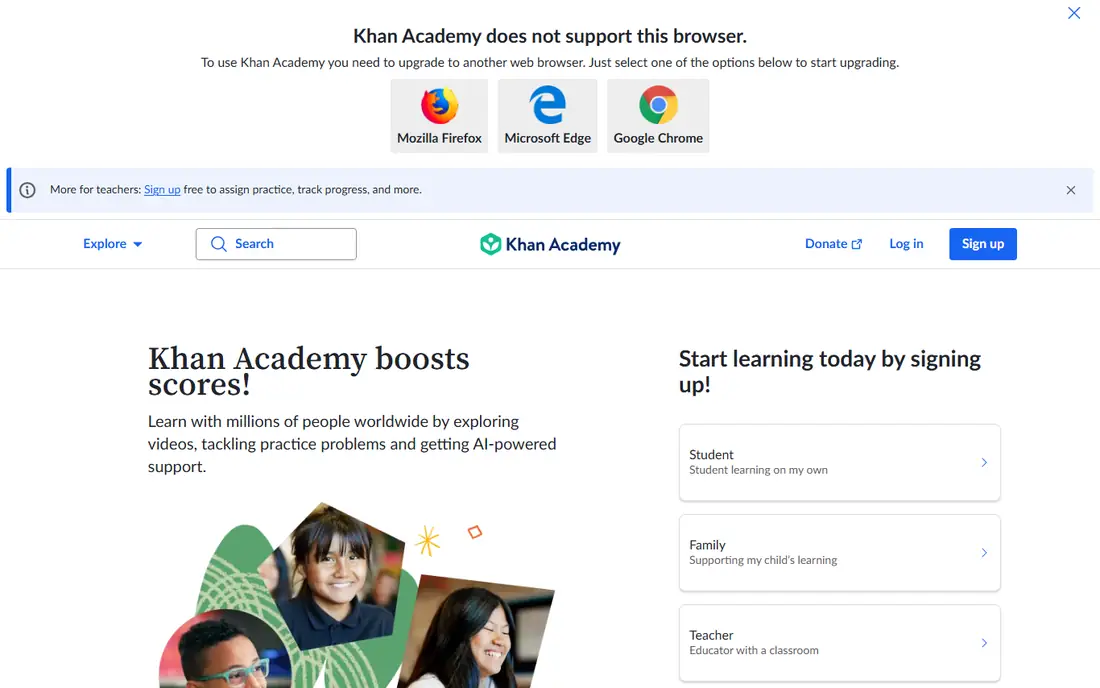
Khan Academy is completely free, with video lessons and practice across K-12 and college subjects, from math and science to history and test prep. The mobile app supports offline lessons, which suits students with limited internet access. Practice exercises adapt to student level, with instant feedback.
Course depth varies by subject, and there is no live tutoring, so students needing one-to-one help should pair Khan Academy with campus tutoring. For free lessons and practice, Khan Academy is clearly the best pick, since no other platform matches its free coverage across subjects.
What we like- Completely free
- Video lessons and practice
- K-12 and college subjects
- Offline lessons on mobile
Watch out for- No paid plan means no premium support
- Course depth varies by subject
- No live tutoring
Starting priceSee website
Free planYes
Anki is the most powerful spaced repetition app, favored for medical and language study, with free desktop and Android versions and a paid iOS app. Shared decks cover anatomy, vocabulary, and exam prep, and the scheduling algorithm adapts intervals to memory strength. Students who stick with Anki for a semester retain more than students who reread notes.
The interface is dated, and setup effort is higher than Quizlet, with card templates and deck settings to learn. For serious spaced repetition, Anki is clearly the best pick, since its scheduling algorithm adapts intervals to memory strength better than rivals.
What we like- Powerful spaced repetition
- Free on desktop and Android
- Huge shared deck library
Watch out for- IOS app paid
- Interface dated
- Setup effort higher than Quizlet
Starting priceSee website
Free planNo
Forest gamifies focus with a timer that grows a virtual tree while you stay off your phone, which suits students whose main problem is distraction. Friends can plant trees together for accountability, and earned coins fund real tree planting through partner programs. The app suits deep-work sessions and exam revision blocks.
Forest has no free plan, and it covers focus only, with no tasks or notes, so pair it with a task app. For focus and productivity, Forest is clearly the best pick, since its gamified timer turns distraction resistance into a visible reward.
What we like- Gamified focus timer
- Virtual tree grows as you focus
- Friends can plant together
Watch out for- No free plan
- Focus only, no tasks or notes
- Phone use kills the tree
#6Grammarly
Best for: Writing and essays4.7/5 on
G2 (14,073 reviews, checked Oct 2026)
Visit grammarly.com
Starting price$12 per month
Free planYes
Grammarly checks grammar and style across browser, iOS, and Android, with a free tier for basic corrections and Pro at $12 per month billed monthly for tone, clarity, and full-sentence rewrites. The app suits essays, emails, and application writing, catching errors that spellcheck misses.
AI suggestions need review, since Grammarly can misread context or academic tone, and the free tier limits advanced suggestions. For writing and essays, Grammarly is clearly the best pick, since its checks run across browser, iOS, and Android in one account.
What we like- Grammar and style checks
- Browser, iOS, and Android apps
- Tone and clarity suggestions on Pro
Watch out for- Pro costs $12 per month billed monthly
- AI suggestions need review
- Free tier limited
#7Microsoft OneNote
Best for: Note-taking and research4.5/5 on
G2 (1,872 reviews, checked Oct 2026)
Visit onenote.com
Starting priceFree
Free planYes
Microsoft OneNote offers full-featured notebooks with sections, pages, and stylus support, free with a Microsoft account, and many universities provide free Office 365, which includes OneNote. The web clipper suits research, capturing articles and sources into notebooks. Handwritten notes with a stylus suit tablet users.
Sync needs OneDrive, and the interface feels busy compared with Notion. For note-taking and research, OneNote is clearly the best pick for Microsoft households, since campus Office 365 often includes it free.
What we like- Full-featured notebooks
- Stylus support
- Free with a Microsoft account
- Campus Office 365 often included
Watch out for- Sync needs OneDrive
- Interface busy
- Fewer templates than Notion
Starting priceFree
Free planYes
Google Calendar is free for personal use and suits scheduling study sessions, assignment deadlines, and exam countdowns, with time blocking that protects deep-work hours. Integration with Google Tasks and Gmail turns emails into tasks and events. The app syncs across every device, so deadlines follow students everywhere.
Google Calendar has no study-specific features like spaced repetition or focus timers, and reminders are basic. For scheduling and study sessions, Google Calendar is clearly the best pick, since it syncs deadlines across every device for free.
What we like- Free for personal use
- Time blocking for study sessions
- Integrates with Tasks and Gmail
Watch out for- No study-specific features
- Reminders basic
- Business plan costs extra
How we chose
We compared one app per study job, free tier usefulness, cross-device sync, offline support, and student pricing. We also weighed battery and storage impact, since a study app that drains a phone battery by noon or fills storage with cached videos fails students who rely on one device all day. We favored apps with generous free tiers, since most students do fine without paid plans. We noted where paid plans add real value, such as Quizlet AI features or Grammarly Pro, and where free tiers suffice. We did not test any app hands-on, and prices come from vendor and comparison sources.
Buying guide: what to check before you download
Start with one app per category: one flashcard app, one note app, one calendar, and one focus timer, since students who stick with a consistent 3 to 4 app system for a semester perform better than students who constantly switch tools. App hopping wastes the first weeks of every semester on setup instead of study, and spaced repetition only works when review history stays in one place. Check campus licenses first, since many universities provide free Office 365, Notion, or LinkedIn Learning. Ask your campus IT help desk or library, since licenses are often unadvertised and students miss free tools they already have. Check student discounts before paying full price for any paid plan, since student pricing can cut monthly costs by half or more. Check offline support if your internet access is limited, since Khan Academy and Anki support offline study. Download lessons and decks over campus Wi-Fi before heading home, so study time is never blocked by a weak connection at home during final exam revision week. Finally, review app permissions and data policies, and download only from official app stores. Turn off non-essential notifications, since notification overload breaks focus faster than any missing feature ever will for busy students today at school each day.
Frequently asked questions
What are the best free study apps for students?
Khan Academy for lessons, Anki for spaced repetition on desktop and Android, Google Calendar for scheduling, Notion for notes, and Forest for focus cover most student needs without paying, though Forest has no free plan.
Should I use multiple study apps or just one?
Use one app per category to avoid complexity and context switching. Pick one flashcard app, one note app, one calendar, and one focus timer, and stick with that system for a full semester.
Are paid study apps worth the cost?
Paid apps are only worth it if you have used the free version consistently for at least one semester and hit its limits. The main reasons to pay are removing ads, enabling cloud sync, or gaining AI features that genuinely save study time.
What is the best app for memorizing?
Anki is the best app for serious memorization, with powerful spaced repetition, while Quizlet is easier for quick flashcards and quizzes. Medical and language students usually prefer Anki.
Can AI study apps replace my own studying?
No, AI tools can make mistakes, so check important information against textbooks, teacher explanations, and reliable sources. Use AI to support learning rather than replacing your own thinking, and follow your school academic integrity rules.
Sources we checked (0)
Is your product missing or out of date?
We review this list regularly. Vendors can request a listing, send updated pricing or ask about featured placement.

Shihab Mia · Founder, Rankite
Shihab has 5+ years in B2B and SaaS SEO. He writes Rankite's software buying guides from pricing pages, documentation and public user reviews. More about Shihab.