How we make this list: we compare pricing pages, product documentation and public user reviews. Ratings come from G2, Capterra or Trustpilot, with the date we checked them.
Key takeaways
- Khan Academy is the best free option for academic foundations, with strong math, science, and test preparation content at no cost.
- Duolingo is the easiest way to build a daily language habit, while Coursera is the strongest choice for career certificates and university style courses.
- Brilliant suits learners who learn by doing, with interactive math, science, and logic problems rather than long lectures.
- Udemy is best for a single practical skill, since courses are bought once and kept for life, though quality varies by instructor.
- Skillshare, LinkedIn Learning, and MasterClass cover creative and professional learning, but each suits a different goal and budget.
Quick comparison
Is your product missing or out of date?
We review this list regularly. Vendors can request a listing, send updated pricing or ask about featured placement.
The best apps for learning
Learning apps do not all teach the same way. Some use short daily lessons, some use full university courses, and some use projects that you finish and keep. The right app depends on your goal, your available time, and whether you need a certificate at the end. This guide covers eight apps that cover languages, academic subjects, coding, creative work, and career skills, with clear notes on free options and paid plans.
Starting priceFree
Free planYes
Khan Academy remains the best free learning resource for academic foundations. Math coverage is especially strong, from basic arithmetic through calculus, with video lessons, practice exercises, and progress tracking. Science, history, economics, and test preparation are also covered, and the nonprofit model means no ads and no paywall for core content. Teachers and parents can use dashboards to track student progress.
The format is school style, which suits learners who want clear explanations and practice, but may feel slow for adults who want a quick job skill. Certificates are not a focus, so Khan Academy is weaker for resume building than Coursera or LinkedIn Learning. For refreshing foundations, helping a student, or preparing for a test without paying, Khan Academy is the first app to try.
What we like- Fully free
- Strong math and science coverage
- Practice exercises with instant feedback
- SAT and test preparation
Watch out for- School style format may feel slow for adults
- Less career certificate value
- Limited creative and language depth

#2Duolingo
Best for: Daily language habit4.5/5 on
G2 (145 reviews, checked Oct 2026)
Visit duolingo.com
Starting priceFree
Free planYes
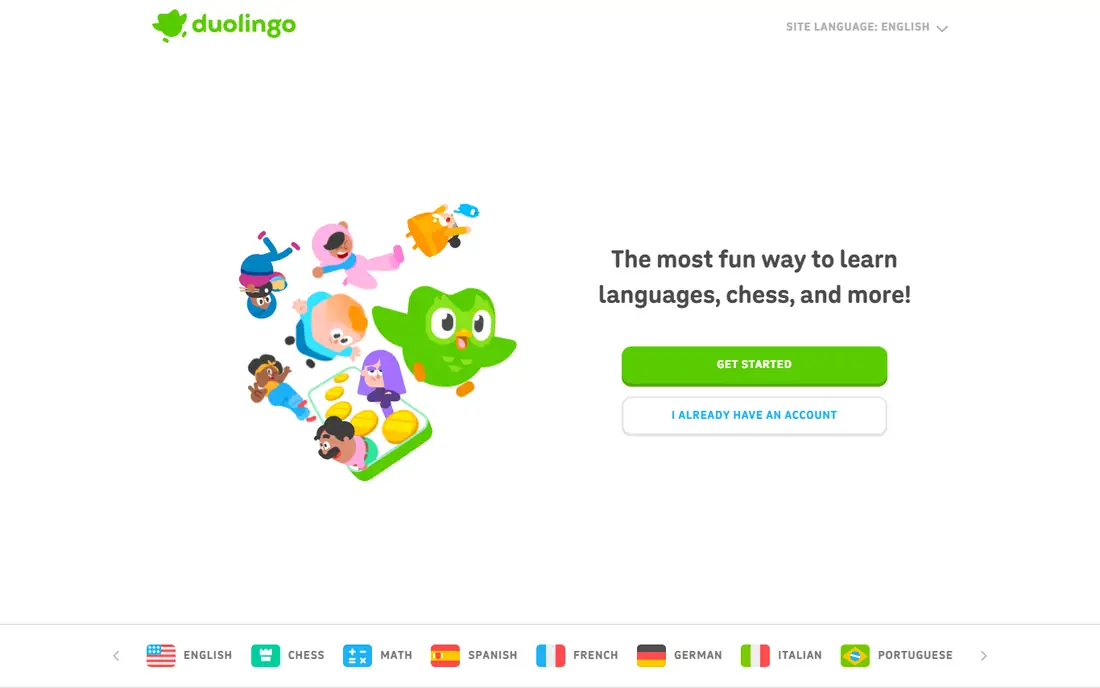
Duolingo is built around a daily habit. Lessons last a few minutes, streaks reward consistency, and the app covers vocabulary, grammar, listening, and speaking in short steps. The free version is usable for daily practice, and the range of languages is large, from Spanish and French to less common options. For a beginner who wants to start a language without a large commitment, Duolingo lowers the barrier.
The limit is conversation depth. Duolingo builds recognition and basic production well, but real conversation needs speaking practice with people, which the app only partly provides. The paid Super plan, near $12.99 per month in many listings, removes ads and adds unlimited hearts and personalized practice. Use Duolingo for daily habit building, then add conversation practice through a tutor or exchange app when ready.
What we like- Free core lessons
- Gamified streaks and short lessons
- Many languages
- Speaking and listening practice
Watch out for- Recognition skills outpace real conversation
- Paid Super plan needed to remove ads and limits
- Depth varies by language

#3Coursera
Best for: Career certificates4.5/5 on
G2 (489 reviews, checked Oct 2026)
Visit coursera.org
Starting priceFree
Free planYes
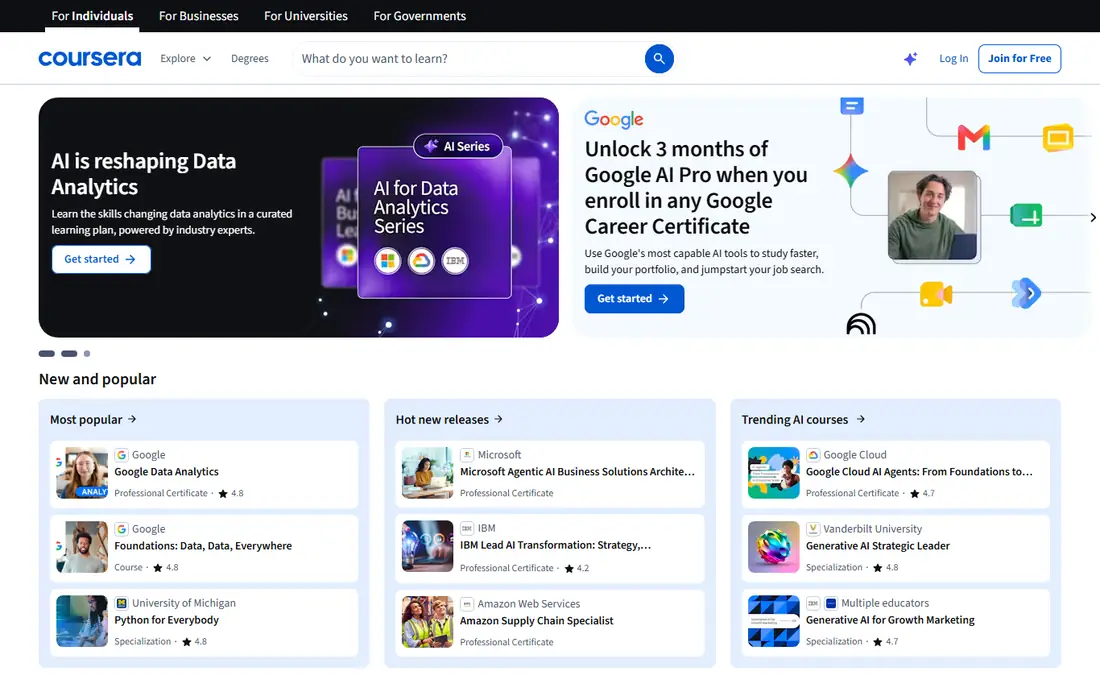
Coursera is the strongest choice when learning must connect to a career. Courses come from universities and companies, covering data, AI, business, technology, marketing, and cybersecurity. Professional certificates and degree programs carry more weight with employers than a single short course, and guided projects let learners practice a skill in a structured way. Many courses can be audited for free, with paid certificates for graded work.
The commitment is real. A full course or certificate program takes weeks, with assignments and deadlines, so Coursera suits learners who can set aside regular study time. Coursera Plus, near $399 per year in many listings, gives access to most courses and certificates, but individual course fees may be cheaper for a single topic. For career change or advancement, Coursera is the most credible option in this list.
What we like- University and company courses
- Professional certificates and degrees
- Free audit for many courses
- Structured paths
Watch out for- Full courses take weeks
- Certificates cost extra
- Coursera Plus is a larger annual commitment

#4Udemy
Best for: Single practical skills4.5/5 on
G2 (757 reviews, checked Oct 2026)
Visit udemy.com
Starting priceSee website
Free planNo
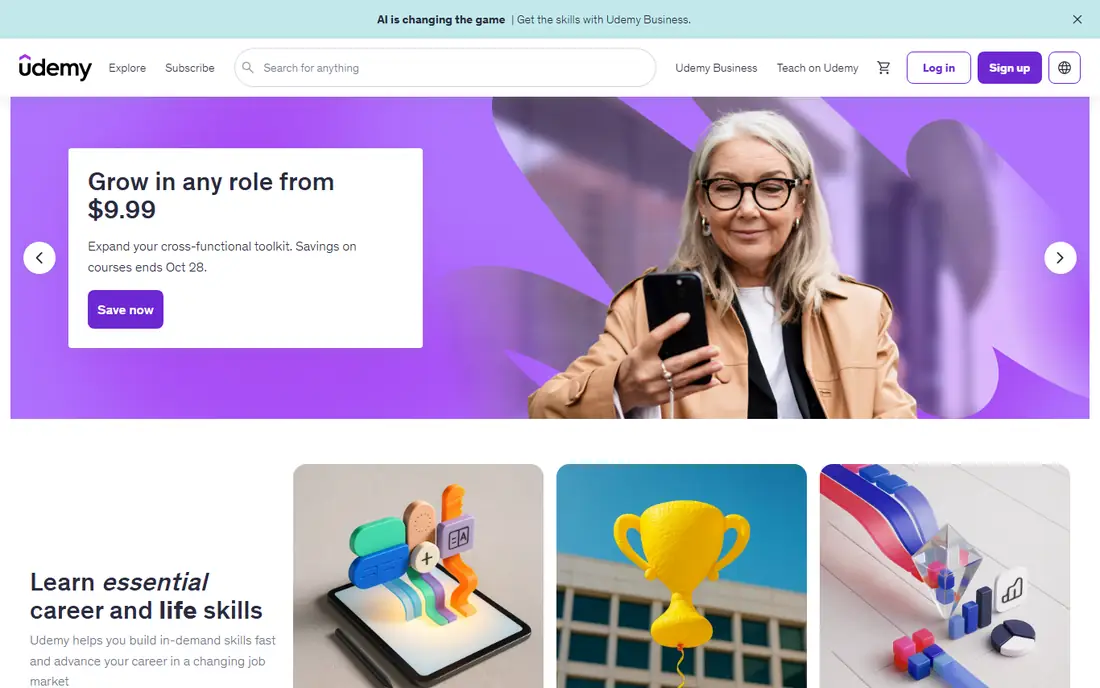
Udemy is best for learning one specific skill quickly. The catalog covers coding, design, business, music, photography, and many other topics, with courses bought individually rather than by subscription. Lifetime access means a course can be revisited months later, and frequent sales bring prices down from list rates, often to $10 to $200 per course depending on topic and promotion.
Quality varies, since any instructor can publish a course. Check ratings, review counts, preview lessons, and update dates before buying, and favor instructors with a track record in the topic. Certificates of completion exist, but they do not carry the same weight as a university certificate. For a single practical skill, Udemy is flexible and affordable.
What we like- Huge course catalog
- Pay once and keep access for life
- Frequent sales
- Practical topics from coding to cooking
Watch out for- Quality varies by instructor
- No standard certificate value
- Course prices vary widely
Starting priceSee website
Free planFree trial
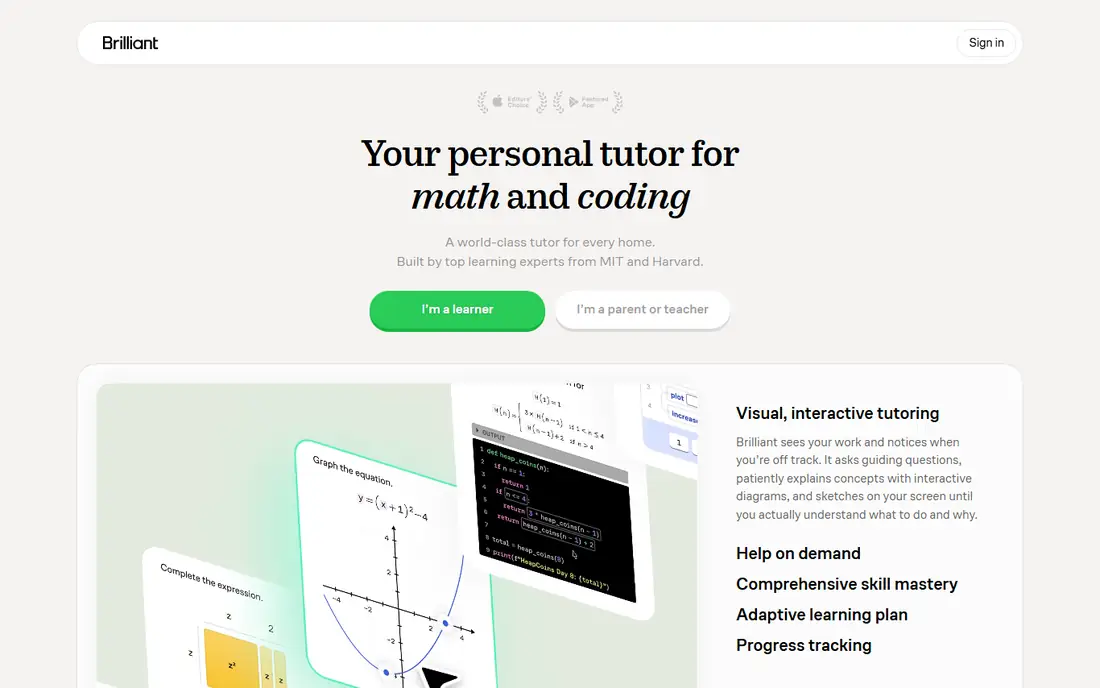
Brilliant teaches by doing. Instead of watching a long lecture, learners solve interactive problems with visual hints and step by step feedback. Math, science, computer science, and logic paths build from foundations to advanced topics, and the format suits learners who get bored with passive video. The app works well in short sessions, since each problem is a small unit of learning.
The cost is a subscription, near $149 per year in many listings after a trial, and the subject range is limited to STEM. Language learners, writers, and designers will need another app. For math, science, and logical thinking, Brilliant is one of the most engaging options available, especially for learners who want practice rather than lectures.
What we like- Interactive problems, not just video
- Strong math, science, and logic coverage
- Guided paths
- Visual explanations
Watch out for- Paid after trial
- STEM only
- Less suited to language or creative learning
#6Skillshare
Best for: Creative project classes3.3/5 on
G2 (42 reviews, checked Oct 2026)
Visit skillshare.com
Starting priceSee website
Free planFree trial
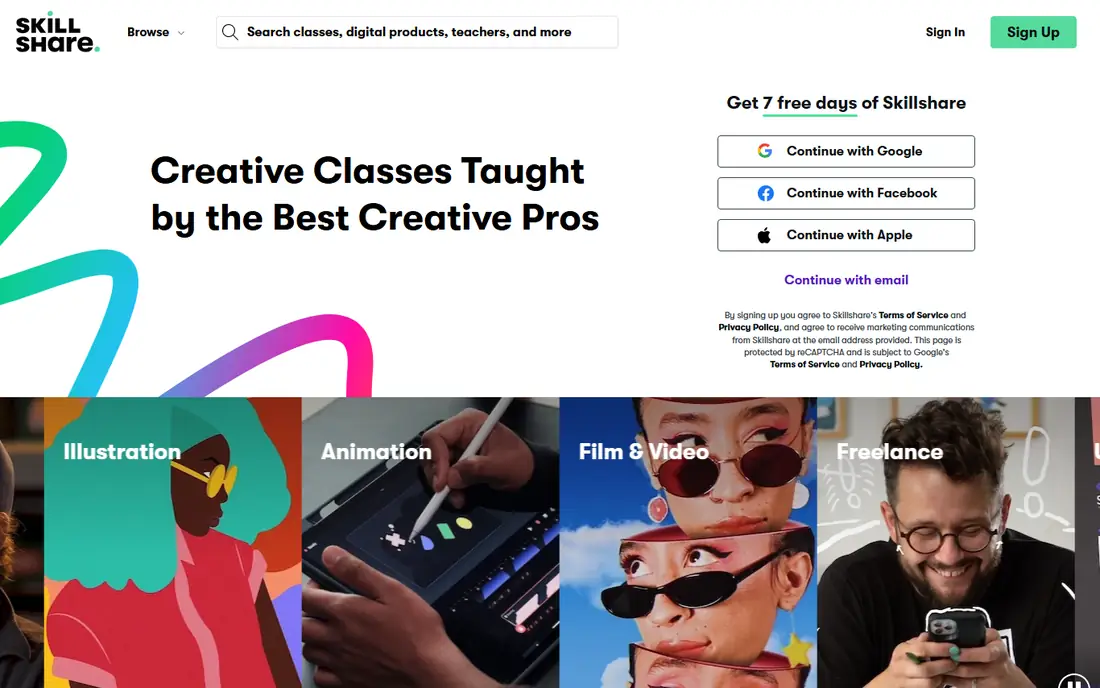
Skillshare focuses on creative skills taught through projects. Classes in illustration, graphic design, photography, writing, and video end with a project that learners can share, which gives a tangible result. Teachers are often working creators, so classes reflect current practice rather than theory alone. The membership model, near $168 per year in many listings, gives access to the full catalog.
There are no formal certificates, and no option to buy a single class, so Skillshare suits learners who want to explore creative topics over months. Quality varies by teacher, so check class ratings and project examples. For creative growth and portfolio projects, Skillshare is a strong choice.
What we like- Project based creative classes
- Design, photography, writing, and illustration
- Classes by working creators
- Community projects
Watch out for- Membership only, no per course purchase
- No formal certificates
- Quality varies by teacher

#7LinkedIn Learning
Best for: Workplace skills4.4/5 on
G2 (722 reviews, checked Oct 2026)
Visit linkedin.com
Starting priceSee website
Free planFree trial
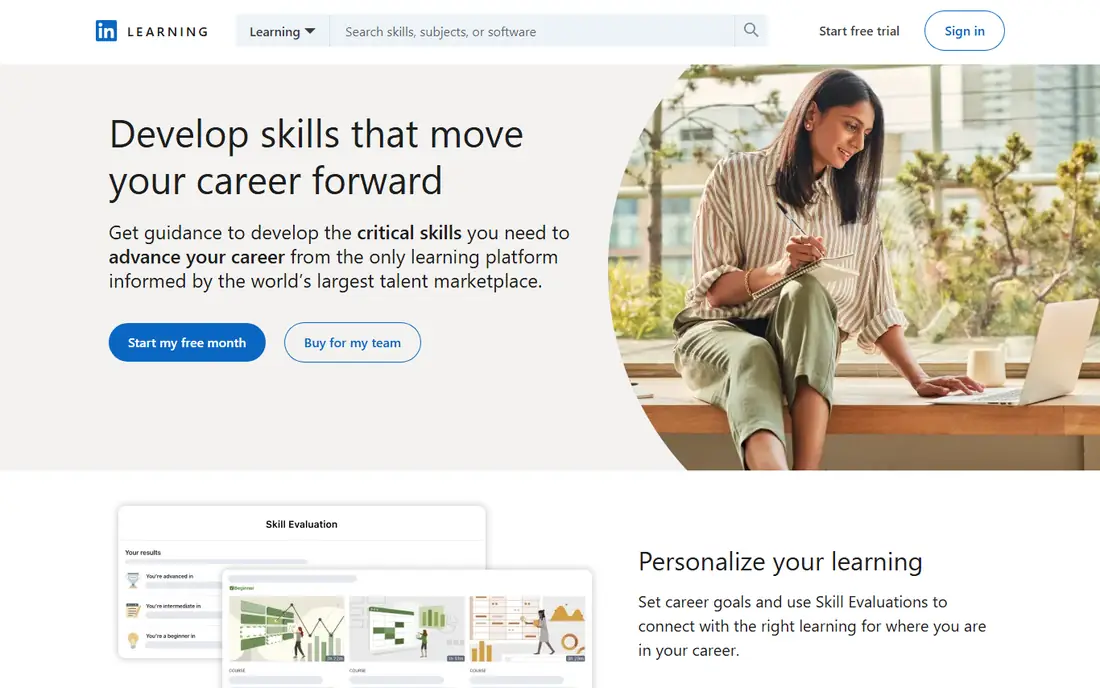
LinkedIn Learning is built for workplace skills. Courses cover leadership, project management, data analysis, software tools, and creative software, with learning paths that group courses into a job focused sequence. Certificates can be added to a LinkedIn profile, which helps recruiters see completed learning. Videos are short and expert led, making it easy to fit learning into a workday.
The subscription is the main cost, and academic depth is less than Coursera for university subjects. Some courses are introductory, so advanced learners should check course outlines. Many users get access through an employer or library, which removes the cost barrier. For professional development that shows up on a profile, LinkedIn Learning is practical.
What we like- Business, technology, and creative workplace courses
- Learning paths
- Certificates that appear on LinkedIn profiles
- Short expert led videos
Watch out for- Subscription cost
- Less academic depth than Coursera
- Some courses feel introductory
Starting priceSee website
Free planNo
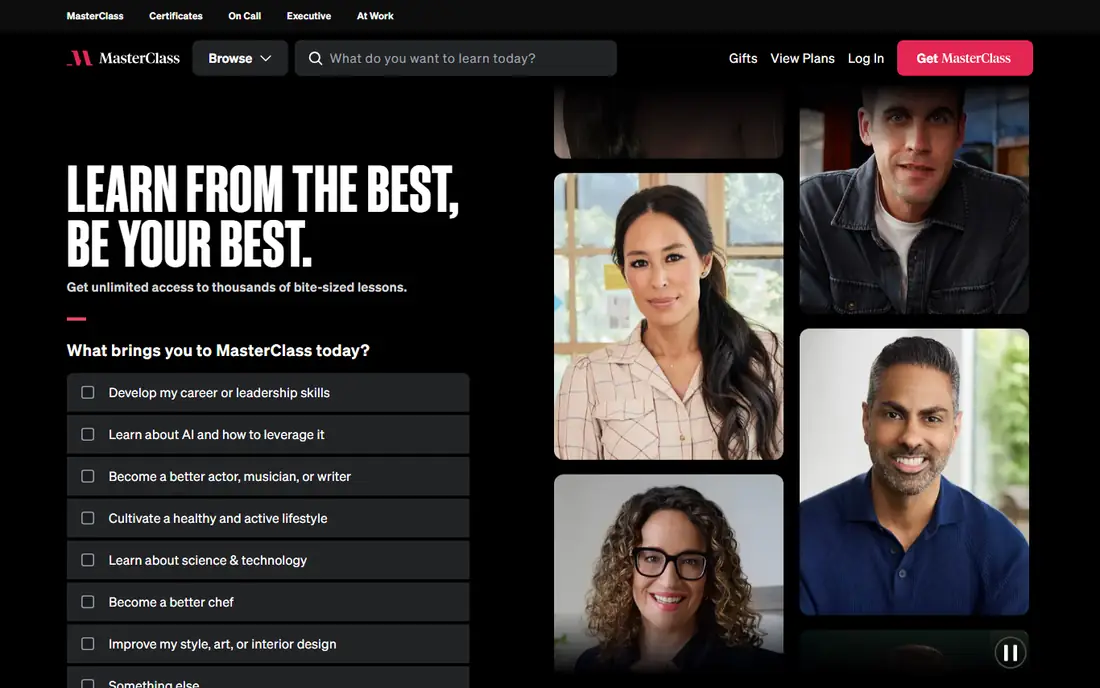
MasterClass offers classes taught by well known experts in writing, cooking, music, business, and other crafts. Production quality is high, with cinematic video and clear storytelling, and classes give an inspiring overview of how an expert thinks about their work. For a learner who wants motivation, perspective, and a broad introduction, MasterClass is enjoyable and easy to watch.
It is less hands on than Skillshare or Brilliant, with fewer projects and exercises. The subscription model means paying for access to the catalog, not a single class. MasterClass works best as inspiration and introduction, paired with a practice app for the skill itself. For a gift, a creative spark, or a first look at a craft, it earns its place.
What we like- Classes by well known experts
- High production quality
- Writing, cooking, music, and business topics
- Inspiring overview of a craft
Watch out for- Less hands on practice than project apps
- Subscription only
- Not a substitute for structured courses
How we chose
We compared pricing pages, course catalogs, and public reviews on G2, Capterra, and Reddit, focusing on subject breadth, learning format, free access, certificate value, and how well each app supports a daily habit. Apps were scored on content quality, practice opportunities, progress tracking, and value for a US learner. Company size was not a deciding factor, but larger platforms were favored when they offered stronger catalogs and certificates, while smaller focused apps were included for practice depth. Prices change by promotion, so confirm the current plan at checkout.
How to choose by goal and time
Match the app to the outcome you want. For a new career skill with a certificate, start with Coursera or LinkedIn Learning. For a daily language habit, use Duolingo. For free academic help, use Khan Academy. For a single practical skill, buy one Udemy course. For creative projects, try Skillshare, and for STEM practice, try Brilliant. Time matters too, since a five minute daily habit needs a different app than a ten hour certificate program.
Sticking with it after week two
Most learning apps fail in week two, not week one. Pick the smallest daily unit you can keep, such as one Duolingo lesson, one Brilliant problem set, or one short LinkedIn Learning video. Set a fixed time, track streaks or progress, and pair the app with a real project, such as writing, coding, or speaking. If an app feels like a chore after two weeks, switch format rather than quitting learning, since a project app may suit you better than a lecture app.
Frequently asked questions
What is the best app for learning overall?
There is no single best app, since goals differ. Khan Academy is best for free academic learning, Duolingo for languages, Coursera for career certificates, and Brilliant for STEM practice. Start with your goal, then pick the app whose format matches how you learn best.
Are there good free learning apps?
Yes. Khan Academy is fully free, Duolingo has a strong free core, and many Coursera courses can be audited for free. Udemy and Skillshare offer free trials or free preview lessons in some cases, but their full catalogs are paid. Check the free tier before subscribing.
Which learning app is best for adults?
Coursera and LinkedIn Learning suit adults who want career skills and certificates, while Duolingo and Brilliant suit adults who want a short daily habit. Skillshare suits adults exploring creative skills, and Khan Academy suits adults refreshing academic foundations. The best app is the one you return to each week.
Do online certificates help with jobs?
Certificates from Coursera and LinkedIn Learning can help, especially when paired with a portfolio or work experience, but they do not replace a degree or proven skills. Employers value demonstrated projects more than a list of certificates, so build something with what you learn.
How much time should I spend learning each day?
Fifteen to thirty minutes per day is enough for a habit app like Duolingo or Brilliant, while a Coursera course may need several hours per week. Consistency matters more than long sessions, so pick a daily amount you can keep on busy days.
Can I learn a language with an app alone?
An app can build vocabulary, grammar, and listening skills, but conversation needs practice with people. Use Duolingo for daily habit building, then add speaking practice through a tutor, exchange partner, or conversation group. That combination produces faster real world progress.
Sources we checked (8)
- https://www.khanacademy.org
- https://www.duolingo.com
- https://www.coursera.org
- https://www.udemy.com
- https://brilliant.org
- https://www.skillshare.com
- https://www.linkedin.com/learning
- https://www.masterclass.com
Is your product missing or out of date?
We review this list regularly. Vendors can request a listing, send updated pricing or ask about featured placement.

Shihab Mia · Founder, Rankite
Shihab has 5+ years in B2B and SaaS SEO. He writes Rankite's software buying guides from pricing pages, documentation and public user reviews. More about Shihab.
 Khan Academy
 Brilliant
 MasterClass