How we make this list: we compare pricing pages, product documentation and public user reviews. Ratings come from G2, Capterra or Trustpilot, with the date we checked them.
Key takeaways
- The best free AI apps for students in 2026 cover real study work without a subscription: tutoring, research with citations, source based revision, and writing polish.
- ChatGPT leads as the everyday free tutor, while NotebookLM suits revision from your own readings and Perplexity suits research with citations.
- Free tiers bite in different places: uploads, image creation, voice, and daily search limits, so pick the tool whose cap you hit last.
- Use AI to explain, quiz, and outline, not to submit work as your own: check your school policy, cite sources, and verify every fact before handing anything in.
Quick comparison
| Tool | Best for | Starting price | Free plan |
|---|
 ChatGPT ChatGPT | Everyday tutoring and drafts | Free | Yes |
 Gemini Gemini | Docs and Drive study work | Free | Yes |
 Claude Claude | Long readings and feedback | Free | Yes |
 Perplexity Perplexity | Research with citations | Free | Yes |
 NotebookLM NotebookLM | Studying your own notes | Free | Yes |
 Grammarly Grammarly | Writing polish | Free | Yes |
 Khanmigo Khanmigo | Socratic tutoring | Free | Yes |
 QuillBot QuillBot | Paraphrasing and rewriting | Free | Yes |
Is your product missing or out of date?
We review this list regularly. Vendors can request a listing, send updated pricing or ask about featured placement.
The best free AI apps for students
#1ChatGPT
Best for: Everyday tutoring and drafts4.6/5 on
G2 (3,089 reviews, checked Oct 2026)
Visit chatgpt.com
Starting priceFree
Free planYes
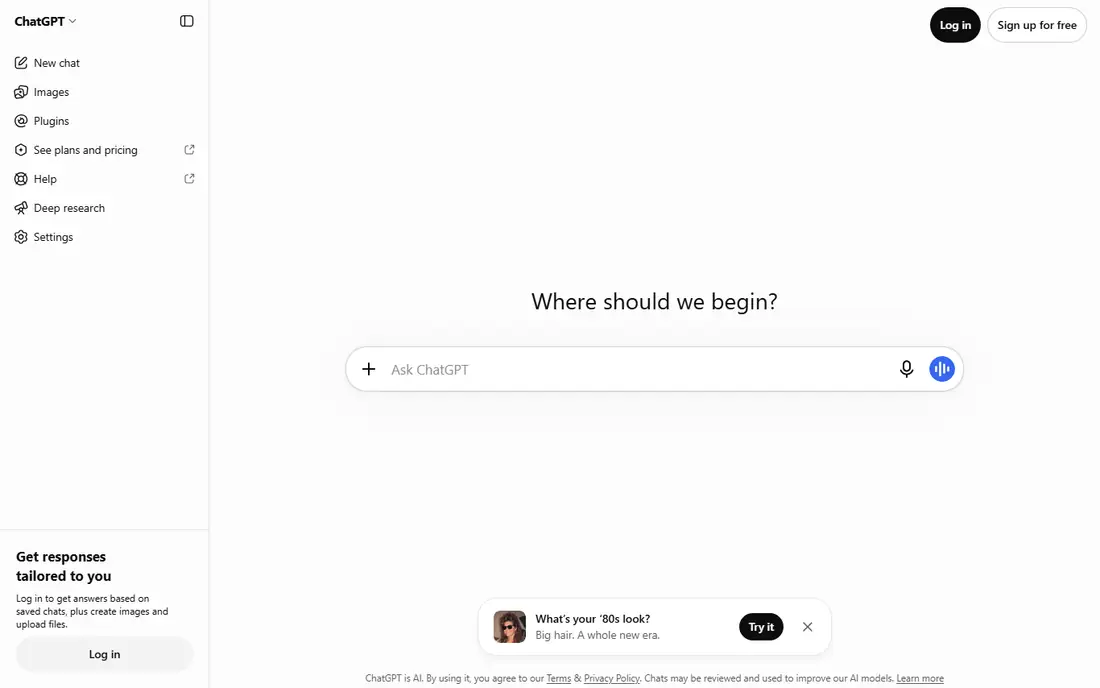
ChatGPT is the best starting point for most students because its free tier covers the everyday jobs: explaining concepts, working through problems step by step, outlining essays, and drafting practice questions. Study mode changes the tone from answer giving to guided learning, asking questions and checking understanding instead of handing over a finished paragraph.
The free tier gives unlimited text chats, but uploads, image creation, voice, and deep research are capped, so heavy multimedia weeks hit limits. Paid options exist, with Go at 8 dollars per month and Plus at 20 dollars per month, plus student offers that change by term, so verify current terms on the vendor site. For general tutoring and drafts at zero cost, ChatGPT leads.
What we like- Free tier covers unlimited text chats
- Study mode guides learning step by step
- Broad subject coverage
Watch out for- Uploads, image creation, voice, and deep research are capped
- Answers can contain errors
- Student Plus offer has a claim deadline
Starting priceFree
Free planYes
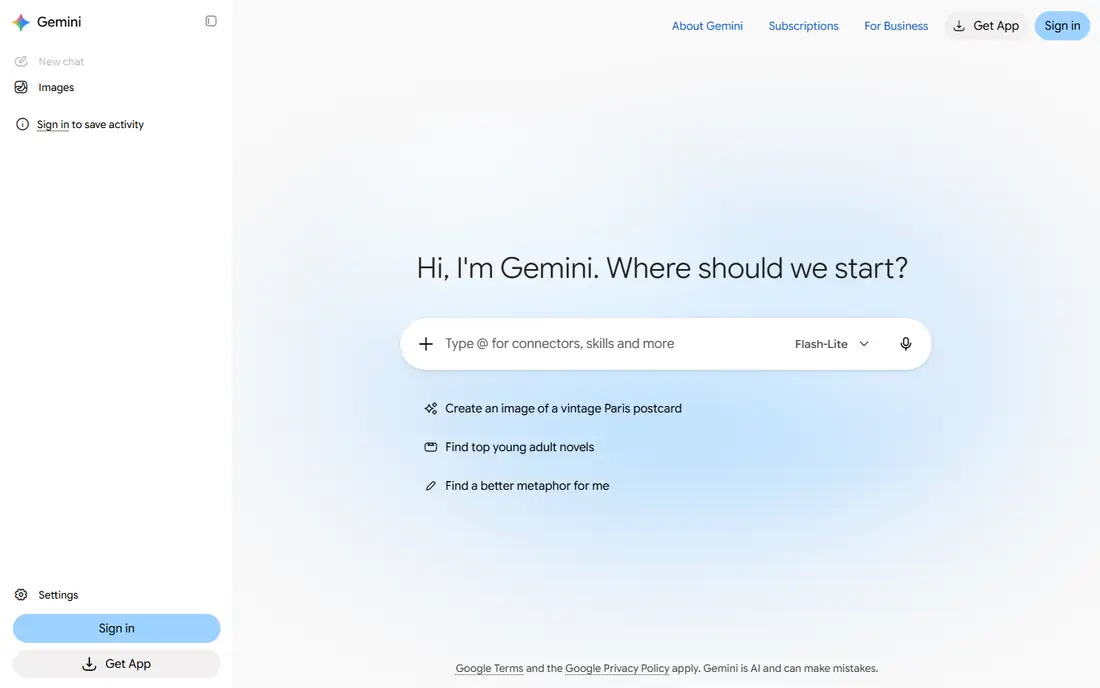
Gemini is the natural free pick for students who already live in Google Docs and Drive. It answers questions, summarizes documents, and helps draft inside the workspace where coursework already sits, which removes the copy and paste step that other tools need. Eligible US college students have been offered a free year of Google AI Pro, though terms and deadlines change, so verify before counting on it.
The limits are quality variance by topic and the renewal trap: a free year renews at 19.99 dollars per month unless cancelled. For students whose notes and essays already live in Google apps, Gemini is the most convenient free assistant on this list.
What we like- Free with any Google account
- Works inside Docs and Drive
- Student Pro year offer for eligible US students
Watch out for- Answer quality varies by topic
- Student offer renews at full price unless cancelled
- Fewer long document strengths than Claude
#3Claude
Best for: Long readings and feedback4.6/5 on
G2 (488 reviews, checked Oct 2026)
Visit claude.com
Starting priceFree
Free planYes
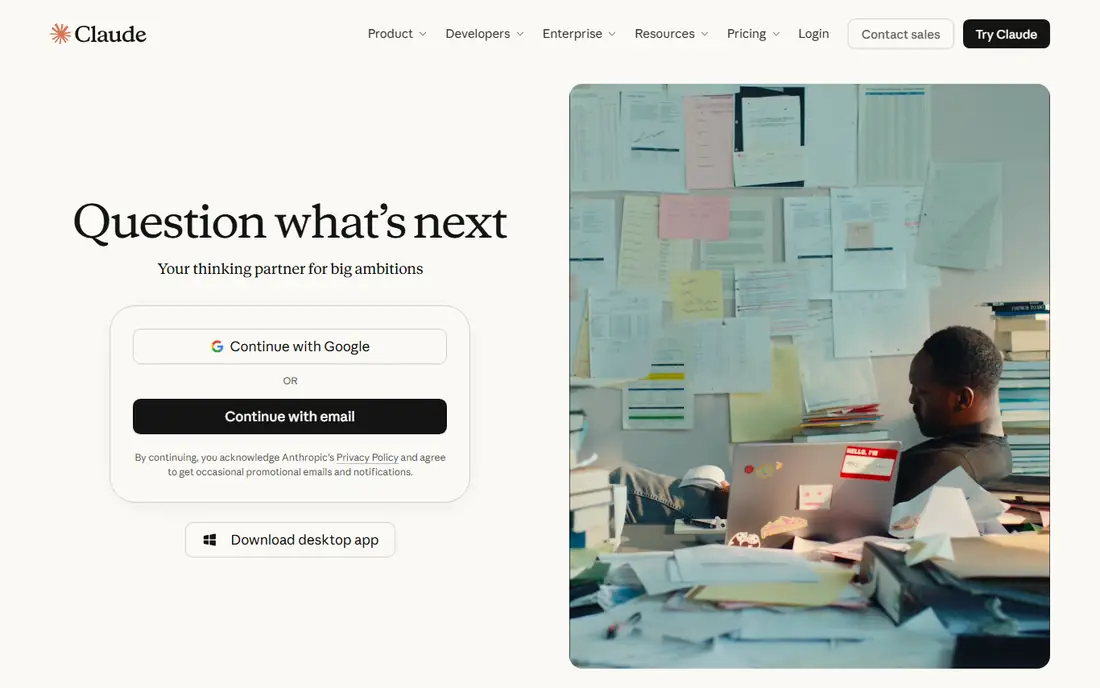
Claude is the best free option for students who feed it a stack of readings. The free tier allows file uploads, web search, and up to 5 Projects, which suits long PDFs, journal articles, and essay feedback where the model needs to hold a lot of context at once. Feedback on structure and argument tends to read more carefully than a quick chat answer.
The cap is session based, with limits resetting on a rolling window, so a heavy revision day can hit the wall. Pro costs 20 dollars per month, about 17 dollars per month billed annually. For deep reading and thoughtful feedback at zero cost, Claude is the strongest free tier on this list.
What we like- Strong free tier for long documents
- Up to 5 Projects on free
- File uploads and web search included
Watch out for- Session based limits reset on a rolling window
- No coding tool on free
- Not a fact checker on its own
#4Perplexity
Best for: Research with citations4.4/5 on
G2 (361 reviews, checked Oct 2026)
Visit perplexity.ai
Starting priceFree
Free planYes
Perplexity suits research because its answers carry citations you can open and check. That habit matters for coursework: a cited answer lets you verify the claim in the original source rather than trusting a summary. The free tier covers everyday cited search well, and verified students can get Education Pro at 10 dollars per month, half the standard Pro price.
The free wall arrives at about 5 Pro searches per day, with deep research and uploads behind the paid tier. Perplexity is a research starting point, not a finished bibliography: open the sources, read them, and cite the sources themselves, not the summary.
What we like- Cited answers that point to sources
- Strong for quick research
- Education Pro at 10 dollars per month for students
Watch out for- About 5 Pro searches per day on free
- Deep research and uploads are paid
- Summaries are not a substitute for reading sources
Starting priceFree
Free planYes
NotebookLM, now closely tied to Gemini Notebook, turns your own readings into study aids. Upload lecture notes, PDFs, and articles, then ask questions that the tool answers from those sources, with citations back to the uploaded material. Audio overviews turn a reading set into a listenable summary, which suits revision on the move.
The free tier is genuinely free, though daily caps apply to chats and audio overviews. The main limit is input quality: if your uploads are thin, the answers will be thin too. For revision from your own course materials, NotebookLM is the most trustworthy free tool on this list, because it grounds answers in sources you chose.
What we like- Fully free with any Google account
- Answers grounded in your own uploaded sources
- Audio overviews for revision
Watch out for- Only as good as your uploads
- Daily caps on chats and audio overviews
- Google account required
Starting priceFree
Free planYes
Grammarly polishes writing rather than generating it, which makes it the safest free tool for students worried about academic integrity. The free tier catches grammar, spelling, and tone issues across the browser, and includes 100 AI prompts per month for rewrites and clarity suggestions. It works in Docs, email, and most web editors without changing workflow.
The limits are scope: Grammarly will not fix a weak argument, and plagiarism checking sits behind the paid tier. Pro costs 12 dollars per month billed annually, with a student discount reported for verified students. For cleaning up your own draft, Grammarly is the right free tool.
What we like- Free grammar, spelling, and tone checks
- 100 AI prompts per month on free
- Browser extension works everywhere
Watch out for- Free tier lacks plagiarism and AI detection features
- Will not fix a weak argument
- Pro upsell is frequent
#7Khanmigo
Best for: Socratic tutoring4.5/5 on
G2 (178 reviews, checked Oct 2026)
Visit khanmigo.ai
Starting priceFree
Free planYes
Khanmigo is the tutor that refuses to hand over the answer. Built by Khan Academy, it asks guiding questions, checks each step, and only moves on when the student shows understanding, which is slower by design but better for learning. It is free for students, and it covers school and early college subjects with a teaching style rather than a chat style.
The trade is pace and range. A student who wants a fast answer will find Khanmigo slow, and its subject coverage is narrower than a general chatbot. For students who want to actually learn the material before an exam, Khanmigo is the best free tutor on this list.
What we like- Free for students through Khan Academy
- Socratic style teaches rather than telling
- Built for school subjects
Watch out for- Slower by design, since it asks questions instead of giving answers
- Narrower subject range than general chatbots
- Account required
#8QuillBot
Best for: Paraphrasing and rewriting4.4/5 on
G2 (79 reviews, checked Oct 2026)
Visit quillbot.com
Starting priceFree
Free planYes
QuillBot helps students reword their own draft sentences for clarity, which suits non native English writers and anyone tightening a paragraph. The free tier covers short paraphrases, and a grammar checker sits beside it. It is a rewriting aid, not a research tool, and it works best on sentences you already wrote.
The free wall is word limits per paraphrase, and premium pricing lifts them. The academic integrity rule still applies: paraphrasing a source does not remove the need to cite it. For polishing your own wording at zero cost, QuillBot rounds out the list.
What we like- Free paraphrasing tier
- Useful for rewording your own draft sentences
- Grammar checker included
Watch out for- Free tier word limits
- Paraphrasing sources still needs citation
- Premium features behind a paywall
How we chose
We ranked apps by how far the free tier goes on real deadline work, whether answers are grounded in sources, ease of use, and genuine student deals. We favored tools that survive a real study week without a card, and we gave extra weight to source grounding, since an answer you cannot check is a risk in coursework.
We also weighed academic integrity. Tools that help students learn, revise, and polish their own work score higher than tools that make it easy to submit generated work as original. Price conflicts across sources were handled by writing "See website" where published figures disagreed, though every tool on this list starts free, so the table reflects that.
Buying guide
Start free and stay free until a limit actually slows you down. Most students never need to pay: ChatGPT, Claude, Gemini, Perplexity, NotebookLM, Grammarly, and QuillBot all cover real study work on free tiers. Check whether your university already provides paid accounts through the library or IT helpdesk, since many schools now include AI tools students do not know they have.
Next, match the tool to the task. Use ChatGPT or Khanmigo for tutoring, Perplexity for cited research, NotebookLM for revision from your own notes, and Grammarly or QuillBot for polishing your own draft. Using one general chatbot for every job gives weaker results than using the right tool per job.
Finally, protect your academic standing. Read your school AI policy before the semester starts, disclose AI use where required, cite original sources rather than AI summaries, and verify every fact, quote, and number before handing work in. AI accelerates thinking, but the submitted work must be yours.
Frequently asked questions
What is the best free AI app for students overall?
ChatGPT is the best starting point for most students because of its strong free tier and broad subject coverage. Claude suits long readings, Perplexity suits cited research, and NotebookLM suits revision from your own notes.
Can I use AI tools for homework without cheating?
It depends on your school policy and how you use them. Explaining concepts, quizzing, outlining, and polishing your own writing are generally acceptable, while submitting AI generated work as your own usually violates academic integrity policies. When in doubt, ask your instructor.
Do I need to pay for any AI study tool?
Most students do not. Free tiers cover real study work, and student deals such as Perplexity Education Pro at 10 dollars per month or a free Google AI Pro year exist for those who hit limits. Start at zero cost and upgrade only when a limit bites.
Which free tool is best for research with citations?
Perplexity, since its answers link to sources you can open and check. NotebookLM is better when the sources are your own uploaded readings.
Should I trust AI answers for exam revision?
Use AI answers as a starting point, then verify against your course materials and textbooks. AI tools can contain errors, and exam answers need to be correct, not just plausible.
Sources we checked (0)
Is your product missing or out of date?
We review this list regularly. Vendors can request a listing, send updated pricing or ask about featured placement.

Shihab Mia · Founder, Rankite
Shihab has 5+ years in B2B and SaaS SEO. He writes Rankite's software buying guides from pricing pages, documentation and public user reviews. More about Shihab.