How we make this list: we compare pricing pages, product documentation and public user reviews. Ratings come from G2, Capterra or Trustpilot, with the date we checked them.
Key takeaways
- Articulate 360 is the best Captivate replacement for deep interactivity, branching scenarios, and custom course logic.
- iSpring Suite suits teams whose training already lives in PowerPoint and who want the fastest path to SCORM courses.
- Easygenerator suits subject matter experts who need to create courses without design or instructional design training.
- ActivePresenter suits solo authors who want a one-time license instead of an annual subscription.
- Cloud tools suit distributed review and fast updates, while desktop tools still win for heavy branching and software simulations.
Quick comparison
| Tool | Best for | Starting price | Free plan |
|---|
 Articulate 360 Articulate 360 | Deep interactivity and branching | $1,449 per user/year | Free trial |
 iSpring Suite iSpring Suite | PowerPoint-based rapid authoring | See website | Free trial |
 Easygenerator Easygenerator | Expert authoring without design skills | $116 per month | Free trial |
 Elucidat Elucidat | Enterprise brand governance | See website | No |
 dominKnow ONE dominKnow ONE | Single-source multi-format publishing | $1,997 per author/year | Free trial |
 Lectora Lectora | Accessibility and compliance training | See website | No |
 ActivePresenter ActivePresenter | One-time license authoring | $249 one-time | Free trial |
 Camtasia Camtasia | Video-led tutorials and SCORM | $179.88 per year | Free trial |
Is your product missing or out of date?
We review this list regularly. Vendors can request a listing, send updated pricing or ask about featured placement.
The best Adobe Captivate alternatives
#1Articulate 360
Best for: Deep interactivity and branching4.7/5 on
G2 (973 reviews, checked Oct 2026)
Visit articulate.com
Starting price$1,449 per user/year
Free planFree trial
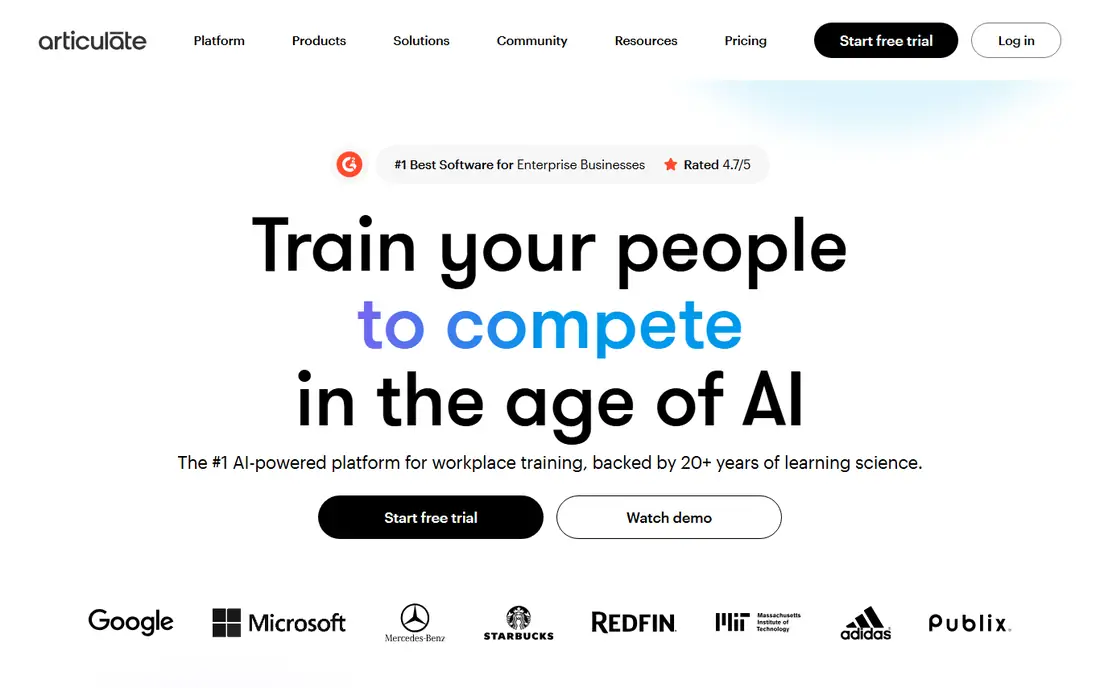
Articulate 360 is the industry standard for interactive e-learning, and it pairs two editors: Storyline 360 for deep custom courses and Rise 360 for quick block-based courses. Storyline's triggers, variables, and branching logic cover the complex scenarios Captivate users build, while Rise lets a team ship a clean responsive course in hours. The Personal plan at $1,449 per user per year includes an AI Assistant, text-to-speech, and translation, with SCORM 1.2, SCORM 2004, xAPI, AICC, and cmi5 output.
The limits are platform and price. Storyline remains Windows desktop, so Mac-only teams need a workaround, and the per-author price is the highest in this list for larger teams. Articulate 360 fits best for L&D teams that need both quick courses and deep custom interactivity in one subscription.
What we like- Storyline gives full control over triggers, variables, and branching
- Rise covers quick block courses
- AI Assistant and translation included
Watch out for- Storyline is Windows desktop only
- Highest price in this list for teams
- Learning curve for deep custom work
Starting priceSee website
Free planFree trial
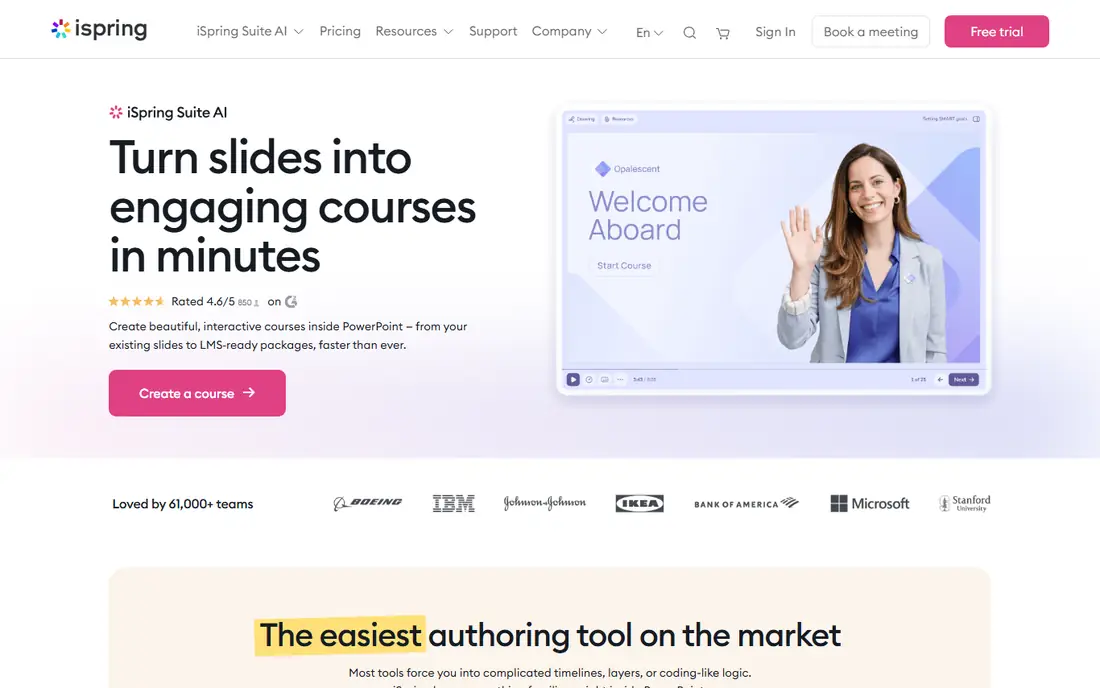
iSpring Suite suits teams whose training already lives in PowerPoint. It turns existing decks into interactive SCORM courses with quizzes, role-plays, and answer-based paths, plus an AI course assistant on Suite AI that cuts drafting and translation time. For a trainer with a library of slide decks, iSpring gives the fastest path from presentation to tracked course, with a 14-day free trial and no credit card.
The limits are platform and pricing clarity. The workflow is Windows PowerPoint only, so Mac users and from-scratch authors should look elsewhere, and pricing guides differ, from about $720 to $970 per author per year, so confirm current pricing before buying. iSpring fits best for PowerPoint-based teams that want rapid authoring with a short learning curve.
What we like- Fully PowerPoint-based with a short learning curve
- Quizzes, role-plays, and branching
- AI course assistant on Suite AI
Watch out for- Windows-only PowerPoint workflow
- Pricing guides differ, from about $720 to $970 per author per year
- No hosting or payments built in
Starting price$116 per month
Free planFree trial
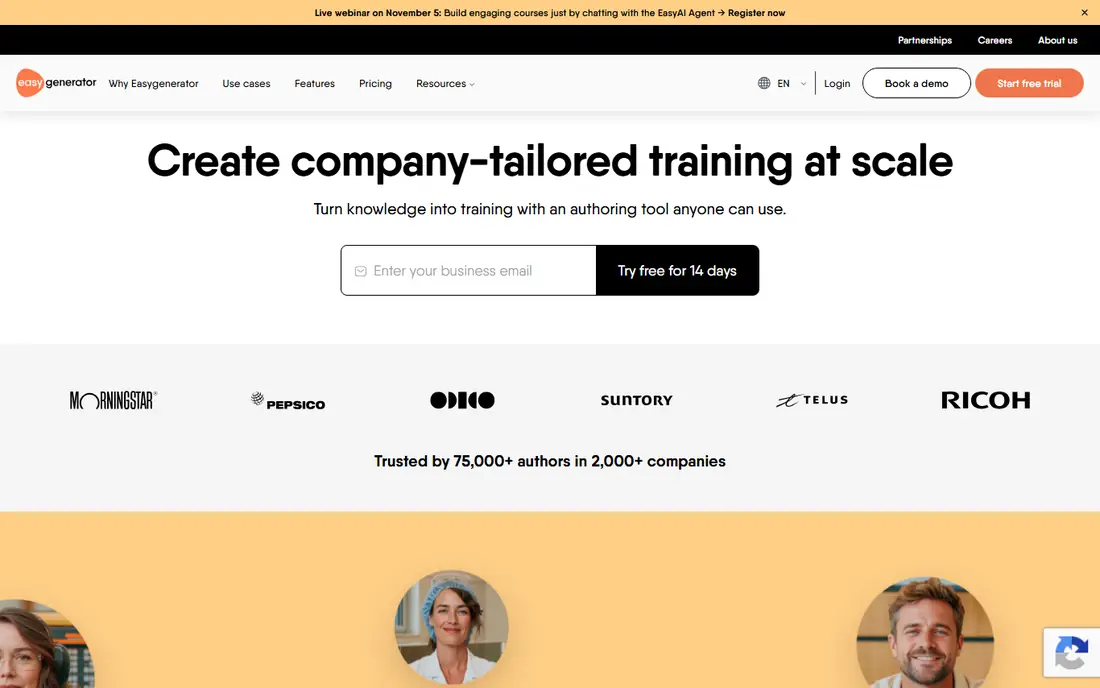
Easygenerator suits subject matter experts who need to create courses without design training. Its cloud block editor plus AI writing assistant lets an expert draft a course quickly, with collaborative review so legal, HR, and peers can sign off before it ships. Starting around $116 per month per author, it is simpler and faster than Storyline for everyday knowledge sharing.
The trade is depth. Easygenerator is limited in custom interactions and branching logic compared with Storyline or Captivate, and its Team pricing climbs steeply in some guides. Easygenerator fits best for organizations that want experts to author their own training quickly, with a central team handling quality.
What we like- Cloud blocks plus AI writing assistant
- Collaborative review
- Simple for non-expert authors
Watch out for- Limited in custom interactions and branching
- Pro at $1,499 per year in some guides
- Less depth than Storyline
Starting priceSee website
Free planNo
Elucidat, now Create by Confirm, suits large L&D teams that manage high-volume training with strict brand control. Its template-driven cloud editor keeps courses on brand, centralizes assets, and supports real-time collaboration across authors, reviewers, and translators. For an enterprise shipping hundreds of courses a year, that governance beats a desktop tool's flexibility.
The limits are price and setup. Pricing is quote-only, reported around $1,650 per user per year, and enterprise onboarding takes time. Elucidat fits best for large teams that prioritize brand governance, localization, and scale over one-off custom interactions.
What we like- Template-driven enterprise authoring
- Centralized asset control
- Real-time collaboration and brand governance
Watch out for- Quote-only pricing, reported around $1,650 per user per year
- Less flexible for one-off custom courses
- Enterprise onboarding takes time
Starting price$1,997 per author/year
Free planFree trial
dominKnow ONE suits enterprise teams that publish the same content in multiple formats. Its learning content management system stores reusable assets once and publishes to responsive and fixed layouts, plus software simulations, with SCORM, xAPI, and AICC output. That single-source model saves rework when a course must ship as a responsive module, a printable guide, and a simulation.
The trade is price and familiarity. At $1,997 per author per year, it is among the priciest tools here, and its LCMS model takes learning for teams used to slide-based authoring. dominKnow ONE fits best for enterprises with extensive content reuse and multi-format publishing needs.
What we like- Single-source publishing to responsive and fixed layouts
- Reusable assets
- Software simulations included
Watch out for- High per-author price
- Smaller community than Articulate
- Learning curve for its LCMS model
Starting priceSee website
Free planNo
Lectora suits experienced instructional designers building accessible, compliant training. Its full scripting, actions, variables, and conditional paths give precise control over interactions, and its accessibility tooling suits WCAG and Section 508 requirements better than most cloud editors. For government, healthcare, and regulated training, that control is a deciding factor.
The limits are price and learning curve. Pricing is quote-based, reported from $129 per author per month, and its depth comes with a steeper learning curve than Easygenerator or iSpring. Lectora fits best for compliance and accessibility-led projects where control outweighs ease.
What we like- Full scripting and accessibility control
- Conditional paths and variables
- Strong for WCAG and Section 508 work
Watch out for- Quote-based pricing, reported from $129 per author per month
- Higher learning curve
- Smaller ecosystem than Articulate
Starting price$249 one-time
Free planFree trial
ActivePresenter suits solo authors and small teams that want a one-time license instead of an annual subscription. Its Standard edition at $249 one-time and Pro at $499 one-time cover desktop recording plus course authoring with quizzes and SCORM output, without a recurring bill. For a freelancer or a small training business, that cost model is a clear advantage.
The trade is breadth. Its feature set is smaller than Articulate's, cloud collaboration is limited, and its video tools are less deep than Camtasia's. ActivePresenter fits best for solo authors who want recording plus authoring at a one-time price.
What we like- One-time license, no annual renewal
- Desktop recording plus authoring
- SCORM output
Watch out for- Smaller feature set than Articulate
- Less cloud collaboration
- Video and course features are less deep than Camtasia plus Storyline combined
#8Camtasia
Best for: Video-led tutorials and SCORM4.6/5 on
G2 (1,769 reviews, checked Oct 2026)
Visit techsmith.com
Starting price$179.88 per year
Free planFree trial
Camtasia suits video-led training: software tutorials, recorded walkthroughs, and courses where video carries the lesson. Its editing, effects, and annotations are deeper than any other tool here, with video quizzes and hotspots that turn a recording into a tracked SCORM module. Essentials at $179.88 per year and Create at $249 per year make it affordable for a solo creator.
The limits are course depth. Camtasia is video-led, not a full branching course tool, and its interactive publication uses Smart Player rather than native course logic. Camtasia fits best for tutorial and video-led training, paired with a course tool such as iSpring or Articulate when branching is needed.
What we like- Deep video editing and effects
- Video quizzes and hotspots
- SCORM output via Smart Player
Watch out for- Video-led, not a full branching course tool
- Essentials at $179.88 per year, Create at $249 per year
- Interactive output needs Smart Player
How we chose
We compared these tools on authoring approach, interactivity and branching, SCORM and xAPI support, accessibility, and pricing model, since Captivate buyers weigh simulations and branching against ease and cost. Pricing figures come from vendor pages and current comparison guides checked in October 2026, and any figure we could not confirm is marked as See website. We did not claim hands-on testing. Instead we weighed public documentation, pricing pages, and user reviews, plus the practical difference between a cloud editor and a desktop suite.
What to check before you pick
Start with the course type. Software simulations and heavy branching point to Articulate Storyline or Lectora, while slide-based courses point to iSpring, and expert-authored knowledge sharing points to Easygenerator. Next, check the output standard your LMS needs: SCORM 1.2, SCORM 2004, xAPI, and cmi5 support varies, and video-only tools need a player for tracking. Finally, check platform: Storyline and iSpring are Windows-first, while cloud tools work on any operating system.
Cloud versus desktop authoring
Browser-based tools such as Rise 360, Easygenerator, and Elucidat let reviewers comment from any device and keep version history automatic, which suits distributed teams and compliance sign-off. Desktop suites such as Storyline and Captivate still win for heavy branching, custom interactions, and software simulations that a browser editor cannot render smoothly. Many mid-size teams pair a cloud tool for day-to-day updates with a desktop tool for flagship courses.
Pricing models and total cost
Per-author annual licenses, monthly subscriptions, and one-time licenses produce very different totals. Articulate at $1,449 per author per year and dominKnow at $1,997 per author per year suit teams with few authors, while Easygenerator's monthly model suits growing teams, and ActivePresenter's one-time license suits solo authors. Count authors, not learners, when budgeting, since most authoring tools price by author.
Frequently asked questions
What is Adobe Captivate used for?
Adobe Captivate is a desktop e-learning authoring tool for interactive courses, software simulations, quizzes, and responsive training, with SCORM and xAPI output. Its single-user plan is reported around $33.99 to $39.99 per month, and it suits experienced developers who need simulations and VR or AR training.
Which Captivate alternative is best for PowerPoint users?
iSpring Suite, since it is fully PowerPoint-based and turns existing decks into SCORM courses with quizzes, role-plays, and branching. Its learning curve is the shortest in this list for PowerPoint users.
Which Captivate alternative is cheapest?
ActivePresenter at $249 one-time for Standard is cheapest over time, since it has no annual renewal. H5P is free when self-hosted, though hosted plans cost around $230 per author per year. For a subscription, Camtasia Essentials at $179.88 per year is among the lowest.
Can I create software simulations without Captivate?
Yes. Articulate Storyline, dominKnow ONE, and ActivePresenter all support software simulations, though Captivate remains strong for VR and AR training. Test simulation capture on your target application during the trial, since capture quality varies by software.
Do these tools support SCORM and xAPI?
Most do. Articulate 360, iSpring Suite, Easygenerator, Elucidat, dominKnow ONE, and Lectora support SCORM and xAPI, while Camtasia supports SCORM with native xAPI export not listed in some guides. Confirm the exact standard your LMS requires before buying.
Is Articulate 360 better than Captivate?
For most teams, Articulate 360 is easier to learn and covers both quick Rise courses and deep Storyline branching, while Captivate leads for software simulations and VR or AR training. Choose by course type, not by brand, and trial both on a real course.
Sources we checked (8)
- https://articulate.com
- https://www.ispringsolutions.com
- https://www.easygenerator.com
- https://www.elucidat.com
- https://www.dominknow.com
- https://www.lectora.com
- https://atomisystems.com
- https://www.techsmith.com
Is your product missing or out of date?
We review this list regularly. Vendors can request a listing, send updated pricing or ask about featured placement.

Shihab Mia · Founder, Rankite
Shihab has 5+ years in B2B and SaaS SEO. He writes Rankite's software buying guides from pricing pages, documentation and public user reviews. More about Shihab.