How we make this list: we compare pricing pages, product documentation and public user reviews. Rankite is independent; if a vendor ever pays for a featured spot, that listing is clearly labeled Partner.
Key takeaways
- ChatGPT, Claude, and Gemini are the core study assistants; all have solid free tiers, and students should try all three before paying for any of them.
- Perplexity is the best research starting point because its answers come with sources you can actually check.
- Notion, Quizlet, and Otter.ai reward consistent use across a semester; their free plans are genuinely usable for notes and flashcards.
- Grammarly, QuillBot, and WolframAlpha are specialists: writing polish, paraphrasing, and math problem-solving respectively.
Quick comparison
| Tool | Best for | Starting price | Free plan |
|---|
 ChatGPT ChatGPT | Everyday studying, explanations, and first drafts | $20/month (Plus) | Yes |
 Claude Claude | Working through long readings and improving your writing | $20/month (Pro) | Yes |
 Gemini Gemini | Students already living in Google Docs, Gmail, and Drive | See website | Yes |
 Notion Notion | Keeping notes, deadlines, and study materials in one system | See website | Yes |
 Grammarly Grammarly | Polishing essays and emails before submission | $12/month (billed annually) | Yes |
 Quizlet Quizlet | Memorizing vocabulary, definitions, and facts with flashcards | See website | Yes |
 WolframAlpha WolframAlpha | Step-by-step solutions in math, physics, and chemistry | See website | Yes |
 QuillBot QuillBot | Paraphrasing sources and summarizing long readings | See website | Yes |
 Perplexity Perplexity | Research that starts from sources, not from a chatbot's memory | See website | Yes |
 Otter.ai Otter.ai | Turning lectures and study sessions into searchable notes | $19.99/user/month (Business) | Yes |
Is your product missing or out of date?
We review this list regularly. Vendors can request a listing, send updated pricing or ask about featured placement.
#1
ChatGPT
Best for: Everyday studying, explanations, and first drafts
Visit chatgpt.com
Starting price$20/month (Plus)
Free planYes
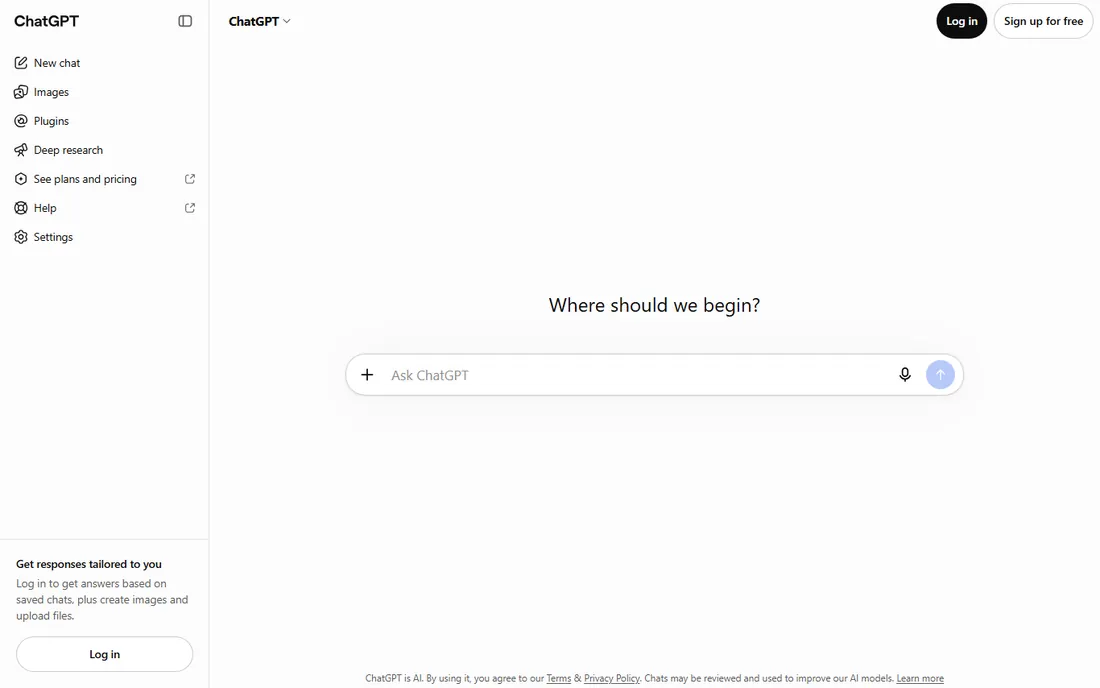
ChatGPT is the default AI study tool for a reason. It explains concepts at whatever level you ask, drafts essay outlines, quizzes you on material, and works through practice problems step by step. The free tier covers most student needs, and the $8-per-month Go plan or $20-per-month Plus plan add higher limits and stronger models.
For students, the headline deal in 2026 is OpenAI's Back to School offer: eligible US college students get four free months of ChatGPT Plus after SheerID verification, claimable by October 31, 2026. The honest catch is accuracy. ChatGPT writes confidently about things it gets wrong, including fake citations, so use it to learn and draft, then verify facts and references yourself before anything gets submitted.
What we like- Strong free tier
- Huge ecosystem of study guides and prompts
- Student offer of 4 free Plus months in the US
Watch out for- Free tier has usage limits at peak times
- Answers need fact-checking for citations
#2
Claude
Best for: Working through long readings and improving your writing
Visit claude.com
Starting price$20/month (Pro)
Free planYes
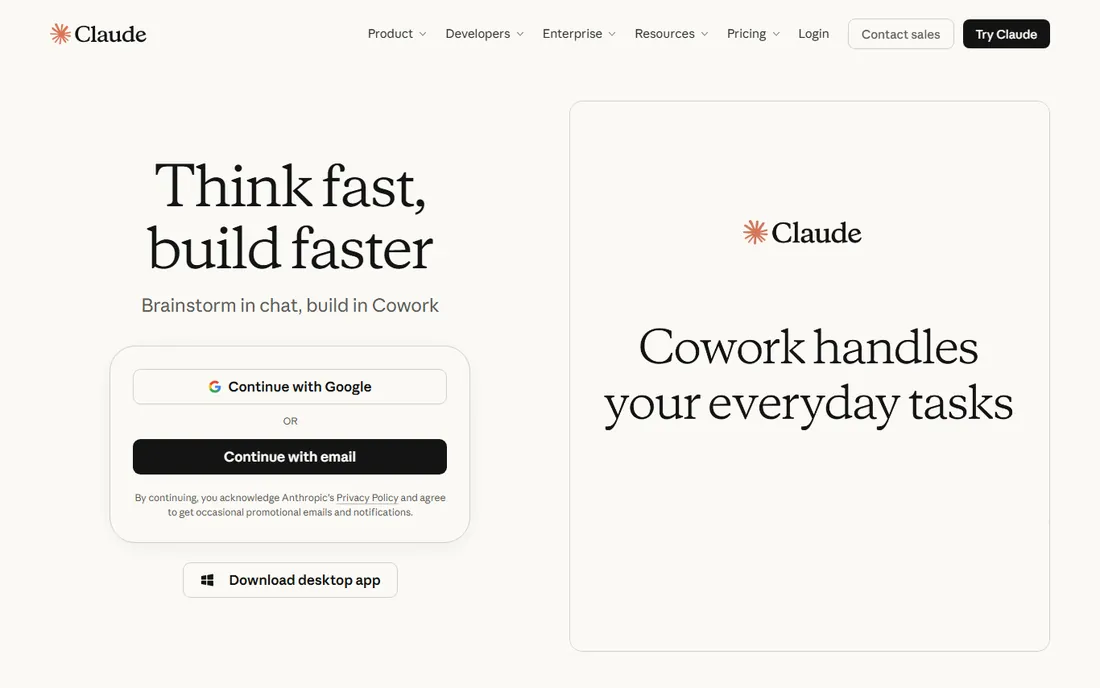
Claude has become the favorite of students who do serious reading. It handles long PDFs and papers well, summarizes chapters without losing the argument, and gives writing feedback that sounds like a patient tutor rather than a grammar robot. The free plan is genuinely useful, and Pro costs $20 a month, or $17 a month on the $200 annual plan.
The downside for students is the lack of any education discount; Anthropic charges everyone the same. Claude also refuses or hedges more often than ChatGPT on gray-area requests, which is good for academic integrity but occasionally annoying. If your coursework involves long readings and essay writing, try Claude's free tier alongside ChatGPT and see which explanations click for you.
What we like- Excellent at long documents and nuanced writing feedback
- Careful, structured explanations
Watch out for- No student discount
- Free tier limits are tighter than ChatGPT's during busy periods
Starting priceSee website
Free planYes

Gemini's advantage is location: it lives inside the Google apps where student work already happens. It drafts in Docs, summarizes email threads, and helps organize Drive files, all without switching tabs. The free tier is capable for everyday questions and explanations.
The student angle is strong. Google has offered US college students 12 free months of the Google AI Pro plan, which renews at $19.99 a month afterward, so check your eligibility before paying. The catch is that Gemini's study-specific strengths, like deep research and long-context analysis, are less discussed in student communities than ChatGPT's or Claude's, so you will find fewer study prompts and guides written for it.
What we like- Deep integration with Google Workspace
- Strong free tier
- Student offer of 12 free months of Google AI Pro in the US
Watch out for- Best features sit behind the paid AI Pro plan
- Less popular for study-specific workflows
#4
Notion
Best for: Keeping notes, deadlines, and study materials in one system
Visit notion.so
Starting priceSee website
Free planYes
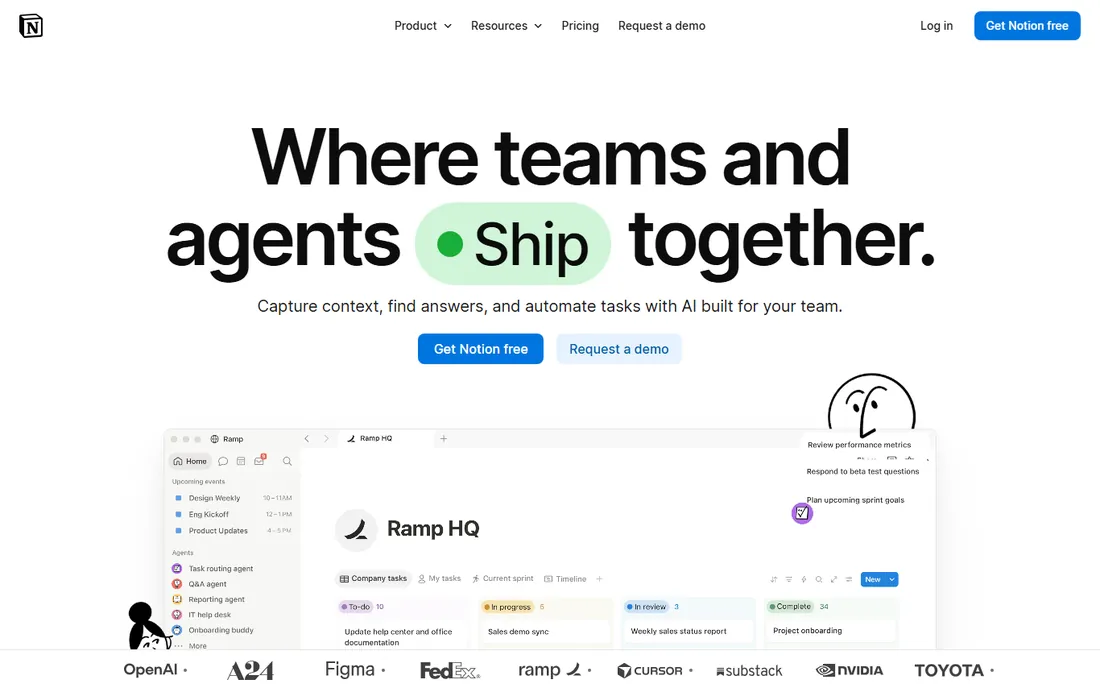
Notion is where organized students run their academic lives: lecture notes, assignment trackers, revision databases, and project wikis in one workspace. The free plan is generous for solo use, and students and educators with a school email address get the Plus plan free, which is a genuinely good deal.
The AI features are the wrinkle. Notion folded full AI access into higher tiers, so the free education plan gives you limited AI responses rather than unlimited use. That is fine if you use ChatGPT or Claude for the heavy AI work and Notion for organization, which is how most students end up using it anyway. The other honest note: Notion rewards setup effort. If you will not build the system, a simpler notes app will serve you better.
What we like- Plus plan free for students with a school email
- Flexible databases for tracking assignments and revision
Watch out for- Full AI features need a paid Business seat
- Can feel like overkill for simple note-taking
Starting price$12/month (billed annually)
Free planYes
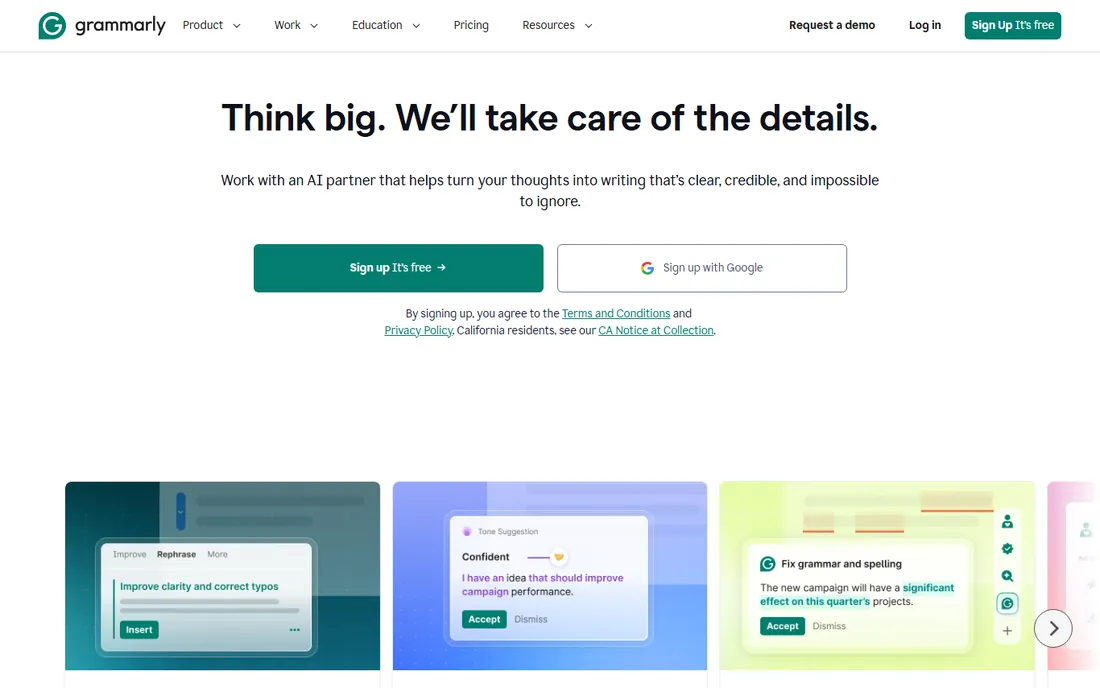
Grammarly sits in your browser and documents and fixes grammar, spelling, clarity, and tone as you type. The free tier is genuinely useful for students, catching the mistakes that cost marks, and the Pro plan at $12 a month billed annually ($144 a year) adds full-sentence rewrites, tone adjustment, and 2,000 AI prompts a month.
Two things to know. First, the monthly price is $30, so the annual commitment matters a lot for the value. Second, heavy Grammarly use can make every student's essay sound the same; use it to fix errors and tighten sentences, not to write the essay for you. Many universities provide Grammarly institutionally, so check your school's software portal before paying.
What we like- Free tier catches real grammar and clarity issues
- Works everywhere you type
- Pro adds full-sentence rewrites
Watch out for- Pro is $30 a month if you do not commit annually
- Suggestions can flatten your personal writing voice
#6
Quizlet
Best for: Memorizing vocabulary, definitions, and facts with flashcards
Visit quizlet.com
Starting priceSee website
Free planYes
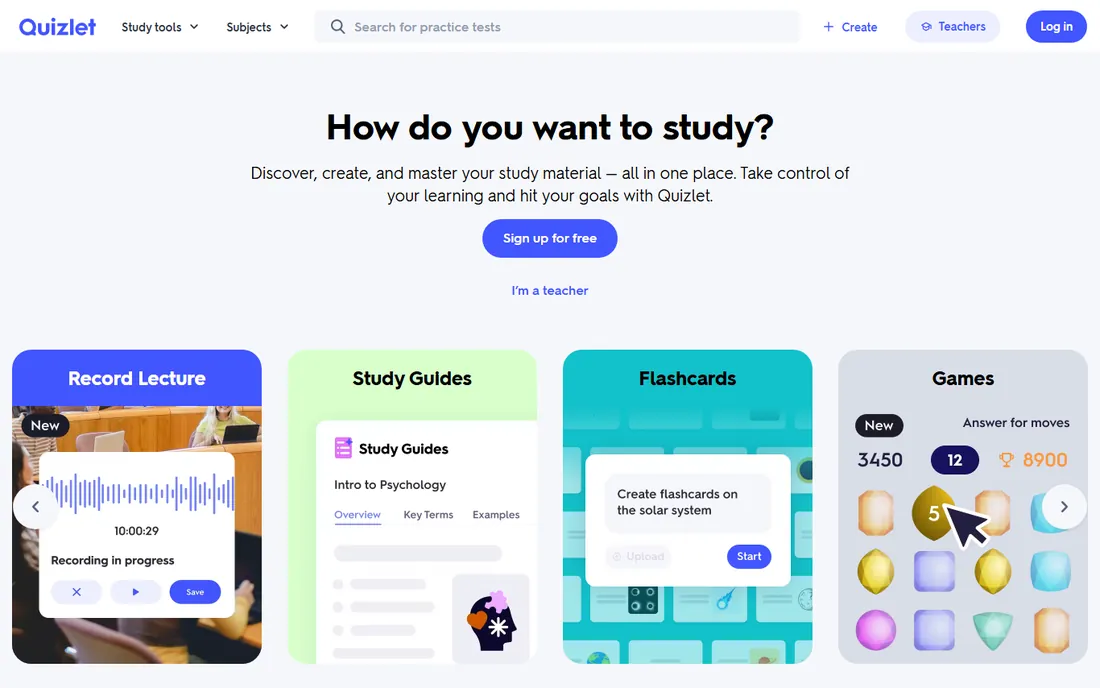
Quizlet remains the default flashcard app, with millions of shared study sets for everything from Spanish vocabulary to anatomy. The free tier covers basic flashcards, but the modes that make Quizlet effective, Learn and practice tests, are limited for free users and metered even on paid plans.
Quizlet Plus costs $35.99 a year ($2.99 a month billed annually) or $7.99 month to month, with a 7-day trial, and a Plus Unlimited tier at $44.99 a year removes the caps. There is no dedicated student discount; the annual plan is the discount. The honest take: if you study with flashcards daily across several subjects, Plus is cheap. If you study occasionally, the free tier or the completely free Anki will do.
What we like- Huge library of shared study sets
- Learn mode uses spaced repetition
- Free tier works for casual use
Watch out for- Key study modes moved behind the paywall
- Even paid Plus has monthly usage caps
Starting priceSee website
Free planYes
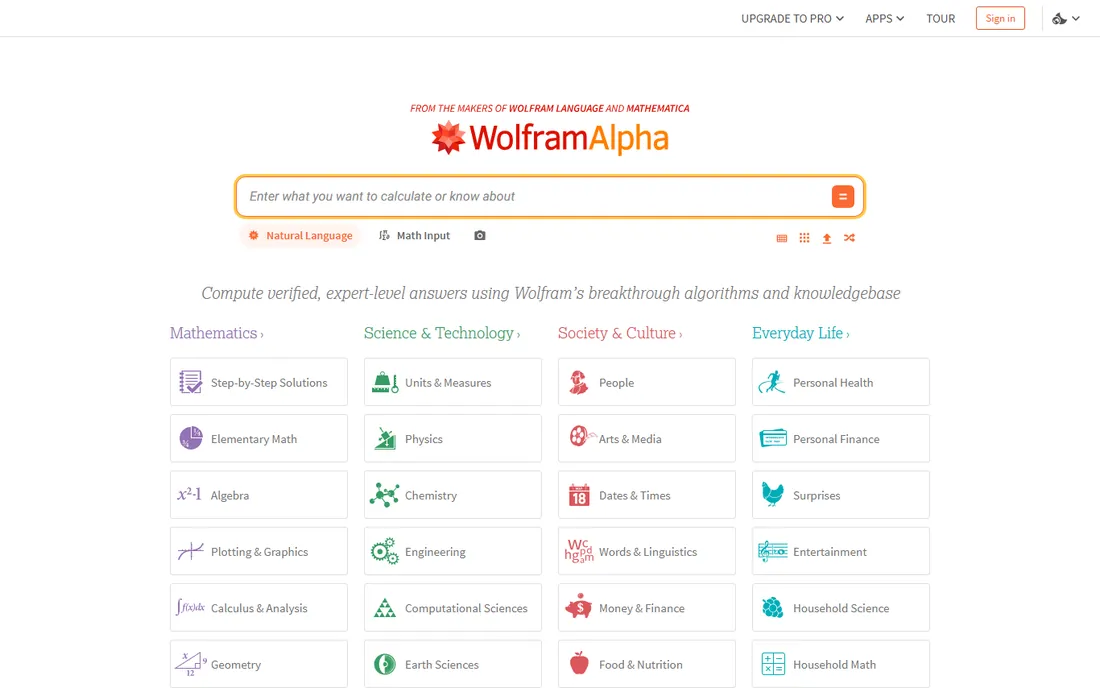
WolframAlpha is not a chatbot; it is a computational knowledge engine that solves equations, balances chemistry, runs statistics, and shows step-by-step workings. For STEM students, the Pro plan's guided solutions are worth more than any generic AI subscription. Pricing runs about $5 a month billed annually ($60 a year), with a Pro Premium tier around $8.25 a month, and the basic tier is free.
The limitation is scope. Ask it to explain a math concept and you get a perfect computation; ask it to help structure a history essay and you get nothing useful. Also be honest with yourself about academic integrity: step-by-step solutions are for learning the method, and submitting them as your own work is exactly what your school's policy warns about.
What we like- Computational accuracy no chatbot can match
- Step-by-step solutions on Pro
- Cheap compared to tutoring
Watch out for- Narrow by design
- Useless for essays, history, or open-ended questions
#8
QuillBot
Best for: Paraphrasing sources and summarizing long readings
Visit quillbot.com
Starting priceSee website
Free planYes
QuillBot's paraphraser rewrites passages in modes like Standard, Fluency, and Formal, and its summarizer condenses long readings into digestible overviews. The free tier handles 125-word paraphrases, enough for occasional use, and Premium costs $19.95 a month or about $8.33 a month billed annually ($99.95 a year), with a student rate around $6.25 a month.
The academic-integrity warning is real and worth stating plainly. Paraphrasing a source to avoid citation is still plagiarism at most schools, and QuillBot's own materials say its tools are for improving your writing, not evading detection. Used properly, to rephrase your own draft sentences or to understand a dense paragraph by seeing it restated, it is a legitimate study aid.
What we like- Best-in-class paraphrasing with multiple modes
- Generous free tier
- Student pricing available
Watch out for- Free tier caps paraphrases at 125 words
- Easy to misuse for academic dishonesty
#9
Perplexity
Best for: Research that starts from sources, not from a chatbot's memory
Visit perplexity.ai
Starting priceSee website
Free planYes
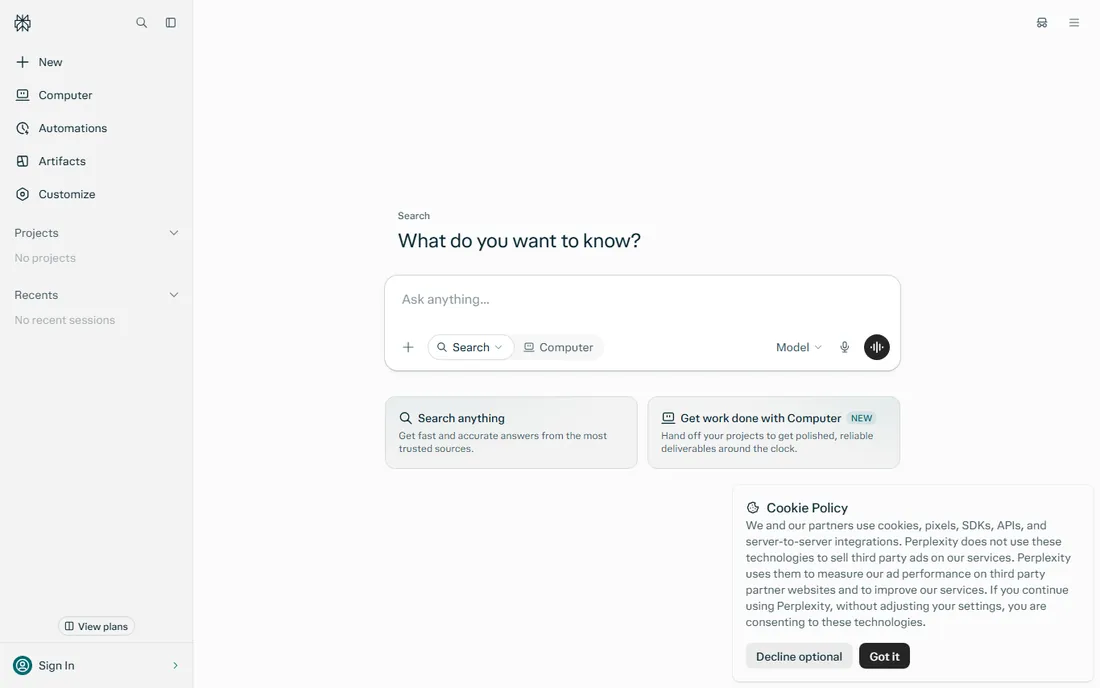
Perplexity is an AI search engine that answers questions with cited sources you can open and check. For students, that single design choice matters more than any model comparison: it teaches the habit of verifying claims, and it gives you a bibliography to start from. The free tier covers casual research well.
Perplexity Pro costs $20 a month ($17 a month annually), and verified students can get Education Pro at $10 a month through SheerID. The catch is that free answers draw from whatever the search finds, so source quality varies, and you still need to evaluate whether a cited blog post is trustworthy. Think of Perplexity as the starting point for research, not the end of it.
What we like- Every answer cites its sources
- Excellent for initial research
- Education Pro at $10 a month for students
Watch out for- Source quality varies
- Deep research features need the paid plan
#10
Otter.ai
Best for: Turning lectures and study sessions into searchable notes
Visit otter.ai
Starting price$19.99/user/month (Business)
Free planYes
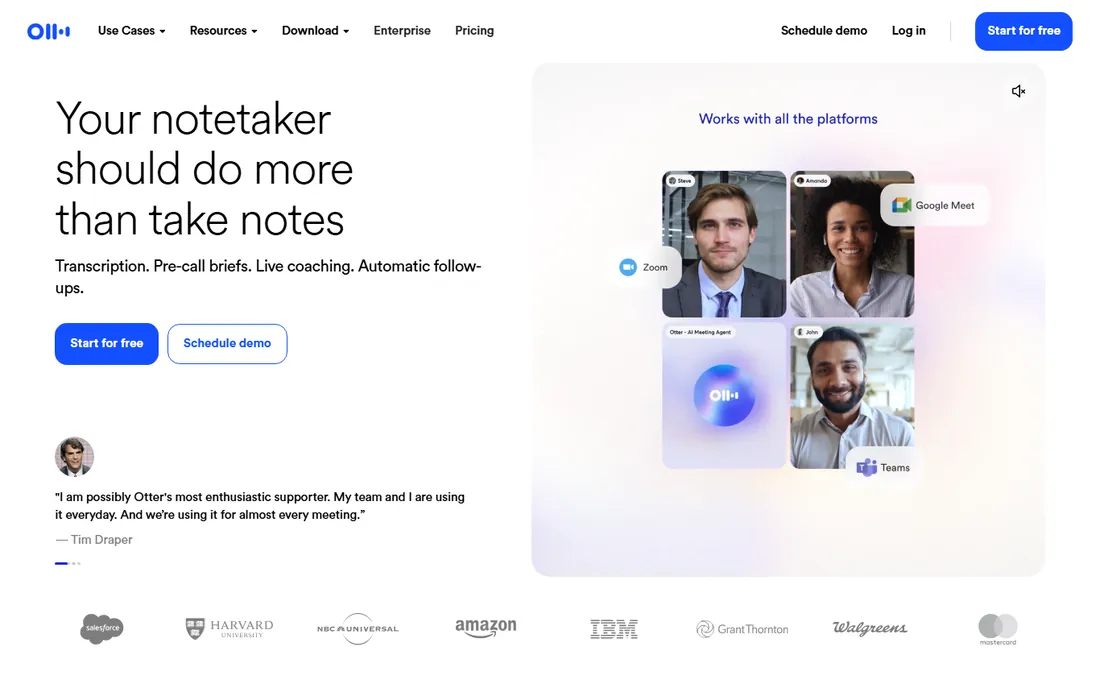
Otter.ai records lectures and produces searchable transcripts with summaries and action items, so you can revisit exactly what the professor said about the midterm instead of relying on your notes. The Basic plan is free forever with automated summaries, which covers a light lecture load, and the Business plan starts at $19.99 per user per month with 6,000 monthly transcription minutes.
For most students, the free tier is the whole story; the paid plan only makes sense if you are transcribing hours of content weekly. Check your school's recording policy first, since some lecturers and jurisdictions restrict recording. Used with permission, it is the closest thing to a perfect lecture memory.
What we like- Reliable live transcription with speaker recognition
- Free Basic plan covers light use
- Searchable meeting history
Watch out for- Business plan is pricey for a student budget
- Transcription accuracy drops with accents and poor audio
How we chose
We focused on tools students actually use, verified each product is current under its present name and URL, and read each vendor's homepage and pricing pages directly. Where vendor pricing was not published on the page we opened, we marked the price as "See website" rather than repeating third-party figures. We cross-checked student offers and free-tier limits against public reviews on G2 and Capterra and against student discussions on Reddit, where free-tier limits get documented precisely. We did not test these tools hands-on; this ranking reflects documented features, published pricing, and reviewer consensus.
Getting the most out of free tiers and student discounts
Start free everywhere. Every tool on this list has a usable free tier, and a student who stacks the free plans of ChatGPT, Claude, Perplexity, Notion, and Quizlet has a complete study system without spending anything. Pay only when a free limit actually blocks your routine, not in advance.
Claim student offers before they expire. The ChatGPT Plus student offer must be claimed by October 31, 2026, and Google's AI Pro student offer has its own window. These promotions change yearly, so check the current terms on the vendor's site rather than assuming last year's deal still exists.
Watch for the annual billing trap. Grammarly at $30 a month versus $12 a month annually, Quizlet at $7.99 monthly versus $2.99 annually: the monthly prices on student budgets are punishing. If you commit, commit annually, and set a calendar reminder before renewal.
Finally, check what your school already provides. Many universities license Grammarly, Notion, or Microsoft tools institutionally, and campus IT portals often list free software students never look at. Paying for something your tuition already covers is the most avoidable student expense there is.
A note on using AI for schoolwork honestly
Every tool on this list can be misused, and schools are clearer than ever about where the line sits. Using AI to explain a concept, quiz yourself, organize notes, or polish your own draft is studying. Submitting AI-written work as your own, paraphrasing sources to dodge citation, or copying step-by-step solutions into assignments is academic dishonesty, and detectors keep improving.
The practical rule: if you could not explain or defend what you submit, do not submit it. Use these platforms to learn faster, not to skip learning. The students who get the most from AI study tools are the ones who argue with the answers, check the sources, and redo the problems themselves.
Frequently asked questions
Which AI platform is best for students overall?
ChatGPT is the best starting point for most students because of its strong free tier and versatility across subjects. Claude is better for long readings and writing feedback, and Perplexity is better for research. Try all three free tiers before paying for anything.
Are there really free versions good enough for studying?
Yes. ChatGPT, Claude, Gemini, Perplexity, Notion, Quizlet, QuillBot, Grammarly, WolframAlpha, and Otter.ai all have free tiers that cover real study work. Most students never need to pay unless they hit usage limits during exam season.
What student discounts are available in 2026?
Eligible US college students can get four free months of ChatGPT Plus (claim by October 31, 2026), 12 free months of Google AI Pro, Notion Plus free with a school email, Perplexity Education Pro at $10 a month, and reduced QuillBot Premium pricing. Terms change, so verify on each vendor's site.
Can I use AI tools for homework without cheating?
It depends on your school's policy and how you use them. Explaining concepts, quizzing, outlining, and polishing your own writing are generally acceptable. Submitting AI-generated work as your own usually violates academic integrity policies. When in doubt, ask your instructor.
Should I pay for ChatGPT Plus as a student?
Only if the free tier limits actually slow you down. Most students should start free, claim the student offer if eligible, and upgrade during exam periods if needed. The $8-per-month Go plan is a cheaper middle option many students overlook.
Sources we checked (10)
- https://chatgpt.com/
- https://claude.com/
- https://gemini.google.com/
- https://notion.so/
- https://www.grammarly.com/
- https://quizlet.com/
- https://www.wolframalpha.com/
- https://quillbot.com/
- https://www.perplexity.ai/
- https://otter.ai/
Is your product missing or out of date?
We review this list regularly. Vendors can request a listing, send updated pricing or ask about featured placement.

Shihab Mia · Founder, Rankite
Shihab has spent more than a decade helping SaaS and e-commerce brands grow through search. He writes Rankite's software buying guides from pricing pages, documentation and public user reviews. More about Shihab.