How we make this list: we compare pricing pages, product documentation and public user reviews. Ratings come from G2, Capterra or Trustpilot, with the date we checked them.
Key takeaways
- No single tool covers every stage of student writing, so most students need one editor, one research helper, and one drafting aid at most.
- Grammarly and QuillBot remain the safest starting pair because they edit and reword your own writing rather than replacing it.
- ChatGPT, Claude, and Gemini work best for brainstorming, explaining a topic, and giving feedback on a draft you already wrote.
- Paperpal and Jenni AI add academic structure, citations, and journal-style checks that general chatbots do not handle well.
- Always check your school policy before using AI, since rules differ by course, and a paraphrase still needs a citation.
Quick comparison
| Tool | Best for | Starting price | Free plan |
|---|
 Grammarly Grammarly | Grammar and clarity everywhere | $12 per user/month (billed annually) | Yes |
 QuillBot QuillBot | Paraphrasing and summarizing | $8.33 per user/month (billed annually) | Yes |
 ChatGPT ChatGPT | Brainstorming and feedback | $20 per user/month | Yes |
 Claude Claude | Long draft feedback | $20 per user/month | Yes |
 Google Gemini Google Gemini | Writing inside Google Docs | See website | Yes |
 Notion AI Notion AI | Notes and research organization | See website | No |
 Paperpal Paperpal | Academic manuscripts | See website | Yes |
 Jenni AI Jenni AI | Academic drafting with citations | See website | Yes |
 Perplexity Perplexity | Research with sources | See website | Yes |
Is your product missing or out of date?
We review this list regularly. Vendors can request a listing, send updated pricing or ask about featured placement.
#1Grammarly
Best for: Grammar and clarity everywhere4.7/5 on
G2 (14,073 reviews, checked Oct 2026)
Visit grammarly.com
Starting price$12 per user/month (billed annually)
Free planYes
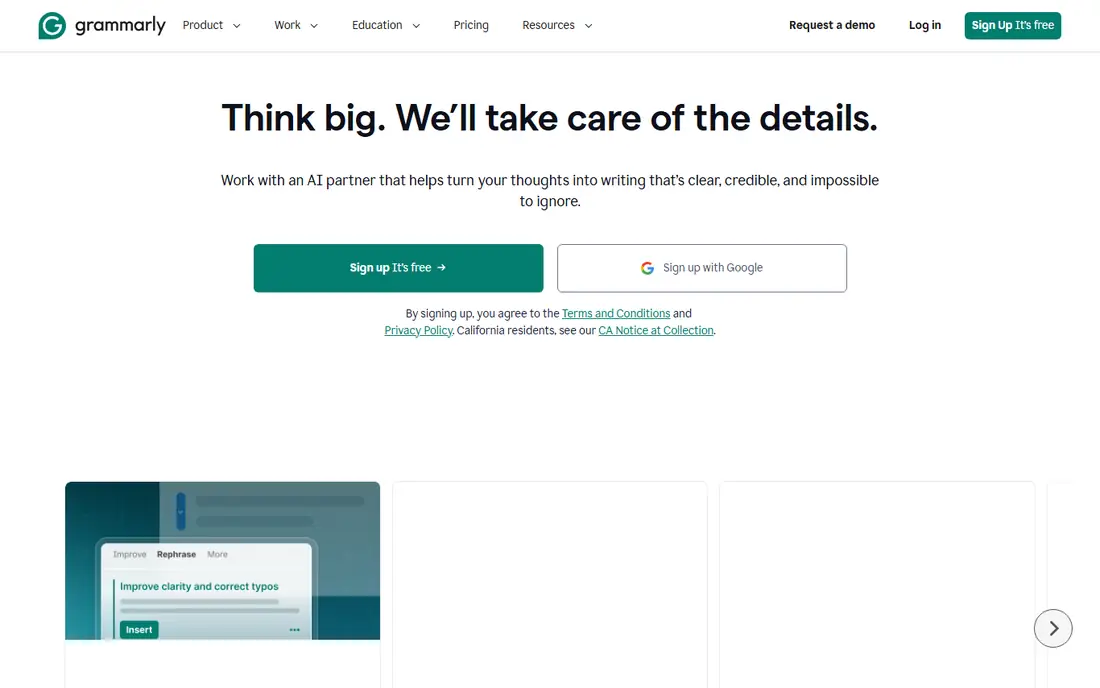
Grammarly is the baseline most students should install first. It catches grammar, spelling, and punctuation errors as you type, and it flags wordy or unclear sentences before a tutor does. Because it works across browsers, Google Docs, and Word, you do not need to copy text into a separate editor to get help.
The free tier covers the basics well enough for everyday coursework. Paid Pro adds full-sentence rewrites, tone adjustments, and plagiarism checks, priced at $12 per user per month when billed annually, or $30 per month on monthly billing. The main limit is scope. Grammarly improves writing you already have, it does not research a topic or build an argument for you, and that boundary is exactly why many schools accept it.
What we like- Works in browsers, Docs, and Word
- Clear tone and clarity suggestions
- Strong free tier for basic checks
Watch out for- Monthly billing costs much more than annual billing
- Advanced AI rewrites sit behind the paid plan
#2QuillBot
Best for: Paraphrasing and summarizing4.4/5 on
G2 (79 reviews, checked Oct 2026)
Visit quillbot.com
Starting price$8.33 per user/month (billed annually)
Free planYes
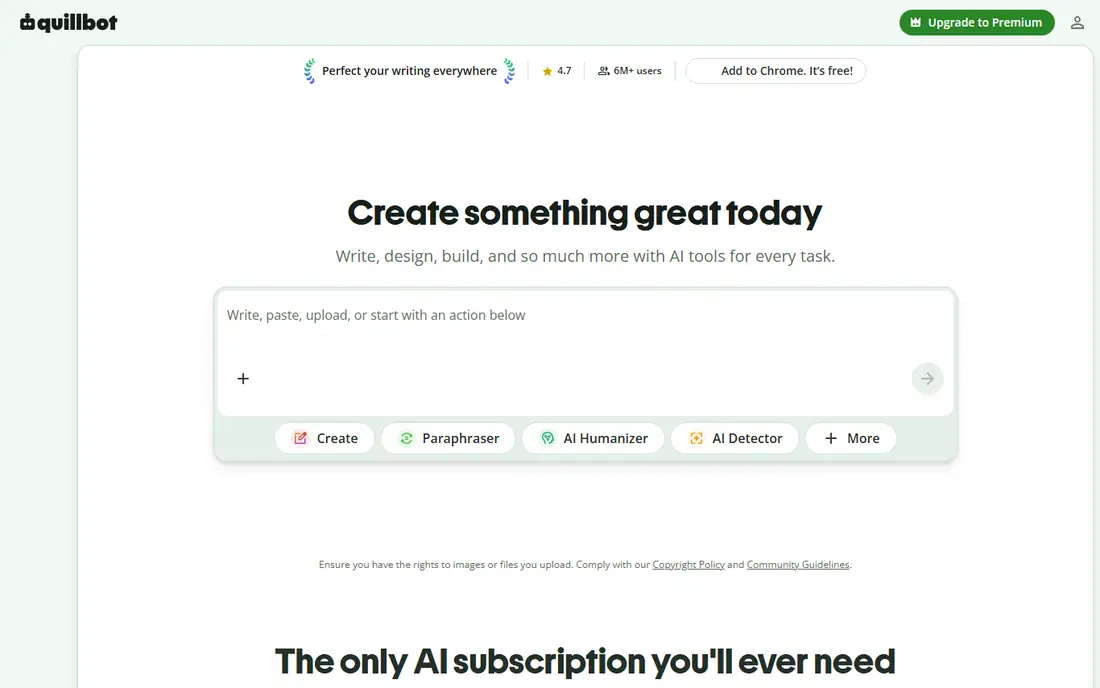
QuillBot answers a different question from Grammarly. When a sentence is clunky but the idea is right, QuillBot offers several reworded versions in modes such as Standard, Fluency, Formal, and Creative. Students also use its summarizer to get the shape of a long reading before studying it in full.
Premium costs $8.33 per user per month when billed annually, or $19.95 per month on monthly billing. The free tier allows short paraphrases in two modes, which is enough to test whether the tool fits your habits. One honest limit matters here. Rewording a source does not make the idea yours, so citations are still required, and copying a paraphrase without credit can still count as academic misconduct.
What we like- Multiple paraphrasing modes
- Built-in summarizer
- Citation generator for student work
Watch out for- Free paraphrases are limited to short passages
- Paraphrasing does not remove the need to cite
#3ChatGPT
Best for: Brainstorming and feedback4.6/5 on
G2 (3,089 reviews, checked Oct 2026)
Visit chatgpt.com
Starting price$20 per user/month
Free planYes
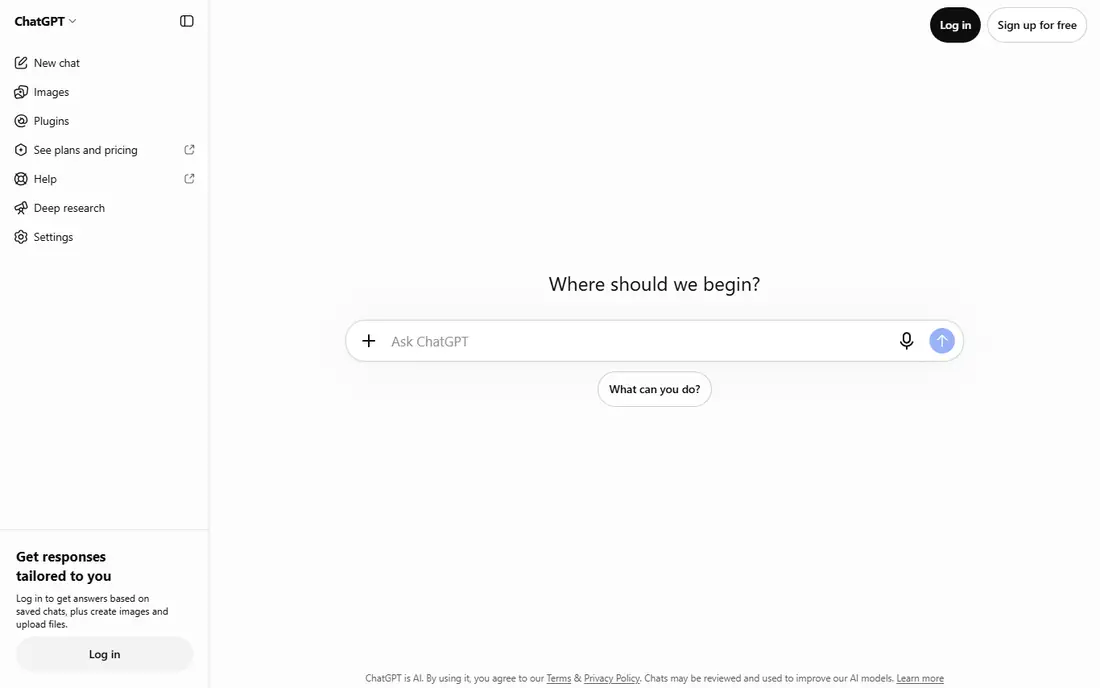
ChatGPT is the most flexible tool on this list, and that flexibility is both its strength and its risk. It can explain a difficult concept in plain language, suggest thesis angles, turn a rough outline into a structure, or review a paragraph and point out weak reasoning. Used as a tutor, it helps students learn faster.
Used as a writer, it creates problems. ChatGPT can produce confident-sounding facts and references that do not exist, so any factual claim or citation must be verified against a real source. Plus costs $20 per user per month. Students on a budget can often do coursework with the free tier, then pay only during heavy writing periods.
What we like- Strong for outlines, explanations, and practice questions
- Large free tier
- Study Mode supports step-by-step learning
Watch out for- Can invent facts or citations, so every claim needs checking
- Paid plan has no annual discount for individuals
#4Claude
Best for: Long draft feedback4.6/5 on
G2 (488 reviews, checked Oct 2026)
Visit claude.com
Starting price$20 per user/month
Free planYes
Claude stands out when a document gets long. Paste a full essay draft, a set of notes, or a long reading, and ask for structural feedback, unclear passages, or a summary of the argument. Its replies tend to be organized and measured, which makes revision easier than sorting through a wall of generic suggestions.
Pro costs $20 per user per month. The free tier is usable for occasional drafts but hits daily limits during heavy use. Like every general chatbot, Claude can make mistakes, so treat its feedback as a second reader, not a source of truth. For long-form revision, though, few student tools match its patience with a full draft.
What we like- Handles long documents well
- Careful, structured feedback
- Useful for revision and analysis
Watch out for- Daily limits on the free tier
- General chatbot limits on factual accuracy still apply
Starting priceSee website
Free planYes
Gemini earns its place through convenience. If your school already uses Google Workspace, the Help me write feature sits inside Docs, so you can draft an outline, rewrite a paragraph, or adjust tone without leaving the document. That low friction matters during timed assignments and group work.
The free tier with a Google account covers common tasks, while fuller Workspace AI features depend on the plan your school or account provides. Gemini shares the usual chatbot limits, including occasional errors and flat phrasing that needs your own editing. It works best as an in-document helper, not as a research source.
What we like- Built into Google Docs and Gmail for many users
- No separate signup for Google account holders
- Helpful for outlines and rewrites
Watch out for- Features vary by Google plan and region
- Output still needs fact-checking and editing
Starting priceSee website
Free planNo
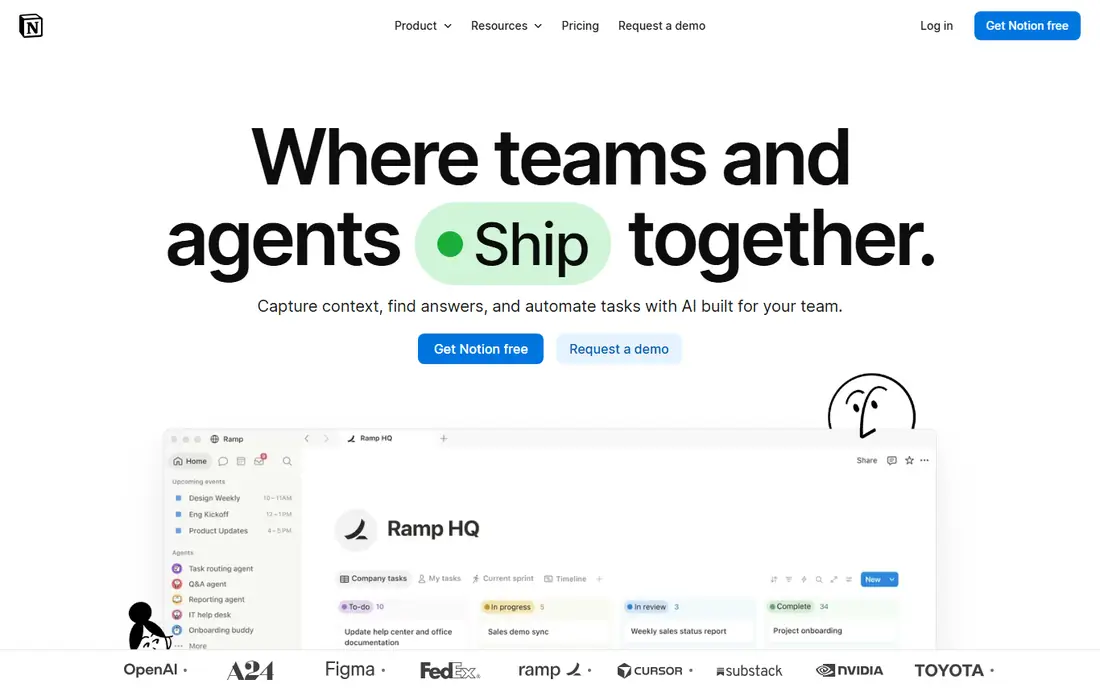
Notion AI is less about writing a single essay and more about managing everything around it. It can summarize lecture notes, extract action items, draft an outline from research pages, and help a study group keep shared notes tidy. Students who already live in Notion will get more from it than students who only need an essay editor.
Pricing depends on the Notion plan, and AI features are generally paid, so check the current plan page before budgeting. The weakness is narrowness. Notion AI will not replace a grammar checker or a citation tool, and its summaries can miss nuance in dense readings. Pair it with Grammarly for editing if you adopt it.
What we like- Summarizes notes and long pages
- Helps turn research into outlines
- Strong for team and class projects
Watch out for- No useful permanent free tier for AI features
- Value depends on already using Notion
Starting priceSee website
Free planYes
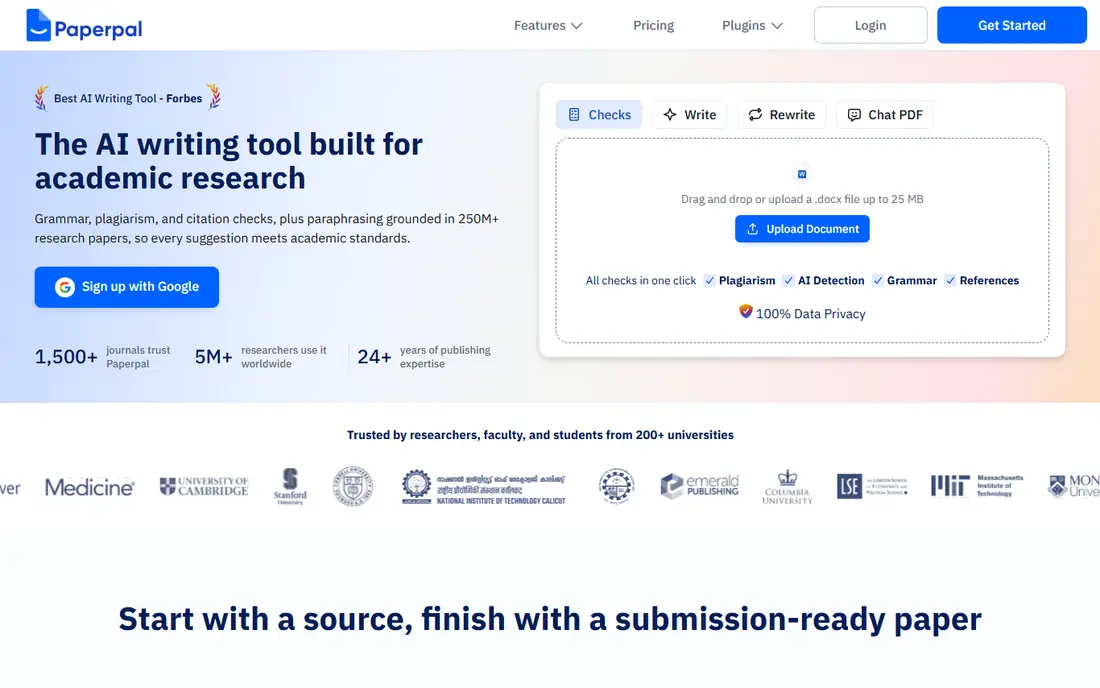
Paperpal is aimed at students and researchers preparing academic manuscripts, theses, and journal submissions. It checks academic phrasing, structure, and consistency, and it works inside Word, where much manuscript editing already happens. That focus separates it from general grammar tools that treat a research paper like a blog post.
A free tier lets students test basic checks, while paid plans add deeper language and submission checks. For a short undergraduate essay, Paperpal may be more tool than needed. For a thesis, dissertation chapter, or journal draft, its academic focus can save rounds of revision and catch issues a general editor would miss.
What we like- Built for academic language and structure
- Journal-style checks
- Word integration for manuscript work
Watch out for- Less useful for short coursework essays
- Paid features matter most for publication-level work
Starting priceSee website
Free planYes
Jenni AI is designed around academic writing from the first paragraph. It helps build citations as you draft, offers autocomplete that stays close to your argument, and provides structure for research papers. Students who struggle to start a paper often find that citation-first design helps them keep sources visible instead of adding them at the end.
The free tier allows limited use, with paid plans adding fuller drafting features. The honest catch is discipline. Autocomplete is useful for phrasing, but submitting generated passages as your own work can breach academic policy. Use Jenni to organize sources and improve phrasing, and keep the argument and analysis yours.
What we like- Citation support during drafting
- Autocomplete that follows your sources
- Academic templates and structure help
Watch out for- Drafting help can tempt students to lean on generated text
- Source quality still needs checking
#9Perplexity
Best for: Research with sources4.4/5 on
G2 (361 reviews, checked Oct 2026)
Visit perplexity.ai
Starting priceSee website
Free planYes
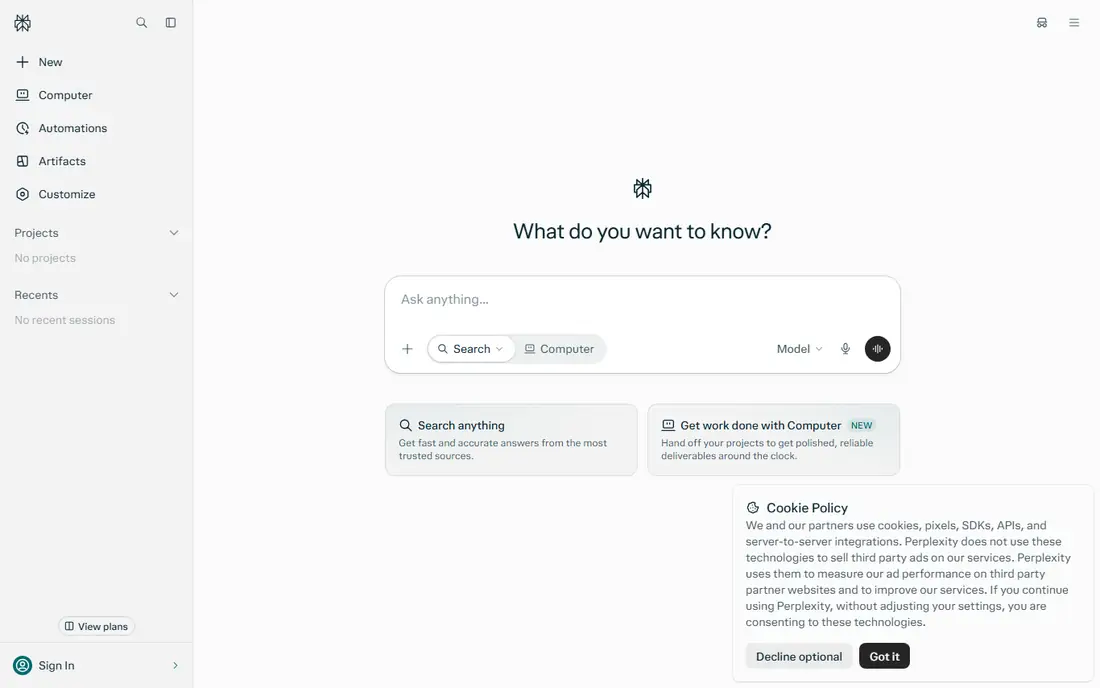
Perplexity fits the research stage better than most chatbots because it shows sources alongside its answers. Ask a research question, follow the citations to the original pages, and judge the evidence yourself. That habit alone improves student work, since it replaces a confident chatbot paragraph with a checkable source trail.
The free tier covers everyday research questions, and Pro adds more advanced models and search options. Perplexity is not a writing tool in the usual sense, and its answers still need reading, not copying. Use it to find and verify material, then write the essay in your own words with proper citations.
What we like- Answers include cited sources you can open
- Good for quick research checks
- Strong for finding primary material
Watch out for- Citations can point to weak or secondary sources
- Paid Pro features are not essential for most coursework
How we chose
We reviewed vendor pricing pages, product documentation, and public reviews on G2, Capterra, and Reddit, and we compared free tiers, paid prices, academic features, citation support, and fit for coursework versus thesis work. We favored tools with a current free tier or student-friendly price, clear academic use, and features that support learning rather than replacing it. Where a price could not be confirmed on the vendor pricing page at writing time, we listed See website.
Picking by assignment type
Start with the assignment, not the tool list. A short response paper needs editing help, while a research paper needs sources first and editing second. Choosing by stage keeps costs low and avoids paying for features you will not use.
Short essays and weekly writing
Grammarly plus a free chatbot for feedback covers most short work. Draft first, run Grammarly for clarity, then ask ChatGPT or Claude what is unclear in your argument. That sequence keeps the writing yours while catching errors early.
Research papers and theses
Perplexity helps locate sources, Paperpal or Jenni AI helps shape academic structure, and QuillBot helps reword passages cleanly with citations intact. Keep a reference manager or a simple source list alongside the draft, since citation errors cause more lost marks than grammar slips.
Exams, revision, and study notes
Use a chatbot to explain concepts, generate practice questions, and quiz yourself from notes. Notion AI can turn scattered notes into a revision outline, and Gemini can summarize Docs quickly. Avoid using AI to write answers you plan to memorize without understanding, since that fails under exam pressure.
Frequently asked questions
Are AI writing tools allowed at university?
Rules differ by school, course, and assignment, so check your institution policy and your tutor guidance first. Editing, brainstorming, and research help are widely accepted, while submitting generated text as your own work is usually not. When in doubt, ask before you submit.
Which AI writing tool is best for students on a budget?
Start with the free tiers of Grammarly, QuillBot, ChatGPT, and Perplexity, since together they cover editing, paraphrasing, feedback, and research at no cost. Pay only when a limit blocks regular work, such as longer paraphrases or heavier drafting. Annual billing usually costs less than monthly billing for paid plans.
Does paraphrasing with QuillBot count as plagiarism?
Paraphrasing alone does not remove the need to cite the original source. If the idea, data, or argument came from someone else, cite it, even when every word is changed. QuillBot helps with phrasing, but citation and academic honesty remain your responsibility.
Can ChatGPT write my essay for me?
It can generate text, but submitting that text as your own work usually breaches academic policy, and the output may contain errors or invented references. A safer use is brainstorming, outlining, explaining topics, and reviewing a draft you wrote. Keep your own analysis at the center of the essay.
What is the difference between Grammarly and QuillBot?
Grammarly focuses on correcting and clarifying writing you already produced, across many apps and documents. QuillBot focuses on rewording passages, summarizing readings, and generating citations. Many students use both, since editing and paraphrasing solve different problems.
Do I need a paid plan to write well as a student?
No. Free tiers cover grammar checks, short paraphrases, research questions, and draft feedback for most coursework. Paid plans add convenience, higher limits, and academic checks, which matter more for theses and publication work. Try free plans first and upgrade only for a clear limit.
Sources we checked (9)
- https://www.grammarly.com
- https://www.quillbot.com
- https://www.chatgpt.com
- https://www.claude.com
- https://gemini.google.com
- https://www.notion.com
- https://www.paperpal.com
- https://www.jenni.ai
- https://www.perplexity.ai
Is your product missing or out of date?
We review this list regularly. Vendors can request a listing, send updated pricing or ask about featured placement.

Shihab Mia · Founder, Rankite
Shihab has 5+ years in B2B and SaaS SEO. He writes Rankite's software buying guides from pricing pages, documentation and public user reviews. More about Shihab.