How we make this list: we compare pricing pages, product documentation and public user reviews. Ratings come from G2, Capterra or Trustpilot, with the date we checked them.
Key takeaways
- Academic writing tools split into three jobs: fixing language, drafting with sources, and checking a paper before submission. No single tool does all three well.
- Grammarly and Trinka are the safest general picks for language, while Paperpal and Jenni are built around citations and research workflows.
- Free tiers are genuinely useful for short papers, but thesis-length work and plagiarism checks usually need a paid plan.
- Always check your university or journal policy on AI assistance before submitting: these tools help you write, but disclosure rules vary and are tightening.
Quick comparison
| Tool | Best for | Starting price | Free plan |
|---|
 Grammarly Grammarly | Reliable grammar, clarity, and tone checks | $12 per month (billed annually) | Yes |
 QuillBot QuillBot | Paraphrasing sources without changing meaning | See website | Yes |
 ProWritingAid ProWritingAid | In-depth editing reports on long documents | See website | Yes |
 Wordtune Wordtune | Rewriting a sentence until it sounds right | See website | Yes |
 Paperpal Paperpal | The full path from sources to submission | See website | Yes |
 Jenni Jenni | Drafting academic text with live citations | See website | Yes |
 SciSpace SciSpace | Understanding papers before you write about them | See website | Yes |
 Trinka Trinka | Academic grammar, style, and integrity checks | Free | Yes |
Is your product missing or out of date?
We review this list regularly. Vendors can request a listing, send updated pricing or ask about featured placement.
#1Grammarly
Best for: Reliable grammar, clarity, and tone checks4.7/5 on
G2 (14,073 reviews, checked Oct 2026)
Visit grammarly.com
Starting price$12 per month (billed annually)
Free planYes
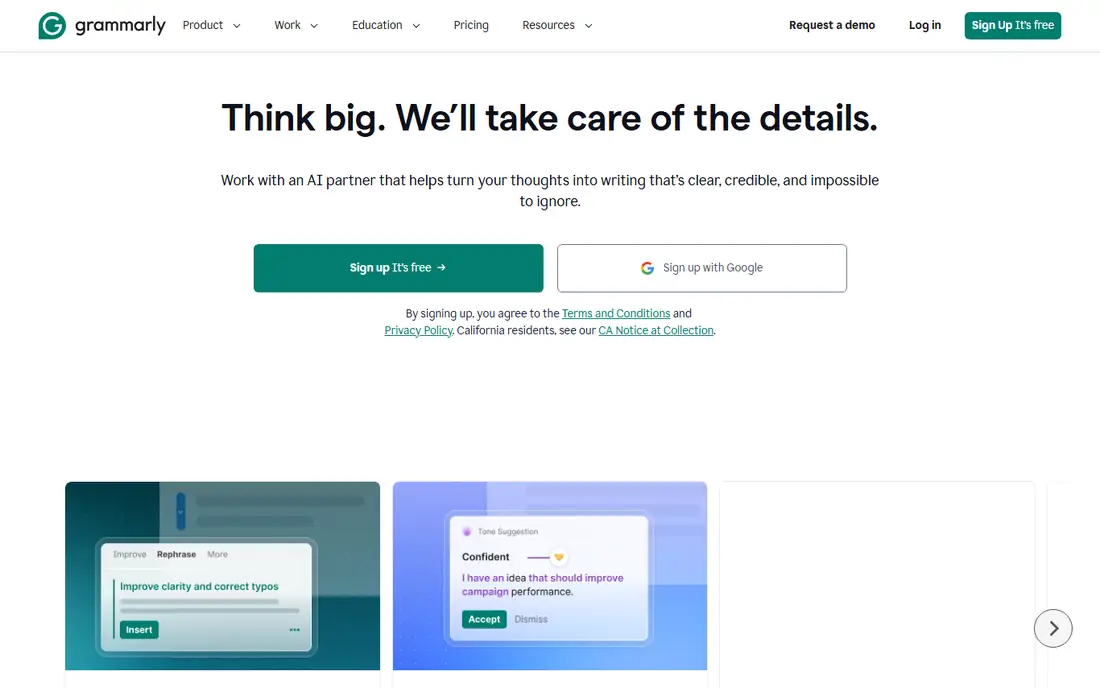
Grammarly is the default writing assistant for a reason: it works in your browser, in Word, and in Google Docs, and it catches grammar, spelling, and clarity problems as you type. The free tier covers mistake-free writing and tone detection, while Pro, at $12 per member per month billed annually, adds full-sentence rewrites, tone adjustment, and brand style guides.
The limit for academics is specificity. Grammarly improves general English well, but it does not check citations, journal style, or subject terminology the way Paperpal or Trinka do. It is the best first tool for any student, and the free tier alone fixes most of what markers penalize.
What we like- Works everywhere you write
- Free tier catches real mistakes
- Pro adds full-sentence rewrites and tone control
Watch out for- Academic style guidance is general, not journal-specific
- Pro costs $30 per month when billed monthly
- AI prompts are capped on lower plans
#2QuillBot
Best for: Paraphrasing sources without changing meaning4.4/5 on
G2 (79 reviews, checked Oct 2026)
Visit quillbot.com
Starting priceSee website
Free planYes
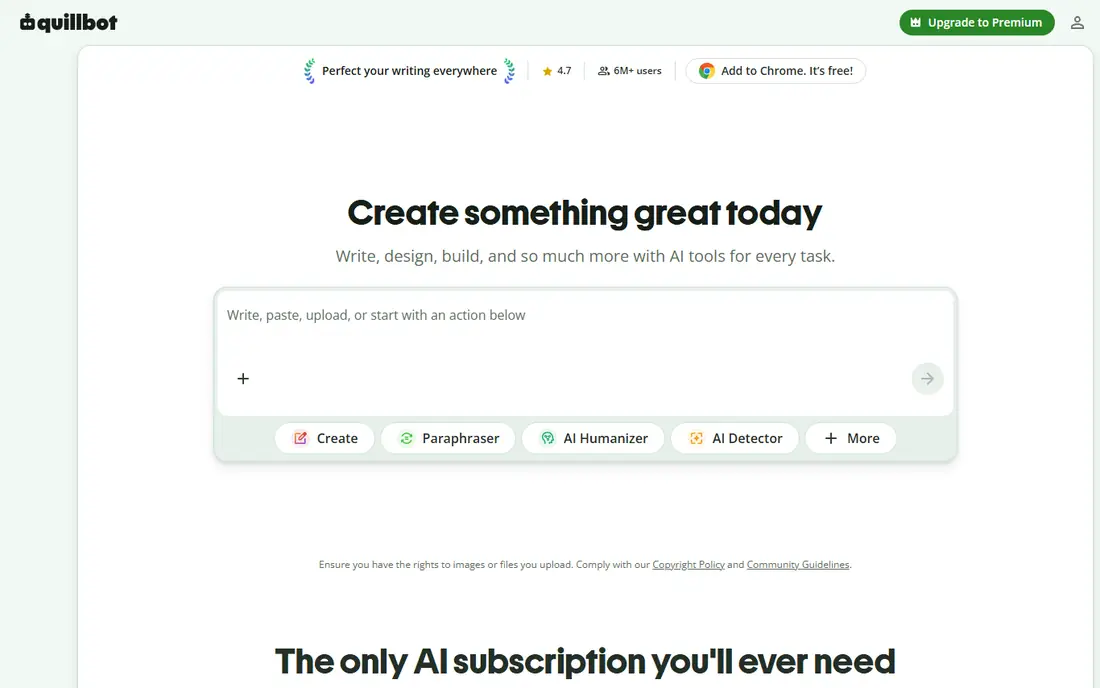
QuillBot started as a paraphrasing tool and has grown into a full writing suite with a summarizer, grammar checker, citation generator, and AI chat. Its paraphraser is the strongest feature: paste a dense journal sentence and get several rewrites that keep the meaning while changing the structure, which helps when you understand a source but cannot phrase it originally.
The free tier limits paraphrase length and modes, and premium pricing is not listed on the homepage, so check it at checkout. One warning matters: paraphrased text still needs a citation. QuillBot helps you write originally, but it does not make a source yours.
What we like- Paraphraser with multiple modes
- Summarizer and citation generator included
- Free tier covers basic use
Watch out for- Free paraphrasing is capped in length
- Premium price is not shown on the homepage
- Paraphrasing must still be cited to avoid plagiarism
#3ProWritingAid
Best for: In-depth editing reports on long documents4.5/5 on
G2 (49 reviews, checked Oct 2026)
Visit prowritingaid.com
Starting priceSee website
Free planYes
ProWritingAid goes deeper than a grammar checker. Its reports analyze sentence variety, overused words, pacing, and structure across a whole document, which is valuable for a thesis or a long paper where consistency matters. It integrates with Word, Google Docs, and Scrivener, so you edit where you already write.
The current homepage pitches storytellers first, which may confuse academic buyers, but the editing engine is the same. The volume of reports can also overwhelm a new user, so start with grammar and style reports before exploring the rest. Pricing is not shown on the homepage, so verify it before subscribing.
What we like- Detailed reports on style, structure, and repetition
- Integrates with Word, Docs, and Scrivener
- Lifetime option has existed
Watch out for- The homepage now emphasizes fiction writers
- Reports can overwhelm beginners
- Premium pricing is not on the homepage
#4Wordtune
Best for: Rewriting a sentence until it sounds right4.6/5 on
G2 (199 reviews, checked Oct 2026)
Visit wordtune.com
Starting priceSee website
Free planYes
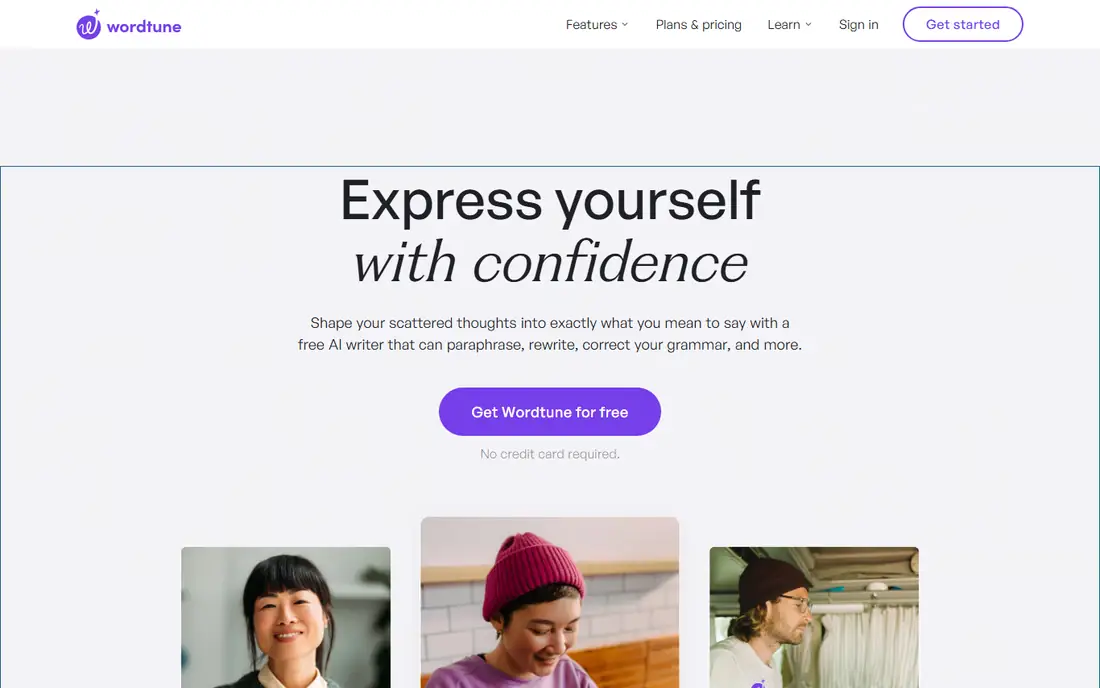
Wordtune focuses on one job: giving you better versions of your own sentences. Highlight a sentence and choose from rewrites that are shorter, longer, more formal, or more casual, then pick the one that matches your meaning. That sentence-level control suits academic writers polishing an argument, since a single unclear sentence can weaken a paragraph.
The free tier limits daily rewrites, and premium pricing is not on the homepage. Wordtune also writes only in English, though it translates other languages into English. For non-native English speakers drafting papers, its tone control alone can justify the upgrade.
What we like- Multiple rewrite options per sentence
- Formal and casual tone switching
- Free signup with no credit card
Watch out for- Works only in English
- Free rewrites are limited
- Premium pricing is not listed on the homepage
Starting priceSee website
Free planYes
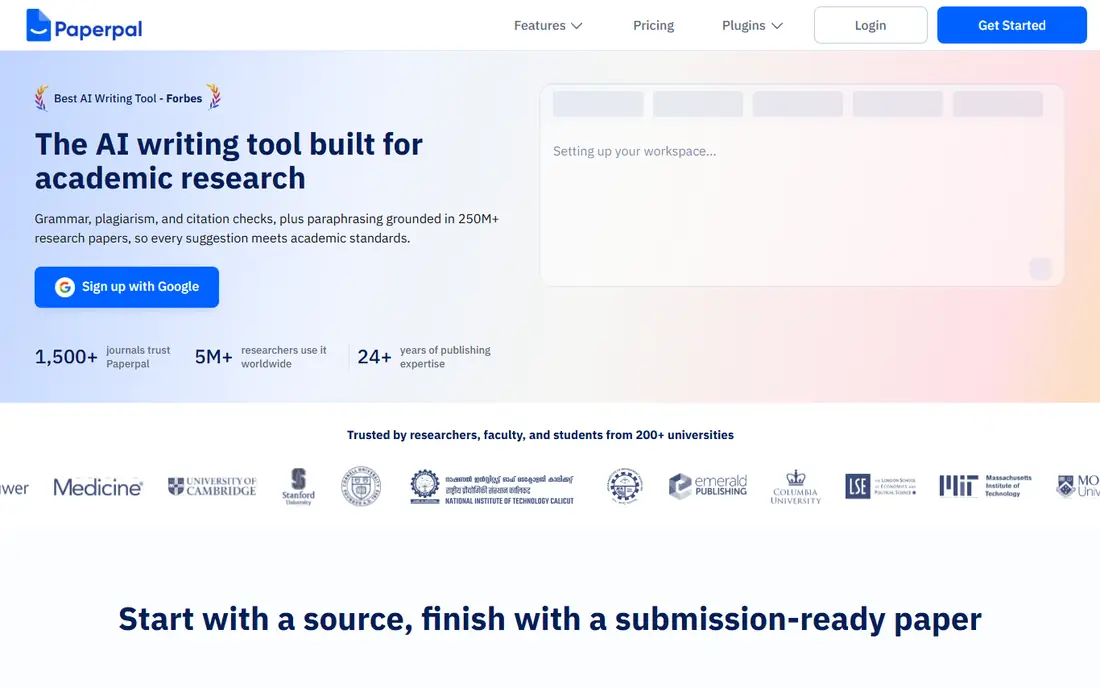
Paperpal is the most academic tool on this list. You bring in your sources, draft with suggestions grounded in those sources, and cite in thousands of styles, then run pre-submission checks for plagiarism, AI-generated text, and reference errors. Its language model is trained on scholarly writing, so its phrasing suggestions fit journal style better than general tools.
The trade-off is setup and price. The workspace takes time to configure with your sources and guidelines, and premium pricing is not listed on the homepage. For researchers preparing a paper for a real journal, Paperpal's submission checks catch the errors that cause desk rejections, which makes it worth the effort.
What we like- Citation-aware drafting from your own sources
- Checks plagiarism, AI text, and references
- Trained on scholarly writing
Watch out for- Premium pricing is not on the homepage
- The full workflow takes setup
- Some checks consume credits
#6
Jenni
Best for: Drafting academic text with live citations
Visit jenni.ai
Starting priceSee website
Free planYes
Jenni works like an autocomplete built for academia: as you write, it suggests the next sentences and pulls in citations from real research papers, building your reference list as you go. That citation-first design separates it from general chatbots, which often invent references. Students writing literature reviews find it speeds up the hardest part, which is turning notes into connected prose.
The risks are real. Free use is limited per day, and every AI suggestion needs checking against the cited source, since a plausible sentence can still misstate a finding. Use Jenni to draft and organize, then verify each claim and citation before submitting.
What we like- Suggests text and citations as you write
- Sources are real papers with references
- Popular with students and researchers
Watch out for- Free tier limits daily writing
- Premium pricing is not on the homepage
- AI suggestions must be fact-checked
Starting priceSee website
Free planYes
SciSpace starts where academic writing actually starts: reading. Upload a paper and ask questions about it, get plain-language explanations of dense sections, and build a literature review from your library. Its writer, paraphraser, and citation generator cover the drafting side, but reading assistance is the core strength.
The writing tools are lighter than Paperpal or Jenni, so SciSpace pairs best with a dedicated editor such as Grammarly or Trinka. AI summaries also risk oversimplifying methods and results, so always check the original paper before citing a summary. For researchers drowning in PDFs, it is the best reading companion here.
What we like- Chat with PDFs and get plain-language explanations
- Literature review tools
- Paraphraser and citation generator included
Watch out for- Writing features are lighter than dedicated writing tools
- Premium pricing is not on the homepage
- AI summaries can oversimplify
#8Trinka
Best for: Academic grammar, style, and integrity checks3.9/5 on
G2 (17 reviews, checked Oct 2026)
Visit trinka.ai
Starting priceFree
Free planYes
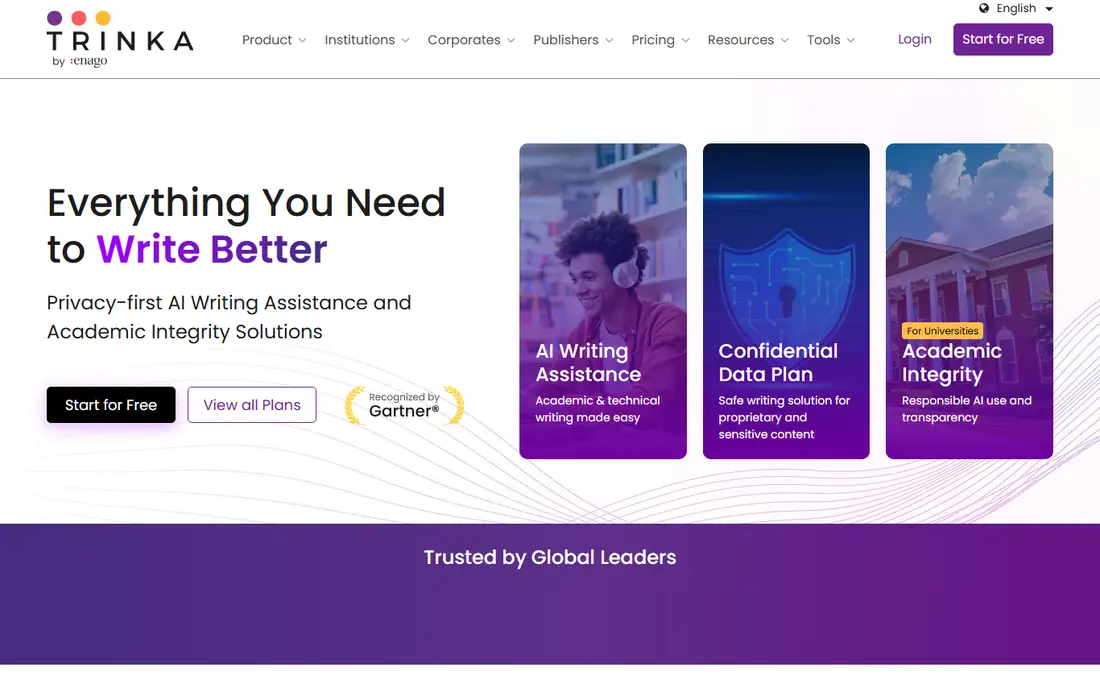
Trinka is built specifically for formal academic and technical writing, and it shows. Its grammar checker understands subject terminology and academic style, its style guides cover APA, IEEE, ACS, and other formats, and its premium plans add plagiarism and AI detection plus a Word add-in. A free plan covers basic checks, and premium pricing runs up to around $20 per month.
The credit system for premium checks takes some learning: features consume credits, and heavy users need to track them. The interface is also plainer than Grammarly's. For researchers who need journal-style accuracy rather than general polish, Trinka is the most specialized grammar tool on this list.
What we like- Free plan includes advanced academic grammar checks
- Style guides for APA, IEEE, and ACS
- Plagiarism and AI detection available
Watch out for- Premium features use a credit system that takes learning
- The interface is less polished than Grammarly
- Some checks cost credits
How we chose
We checked each vendor homepage to confirm it loads and belongs to the product listed, and all eight passed. Prices were checked against vendor pages, and where pricing is not published on the homepage we used "See website" rather than publish a figure we could not stand behind. We covered the three jobs academic writers need, language correction, source-aware drafting, and pre-submission checks, and we weighed free-tier usefulness, since many students work on tight budgets.
First, check the rules. Universities and journals differ widely on AI assistance: some allow editing help but not drafting, some require disclosure, and some ban AI-generated text outright. Read your institution's policy before you submit anything an AI tool touched.
Second, keep the thinking yours. Use these tools to fix language, reorganize sentences, and find sources, not to generate arguments you have not understood. Every citation an AI suggests should be opened and read, since invented references are the fastest route to a failed paper. A reference that looks perfect in an AI draft can still point to a study that does not exist or says the opposite of what you claimed. Finally, run a pre-submission check with Paperpal or Trinka for plagiarism, reference errors, and AI patterns, and keep a draft history that shows your own revisions. That history is your best defense if anyone questions how the paper was written.
Frequently asked questions
Is it cheating to use AI writing tools?
It depends on your institution's policy. Grammar and editing help is usually allowed, while submitting AI-generated text as your own work usually is not. Check your university or journal rules and disclose AI use when required.
Which tool is best for non-native English speakers?
Wordtune for sentence-level rewriting and Trinka for academic grammar are the strongest picks, since both focus on formal English rather than casual writing. Grammarly's free tier is a good starting point for both.
Can AI tools check my citations?
Yes, partially. Paperpal checks references for errors and hallucinated citations, and Jenni builds citations from real papers as you write. Neither replaces reading the source yourself, since both can miss context.
Do free plans work for a thesis?
Free plans handle short papers well, but thesis-length work usually needs a paid plan for unlimited checks, plagiarism screening, and full-document reports. Budget for at least one paid month during final editing.
Will my university detect AI-assisted writing?
Possibly. Detectors flag AI patterns, and journals increasingly screen submissions. Tools such as Paperpal and Trinka include AI detection so you can check your own draft, but the safest approach is to write in your own voice and use AI only for editing.
Sources we checked (8)
- https://www.grammarly.com
- https://quillbot.com
- https://prowritingaid.com
- https://www.wordtune.com
- https://paperpal.com
- https://jenni.ai
- https://scispace.com
- https://www.trinka.ai
Is your product missing or out of date?
We review this list regularly. Vendors can request a listing, send updated pricing or ask about featured placement.

Shihab Mia · Founder, Rankite
Shihab has 5+ years in B2B and SaaS SEO. He writes Rankite's software buying guides from pricing pages, documentation and public user reviews. More about Shihab.