How we make this list: we compare pricing pages, product documentation and public user reviews. Ratings come from G2, Capterra or Trustpilot, with the date we checked them.
Key takeaways
- The best study tool depends on the task: research, memorization, tutoring, notes or writing each favor a different app.
- Tools grounded in your own uploads give answers you can check against a source, while general chatbots give broader answers you must verify.
- Flashcards with spaced repetition help long term recall more than rereading summaries, so pair a summary tool with a review tool.
- Free plans are generous for research and basic flashcards, but AI generation limits matter most during exam week.
- AI output can contain errors, so verify facts, formulas and citations against your course material before you submit work.
Quick comparison
| Tool | Best for | Starting price | Free plan |
|---|
 NotebookLM NotebookLM | Source grounded research | $4.99 per user/month | Yes |
 ChatGPT ChatGPT | General explaining and study help | $20 per user/month | Yes |
 Quizlet Quizlet | Flashcards and practice tests | $7.99 per user/month | Yes |
 Knowt Knowt | Free flashcards with AI notes | $24.99 per user/month | Yes |
 StudyFetch StudyFetch | Lecture based study sets | $7.99 per user/month | Yes |
 Khanmigo Khanmigo | Guided tutoring for school subjects | $4 per user/month | Yes |
 Grammarly Grammarly | Writing clarity and grammar | See website | Yes |
 Mindgrasp Mindgrasp | Fast summaries from documents | $9.99 per user/month | Free trial |
 Anki Anki | Spaced repetition flashcards | $24.99 one-time | Yes |
Is your product missing or out of date?
We review this list regularly. Vendors can request a listing, send updated pricing or ask about featured placement.
Starting price$4.99 per user/month
Free planYes
NotebookLM, now called Gemini Notebook in Google AI plans, is the research tool on this list. You upload documents, slides, web pages or notes, then ask questions that the tool answers with citations back to those sources. That grounding matters for essays and revision, since you can open the cited passage and check it rather than trusting a general answer. Audio overviews turn a set of sources into a spoken discussion, which helps when you want to review while walking or commuting.
The free tier is generous, with 100 notebooks and 50 sources per notebook in the version reviewed here, plus a usage budget that refreshes regularly. Paid Google AI Plus at 4.99 dollars a month doubles notebooks and sources, while Pro at 19.99 dollars a month raises them further. NotebookLM does not replace flashcards, so pair it with Quizlet or Anki for memorization. Use it when the question is what does my material actually say, not what does the internet say in general.
What we like- Answers cite your uploaded sources
- Audio and video overviews from your material
- A generous free tier for notebooks
Watch out for- Needs your sources to be useful
- Not a flashcard or spaced repetition tool
- Paid limits are bundled into Google AI plans
#2ChatGPT
Best for: General explaining and study help4.6/5 on
G2 (3,089 reviews, checked Oct 2026)
Visit chatgpt.com
Starting price$20 per user/month
Free planYes
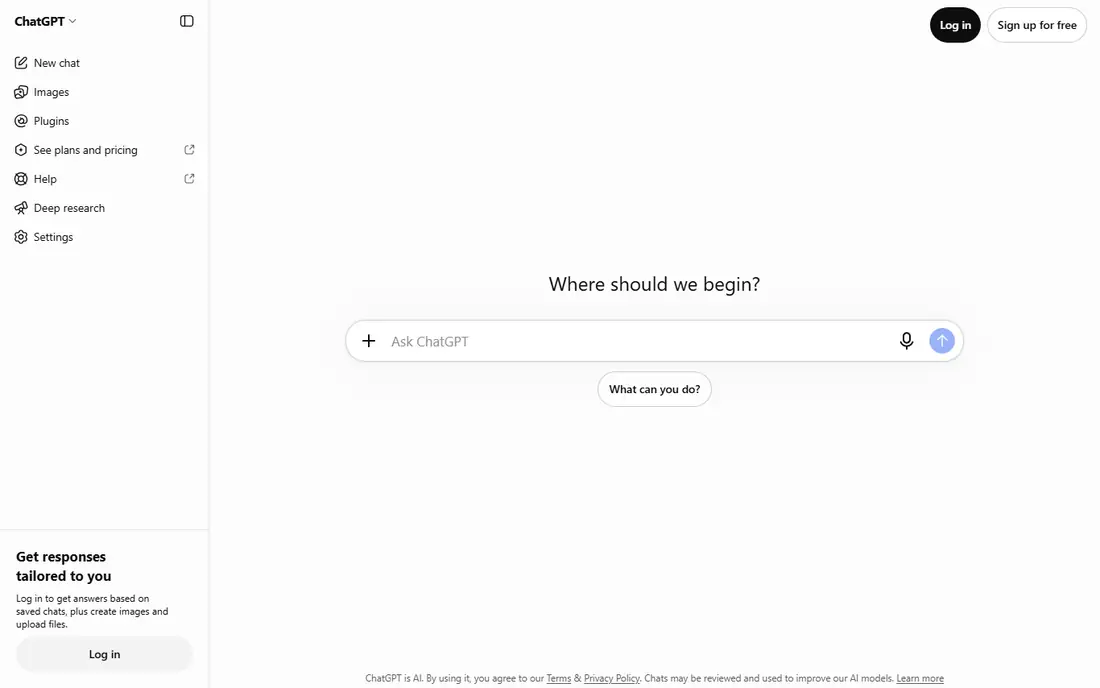
ChatGPT is the most flexible study helper here, because it can explain a concept, work through a problem step by step, quiz you, or rewrite a paragraph in simpler terms. Study Mode is designed to guide rather than just give an answer, which suits practice better than copying a solution. Projects let you keep files, instructions and chats for one course together, so you do not lose context between sessions.
Flexibility is also the risk. ChatGPT can produce confident answers that are wrong, and it can invent citations that look real. Paste or upload your course material when accuracy matters, and check formulas, dates and references against a trusted source. The free tier covers a lot of everyday study, while Plus at 20 dollars a month raises limits and model access. Use ChatGPT for understanding and practice, and use a source grounded tool for final verification.
What we like- Strong explanations across subjects
- Study Mode for guided practice
- Projects to organize course material
Watch out for- Answers can contain errors or invented citations
- Free tier has usage limits
- Not grounded in your sources by default
#3Quizlet
Best for: Flashcards and practice tests4.5/5 on
G2 (291 reviews, checked Oct 2026)
Visit quizlet.com
Starting price$7.99 per user/month
Free planYes
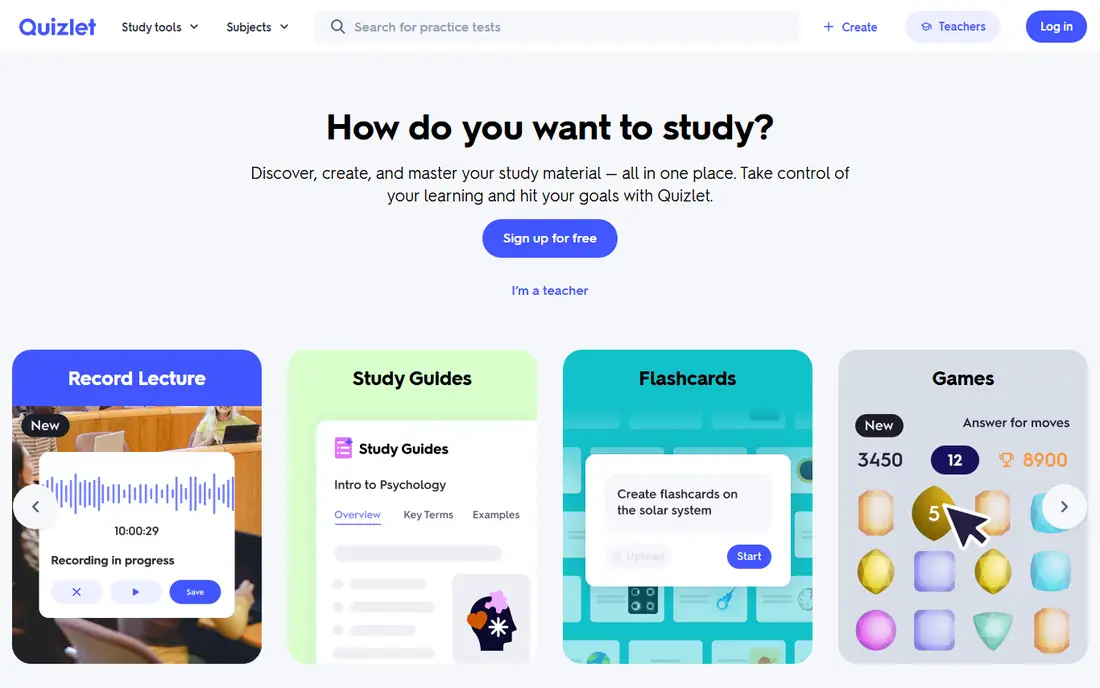
Quizlet remains the default flashcard tool for many students, mainly because someone has often already made a set for a standard course. You can study with flashcards, play Match for speed, use Learn for guided practice, and take a practice test. That variety helps, since different modes test recall in different ways. Plus adds more Learn rounds, practice tests, textbook solutions and ad free studying, with Magic Notes to build sets from uploaded notes.
Shared sets need checking. A popular set can still contain errors, outdated terms or answers for a different edition of a textbook. Review a set before exam week, edit cards that are wrong, and make your own cards for topics your class emphasized. Plus is listed at 7.99 dollars a month or 35.99 dollars a year in recent listings, so the yearly plan is far cheaper per month if you will use it all year. For memorization heavy courses, Quizlet is a strong core tool.
What we like- A huge library of shared flashcard sets
- Learn, Match and Test modes
- AI tools to build sets from notes on paid plans
Watch out for- Free Learn rounds are limited
- Ads on the free plan
- Quality of shared sets varies by subject
Starting price$24.99 per user/month
Free planYes
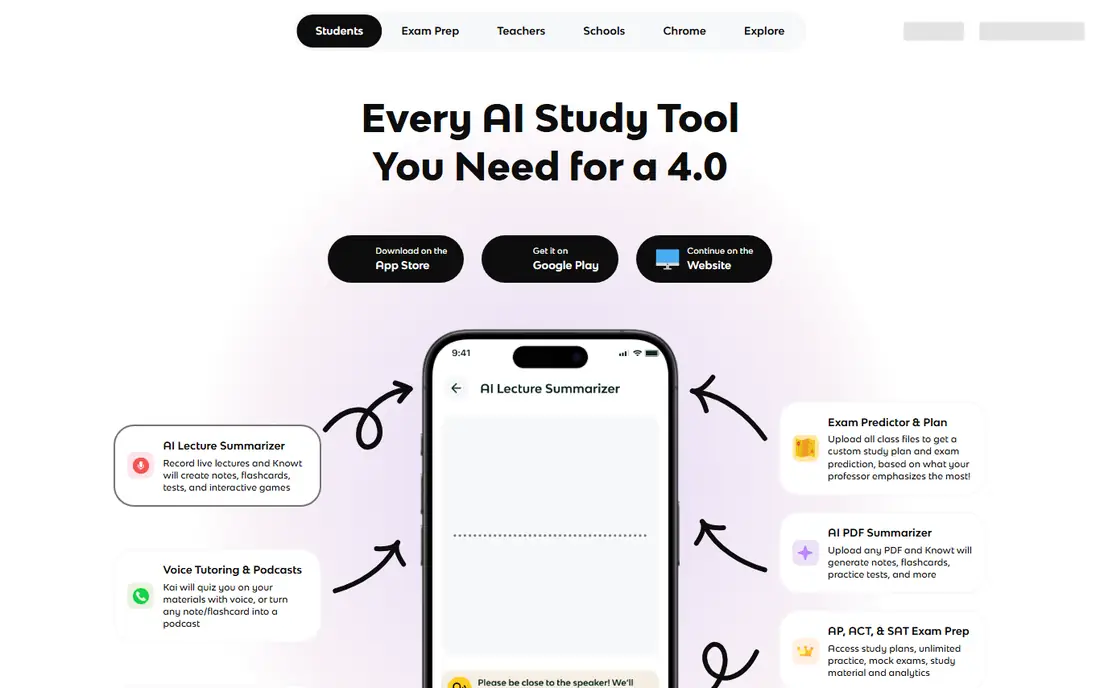
Knowt is the best free leaning alternative to Quizlet for students who want AI study tools without paying at first. You can create flashcards, use Learn mode, take practice tests and use spaced repetition, all on the free plan. AI tools can turn PDFs, slides and videos into notes and flashcards, which saves the manual work of typing cards from a lecture. Quizlet import also helps if you already have sets elsewhere.
The paid Ultra plan, listed at 24.99 dollars a month or a lower monthly rate on annual billing, adds more AI generation, voice tutoring and other premium features. That monthly price is high for a student budget, so test the free plan through a full unit before upgrading. Knowt fits high school and early college students best, especially for AP and standard courses where free practice tests matter. If you need heavy AI generation every week, compare its limits against StudyFetch and Mindgrasp.
What we like- Free flashcards with Learn and practice test modes
- AI summaries from PDFs and videos
- Quizlet set import
Watch out for- Voice tutoring and some AI features need the Ultra plan
- Ultra monthly price is high
- Free AI generation has limits
Starting price$7.99 per user/month
Free planYes
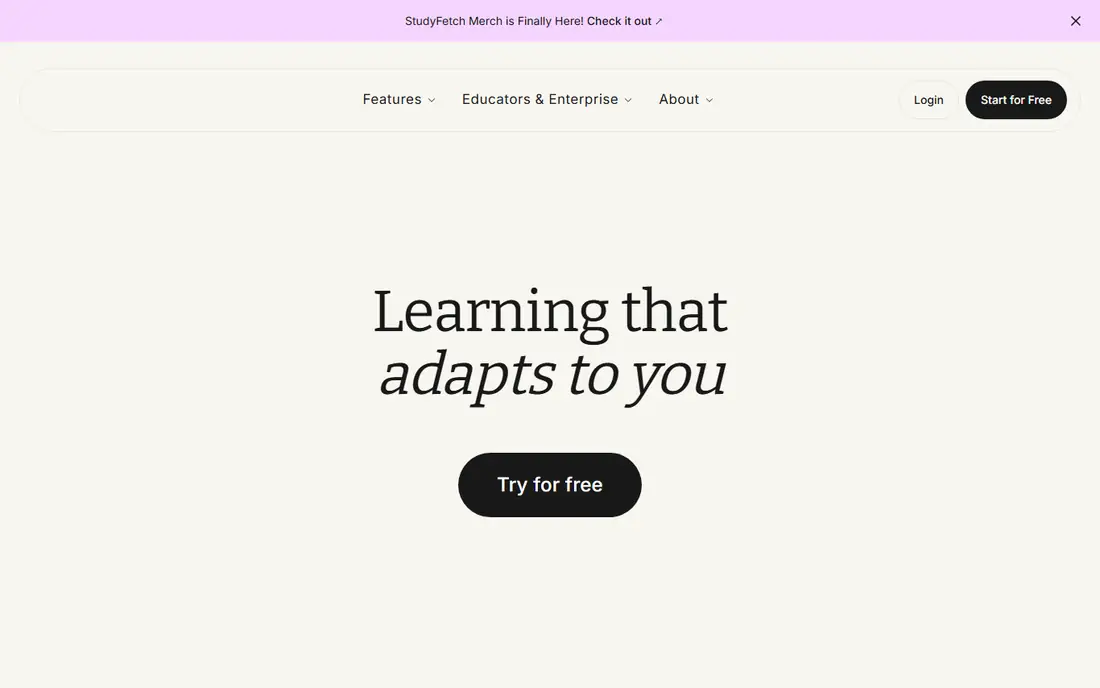
StudyFetch is built for students whose course lives in lectures. Upload a recording, slides or PDF, and the tool builds notes, flashcards and practice tests from that material. Spark.E, its AI tutor, answers questions based on your uploads, which keeps the conversation tied to what your professor actually taught. That focus is useful when a general chatbot would drift into a different textbook or syllabus.
The free tier is limited, with a small number of chats, study sets and uploads, so it works as a trial rather than a full semester tool. Base is listed at 7.99 dollars a month, with higher tiers adding more generation and lecture features. During exam week, check your remaining limits early, since a capped plan can run out when you need it most. Use StudyFetch when your material is lecture heavy and you want study sets made for you. Use NotebookLM when you need cited research answers.
What we like- Turns lectures, PDFs and slides into notes, flashcards and tests
- Spark.E tutor chats about your material
- Lecture recording tools
Watch out for- Free tier is small, with limited chats and uploads
- Paid plans needed for heavy exam week use
- Tutor answers still need checking
#6Khanmigo
Best for: Guided tutoring for school subjects4.5/5 on
G2 (178 reviews, checked Oct 2026)
Visit khanmigo.ai
Starting price$4 per user/month
Free planYes
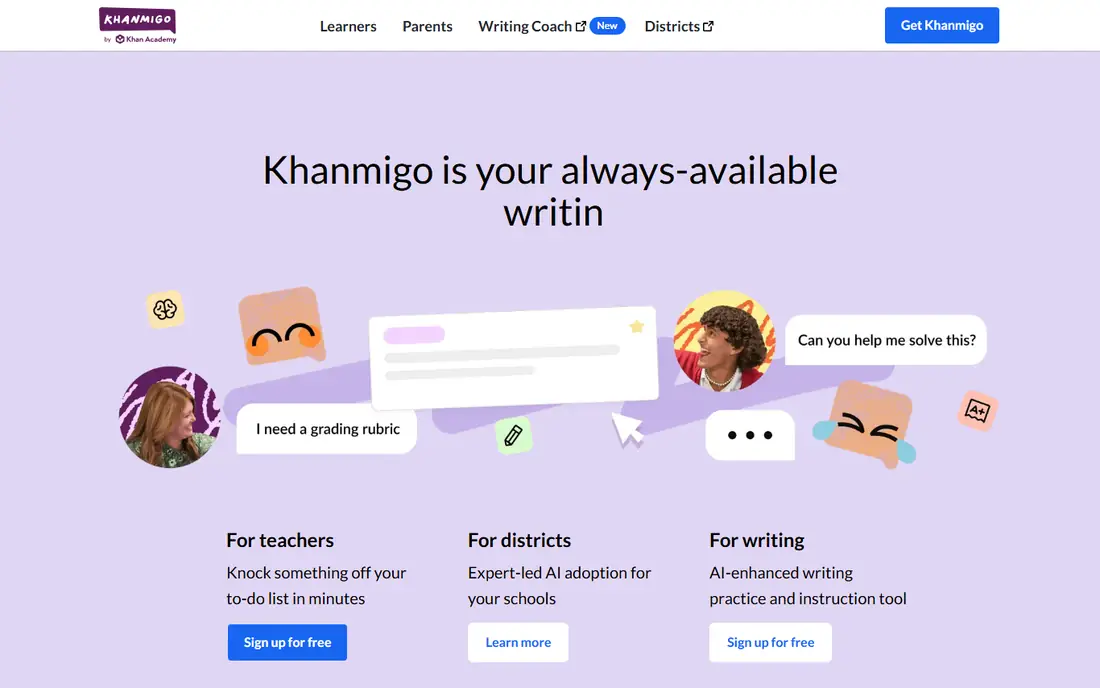
Khanmigo is a tutor, not a homework answer machine. It asks guiding questions, breaks a problem into steps, and helps you reach the answer yourself, which is closer to how a human tutor works. That approach suits math, science and reading practice, where the process matters as much as the final answer. It connects to Khan Academy material, so practice can follow a course structure rather than random questions.
Access rules matter. Teachers can use Khanmigo free in many cases, while learners pay 4 dollars a month or 44 dollars a year in the listings reviewed here. The payer must be an adult US resident for learner plans, so younger students need a parent or guardian account. If you want a tutor that teaches rather than tells, Khanmigo is the best fit here. If you want fast summaries or flashcards, pick a different tool on this list.
What we like- Guided, step by step tutoring rather than direct answers
- Tied to Khan Academy courses
- Low price for learners
Watch out for- Free access is mainly for teachers
- Learner plans need a paid account
- Subject depth varies by course
#7Grammarly
Best for: Writing clarity and grammar4.7/5 on
G2 (14,073 reviews, checked Oct 2026)
Visit grammarly.com
Starting priceSee website
Free planYes
Grammarly fits the writing stage of studying, after you understand the material and need to present it clearly. It checks grammar and spelling, suggests clearer phrasing, and works inside documents, email and browsers. For essays, lab reports and applications, those checks catch errors that a tired reader would miss. Some plans add plagiarism checks and writing reports, which help for longer assignments.
Grammarly does not teach a subject, build flashcards or tutor a problem, so it complements rather than replaces the other tools here. The free plan covers basic grammar and spelling, while premium plans add clarity, tone and advanced checks. Check the current pricing page before you pay, since student and team plans differ. Use Grammarly as an editor, not an author, and keep your own wording and ideas at the center of any submitted work. Follow your school academic integrity rules for AI writing help.
What we like- Grammar, spelling and clarity checks in docs and browsers
- Tone suggestions
- Plagiarism and AI detection tools on some plans
Watch out for- Not a study or tutoring tool
- Premium pricing varies by plan
- Suggestions can flatten your own voice if accepted blindly
Starting price$9.99 per user/month
Free planFree trial
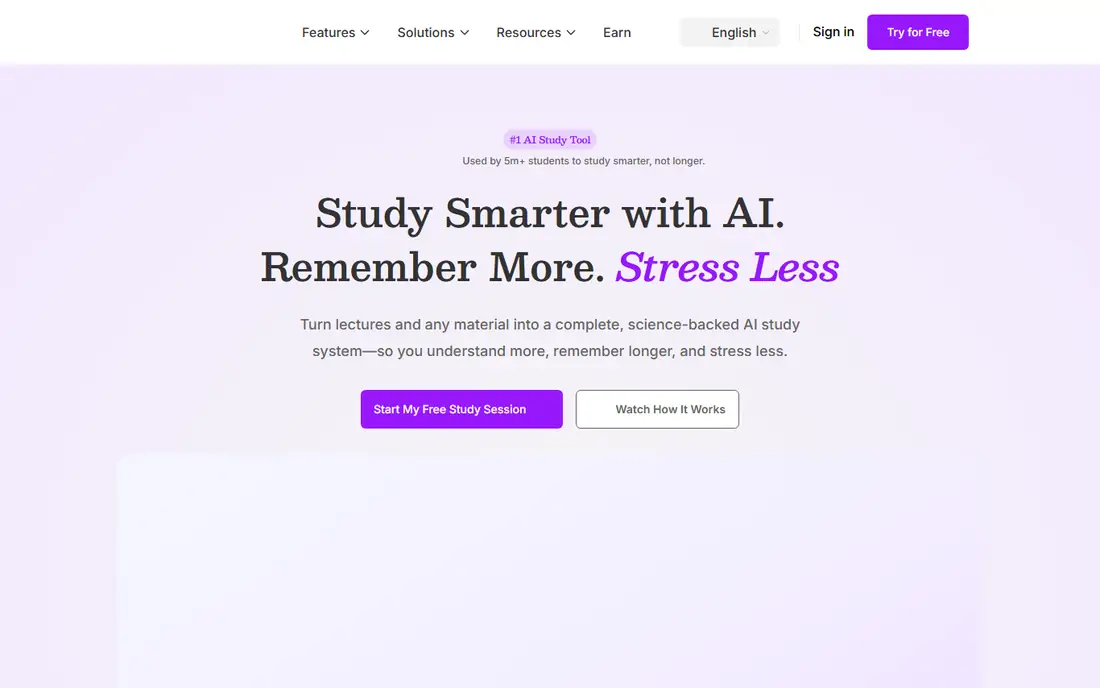
Mindgrasp is the speed reading tool on this list. Upload a long document, textbook chapter or recording, and it produces a summary, outline and question and answer set in a short time. That helps when you face a large reading list and need to decide what deserves a close read. Audio and video uploads extend the same idea to lectures and recorded material.
Speed has a cost. A summary can miss nuance, simplify a complex argument, or drop a detail your professor will test. Use Mindgrasp to get oriented, then read the key sections yourself and build flashcards for the details. Pricing starts at 9.99 dollars a month in recent listings, with a trial to test it on your own material. Choose Mindgrasp for dense reading weeks. Choose Anki or Quizlet when the goal is long term recall.
What we like- Fast summaries, outlines and Q and A from long documents
- Audio and video file support
- Study sheets from uploads
Watch out for- No permanent free plan
- Summaries can miss nuance in dense material
- Best for reading speed, not memorization
Starting price$24.99 one-time
Free planYes
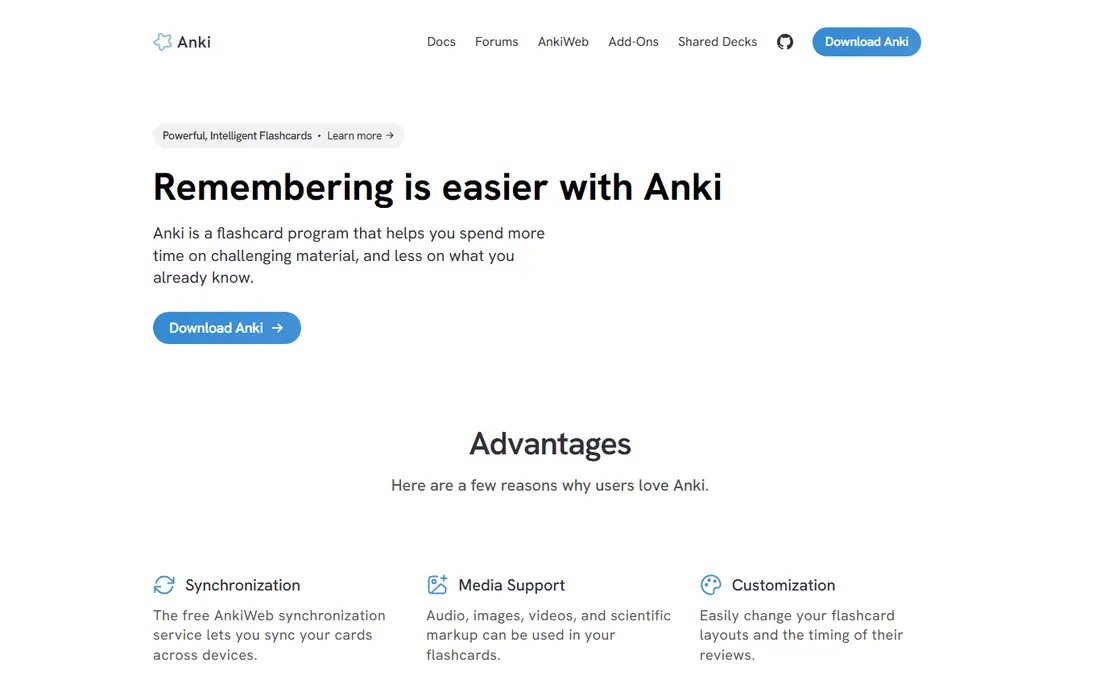
Anki is the most powerful memorization tool here, and also the least polished. Its spaced repetition algorithm schedules each card at the best time for review, which helps long term recall for vocabulary, anatomy, law, medicine and other fact heavy subjects. Desktop, Android and web sync are free, and shared decks cover many standard exams. Add-ons let advanced users customize card types and review settings.
The interface is plain, and a new user may need a guide to set up decks, card types and review limits. The iPhone app, AnkiMobile, is a one-time purchase of 24.99 dollars, which is the starting price listed here, while other platforms remain free. If you want a simple, social flashcard app, Quizlet or Knowt will feel easier. If you want the strongest spaced repetition system and are willing to learn it, Anki is hard to beat for exam preparation.
What we like- Strong spaced repetition algorithm
- Free on desktop and Android
- A large library of shared decks and add-ons
Watch out for- The interface feels dated
- Setup takes longer than Quizlet
- IPhone app is a paid one-time purchase
How we chose
We compared pricing pages, product documentation and public reviews on G2, Capterra and Reddit, along with each tool input types, output types and limits. We looked for tools that serve US students, support a real study task such as research, flashcards, tutoring, notes or writing, and offer a free plan or trial. Company size fit mattered less than course fit, since a high school student, a college student and a graduate student need different depths. We listed prices as See website where vendor listings disagreed or did not give a clear current figure, and we flagged free plan limits that matter during exam week.
How to build a study system that actually sticks
One app rarely covers a full course. A workable system uses three roles: understand, memorize and write. Use a research or tutor tool to understand, a flashcard tool to memorize, and a writing tool to present. That split keeps each tool doing what it does best, instead of forcing one app to do everything badly.
Start with understanding, not summaries
Read the assignment or lecture notes first, then use NotebookLM or ChatGPT to explain the parts you did not follow. Ask for examples, ask why a step works, and ask for a practice question you can try yourself. A summary you did not struggle with feels clear in the moment and fades fast. A question you tried, got wrong, and then corrected stays longer.
Turn understanding into recall practice
After you understand a topic, make flashcards for the facts, terms and steps you must recall without notes. Use spaced repetition in Anki, Quizlet or Knowt, and review daily in short sessions rather than one long cram session. Test yourself before you reread, since retrieval practice builds memory more than rereading the same page. Keep cards short, with one fact per card, and edit cards that are vague or double sided.
Check AI output before you trust it
AI tools can invent citations, simplify a formula, or present a plausible but wrong explanation. For any fact you will submit or be tested on, check it against your textbook, lecture slides or a trusted source. Keep a list of sources for essays, and do not submit AI generated text as your own work without following your school rules. A good study system uses AI to speed up practice and organization, while you remain responsible for accuracy and original thinking.
Frequently asked questions
What is the best AI tool for studying overall?
There is no single best tool, since research, memorization and tutoring need different apps. NotebookLM is strongest for source grounded research, Quizlet and Anki are strongest for flashcards, and Khanmigo is strongest for guided tutoring. Most students do best with one tool from each group, rather than one app for everything.
Are AI study tools free for students?
Many offer free plans, including NotebookLM, ChatGPT, Quizlet, Knowt and Anki on desktop. Free plans usually limit AI generation, Learn rounds or uploads, so they work well for light use and less well during exam week. Check student discounts and yearly billing before paying, since yearly plans are often far cheaper per month.
Can I use AI tools for homework without cheating?
It depends on your school rules and how you use the tool. Using AI to explain a concept, practice with quiz questions, or check grammar is usually acceptable study help. Submitting AI generated answers as your own work, or using AI during a closed book exam, usually breaks academic integrity rules. When in doubt, ask your teacher and keep AI use to learning, not submission.
Is NotebookLM better than ChatGPT for studying?
NotebookLM is better when your answers must come from specific course material and be checkable against a source. ChatGPT is better for general explanations, brainstorming and practice across subjects. Many students use both: NotebookLM to research from uploads, and ChatGPT to explain a concept in simpler terms or generate extra practice questions.
How do I avoid AI errors in my study notes?
Check every important fact against your course material, especially formulas, dates, definitions and citations. Ask the tool to show its source when that feature exists, and read the cited passage yourself. Keep your own notes alongside AI summaries, and treat any AI output you cannot verify as a draft, not a final answer.
Which flashcard app should I choose, Quizlet, Knowt or Anki?
Choose Quizlet if you want shared sets and an easy interface for standard courses. Choose Knowt if you want a strong free plan with AI notes and practice tests. Choose Anki if you want the strongest spaced repetition system and are willing to learn a plainer interface. All three support daily review, which matters more than the app itself.
Sources we checked (9)
- https://notebooklm.google.com
- https://chatgpt.com/pricing
- https://quizlet.com/pricing
- https://knowt.com/pricing
- https://www.studyfetch.com/pricing
- https://www.khanmigo.ai/pricing
- https://www.grammarly.com/pricing
- https://www.mindgrasp.ai/pricing
- https://apps.ankiweb.net
Is your product missing or out of date?
We review this list regularly. Vendors can request a listing, send updated pricing or ask about featured placement.

Shihab Mia · Founder, Rankite
Shihab has 5+ years in B2B and SaaS SEO. He writes Rankite's software buying guides from pricing pages, documentation and public user reviews. More about Shihab.