How we make this list: we compare pricing pages, product documentation and public user reviews. Ratings come from G2, Capterra or Trustpilot, with the date we checked them.
Key takeaways
- MagicSchool gives teachers the widest set of planning tools in one place, while Brisk Teaching wins for teachers who already live in Google Docs.
- Free plans are useful for trying a tool, but generation limits, export limits, and missing district controls usually push regular users to a paid plan.
- Differentiation is the clearest split in this group: Diffit and Eduaide handle leveled readings and varied student needs better than a general chatbot.
- Khanmigo stands apart because it is free for US teachers and ties planning help to Khan Academy material, rather than to a broad template library.
- Before a district purchase, check the data processing agreement, single sign-on, rostering, and whether student-facing features can be turned off.
Quick comparison
| Tool | Best for | Starting price | Free plan |
|---|
 MagicSchool MagicSchool | Teachers who want one toolkit for plans, rubrics, and feedback | $8.33 per user/month (billed annually) | Yes |
 Brisk Teaching Brisk Teaching | Teachers who grade and plan inside Google Docs and Slides | See website | Yes |
 Diffit Diffit | Teachers who need the same lesson at several reading levels | $14.99 per user/month | Yes |
 Eduaide.ai Eduaide.ai | Teachers who want pedagogy details in the draft, not just an outline | See website | Yes |
 Curipod Curipod | Teachers who want live, interactive lessons with student responses | See website | Yes |
 Khanmigo Khanmigo | US teachers who want free, curriculum linked AI help | See website | Yes |
 Education Copilot Education Copilot | Teachers who need clean, print ready lesson documents fast | See website | Yes |
 Monsha Monsha | Teachers who want plans, worksheets, and quizzes from one prompt set | See website | Yes |
Is your product missing or out of date?
We review this list regularly. Vendors can request a listing, send updated pricing or ask about featured placement.
#1MagicSchool
Best for: Teachers who want one toolkit for plans, rubrics, and feedback4.7/5 on
G2 (7 reviews, checked Oct 2026)
Visit magicschool.ai
Starting price$8.33 per user/month (billed annually)
Free planYes
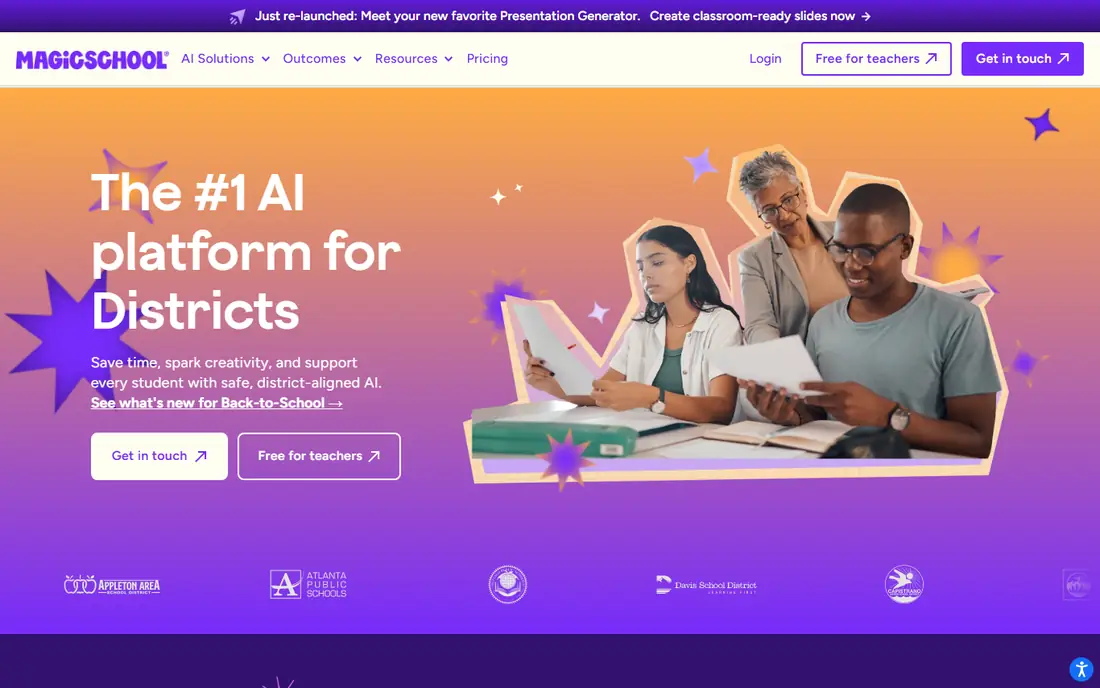
MagicSchool is the closest thing in this list to a planning department in a browser tab. A teacher can move from a lesson plan to a rubric, then to a quiz, then to feedback prompts, without opening a separate product for each step. That breadth matters on a busy school day, when the time saved comes from staying in one workflow rather than from any single generation being perfect.
The catch is that breadth needs editing. Outputs still need a teacher to check facts, reading level, and fit with the class in front of them. Plus, at $8.33 per user per month billed annually (or $12.99 monthly), removes generation limits and adds unlimited output history and editing. Schools that need admin dashboards, rostering, and a signed data agreement should price Enterprise separately, since those controls are not part of an individual plan.
What we like- More than 80 teacher tools in one account
- Student tools with teacher controls
- Exports to Google and Microsoft formats on paid plans
Watch out for- The size of the library can feel busy at first
- District controls such as single sign-on sit on the Enterprise plan
Starting priceSee website
Free planYes
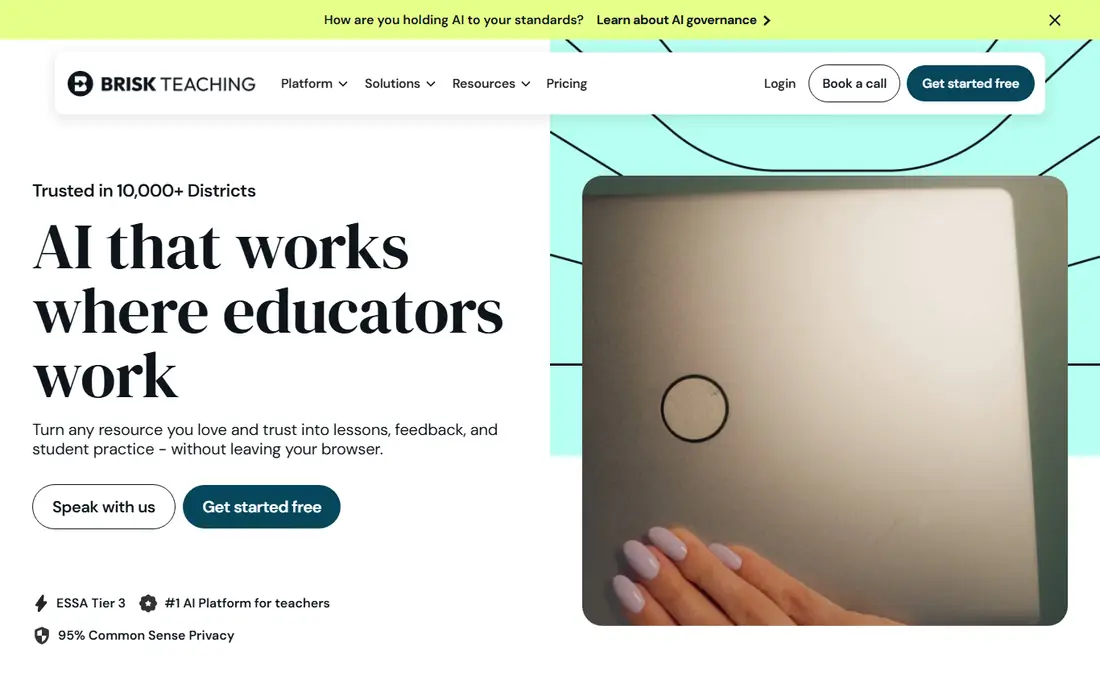
Brisk Teaching takes a different route from MagicSchool. Instead of asking teachers to learn a new platform, it meets them where student work already lives. A teacher can open a document, apply a rubric, and generate targeted feedback without copying text into another tab. For schools that run on Google Classroom, that small change in workflow can matter more than a longer feature list.
The trade-off is scope. Brisk is strong on feedback and on turning documents into classroom material, but it is not a full planning suite on its own. Teachers who want unit planners, IEP drafting, and a large template library will likely pair it with another tool. Check the current Pro and district pricing on the vendor site before budgeting, since education pricing is often quoted by school or district size.
What we like- Works as a Chrome extension inside familiar documents
- Rubric based feedback stays close to student work
- Low learning curve for Google Workspace schools
Watch out for- Less useful outside Google Workspace
- Some advanced features sit behind paid or district plans
#3
Diffit
Best for: Teachers who need the same lesson at several reading levels
Visit diffit.me
Starting price$14.99 per user/month
Free planYes
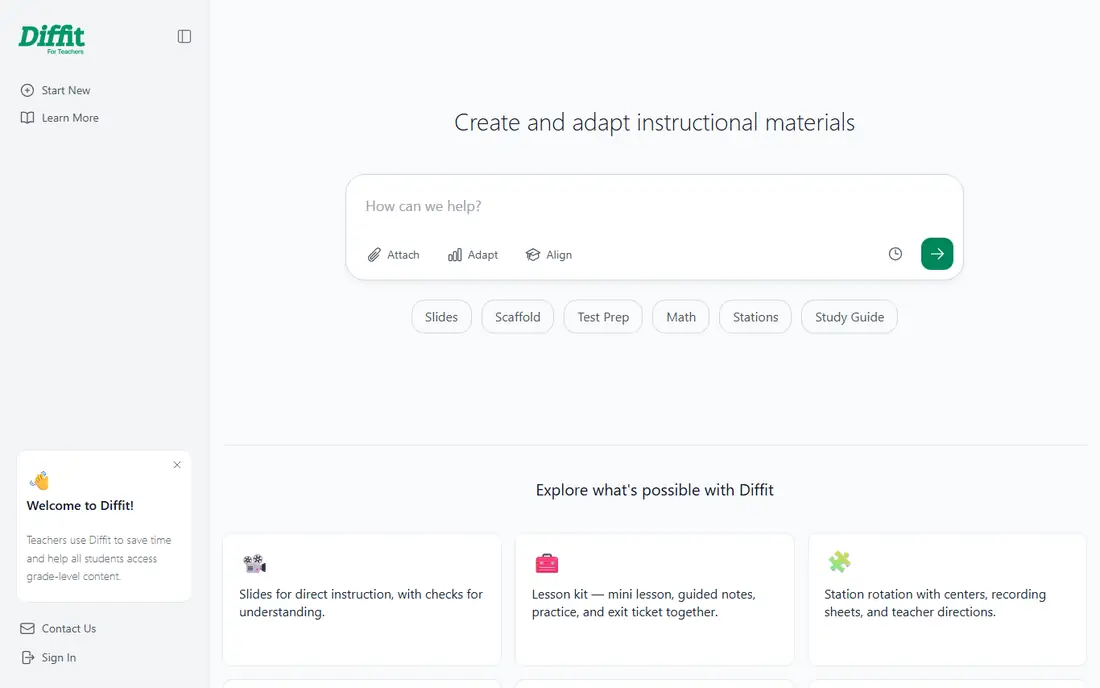
Diffit solves one classroom problem very well: a single class rarely reads at a single level. A teacher can take a passage or a topic and produce versions suited to different readers, plus questions and vocabulary support. That makes it a practical choice for inclusion classrooms, intervention groups, and classes with a wide range of reading ability.
The limit is that leveling is not the same as teaching. A simpler text does not automatically carry the same depth, examples, or challenge as the original, so teachers should compare versions side by side before handing them out. Diffit also works best as a complement to a core planning tool, not as a replacement for a full unit plan. At $14.99 per month, or $149.99 per year, it is a focused purchase, and schools should test it with real class texts before buying seats for everyone.
What we like- Fast leveled reading passages
- Supports multilingual learners
- Useful for adapting existing source material
Watch out for- Paid plan is priced per teacher, which adds up for a whole department
- Output still needs review for accuracy and tone
#4
Eduaide.ai
Best for: Teachers who want pedagogy details in the draft, not just an outline
Visit eduaide.ai
Starting priceSee website
Free planYes
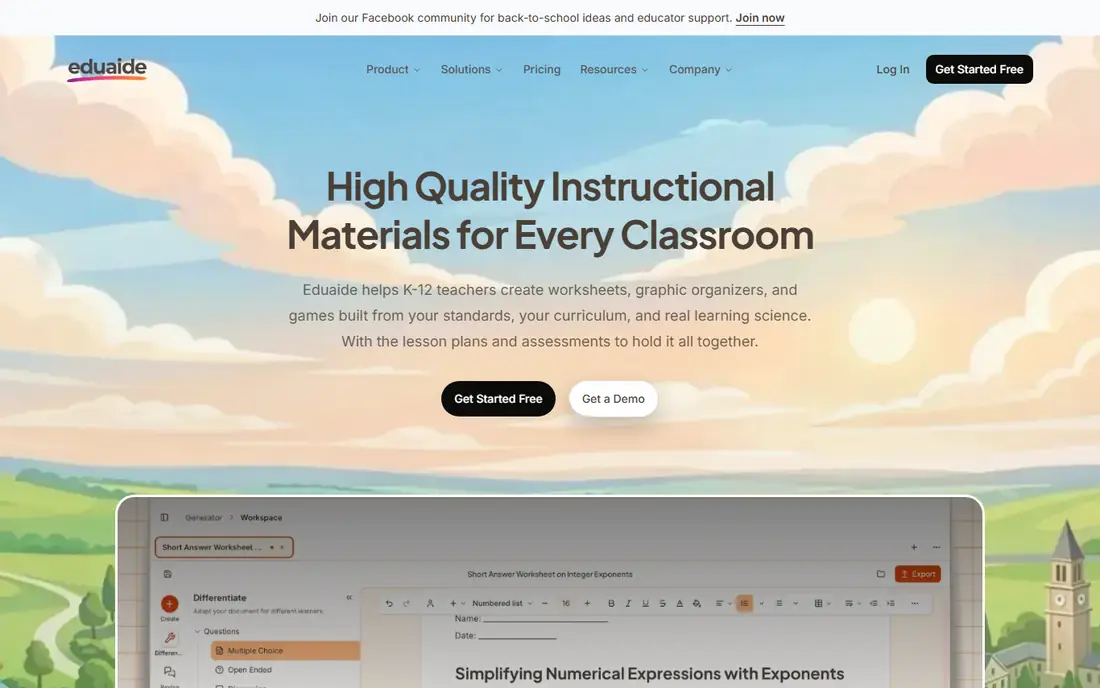
Eduaide appeals to teachers who are tired of generic outlines. Its generators ask for more instructional detail, and the results often include scaffolding, questioning, and assessment ideas that a plain chatbot prompt would miss. That makes it a good fit for teachers who plan in detail and want a draft they can reshape, rather than a finished script to read aloud.
New users should start with the free allowance and a real unit they are about to teach. The test is simple: does the draft save editing time, or does it create a new round of rewriting? Eduaide is priced for individuals and schools, so check the current Pro and school rates on its pricing page. For departments, the value case depends on how many teachers will use it weekly, not on how many resource types appear on the feature page.
What we like- Wide range of resource types
- Attention to depth of knowledge and instructional frameworks
- Low annual cost for individual teachers in past listings
Watch out for- Free generation allowance is limited
- Interface rewards teachers who already know what kind of activity they want
#5Curipod
Best for: Teachers who want live, interactive lessons with student responses4.5/5 on
G2 (2 reviews, checked Oct 2026)
Visit curipod.com
Starting priceSee website
Free planYes
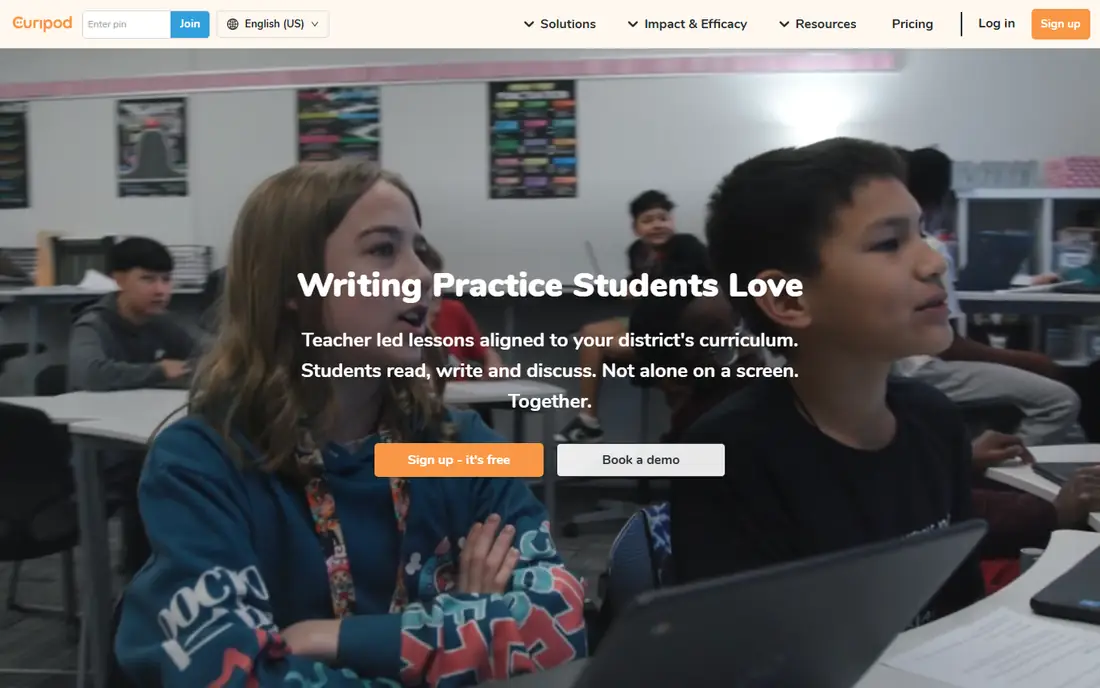
Curipod turns a lesson from a presentation into a back and forth. Students write, vote, and respond as the lesson moves, and the teacher can see responses in real time. That live loop helps a teacher spot confusion early, rather than waiting for homework to reveal it. It also gives quieter students a written route into discussion.
The honest catch is classroom logistics. A lesson that depends on every student having a charged device and a stable connection will fail on a bad wifi day, so teachers need a paper fallback. Curipod also sits in a different budget category from an individual teacher tool: schools and districts usually buy it centrally. Trial it with one class first, and ask how student data is handled, how long responses are stored, and what happens when a student joins late.
What we like- Students respond on their own devices during the lesson
- Built in polls, writing prompts, and feedback
- Strong for engagement in whole class teaching
Watch out for- Needs devices and reliable connectivity in class
- District pricing is custom, so budgeting takes a sales conversation
#6Khanmigo
Best for: US teachers who want free, curriculum linked AI help4.5/5 on
G2 (178 reviews, checked Oct 2026)
Visit khanacademy.org
Starting priceSee website
Free planYes
Khanmigo is the value pick in this list, with a clear condition. For US teachers, the teacher tools are free, which removes the usual budget argument entirely. Its tutoring style is also distinct: it tends to ask guiding questions instead of handing over a finished answer, which fits teachers who want students to work through a problem.
The limit is breadth. Khanmigo is not trying to be an 80 tool planning library, and teachers who need IEP drafting, extensive worksheet generation, and district reporting will find gaps. Think of it as a strong classroom companion tied to Khan Academy, not as a replacement for a planning platform. Where a school already uses Khan Academy, the fit is obvious. Where it does not, the free price still makes it worth a trial, but the planning workflow may need another tool beside it.
What we like- Free for US teachers
- Socratic style tutoring that guides rather than giving answers
- Links to Khan Academy lessons and practice
Watch out for- Planning features are narrower than a dedicated planning suite
- Best value depends on using Khan Academy material already
Starting priceSee website
Free planYes
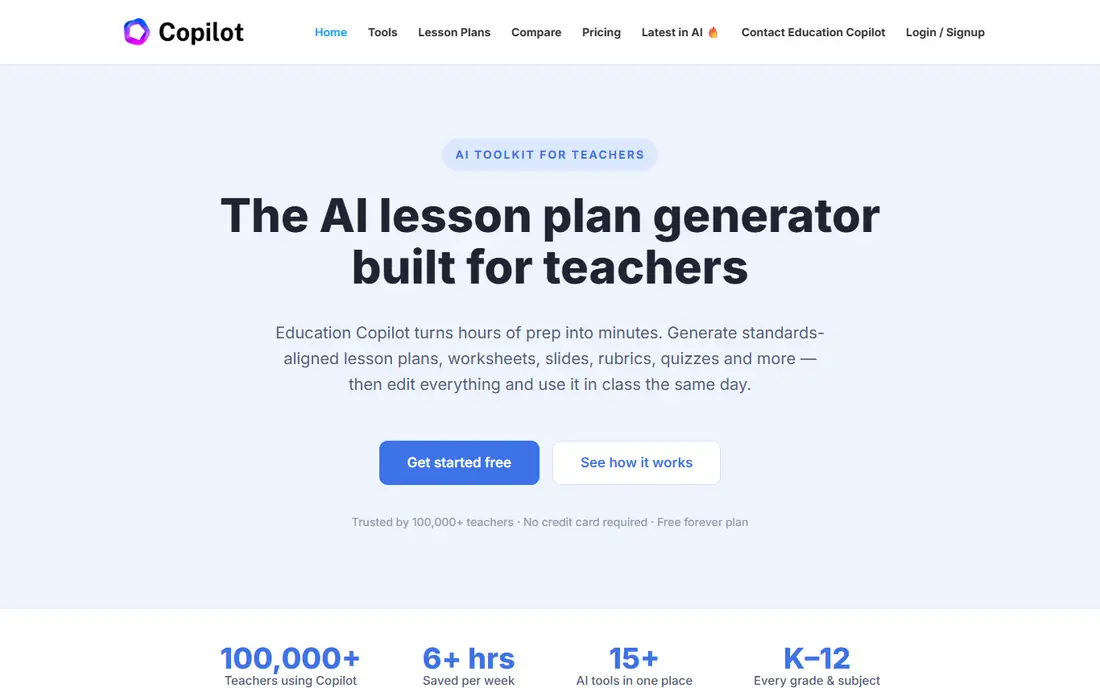
Education Copilot is for teachers who value a tidy document over a large dashboard. Give it a grade, subject, and standard, and it returns a structured plan that reads like something a teacher could actually hand to a colleague or a substitute. That print ready quality matters in schools where paper still travels between classrooms, and where a plan needs to be filed or shared without extra formatting.
The trade-off is depth of ecosystem. There is less here for live lessons, student interaction, and district administration than in MagicSchool or Curipod. That is fine if the buyer is an individual teacher who mainly needs faster first drafts. It is a weaker fit for a district looking for one platform to cover planning, feedback, student tools, and reporting. Check the current monthly and school pricing before committing, and test whether the standards alignment matches your state or district requirements.
What we like- Produces structured, standards aligned drafts quickly
- Documents are easy to print and share
- Simple setup for individual teachers
Watch out for- Smaller ecosystem than larger platforms
- Fewer student facing features and integrations
#8
Monsha
Best for: Teachers who want plans, worksheets, and quizzes from one prompt set
Visit monsha.ai
Starting priceSee website
Free planYes
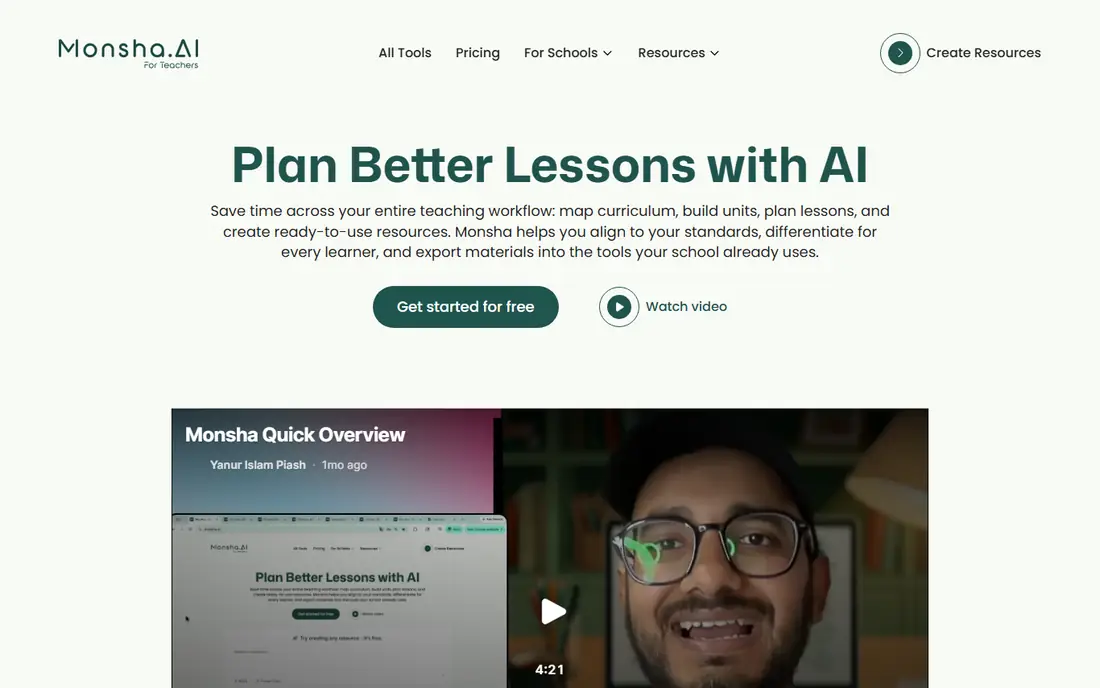
Monsha rounds out this list as a compact resource builder. Instead of generating a plan and then starting again elsewhere for practice material, a teacher can build the plan, the worksheet, and the quiz in a connected sequence. That continuity helps when a lesson needs matching practice: the questions can follow the same vocabulary and examples as the plan, rather than drifting into unrelated material.
Because Monsha is smaller than the leaders here, buyers should be more careful. Ask about data handling, export formats, and what happens to saved resources if a subscription lapses. The free plan is a sensible way to answer the main question: do the worksheets need heavy editing, or are they close to classroom ready? If the answer is close, the paid plan may save real weekly time. If not, a larger platform with stronger editing tools may be the better spend.
What we like- Covers lesson plans, worksheets, and quizzes in one flow
- Free plan includes monthly credits for trying it
- Useful for building a full resource pack
Watch out for- Newer and less proven at district scale
- Paid plan pricing needs checking against classroom use
How we chose
We compared pricing pages, product documentation, and public reviews on G2, Capterra, and Reddit, with a focus on features teachers actually use week to week: lesson generation, differentiation, feedback, standards alignment, and export to classroom tools. We also weighed company size fit, since an individual teacher, a department, and a district buy very different things even when the product name is the same. No hands-on classroom trial is claimed here. The rankings reflect documented features, published pricing, and the pattern of strengths and complaints that shows up across independent reviews.
Start with the workflow you already have, not with the longest feature list. A Google Workspace school will get faster value from Brisk Teaching than from a platform teachers must open separately. A school with wide reading gaps will get more from Diffit than from a general planner. A district will need to weigh data agreements and rostering above any single generation feature.
Check the free plan honestly
Use the free plan for two full weeks of real planning, not for a single demo lesson. Count how many generations you actually use, whether exports keep their formatting, and whether student data controls meet your school policy. A free plan that runs out midweek is a signal to budget for paid seats, not a reason to open a second free account.
Budget by teacher, not by headline price
Annual billing usually lowers the monthly figure, but it also locks a school into a tool before teachers have settled into it. Start with a small paid pilot, agree on what success looks like (time saved per plan, or student response rates in live lessons), and only then expand. For district tools, ask for a written quote that includes training, support hours, and renewal terms.
Keep the teacher in charge of the content
AI drafts can carry errors, bias, and mismatched reading levels. Build a short review step into every plan: check facts, check the standard cited, check the examples for your students, and adjust the challenge level. The best tool in this list is the one your teachers will actually edit, not the one that produces the longest first draft.
Frequently asked questions
What is the best AI teacher tool for lesson planning overall?
MagicSchool is the broadest choice for most teachers because it covers plans, rubrics, quizzes, and feedback in one account. Teachers who work mainly in Google Docs may prefer Brisk Teaching, and teachers focused on reading levels may prefer Diffit beside a core planner.
Are these tools free for teachers?
Several offer free plans, and Khanmigo is free for US teachers. Free plans usually carry generation or feature limits, so regular users often need a paid individual plan or a school license to work without interruption.
Can AI lesson plans align to state standards?
Many tools claim standards alignment, but the quality varies by subject and state. Always check the standard cited in the draft against your district curriculum guide, and treat the AI output as a draft to verify rather than a finished, approved plan.
Is student data safe in these tools?
Safety depends on the plan and the vendor agreement, not on the brand name alone. Districts should confirm FERPA and COPPA handling, whether data is used for model training, how long data is kept, and whether student features can be disabled.
Should a school buy one tool or several?
Most schools end up with a core planner plus one specialist tool, such as Diffit for differentiation or Curipod for live lessons. Buying one tool for every job often leaves teachers with features they never use, while buying too many creates login and training overload.
How much time can AI lesson planning really save?
Time saved depends on how much editing the draft needs. Teachers often save time on first drafts, rubrics, and question sets, but still need time to check facts, adjust difficulty, and adapt material to their students. A two week trial with real lessons gives a truer figure than any vendor claim.
Sources we checked (8)
- https://www.magicschool.ai/pricing
- https://www.diffit.me
- https://www.briskteaching.com
- https://www.eduaide.ai
- https://www.curipod.com
- https://www.khanacademy.org
- https://www.educationcopilot.com
- https://www.monsha.ai
Is your product missing or out of date?
We review this list regularly. Vendors can request a listing, send updated pricing or ask about featured placement.

Shihab Mia · Founder, Rankite
Shihab has 5+ years in B2B and SaaS SEO. He writes Rankite's software buying guides from pricing pages, documentation and public user reviews. More about Shihab.