How we make this list: we compare pricing pages, product documentation and public user reviews. Ratings come from G2, Capterra or Trustpilot, with the date we checked them.
Key takeaways
- Scratch and Code.org are the best free starting points, with Scratch for creative projects and Code.org for structured classroom style courses.
- Block based coding suits ages 4 to 10, while text based Python and JavaScript suit ages 9 and up, so match the tool to the child age, not the brand.
- Tynker bridges blocks to text with a gradual path, while CodeCombat and CodeMonkey use games to hold attention through harder concepts.
- Paid plans range from about 8 dollars a month for Tynker and CodeMonkey to 29 dollars a month for CodaKid self paced courses, with private lessons far higher.
Quick comparison
| Tool | Best for | Starting price | Free plan |
|---|
 Scratch Scratch | Creative free projects | Free | Yes |
 Code.org Code.org | Structured free courses | Free | Yes |
 Tynker Tynker | Blocks to text progression | $7.50 per month | Yes |
 CodeCombat CodeCombat | Game based Python and JavaScript | $9.99 per month | Yes |
 Khan Academy Khan Academy | Free academic computer science | Free | Yes |
 Kodable Kodable | Young learners ages 4 to 11 | $9.99 per month | Yes |
 CodeMonkey CodeMonkey | Game challenges ages 4 to 14 | $9.99 per month | Yes |
 CodaKid CodaKid | Real languages with projects | $29 per month | No |
Is your product missing or out of date?
We review this list regularly. Vendors can request a listing, send updated pricing or ask about featured placement.
The best apps for kids to learn coding
Starting priceFree
Free planYes
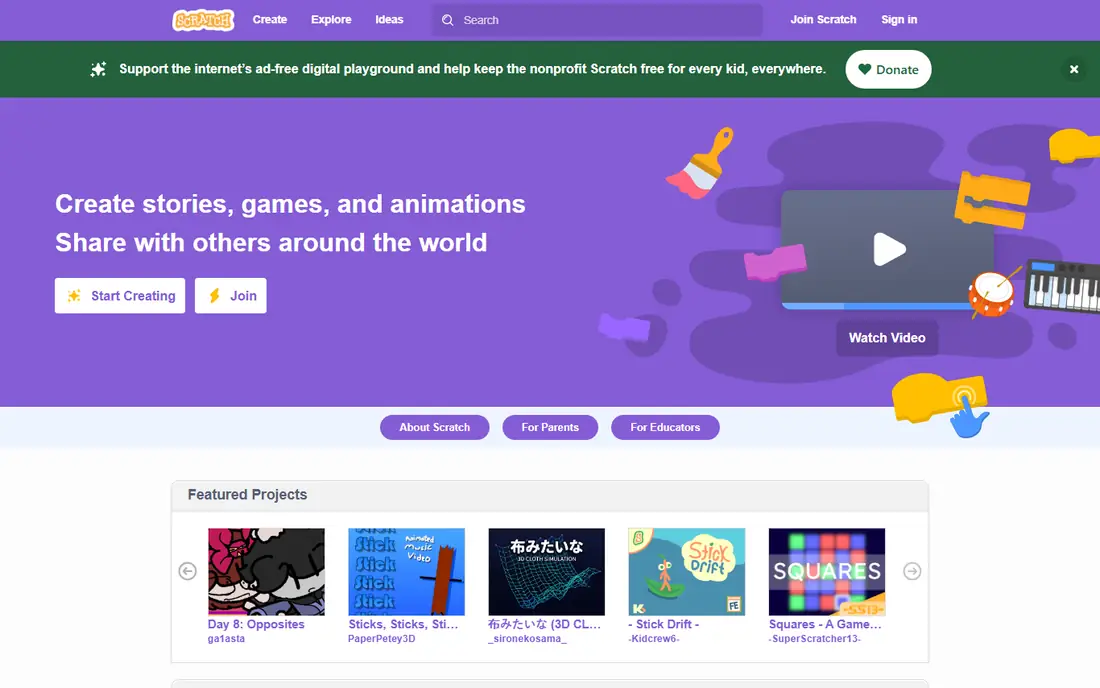
Scratch from MIT is the default first coding app, and it is completely free. Kids drag visual blocks together to build animations, games and interactive stories, learning loops, conditions and variables without typing syntax. The community of shared projects gives endless ideas to remix, and the tool runs in a browser with no install.
The limits are real: Scratch teaches block logic, not a text language, so a child ready for Python will need a second tool, and community content needs parent moderation since anyone can share projects. For ages 8 to 16 starting out, Scratch is the best free first step.
What we like- Completely free from MIT
- Huge community of shared projects
- Animations, games and interactive stories
Watch out for- Visual blocks only, no real text language
- Community content needs parent moderation
- Older teens may outgrow it
Starting priceFree
Free planYes
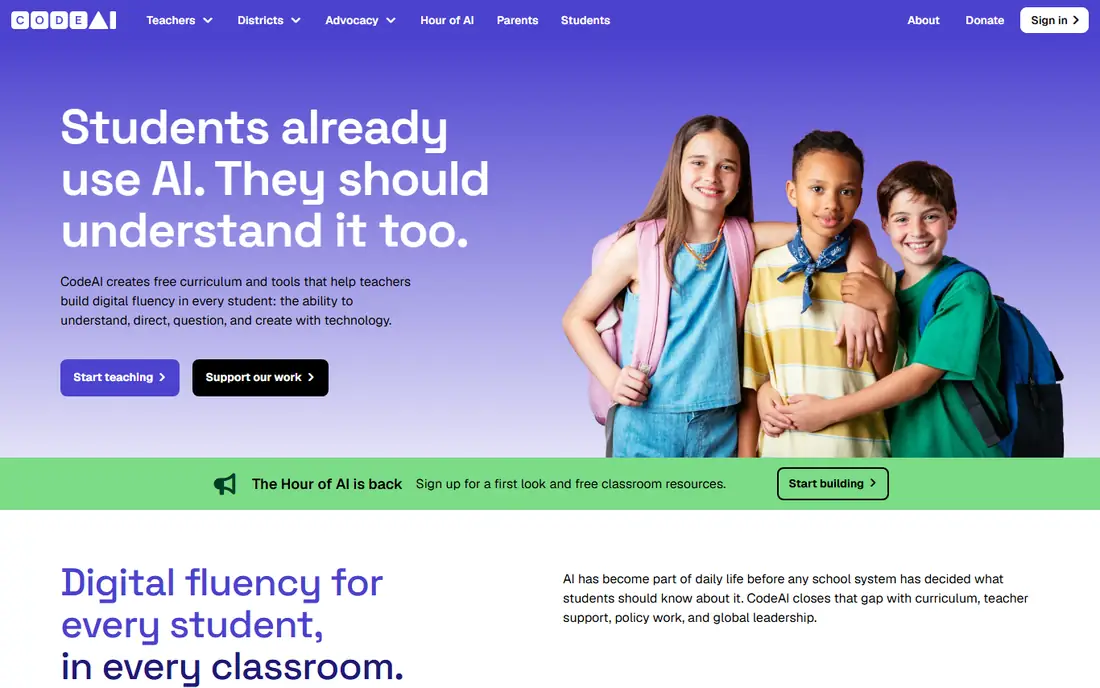
Code.org is the structured free alternative to Scratch, with courses for ages 4 to 18 covering blocks, JavaScript, Python and web basics. Themed lessons using Minecraft and Star Wars characters hold younger attention, and teacher resources plus Hour of Code activities make it the classroom standard. Certificates for Hour of Code give a small sense of achievement.
The pacing is more school style than Scratch free play, so a self driven child may prefer Scratch creativity, and advanced teens may finish the core courses quickly. For a parent who wants a guided curriculum at no cost, Code.org is the pick.
What we like- Completely free with courses for ages 4 to 18
- Minecraft and Star Wars themed lessons
- Teacher resources and Hour of Code
Watch out for- Less creative freedom than Scratch
- School style pacing suits classrooms more than free play
- Advanced teens may finish quickly
Starting price$7.50 per month
Free planYes
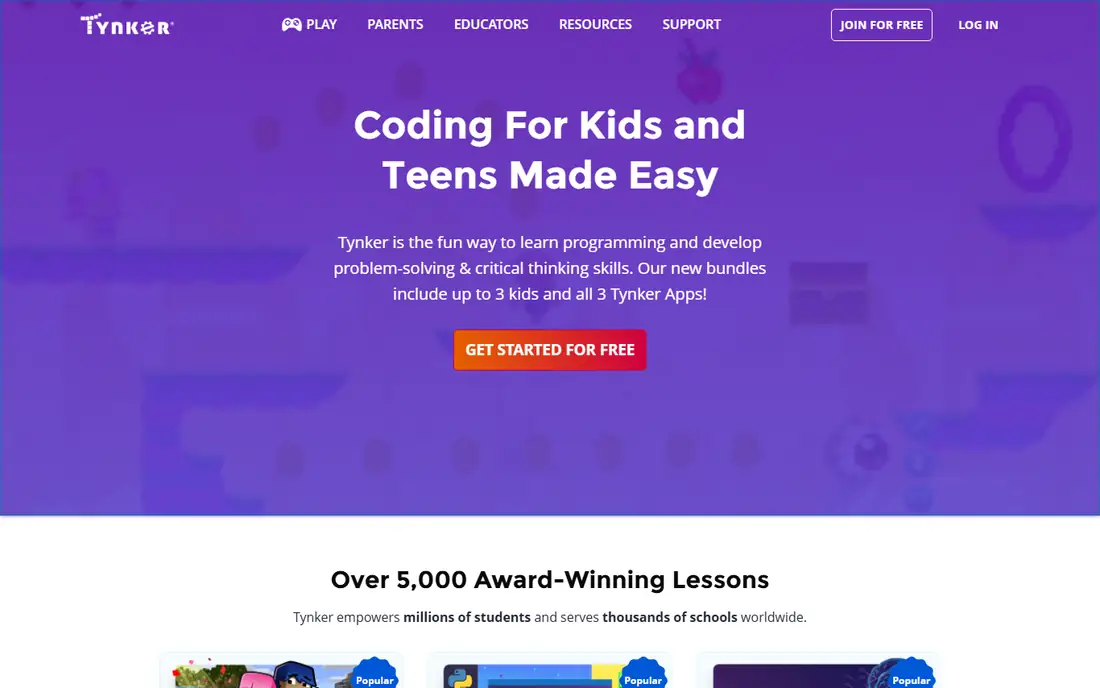
Tynker bridges the gap between Scratch blocks and real code, with a curriculum from beginner to advanced for ages 5 to 18. Kids start with blocks, then move to Python, JavaScript and HTML through games, apps and Minecraft mods, earning digital badges and certificates along the way. A parent dashboard tracks progress, and live classes and camps add guided help.
Paid plans range from 7.50 to 25 dollars a month in published comparisons, and the free tier is small, with live classes costing extra. For a family ready to pay for a gradual path from blocks to text, Tynker is the strongest progression tool here.
What we like- Path from blocks to Python, JavaScript and HTML
- Games, apps and Minecraft mods
- Parent dashboard and badges
Watch out for- Paid plans from 7.50 to 25 dollars a month
- Free tier is small
- Live classes cost extra
Starting price$9.99 per month
Free planYes
CodeCombat teaches real Python and JavaScript through an RPG game: kids type code to move a hero, fight enemies and solve levels, learning syntax because the game demands it. The first levels are free, premium costs 9.99 dollars a month, and achievement badges plus teacher tools support classroom and home use. For a game loving learner ages 9 and up, this is the most motivating route to real code.
The game framing suits some kids more than others, and younger children may find text syntax hard without a block stage first. For a child who loves games and is ready for typed code, CodeCombat is the pick.
What we like- RPG game teaches real Python and JavaScript
- First levels free
- Achievement badges and teacher tools
Watch out for- Premium costs 9.99 dollars a month
- Game framing suits some kids more than others
- Younger kids may find text syntax hard
#5Khan Academy
Best for: Free academic computer science4.5/5 on
G2 (177 reviews, checked Oct 2026)
Visit khanacademy.org
Starting priceFree
Free planYes
Khan Academy computer science is completely free, with self paced video lessons in JavaScript, HTML, CSS and SQL plus interactive programs and visualizations. Mastery badges and energy points track progress, and the academic approach suits a student who wants structured learning rather than games. It pairs well with school computer science.
The style suits ages 11 and up best, with less game motivation than CodeCombat or Tynker, and no live help beyond community forums. For a teen who wants free, serious computer science, Khan Academy is the pick.
What we like- Completely free
- JavaScript, HTML, CSS and SQL with video lessons
- Mastery badges and a structured path
Watch out for- Academic style suits ages 11 and up best
- Less game motivation than CodeCombat
- No live help
Starting price$9.99 per month
Free planYes
Kodable is built for the youngest learners, with self guided games and activities for kindergarten through grade 5 that teach JavaScript and Swift concepts through characters and levels. The interface is friendly enough for a child who cannot yet read fluently, and progress tracking helps parents see growth.
The paid plan costs 9.99 dollars a month billed yearly, or 24.99 dollars monthly, and the content aims at younger kids only, with limited depth for teens. For a parent of a 4 to 11 year old starting out, Kodable is the age matched pick.
What we like- Self guided games for kindergarten to grade 5
- JavaScript and Swift concepts
- Friendly characters and levels
Watch out for- Paid plan 9.99 dollars a month billed yearly or 24.99 dollars monthly
- Aimed at younger kids only
- Limited depth for teens
Starting price$9.99 per month
Free planYes
CodeMonkey uses monkey themed game challenges with rising difficulty to teach coding to ages 4 to 14, moving from blocks to CoffeeScript, HTML and CSS as kids progress. The game structure keeps younger learners engaged through puzzles that demand real logic, and pricing is 9.99 dollars a month or 78 dollars a year for home plans.
The monkey theme may tire older kids, and text depth trails a full course like CodaKid. For a 4 to 14 year old who learns best through games, CodeMonkey is a strong, affordable pick.
What we like- Monkey themed games with rising difficulty
- Blocks to CoffeeScript, HTML and CSS
- 9.99 dollars a month or 78 dollars a year
Watch out for- Game theme may tire older kids
- Text depth trails CodaKid
- School plans differ from home pricing
Starting price$29 per month
Free planNo
CodaKid is the premium pick for kids ready for real programming languages with professional tools. Self paced courses at 29 dollars a month teach Python, JavaScript, Java, Lua and HTML through game development, AI projects and web apps, with certificates of completion and a live help desk. Private one to one lessons cost 249 dollars a month, and virtual camps vary.
There is no free plan, so CodaKid suits a family that has already confirmed a child enjoys coding on a free tool and now wants depth. For a committed learner ages 7 to 15 ready for real languages, CodaKid is the most serious course here.
What we like- Real Python, JavaScript, Java and Lua through game and app projects
- Professional tools
- Certificates and live help desk
Watch out for- Self paced courses cost 29 dollars a month
- Private lessons cost 249 dollars a month
- No free plan
How we chose
We compared age ranges, teaching styles, languages and published prices from vendor pages and independent comparisons checked in 2026, and we weighed free tier generosity, progression from blocks to text, game motivation, parent tools and project based learning. We favored tools with a genuinely usable free tier and clear age guidance, and we noted where paid prices conflict across sources. No tool was credited with hands-on testing, and no user counts, awards or ratings were invented for this guide.
What to check before you pick
Start with age and stage, not brand. Ages 4 to 7 suit Kodable and CodeMonkey games. Ages 8 to 12 suit Scratch and Code.org blocks. Ages 9 and up ready for text suit CodeCombat, Tynker progression or Khan Academy. A tool aimed too high frustrates, while a tool aimed too low bores, so test the free tier for a week before paying.
Next, check safety and supervision. Scratch community projects, chat features and shared content need parent moderation, and screen time limits matter more than any curriculum. Sit with a young child for the first sessions, review what they share publicly, and set account privacy together. Finally, watch for the free tier trap: Tynker and CodeCombat free tiers are small by design, so confirm what is actually free before a child hits a paywall mid course.
Frequently asked questions
What is the best free coding app for kids?
Scratch for creative projects and Code.org for structured courses, both completely free. Start with Scratch if the child loves making games and stories, and Code.org if they prefer guided lessons with clear levels.
At what age should a child start coding?
Ages 4 to 5 can start with visual games like Kodable and CodeMonkey, ages 8 and up handle Scratch and Code.org well, and ages 9 and up can try real text languages through CodeCombat or Tynker. Interest matters more than exact age.
Should my child learn blocks or real code first?
Blocks first for most kids under 10, since blocks teach logic without syntax errors. Move to real Python or JavaScript around ages 9 to 12 through Tynker progression or CodeCombat, once the child understands loops and conditions.
Is CodaKid worth 29 dollars a month?
For a child who has already enjoyed free coding and wants real languages with projects and help, yes. For a child who has not tried coding yet, start free on Scratch or Code.org first, and only pay once interest is proven.
Do kids need a computer, or is a tablet enough?
Most tools here run in a browser on a computer or tablet, and Scratch and Code.org work on tablets. Real text coding and larger projects are easier with a keyboard, so a computer helps from ages 9 and up.
How much screen time is reasonable for coding practice?
Short, regular sessions beat long ones: 20 to 30 minutes a few times a week for younger kids, and 45 to 60 minutes for teens, with breaks. Treat coding like practice, not passive screen time, and balance it with offline play.
Sources we checked (4)
- https://codakid.com/blog/coding-for-kids/10-best-computer-coding-courses-kids-2026/
- https://codakid.com/blog/coding-for-kids/best-online-coding-platforms-2025/
- https://nz.hostadvice.com/blog/web-insights/best-coding-sites-for-kids/
- https://bitwithbite.com/info-pages/blogs/blog-best-free-coding-websites-for-kids-2026.html
Is your product missing or out of date?
We review this list regularly. Vendors can request a listing, send updated pricing or ask about featured placement.

Shihab Mia · Founder, Rankite
Shihab has 5+ years in B2B and SaaS SEO. He writes Rankite's software buying guides from pricing pages, documentation and public user reviews. More about Shihab.