How we make this list: we compare pricing pages, product documentation and public user reviews. Ratings come from G2, Capterra or Trustpilot, with the date we checked them.
Direct answer
Ramp is the top pick for finance teams that want card spend, expenses and bills approved in one system, with a Free plan at $0/mo/user. BILL suits AP teams that prefer published per-user pricing, starting at $49 per user/month on Essentials.
Key takeaways
- Small finance teams that want cards and bills together can start with Ramp Free at $0/mo/user, which includes configurable approval workflows.
- AP teams that want a published seat price can budget BILL Essentials at $49 per user/month, with approval workflows included.
- Procurement teams that want a flat published price can use Precoro Core from $499/month billed annually, with three-way matching included.
- Global AP teams can use Tipalti from $99/month, with unlimited users and no per-approver fees stated by the vendor.
- Expense-heavy teams on a tight budget can use Zoho Expense Standard at $3 per user/month billed annually.
Quick comparison
| Tool | Best for | Starting price | Free plan |
|---|
 Ramp | Card spend and bill approvals in one place | Free plan $0/mo/user; Plus $15/mo/user plus platform fee based on team size | Free plan at $0/mo/user; Plus 30-day trial |
 Brex | Global card spend with pre-spend controls | Essentials $0 per user per month for approved companies; Premium $12 per active user per month | Essentials $0 per user per month for approved companies |
 BILL | AP approvals with per-user published pricing | Essentials $49 per user/month | Spend & Expense $0 per user per month; AP trial in most cases |
 Stampli | Invoice-centered AP approval collaboration | See website | None found on vendor page |
 Precoro | Procurement approvals with published flat pricing | Core starts at $499/month billed annually | None found on vendor page |
 Procurify | Mid-size purchasing control before POs | See website | None found on vendor page |
 ApprovalMax | Multi-step approvals for Xero and QuickBooks | See website | 14-day free trial, no credit card needed |
 Expensify | Expense approvals with receipt scanning | Collect $5 per unique member/month, pay-per-use | Free Submit workspace for individual employees; approvals not included |
 Zoho Expense | Low-cost expense approvals for small teams | Free $0 for up to 3 users; Standard $3 per user/month billed annually | Free plan for up to 3 users, 20 receipt scans per user/month, 5 GB receipt storage |
 Tipalti | AP approvals with global supplier payments | Accounts Payable plans starting at $99/month | No free tier |
Is your product missing or out of date?
We review this list regularly. Vendors can request a listing, send updated pricing or ask about featured placement.
The best Best approval workflow software for finance teams
Finance teams lose time when approvals sit in email threads and chat messages. A good approval workflow tool routes each bill, purchase request or expense to the right person, records the decision, and blocks payment until the required sign-off is complete. The tools below cover three jobs: spend approval before money moves, invoice approval before payment, and purchase approval before a purchase order is sent. Ranking weighed published vendor pricing, approval depth, accounting fit, and clear limits on each plan. Prices and plan facts were checked on vendor pages on 2026-11-28.
#1
Ramp
Best for: Card spend and bill approvals in one place
Visit ramp.com
Starting priceFree plan $0/mo/user; Plus $15/mo/user plus platform fee based on team size
Free planFree plan at $0/mo/user; Plus 30-day trial
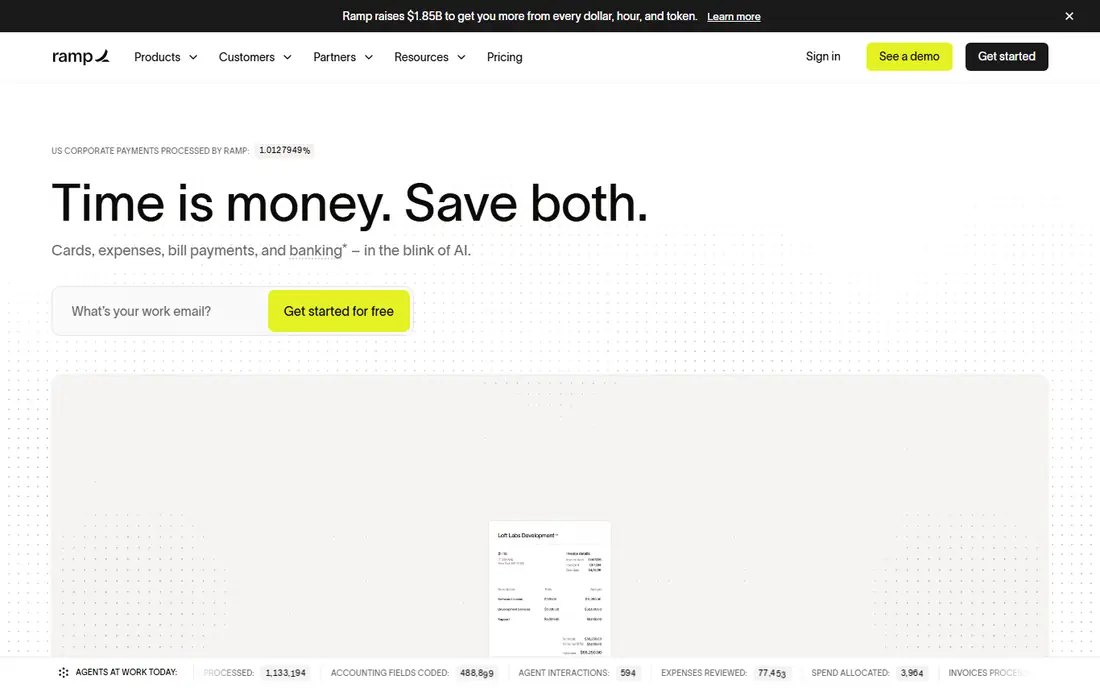
Ramp combines corporate cards, expense management, bill pay and accounting automation in one platform. The Free plan includes configurable approval workflows, automated invoice extraction, automated fraud checks, and QuickBooks Online and Xero integrations. Finance teams can set card controls by category and vendor, collect receipts automatically, and route bills for approval before payment. Plus adds NetSuite and Sage Intacct integrations, multi-entity support, payment release approvals, custom user roles and an audit log. A procurement add-on for Plus or Enterprise adds purchase order creation, intake workflows and three-way match with Ramp purchase orders.
The catch is that Plus pricing is not only $15/mo/user. Ramp states a platform fee based on team size, so the full Plus bill needs a quote. Advanced routing by GL code and entity sits in Plus and Enterprise. Pick Ramp if cards, expenses and bills belong in one place. Look elsewhere if you need procurement approvals without a card program.
What we like- Configurable approval workflows on Free
- Unlimited cards
- Bill pay with invoice OCR
Watch out for- Plus platform fee on top of $15/mo/user
- Procurement is a Plus or Enterprise add-on
#2
Brex
Best for: Global card spend with pre-spend controls
Visit brex.com
Starting priceEssentials $0 per user per month for approved companies; Premium $12 per active user per month
Free planEssentials $0 per user per month for approved companies
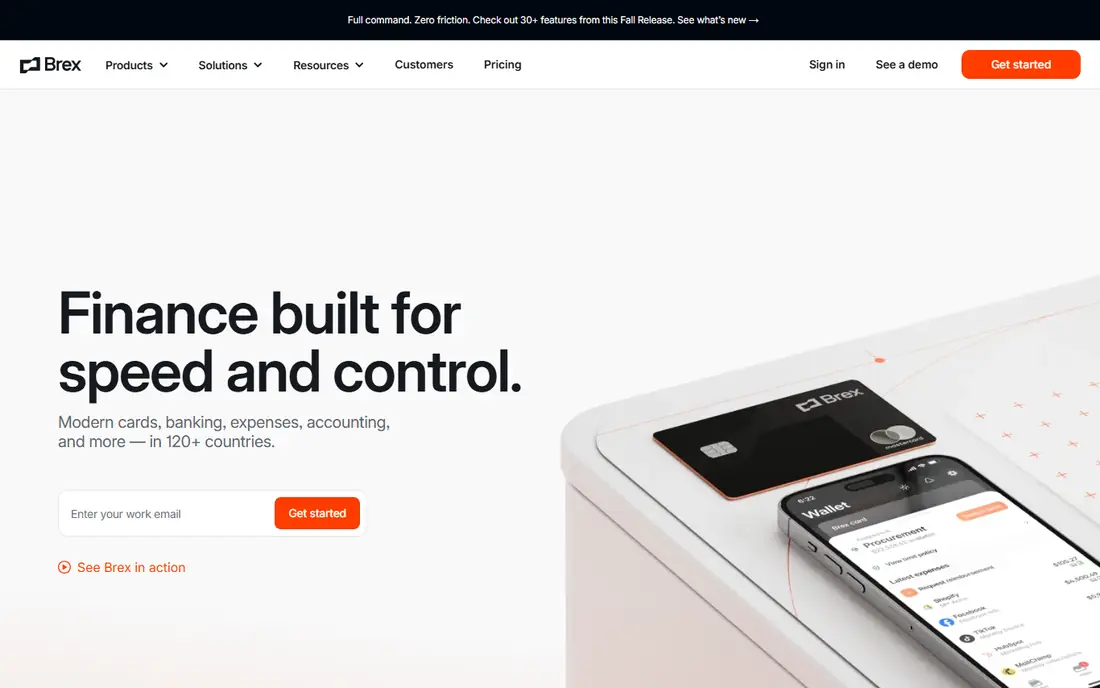
Brex is built around corporate cards with spend controls set before a purchase clears. Finance teams can set spend limits by employee, department, merchant category and transaction amount, then auto-approve in-policy expenses and flag out-of-policy charges for review. Essentials includes global card acceptance, travel booking, real-time reporting, bill pay and reimbursements. Premium adds multiple customizable expense policies, dynamic expense review chains, multi-entity support, live budgets, and ERP and HRIS integrations. Brex also states reimbursements can be paid in local currency in 40+ countries, which helps finance teams with staff in several countries.
The catch is that the $0 Essentials price applies to approved companies. A team that cannot use Brex cards gets less value from the free tier. Premium is billed per active user, so seat count drives the bill. Pick Brex if global card spend matters most. Look elsewhere if supplier invoice approval inside an ERP comes first for your finance team today.
What we like- Bill pay and reimbursements on Essentials
- Cards accepted in 210+ countries
- Premium adds dynamic review chains
Watch out for- Essentials requires company approval
- Multi-entity support needs Premium
#3
BILL
Best for: AP approvals with per-user published pricing
Visit bill.com
Starting priceEssentials $49 per user/month
Free planSpend & Expense $0 per user per month; AP trial in most cases
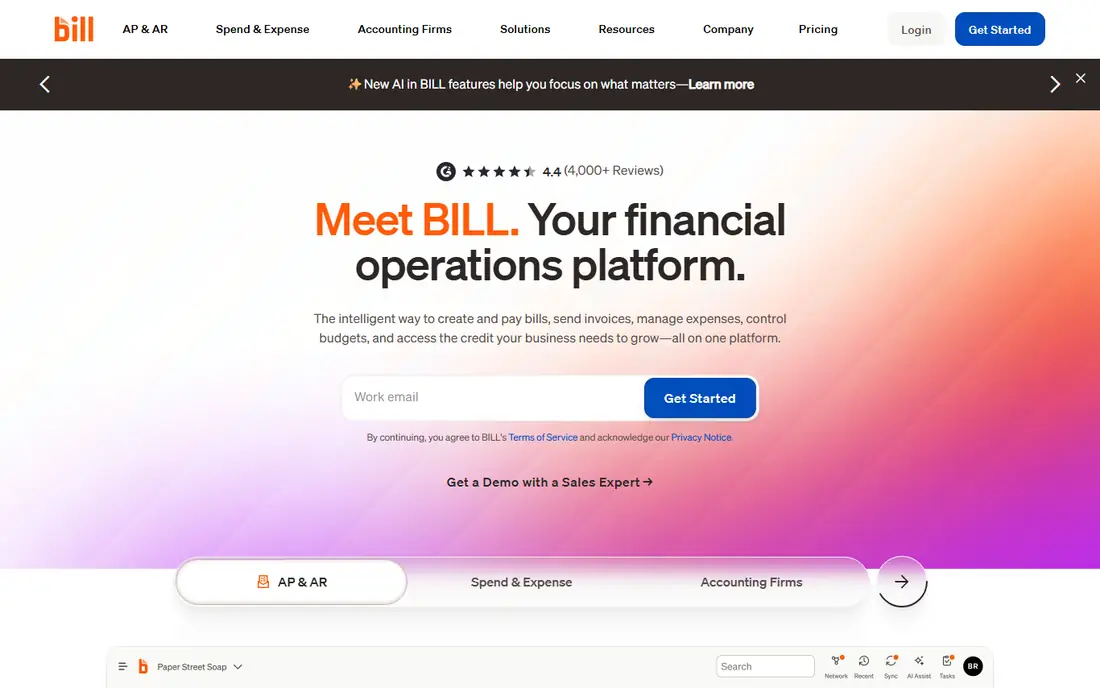
BILL focuses on accounts payable and accounts receivable for small and mid-size finance teams. Essentials at $49 per user/month includes bill entry, approval workflows, standard approval policies, payable insights and payment by ACH, virtual card and credit card. Team at $65 per user/month adds automatic 2-way sync with QuickBooks Online and Xero. Corporate at $89 per user/month adds custom approval policies, custom user roles, discounts for approver-only users, and procurement features such as purchase requests, purchase orders and 2-way matching. BILL also lists transaction fees, including $0.59 for ACH/ePayment and $1.99 for a mailed check.
The catch is that per-user pricing grows fast when many managers approve bills. Every user on Essentials and Team is billed as a standard user. Corporate separates full users from lower-cost approver-only users. Transaction fees also apply. Pick BILL if published AP pricing matters most. Look elsewhere if you need unlimited approvers at no extra seat cost across the whole company.
What we like- Approval workflows on Essentials
- ACH listed at $0.59
- Corporate adds custom policies
Watch out for- Custom policies start on Corporate at $89
- Essentials sync uses manual CSV import/export
Starting priceSee website
Free planNone found on vendor page
Stampli is an accounts payable platform built around the invoice as the shared workspace. Invoice capture, coding, approval routing, matching, exception handling and supporting communication stay on the invoice record, so approvers see context without searching email threads. Stampli states its AI, Billy, suggests approvers and codes fields based on accounting rules. The vendor lists support for multiple entities, locations, departments, vendors and approval paths. Stampli also states integrations with Oracle NetSuite, Sage Intacct, Microsoft Dynamics, SAP, Acumatica and QuickBooks. Payments can be made by ACH, card or check inside Stampli, with payment data synced back to the ERP.
The catch is that Stampli publishes no list price. Its own pages describe pricing as monthly or annual with unlimited users, vendors and training, and cost depends on the capabilities selected. Finance teams must request a quote and confirm invoice volume, modules and payment fees in writing. Pick Stampli if invoice questions and approvals are your bottleneck. Look elsewhere if you need a published price before a sales call.
What we like- Comments and approvals stay on the invoice
- Unlimited users, vendors and training stated
- Line-level PO matching
Watch out for- No published price
- Modules beyond core AP need an itemized quote
#5
Precoro
Best for: Procurement approvals with published flat pricing
Visit precoro.com
Starting priceCore starts at $499/month billed annually
Free planNone found on vendor page
Precoro covers the purchase cycle from request to invoice matching. Core starts at $499/month billed annually and includes purchase requests, purchase orders, receipts, invoices, automated approvals, three-way matching, spend management, vendor management, reporting and invoice payments. Automation starts at $999/month billed annually and adds intake management, AI document processing, real-time budget tracking, a supplier portal, PunchOut catalogs, RFPs, API access and SSO. Precoro states Core integrates with QuickBooks Online and Xero, with Slack and Microsoft Teams also listed. Enterprise is custom priced and adds unlimited users, advanced admin controls and ERP integrations.
The catch is that the flat price is high for a very small team. Core equals $5,988 per year before add-ons. Precoro help pages describe user tiers that define price and license limits, so the starting price is not final for every team. Pick Precoro for procurement approvals at a published price. Look elsewhere for expense approvals only in a small team with simple needs.
What we like- Automated approvals on Core
- Three-way matching on Core
- Published Core and Automation prices
Watch out for- Core equals $5,988 per year
- Budgets and API need Automation at $999/month
Starting priceSee website
Free planNone found on vendor page
Procurify starts with Purchasing for order requests, catalogs, vendors and purchase orders. The platform includes approval routing, budgets, spend insights, account codes, user roles and permissions, accounting integrations and a mobile app. Finance teams can route requests by department, location, user and dollar threshold, with budget impact visible before sign-off. Accounts Payable can be added for invoice capture, 2- and 3-way matching and payments with approval controls. Expense & Card can be added for spending cards and employee expenses. Procurify states Basic users who only request spend or receive goods are included at no additional cost, while pricing is determined by Pro users.
The catch is that every quote is custom. Procurify builds pricing from products, add-ons, Pro users and integrations, and implementation is a one-time cost quoted with the subscription. Standard implementation is planned over eight weeks, or twelve for Standard NetSuite. Pick Procurify if purchasing control before the PO is the main need. Look elsewhere if you need a self-serve price and a fast start.
What we like- Approval routing and budgets in Purchasing
- Basic requesters included at no extra cost
- AP adds 2- and 3-way matching
Watch out for- Quote-based pricing
- Standard implementation planned over eight weeks
Starting priceSee website
Free plan14-day free trial, no credit card needed
ApprovalMax is built for approval control inside Xero, QuickBooks Online and NetSuite. Finance teams can set multi-step approval workflows for bills, purchase orders, expenses, sales invoices and journal entries. Rules can route by amount, vendor, department or GL code, and approvers can act by email, web app or mobile app. ApprovalMax states requester and approver roles are separate by design, and each approved document carries an audit report showing who approved it and when. Plan sizes are based on approved documents: Small covers up to 100 approved documents per month, Medium up to 300, and Large up to 500, with unlimited active approvers.
The catch is that cost follows document volume, not only seat count. Teams that approve more than their plan size allowance pay for extra usage, so monthly document count must be estimated before purchase. ApprovalMax also fits best when the accounting system is Xero, QuickBooks Online or NetSuite. Pick ApprovalMax if segregation of duties and audit reports matter most. Look elsewhere if you need a full spend platform with cards and payments.
What we like- Multi-level workflows on all plans
- Requester cannot approve own request
- Audit report per document
Watch out for- Numeric prices not shown on opened pricing page
- PO matching needs Advanced or Premium
Starting priceCollect $5 per unique member/month, pay-per-use
Free planFree Submit workspace for individual employees; approvals not included
Expensify focuses on employee expenses, receipt capture, expense reports and approvals. Collect costs $5 per unique member/month on a pay-per-use basis and suits small teams that need a simple approval workflow. Control costs $18 per member/month on an annual subscription for members inside the subscription size, with a card-based discount that can reduce that price to $9. Control adds deeper approval controls, including category approvers, plus ERP integrations for teams that outgrow Collect. Expensify also offers a free Submit workspace for individual employees, but the vendor states it does not include approvals, payments, company cards or accounting integrations.
The catch is that approval depth costs more. Collect is priced for simple expense handling, while Control is the plan for multi-step approvals and ERP needs. Annual Control subscriptions also bill each month for the chosen subscription size, and extra active members cost $36 each. Pick Expensify if employee expenses are the main approval job. Look elsewhere if supplier purchase orders and invoice matching come first.
What we like- Collect pay-per-use at $5
- Control can fall to $9 with card discount
- Free Submit workspace
Watch out for- Multi-step approvals need Control
- Extra Control members cost $36 each
#9
Zoho Expense
Best for: Low-cost expense approvals for small teams
Visit zoho.com
Starting priceFree $0 for up to 3 users; Standard $3 per user/month billed annually
Free planFree plan for up to 3 users, 20 receipt scans per user/month, 5 GB receipt storage
Zoho Expense handles receipt capture, expense reports, approvals, corporate card feeds, reimbursements, mileage and per diem rules. The Free plan covers up to 3 users with 20 receipt scans per user/month and 5 GB receipt storage. Standard costs $3 per user/month billed annually, or $4 per user/month billed monthly, and adds itemized receipt capture in 38+ languages, multiple expense policies, custom user roles, ACH payments and direct bank reimbursements. Premium costs $5 per user/month billed annually, or $6 billed monthly, and adds advanced approval management, live budget tracking, multi-entity expense management and 1,000 receipt scans per user/month.
The catch is that Zoho Expense is expense-first. Its pricing page centers on expense reports, trips, cards and reimbursements, not supplier purchase order control. Teams that need PO approvals, receiving and three-way matching should compare Precoro or Procurify instead. Pick Zoho Expense if low per-user cost and expense approvals matter most. Look elsewhere if procurement approval before purchase is the core requirement.
What we like- Multiple policies on Standard
- Advanced approvals on Premium
- Scan limits up to 1,000 per user/month
Watch out for- Advanced approvals need Premium
- ERP integrations are a Standard add-on
Starting priceAccounts Payable plans starting at $99/month
Free planNo free tier
Tipalti is an accounts payable platform for teams that pay suppliers across entities and countries. Accounts Payable plans start at $99/month and include unlimited users, a self-service supplier portal and core automation features. Tipalti lists auto invoice capture and GL coding, 2- and 3-way PO matching, approvals, ERP reconciliation, tax form collection and global tax validation. The vendor states pricing is based on number of payments processed, number of legal entities, enabled modules, and global payment methods and currencies. Tipalti also states it does not charge per-user or per-approver fees, which helps finance teams with many approvers.
The catch is that $99/month is a starting price, not a total cost. Transaction pricing applies on top, and modules such as Procurement and Expenses expand the quote. Complex environments may need professional services. Pick Tipalti if global supplier payments matter most. Look elsewhere if you need a free plan or a simple expense tool for a small team today.
What we like- Unlimited users
- No per-approver fees
- 2- and 3-way PO matching
Watch out for- Transaction pricing on top of subscription
- Complex setups may need professional services
Should finance teams approve spend before purchase or after invoice?
Finance teams should approve spend before purchase when the cost is large, recurring or hard to reverse, and approve invoices before payment when goods or services have already been received. Pre-purchase approval stops budget problems early. Invoice approval checks price, quantity and receipt before money leaves the bank. The cost difference is clear in seat math. BILL Corporate at $89 per user/month costs $890/month for 10 users, while BILL Essentials at $49 costs $490/month for 10 users but lacks custom approval policies. Ramp Free costs $0/mo/user for basic card and bill approvals, while Ramp Plus costs $15/mo/user plus a platform fee. Precoro Core starts at $5,988 per year and includes purchase approvals plus three-way matching. ApprovalMax prices by approved documents, with Small at up to 100 documents per month. Match the approval point to the risk: purchase requests for planned spend, invoice approvals for supplier bills, and expense approvals for employee claims.
What approval workflow features matter most for finance teams?
The features that matter most are routing rules, segregation of duties, audit history, budget checks and accounting sync. Routing should send each request by amount, department, vendor, entity or GL code. Segregation of duties should stop a requester from approving the same request. Audit history should show who approved, what changed and when. Budget checks should warn approvers before a department goes over plan. Sync should post approved records to QuickBooks Online, Xero, NetSuite or the ERP in use.
How much does approval workflow software cost for a 25-person team?
Seat math gives a starting point, but each vendor counts users differently. BILL Team at $65 per user/month equals $1,625/month for 25 users. Ramp Plus at $15/mo/user equals $375/month before the platform fee. Brex Premium at $12 per active user/month equals $300/month. Zoho Expense Standard at $3 per user/month billed annually equals $75/month. Precoro Core starts at $499/month billed annually. Tipalti starts at $99/month plus transaction pricing. Confirm who counts as a paid user before signing.
QuickBooks Online and Xero teams can start with Ramp Free, BILL, ApprovalMax, Zoho Expense or Expensify Collect. Ramp Free lists QuickBooks Online and Xero integrations. BILL Team adds automatic 2-way sync for both. ApprovalMax is built for Xero, QuickBooks Online and NetSuite. NetSuite teams should compare Ramp Plus, BILL Enterprise, Stampli, Tipalti and ApprovalMax. Confirm sync direction, custom fields and multi-entity support in writing.
Frequently asked questions
What is the best approval workflow software for finance teams?
Ramp is the best starting point for finance teams that want cards, expenses and bills approved in one system. Its Free plan costs $0/mo/user and includes configurable approval workflows. BILL fits AP teams that want published pricing from $49 per user/month. Precoro fits procurement teams that need three-way matching from $499/month billed annually.
How much should a finance team budget for approval software?
Budget by user count, document count and payment volume. Published prices range from $0/mo/user on Ramp Free and Brex Essentials to $49 per user/month on BILL Essentials. Precoro Core starts at $499/month billed annually. Tipalti starts at $99/month plus transaction pricing. Quote-based tools need written quotes first.
Do free plans include real approval workflows?
Some free plans include approval workflows, and some do not. Ramp Free includes configurable approval workflows at $0/mo/user. Brex Essentials costs $0 per user per month for approved companies. Zoho Expense Free covers up to 3 users with tighter limits. Expensify states its free Submit workspace does not include approvals or accounting integrations.
What is the difference between spend approval and invoice approval?
Spend approval happens before money is committed, such as approving a purchase request or card limit. Invoice approval happens after a supplier bill arrives and before payment is released. Precoro and Procurify focus on approval before purchase. BILL, Stampli and Tipalti focus on invoice approval before payment. Many teams need both.
How long does setup take for approval workflow software?
Setup time depends on ERP sync, approval rules, user roles and data cleanup. Self-serve tools with published plans can start faster than quote-based platforms. Procurify states standard implementation is planned over eight weeks, or twelve for Standard NetSuite. Ask each vendor for a written timeline before signing.
What to look for before you buy
First, map your approval points for purchase requests, supplier invoices, card spend and employee expenses. Second, count paid users, approvers, entities and monthly documents so seat and volume pricing can be compared fairly. Third, confirm accounting sync for QuickBooks Online, Xero, NetSuite or your ERP, including custom fields and multi-entity support. Fourth, check segregation of duties, audit history, budget checks and delegation when an approver is away. Fifth, get total cost in writing, including platform fees, transaction fees, implementation, add-ons and renewal terms.
How we chose
Tools were selected for finance approval jobs: spend approval, invoice approval, procurement approval and expense approval. Prices, plan names, free plan limits and feature claims were checked on vendor pricing pages, vendor help pages and official product pages on 2026-11-28. No hands-on testing is claimed. Tools with hidden pricing are marked See website instead of using third-party estimates. Each pick had to be a live product with a working official site and a clear finance approval use case.
Sources we checked (12)
- https://ramp.com/pricing?5b3eb749_page=2
- https://www.brex.com/spend-trends/expense-management/business-expense-tracking-software
- https://www.bill.com/product/pricing
- https://www.stampli.com/ap-automation-platform/
- https://precoro.com/pricing
- https://www.procurify.com/pricing/
- https://approvalmax.com/pricing/approvalmax-for-quickbooks-online
- https://help.expensify.com/articles/new-expensify/billing-and-subscriptions/explore-plans-subscriptions-and-pricing/Understand-Expensify-Pricing
- https://www.zoho.com/us/expense/pricing/?src=expense-header
- https://tipalti.com/pricing/
- https://www.procurify.com
- https://approvalmax.com/features/approval-workflows?channel=ad_native2
Is your product missing or out of date?
We review this list regularly. Vendors can request a listing, send updated pricing or ask about featured placement.

Shihab Mia · Founder, Rankite
Shihab has 5+ years in B2B and SaaS SEO. He writes Rankite's software buying guides from pricing pages, documentation and public user reviews. More about Shihab.