How we make this list: we compare pricing pages, product documentation and public user reviews. Ratings come from G2, Capterra or Trustpilot, with the date we checked them.
Key takeaways
- Google Gemini is the best overall free option, with Nano Banana 2 handling new images and photo edits in a free account.
- Bing Image Creator gives the most free volume, with 15 fast creations daily plus slower standard creations.
- Ideogram wins for text-heavy designs, with 30 free credits per week and accurate in-image text.
- Adobe Firefly is the best commercial-safe choice, with free daily generations trained on licensed content.
- Free means something different on every platform: daily allowances, weekly credits, and public-by-default images all vary.
Quick comparison
Is your product missing or out of date?
We review this list regularly. Vendors can request a listing, send updated pricing or ask about featured placement.
The best apps to create AI images for free
Starting priceFree
Free planYes
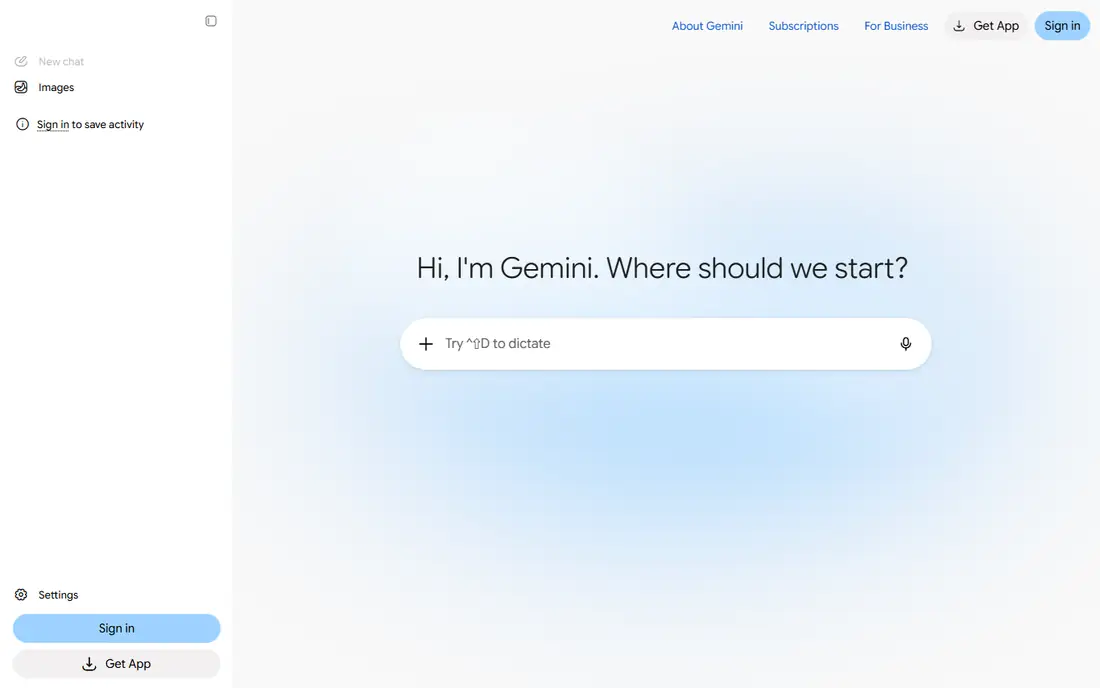
Google Gemini is the best free AI image generator for most people in October 2026, because its Nano Banana 2 model handles both new images and photo edits inside a free Google account. Conversational prompts let you refine an image step by step: change the background, adjust the style, or fix a detail without rewriting the whole prompt. Photo edits include changing outfits, backgrounds, and seasons while keeping the subject recognizable, which suits social content well and product mockups. That editing flow suits character scenes and photo transformations better than one-shot generators.
The free quota is typically 5 to 15 images daily, lower than Bing volume, and commercial terms vary by use. For a user who wants the best free quality with editing built in, Gemini is the first tool to try.
What we like- Nano Banana 2 model
- New images plus photo edits
- Conversational prompts
Watch out for- Free quota typically 5 to 15 images daily
- Needs a Google account
- Commercial terms vary
Starting priceFree
Free planYes
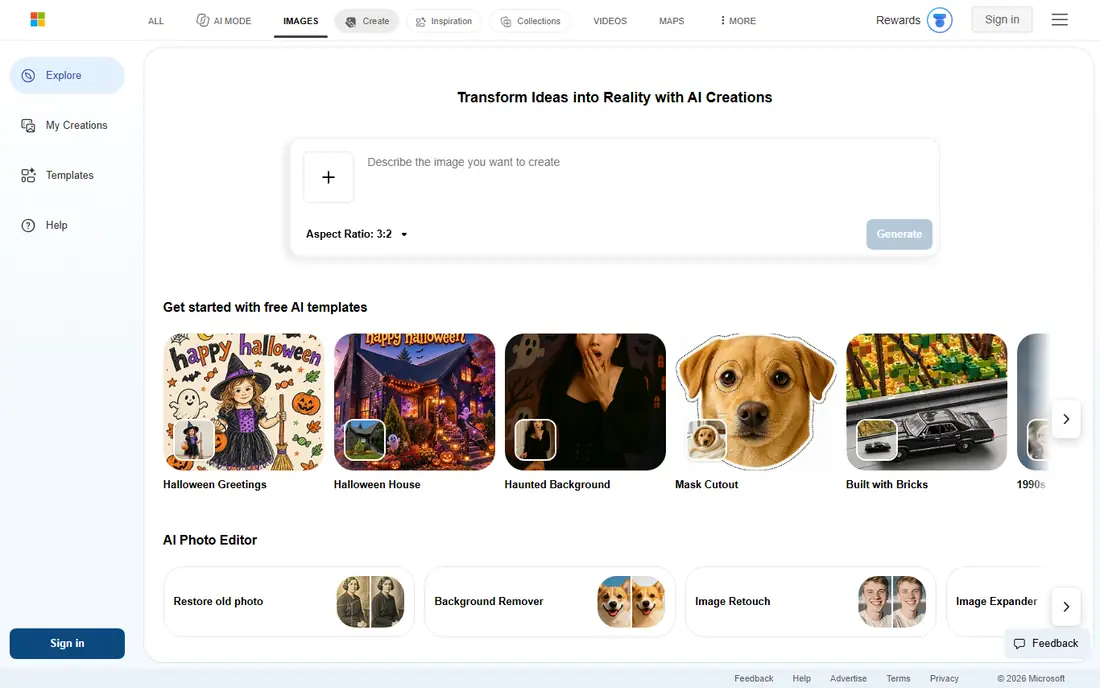
Bing Image Creator runs on DALL-E 3 and is free with a Microsoft account, with no app or install needed. You get 15 fast boosts per day, and even after boosts run out, generation continues at slower standard speed, so patient users can technically generate unlimited images. Downloads carry no watermark, and the model understands complex sentences well.
The focus is personal use rather than commercial work, and generation speed varies with load. For a beginner who wants the most free images with zero setup, Bing is the volume king.
What we like- 15 fast creations daily
- Slower standard creations after
- DALL-E quality
- No watermark
Watch out for- Personal use focus
- Speed varies
- Needs a Microsoft account

#3Leonardo AI
Best for: Daily volume plus styles4.5/5 on
G2 (32 reviews, checked Oct 2026)
Visit leonardo.ai
Starting priceFree
Free planYes
Leonardo AI gives 150 daily tokens, roughly 30 to 50 images depending on model, with no watermarks and full commercial rights on public creations. Model families include FLUX Dev for quality, FLUX Schnell for speed, and Leonardo Phoenix, plus inpainting, outpainting, image-to-image, and style reference tools that normally require paid subscriptions. Style presets cover realism, anime, and game assets. Image guidance lets you upload a rough sketch as a pose reference, turning a stick figure into a polished character design.
The token system feels confusing at first, queue times grow at peak hours, and video generation is not on the free tier. For a creator who needs daily volume, style control, and commercial rights for free, Leonardo is unmatched.
What we like- 150 daily tokens
- FLUX models
- Inpainting and outpainting
- Commercial rights
Watch out for- Token system confuses beginners
- Queue times at peak
- Video not on free tier
Starting priceFree
Free planYes
Ideogram is widely regarded as the strongest free option for images with accurate, readable text inside them, useful for posters, signage mockups, logos, labels, and thumbnails. Most AI tools garble text, while Ideogram renders it correctly most of the time. The free tier offers 30 credits per week.
It is less specialized for pure photorealism than Leonardo or Gemini, and weekly credits run out fast for heavy users. For a creator whose images must contain words, Ideogram is the essential tool.
What we like- Best in-image text accuracy
- 30 free credits weekly
- Good for logos and posters
Watch out for- Less specialized for photorealism
- Weekly credits run out fast
- Fewer models
Starting priceFree
Free planYes
Adobe Firefly offers free daily generations trained on licensed Adobe Stock and public domain content, which makes it the safest choice for client and commercial work. Integration with Adobe Express and Creative Cloud suits designers who already work in Adobe tools. For commercial-safe work where licensing risk matters, Firefly is the responsible pick.
The free tier is more limited than paid plans, and full feature access often requires a Creative Cloud subscription. For a freelancer or agency that cannot risk training-data disputes, Firefly safety outweighs its smaller free allowance.
What we like- Trained on licensed content
- Free daily generations
- Adobe integration
Watch out for- Free tier more limited than paid
- Full features need Creative Cloud
- Fewer styles
Starting priceFree
Free planYes
Canva Magic Media adds AI image generation directly into the Canva editor, making it one of the most accessible options for non-designers who already use Canva for layouts and social graphics. Type a prompt, get an image, and drop it straight into a design with brand colors and fonts consistent. Export to PNG or straight into a design, which saves a download and upload step. The workflow from idea to finished post is faster than any standalone generator plus design tool.
Free-tier generation credits are limited, and heavier use typically requires Canva Pro. For a blogger or marketer who wants the image and the design in one place, Magic Media is the most convenient free option.
What we like- Generates inside Canva editor
- Brand colors and fonts
- Fast idea-to-visual workflow
Watch out for- Free generation credits limited
- Heavier use needs Canva Pro
- Quality varies
Starting priceFree
Free planYes
Craiyon offers no-frills free image generation with a simple interface and no account needed for basic use. It suits quick ideas, memes, and brainstorming where quality matters less than speed. Ads support the free tier, and output quality trails Gemini, Leonardo, and Bing.
For a casual user who wants to try AI images without signing up or learning a complex tool, Craiyon is the easiest first step. Serious work should move to Leonardo or Firefly.
What we like- Free with no account needed for basic use
- Simple interface
- Fast ideas
Watch out for- Lower quality than leaders
- Ads
- No commercial polish
Starting priceFree
Free planYes
Perchance allows limited AI image generation without sign-up, alongside a range of community-driven generators. It suits users who want to test AI images with zero commitment, no account, and no payment method. Quality varies by generator, and controls are fewer than dedicated platforms.
For a privacy-conscious user who dislikes accounts, Perchance is the lowest-friction option. For consistent quality and saving work, an account-based tool like Bing or Leonardo serves better long term.
What we like- Limited use without sign-up
- Free generators
- Simple access
Watch out for- Quality varies
- Fewer controls
- Community-driven tools
How we chose
We compared tools on published free-tier limits, image quality, text accuracy, commercial licensing, editing features, and account requirements. We used vendor pricing and help pages checked in October 2026, plus published comparisons. Where free quotas varied by source, we listed the most commonly reported figure and advised checking current terms.
How to pick a free AI image app
Start with your use case today. Gemini suits quality plus editing, Bing suits volume, Leonardo suits style and commercial rights, Ideogram suits text, Firefly suits commercial safety, and Canva suits design integration. No single free tool wins every category, so many creators use two: Leonardo for volume and Ideogram for text, or Gemini for edits and Firefly for client work.
Next, write better prompts. Use a simple formula: subject plus art style plus lighting and atmosphere plus camera angle. A prompt like a futuristic city with flying vehicles, cyberpunk anime style, neon purple lighting on a rainy night, wide angle drone shot, beats a single word like city. Add negative details too: no text, no extra fingers, no blur, when the tool supports them.
Then check licensing before commercial use. Leonardo public creations carry a non-exclusive commercial license, Firefly trains on licensed content for safer commercial use, and Bing focuses on personal use. Always check each platform terms for your specific project, and keep records of which tool made each image. Free images are not automatically free for every use.
Avoid generating images of real people without permission, and never use AI images to mislead, impersonate, or create deceptive news. Label AI images when publishing editorial content, since readers deserve to know what is real and what is generated. Finally, manage your credits wisely. Daily tokens reset, weekly credits do not roll over, and public-by-default images on some free tiers mean your prompts and outputs may be visible. Generate small test versions first now, refine the prompt, then spend full credits on the final image. Save favorites immediately today, since free tiers may not keep history forever. Save prompts that work well.
Frequently asked questions
What is the best free AI image generator right now?
Google Gemini with Nano Banana 2 and Leonardo AI are the most recommended free options. Gemini excels at conversational creation and photo editing, while Leonardo gives 150 free tokens daily for artistic outputs and style experimentation.
How many images can I generate for free?
Leonardo gives 150 tokens daily, roughly 20 to 50 images depending on settings. Gemini free quota is typically 5 to 15 images daily, Bing offers 15 fast creations daily plus slower standard ones, and Ideogram gives 30 credits weekly.
Are free AI-generated images allowed for commercial use?
It depends on the platform. Leonardo public creations carry a non-exclusive commercial license, Firefly trains on licensed content for safer commercial use, and Bing focuses on personal use. Always check each platform licensing terms carefully for your project.
Can I use these tools without an account?
Bing and Perchance allow limited use without sign-up, but Gemini, Leonardo, and Canva require free account registration for daily usage tracking and saving work. Accounts also protect your history and credits.
Why does AI text in images look wrong?
Most image models struggle with spelling because they generate pixels, not letters. Ideogram specializes in text rendering and gets it right most of the time, while other tools improve with short, simple text and repeated attempts. Try shorter phrases first, since long sentences with many words fail more often than a single short sign or label.
Do free AI images have watermarks?
Leonardo and Bing free downloads carry no watermarks, while some tools add branding or keep free images public. Check each tool terms before using a free image in client work.
Sources we checked (8)
- https://gemini.google.com
- https://www.bing.com/images/create
- https://leonardo.ai/pricing
- https://ideogram.ai/pricing
- https://firefly.adobe.com/pricing
- https://www.canva.com/pricing/
- https://www.craiyon.com
- https://perchance.org
Is your product missing or out of date?
We review this list regularly. Vendors can request a listing, send updated pricing or ask about featured placement.

Shihab Mia · Founder, Rankite
Shihab has 5+ years in B2B and SaaS SEO. He writes Rankite's software buying guides from pricing pages, documentation and public user reviews. More about Shihab.
 Google Gemini
 Bing Image Creator
 Ideogram
 Adobe Firefly
 Canva Magic Media
 Craiyon
 Perchance