How we make this list: we compare pricing pages, product documentation and public user reviews. Ratings come from G2, Capterra or Trustpilot, with the date we checked them.
Key takeaways
- The safest way to earn with AI help is through an established marketplace or cashback platform, not through an app that promises passive income from AI alone.
- Upwork and Fiverr fit skilled freelancers who can sell a service, while CapCut, Adobe Express, and YouTube fit creators who earn from content, clients, or ads over time.
- Ibotta and Rakuten fit shoppers who want cash back on purchases they would make anyway, not people looking for a wage.
- Etsy fits makers and designers who can use AI design help to create listings, but sales depend on demand, pricing, photos, and reviews.
- Fees, competition, and time to a first sale matter more than any AI feature, so check commission rates and payout rules before you start.
Quick comparison
| Tool | Best for | Starting price | Free plan |
|---|
 Upwork Upwork | Freelance services with AI hiring help | $0 | Yes |
 Fiverr Fiverr | Selling fixed-price freelance services | $0 | Yes |
 CapCut CapCut | AI video editing for creators | See website | Yes |
 Adobe Express Adobe Express | AI design for social and shop content | See website | Yes |
 Ibotta Ibotta | Cash back on groceries and shopping | $0 | Yes |
 Rakuten Rakuten | Cash back on online shopping | $0 | Yes |
 Etsy Etsy | Selling handmade and digital goods | See website | Yes |
 YouTube YouTube | Creator income from video over time | $0 | Yes |
Is your product missing or out of date?
We review this list regularly. Vendors can request a listing, send updated pricing or ask about featured placement.
The best ai money making apps free
#1Upwork
Best for: Freelance services with AI hiring help4.5/5 on
G2 (3,234 reviews, checked Oct 2026)
Visit upwork.com
Starting price$0
Free planYes
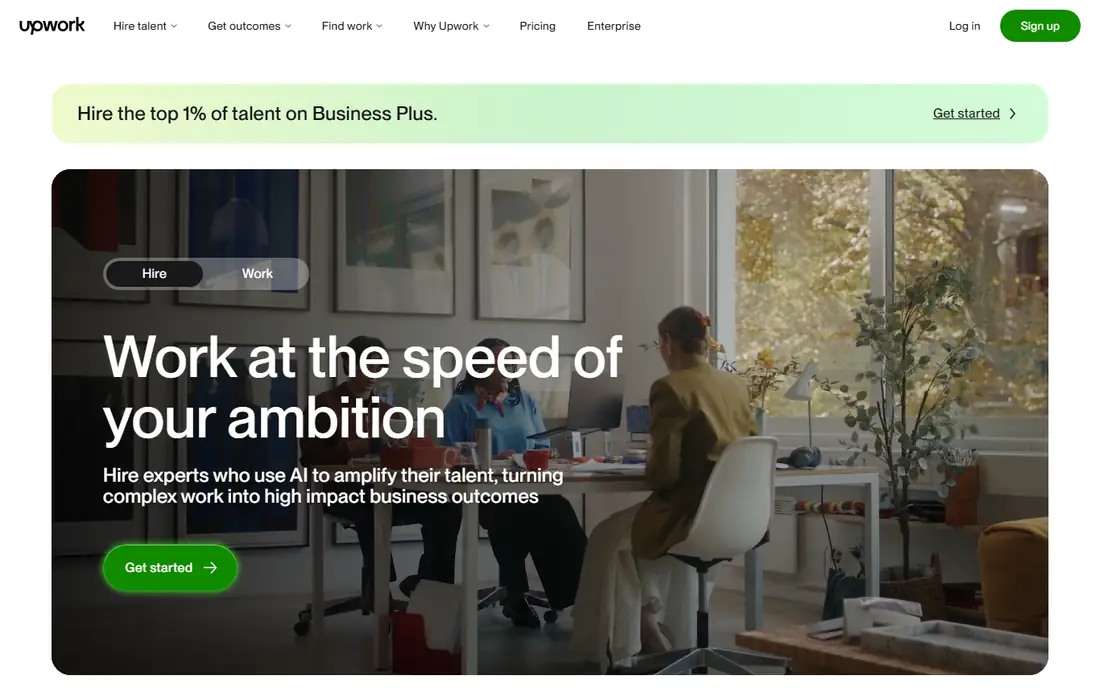
Upwork fits people who already have a sellable skill, such as writing, design, coding, data work, or admin support, and who want clients to find them through a marketplace. Clients can post a job free, and the platform offers AI help to draft the post, invite candidates, and build a shortlist. For freelancers, the AI value is indirect: better matching and clearer job posts can shorten the search, but the work itself still needs skill, communication, and delivery.
The honest catch is cost and competition. Upwork charges clients a service fee that varies by plan, and freelancers buy Connects to submit proposals, so applying for many jobs without wins can cost money. New sellers should start with a narrow service, a clear profile, and a few strong samples, rather than bidding on every job. Income is not guaranteed, and the first clients usually take the longest to win.
What we like- Large freelance marketplace across many skills
- AI job post generator and Uma hiring help for clients
- Escrow-backed payments for approved work
Watch out for- Freelancers pay for Connects to apply for many jobs
- Competition is strong, especially for new profiles with no reviews
#2Fiverr
Best for: Selling fixed-price freelance services4.3/5 on
G2 (464 reviews, checked Oct 2026)
Visit fiverr.com
Starting price$0
Free planYes
Fiverr suits sellers who prefer to package a service as a product: a logo package, a voiceover, a video edit, or a short writing task, with clear deliverables and prices. Buyers browse gigs and order without a long hiring process, which can help a new seller get a first order faster than a proposal-based marketplace. Fiverr has also added AI seller tools, including a personal AI creation model and a personal assistant for eligible sellers, which can help with client messages and repeat work.
The fee math needs attention before pricing a gig. A seller keeps 80 percent of the order value after the 20 percent platform fee, before any payment or tax considerations, so a $25 gig pays $20 to the seller. Sellers should also check the rules for AI-generated work, be transparent with buyers when AI is used, and avoid selling work they do not have the rights to deliver. Growth depends on reviews, response time, and repeat buyers.
What we like- Sellers list defined gigs with set prices
- Buyers pay only when they order
- AI tools for sellers include Fiverr Go features for eligible sellers
Watch out for- Fiverr takes 20 percent of each order from sellers
- New sellers start with limits on active gigs and need reviews to grow
Starting priceSee website
Free planYes
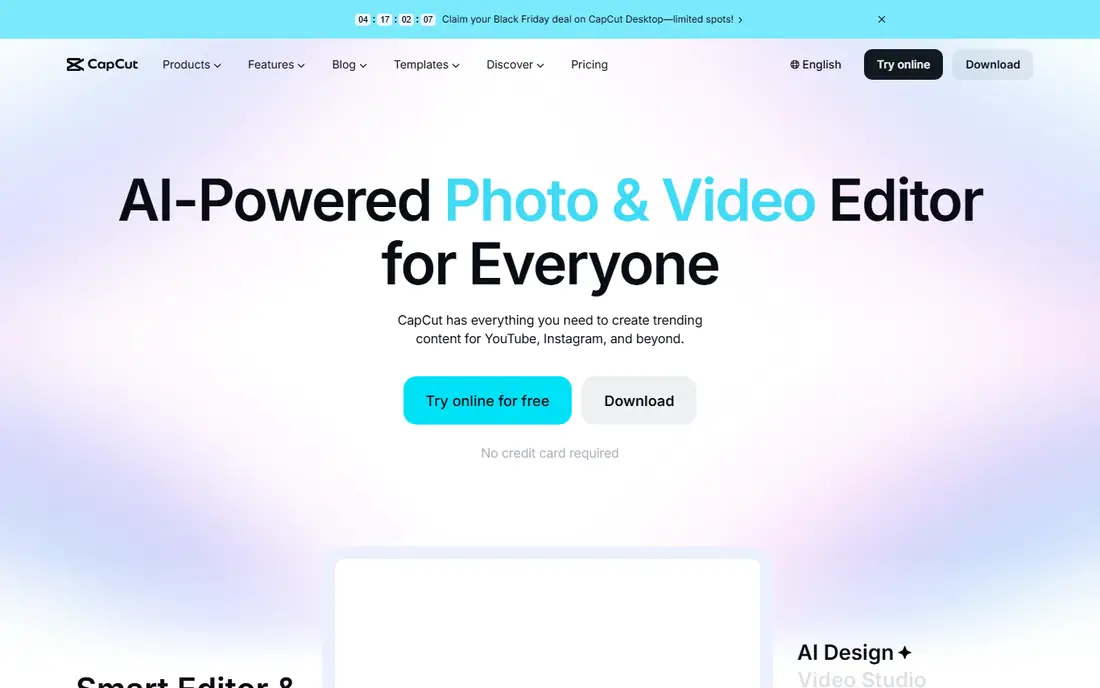
CapCut fits creators who make short videos for YouTube, TikTok, Instagram, or client work, and who want AI help to speed up editing. The free version covers cutting, captions, templates, and basic effects, while AI features such as auto subtitles, background removal, and text-to-video drafts can turn a rough idea into a publishable clip faster. That speed matters for creators who post often, because consistent output is often what builds an audience.
Earning from CapCut is indirect. The app does not pay creators for using it. Income comes from client video work, brand work, affiliate or ad income on a creator's own channels, or selling editing services on a marketplace such as Fiverr or Upwork. Check the paid plan before using AI assets for client work, because licenses, export quality, and commercial rights differ by plan.
What we like- Free online and mobile editing with AI tools
- Auto captions, background removal, and text-to-speech
- Templates for short-form video
Watch out for- Advanced AI features and exports may need a paid plan
- Commercial use terms and watermarks vary by plan and feature
#4Adobe Express
Best for: AI design for social and shop content4.5/5 on
G2 (855 reviews, checked Oct 2026)
Visit adobe.com
Starting priceSee website
Free planYes
Adobe Express suits small sellers, social managers, and creators who need clean graphics without learning a full professional design suite. A seller can make social posts, shop banners, thumbnails, and simple product graphics, then use AI features to generate backgrounds, remove objects, or resize a design for different platforms. That workflow helps an Etsy seller, a YouTube creator, or a freelancer who offers social content as a service.
The limit is that design tools do not create demand. A good thumbnail can raise clicks, and a clean shop banner can raise trust, but the product, price, and audience still decide sales. Start free, learn which templates and sizes a client or channel actually needs, and only pay for premium features when the paid credits and assets are used every week.
What we like- Free plan with templates and basic design tools
- Firefly AI image features for backgrounds and elements
- Strong fit for social posts and product graphics
Watch out for- Full premium features and some AI credits need a paid plan
- Design skill and a clear offer still decide whether content sells
Starting price$0
Free planYes
Ibotta fits shoppers in the US who already buy groceries and household items and want some money back without changing stores. Users activate offers in the app, shop, and submit a receipt or link a loyalty account where supported, then earn cash back on eligible items. The app also covers online shopping through its browser and app links, which can stack with store sales in some cases.
The honest point is scale. Ibotta returns a portion of spending, so it cannot replace earnings from work, and chasing offers for items a household would not buy can cost more than it saves. Use it for regular purchases, check offer expiry dates, and track payout thresholds before expecting a withdrawal. This is not financial advice, and cash back should be treated as savings on spending, not as a reliable income stream.
What we like- Free app for cash back on in-store and online purchases
- Offers for groceries and everyday brands
- Payout options include PayPal and gift cards
Watch out for- Cash back depends on eligible offers and receipts
- Amounts per offer are small, so it is savings, not income
Starting price$0
Free planYes
Rakuten suits online shoppers who buy from large retailers and want a simple way to earn back a share of spending. Members click through Rakuten to a store, shop as normal, and earn a cash back rate shown for that store at that time. The browser extension can also surface coupons at checkout, which can add savings on top of cash back in some cases.
Rates are the catch. A store may offer a low rate, a higher rate during a promotion, or no cash back on certain categories, so the amount earned on one order may be small. Payouts arrive quarterly, with instant gift card options for some users, and American Express members may choose points instead of cash in some cases. Treat Rakuten as a discount tool for planned purchases, not as a way to earn money by spending more.
What we like- Free to join with cash back at many online stores
- Browser extension can apply eligible coupons at checkout
- Quarterly payouts by PayPal, check, or gift cards
Watch out for- Cash back rates vary by store and change often
- Cash back is paid on a schedule, not instantly after purchase
#7Etsy
Best for: Selling handmade and digital goods1.4/5 on
Trustpilot (21,438 reviews, checked Oct 2026)
Visit etsy.com
Starting priceSee website
Free planYes
Etsy fits makers, designers, and digital sellers who can create a product people want and present it well. A seller can list physical goods, such as candles or jewelry, or digital goods, such as templates and printables made with design tools that include AI features. Etsy search uses buyer behavior and listing quality to surface shops, and seller tools help with photos, titles, tags, and shop policies.
The cost side needs a clear spreadsheet before launch. Etsy charges a listing fee per item, plus transaction and payment processing fees on a sale, and optional advertising costs if a seller turns ads on. Those fees, plus materials, shipping, and time, decide whether a shop makes money. Start with a small range, test titles and photos, and read the current fee page before pricing, because fees change and a low price can leave little margin after costs.
What we like- Large marketplace for handmade, vintage, and digital products
- Seller tools for listings, search, and ads
- AI-assisted search and recommendations help buyers find shops
Watch out for- Listing fees, transaction fees, and payment fees apply
- Competition is high in popular categories such as printables and jewelry
Starting price$0
Free planYes
YouTube suits creators who can publish useful or entertaining videos on a regular schedule and build trust with a specific audience. AI features in YouTube Studio and in editing tools such as CapCut can help with captions, translations, and rough cuts, but the channel still needs a clear topic, good audio, and titles that match what viewers search for. Once a channel meets Partner Program requirements, it can earn from ads, and larger channels can add memberships, Super Thanks, and brand deals.
The long road is the main limit. Most new channels earn little or nothing at first, and ad rates vary by topic and season. A creator should treat YouTube as a long-term project, not as a quick payout, and should keep costs low while testing formats. Check the current Partner Program rules on YouTube before making plans based on ad income, because thresholds and policies change.
What we like- Free to publish videos and build an audience
- AI help for captions, dubbing, and editing in creator tools
- Income can come from ads, memberships, and brand work
Watch out for- Partner Program thresholds for ad income take time to reach
- Income varies widely and depends on niche, watch time, and advertisers
How we chose
We checked vendor homepages and pricing pages, platform fee pages, and public reviews on G2, Capterra, and Reddit, and we kept only products that exist today and that a US reader can actually join and use. For this topic we applied a strict test: a platform had to offer a real way to earn, through freelance work, creator income, selling goods, or cash back on real purchases, plus a real AI feature such as AI matching, AI editing, AI design, or AI recommendations. We excluded apps that promise guaranteed AI income, apps that charge for vague AI trading or AI automation schemes, and any product we could not verify on its own site. This is not financial advice. Earnings depend on skill, demand, fees, time, and luck, and no platform on this list guarantees income.
How to judge an AI earning claim
A strong claim names the work, the buyer, and the fee. A weak claim talks only about AI and income, without saying who pays, for what, and when. Ask three questions before joining any platform: who is the paying customer, what exact service or product will they buy, and what share does the platform keep. If those answers are unclear, or if the app asks for payment before any work or sale, walk away and use an established marketplace instead.
Freelance and creator work
For freelance and creator platforms, start with one narrow offer and a price that covers fees and time. A profile with three strong samples beats a profile with twenty vague services. Track hours, Connects costs on Upwork, and the 20 percent fee on Fiverr, so a low price does not turn into unpaid work. For creators, track watch time, click-through, and repeat viewers, not just views, because those signals show whether an audience will return.
Cash back and selling goods
For cash back, only count savings on purchases already planned, and compare the cash back rate with the store price, because a higher price with cash back can still cost more than a lower price elsewhere. For Etsy, price from costs upward: materials, fees, shipping, packaging, and time, then add a margin. A shop that sells often at a small loss will not be fixed by more listings. Check payout timing, return rules, and tax duties for sellers, and keep records from the start.
Red flags to avoid
Avoid apps that promise daily passive income from AI, apps that require an upfront fee to access earnings, and apps that use fake testimonials or copied screenshots. Avoid any tool that asks for bank login details outside a trusted payment provider, or that tells a seller to mislead buyers about AI-generated work. If an app cannot show a real product, a real pricing page, and real payout terms, it does not belong in a money plan.
Frequently asked questions
Can I really make money with a free AI app?
Yes, but only through work or sales on a real platform, not from the app itself. Freelance marketplaces pay for client work, creator platforms pay from ads and brand work over time, and cashback apps return part of spending. No free app pays a wage for simply opening it.
Which option is best for a beginner with no audience?
Freelance marketplaces such as Upwork and Fiverr fit beginners with a skill, because buyers already visit those sites. Cashback apps such as Ibotta and Rakuten fit beginners who want savings without an audience. Creator channels such as YouTube take longer, because an audience must be built first.
Do I need to pay for AI features to earn?
No, in most cases here. Free plans cover basic AI editing, design, matching, and recommendations. Paid plans can save time, but they should only be bought when the time saved is used for paid work or for content that already earns. Check commercial licenses before using AI assets for client work.
How much can I earn from cashback apps?
Amounts are small per purchase and depend on offers, store rates, and spending. Cashback is best seen as savings, not income. A household that shops regularly may earn useful amounts over a year, but it will not replace earnings from a job or freelance work.
Is it legal to sell AI-assisted work on Fiverr, Upwork, or Etsy?
It can be, if the seller follows each platform's rules, discloses AI use where required, and has the rights to deliver the work. Sellers should not present AI output as original human work when a buyer asked for human work, and they should not sell copyrighted material they do not own. Read the current policy page for each platform before listing.
What should I do before I trust a new AI money app?
Check the vendor homepage, the pricing page, and the payout terms, and search for independent reviews on G2, Capterra, and Reddit. If the app has no clear buyer, no clear fee, and no clear payout method, do not pay to join it. This is not financial advice, and any income claim should be treated as unproven until the platform shows how buyers pay.
Sources we checked (8)
- https://www.upwork.com/pricing
- https://www.fiverr.com
- https://www.capcut.com/pricing
- https://www.adobe.com/express/pricing
- https://www.ibotta.com
- https://www.rakuten.com
- https://www.etsy.com/sell
- https://www.youtube.com/creators
Is your product missing or out of date?
We review this list regularly. Vendors can request a listing, send updated pricing or ask about featured placement.

Shihab Mia · Founder, Rankite
Shihab has 5+ years in B2B and SaaS SEO. He writes Rankite's software buying guides from pricing pages, documentation and public user reviews. More about Shihab.