How we make this list: we compare pricing pages, product documentation and public user reviews. Ratings come from G2, Capterra or Trustpilot, with the date we checked them.
Key takeaways
- Midjourney still leads on artistic quality, while DALL-E inside ChatGPT leads on ease of use for everyday creators.
- Adobe Firefly is the safest choice for commercial work, with training data and licensing built for brands.
- Ideogram leads on readable text in images, a common failure point for other generators.
- FLUX and Leonardo AI give creators more control, with open weights, custom models, and fine-tuning options.
- Canva and Google Gemini suit casual creators who want images inside tools they already use.
Quick comparison
| Tool | Best for | Starting price | Free plan |
|---|
 Midjourney Midjourney | Artistic image quality | See website | No |
 DALL-E DALL-E | Everyday image creation | See website | No |
 Adobe Firefly Adobe Firefly | Commercial-safe images | See website | Free trial |
 Ideogram Ideogram | Readable text in images | See website | Free trial |
 FLUX FLUX | Open and customizable models | See website | Free trial |
 Leonardo AI Leonardo AI | Game and concept art | See website | Yes |
 Canva Canva | Images inside design projects | See website | Yes |
 Google Gemini Google Gemini | Quick images in chat | See website | Yes |
Is your product missing or out of date?
We review this list regularly. Vendors can request a listing, send updated pricing or ask about featured placement.
The best AI apps to create images
Starting priceSee website
Free planNo
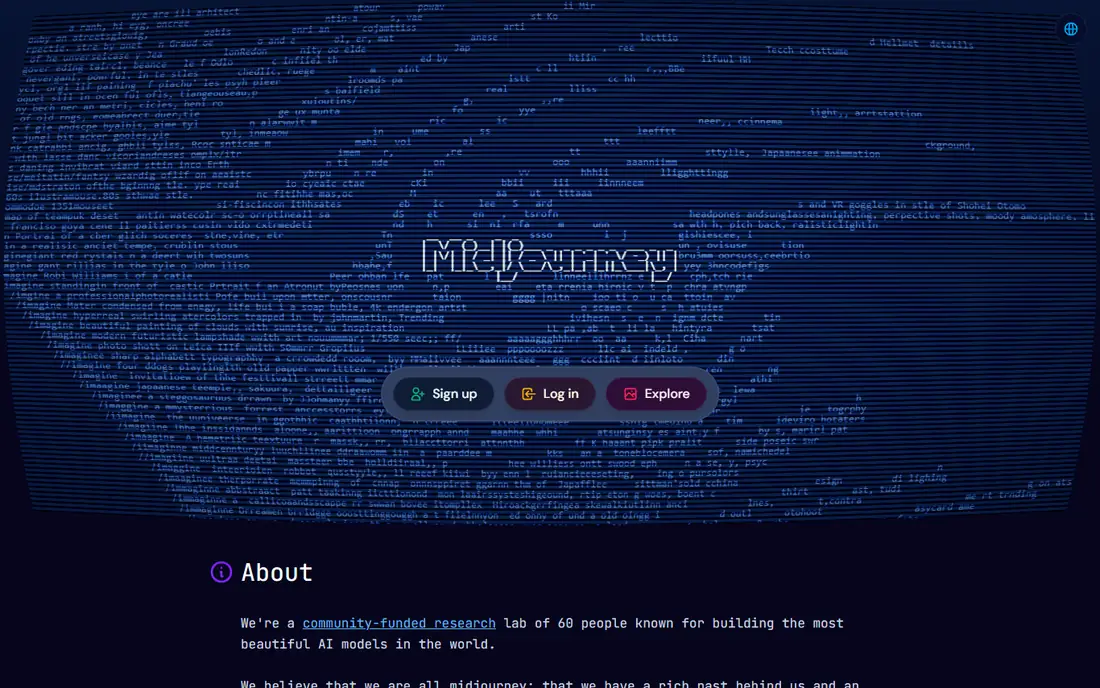
Midjourney remains the reference point for beautiful AI images. Its models produce a distinctive, painterly look that other generators struggle to match, and its community showcase gives new users a fast way to learn prompting by example. The lab describes itself as a small, self-funded team focused on building beautiful models, and that focus shows in the output.
There is no free tier, so trying it requires a paid plan, and the workflow takes some learning, whether through Discord or the web editor. Commercial use terms depend on the plan, so businesses should check the current terms before using images in client work. For creators who value look and feel above all else, Midjourney is still the first app to try.
What we like- Distinctive artistic style
- Strong community and showcase
- Regular model updates
Watch out for- No free tier
- Discord or web workflow takes learning
- Commercial terms need checking
Starting priceSee website
Free planNo
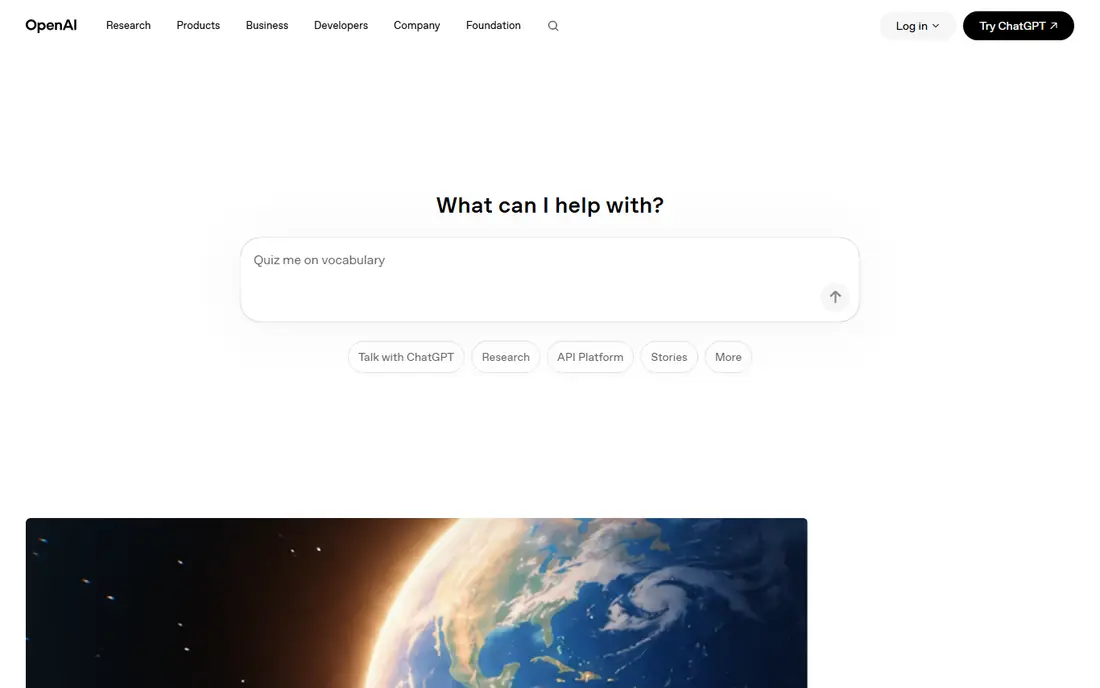
DALL-E, built by OpenAI, is the easiest image generator for most people because it lives inside ChatGPT. Users describe what they want in plain language, and the model handles the rest, with follow-up prompts to revise an image rather than starting over. That conversational loop suits everyday creators who want a quick image for a post, slide, or article.
The trade-off is distinctiveness. DALL-E images look clean and competent but less artistic than Midjourney, and access runs through a ChatGPT subscription with usage limits. OpenAI's homepage now centers on its latest models, including GPT-6.1 Terra, so image features should be confirmed in the current ChatGPT plan. For speed and ease, DALL-E is hard to beat.
What we like- Built into ChatGPT
- Easy natural language prompts
- Strong editing and revision
Watch out for- No standalone free tier
- Style less distinctive than Midjourney
- Usage limits apply
Starting priceSee website
Free planFree trial
Adobe Firefly is the safest image generator for commercial work. Adobe positions it as an all-in-one creative studio with more than 30 AI models, and its training approach is designed for brand use, which reduces the legal worry that comes with other generators. Integration with Photoshop, Illustrator, and Express means images move straight into design work without extra exports.
The style is clean and usable rather than striking, and the credit system takes some learning: generations consume credits, and plan limits decide how much you can create each month. A free tier with monthly credits lets new users test it. For teams that publish client work, Firefly is the prudent choice.
What we like- Commercially safe training approach
- Deep Adobe integration
- Video and audio tools included
Watch out for- Style less striking than Midjourney
- Credit system takes learning
Starting priceSee website
Free planFree trial
Ideogram solves the problem that frustrates most image creators: text. Its latest models, Ideogram 4.0 and 4.5, render readable type in layouts, posters, and product shots where other generators garble letters. Prompt fidelity is strong, and edits stay true to the original image across revisions, which matters for production work.
The platform has grown into a suite with a visual workspace, purpose-built apps, and a unified API that covers image and video models. Business and enterprise plans add collaboration, private generation, and custom models. The community is smaller than Midjourney, so prompting examples are fewer, but for any image that must contain words, Ideogram leads this list.
What we like- Best text rendering in images
- Strong prompt fidelity
- Editing that preserves intent
Watch out for- Smaller community than Midjourney
- API pricing per request adds up at scale
Starting priceSee website
Free planFree trial
FLUX, from Black Forest Labs, is the choice for creators and developers who want control. Its models are available as open weights for self-hosting and fine-tuning, through an API for production workloads, and in a browser playground for quick experiments. Photorealism is a strength, and the models handle varied styles beyond cinematic looks.
Self-hosting needs technical skill and hardware, so casual creators will prefer the playground or API. The interface is more developer-focused than consumer apps like Canva or Gemini. For teams building image features into products, or creators who want to fine-tune a model on their own style, FLUX is the most flexible option on this list.
What we like- Open weights for self-hosting
- Strong photorealism
- API and playground access
Watch out for- Needs technical skill for self-hosting
- Interface less polished than consumer apps
#6Leonardo AI
Best for: Game and concept art4.5/5 on
G2 (32 reviews, checked Oct 2026)
Visit leonardo.ai
Starting priceSee website
Free planYes
Leonardo AI is built for creators who make game art, concept art, and marketing visuals at scale. Its platform covers image generation, editing, upscaling, and video, with custom model training so teams can build a consistent style. A free tier with daily tokens lets new users create without paying, and its gallery shows work across games, products, and campaigns.
The interface is crowded, with many models and settings, which can overwhelm beginners. Some models on the platform come from third parties, so output style varies by model choice. For game developers, concept artists, and marketers who need volume and style control, Leonardo AI offers strong value.
What we like- Free tier with daily tokens
- Custom model training
- Video generation included
Watch out for- Interface crowded with options
- Some models are third-party
#7Canva
Best for: Images inside design projects4.7/5 on
G2 (7,678 reviews, checked Oct 2026)
Visit canva.com
Starting priceSee website
Free planYes
Canva suits creators who need an image as part of a larger design, not as a standalone artwork. Its AI image tools sit inside a full design platform with templates for social posts, presentations, and marketing materials, so a generated image moves straight into a finished layout. A free tier covers basic use, with Pro adding more AI features.
One flag belongs here. The Canva homepage showed an unsupported-browser notice when checked for this article, so its details rest on established product knowledge rather than a fresh homepage read. Image quality also lags specialist generators like Midjourney and FLUX. For social and marketing design, Canva remains the most convenient option.
What we like- Images inside full design workflow
- Free tier
- Huge template library
Watch out for- Homepage showed an unsupported-browser notice when checked
- Image quality lags specialists
Starting priceSee website
Free planYes
Google Gemini is the fastest way to make an image for many people, since it lives inside a chat assistant they already use. Users describe an image, refine it through conversation, and download the result, with a free tier covering casual use. The editing loop feels natural: ask for a change, and Gemini revises the image.
One flag belongs here. The Gemini homepage returned only a sign-in screen when checked for this article, so its details rest on established product knowledge rather than a fresh homepage read. Control is also thinner than specialist apps: no custom model training, fewer style settings, and less predictable output. For quick images in a chat workflow, Gemini is convenient and free.
What we like- Free tier
- Images inside a chat workflow
- Strong editing through conversation
Watch out for- Homepage extract was sign-in only when checked
- Less control than specialist apps
How we chose
We compared image generators on output quality, text rendering, editing control, commercial safety, pricing, and free tiers, using vendor homepages and published comparisons. Seven homepages were opened and confirmed for this review; Canva showed an unsupported-browser notice and Gemini a sign-in screen, and both entries are flagged. Prices change often and many vendors use credit systems, so unverified prices are listed as "See website" rather than estimated.
What to check before you choose
Start with the job. If you need beautiful standalone art, Midjourney or FLUX will serve you better than a design tool. If you need images with readable text, Ideogram is the clear pick. If you publish client work, Adobe Firefly reduces legal risk. If you need images inside presentations or social posts, Canva or Gemini will be faster than any specialist.
Next, check the cost model. Some apps charge a flat subscription, others use credits per generation, and a few offer open weights for self-hosting. A credit system can cost more than expected for high-volume work, so estimate monthly generations before choosing. Free tiers help for testing, but daily token limits on Leonardo AI and credit limits on Firefly shape how much you can actually create.
Finally, check commercial terms. Some plans limit commercial use, some require attribution, and training data practices differ by vendor. If images will appear in client work, advertising, or products for sale, read the current terms for the plan you buy rather than assuming the free tier covers it.
Frequently asked questions
Which AI image app is best for beginners?
DALL-E inside ChatGPT and Google Gemini are the easiest starting points, since both work through plain language chat. Canva is also beginner friendly for design projects. Midjourney and FLUX reward more learning but produce stronger or more controlled results.
Which AI image generator handles text best?
Ideogram leads on readable text in images, with its latest models rendering type clearly in posters, product shots, and layouts. Other generators often garble letters, especially in longer phrases. For any image that must contain words, test Ideogram first.
Can I use AI images commercially?
It depends on the app and plan. Adobe Firefly is designed for commercial use, while other apps vary by plan and terms. Check the current commercial terms for the plan you buy before using images in client work or advertising.
Is there a free AI image generator?
Yes. Leonardo AI offers a free tier with daily tokens, Canva has a free tier, and Google Gemini offers free image generation in chat. Free tiers carry limits on volume and features, so heavy users will need a paid plan.
What is the difference between Midjourney and FLUX?
Midjourney is a consumer app known for artistic quality, while FLUX offers open weights for self-hosting and fine-tuning alongside an API and playground. Choose Midjourney for look and feel, FLUX for control and product integration.
Do AI image apps replace designers?
No. AI image apps speed up drafts, variations, and routine visuals, but designers still decide composition, brand fit, and final quality. The best results come from pairing a generator with human judgment and editing.
Sources we checked (8)
- https://www.midjourney.com
- https://openai.com
- https://firefly.adobe.com
- https://ideogram.ai
- https://blackforestlabs.ai
- https://leonardo.ai
- https://www.canva.com
- https://gemini.google.com
Is your product missing or out of date?
We review this list regularly. Vendors can request a listing, send updated pricing or ask about featured placement.

Shihab Mia · Founder, Rankite
Shihab has 5+ years in B2B and SaaS SEO. He writes Rankite's software buying guides from pricing pages, documentation and public user reviews. More about Shihab.