How we make this list: we compare pricing pages, product documentation and public user reviews. Rankite is independent; if a vendor ever pays for a featured spot, that listing is clearly labeled Partner.
Key takeaways
- Most API docs are generated and forgotten, so pick the tool your developers will actually keep updated; free tiers from ReadMe, Mintlify, Fern and Stoplight let you test that before paying.
- Docs-as-code tools like Redocly and Docusaurus keep documentation in the repo next to the code, which suits engineering-led teams, while hosted portals like ReadMe and Mintlify suit teams that want polish without build pipelines.
- The 2026 price jump to watch is Mintlify: Pro now runs $450 per month billed annually with AI credits metered on top, a steep climb from the free Starter tier.
- SwaggerHub is now part of SmartBear API Hub, Stoplight sits under the same ownership, and Postman acquired Fern in January 2026, so check roadmaps before long contracts.
Quick comparison
| Tool | Best for | Starting price | Free plan |
|---|
 ReadMe ReadMe | API businesses where docs drive adoption and revenue | $250 per month (Pro, billed annually) | Yes |
 Stoplight Stoplight | Teams that design the API before writing code | $44 per month (Basic, billed annually) | Yes |
 Redocly Redocly | Platform teams that want style-guide enforcement | $10 per seat/month (Pro) | Free trial |
 Mintlify Mintlify | Developer-tool startups that want beautiful docs fast | $450 per month (Pro, billed annually) | Yes |
 SmartBear API Hub (formerly SwaggerHub) SmartBear API Hub (formerly SwaggerHub) | Teams already standardized on the Swagger toolchain | $75 per user/month (Team, billed annually) | Yes |
 Postman Postman | Teams that already build and test APIs in Postman | $9 per month (Solo, billed annually) | Yes |
 Bump.sh Bump.sh | Teams that need changelogs generated from spec diffs | $50 per month (Basic) | Free trial (14 days) |
 Fern Fern | Teams that want docs and SDKs from one vendor | $0 per month (free docs tier; Enterprise custom) | Yes |
 Docusaurus Docusaurus | Engineering teams that want full control at zero cost | $0 (free, open source) | Yes |
Is your product missing or out of date?
We review this list regularly. Vendors can request a listing, send updated pricing or ask about featured placement.
#1
ReadMe
Best for: API businesses where docs drive adoption and revenue
Visit readme.com
Starting price$250 per month (Pro, billed annually)
Free planYes
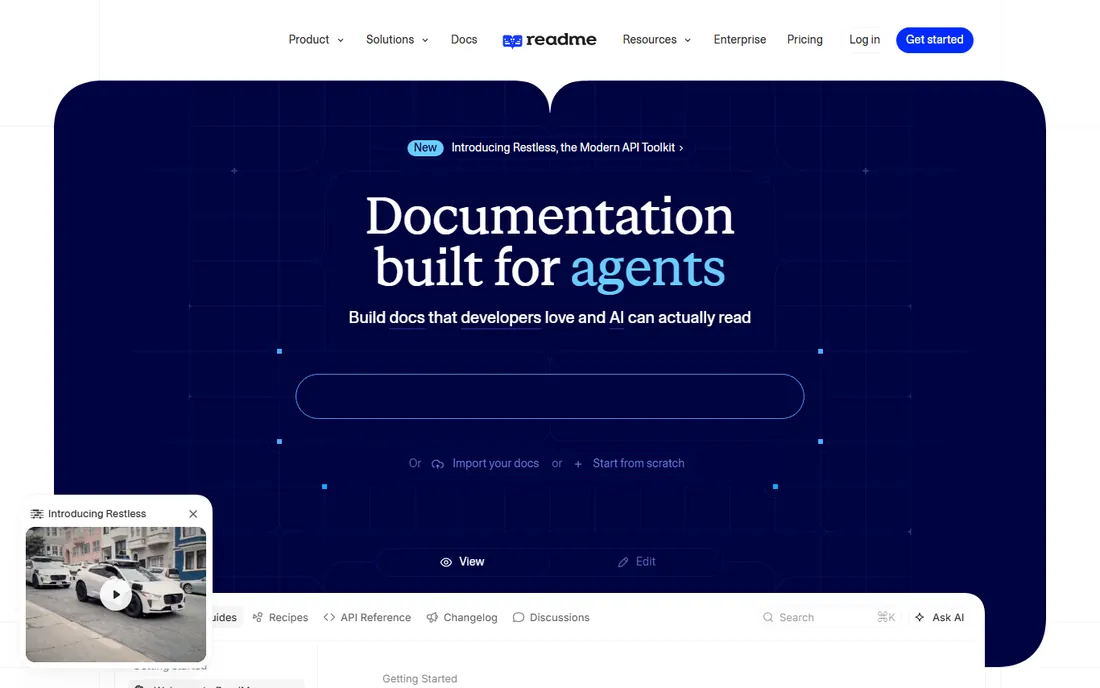
ReadMe is the API-first hub with a business model built on developer analytics. Beyond the interactive reference, it adds recipe-style guides, a developer changelog with notification subscriptions, per-page discussions and, its real differentiator, usage metrics showing which endpoints developers call and where they drop off. The free Starter tier covers one project with a custom domain, and Pro at $250 per month billed annually adds team collaboration, private docs and custom MDX. Enterprise starts from $3,000 per month.
The catch is the cliff. Starter is free but thin; everything a real team needs sits on Pro, and the Ask AI add-on costs another $150 per month. ReadMe earns it at growth stage, when documentation quality directly affects conversion and retention. Before that, it is overkill for a side project.
What we like- Built-in API usage metrics show how developers actually call your endpoints
- Personalized developer hub with API keys pre-populated
- Bi-directional GitHub sync
Watch out for- The realistic entry point is Pro at $250 per month
- Older $99 pricing you see quoted online no longer exists
Starting price$44 per month (Basic, billed annually)
Free planYes
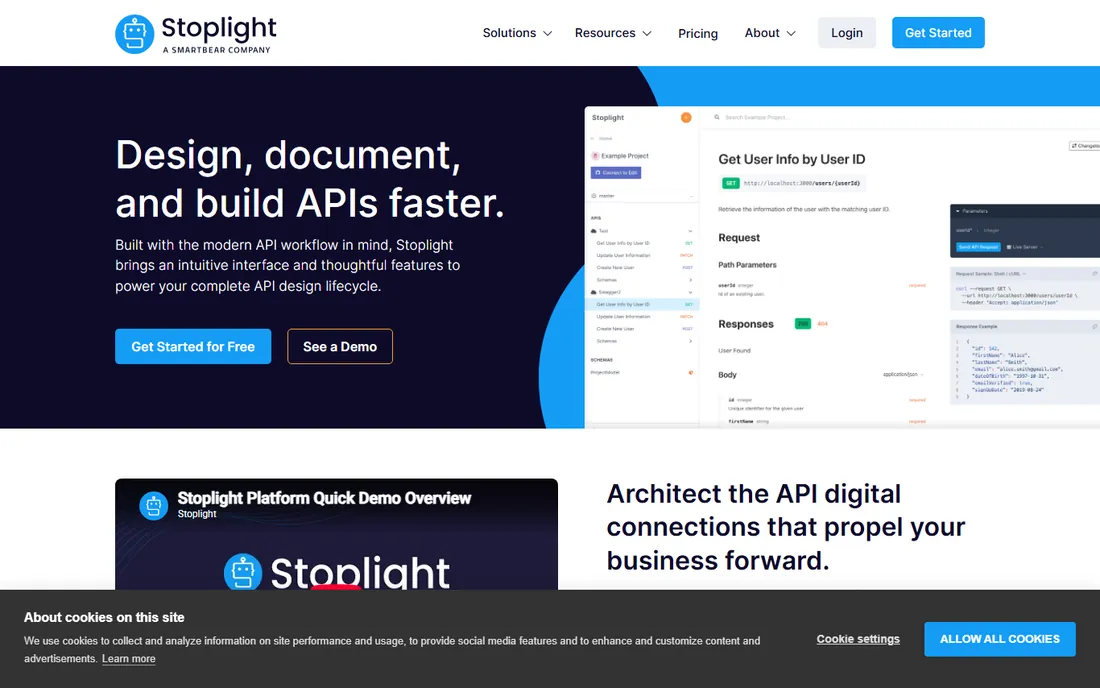
Stoplight is the design-first platform, now part of SmartBear. It combines a visual OpenAPI editor, hosted documentation, style guides with Spectral linting and Prism mock servers in one tool. The free plan covers one user and one project, and paid tiers are published: Basic at $44 per month billed annually for three users, Startup at $113, Pro Team at $362, and Enterprise custom. The open-source Elements renderer, Spectral and Prism remain Apache-2.0 and usable without the platform.
The catch is the roadmap. SmartBear acquired Stoplight in August 2023, and community observers note work appears to be slowing as features migrate into SmartBear API Hub. There is no official end-of-life announcement, but ask SmartBear for the roadmap in writing before a renewal. For design-first teams that want the editor, mocks and docs together, the $44 entry is still the cheapest paid start here.
What we like- Visual OpenAPI editor with form-based design
- Spectral linting and Prism mock servers included
- Cheapest paid entry in this list
Watch out for- SmartBear acquired it in 2023 and development appears to be slowing as features fold into API Hub
- Paying for a design platform if you only need docs
#3
Redocly
Best for: Platform teams that want style-guide enforcement
Visit redocly.com
Starting price$10 per seat/month (Pro)
Free planFree trial
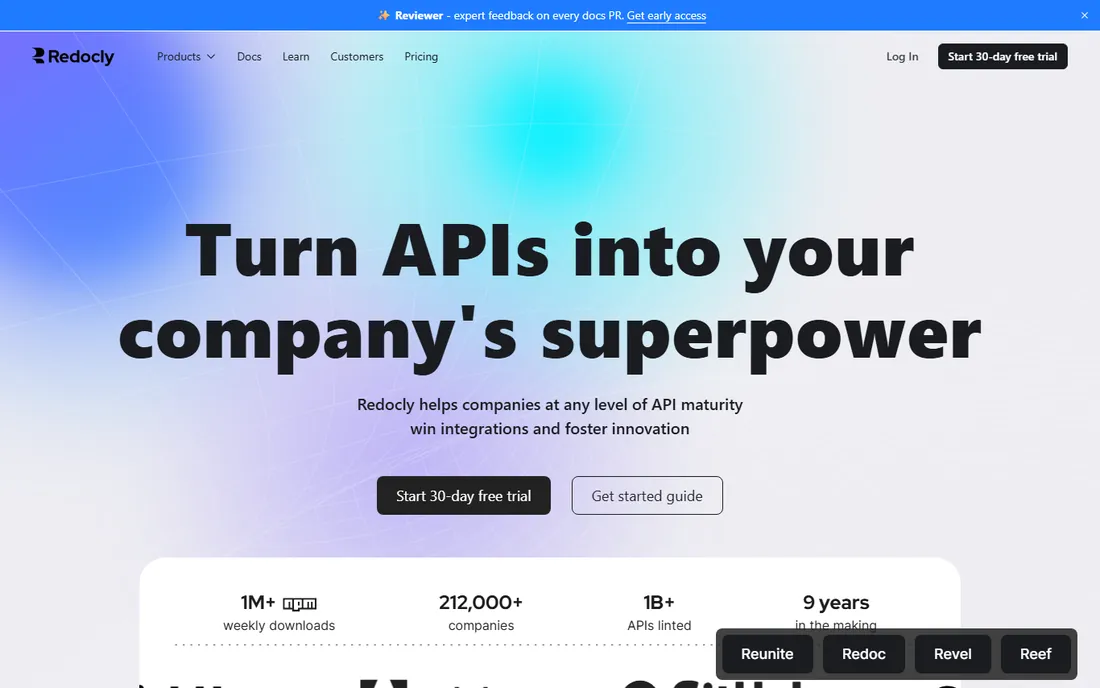
Redocly is the docs-as-code purist. Documentation lives in your repository, deploys through Git, and the Redoc-based reference renders the polished three-panel API docs the company is known for. Realm unifies the docs, developer portal and SDK pipeline, and OpenAPI linting enforces your style guide on every change. Pricing is per seat and published: Pro at $10 per seat per month with one project and a 100-page limit, Enterprise at $24 per seat per month with 500 pages, SSO and RBAC.
The catch is the compounding. A two-person team with one API is cheap on Redocly, but per-seat, per-product pricing grows quickly as teams, page counts and API counts rise. Redocly suits platform teams that treat docs as code and want governance; teams that just want a hosted reference will find the seat math annoying.
What we like- Docs-as-code workflow with Git-native publishing
- OpenAPI linting and governance built in
- Per-seat pricing starts cheap for small teams
Watch out for- Page and project limits per tier
- Per-seat, per-product pricing compounds as the team and API count grow
#4
Mintlify
Best for: Developer-tool startups that want beautiful docs fast
Visit mintlify.com
Starting price$450 per month (Pro, billed annually)
Free planYes
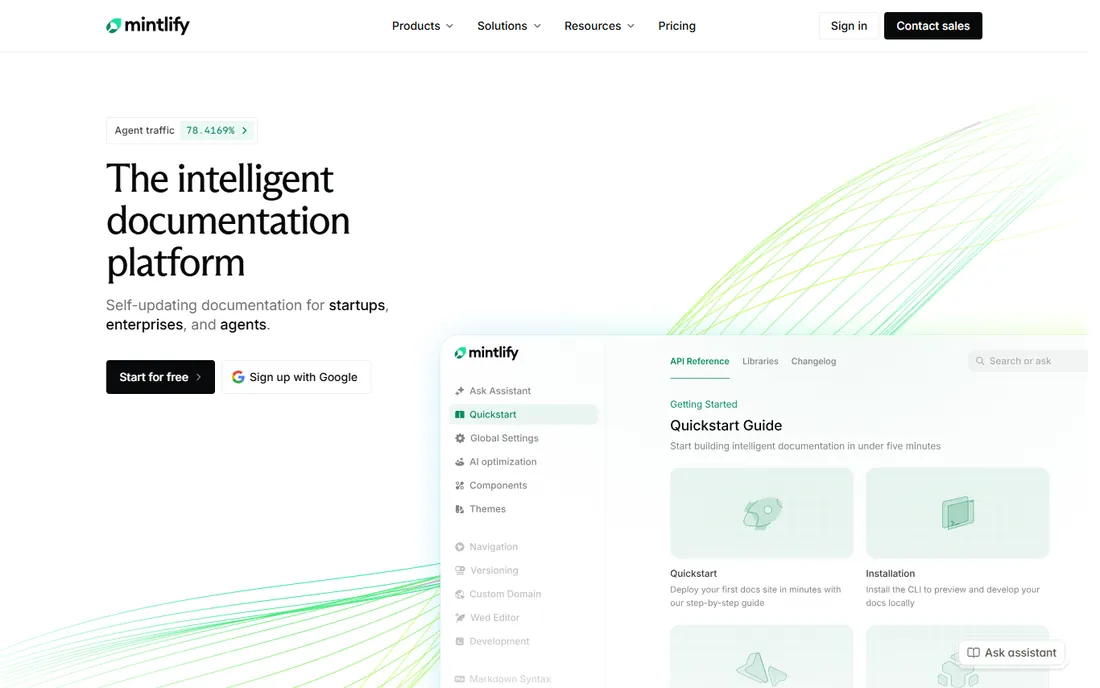
Mintlify is the default for developer-tool startups in 2026. Content lives as MDX in Git, the platform generates a full API reference with an interactive playground from your OpenAPI spec, and an AI agent monitors the repository to propose documentation updates when code merges. The free Starter tier is genuinely useful, with a custom domain and MCP server support, and Pro at $450 per month billed annually adds unlimited seats, the AI assistant and writing agent.
The catch is the new pricing model. Pro includes 10,000 AI credits a month, and every assistant answer costs 25 credits, so heavy reader traffic means buying credit add-ons on top of the subscription. Mintlify changed its model twice in 2026, so confirm current numbers on the pricing page before committing. It remains the fastest path to beautiful docs; just model the total cost at your traffic, not the headline.
What we like- Zero-config setup with automatic GitHub sync
- AI agent proposes doc updates from code diffs
- Generates llms.txt and an MCP server automatically
Watch out for- The jump from free Starter to $450 per month Pro is the steepest cliff in this list
- AI usage is metered with credits on top of the subscription
#5
SmartBear API Hub (formerly SwaggerHub)
Best for: Teams already standardized on the Swagger toolchain
Visit swagger.io
Starting price$75 per user/month (Team, billed annually)
Free planYes
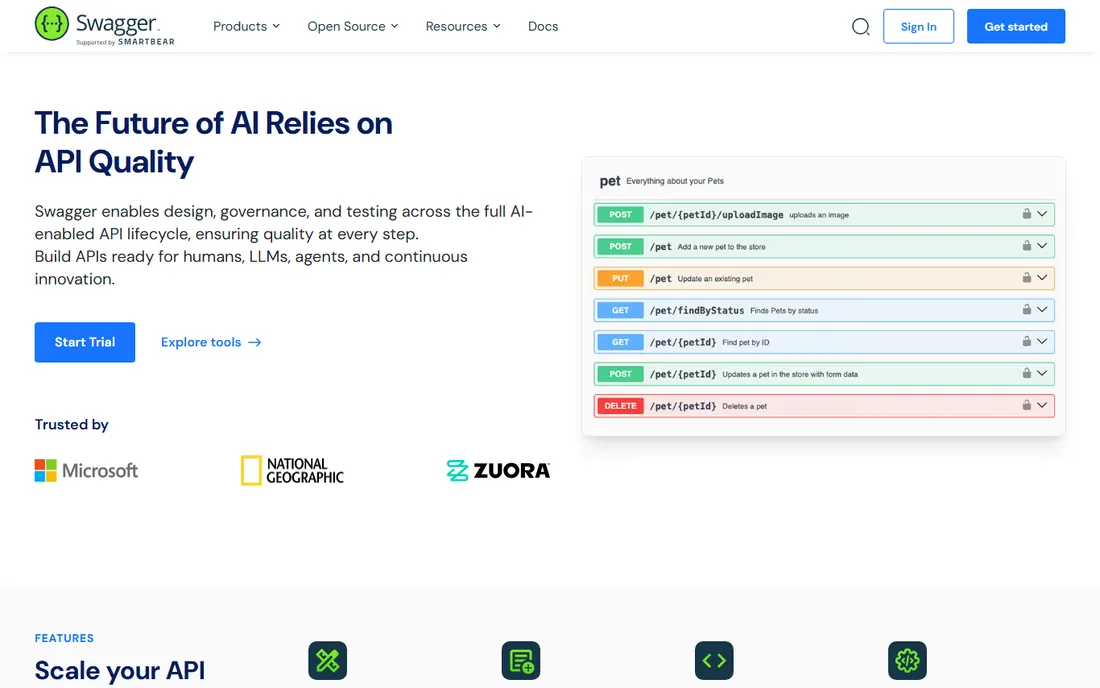
SwaggerHub is the incumbent, now folded into SmartBear API Hub. It remains the natural hosted home for teams standardized on the Swagger toolchain: design APIs in an editor built for OpenAPI, push designs to source control, deploy to API management platforms and trigger CI builds. The free Personal tier covers limited private APIs with unlimited public ones, and Team plans are reported around $75 per user per month billed annually.
The catch is the rebrand and the price. SwaggerHub's paid wall for basic hosted collaboration looks steep next to newer tools, and the SmartBear API Hub naming leaves buyers unsure which product they are actually buying. If your team already lives in Swagger Editor and Swagger UI, the Hub is the path of least resistance. New teams should compare it against cheaper, more modern options first.
What we like- Native home for Swagger Editor, UI and Codegen workflows
- Team collaboration with versioning
- Free Personal tier for public APIs
Watch out for- Rebrand to SmartBear API Hub creates confusion about the roadmap
- Paid collaboration starts high for what hosted versioning costs elsewhere
#6
Postman
Best for: Teams that already build and test APIs in Postman
Visit postman.com
Starting price$9 per month (Solo, billed annually)
Free planYes
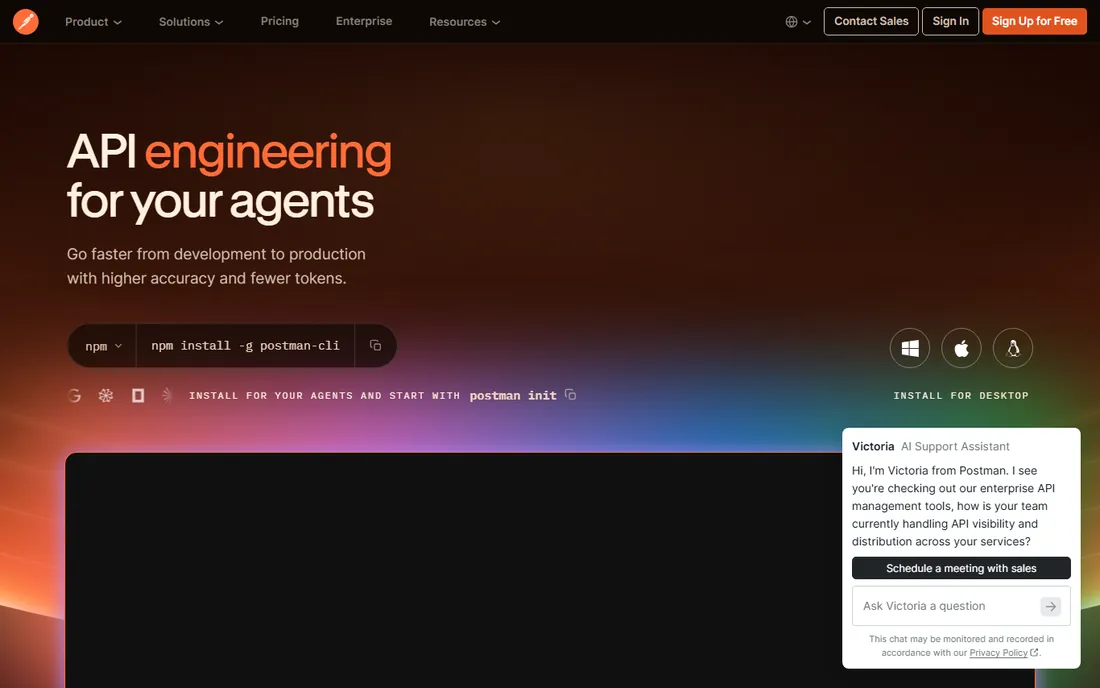
Postman documents the API you already test. If your team builds collections in Postman, published documentation with live examples comes almost free, and the docs stay current because they derive from the same collections the team maintains. Pricing was restructured in March 2026: Free is now a single user, Solo is $9 per month for one person, Team is $19 per user per month, and Enterprise is $49 per user per month.
The catch is the restructure. The old Basic and Professional tiers are gone, and the moment a second person needs the workspace you are on Team at $19 a seat. Postman is a strong docs choice when the team already lives there; buying it purely as a documentation tool makes less sense than a purpose-built portal.
What we like- Docs generate from the collections your team already maintains
- Free plan includes unlimited collection runs and mock servers
- Massive existing user base
Watch out for- The March 2026 restructure shrank Free to one user and removed the Basic tier
- Team collaboration now starts at $19 per user per month
#7
Bump.sh
Best for: Teams that need changelogs generated from spec diffs
Visit bump.sh
Starting price$50 per month (Basic)
Free planFree trial (14 days)
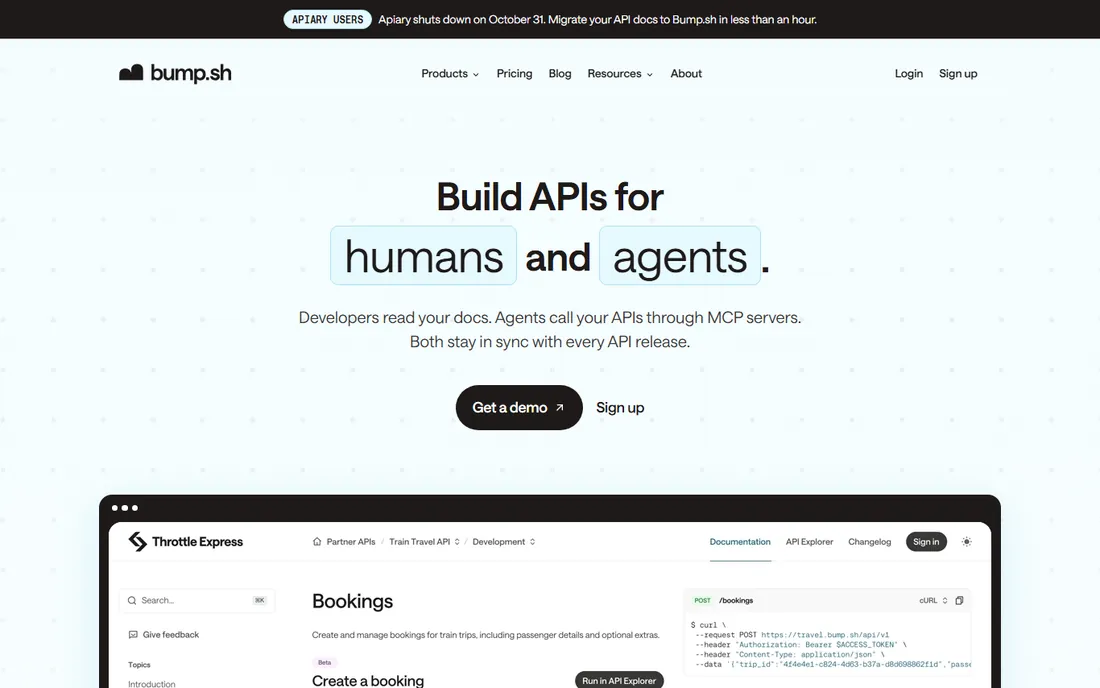
Bump.sh is the quiet specialist for change-aware docs. Every deployment diffs the new spec against the old one, flags breaking changes and generates a consumer-facing changelog automatically, which is exactly the workflow API providers with external developers need. Pricing is published: Basic at $50 per month for 10 API docs, Pro at $250 per month for 30 docs with the API Explorer, branches and automatic changelog, and Custom for SSO and embed mode. Open-source projects can apply for free Pro access.
The catch is the missing free tier and the Pro gating. There is no permanent free plan, only a 14-day trial on Pro, and the changelog automation that defines the product starts at $250 per month. For documentation alone, Bump.sh is cheaper at every published tier than most rivals here. It is the pick when change management, not just publishing, is the job.
What we like- Automatic diff detection with consumer-facing changelogs
- Supports OpenAPI and AsyncAPI
- Branches, previews and rollback built in
Watch out for- No free plan, only a 14-day trial
- API Explorer and changelog automation start on the $250 per month Pro tier
Starting price$0 per month (free docs tier; Enterprise custom)
Free planYes
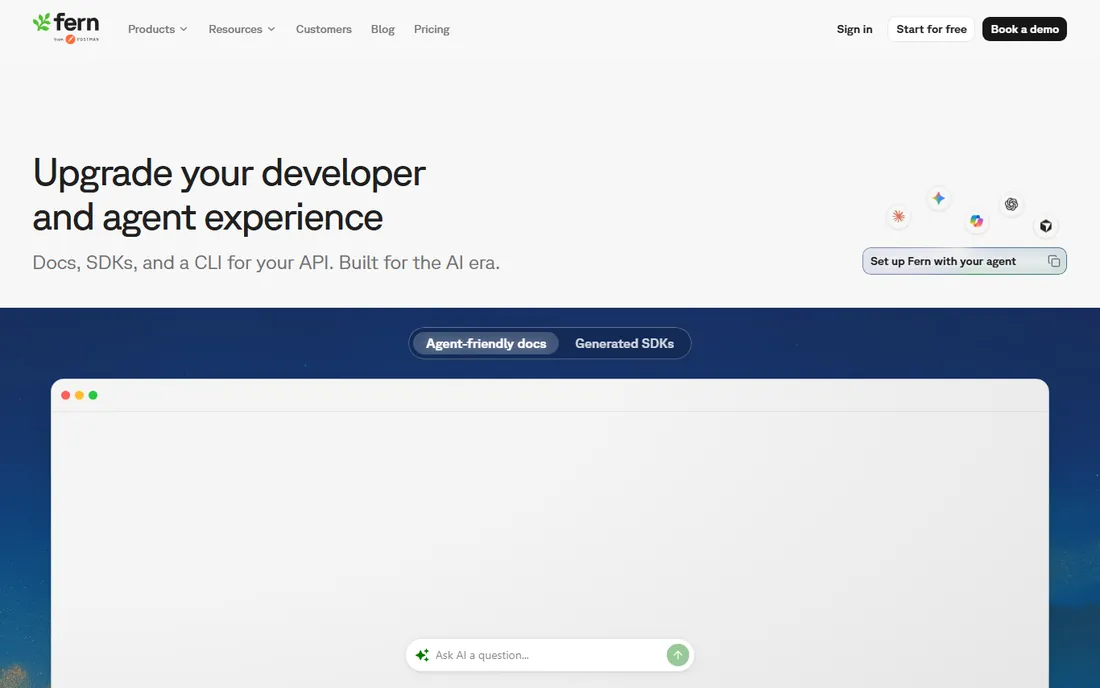
Fern is the two-for-one: docs and SDKs from one pipeline. The docs tier is free for up to 10 team members and 1,000 pages with an API explorer and web editor, and the SDK generator produces type-safe client libraries in TypeScript, Python, Go, Java and more, free up to 200 endpoints for the first two languages. Because docs and SDKs generate from the same compiled document, the reference and the client libraries cannot describe different APIs.
The catch is the Enterprise gating. Custom CSS, branding removal, self-hosting and most advanced SDK capabilities are Enterprise-only, priced per SDK billed annually with no published rate. Postman acquired Fern in January 2026 and says the product and brand are not changing, but confirm the roadmap before building a multi-year plan on it. Fern suits teams that want native SDKs and are comfortable with Postman ownership.
What we like- Free docs for up to 10 team members and 1,000 pages
- Free TypeScript and Python SDKs up to 200 endpoints
- Single pipeline keeps docs and SDKs in sync
Watch out for- Paid SDK tiers and branding removal are Enterprise-only and quoted per SDK
- Postman ownership raises roadmap questions
#9
Docusaurus
Best for: Engineering teams that want full control at zero cost
Visit docusaurus.io
Starting price$0 (free, open source)
Free planYes
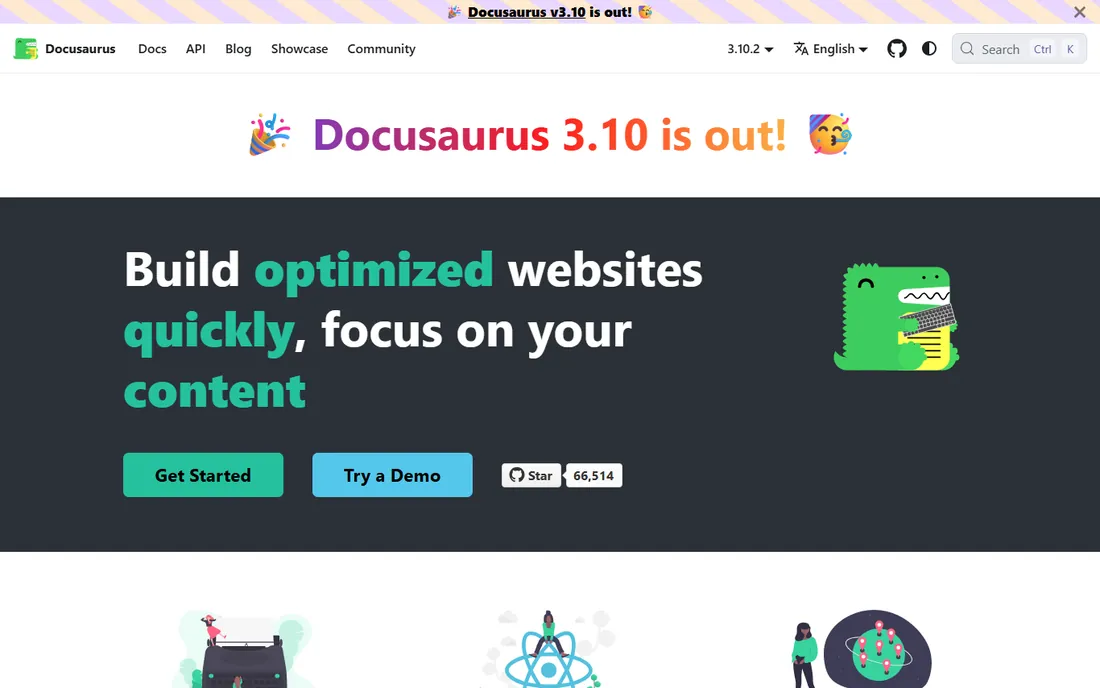
Docusaurus is free forever, and the price is engineering time. Meta's open-source docs framework compiles Markdown and MDX into a fast, SEO-friendly static site, and it powers the documentation for React, Redux, Jest and thousands of other projects. Versioning, internationalization, themed syntax highlighting and a plugin system come built in, and hosting on Cloudflare Pages or Vercel is free for most documentation use cases.
The catch is the missing platform. There is no hosted search index, no analytics, no AI assistant and no access control out of the box; you assemble those yourself. Non-technical teammates cannot contribute without Git and Markdown skills. For a technical team where documentation contributors are all engineers, the in-repo approach is genuinely excellent and costs nothing. The quality ceiling is as high as your team's effort.
What we like- Free forever under the MIT license
- Complete control over every pixel
- Versioning, i18n and blog support built in
Watch out for- No hosting, search or analytics included
- Non-technical contributors need Git and Markdown skills
How we chose
We reviewed vendor pricing pages, public documentation and 2026 buyer guides, checking published versus quoted pricing, free tier limits, OpenAPI and AsyncAPI support, SDK generation and MCP server availability. We verified acquisitions and rebrands, including Postman's Fern acquisition, SmartBear's Stoplight ownership and the SwaggerHub to API Hub rename, against primary sources. We read user reviews on G2 and Capterra for maintenance burden and migration pain. Only tools that exist today and fit API documentation made the list.
Hosted portal or docs-as-code
The fundamental choice in this category is where your docs live.
Hosted portals
ReadMe, Mintlify, Stoplight and Fern host everything: the editor, the search index, the analytics and the AI features. You get polish without build pipelines, custom domains on most free tiers and AI assistants that answer reader questions. The tradeoff is vendor lock-in and per-seat pricing that grows with the team.
Docs-as-code
Redocly, Docusaurus and Bump.sh keep documentation in the repository next to the code. Docs PRs go through the same review process as code changes, there is no third-party platform to depend on, and costs stay flat. The tradeoff is assembly: you own hosting, search and analytics, and non-technical contributors face a Git learning curve.
The hybrid middle
Postman and SmartBear API Hub sit between the two. Postman docs derive from the collections your team already maintains, so they stay current with zero extra process. API Hub hosts the Swagger toolchain your team already uses. Choose these when the team already lives in the ecosystem; the docs come almost free.
Migration notes: what breaks when you switch
Moving API docs is not just copying Markdown. Redirects matter: if you switch hosts, map old doc URLs to new ones or your Google rankings and bookmarked links die. Try-it consoles depend on CORS configuration, so test the new console against your staging API before launch. Versioned docs need a migration plan per version, not just the current one. SDK users are the hardest audience: if Fern or Redocly generated your SDKs, compare generated method names against the current SDK and plan a major version if the surface changes. Finally, export everything before you cancel; some platforms make bulk export awkward, and your docs are a business asset.
Frequently asked questions
What is the best free API documentation tool?
Docusaurus is the best free option for engineering teams: MIT licensed, no cost ever, full control. For a hosted free tier, ReadMe's Starter, Mintlify's Starter and Fern's free docs tier all include custom domains. Redocly and Bump.sh have no permanent free plan.
Should I use Swagger UI or a hosted docs platform?
Swagger UI is free and fine for an internal reference nobody judges. You need a hosted platform when you want guides, versioning, search, analytics, a changelog or AI-drafted content alongside the reference, or when you want llms.txt and an MCP server produced without maintaining that pipeline yourself.
Do these tools support OpenAPI 3.1?
Yes, all nine support OpenAPI 3.x. Redocly, Stoplight, Bump.sh and Fern also handle AsyncAPI for event-driven APIs, and Fern accepts gRPC and OpenRPC as inputs. Check your spec version against the vendor's compatibility notes before migrating.
What is an MCP server and do I need one in my docs?
An MCP server lets AI coding assistants list your endpoints, inspect schemas and call your API directly from the docs. ReadMe, Mintlify, Redocly and Bump.sh all generate one. It matters if your developers use AI assistants daily; it is optional if your audience reads docs in a browser.
How much should API documentation cost?
From $0 to $450 per month for most teams. Docusaurus and Fern's free tier cost nothing, Bump.sh starts at $50 per month, Stoplight at $44, Redocly at $10 per seat, ReadMe at $250 and Mintlify at $450 per month. Enterprise tiers with SSO and custom contracts run into the thousands.
What happened to SwaggerHub?
SwaggerHub was folded into SmartBear API Hub, SmartBear's newer API platform. The product is still sold and your existing docs keep working, but the rebrand creates roadmap uncertainty. Confirm with SmartBear which platform gets new features before signing a long contract.
Sources we checked (10)
- https://github.com/scalar/scalar/blob/HEAD/documentation/compare/readme.md
- https://github.com/erickirt/scalar/blob/HEAD/documentation/compare/stoplight.md
- https://github.com/torance720/scalar/blob/HEAD/documentation/compare/redocly.md
- http://documentation.ai/blog/mintlify-pricing
- https://www.trustradius.com/compare-products/soapui-open-source-vs-swaggerhub
- https://apidog.com/blog/postman-free-vs-paid-comparison/
- https://bump.sh/pricing
- https://github.com/scalar/scalar/blob/HEAD/documentation/compare/fern.md
- https://herothemes.com/blog/docusaurus-alternatives/
- https://github.com/erickirt/scalar/blob/HEAD/documentation/library/best-api-documentation-tools-2026.md
Is your product missing or out of date?
We review this list regularly. Vendors can request a listing, send updated pricing or ask about featured placement.

Shihab Mia · Founder, Rankite
Shihab has spent more than a decade helping SaaS and e-commerce brands grow through search. He writes Rankite's software buying guides from pricing pages, documentation and public user reviews. More about Shihab.