How we make this list: we compare pricing pages, product documentation and public user reviews. Rankite is independent; if a vendor ever pays for a featured spot, that listing is clearly labeled Partner.
Key takeaways
- Start with TradingView's Pine Script or Composer's no-code builder before touching Python; both let you backtest ideas within an hour of signing up.
- When you are ready to code, QuantConnect's free tier and Alpaca's free API are the cheapest serious path from backtest to live trading.
- MetaTrader 5 is free through brokers and remains the standard for forex automation, while NinjaTrader and TradeStation suit futures and stock traders respectively.
- Treat Capitalise.ai as gone: Kraken acquired it in August 2025. TradersPost is the closest independent alternative for no-code trade automation.
Quick comparison
| Tool | Best for | Starting price | Free plan |
|---|
 TradingView TradingView | Learning strategy scripting on real charts | $14.95 per month (Essential) | Yes (Basic plan) |
 MetaTrader 5 MetaTrader 5 | Forex traders automating with Expert Advisors | $0 (free through brokers) | Yes |
 QuantConnect QuantConnect | Developers who want institutional-grade quant research | $0 (free tier) | Yes |
 Alpaca Alpaca | Developers who want a free, API-first broker | $0 (free API and paper trading, $0 commissions for retail) | Yes |
 Interactive Brokers Interactive Brokers | Ambitious beginners who want global markets | $0 (IBKR Lite with $0 commissions; API access free) | Yes |
 NinjaTrader NinjaTrader | Futures traders who want a free professional platform | $0 (free platform for charting, backtesting and simulation) | Yes |
 TradeStation TradeStation | Stock and futures traders who prefer plain-English scripting | $0 (free platform; $0 stock and ETF commissions on TS SELECT) | Yes |
 TrendSpider TrendSpider | Traders who want automation without writing code | $82 per month (Standard) | No (paid 14-day trial available) |
 Composer Composer | Investors who want automated strategies without code | $32 per month (Trading Pass, billed annually) | Yes (free build and backtest tier) |
 TradersPost TradersPost | Automating TradingView or TrendSpider alerts at a broker | $49 per month (Starter) | 7-day free trial |
Is your product missing or out of date?
We review this list regularly. Vendors can request a listing, send updated pricing or ask about featured placement.
Starting price$14.95 per month (Essential)
Free planYes (Basic plan)

TradingView counts more than 100 million registered users, and a large share of them learned their first trading code in Pine Script. The pitch for beginners is simple: your chart, your indicator and your backtest live in one place, and you can go from an idea to a tested strategy without leaving the browser. The Strategy Tester shows historical performance with drawdown and trade lists, which teaches the most important beginner lesson fast: most ideas do not survive contact with data.
The free Basic plan includes the Strategy Tester with reduced limits, enough to learn. Essential at $14.95 per month ($12.95 billed annually) removes ads and raises limits. The catch is execution: TradingView does not trade for you. You need a bridge like TradersPost to turn alert webhooks into orders.
What we like- Pine Script is the easiest coding on-ramp in trading
- 100 million users means endless community scripts
- Strategy Tester built into every chart
Watch out for- Real automation needs webhooks and a third-party bridge
- Pine Script is not portable to other platforms
Starting price$0 (free through brokers)
Free planYes
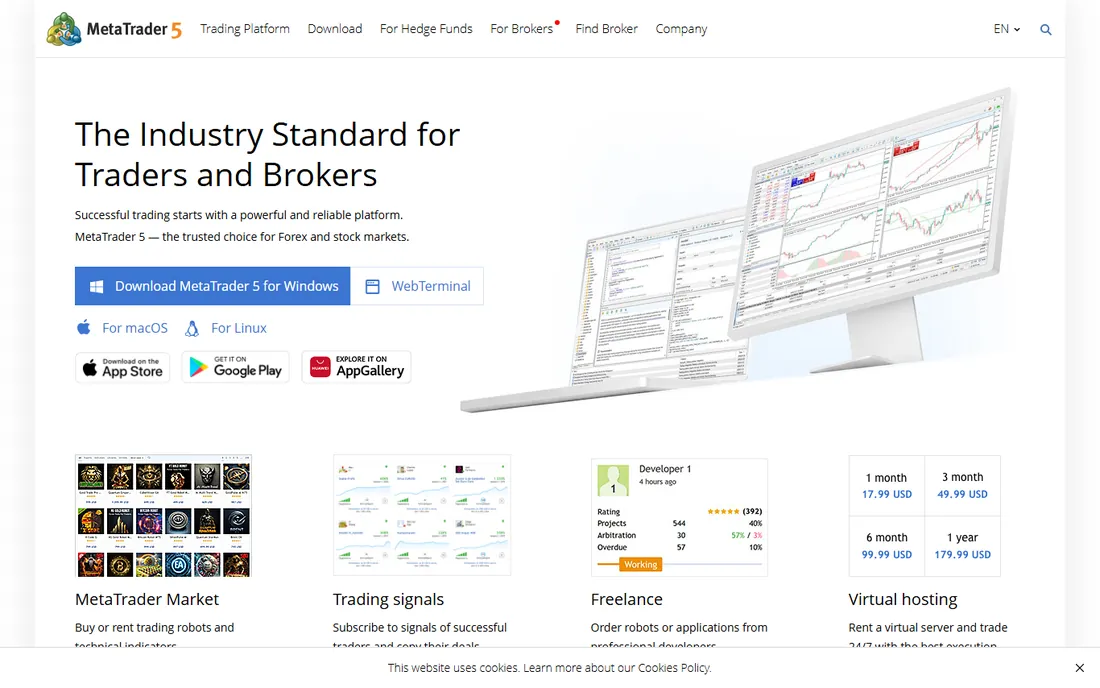
MetaTrader 5 is the default terminal of retail forex, and its Expert Advisors (EAs) are the most-used trading robots on earth. The platform itself is free: your broker provides it, and thousands of brokers do. The built-in strategy tester runs EAs against historical tick data with optimization and forward testing, and the marketplace sells thousands of prebuilt robots if you would rather buy than build.
MQL5, the scripting language, is easy enough for a motivated beginner and useless everywhere else, which is the real cost of learning it. The interface also shows its age. But for forex automation specifically, nothing else offers this combination of free access, broker ubiquity and a giant community. Open a demo account with any MT5 broker and you can be backtesting EAs today without spending anything.
What we like- Free platform with the largest library of ready-made trading robots
- Built-in strategy tester with tick-level data
- Huge broker support
Watch out for- Dated interface
- MQL5 is a niche language with little use outside trading
Starting price$0 (free tier)
Free planYes
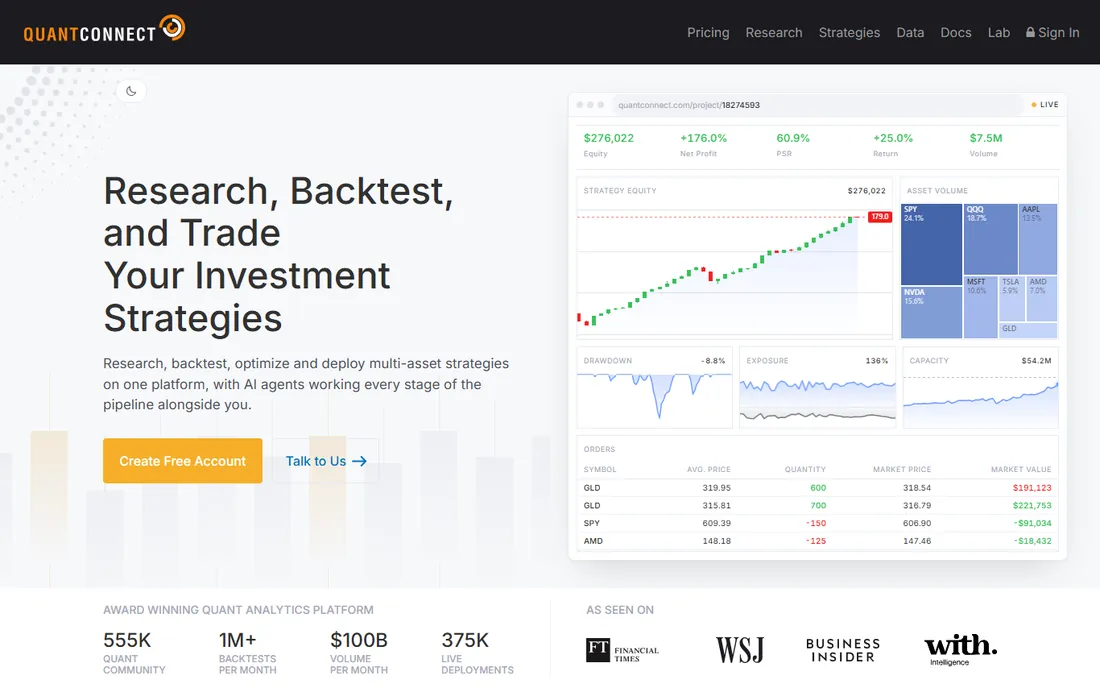
QuantConnect is where beginners with Python skills should graduate to. The free tier is remarkably capable: unlimited backtesting on equity, forex, crypto, futures and options data, a research notebook and community support, all without a credit card. The LEAN engine underneath is open source, and the code you backtest is the code that trades live, which removes a whole class of nasty surprises.
Live deployment needs a paid plan, starting with Researcher at $60 per month, plus compute nodes as you scale. But as a learning environment for real quantitative methods, the free tier teaches habits that transfer everywhere. Start free, pay only when you have something worth deploying.
What we like- Free tier with unlimited backtesting across asset classes
- Excellent data quality
- The same code runs in research and live trading
Watch out for- Live deployment requires a paid plan
- The learning curve is steep for non-programmers
Starting price$0 (free API and paper trading, $0 commissions for retail)
Free planYes
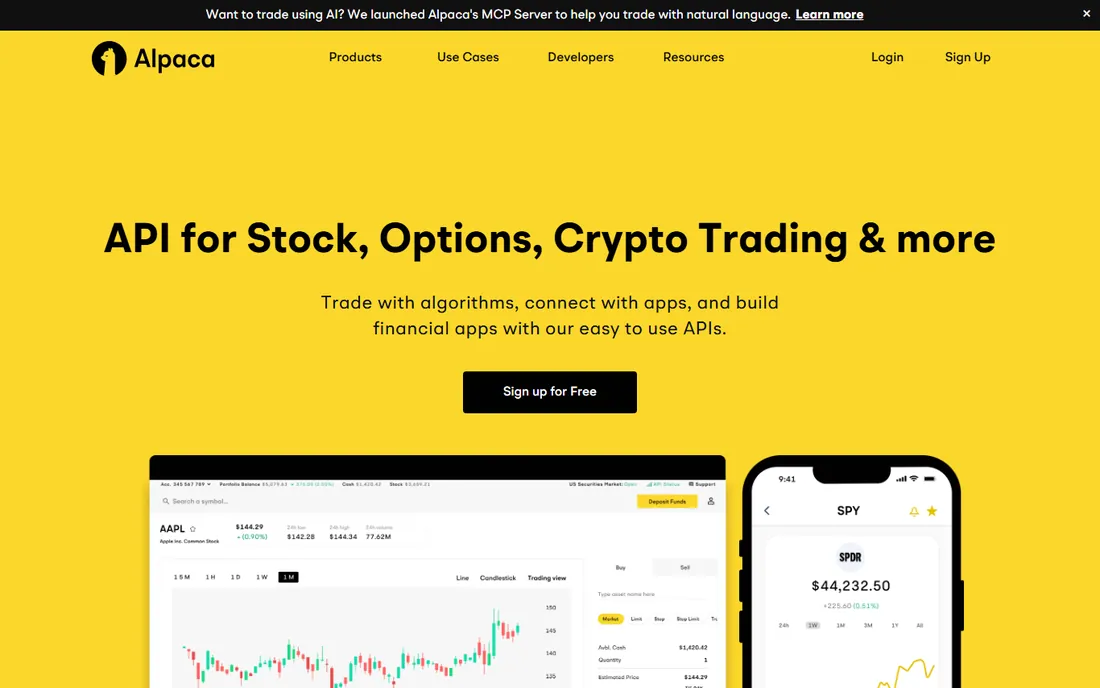
Alpaca is a brokerage built like a developer tool: no desktop app to babysit, just clean APIs and documentation that does not make you want to quit. Equity trading is commission-free for retail customers, the API itself is free, and the paper trading sandbox gives you $100,000 of virtual money on prices that mirror the live feed. For a beginner writing their first trading bot in Python, this is the friendliest live-money on-ramp in the business.
The catches are scope and data. Alpaca is US-market centric, and the free data tier is IEX-only; full real-time data is a $99-per-month add-on. But for learning and small accounts, the free tier is genuinely enough. Write the bot, test it on paper, then go live with the same code.
What we like- Clean REST and WebSocket APIs with great docs
- Commission-free stock and ETF trading
- A paper trading sandbox that mirrors live
Watch out for- US-focused with limited international markets
- Full real-time data costs $99 per month on Algo Trader Plus
Starting price$0 (IBKR Lite with $0 commissions; API access free)
Free planYes
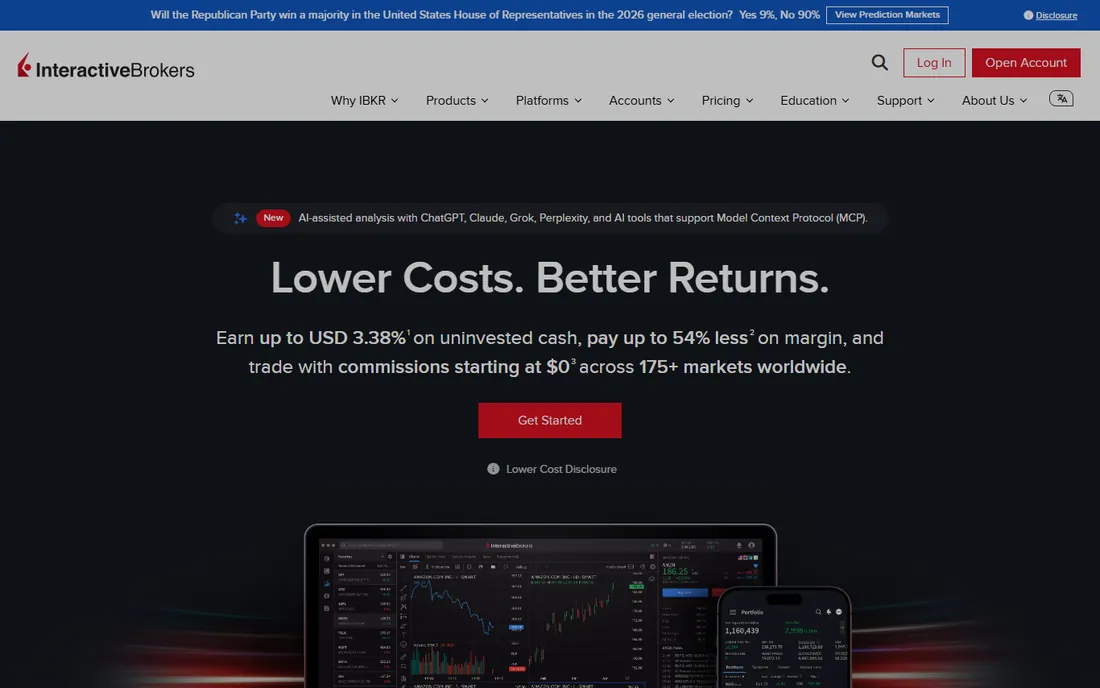
Interactive Brokers is the professional's broker that happens to welcome beginners. IBKR Lite offers $0-commission US stock and ETF trading with no account minimum, and the APIs, TWS API and Client Portal API, are free. The paper trading account behaves exactly like the live one, so strategies graduate without translation errors. With 150-plus markets worldwide, it is also the answer when you outgrow US-only brokers.
The honest warning is complexity. TWS looks like an airplane cockpit, the API documentation assumes you know what you are doing, and real-time data is priced per exchange (a US bundle runs about $10 a month, waived with enough commissions). Beginners should start on Lite with the paper account and treat the learning curve as tuition. Few platforms scale with you this far: the same account can carry you from first bot to serious multi-asset trading.
What we like- 150+ global markets from one account
- Mature APIs in Python, Java, C++ and C#
- Paper trading identical to live
Watch out for- The platform and APIs assume serious users
- Market data fees add up across exchanges
Starting price$0 (free platform for charting, backtesting and simulation)
Free planYes
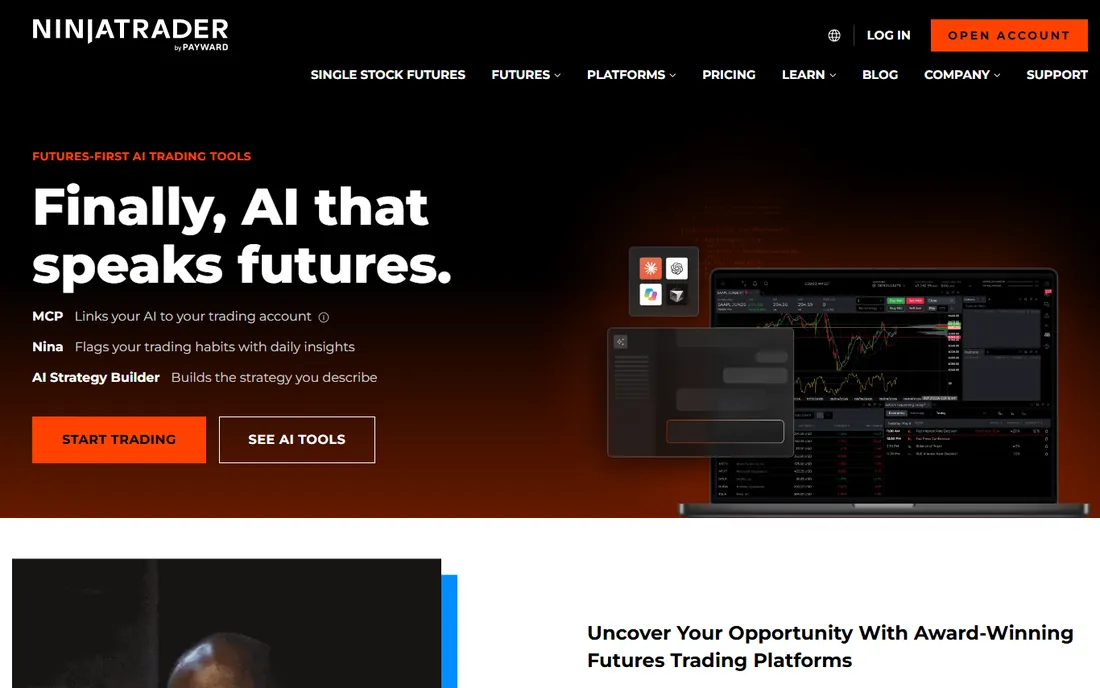
NinjaTrader gives away the platform and charges for the trading, which is a great deal for beginners. Download it free and you get advanced charting, the Strategy Analyzer for backtesting NinjaScript strategies (a C#-based language), and unlimited simulated trading on a Sim101 account. Micro futures margins start at $50 intraday, which keeps the stakes survivable while you learn.
Going live means per-contract commissions on the free plan ($0.39 per side on micros), with a $99-per-month tier and a $1,499 lifetime license lowering them. Real-time exchange data costs extra. The platform is Windows-only and futures-focused, but the free simulator plus strategy tools make it the natural home base for futures beginners.
What we like- The full platform is free for charting, backtesting and sim trading
- Excellent Strategy Analyzer with walk-forward testing
- Low micro-futures margins
Watch out for- Windows desktop only
- Live trading means commissions plus exchange data fees
Starting price$0 (free platform; $0 stock and ETF commissions on TS SELECT)
Free planYes
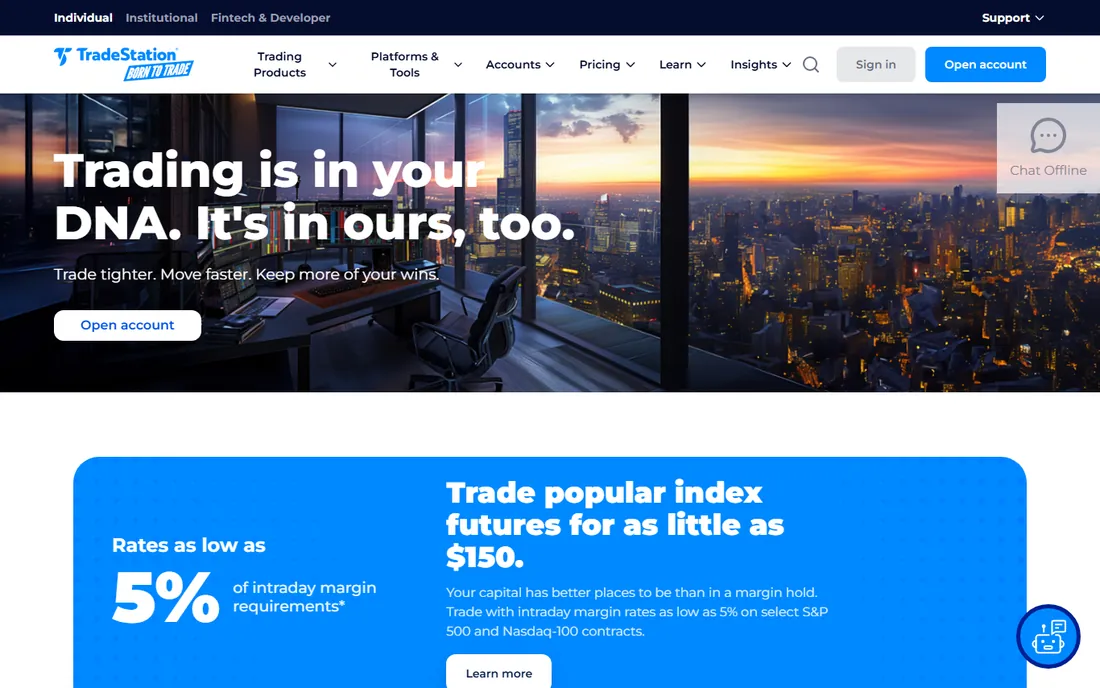
TradeStation has been the retail algo pioneer since the 1980s, and EasyLanguage remains the most approachable scripting language in trading: it reads like sentences, not code. The desktop platform includes serious backtesting with a Walk-Forward Optimizer, and the TS SELECT plan offers $0 commissions on stocks and ETFs with no minimum deposit. Futures traders get $1.50 per side standard commissions.
The platform is free with a funded account, but "free" needs the fine print: a $10-per-month inactivity fee applies unless waived by activity or balance, and the desktop software, while powerful, overwhelms many beginners. Start on the web platform, learn EasyLanguage on the simulator, and graduate to the desktop when your strategies demand it. For non-programmers who want real automation, the language alone justifies a look.
What we like- EasyLanguage reads almost like English
- Powerful built-in backtesting with a Walk-Forward Optimizer
- $0 commissions on stocks and ETFs
Watch out for- The desktop platform has a real learning curve
- Inactivity fees can bite small idle accounts
Starting price$82 per month (Standard)
Free planNo (paid 14-day trial available)
TrendSpider automates the technical analysis workflow: it draws the trendlines, spots the patterns, runs the scans and backtests the strategies, all without code. The Strategy Tester supports multi-symbol tests and variance testing, and every plan includes trading bots plus cloud alerts that can route to brokers through integrations like TradersPost. Real-time US stock data is included on all plans.
The price is the hurdle. Standard starts at $82 per month ($54 per month billed annually), rising through Premium, Enhanced and Advanced tiers, and there is no free tier, only a paid 14-day trial. That makes it the most expensive research-only tool on this list. It earns the price if you are an active systematic trader who values automation over coding. For a beginner just exploring, start with TradingView's free tier and revisit TrendSpider when you have strategies worth automating.
What we like- Automated trendlines, pattern recognition and multi-timeframe analysis
- No-code strategy tester with variance testing
- Real-time data included
Watch out for- The priciest pure-research tool here
- No free tier and no free trial
Starting price$32 per month (Trading Pass, billed annually)
Free planYes (free build and backtest tier)
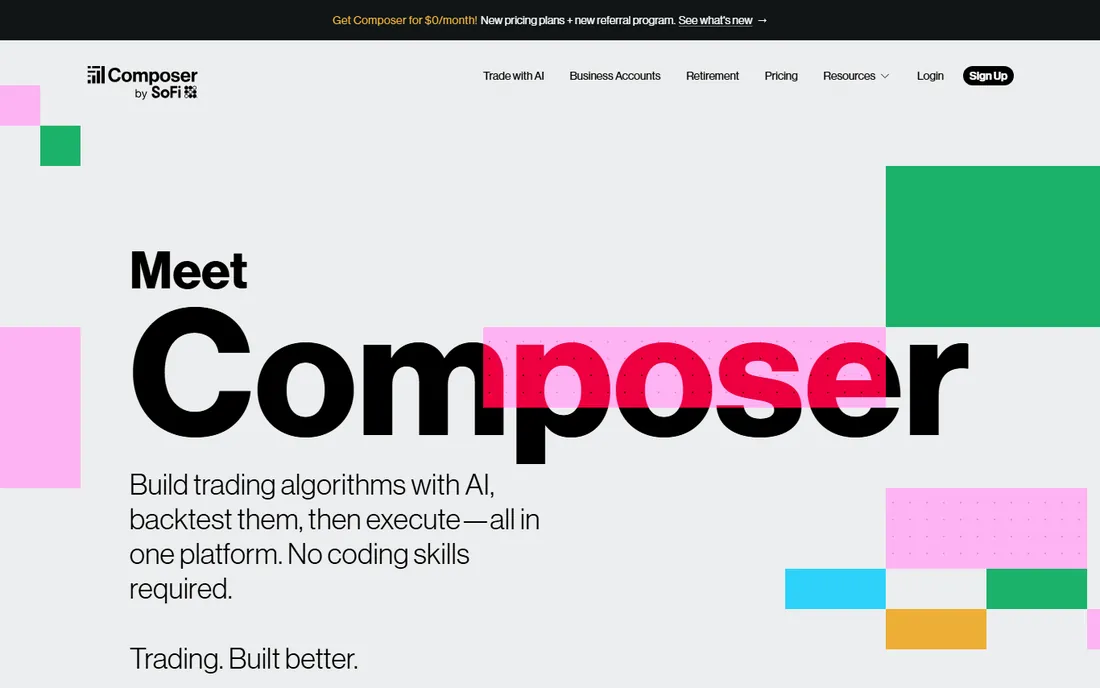
Composer lets you write a strategy like a sentence, "buy the top momentum ETFs monthly and hold cash when the S&P is below its 200-day average," then backtests it and runs it automatically. The visual editor needs no coding, the community shares thousands of prebuilt strategies, and building plus backtesting is free. Live automation requires the Trading Pass at $32 per month billed annually ($40 month-to-month), with a 14-day trial.
Two things to know in 2026. First, SoFi acquired Composer, and the product is now Composer by SoFi; the pricing page still shows the free build tier and the Trading Pass, but expect integration changes. Second, it is US-only and custodial: your money sits in a Composer brokerage account. For a beginner who wants real automation without learning Python, it remains the smoothest path from idea to invested.
What we like- Describe strategies in plain language with AI-assisted building
- Unlimited backtesting free
- Automated rebalancing with $0 stock and ETF commissions
Watch out for- US-only
- The Trading Pass is required for live automation
- Now owned by SoFi, so expect changes
#10
TradersPost
Best for: Automating TradingView or TrendSpider alerts at a broker
Visit traderspost.io
Starting price$49 per month (Starter)
Free plan7-day free trial
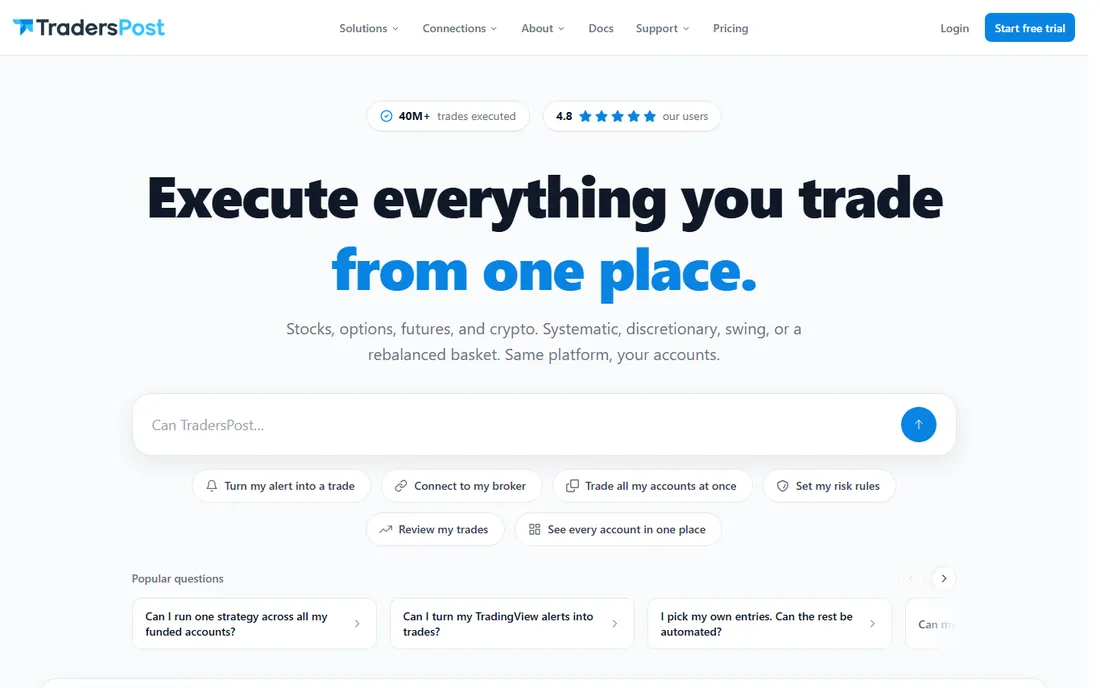
TradersPost is the missing link between your charts and your broker. You build the strategy in TradingView Pine Script or TrendSpider, point the alert webhook at TradersPost, and it routes the order to your connected brokerage, stocks, options, futures or crypto, across 17-plus integrations including Tradovate, TradeStation, Alpaca and Interactive Brokers. One signal can fire across multiple accounts at once, and paper trading is built in for testing.
Pricing starts at $49 per month for Starter, with a 7-day free trial that needs no credit card. The limitation is scope: TradersPost executes, it does not research, so you still need TradingView for the strategy side. Webhook execution carries 100 to 500 milliseconds of latency, fine for swing strategies, less ideal for scalping.
What we like- Turns webhooks into broker orders across 17+ connections
- Paper trading included
- No code required
Watch out for- No strategy building or backtesting of its own
- Webhook latency can slip on fast futures markets
How we chose
We checked vendor pricing pages and documentation, plus independent reviews and trader communities, and favored tools a beginner can actually start with: free tiers, paper trading and gentle learning curves. The list mixes no-code builders, scripting platforms and API brokers so different skill levels find an entry point. We did not trade on any platform for this comparison, and pricing changes often, so verify current figures before funding an account. Trading involves real risk of loss; no software removes that.
A sensible learning path from zero to your first bot
Do not start by picking a broker. Start by picking a classroom. Spend a month in TradingView's free tier writing Pine Script strategies and watching them fail in the Strategy Tester; that education is worth more than any course. When an idea survives backtesting, paper-trade it for another month. Most beginners discover here that their edge was an illusion, which is a cheap lesson on paper and an expensive one live.
Stage two is automation without code. Composer's free backtesting tier or TradersPost's trial paired with TradingView alerts lets you run a real strategy with real orders while your coding skills catch up. Only then consider the programming path: QuantConnect's free tier for research discipline, Alpaca's free API for your first live bot, Interactive Brokers when you need markets Alpaca does not cover.
The common mistake is buying the expensive platform first. TrendSpider, NinjaTrader's paid tiers and QuantConnect's paid plans are all excellent, and all wasted on a beginner who has not yet proven a strategy on free tools. Earn the upgrade with results, not enthusiasm.
Paper trading is not optional
Every tool on this list except TrendSpider offers some form of free practice, and you should use it far longer than feels necessary. Paper trading catches the unglamorous failures: the strategy that only works on trending markets, the order types your broker restricts, the alert that fires twice, the slippage your backtest ignored. Alpaca's paper environment mirrors live pricing, NinjaTrader's Sim101 runs real market conditions, and Interactive Brokers' paper account is identical to live.
Treat paper results as an optimistic ceiling, not a forecast. Real trading adds slippage, partial fills, fees and the psychological weight of actual money. A common rule: a strategy needs a few hundred paper trades across different market conditions before it earns a dollar of real capital.
Frequently asked questions
What is the best algorithmic trading software for beginners?
TradingView is the best starting point for most beginners because Pine Script is easy to learn and the free tier includes backtesting. If you want automation without coding, Composer is the smoothest path. Developers should start with QuantConnect's free tier for research and Alpaca's free API for live trading.
Do I need to know how to code for algorithmic trading?
No. Composer builds strategies from plain-language descriptions, TrendSpider and TradersPost work with no code, and MetaTrader 5 has thousands of prebuilt Expert Advisors you can buy. Coding helps when your ideas outgrow visual builders, but it is not required to start.
How much money do I need to start algorithmic trading?
Less than most people think. Alpaca and Interactive Brokers have no account minimums, and micro futures on NinjaTrader need only $50 intraday margin. Composer asks for a $500 minimum to start investing. The real budget question is the software: start with free tiers and add paid tools only when a working strategy justifies them.
Can I really trade for free with these platforms?
The platforms marked free genuinely cost nothing to learn on: TradingView Basic, MetaTrader 5 through a broker, QuantConnect's free tier, Alpaca's paper trading and NinjaTrader's simulator all cost $0. Live trading always involves costs somewhere, commissions, spreads, data fees or subscriptions, plus the risk of losing money on the trades themselves.
What happened to Capitalise.ai?
Kraken acquired Capitalise.ai in August 2025 and folded the technology into Kraken Pro; it no longer operates as an independent platform. TradersPost is the closest independent alternative for turning alerts into automated broker orders without code.
Is algorithmic trading profitable for beginners?
Rarely at first. Most beginner strategies fail in backtesting, which is actually the system working: it is far cheaper to learn that on historical data than with real money. Treat the first six months as education, risk only money you can afford to lose, and be skeptical of any backtest with only a handful of trades.
Sources we checked (16)
- https://www.tradingview.com/
- https://www.metatrader5.com/
- https://www.quantconnect.com/
- https://alpaca.markets/
- https://www.interactivebrokers.com/
- https://ninjatrader.com/
- https://www.tradestation.com/
- https://trendspider.com/
- https://www.composer.trade/
- https://traderspost.io/
- https://www.liberatedstocktrader.com/tradingview-pricing-plans-costs-discounts/
- https://www.newtrading.io/quantconnect-review/
- https://www.financialtechwiz.com/post/tradingview-vs-ninjatrader/
- https://www.quantvps.com/blog/trade-copier-for-tradingview
- https://medium.datadriveninvestor.com/sofi-bought-composer-f0c46d09323c?gi=c57603cee21d
- https://blog.traderspost.io/article/is-capitalise-ai-legit
Is your product missing or out of date?
We review this list regularly. Vendors can request a listing, send updated pricing or ask about featured placement.

Shihab Mia · Founder, Rankite
Shihab has spent more than a decade helping SaaS and e-commerce brands grow through search. He writes Rankite's software buying guides from pricing pages, documentation and public user reviews. More about Shihab.