How we make this list: we compare pricing pages, product documentation and public user reviews. Ratings come from G2, Capterra or Trustpilot, with the date we checked them.
Key takeaways
- AI in a docs workspace should answer from your own pages, not just draft generic text.
- Notion charges $20 per user per month for its full AI Business plan, while Coda bundles AI into paid tiers.
- Taskade and Craft keep costs low for small teams with flat or cheap per-user pricing.
- Check whether AI is bundled or an add-on, because the add-on can double the bill.
- The best tool depends on whether your team lives in docs, tasks, or both.
Quick comparison
| Tool | Best for | Starting price | Free plan |
|---|
 Notion Notion | Flexible docs, wikis, and databases | $10 per user per month | Yes |
 Coda Coda | Docs that work like apps | $10 per user per month | Yes |
 ClickUp ClickUp | Docs plus full task management | $7 per user per month | Yes |
 Taskade Taskade | Small teams on a flat price | $10 per month | Yes |
 Craft Craft | Clean personal and small-team docs | $5 per month | Yes |
 Slite Slite | Team knowledge bases | $8 per user per month | Yes |
 Confluence Confluence | Atlassian shops and large teams | $5.42 per user per month | Yes |
 Mem Mem | AI memory across notes | $15 per month | Free trial |
Is your product missing or out of date?
We review this list regularly. Vendors can request a listing, send updated pricing or ask about featured placement.
#1Notion
Best for: Flexible docs, wikis, and databases4.6/5 on
G2 (13,834 reviews, checked Oct 2026)
Visit notion.com
Starting price$10 per user per month
Free planYes
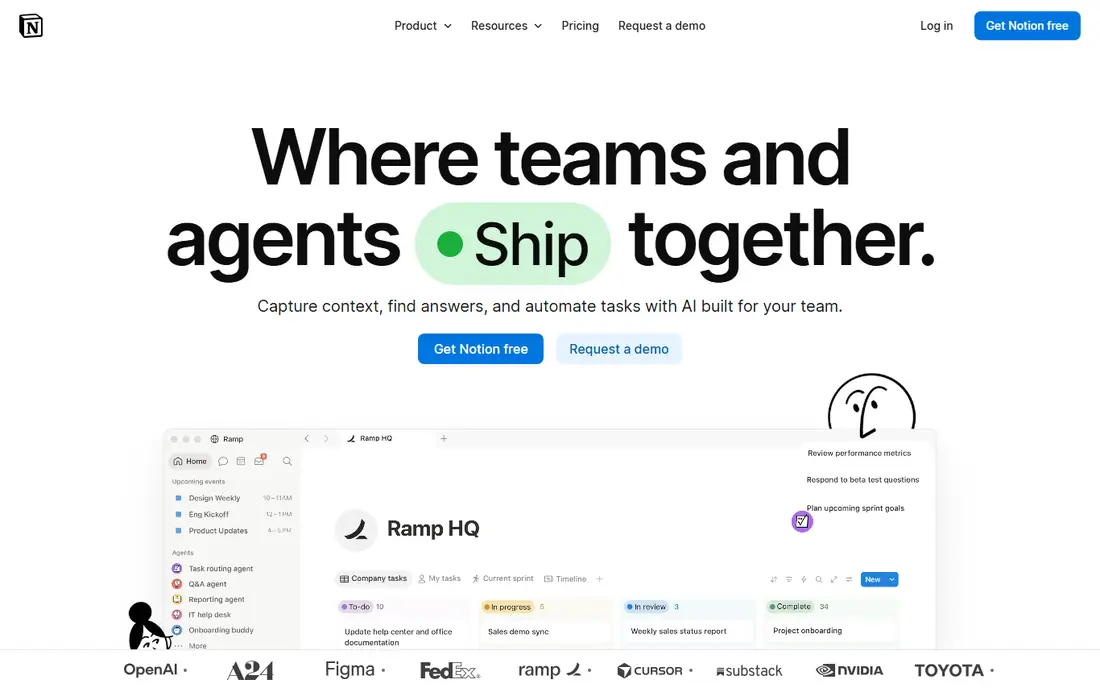
Notion remains the default flexible workspace for docs, wikis, and databases. Pages, databases, and templates bend to almost any team process, and the template library covers meeting notes, project trackers, and company wikis. AI writing, summarization, and question answering sit inside the same pages your team already uses.
Pricing needs care. Plus costs $10 per user per month billed annually, but full AI with agents, meeting notes, and enterprise search requires Business at $20 per user per month. AI also only sees content inside Notion, so it cannot triage email or calendar. For a team that already lives in Notion, Business is the honest price of the AI experience.
What we like- Flexible blocks and databases
- Full AI on Business
- Huge template library
Watch out for- Full AI needs the $20 Business plan
- AI stays inside Notion
- Large workspaces slow down
Starting price$10 per user per month
Free planYes
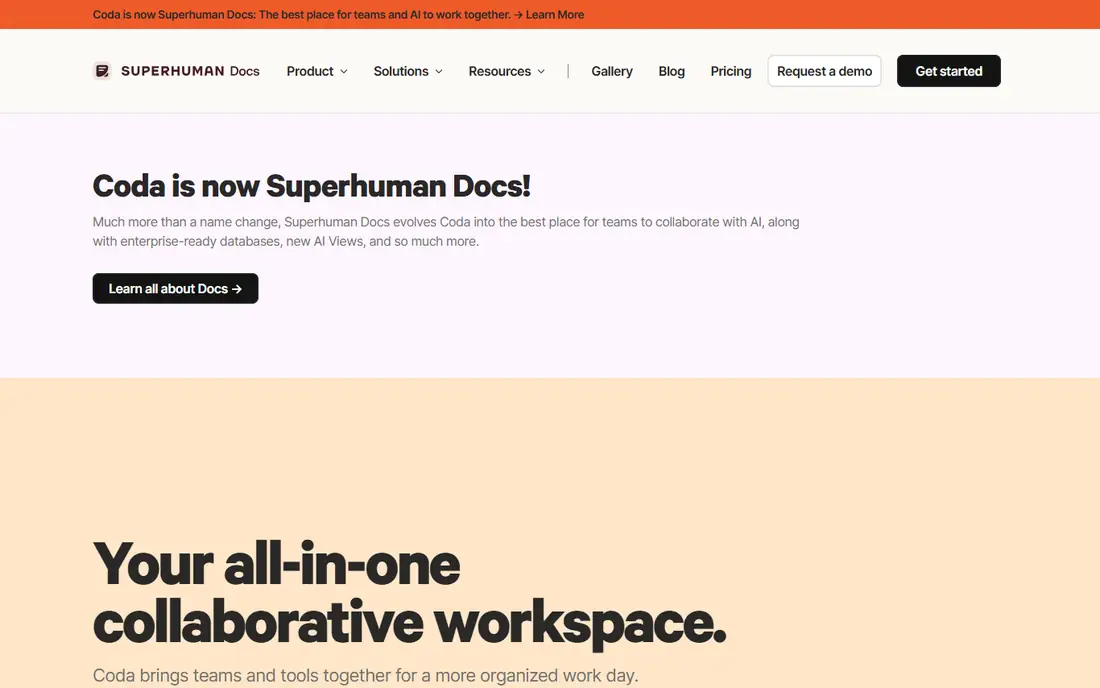
Coda treats a doc as an app. Tables, formulas, buttons, and automations let a team build trackers, approval flows, and dashboards without code, and AI is bundled into paid tiers rather than sold as a separate add-on. Packs connect docs to hundreds of outside tools, so a doc can pull live data instead of holding stale copies.
Pricing follows the Doc Maker model: people who build docs pay, while editors read and comment free. That keeps a ten-person team cheap when only three people build, but costs climb when everyone needs to build. Teams that want spreadsheet-grade logic inside their docs will find Coda the most powerful option here.
What we like- AI bundled into paid tiers
- Formulas turn docs into apps
- 600 plus Packs
Watch out for- Doc Maker pricing confuses buyers
- Builders cost more as teams grow
- Learning curve
#3ClickUp
Best for: Docs plus full task management4.6/5 on
G2 (14,878 reviews, checked Oct 2026)
Visit clickup.com
Starting price$7 per user per month
Free planYes
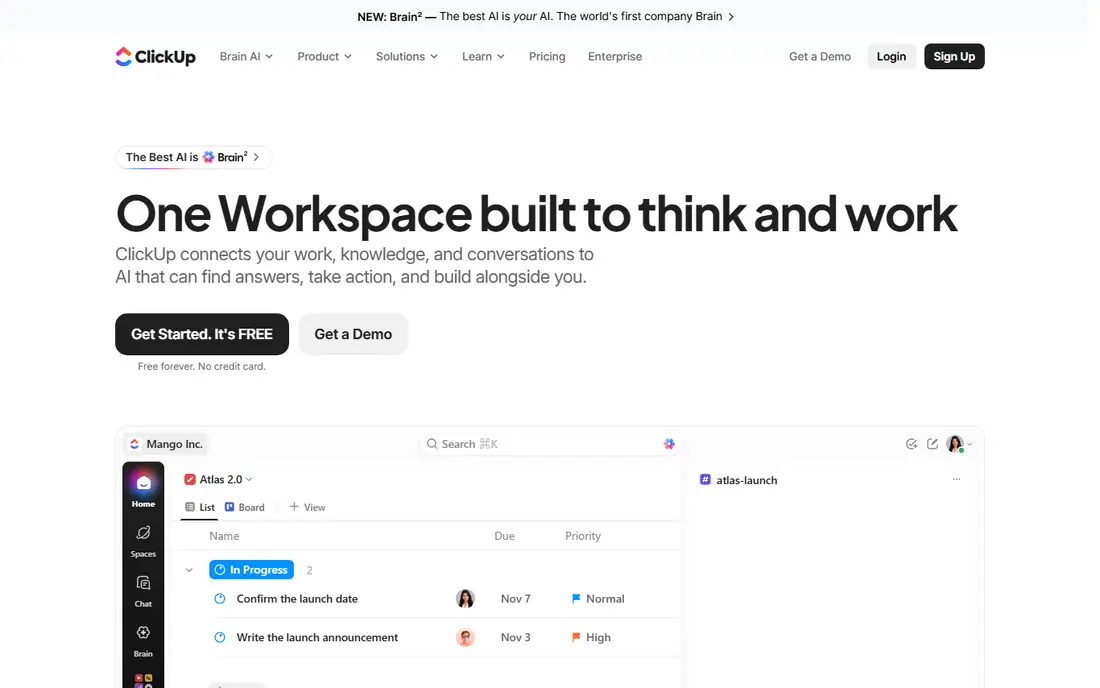
ClickUp suits teams that want docs attached to real project work. Docs sit next to tasks, goals, timelines, and workload views, so a project brief and its task list share one home. Automations and AI features help with summaries, action extraction, and drafting, and the free tier covers unlimited tasks and members for small teams.
The paid Unlimited plan starts at $7 per user per month billed annually, and ClickUp Brain AI is a paid add-on on top of that, so price the bundle, not the base plan. The interface packs in a lot, which can overwhelm new users. For a team that lives in tasks as much as docs, ClickUp is the strongest combined pick.
What we like- Docs, tasks, and goals in one place
- 15 plus views
- Strong automations
Watch out for- AI is a paid add-on
- Interface feels busy
- Setup takes time
#4Taskade
Best for: Small teams on a flat price4.5/5 on
G2 (81 reviews, checked Oct 2026)
Visit taskade.com
Starting price$10 per month
Free planYes
Taskade is the price outlier in a good way. Pro costs $10 per month for up to ten seats, with AI agents and automations included rather than billed per user. A ten-person team pays a fraction of what Notion plus AI or ClickUp plus Brain would cost, and setup takes minutes.
The trade is depth. Taskade has a smaller integration ecosystem and fewer enterprise controls than Notion, Coda, or Confluence, and its formula power trails Coda. For a small team that wants AI docs, tasks, and chat in one cheap subscription, Taskade is hard to beat on value.
What we like- Flat price covers up to 10 seats
- AI agents included
- Fast setup
Watch out for- Smaller ecosystem
- Fewer enterprise controls
- Less depth than Coda formulas
#5Craft
Best for: Clean personal and small-team docs4.6/5 on
G2 (22 reviews, checked Oct 2026)
Visit craft.do
Starting price$5 per month
Free planYes
Craft is the prettiest tool on this list, with fast native apps for Mac, iOS, and Windows and a writing experience that feels closer to a notes app than a database. AI features are included in paid plans starting at $5 per month, and documents work well offline. Individuals and tiny teams who care about speed and design tend to love it.
Craft is not a database powerhouse. Team wikis, complex trackers, and automations run thinner than in Notion or Coda. If your documents are mostly writing, notes, and light planning, Craft is a pleasure. If your docs need to act like apps, pick Coda instead.
What we like- Beautiful native apps
- AI included in paid plans
- Fast and offline friendly
Watch out for- Weaker team databases
- Smaller template library
- Limited automations
Starting price$8 per user per month
Free planYes
Slite focuses on one job: a team knowledge base that people actually maintain. Docs are organized, searchable, and easy to update, and AI features are included in the $8 per user per month plan. The restraint is deliberate, since Slite avoids turning into a full project suite.
That focus is also the limit. Databases, task views, and automations are lighter than in Notion or ClickUp, and the integration list is smaller. For a company that mainly needs a reliable internal wiki with AI search and drafting, Slite is a clean, fairly priced choice.
What we like- Focused on team knowledge
- AI included
- Clean structure
Watch out for- Fewer views and databases
- Smaller ecosystem
- Limited task features
#7Confluence
Best for: Atlassian shops and large teams4.1/5 on
G2 (4,368 reviews, checked Oct 2026)
Visit atlassian.com
Starting price$5.42 per user per month
Free planYes
Confluence is the documentation home for teams that already run Jira. Pages link to issues, sprints, and releases, and enterprise security, permissions, and a 99.95 percent uptime SLA suit large organizations. Entry pricing starts at $5.42 per user per month, which undercuts most rivals for big teams.
The writing experience feels heavier than Notion or Craft, and AI features sit in higher tiers or add-ons depending on the plan. Design is plain rather than pretty. If your engineering and product teams already live in Atlassian, Confluence is the natural docs home. If they do not, a lighter tool will feel better.
What we like- Deep Jira links
- Strong enterprise security
- Low entry price
Watch out for- Editing feels heavier
- AI sits in higher tiers
- Design is plain
Starting price$15 per month
Free planFree trial
Mem takes a different approach: instead of folders, it builds a memory layer across your notes and surfaces related material when you write or ask. Capture is fast, and AI features are included in the $15 per month plan. People with large personal note collections who struggle to find old material tend to get the most from it.
Mem is weaker as a team database tool than Notion or Coda, and its template set is smaller. At $15 per month for an individual plan, it also costs more than Craft or Slite. For a knowledge worker whose main problem is retrieval, not collaboration, Mem is a distinctive pick.
What we like- Memory-based AI recall
- Fast capture
- AI included
Watch out for- Higher solo price
- Weaker team databases
- Smaller template set
How we chose
We compared tools on AI quality inside real documents, whether AI is bundled or an add-on, document and database depth, team features, and published pricing. We used vendor pricing pages, product documentation, and published comparison guides. Where sources conflicted on an add-on price, we pointed readers to the vendor pricing page instead of stating a disputed figure.
How to pick the right AI workspace
Start with where your team already works. If tasks live in Jira, Confluence will feel natural. If tasks live in ClickUp, its docs keep work in one place. If your team mostly writes and organizes knowledge, Notion, Coda, or Slite will fit better than a project suite. Switching a whole team to a new home is costly, so fit with current habits beats a slightly better feature list.
Next, price AI honestly for your whole team. Add-on AI can double the bill, as with Notion Business at $20 per user per month versus Plus at $10. Flat pricing like Taskade Pro at $10 per month for ten seats changes the math for small teams. Run the total for your actual headcount, including viewers and editors, before comparing headline prices.
Then test AI on your own documents. Ask it to summarize a long spec, find a decision from three months ago, and draft a brief from your notes. Generic drafting is easy for every tool here. Retrieval from your own pages is where tools differ, and it is the feature you will use daily. Finally, check export options and permissions, since a workspace full of company knowledge needs a clean exit path and sensible access controls.
Frequently asked questions
Is Notion AI worth the extra cost?
It depends on the plan. Plus at $10 per user per month includes only a limited AI trial, while full AI needs Business at $20 per user per month. If your team uses AI daily inside Notion docs, Business pays for itself. If not, a tool with bundled AI like Coda or Taskade costs less.
Which AI workspace tool is cheapest for a small team?
Taskade Pro at $10 per month covers up to ten seats with AI included, which is the lowest total cost on this list for a small team. Craft at $5 per month per user is also cheap for individuals and tiny teams.
Does Coda AI cost extra?
No, Coda bundles AI into its paid tiers rather than selling it as a separate add-on. You pay per Doc Maker, while editors read and comment free, so total cost depends on how many people build docs.
Can AI in these tools see my email and calendar?
Generally no. Notion AI only sees content inside Notion, and most rivals work the same way inside their own workspace. Cross-tool AI assistants exist, but they are a separate product category from the workspace tools on this list.
Which tool is best for a company wiki?
Slite and Confluence are the most wiki-focused picks. Slite suits smaller teams that want a clean knowledge base, while Confluence suits larger teams already using Jira and Atlassian products.
Can I move my documents out later?
Most tools offer export to common formats, but the quality varies, and databases rarely export cleanly. Check export options during your trial, and keep a backup of critical pages outside the workspace.
Sources we checked (8)
- https://www.notion.com/pricing
- https://www.coda.io/pricing
- https://www.clickup.com/pricing
- https://www.taskade.com/pricing
- https://www.craft.do/pricing
- https://www.slite.com/pricing
- https://www.atlassian.com/software/confluence/pricing
- https://www.mem.ai/pricing
Is your product missing or out of date?
We review this list regularly. Vendors can request a listing, send updated pricing or ask about featured placement.

Shihab Mia · Founder, Rankite
Shihab has 5+ years in B2B and SaaS SEO. He writes Rankite's software buying guides from pricing pages, documentation and public user reviews. More about Shihab.