How we make this list: we compare pricing pages, product documentation and public user reviews. Ratings come from G2, Capterra or Trustpilot, with the date we checked them.
Key takeaways
- Runway is the best all round image to video tool, pairing its Gen-4.5 model with editing tools for finishing a shot.
- Kling is the best value for long clips, with 30 second shots, character controls, and a Standard plan from $8.80 per month.
- Hailuo AI is the best for expressive character motion, with trial credits and a Standard plan near $8.40 per month billed yearly.
- Google Flow is the best daily free option, with 50 credits a day and Google AI Plus from $4.99 per month.
- Luma Dream Machine is the best for cinematic control and HDR, though its Plus plan starts at $30 per month with no free plan.
Quick comparison
| Tool | Best for | Starting price | Free plan |
|---|
 Runway Runway | All round generation and editing | $12 per month | Yes |
 Kling AI Kling AI | Long clips and characters | $6.99 per month | Yes |
 Hailuo AI Hailuo AI | Expressive character motion | $8.40 per month | Yes |
 Google Flow Google Flow | Daily free generation | $4.99 per month | Yes |
 PixVerse PixVerse | Short form social clips | $8 per month | Yes |
 Vidu Vidu | Characters and anime | $8 per month | Yes |
 Luma Dream Machine Luma Dream Machine | Cinematic control and HDR | $30 per month | No |
 Pika Pika | Effect driven short clips | $8 per month | Yes |
Is your product missing or out of date?
We review this list regularly. Vendors can request a listing, send updated pricing or ask about featured placement.
#1Runway
Best for: All round generation and editing4.1/5 on
G2 (105 reviews, checked Oct 2026)
Visit runwayml.com
Starting price$12 per month
Free planYes
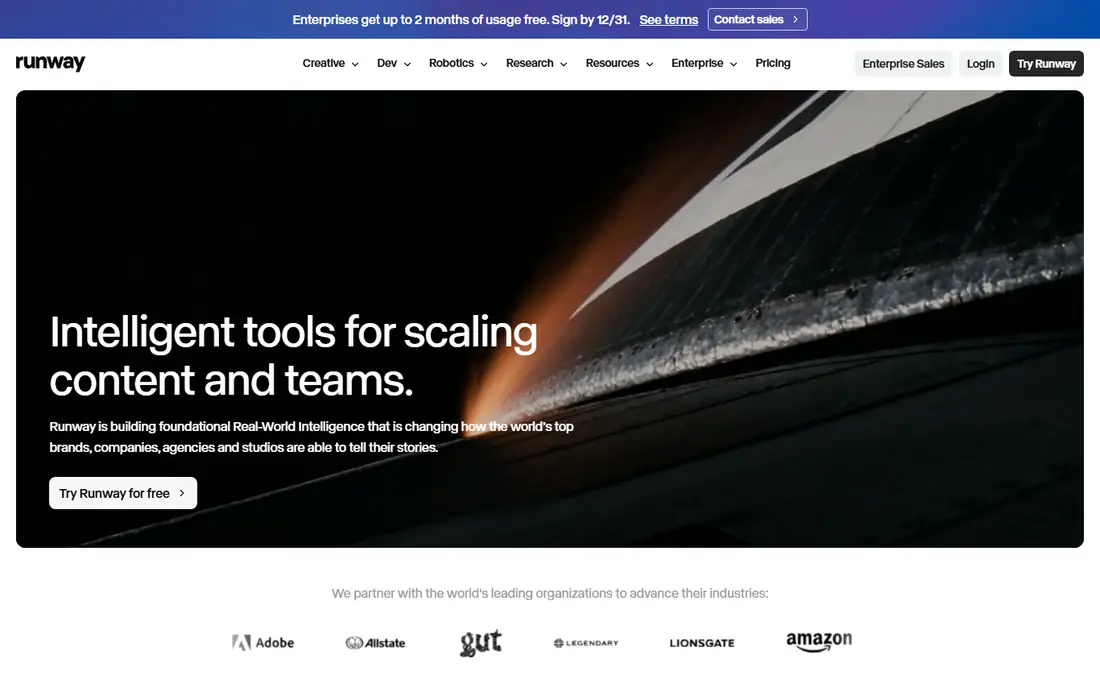
Runway pairs its Gen-4.5 video model with a broader editing and workflow suite, so a shot can be generated, extended, restyled, or cleaned up without leaving the app. The free plan gives 125 one-time credits, Standard costs $15 per month or $12 billed yearly for 625 credits, and Pro costs $35 per month or $28 billed yearly for 2,250 credits. For creators who generate and finish in one place, Runway is the most complete tool here.
Credits go fast, and published conversions of credits into seconds of Gen-4.5 video disagree between sources, so spend the free credits on a representative prompt before committing. For polished commercial work with editing built in, Runway is the top pick.
What we like- Gen-4.5 model with strong motion quality
- Editing tools for extending and restyling clips
- 125 one-time credits to test
Watch out for- Credits go fast on longer clips
- Standard plan at $12 per month billed yearly, $15 monthly
- Credit to seconds conversions vary
Starting price$6.99 per month
Free planYes
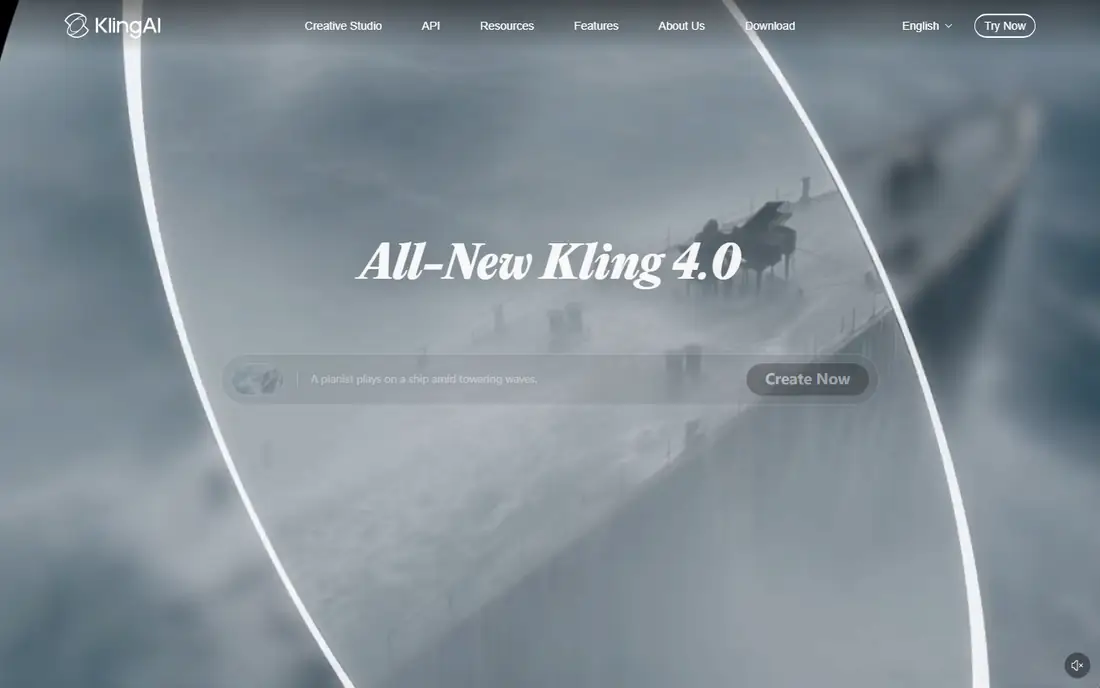
Kling AI is the best value for long clips, with native shots up to 30 seconds, character controls, and multi shot workflows that keep a character consistent across scenes. The Standard plan costs $8.80 per month after a $6.99 first month, with 660 credits, and a free trial package lets you test motion quality before paying. Kling 4.0, released in October 2026, improved long form generation further.
Free credits are promotional rather than a monthly refill, and 1080p, 4K, and commercial use need a paid plan. For creators who need longer clips and character consistency at a low monthly cost, Kling is the best value on this list.
What we like- 30 second shots and character controls
- Fast iteration
- Standard plan from $8.80 per month after a $6.99 first month
Watch out for- 1080p, 4K, and commercial use need a paid plan
- Free credits are promotional
- Per clip cost is not printed
Starting price$8.40 per month
Free planYes

Hailuo AI, from MiniMax, is the best tool for animating an image with expressive character motion, and it is widely rated the top quality image to video model for faces and gestures. The Standard plan lists near $14.99 per month, with promotions near $10.50 monthly or $8.40 billed yearly for 1,000 credits, and a one-time trial credit package lets you test before paying.
Free videos carry a watermark, and trial credits do not refill. For creators animating portraits, characters, and illustrations where motion quality matters most, Hailuo is the strongest single model here.
What we like- Top quality image animation
- Expressive character motion
- Standard plan near $8.40 per month billed yearly
Watch out for- Watermark on free videos
- Trial credits are one-time only
- List price near $14.99 per month without promotion
Starting price$4.99 per month
Free planYes
Google Flow is the best daily free option, with 50 credits a day on the free tier, enough for several short clips, and Google AI Plus from $4.99 per month for more. Flow wraps Google's Veo models in a filmmaking interface with scene building and camera controls, and generated audio adds sound to clips rather than silent footage alone.
Free generation may pause at peak hours, and the full Veo experience needs Google AI Pro at $19.99 per month. For creators already in the Google ecosystem who want daily free generation with cinematic quality, Flow is the easiest entry point.
What we like- 50 credits a day on the free tier
- Google AI Plus from $4.99 per month
- Cinematic realism with generated audio
Watch out for- Free video generation may pause at peak hours
- Full Veo access needs Google AI Pro at $19.99 per month
- Credit math varies by model
Starting price$8 per month
Free planYes
PixVerse suits short form social content, with 30 free credits a day and a Standard plan from $8 per month billed yearly. Clips are fast and stylized, which fits TikTok, Reels, and Shorts creators who need many drafts quickly rather than one cinematic shot.
The Standard plan is capped at 720p, and free output is low resolution, so PixVerse is not the pick for broadcast or client work that needs 1080p. For daily social drafts at a low cost, it is the most generous free tier among paid tools here.
What we like- 30 free credits a day
- Fast stylized social clips
- Standard plan from $8 per month billed yearly
Watch out for- Standard plan capped at 720p
- Free output is low resolution
- Commercial terms need checking before publishing
Starting price$8 per month
Free planYes
Vidu is the best tool for anime and illustration animation, with strong character consistency and a Standard plan from $8 per month billed yearly. Trial and daily credits let you test before paying, and reference uploads help keep a character's look consistent across clips.
The free credit amount is not published, and commercial use needs a paid plan. For anime, illustration, and character driven content, Vidu's motion quality rivals Hailuo at a similar price.
What we like- Strong character and anime animation
- Trial and daily credits
- Standard plan from $8 per month billed yearly
Watch out for- Free credit amount is not published
- Paid plan needed for commercial use
- Pricing varies by region
Starting price$30 per month
Free planNo
Luma Dream Machine is the best tool for cinematic control and HDR, with Ray models that give precise camera and motion control and output suited to post production. The Plus plan costs $30 per month, or $25 billed yearly, with 10,000 credits, while Pro costs $90 and Ultra $300. Luma's credit system also reaches outside models, including Veo, Kling, and Seedance, so one account can compare models.
There is no free plan on the pricing page, and a 5 second 1080p Ray clip costs 400 credits, so a Plus allowance covers roughly 25 such clips before retries. For professional work where control and HDR matter, Luma justifies its price. For casual use, a cheaper tool with a free tier fits better.
What we like- Ray models with strong control and HDR output
- 1080p and long clips for subscribers
- Outside models also available through credits
Watch out for- No free plan on the pricing page
- Plus plan at $30 per month
- A 5 second 1080p clip costs 400 credits, so credits go fast
Starting price$8 per month
Free planYes
Pika suits effect driven short clips, with free packs that carry no watermark on any tier, a rare generosity among free plans. The Starter plan costs $8 per month billed yearly with 900 credits, and effects like inflation, melting, and explosion make social clips that stand out in a feed.
There is no commercial license below the Creator plan at $35 per month, so client work needs the higher tier. For personal and social clips where effects matter more than length, Pika is the most fun tool here.
What we like- Free packs with no watermark on any tier
- Effect driven social clips
- Starter plan from $8 per month billed yearly
Watch out for- No license below the Creator plan at $35 per month
- Short clips only
- Per clip cost varies by effect
How we chose
We compared image to video tools using published October 2026 pricing, free tier terms, clip length, resolution, motion quality reports, and commercial use terms, drawing on vendor pricing pages and independent comparisons. Each tool had to accept a still image as the starting point and produce video. We weighted motion quality, clip length, credit cost per clip, and free tier generosity, and we left out text only video tools and tools that only edit existing footage. Prices and promos change, so confirm the current rate before signing.
Start with the job. A social creator making daily short clips needs a generous free tier and fast generation, so PixVerse or Pika fit. A filmmaker making cinematic shots needs control and HDR, so Luma or Runway fit. A character animator needs motion quality and consistency, so Hailuo, Kling, or Vidu fit. A casual user testing the category should start with Google Flow's daily credits.
Next, do the credit math. A plan's monthly price means little without the cost per clip: Luma's 400 credits per 5 second 1080p clip, Runway's 625 credits on Standard, and Kling's 660 credits on Standard all translate to different clip counts. Generate a representative clip on the free tier, count the credits it used, and divide the monthly allowance by that number to get your real clip budget.
Finally, check rights before publishing. Free tiers often forbid commercial use or add watermarks, and AI output rights vary by vendor and jurisdiction. Only animate images you own or have rights to use, get consent for real people's likeness or voice, and review every clip for distorted faces, hands, or text before it goes live.
Frequently asked questions
How long can an AI video from an image be?
Most tools produce 5 to 10 second clips, with Kling reaching 30 seconds in a single shot and others allowing extension to longer sequences. Longer clips cost more credits and show more motion errors, so plan for retries on anything over 10 seconds.
Can I use AI video clips commercially?
It depends on the plan. Paid plans usually allow commercial use, while free tiers often forbid it or add watermarks. Pika has no license below its Creator plan, and Hailuo and Vidu reserve commercial use for paid users. Check the terms for your exact plan before client work.
Will the person in my photo look the same in the video?
Usually, but not always. Character consistency is best on Kling, Hailuo, and Vidu, which use reference controls, but faces can still warp on longer clips or extreme motion. Keep motion prompts modest and review every clip before publishing.
Do I need a powerful computer to use these tools?
No. All eight tools run in the cloud, so a browser and an internet connection are enough. Generation time depends on the vendor's servers and queue, not your hardware, though peak hours can slow free tiers.
Can I animate a photo of a real person?
Only with their consent. Animating a real person's likeness or voice without permission raises legal and ethical problems, especially for advertising or misleading content. Use your own photos, licensed images, or illustrations, and get written consent for anyone else.
Which tool is best for beginners?
Google Flow, for its daily free credits and simple filmmaking interface, or PixVerse, for its fast social clips and daily credits. Both let you learn prompting and motion control without paying, before you commit to a paid plan.
Sources we checked (0)
Is your product missing or out of date?
We review this list regularly. Vendors can request a listing, send updated pricing or ask about featured placement.

Shihab Mia · Founder, Rankite
Shihab has 5+ years in B2B and SaaS SEO. He writes Rankite's software buying guides from pricing pages, documentation and public user reviews. More about Shihab.