How we make this list: we compare pricing pages, product documentation and public user reviews. Ratings come from G2, Capterra or Trustpilot, with the date we checked them.
Key takeaways
- Runway Gen-4 leads on controllable, cinematic generation, with strong character consistency and camera controls.
- Kling leads on realistic motion and physics, especially for human movement and complex scenes.
- Pika and Luma Dream Machine suit creators who want fast, stylized clips with less setup.
- Hailuo and Vidu offer strong value, with generous free tiers and competitive quality at lower prices.
- Synthesia and HeyGen suit business video, with avatars and voiceovers for training and marketing.
- Lawful use matters: do not generate deepfakes of real people without consent, and check commercial-use terms per tool, since training-data lawsuits are still in flight.
Quick comparison
| Tool | Best for | Starting price | Free plan |
|---|
 Runway Gen-4 Runway Gen-4 | Cinematic control | See website | Free plan |
 Kling Kling | Realistic motion | See website | Free plan |
 Pika Pika | Fast stylized clips | See website | Free plan |
 Luma Dream Machine Luma Dream Machine | Quick creative clips | See website | Free plan |
 Hailuo Hailuo | Value and quality | See website | Free plan |
 Vidu Vidu | Value and consistency | See website | Free plan |
 Synthesia Synthesia | Business avatars | See website | No |
 HeyGen HeyGen | Avatar marketing video | See website | Free plan |
Is your product missing or out of date?
We review this list regularly. Vendors can request a listing, send updated pricing or ask about featured placement.
AI video generation moved fast from short, dreamlike clips to controllable scenes with consistent characters, camera moves, and realistic motion. The eight tools below cover the range from cinematic generation to business avatars, and the right pick depends on whether you make films, social clips, ads, or training videos. Prices here use credit systems that vary by length and quality, so compare cost per finished clip, not just monthly price.
How we chose
We started from the AI video tools creators actually use in 2026, drawing on creator guides, vendor feature pages, and community benchmarks. We favored tools with consistent characters, camera controls, and commercial-use options, and we excluded Sora's consumer app, which closed in April 2026. Prices in this category change often and vary by credit pack, so where a figure is not confirmed on a vendor page, we use "See website" and flag the gap.
Buying guide
Start with your output type. Filmmakers need character consistency and camera control, social creators need speed and style, and businesses need avatars, voices, and brand safety. A tool that excels at one often trails at another.
Next, compare credit math honestly. Count how many generations you discard before one works, since failed clips cost credits too. A cheap plan with low success rates can cost more per usable clip than a pricier plan with better first-try quality. Then check commercial-use terms: some free tiers forbid commercial use or add watermarks, and some tools restrict use of generated video in ads.
Finally, respect lawful-use limits. Do not create non-consensual deepfakes of real people, do not impersonate public figures, and check each tool's policy on likeness and copyrighted styles. Training-data lawsuits involving AI companies are still in flight, so commercial users should follow the legal news for their tools. Prompting skill also deserves real practice time. The best results come from describing the subject, the action, the camera move, the lighting, and the style in that order, with one clear action per clip. Beginners often write long, vague prompts and get muddled results, while experienced creators write short, specific prompts and run several variations. Treat your first month as training: save prompts that worked, note which words changed the output, and build a small personal library of reliable prompt patterns before you take on paid work.
Frequently asked questions
Which AI video tool makes the most realistic video?
Kling leads on realistic human motion and physics, while Runway Gen-4 leads on cinematic control and consistency. Realism also depends on prompting, reference images, and how many generations you run per scene.
Can I use AI video commercially?
Usually yes on paid plans, but terms vary by tool and tier. Free tiers often forbid commercial use or add watermarks. Check the current terms for your plan before publishing client or ad work.
How long are AI-generated clips?
Most tools generate 5 to 10 second clips per generation, with some extending to longer sequences through stitching or extension features. Plan projects as sequences of short clips, not single long takes.
Do I need a powerful computer for AI video?
No. These tools run in the cloud, so a normal laptop and a good internet connection are enough. Generation speed depends on the vendor's queue and your plan, not your hardware. Where a local machine does matter is editing: stitching clips, adding sound, and color grading benefit from a decent laptop, though even that work runs fine on most machines from the last few years. If your editing app lags, proxy editing with lower-resolution previews solves most problems without new hardware, and cloud editors such as Kapwing or Canva remove the local burden entirely for simpler projects.
Is Sora still available for consumers?
No. OpenAI's Sora consumer app closed in April 2026, and its API access ended in September 2026. Creators should use the tools on this list instead, and treat any site claiming to offer Sora consumer access with suspicion.
Sources
- Vendor feature and pricing pages for Runway, Kling, Pika, Luma, Hailuo, Vidu, Synthesia, and HeyGen
- Third-party 2026 comparisons and benchmarks of AI video generation tools
- Creator guides on credit costs, commercial-use terms, and lawful-use policies
Starting priceSee website
Free planFree plan
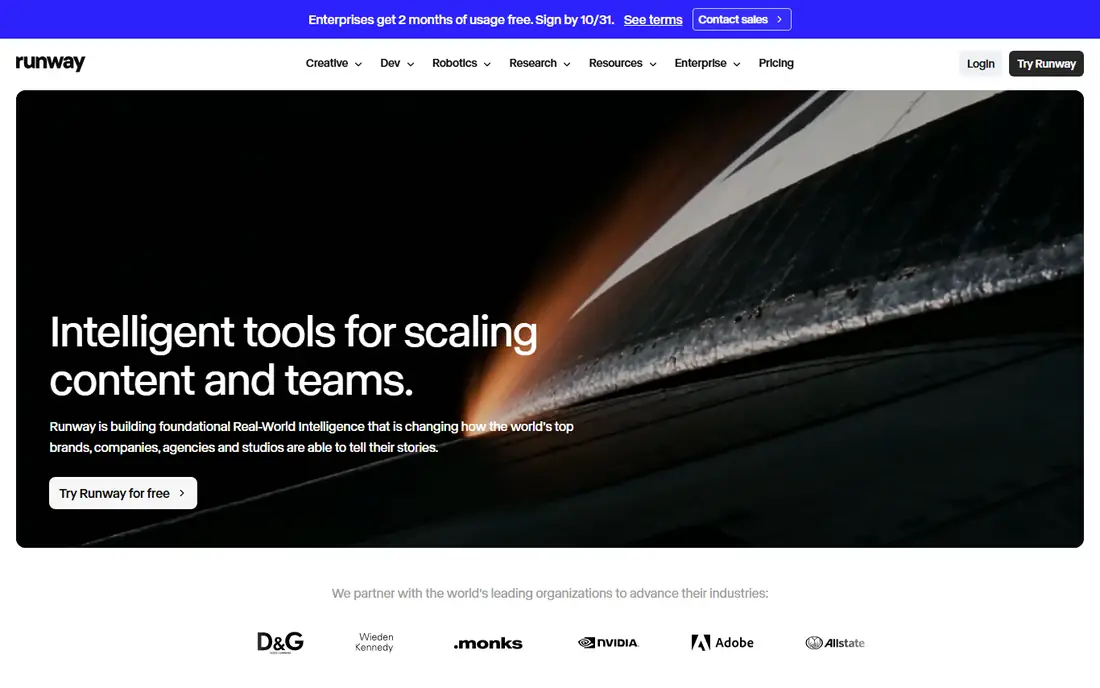
Runway Gen-4 is the filmmaker's pick, with reference-based character consistency, camera movement controls, and a toolset that fits into professional workflows. Creators can hold a character's look across scenes, direct camera moves, and extend clips, which makes short films and ads feasible in ways earlier models could not support.
Credit costs add up fast, since complex scenes often need several generations, and the control set takes time to learn. Queue times also grow on lower plans. Runway Gen-4 suits creators who value control and consistency over raw clip volume, and who plan scenes rather than generating casually.
What we like- Strong character consistency
- Camera and motion controls
- Professional toolset
Watch out for- Credit costs add up
- Learning curve for controls
- Queue times on lower plans
Starting priceSee website
Free planFree plan
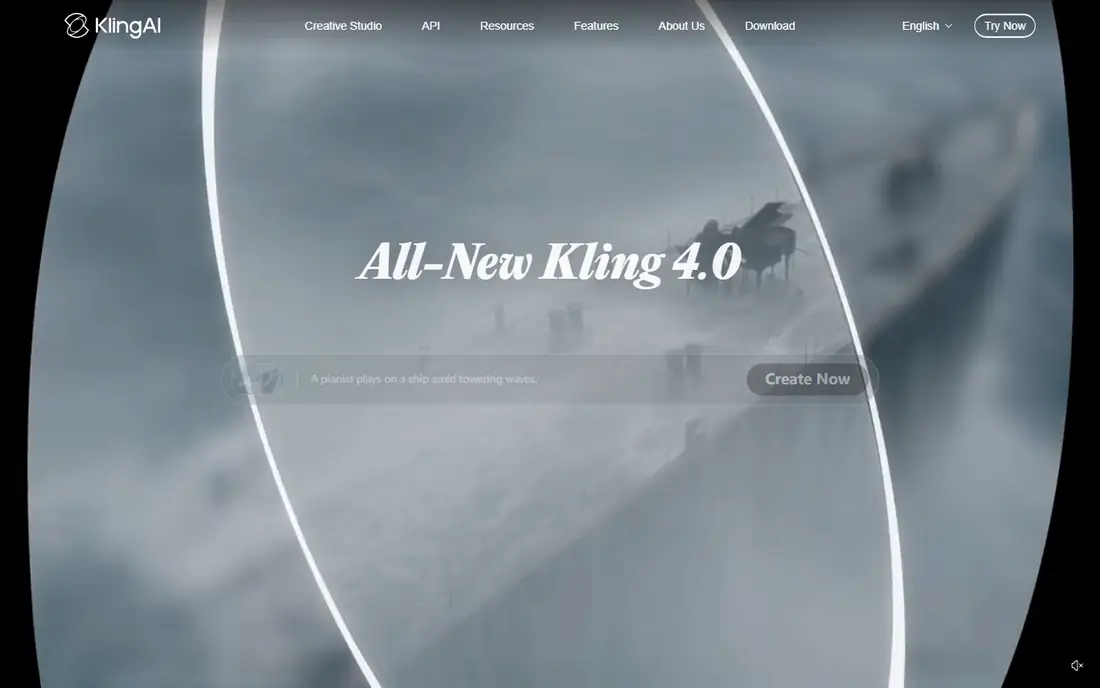
Kling, from Kuaishou, earned its reputation on realistic motion: walking, dancing, and physical interaction look more natural than on most rivals, and scene detail holds up at 1080p. That motion quality makes Kling the pick for creators who need believable human action rather than stylized animation.
The free tier is limited, generation can be slow at peak times, and the interface is less polished than Runway. Kling suits creators who prioritize realistic movement and who are willing to wait for higher-quality generations.
What we like- Best realistic human motion
- Strong physics
- Good detail at 1080p
Watch out for- Free tier is limited
- Generation can be slow
- Interface is less polished
Starting priceSee website
Free planFree plan
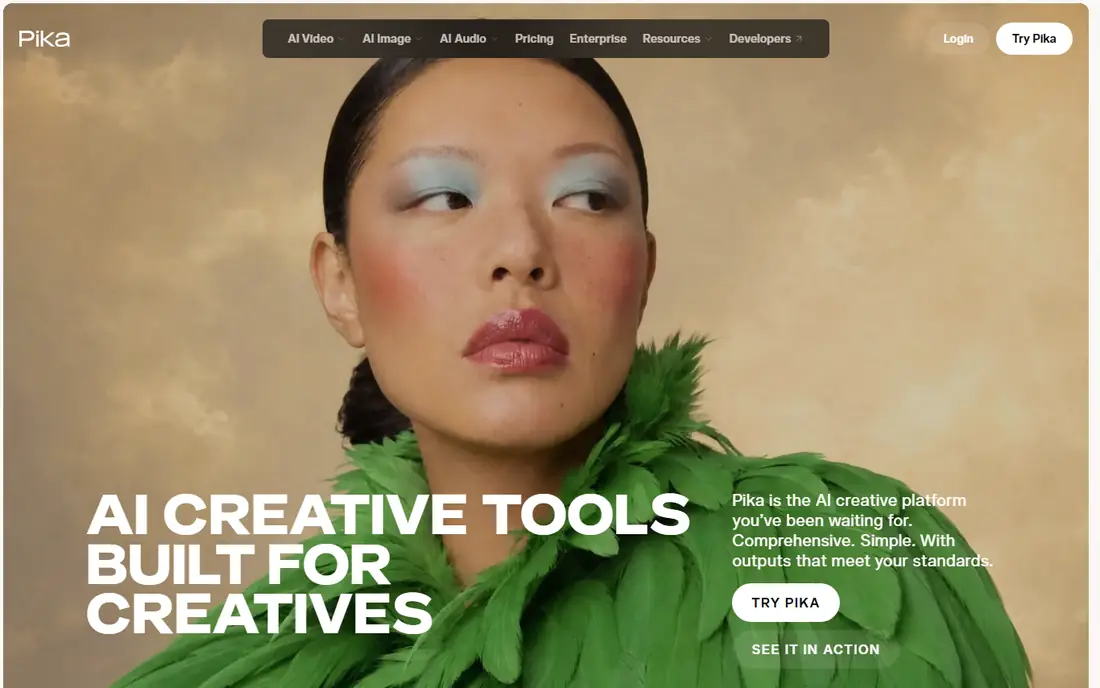
Pika is the speed pick for social creators. Generations arrive quickly, stylized looks such as animation and 3D render styles work well, and effects and transitions are easy to apply. That speed suits creators who publish daily and need many clips rather than one perfect scene.
Realism trails Kling, clips are short, and advanced camera controls are thinner than Runway. Pika suits social creators, meme makers, and marketers who need fast, eye-catching clips at volume.
What we like- Fast generation
- Strong stylized looks
- Easy effects and transitions
Watch out for- Realism trails Kling
- Clip length is short
- Advanced controls are thinner
Starting priceSee website
Free planFree plan
Luma Dream Machine is a quick, creative tool for turning text and images into short video clips with smooth camera moves. Its interface is simple, generations are fast, and the results suit social posts, concept visuals, and mood pieces. The free tier lets new creators test the style before paying.
Consistency across scenes is weaker than Runway, free outputs carry limits and watermarks, and commercial-use terms vary by plan. Luma Dream Machine suits creators who want fast creative clips and who value ease over precise control.
What we like- Fast creative generations
- Good camera moves
- Simple interface
Watch out for- Free plan limits and watermarks
- Consistency is weaker
- Commercial terms vary
Starting priceSee website
Free planFree plan
Hailuo, from MiniMax, offers strong generation quality at a lower price than the leading Western tools, with a generous free tier that lets creators test extensively before paying. Prompt following is good, and the tool handles both text-to-video and image-to-video well.
The brand is newer outside China, support resources in English are thinner, and some features launch in Chinese first. Hailuo suits value-focused creators who want strong quality without premium pricing, and who are comfortable with a newer vendor.
What we like- Strong quality for the price
- Generous free tier
- Good prompt following
Watch out for- Brand is newer outside China
- Support is thinner
- Some features are Chinese-first
Starting priceSee website
Free planFree plan
Vidu, from Shengshu Technology, combines good character consistency with competitive pricing and fast generation, making it a strong value alternative to Runway for creators who need consistent subjects across clips. Image-to-video works well, and the free tier is usable for testing.
The community is smaller, so fewer tutorials and prompt guides exist, and realism trails Kling for human motion. Vidu suits creators who want consistency and value, and who are willing to learn a newer tool with less community support.
What we like- Good character consistency
- Competitive pricing
- Fast generations
Watch out for- Smaller community
- Fewer tutorials
- Realism trails Kling
#7Synthesia
Best for: Business avatars4.6/5 on
G2 (2,804 reviews, checked Oct 2026)
Visit synthesia.io
Starting priceSee website
Free planNo
Synthesia is the business video pick, turning scripts into presenter videos with realistic avatars speaking in many languages, without cameras, studios, or actors. Training, onboarding, and marketing teams use it to produce consistent videos fast, with brand colors, templates, and screen recordings built in.
There is no free tier, avatar video cannot match cinematic generation tools for creative scenes, and per-minute pricing adds up for long courses. Teams should also test avatar pronunciation on their own product names and technical terms before buying, since mispronounced names in a training video undermine trust and are hard to fix after rollout. Synthesia suits businesses that need many presenter-led videos quickly and safely, not filmmakers or social creators.
What we like- Realistic avatars in many languages
- No filming needed
- Brand-safe business use
Watch out for- No free tier
- Avatar video is not cinematic
- Per-minute pricing adds up
#8HeyGen
Best for: Avatar marketing video4.8/5 on
G2 (1,973 reviews, checked Oct 2026)
Visit heygen.com
Starting priceSee website
Free planFree plan
HeyGen covers similar ground to Synthesia with a stronger marketing focus: fast avatar creation, voice cloning with consent controls, and templates for ads, social posts, and product demos. The free tier lets creators test avatar quality before paying, and generation is quick.
Free outputs carry watermarks, avatar realism varies by model and language, and long videos cost many credits. HeyGen suits marketers and small businesses that want avatar-led ads and explainers without filming, and who value speed over cinematic quality. Test several avatars before launch, since voice and face fit varies by audience.
What we like- Fast avatar creation
- Voice cloning with consent controls
- Marketing templates
Watch out for- Free tier watermarks
- Avatar realism varies
- Credit costs for long videos
Is your product missing or out of date?
We review this list regularly. Vendors can request a listing, send updated pricing or ask about featured placement.

Shihab Mia · Founder, Rankite
Shihab has 5+ years in B2B and SaaS SEO. He writes Rankite's software buying guides from pricing pages, documentation and public user reviews. More about Shihab.