How we make this list: we compare pricing pages, product documentation and public user reviews. Rankite is independent; if a vendor ever pays for a featured spot, that listing is clearly labeled Partner.
Key takeaways
- Topaz Video sets the quality bar for serious restoration work, but its $59 per month subscription prices out casual users.
- AVCLabs Video Enhancer AI and HitPaw VikPea offer the most approachable desktop upscaling for beginners, with free trials that show real results before you pay.
- TensorPix is the cheapest credible cloud option at $5.50 per month billed annually, ideal for occasional enhancement jobs.
- Winxvideo AI is the only strong one-time purchase left, while VideoProc Converter AI bundles enhancement into a broader video toolkit.
- Pixop serves broadcast and enterprise teams that need cloud pipelines, and UniFab Video Enhancer AI suits buyers who want online enhancement without installing anything.
Quick comparison
| Tool | Best for | Starting price | Free plan |
|---|
 Topaz Video Topaz Video | serious restoration and upscaling | $59/month | Free trial |
 AVCLabs Video Enhancer AI AVCLabs Video Enhancer AI | straightforward desktop upscaling | $39.95/month | Free trial (30-second exports with watermark) |
 HitPaw VikPea HitPaw VikPea | one-click enhancement for beginners | $43.19/month | Free trial (preview only) |
 Pixop Pixop | broadcast and enterprise enhancement workflows | See website | See website |
 TensorPix TensorPix | budget cloud enhancement | $5.50/month (billed annually) | Yes |
 Winxvideo AI Winxvideo AI | one-time purchase upscaling | $54.95 one-time | Free trial |
 UniFab Video Enhancer AI UniFab Video Enhancer AI | online enhancement without installing software | See website | Yes (free credits at signup) |
 VideoProc Converter AI VideoProc Converter AI | all-in-one converter with AI enhancement | See website | Free trial |
Is your product missing or out of date?
We review this list regularly. Vendors can request a listing, send updated pricing or ask about featured placement.
The best AI video enhancer software, compared
Here is the honest truth about the best video enhancement software: it cannot rescue footage that was never there. What it can do, and do well, is upscale resolution, reduce noise, sharpen faces, and stabilize motion, which is exactly what old family videos, archive clips, and compressed client footage need. Expect a real improvement, not a miracle.
The tools below split into desktop apps that use your GPU, cloud services that rent you theirs, and all-in-one converters with AI bolted on. Desktop apps cost more up front but process unlimited footage locally; cloud services charge less but meter your minutes. Prices are from the vendors' own sites, checked in October 2026.
Starting price$59/month
Free planFree trial
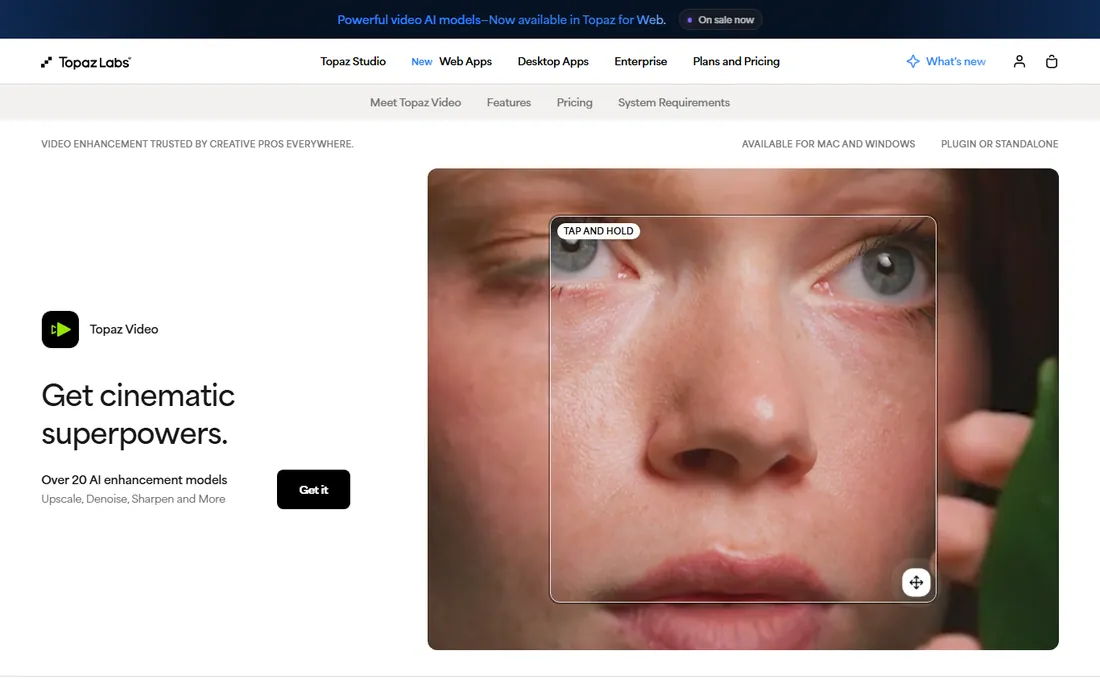
Topaz Video (formerly Topaz Video AI) remains the reference point every other enhancer gets judged against. Its models for upscaling, frame interpolation, denoising, and stabilization are genuinely a class above, and because rendering happens on your machine, there are no per-minute charges. Restore a whole archive and the math favors the subscription.
The shock for returning buyers is the pricing: the old $299 one-time license is gone, replaced by a $59 per month desktop subscription with unlimited local rendering plus a monthly cloud credit allowance. You will also need a serious GPU, since enhancement is computationally brutal. If your footage matters and your hardware can handle it, this is still the pick.
What we like- Best-in-class AI models for upscaling and denoising
- Runs locally for unlimited rendering
- Granular control over every model
Watch out for- Now subscription-only at $59 per month
- Demands a powerful GPU and patience for long renders
#2
AVCLabs Video Enhancer AI
Best for: straightforward desktop upscaling
Visit avclabs.com
Starting price$39.95/month
Free planFree trial (30-second exports with watermark)
AVCLabs takes the desktop upscaler formula and makes it approachable. Pick a model for faces, old footage, or general enhancement, set your target resolution, and let it run. The interface explains itself, which matters when the alternative is Topaz's wall of model parameters.
Pricing comes straight from AVCLabs' own purchase page: $39.95 per month, $119.95 per year, or $299.90 perpetual (often discounted). The free trial exports only 30 seconds with a watermark, but that is enough to judge whether your footage benefits. This is the sensible middle choice: cheaper than Topaz monthly, easier to use, good enough for most enhancement jobs.
What we like- Clean interface with preset enhancement models
- Upscales to 4K and 8K
- Official purchase page lists monthly, yearly, and perpetual options
Watch out for- Output quality trails Topaz on difficult footage
- Perpetual license pricing is steep at $299.90
Starting price$43.19/month
Free planFree trial (preview only)
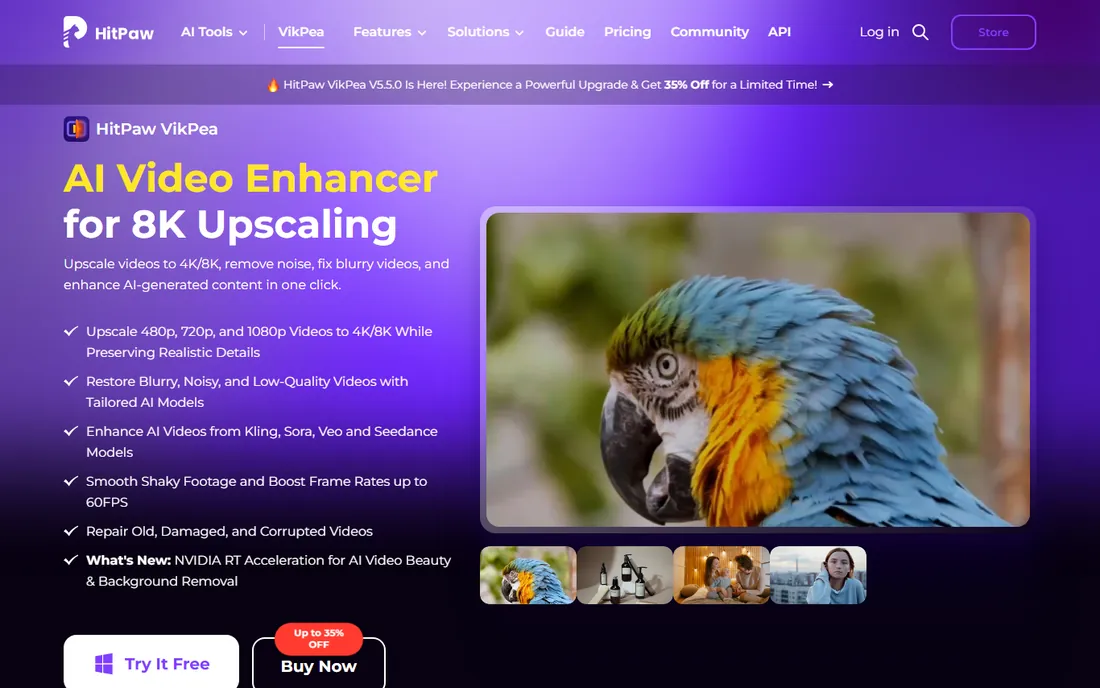
HitPaw VikPea (renamed from HitPaw Video Enhancer) is built for buyers who want results without a settings panel. Drop in a clip, choose a model, preview the enhancement, and export. The face model does impressive work on old portraits, and the anime model is a niche it handles better than most general upscalers.
The catch is the trial: you can preview enhanced output but not export it without paying, so judge carefully. Pricing starts at $43.19 per month, with yearly and perpetual plans that bring the effective cost down. For beginners with a specific project, like restoring family videos, the simplicity justifies a month or two of subscription.
What we like- Genuinely one-click workflow
- Dedicated models for faces, anime, and old video
- Polished, modern interface
Watch out for- The free trial only previews results
- Per-month pricing is high for casual use
#4
Pixop
Best for: broadcast and enterprise enhancement workflows
Visit pixop.com
Starting priceSee website
Free planSee website

Pixop has moved decisively upmarket. Where it once courted individual creators, it now sells to broadcasters and post houses: a cloud platform with professional restoration filters, API access, and the kind of throughput that handles catalogs rather than clips. The FILE product handles uploads and processing as a managed service.
That positioning has consequences. Pricing is not published for casual comparison, and the sales-led model assumes real budgets. If you are restoring a content library or building enhancement into a media pipeline, Pixop belongs on the shortlist. If you have ten videos to fix, look at TensorPix or a desktop app instead.
What we like- Cloud pipeline built for professional media operations
- Broadcast-grade restoration filters
- Scales to high volumes
Watch out for- Enterprise positioning means pricing is opaque
- Overkill for individual creators
Starting price$5.50/month (billed annually)
Free planYes
TensorPix proves you do not need $59 a month to get real AI enhancement. The web app upscales, denoises, and sharpens video in the cloud, which means any laptop can use it. Official pricing lists Free, Standard at $5.50 per month billed annually, Premium at $12.42, and Elite at $30.25.
Cloud processing is the trade. You upload, wait in a queue, and download, which is fine for a few clips and annoying for a library. The free tier exists for testing but caps output quality. For occasional jobs and buyers without a beefy GPU, TensorPix is the value pick of this entire list.
What we like- The cheapest credible option at $5.50 per month annually
- Fully cloud-based, no GPU needed
- Straightforward web workflow
Watch out for- Slower turnaround than desktop apps
- Free tier is limited in resolution and length
Starting price$54.95 one-time
Free planFree trial
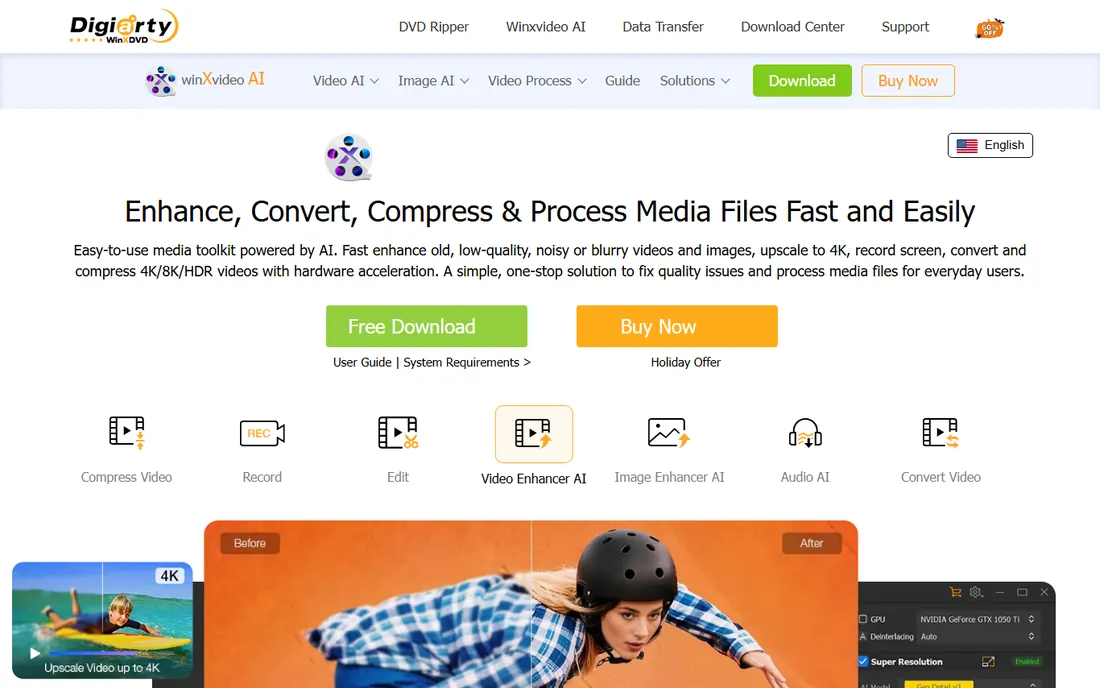
Winxvideo AI is the last refuge for buyers who refuse subscriptions. One payment of $54.95 gets you the desktop app with AI upscaling, denoising, and stabilization, plus the conversion and compression tools the WinX line has sold for years. It runs happily on modest hardware that Topaz would choke on.
Set expectations accordingly. The enhancement models are good, not great, and the interface shows its age. But the economics are simple: one payment, yours to keep, no monthly meter running. For buyers who enhance video a few times a year, that beats every subscription on this page.
What we like- Single payment with no subscription
- Combines enhancement with conversion and compression
- Light on system requirements
Watch out for- AI quality is competent rather than class-leading
- Interface feels dated next to newer rivals
#7
UniFab Video Enhancer AI
Best for: online enhancement without installing software
Visit unifab.ai
Starting priceSee website
Free planYes (free credits at signup)
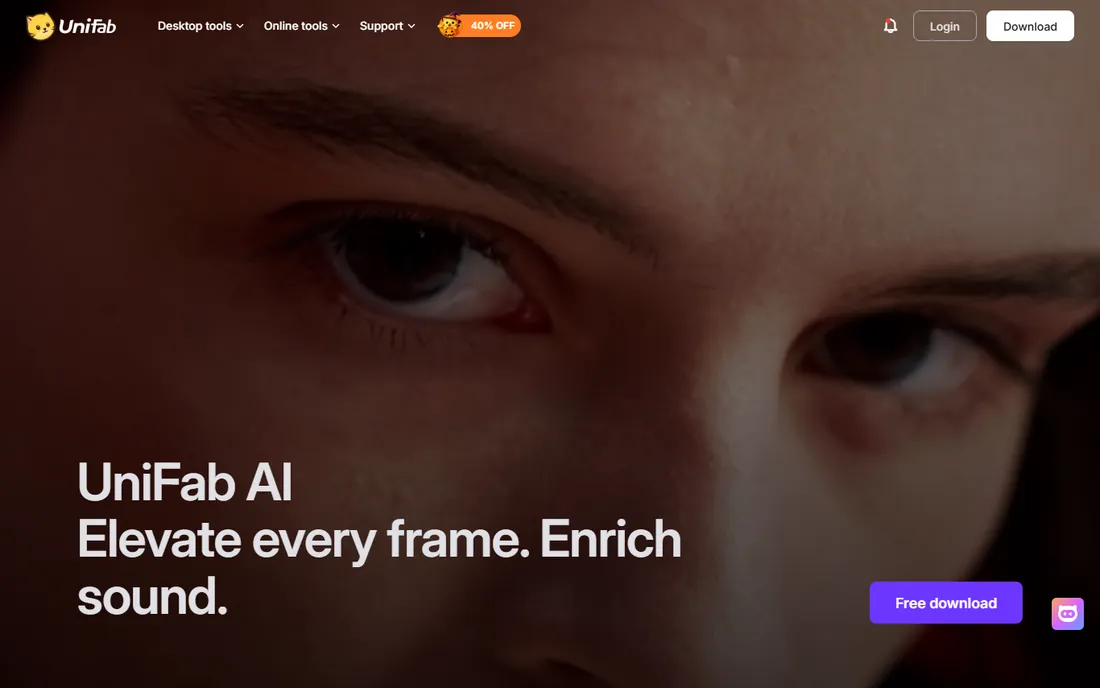
UniFab has absorbed the old DVDFab video line, and its Video Enhancer AI now lives as both a web app and part of the UniFab suite. The appeal is convenience: upload a video in the browser, let the cloud models enhance it, and download the result. Signup includes free credits so you can test on your own footage before committing.
The honest caveat is pricing transparency. FabCloud plans start around $16.67 per month, but the exact mapping of credits to minutes takes digging on the site. Treat the free credits as your evaluation and confirm the paid math before starting a big project. For buyers who want enhancement without installing desktop software, it is a legitimate option.
What we like- Browser-based with nothing to install
- Free signup credits for testing
- Part of a broader AI media suite
Watch out for- Pricing for heavy use is unclear
- Online processing means upload times for large files
#8
VideoProc Converter AI
Best for: all-in-one converter with AI enhancement
Visit videoproc.com
Starting priceSee website
Free planFree trial
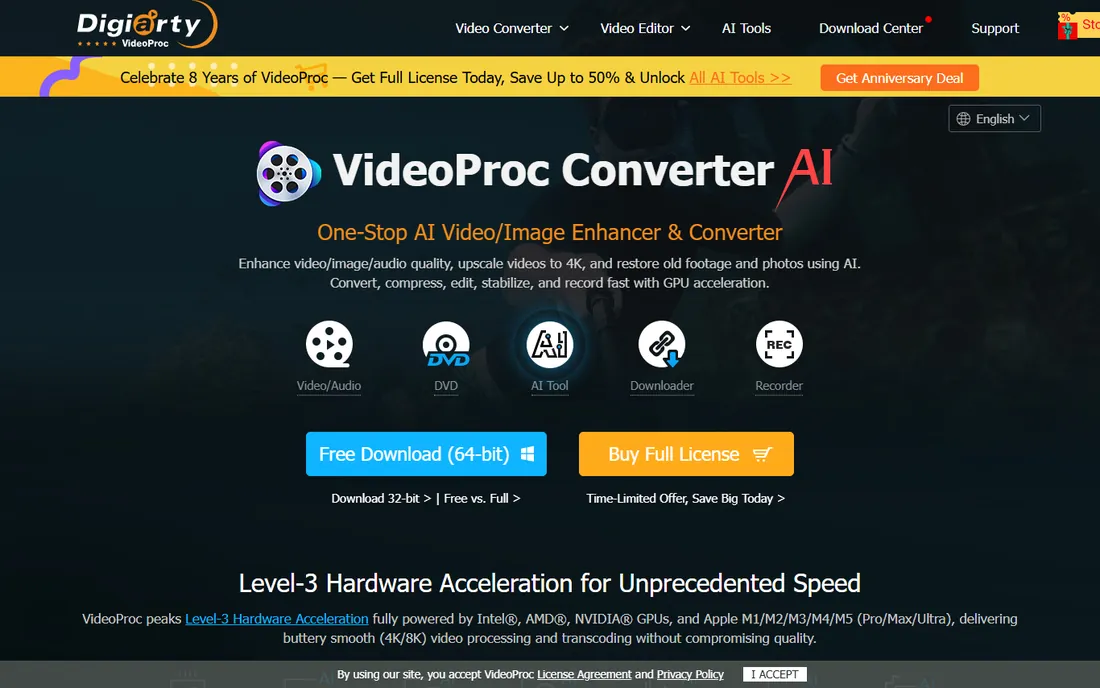
VideoProc Converter AI approaches enhancement sideways: it is first a video converter, and the AI upscaling, denoising, and frame interpolation are part of the package. If your workflow already involves converting formats, ripping DVDs, or recording screens, getting enhancement in the same license is genuinely useful.
As a pure enhancer it does not match the specialists. The AI models are solid but fewer, and the controls are simpler. Pricing was not cleanly verifiable on the vendor's own buy page at research time, so check videoproc.com before budgeting. Buy it for the bundle; judge the enhancement as a bonus.
What we like- Enhancement bundled with conversion, DVD tools, and recording
- GPU acceleration keeps things fast
- One app for many jobs
Watch out for- AI features are a side dish, not the main course
- Pricing page requires digging
Buying tips: choosing an AI video enhancer
Match the tool to your volume. Enhancing a dozen clips favors cloud services like TensorPix or UniFab, where you pay little and never touch a GPU. Enhancing hundreds of clips favors desktop apps like Topaz Video or AVCLabs, where the subscription or license pays for itself in avoided per-minute fees.
Check your hardware before buying desktop software. AI enhancement is one of the most GPU-intensive consumer workloads there is, and a weak graphics card turns a ten-minute clip into an overnight render. Cloud tools sidestep this entirely at the cost of upload time and queues. Also confirm export limits on trials: some cap length, some watermark, and some only preview, so read the trial terms before judging quality.
What AI upscaling can and cannot fix
AI enhancement excels at four things: raising resolution, reducing noise and compression artifacts, sharpening soft detail, and stabilizing shaky footage. Old home videos, low-bitrate downloads, and noisy low-light clips all respond well. Face recovery models can reconstruct plausible detail in small faces, which looks remarkable on archival footage.
What it cannot do is invent true detail. A 480p clip upscaled to 4K will look cleaner and sharper, but it will not match footage actually shot in 4K. Heavy motion blur, extreme compression, and blown-out highlights are largely beyond repair. The best results come from decent source footage with fixable problems, not from wreckage. Run every tool's free trial on your worst clip first; the gap between promise and result shows up immediately.
How we chose
We compared vendors' own pricing and product pages, verified plan limits and free-tier terms, and cross-referenced user reports on G2, Capterra, and Reddit communities where people post before-and-after results. Tools qualified with an active 2026 product, verifiable pricing or a clear trial, and a distinct audience. We do not claim hands-on testing; these comparisons rest on documented features, published prices, and reported user experience.
Frequently asked questions
Does AI video enhancement really work?
Yes, within limits. Modern AI models genuinely improve resolution, noise, and sharpness, and the before-and-after difference on old or compressed footage is often striking. They cannot invent detail that was never captured, so a blurry 480p clip will never become true 4K footage.
Is Topaz Video worth the subscription?
For serious restoration work, yes. Its models consistently rank at the top in user comparisons, and unlimited local rendering makes the $59 monthly cost reasonable at volume. Casual users should try TensorPix or a free trial first, since cheaper tools handle light jobs well.
Can I enhance videos without a powerful computer?
Yes. Cloud-based tools like TensorPix, Pixop, and UniFab process video on their own servers, so any laptop with a browser works. You trade GPU requirements for upload times and processing queues.
How long does AI upscaling take?
It varies widely. A short clip on a strong GPU might take minutes; the same clip on weak hardware can take hours. Cloud services queue your job, which adds unpredictable waiting. Desktop apps are faster per clip once configured, which is why volume buyers prefer them.
Will enhancement remove watermarks or fix copyrighted content?
No legitimate tool markets itself for removing watermarks, and enhancement does not change who owns the footage. These tools improve quality; they do not grant rights to content you do not own.
Sources we checked (10)
- https://www.topazlabs.com/topaz-video
- https://www.avclabs.com/video-enhancer-ai.html
- https://avclabs.com/purchase-ai-suite.html
- https://www.hitpaw.com/vikpea-video-enhancer.html
- https://www.pixop.com/
- https://tensorpix.ai
- https://tensorpix.ai/pricing
- https://www.winxdvd.com/winxvideo-ai/
- https://www.unifab.ai/
- https://www.videoproc.com/
Is your product missing or out of date?
We review this list regularly. Vendors can request a listing, send updated pricing or ask about featured placement.

Shihab Mia · Founder, Rankite
Shihab has spent more than a decade helping SaaS and e-commerce brands grow through search. He writes Rankite's software buying guides from pricing pages, documentation and public user reviews. More about Shihab.