How we make this list: we compare pricing pages, product documentation and public user reviews. Ratings come from G2, Capterra or Trustpilot, with the date we checked them.
Key takeaways
- Media teams should start with Twelve Labs or Azure Video Indexer for searchable archives, while cloud teams should use their existing provider's API.
- Camera analytics tools such as Lumeo, BriefCam, and Spot AI solve operations and safety jobs, not media search.
- Most cloud APIs charge per minute analyzed, so total cost depends on footage volume and which features you enable.
- Test accuracy on your own footage, because detection quality varies by lighting, camera angle, and subject type.
- Face recognition and people tracking need a legal and policy review before deployment, especially in workplaces and public spaces.
Quick comparison
Is your product missing or out of date?
We review this list regularly. Vendors can request a listing, send updated pricing or ask about featured placement.
Starting priceSee website
Free planFree trial
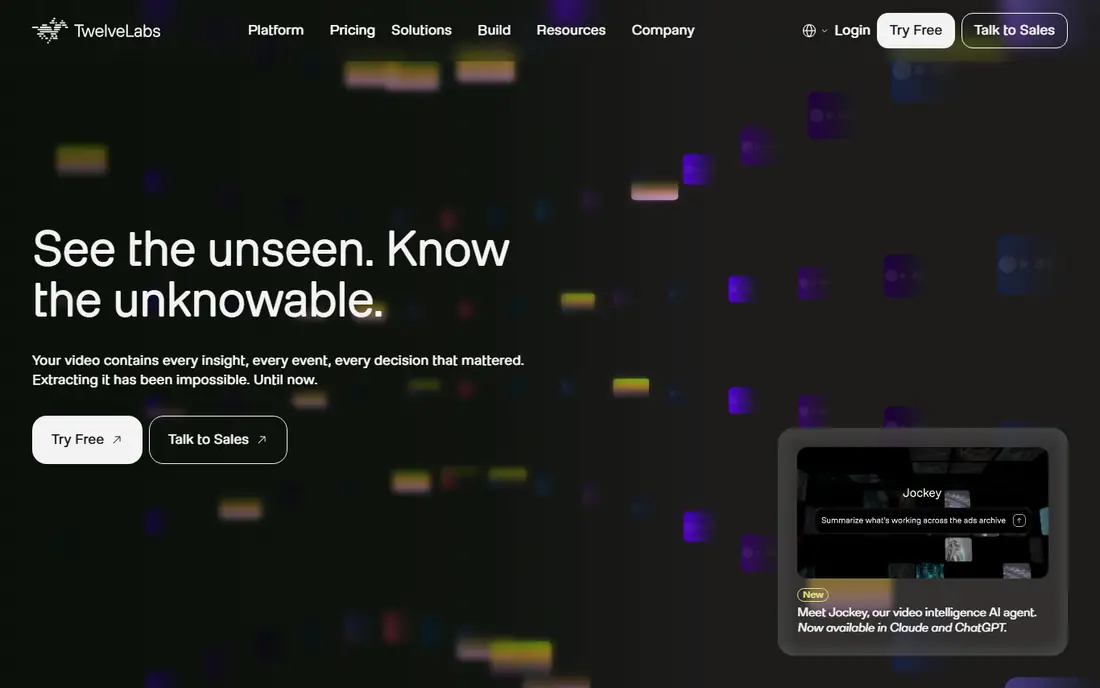
Twelve Labs is the strongest pick when the job is to ask a video library a question in plain language. Instead of relying on tags someone typed, it indexes what actually appears and happens, so you can search for an action, a scene, or spoken content across hours of footage. That helps media teams find clips, sports teams pull highlights, and compliance teams review material faster. Its video language model also summarizes long assets, which cuts review time on archives.
The product is developer-focused, so a non-technical team will need engineering help to turn the API into a finished app. Pricing is also not a simple self-serve monthly plan for large volumes. Choose Twelve Labs when search quality is the main requirement and you have developers to build around it, rather than when you need a ready-made dashboard on day one.
What we like- Semantic search across actions, scenes, and dialogue
- Summaries and highlights from long footage
- API built for developers
Watch out for- Pricing is sales-led for larger use
- Needs developer effort to build a full product on top
Starting priceSee website
Free planFree trial
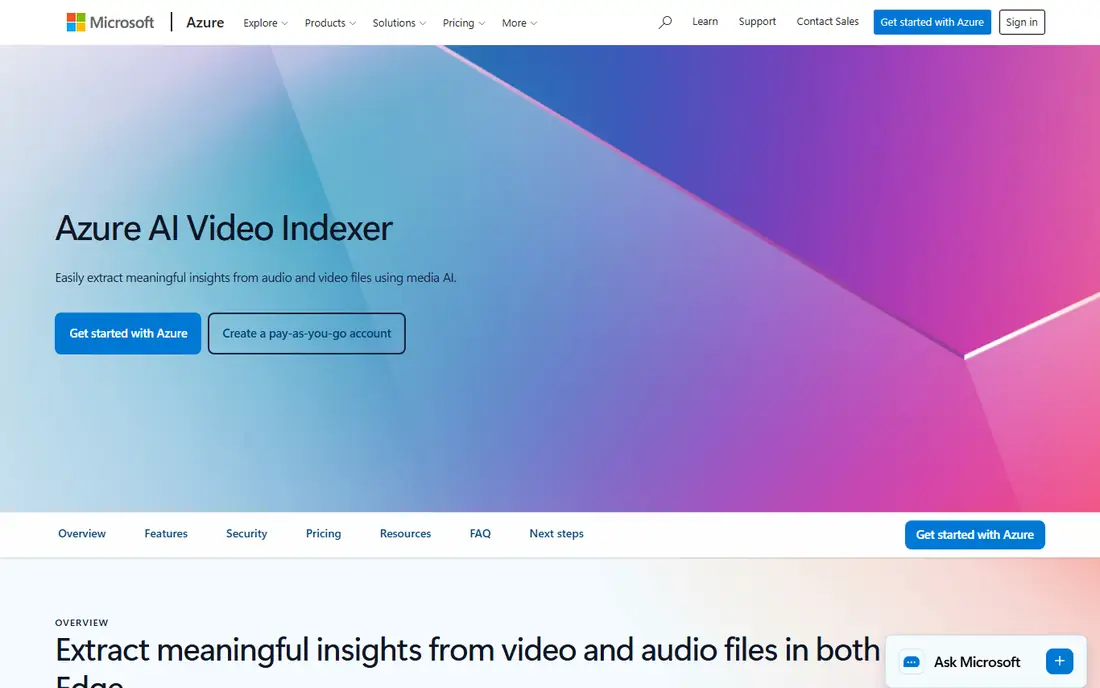
Azure AI Video Indexer suits teams that already store media on Azure and want a searchable archive without building models. Upload a file and it returns a time-stamped index of spoken words, topics, keywords, on-screen text, scenes, and people, with captions and translation options. Widgets let you add search and playback to an internal portal, and the editor helps cut new clips from found moments. That bundled output saves integration work compared with stitching several APIs together.
The trade-off is ecosystem fit. It shines on Azure and feels heavier elsewhere, and some face identification features are limited-access and need Microsoft approval. Pricing is usage-based, so a large archive ingest can cost more than expected. Pick it when your media already lives on Azure and you want one managed index rather than a custom pipeline.
What we like- Transcripts, topics, faces, and on-screen text in one index
- Widgets for search and playback
- Works in cloud and edge setups
Watch out for- Best value inside Azure
- Face features need approval for sensitive use

#3
Google Cloud Video Intelligence
Best for: Object and action detection on Google Cloud
Visit cloud.google.com
Starting priceSee website
Free planYes
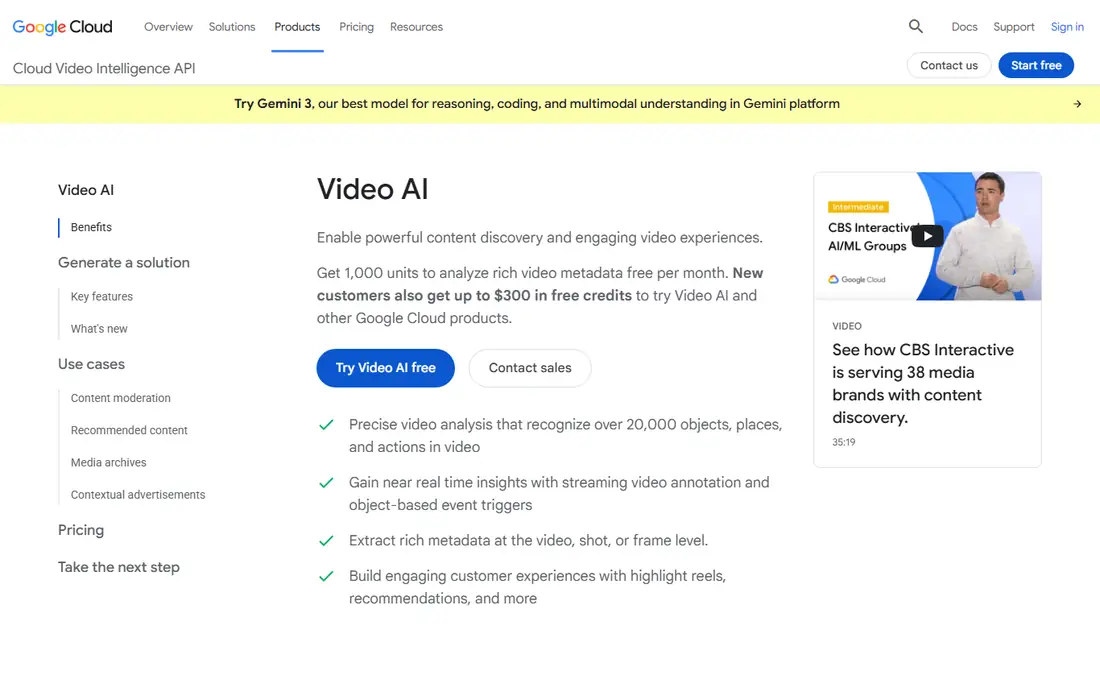
Google Cloud Video Intelligence is the natural choice for teams already on Google Cloud. Its pre-trained models detect objects, places, actions, and explicit content, with metadata at video, shot, and frame level. Streaming annotation supports near-real-time use, such as triggering events when an object appears. A free monthly allowance of 1,000 minutes for stored video and 1,000 for streamed video lets small teams test without a large bill.
Costs rise with volume and features, because object tracking and text detection carry higher rates than basic labeling in some guides. You also need Google Cloud project setup and billing, which is more work than a simple web app signup. Choose it when your pipeline already runs on Google Cloud and you need reliable, structured detections at scale.
What we like- Recognizes thousands of objects, places, and actions
- Streaming annotation for live use
- Free monthly allowance for stored and streamed video
Watch out for- Per-feature pricing adds up
- Best results need Google Cloud setup

#4Amazon Rekognition
Best for: Video analysis on AWS4.3/5 on
G2 (28 reviews, checked Oct 2026)
Visit aws.amazon.com
Starting priceSee website
Free planYes
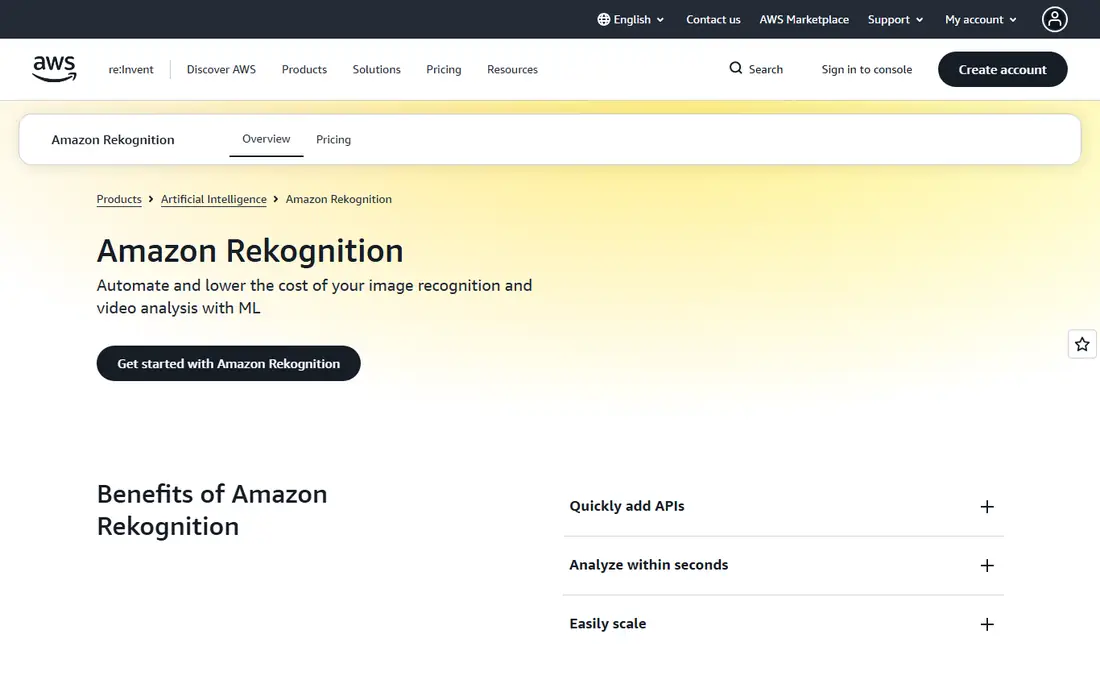
Amazon Rekognition fits AWS teams that need computer vision inside an existing application. It detects labels, faces, text, and unsafe content in stored video and streams, and custom labels let you train detection for your own objects, such as a brand logo, from a small set of examples. Because it is fully managed and pay-per-use, you avoid running GPU servers for occasional analysis. That makes it practical for media moderation, cataloging, and app features that need vision on demand.
Setup is the friction. IAM permissions, storage, and job handling need AWS knowledge, and costs vary by feature and minutes analyzed. Face search and comparison also raise privacy questions that need a policy before use. Pick Rekognition when your stack is already on AWS and you want vision as one more managed service, not a separate platform to learn.
What we like- Labels, faces, text, and moderation for stored and streamed video
- Custom labels from few examples
- Pay per use with no servers to manage
Watch out for- AWS setup and permissions take time
- Face features need careful policy review
Starting priceSee website
Free planYes
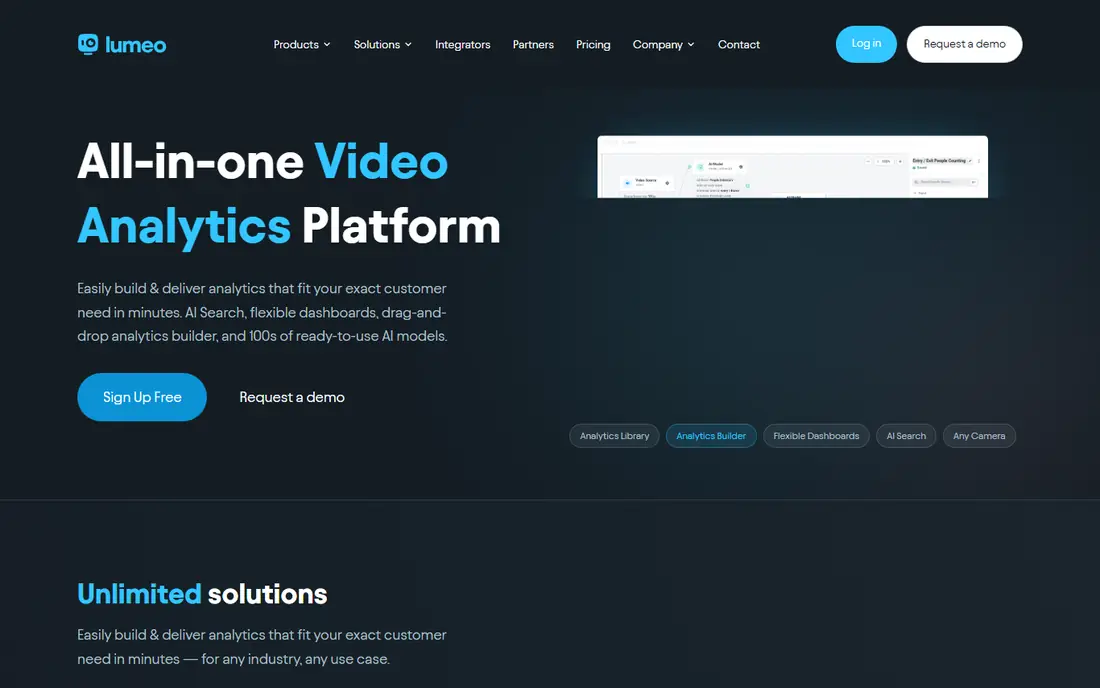
Lumeo targets integrators and operations teams that want camera analytics without writing a vision pipeline. Its builder lets you compose use cases from ready models, such as counting, occupancy, loitering, and license plate recognition, and deploy them on existing cameras. That no-code approach helps retail, logistics, and security teams roll out analytics site by site, with dashboards and alerts included. A free starter tier lets you test the builder before committing.
Pricing is subscription-based per stream or video minute, so a large camera estate can get expensive, and volume discounts matter at scale. Very custom detections may still need a developer to bring a custom model. Choose Lumeo when you need flexible camera analytics quickly across many sites, and when your team prefers building with blocks over coding models.
What we like- Drag-and-drop analytics builder with ready models
- Works with existing cameras and VMS
- Free starter tier
Watch out for- Per-stream pricing scales with camera count
- Complex custom models may still need developer help
Starting priceSee website
Free planNo
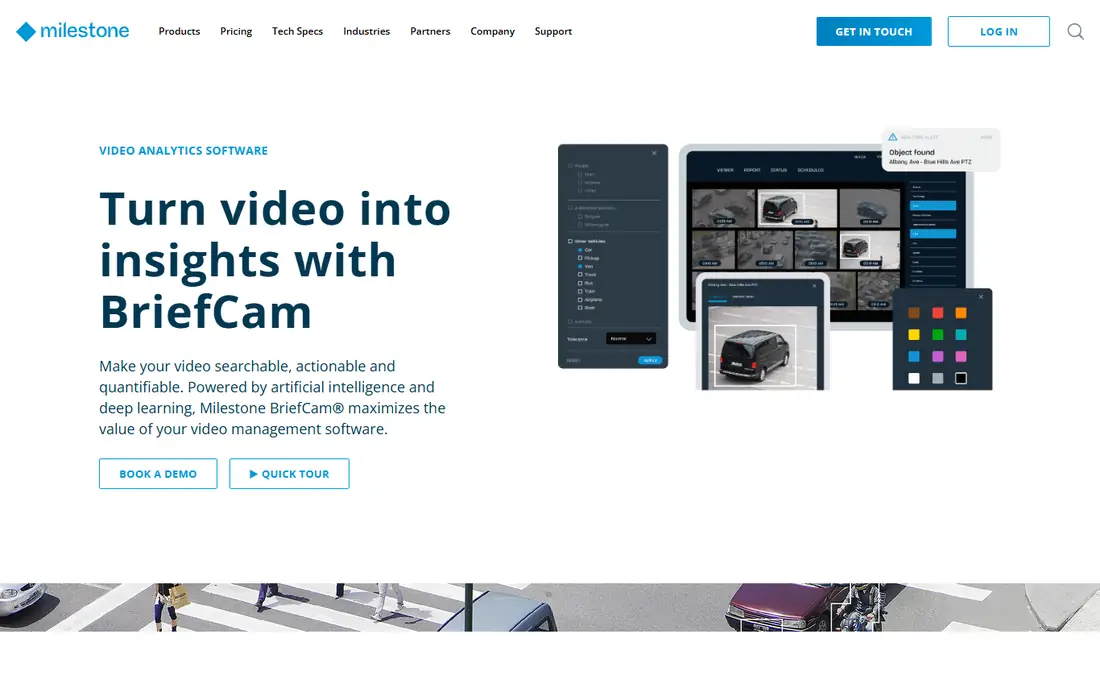
BriefCam solves a painful job: reviewing hours of surveillance footage after an incident. Its synopsis feature condenses long video into a short review, while filters let investigators search by object type, appearance, direction, speed, and path. That combination helps law enforcement, transport, and retail teams find evidence faster than scrubbing timelines by hand. Integration with video management platforms keeps the workflow inside the system teams already use.
It is an enterprise product with quote-based pricing, so small teams will find it out of reach. It also works best with a compatible VMS or clean exported files. Choose BriefCam when investigation speed and evidence search justify enterprise cost, and when your cameras already feed a supported management system.
What we like- Video synopsis compresses hours into minutes
- Filters by appearance, object, and path
- Works with leading VMS platforms
Watch out for- Quote-based enterprise pricing
- Needs compatible VMS or exported files for best results

#7Spot AI
Best for: Camera operations and safety4.8/5 on
G2 (75 reviews, checked Oct 2026)
Visit spot.ai
Starting priceSee website
Free planNo
Spot AI turns existing cameras into operations tools, not just security feeds. Its AI agents watch for safety issues, SOP deviations, and operational events, then surface only the moments that matter with alerts and scorecards. A conversational agent lets managers ask questions across cameras without reviewing raw footage. Because it works with standard IP cameras and adds an edge recorder for local processing and storage, teams avoid replacing camera hardware.
The model is a per-camera subscription bundled with hardware and software, so multi-site costs need a clear business case. Rollout also needs thought about which events matter, who receives alerts, and how staff respond. Pick Spot AI when operations, safety, or multi-site oversight is the goal, and when you can act on alerts rather than just collect them.
What we like- AI agents for safety, operations, and security on existing cameras
- Conversational search across cameras
- Edge recorder for local storage
Watch out for- Subscription per camera
- Rollout needs planning across sites and shifts
Starting priceSee website
Free planNo
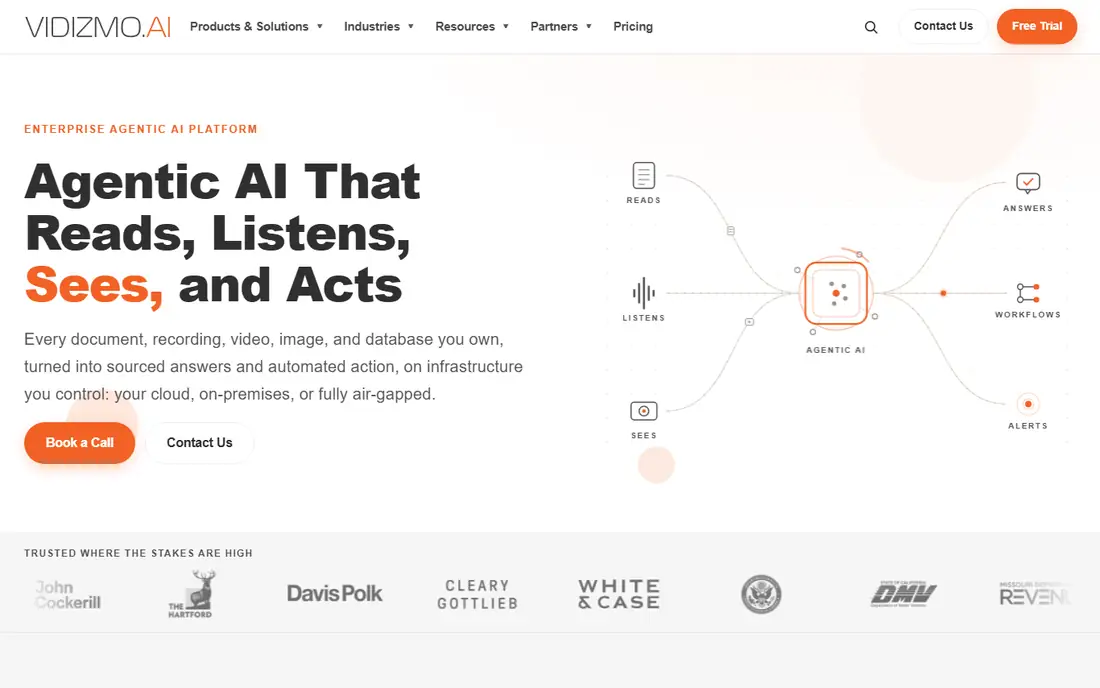
VIDIZMO suits organizations in regulated fields that must analyze video while protecting privacy and meeting records rules. Its Intelligence Hub answers questions across video, audio, and documents with cited sources, while redaction tools remove faces, plates, and spoken personal data at scale. Deployment on premises or in a private cloud helps agencies, courts, healthcare, and legal teams meet data residency and audit needs. EnterpriseTube adds a searchable internal video portal for training and communications.
That breadth comes with enterprise cost and implementation effort. A small media team that only needs archive search will find it heavier than Twelve Labs or Azure Video Indexer. Choose VIDIZMO when compliance, redaction, and evidence handling are as important as search itself, and when deployment control is a requirement, not a preference.
What we like- AI search, summaries, and redaction for video, audio, and documents
- On-premises and private cloud deployment
- Compliance features for evidence
Watch out for- Enterprise pricing and implementation
- Broader platform may be heavy for simple media search
How we chose
We compared vendor documentation, pricing pages, and public reviews, and we opened each homepage to confirm the product still exists and fits video analysis. We favored tools with a distinct job, such as media search, cloud API detection, camera analytics, investigation, or regulated evidence work, over tools that only repeat the same labeling feature. One candidate, Clarifai, was left out because its homepage returned too little content to confirm the product during checking. Cloud API prices change by feature and volume, so we wrote See website where a single starting price would mislead.
Start with where your video lives and how much of it you have. Stored media archives need indexing, search, and captions, while live camera feeds need real-time detection and alerts. A tool built for one job will disappoint on the other, even if both claim AI video analysis. Estimate monthly minutes honestly, including reprocessing, because per-minute pricing punishes optimistic math.
Test on your hardest footage, not a clean demo clip. Low light, crowded scenes, small objects, and unusual camera angles expose accuracy gaps that marketing pages hide. Check export options too: can you get transcripts, timestamps, and metadata out in a format your search or editing tools can use. A tool that locks insights inside its own viewer creates a second archive problem.
Frequently asked questions
What is the best AI video analysis tool for searching a media archive?
Twelve Labs leads for natural language search, while Azure AI Video Indexer is the best bundled option on Azure. Google and AWS APIs suit teams that want structured detections inside their existing cloud pipeline.
How much does AI video analysis cost?
Cloud APIs typically charge per minute analyzed, with rates varying by feature, while camera platforms charge per stream or per camera per month. Large archives should budget for ingest plus reprocessing, not just a monthly seat price.
Can AI video analysis work on live camera feeds?
Yes, but choose a camera analytics tool such as Lumeo or Spot AI for live alerts, or a streaming API for event triggers. Archive tools are built for stored files and are slower for live response.
Is face recognition included in these tools?
Some tools offer face detection and identification, but sensitive face features often need approval, consent, and a legal review. Check each vendor's policy and your local rules before enabling them.
Do I need machine learning skills to use these tools?
No for managed services and no-code platforms, which provide ready models and dashboards. You need developer skills only when building a custom product on an API or training custom labels for niche objects.
Sources we checked (8)
- https://www.twelvelabs.io/pricing
- https://azure.microsoft.com/en-us/pricing/details/video-indexer
- https://cloud.google.com/video-intelligence/pricing
- https://aws.amazon.com/rekognition/pricing
- https://www.lumeo.com/pricing
- https://www.briefcam.com/pricing
- https://www.spot.ai/pricing
- https://www.vidizmo.com/pricing
Is your product missing or out of date?
We review this list regularly. Vendors can request a listing, send updated pricing or ask about featured placement.

Shihab Mia · Founder, Rankite
Shihab has 5+ years in B2B and SaaS SEO. He writes Rankite's software buying guides from pricing pages, documentation and public user reviews. More about Shihab.
 Twelve Labs
 Azure AI Video Indexer
 Lumeo
Lumeo BriefCam
 VIDIZMO