How we make this list: we compare pricing pages, product documentation and public user reviews. Ratings come from G2, Capterra or Trustpilot, with the date we checked them.
Key takeaways
- AI video production covers four different jobs: generating footage, editing by transcript, building avatar or script videos, and cutting long videos into shorts.
- Runway is the best tool for AI-generated footage and creative editing, while Descript is the best tool for editing video by editing text.
- Synthesia suits training and explainer videos with AI avatars, and Pictory suits turning scripts and articles into finished videos.
- OpusClip is the best tool for turning long recordings into short social clips with captions and reframing.
- Free plans carry watermarks on most tools, and credit-based pricing means heavy generation costs more than a flat subscription suggests.
Quick comparison
| Tool | Best for | Starting price | Free plan |
|---|
 Runway Runway | AI-generated video | $12 per month | Yes |
 Descript Descript | Transcript-based editing | $16 per month | Yes |
 Kapwing Kapwing | Browser-based team editing | $16 per month | Yes |
 Pictory Pictory | Script and article to video | $25 per month | Trial only |
 Synthesia Synthesia | AI avatar training videos | $18 per month | Yes |
 InVideo InVideo | Prompt-to-video with timeline | $20 per month | Yes |
 VEED VEED | Social video editing with AI | See website | Yes |
 OpusClip OpusClip | Long video to short clips | $15 per month | Yes |
Is your product missing or out of date?
We review this list regularly. Vendors can request a listing, send updated pricing or ask about featured placement.
Starting price$12 per month
Free planYes
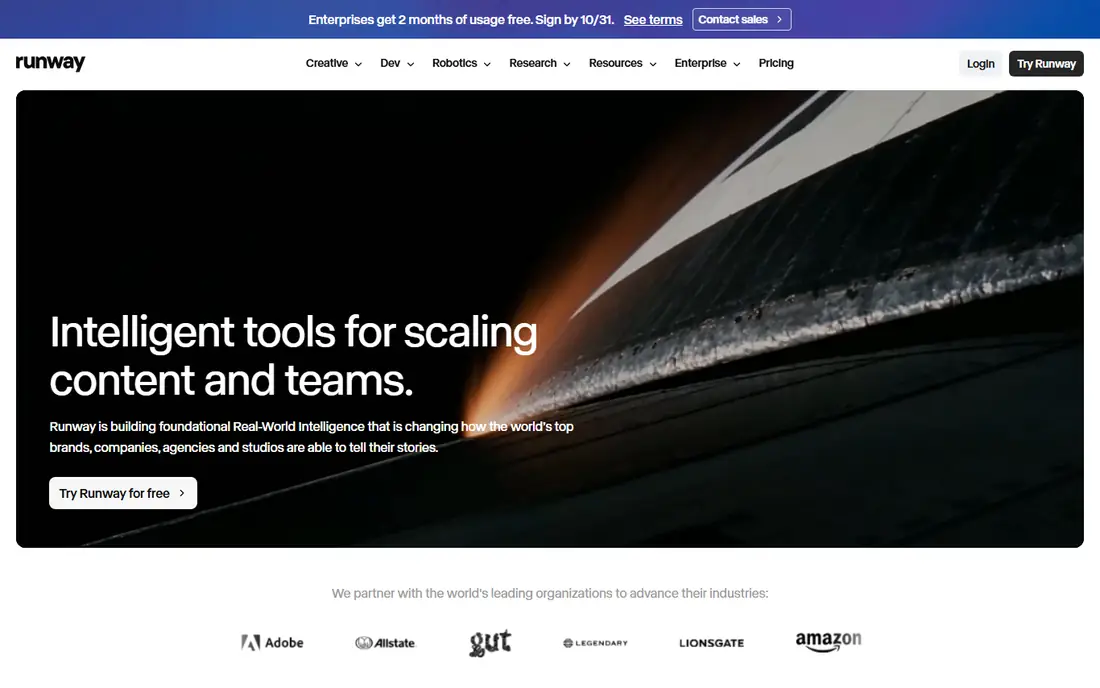
Runway is a cloud creative platform for generating and editing video, images, and audio, with models that generate clips from text and images and editing tools covering inpainting, expansion, restyling, and object removal. That combination suits filmmakers, advertisers, and creators who want generated footage beside real footage, and camera-direction controls help shape movement and framing rather than leaving results to chance. The free plan includes 125 one-time credits with watermarked exports, while Standard at $12 per month billed annually adds a monthly credit allowance and watermark-free exports, with Pro adding more credits and models.
Credit costs rise with newer models, and iteration burns through an allowance faster than a flat subscription suggests, so budget carefully if you generate clips often. Long shots can also drift in consistency, with characters and objects changing across frames, which matters for narrative work. For creators who want the strongest generation and editing suite in one platform, Runway is the best pick, with a price conflict to flag: some current guides list Standard at $15 per month, so confirm the current plan on the vendor pricing page before subscribing.
What we like- Strong generation and editing suite
- Camera-direction controls
- Large creator community and docs
Watch out for- Free credits are one-time and exports carry a watermark
- Credit costs rise with newer models
- Long shots can drift
#2Descript
Best for: Transcript-based editing4.6/5 on
G2 (928 reviews, checked Oct 2026)
Visit descript.com
Starting price$16 per month
Free planYes
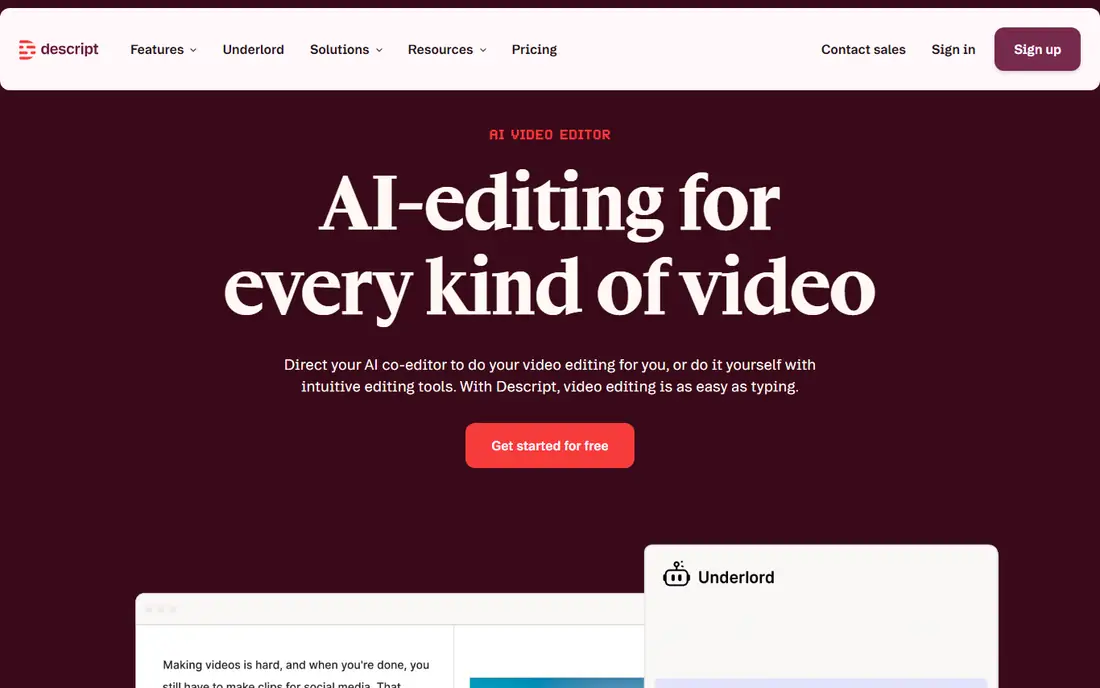
Descript lets you edit video and audio by editing a transcript: delete a word from the text and the corresponding video segment disappears, making it the fastest way to cut podcasts, interviews, and talking-head videos. Filler-word removal cleans up ums and pauses automatically, and the Underlord co-editor assists with rough cuts and edits, while studio sound improves recorded audio. Paid plans start at $16 per month billed annually, with a free tier covering limited transcription and editing, and higher tiers adding more media hours.
Descript is an editing tool, not a generative video tool, so it cannot create footage from prompts, and free exports are limited to 720p with a watermark. Higher tiers cost more for teams needing many media hours, with Creator plans reaching $35 per month in some guides. For podcasters, course creators, and talking-head creators who edit by transcript, Descript is the best pick, and its workflow saves more time than any other tool on this list for spoken content.
What we like- Edit video by editing text
- Filler-word removal
- Podcast and talking-head strength
- Underlord co-editor
Watch out for- Not a full generative video tool
- Free exports are 720p with a watermark
- Higher tiers cost more
#3Kapwing
Best for: Browser-based team editing3.9/5 on
G2 (40 reviews, checked Oct 2026)
Visit kapwing.com
Starting price$16 per month
Free planYes
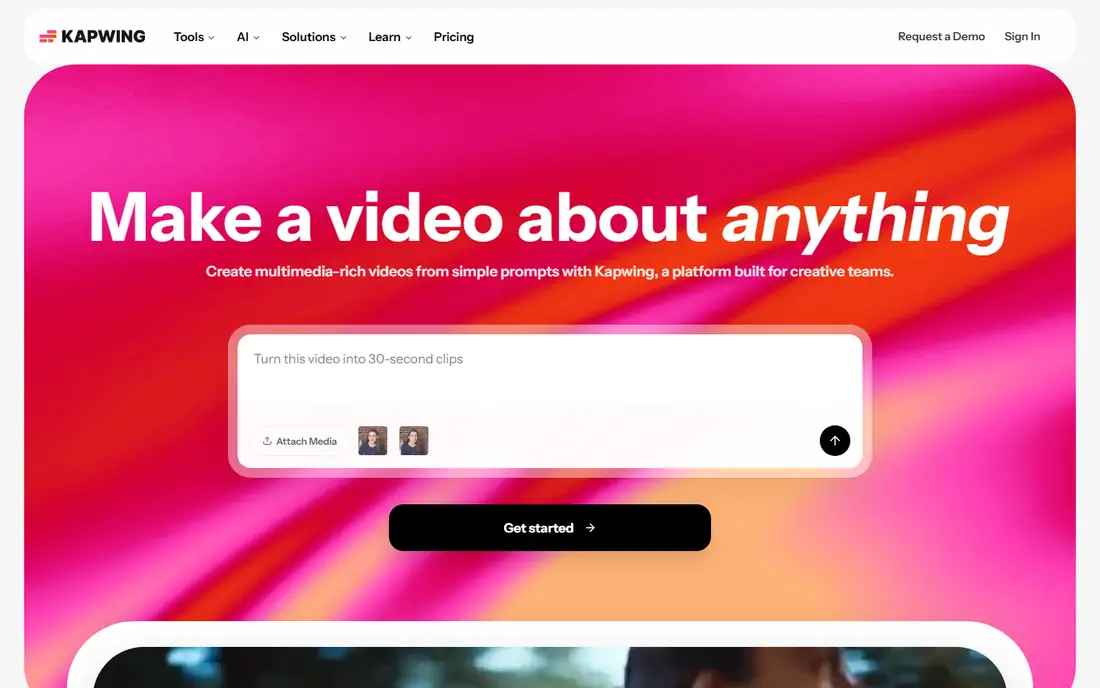
Kapwing is a browser-based video editor built for teams, with collaborative editing, templates, and AI tools including the Kai agent, which builds rough cuts from chat instructions. It suits marketing teams and creators who need to produce social videos quickly without installing desktop software, and its free plan includes AI tools with limits on exports and storage. Paid plans start at $16 per month billed annually, adding higher export quality, more storage, and team features.
Browser editing needs a stable internet connection, and Kapwing depth trails desktop editors such as Premiere or DaVinci Resolve for complex projects with many tracks and effects. Free plan export limits also push regular users toward paid plans quickly. For teams that collaborate in the browser and need fast social video production, Kapwing is the best pick, and its Kai agent makes rough cuts accessible to non-editors on the team.
What we like- Runs fully in the browser
- Team collaboration
- Kai agent builds rough cuts
- AI tools on free plan
Watch out for- Needs a stable internet connection
- Less depth than desktop editors
- Export limits on free plan
#4Pictory
Best for: Script and article to video4.6/5 on
G2 (81 reviews, checked Oct 2026)
Visit pictory.ai
Starting price$25 per month
Free planTrial only
Pictory turns scripts, articles, and blog posts into finished videos by matching text to stock footage, adding captions, and offering voiceover options, making it the best tool for content teams that already write and want video versions without filming. The workflow is simple: paste a script or article URL, review the matched footage and captions, adjust scenes, and export. Paid plans start at $25 per month billed annually, with higher tiers reaching $199 per month for larger volumes and features.
Pictory offers a trial only, with no ongoing free tier, so testing is time-limited, and matched footage sometimes misses the nuance of the text, requiring review and replacement. Higher tiers cost much more than the entry plan, so teams producing many videos should budget for the full tier. For bloggers, marketers, and course creators turning written content into video, Pictory is the best pick, and its simplicity beats more powerful tools for this specific job.
What we like- Turns scripts and blog posts into video
- Stock footage matching
- Voiceover options
- Simple workflow
Watch out for- Trial only, no ongoing free tier
- Output needs review for footage fit
- Higher tiers cost much more
#5Synthesia
Best for: AI avatar training videos4.6/5 on
G2 (2,804 reviews, checked Oct 2026)
Visit synthesia.io
Starting price$18 per month
Free planYes
Synthesia creates training and explainer videos with AI avatars that present your script, removing the need to film a presenter, book a studio, or re-record when text changes. Templates cover onboarding, compliance, product training, and internal communications, and multilingual support lets teams produce the same training in many languages from one script. The free tier covers 10 minutes per month, with paid plans starting at $18 per month billed annually in some guides.
Price conflicts are significant for Synthesia: other current guides list Starter at $29 per month and Pro at $89 per month, so the entry price varies by plan structure and should be verified on the vendor pricing page. The avatar set is also closed, so custom avatars need higher tiers or enterprise plans, and free videos carry a watermark. For corporate training, learning and development, and enterprise communications teams that need presenter-led video at scale, Synthesia is the best pick, and its avatar quality leads the category.
What we like- AI avatars present scripts without filming
- Training video templates
- Multilingual support
- Enterprise options
Watch out for- Avatar set is closed
- Price conflicts across guides
- Free videos carry a watermark
#6InVideo
Best for: Prompt-to-video with timeline4.2/5 on
G2 (183 reviews, checked Oct 2026)
Visit invideo.io
Starting price$20 per month
Free planYes
InVideo combines prompt-to-video generation with a timeline editor, so you can start from a text prompt and then refine the result scene by scene, rather than accepting whatever the generator produces. Templates cover marketing, sales, social, and explainer videos, and the free tier allows limited exports per week, making it accessible for testing. Paid plans start at $20 per month billed annually in one current guide, with higher tiers adding more generation minutes and features.
Price conflicts are wide for InVideo: other guides list entry prices from $4.50 to $17 per month billed annually, reflecting different plan structures and promotional pricing, so verify the current price before subscribing. Generated footage needs review for consistency and text accuracy, as with all generative tools, and free exports are limited. For marketers who want prompt-to-finished-video with a timeline for refinement, InVideo is a strong pick, and its template library speeds up common marketing formats.
What we like- Prompt-to-video generation
- Timeline editor for refinement
- Templates for marketing
- Free tier with exports
Watch out for- Price conflicts across guides
- Generated footage needs review
- Free exports limited
#7VEED
Best for: Social video editing with AI4.6/5 on
G2 (2,175 reviews, checked Oct 2026)
Visit veed.io
Starting priceSee website
Free planYes
VEED is a browser-based video editor for marketing teams and social creators, with AI tools including eye contact correction, automatic subtitles, translation, and templates for social formats. It suits teams producing social video at volume, where subtitles, clean audio, and fast turnaround matter more than generative footage, and its team features support review and collaboration. The free tier covers basic editing with limits, and paid pricing varies by plan, which is why this article lists the price as See website.
VEED generation depth trails Runway, so creators wanting original AI footage should look elsewhere, and export quality tiers matter, with higher resolutions and watermark removal on paid plans. For social and marketing teams that edit real footage with AI assistance in the browser, VEED is a strong pick, and its subtitle and translation tools are particularly useful for global audiences.
What we like- Browser-based social editing
- Eye contact correction
- Subtitles and translation
- Team features
Watch out for- Pricing varies by plan
- Less generation depth than Runway
- Export quality tiers matter
#8OpusClip
Best for: Long video to short clips4.6/5 on
G2 (123 reviews, checked Oct 2026)
Visit opus.pro
Starting price$15 per month
Free planYes
OpusClip turns long videos into short clips automatically, picking moments likely to perform, reframing them to vertical 9:16 format, adding captions, and ranking clips by predicted performance. It suits podcasters, webinar hosts, and creators who already record long content and want shorts for TikTok, Reels, and Shorts without manual editing. The free tier covers limited clips with a watermark, while paid plans start at $15 per month, with Pro at $29 per month or $14.50 per month billed yearly in some guides.
Free clips carry a watermark, and the clip scoring model is closed, so creators cannot see exactly why one moment scored higher than another, which limits control. API access is only on the Business tier, so developers embedding OpusClip need higher plans. For creators repurposing long recordings into shorts, OpusClip is the best pick, and its automation saves hours per long video compared with manual short-form editing.
What we like- Picks viral moments automatically
- Reframes to vertical format
- Adds captions
- ClipAnything feature
Watch out for- Free clips carry a watermark
- Clip scoring model is closed
- API only on Business tier
How we chose
We compared tools across the four video production jobs, generation, transcript editing, avatar and script video, and short-form repurposing, weighting output quality, workflow fit, free-tier usefulness, and price transparency. We favored tools with published pricing where available, and we marked VEED as See website where pricing varies by plan rather than guessing a figure. Prices come from vendor pages and current guides, and they conflict across guides for Runway, Synthesia, and InVideo, so verify pricing on vendor pages before subscribing. We did not test any tool hands-on, and we did not list tools that only upscale or restore footage without editing or generation features.
Buying guide
Start from the job, not the tool. If you need original footage, start with Runway and budget for credits, testing consistency on your first clips before committing to a monthly plan. If you edit spoken content, start with Descript free tier and measure how much time transcript editing saves per video. If you need training video without filming, test Synthesia free minutes on a real script before buying. If you already record long content, test OpusClip on one recording and compare its clips against your manual picks.
Check three things before paying: whether free exports carry a watermark and whether that matters for your use, whether credit allowances cover your real generation volume, and whether commercial use terms fit your publishing plans, since some free outputs are personal and non-commercial only. Finally, review AI output before publishing: check character consistency across clips, overlay text for legibility, and voiceover for pronunciation errors, since generated video still needs human review to meet professional standards.
Frequently asked questions
What is the best AI video tool for beginners?
Kapwing and OpusClip are the best free starting points, since both include AI tools on their free plans with limits on exports and storage. Descript is also beginner-friendly for spoken content, since editing by transcript feels like editing a document.
Can AI edit a video automatically from start to finish?
Only for short clips. OpusClip turns long recordings into finished shorts, while Kapwing Kai and Descript Underlord build rough cuts from instructions. For longer videos with a story, you still review the result and decide on pacing and structure yourself.
Which AI video tool is best for training videos?
Synthesia is the best pick for training videos, with AI avatars, templates, and multilingual support that let teams produce presenter-led training without filming. For training built from existing recordings, Descript is the better editing choice.
Do free AI video tools add watermarks?
Yes, nearly every tool adds watermarks to free plan exports. If you need clean output, you need a paid plan or a limited-time trial, and you should check whether free output can be used commercially before publishing it.
How much does AI video generation cost?
Entry paid plans run $12 to $25 per month billed annually for most tools on this list, but credit-based pricing means heavy generation costs more, since each clip consumes credits and newer models cost more per clip. Budget for credits separately from the subscription price.
Can AI video tools maintain consistent characters?
Consistent characters across clips remain difficult, with each generation producing variations. Runway is making progress on this, but it remains the most commonly cited limitation, so plan for variation and review every clip before publishing.
Sources we checked (0)
Is your product missing or out of date?
We review this list regularly. Vendors can request a listing, send updated pricing or ask about featured placement.

Shihab Mia · Founder, Rankite
Shihab has 5+ years in B2B and SaaS SEO. He writes Rankite's software buying guides from pricing pages, documentation and public user reviews. More about Shihab.