How we make this list: we compare pricing pages, product documentation and public user reviews. Ratings come from G2, Capterra or Trustpilot, with the date we checked them.
Key takeaways
- For quick single-PDF summaries, ChatPDF is the simplest focused option, while Humata offers the best value for cross-file analysis at $9.99 per month.
- NotebookLM is the best free tool for comparing papers against each other, with 50 sources per notebook and cross-document questions.
- Claude Pro at $20 per month handles very long documents without chunking, thanks to its large context window.
- AI summaries need verification. Accuracy drops on complex tables, charts, equations, and scanned documents, and page citations help you check claims fast.
- For legal, medical, or financial documents where precision matters, always verify AI summaries against the original pages. No tool here replaces reading critical sections yourself.
Quick comparison
| Tool | Best for | Starting price | Free plan |
|---|
 ChatPDF ChatPDF | Quick single-PDF summaries | Free | Yes |
 Humata Humata | Cross-file analysis value | Free | Yes |
 NotebookLM NotebookLM | Comparing many sources | Free | Yes |
 Claude Claude | Very long documents | Free | Yes |
 ChatGPT ChatGPT | All-round PDF questions | Free | Yes |
 SciSpace SciSpace | Academic paper explanations | Free | Yes |
 Smallpdf Smallpdf | PDF tools plus AI summaries | Free | Yes |
 PDFgear PDFgear | Free PDF editing plus AI | Free | Yes |
Is your product missing or out of date?
We review this list regularly. Vendors can request a listing, send updated pricing or ask about featured placement.
Starting priceFree
Free planYes
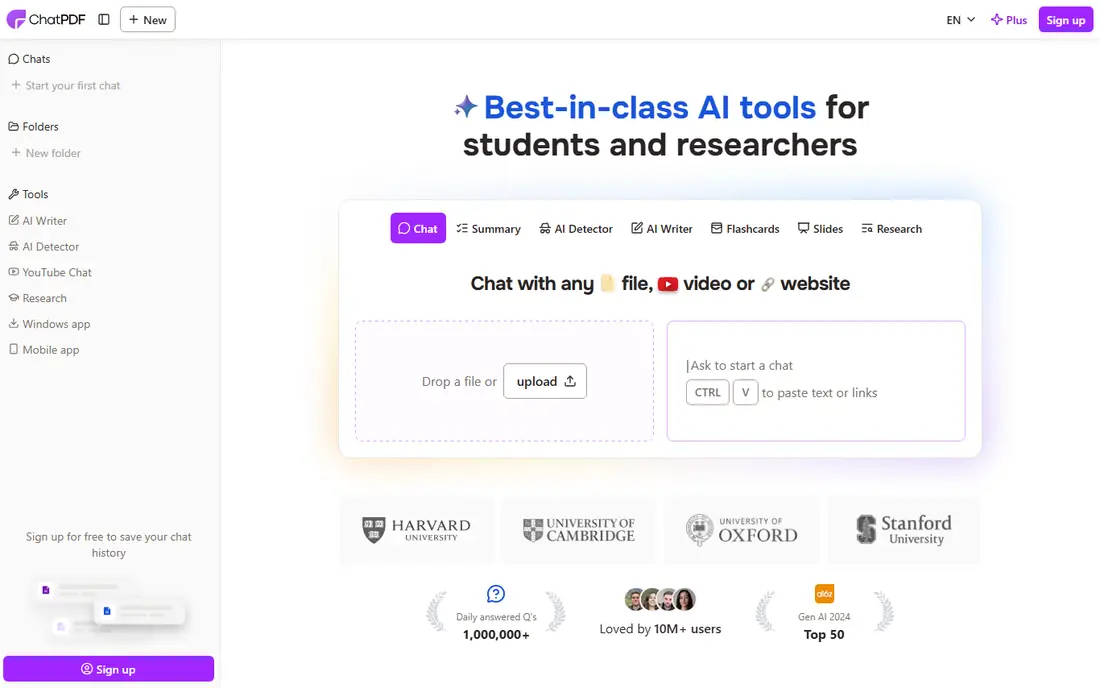
ChatPDF is the most popular dedicated PDF summarizer, and its appeal is focus: upload a PDF, ask questions, and get answers with citations to the source pages. The free tier allows 2 PDFs per day, which covers occasional paper reading, and the interface needs no learning curve.
Plus pricing conflicts across guides, with figures from $5 to $19.99 per month reported, so confirm the current price before paying. Technical documents with complex tables and specialized terms also reduce accuracy. For a steady two-papers-a-day habit with simple verification, ChatPDF fits exactly.
What we like- Simplest focused PDF chat
- Page citations for verification
- Free tier at 2 PDFs per day
- No account needed to try
Watch out for- Plus pricing conflicts across guides ($5 to $19.99 per month reported)
- Struggles with heavily technical documents
- No batch upload
Starting priceFree
Free planYes
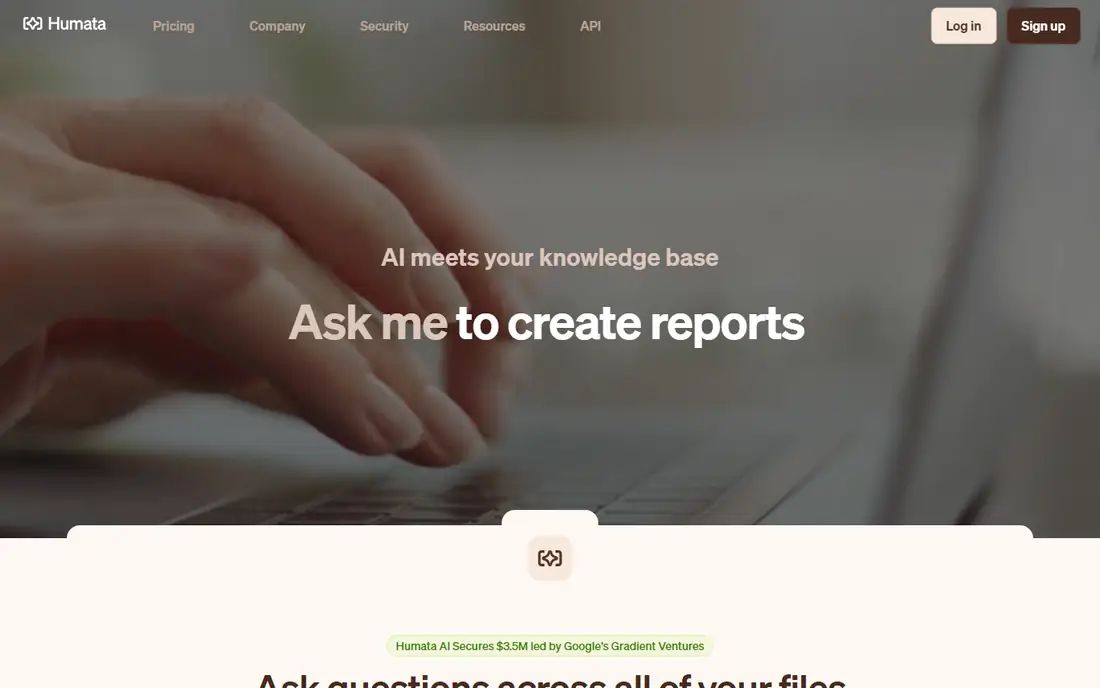
Humata describes itself as document-grounded AI for PDFs, letting you ask questions, generate summaries, compare files, and inspect cited links back to source material. The Expert plan at $9.99 per month includes 500 pages per month and up to three users, making it the cheapest paid option with cross-file question answering.
The free tier is a trial, not a plan: 60 pages covers only a few papers, so decide before spending them. Humata states it does not use user data to train models and reports SOC 2 Type II compliance, which helps for sensitive work, though you should still confirm terms for your organization. For researchers comparing files on a budget, Humata is the best value here.
What we like- Cheapest paid option with cross-file Q&A at $9.99 per month
- Cited links into source files
- Does not use user data to train models
Watch out for- Free tier limited to 60 pages
- Overage at $0.02 per page
- Accuracy drops on scanned documents and complex charts
Starting priceFree
Free planYes
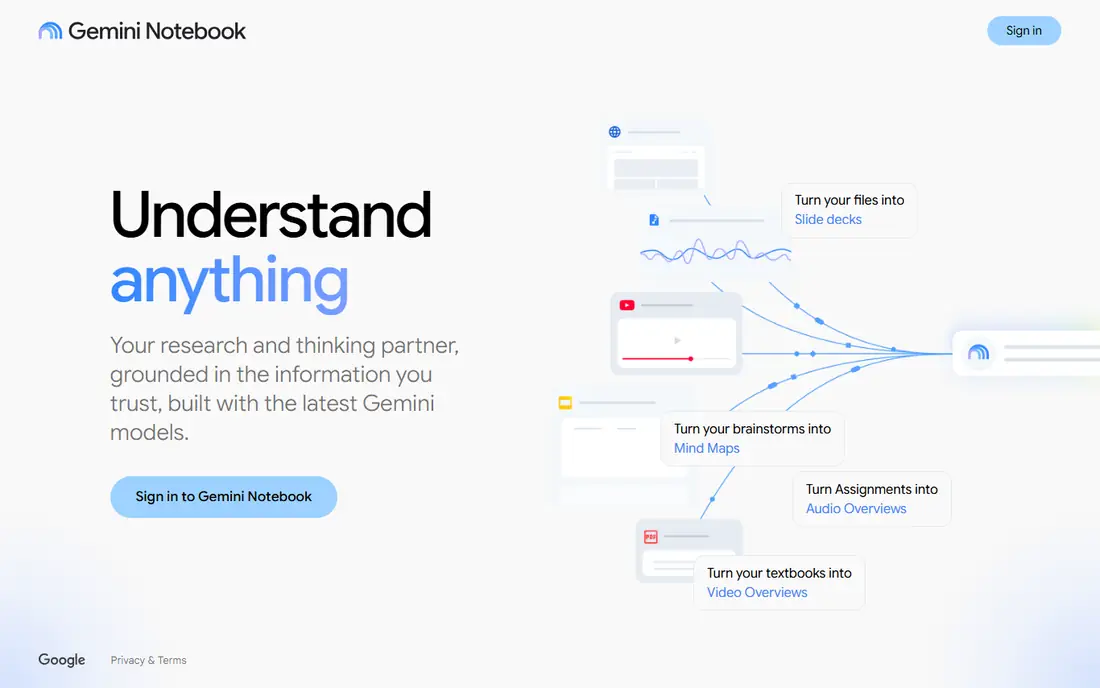
NotebookLM is the best free tool for comparing papers against each other. You load up to 50 sources into a notebook, ask questions across all of them, and get answers grounded in those sources, plus audio summaries for commutes. For a literature review or a research project spanning many papers, cross-document questions are the point, and NotebookLM does them free.
Limits are notebook boundaries and chat caps: no questions span notebooks, and 50 chats per day are shared. Heavy users need paid Google plans for higher limits. For students and researchers comparing sources, NotebookLM is the strongest free tool on this list.
What we like- 50 sources per notebook and 100 notebooks free
- Cross-document questions
- Audio summaries
- Strong for research comparisons
Watch out for- No questions across notebooks
- 50 chats per day shared
- Google account required
- Paid plans needed for higher limits
#4Claude
Best for: Very long documents4.6/5 on
G2 (488 reviews, checked Oct 2026)
Visit claude.com
Starting priceFree
Free planYes
Claude Pro at $20 per month is the best pick for very long documents, thanks to a large context window that handles long papers without splitting them into chunks. Its careful prose and reasoning suit deep interrogation of a single paper: asking follow-ups, testing arguments, and summarizing sections in detail.
The free tier is rate-limited, so regular PDF work needs Pro. Claude also lacks literature context features, like paper discovery and citation management, that research tools offer. For a long report, contract, or book-length PDF you must understand deeply, Claude is the strongest general assistant here.
What we like- Large context window handles documents over 100 pages without chunking
- Strong prose and careful reasoning
- Good for interrogating one paper in depth
Watch out for- Free tier rate-limited
- Pro at $20 per month
- No literature context features like dedicated research tools
#5ChatGPT
Best for: All-round PDF questions4.6/5 on
G2 (3,089 reviews, checked Oct 2026)
Visit chatgpt.com
Starting priceFree
Free planYes
ChatGPT handles PDF summaries as part of a much larger assistant, which suits users who already pay for Plus at $20 per month and want one tool for many jobs. Upload a PDF, ask for a summary, probe details, and rewrite findings, all in one chat window.
The free tier limits file work heavily, and ChatGPT lacks the page citation discipline of ChatPDF or Humata, so verifying claims takes more effort. For occasional PDF questions inside a broader workflow, ChatGPT is convenient. For daily PDF research, a dedicated tool fits better.
What we like- File uploads on free tier
- Versatile for summaries, questions, and rewrites
- Plus at $20 per month for reliable analysis
Watch out for- Free tier limited to roughly 10 messages per 5 hours
- No page citation discipline like dedicated tools
- Accuracy needs checking
Starting priceFree
Free planYes
SciSpace, formerly Typeset, is built for researchers who want to understand academic papers, not just skim them. It explains methods, results, and discussion section by section, with evidence-backed answers grounded in the source paper, and adds literature review search and citation exports on paid plans.
The free Basic plan needs no credit card but limits credits, summaries, and chat access, while Premium starts at $20 per month. SciSpace is less suited to users who want only short structured summaries, since its strength is explanation depth. For students and researchers decoding complex papers, it is a strong specialist pick.
What we like- Built for academic papers
- Evidence-backed answers grounded in source papers
- Section-wise understanding of methods and results
Watch out for- Premium at $20 per month
- Free plan limited credits and summaries
- Less suited to short structured summaries
#7Smallpdf
Best for: PDF tools plus AI summaries4.5/5 on
G2 (306 reviews, checked Oct 2026)
Visit smallpdf.com
Starting priceFree
Free planYes
Smallpdf is the best pick for users who need PDF editing plus occasional AI summaries in one place. Its toolkit covers compressing, converting, merging, and signing PDFs, with AI summarization layered on top for users who already work in Smallpdf daily.
Free AI use is very limited, and Pro at around $9 per month is only worth it if you also need the editing tools. For a user whose main job is PDF management with occasional summaries, Smallpdf is convenient. For a user whose main job is reading papers, ChatPDF or Humata fits better.
What we like- Full PDF toolkit alongside AI summaries
- Simple browser workflow
- Pro around $9 per month
Watch out for- Free AI use very limited
- AI features are secondary to editing tools
- Heavier users need Pro
#8PDFgear
Best for: Free PDF editing plus AI4.8/5 on
G2 (168 reviews, checked Oct 2026)
Visit pdfgear.com
Starting priceFree
Free planYes
PDFgear is the best free combination of PDF editing and AI summaries. Its editor works offline, covers the standard PDF jobs, and includes AI summarization without a paid plan. For a student or casual user who wants free tools with no subscription, PDFgear is the most generous option here.
The AI feature set is smaller than dedicated tools, and the AI part needs a connection even though editing works offline. Check the privacy policy for document handling before uploading sensitive files. For free PDF work with a bit of AI help, PDFgear is hard to beat.
What we like- Completely free PDF tools
- Offline editor
- AI summaries included
- No account needed for basic tools
Watch out for- AI features need a connection
- Smaller AI feature set than dedicated tools
- Check privacy policy for document handling
How we chose
We compared tools on answer accuracy, page citation quality, speed, multi-document handling, free tier generosity, and pricing transparency, using 2026 guides and vendor pages. We included dedicated PDF tools and general assistants, since many users already pay for one of the latter, and we left out tools with no credible current product. Prices conflict across guides for ChatPDF Plus, so we flagged the range rather than presenting one figure as certain.
Start with your document type and volume. Occasional single papers point to ChatPDF free or NotebookLM. Cross-file research points to Humata or NotebookLM. Very long documents point to Claude Pro. Academic papers point to SciSpace. Daily PDF management with occasional summaries points to Smallpdf or PDFgear.
Verify every important claim
Ask narrow questions, require page citations, and read the cited passage plus nearby context for exceptions. AI summaries are a tool for deciding what to read, not a substitute for having read it. For academic work, check your institution integrity policy, since submitting AI summaries as your own work differs from using them as a reading aid.
Protect confidential documents
For unpublished papers, legal drafts, or financial documents, avoid cloud tools or confirm data handling terms first. Check whether the vendor trains models on uploads, how long files are retained, and what plan controls exist. When in doubt, read the document yourself or run a local model rather than uploading sensitive material.
Frequently asked questions
What is the best AI tool for summarizing PDFs?
It depends on use. ChatPDF is simplest for quick single-PDF summaries, Humata offers the best value for cross-file analysis, NotebookLM is best free for comparing sources, and Claude Pro handles very long documents best.
Can I summarize PDFs with ChatGPT for free?
Yes, with limits. ChatGPT Free allows file uploads but restricts you to roughly 10 messages per 5 hours. For regular PDF work, ChatGPT Plus at $20 per month is needed for reliable analysis, while dedicated tools offer free tiers designed for document work.
How accurate are AI PDF summarizers?
For text-heavy documents, modern tools are quite accurate at extracting and summarizing content, especially with page citations for verification. Accuracy drops with complex tables, charts, equations, and scanned documents with poor OCR. Always verify summaries for legal, medical, or financial documents.
Are AI PDF summarizers free?
Several offer free tiers: ChatPDF at 2 PDFs per day, Humata at 60 pages, NotebookLM with generous notebook limits, and PDFgear fully free for editing plus AI. Paid plans from $9.99 to $20 per month remove caps and add cross-file and premium features.
Can AI summarizers handle scanned PDFs?
Only as well as the OCR allows. Scanned documents with poor OCR quality reduce accuracy sharply, and handwritten notes often fail entirely. For scanned material, run OCR first or read critical sections yourself rather than trusting an AI summary.
Should students use AI PDF summarizers?
Yes, as a reading aid, not as a replacement for reading. Use summaries to triage a reading list, understand structure, and find key sections, then read important passages yourself. Check your institution academic integrity policy before submitting any AI-generated work.
Sources we checked (8)
- https://www.chatpdf.com
- https://www.humata.ai
- https://notebooklm.google.com
- https://claude.com
- https://chatgpt.com
- https://www.scispace.com
- https://www.smallpdf.com
- https://www.pdfgear.com
Is your product missing or out of date?
We review this list regularly. Vendors can request a listing, send updated pricing or ask about featured placement.

Shihab Mia · Founder, Rankite
Shihab has 5+ years in B2B and SaaS SEO. He writes Rankite's software buying guides from pricing pages, documentation and public user reviews. More about Shihab.