How we make this list: we compare pricing pages, product documentation and public user reviews. Rankite is independent; if a vendor ever pays for a featured spot, that listing is clearly labeled Partner.
Key takeaways
- Canva and Adobe Firefly bring generative AI text effects into full design workflows, from social posts to brand assets.
- Ideogram is the specialist for AI-generated images with readable, correctly placed text, which most models still get wrong.
- TextStudio and MockoFUN are the classic dedicated text-effect generators, with hundreds of 3D, neon and metallic styles.
- Kittl and Picsart sit between generation and editing, with AI models plus text-effect tooling in one platform.
- Fotor and Kapwing add AI text effects as part of broader photo and video editing suites, with free plans to start.
Good typography effects used to require Photoshop skills and hours of layer work. AI text effects software changed that: type your words, pick a style, and get metallic 3D, neon, chrome or watercolor lettering in seconds. The tools below cover the full spectrum, from dedicated text-effect generators to AI image models that finally spell words correctly.
Quick comparison
| Tool | Best for | Starting price | Free plan |
|---|
 Canva Canva | All-round design with AI effects | See website | Yes |
 Adobe Firefly Adobe Firefly | Commercially safe AI generation | See website | Yes |
 Ideogram Ideogram | Images with readable text | See website | Yes |
 Kittl Kittl | AI-first design with text effects | See website | Free trial |
 MockoFUN MockoFUN | Free text effects and typography | See website | Yes |
 Fotor Fotor | Photo editing plus AI effects | See website | Yes |
 Picsart Picsart | AI creative platform | Free | Yes |
 TextStudio TextStudio | Dedicated text-effect generator | See website | Yes |
 Kapwing Kapwing | Video text effects | See website | Yes |
Is your product missing or out of date?
We review this list regularly. Vendors can request a listing, send updated pricing or ask about featured placement.
The best AI text effects software
Starting priceSee website
Free planYes
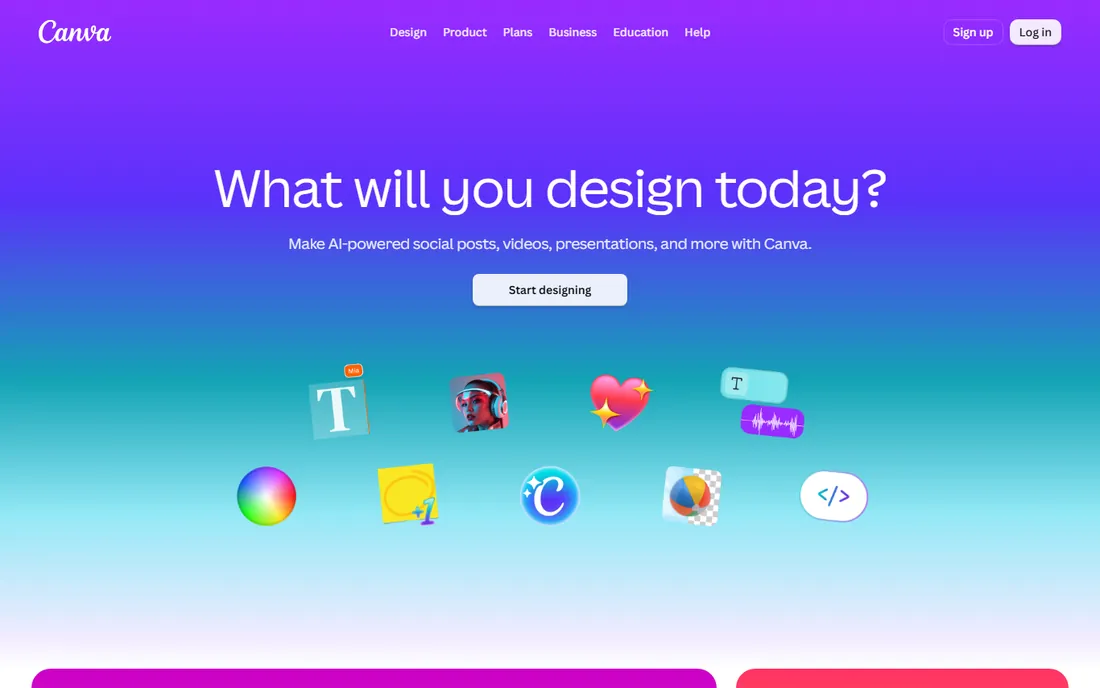
Canva is the design platform most people start with, and its Magic Studio AI features bring generative text effects into everyday workflows. You can generate images from text prompts, apply effects to typography, and drop the result into any of millions of templates for social posts, presentations, posters and logos.
The free plan covers a surprising amount, while Canva Pro adds the full AI suite. For quick marketing graphics with AI-styled text, it is the fastest path from idea to finished asset.
Start with the free plan and test Magic Studio's text and image generation on your actual designs. If you outgrow it, Canva Pro's AI features are the main reason to upgrade.
What we like- Huge template library
- Magic Studio AI features
- Free plan with generous features
Watch out for- Advanced AI features need a Pro subscription
- Text effects less specialized than dedicated tools
Starting priceSee website
Free planYes
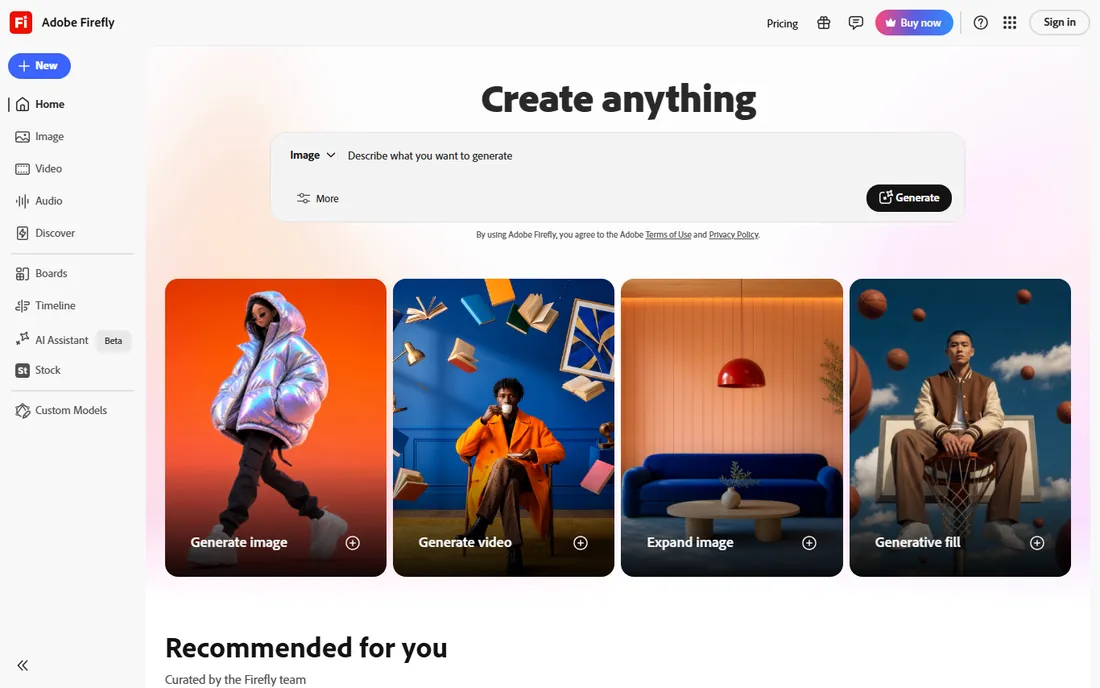
Adobe Firefly is Adobe's all-in-one AI creative studio, generating images, video and audio from text prompts with more than 30 AI models in one place. Its text effects feature lets you generate stylized typography with AI, and because Firefly is trained on licensed and public-domain content, the output carries a cleaner commercial-use story than most competitors.
There is a free tier with a monthly generation allowance, and Firefly integrates into Photoshop, Illustrator and Express, so text effects flow into professional workflows. Plans scale with credit needs.
Sign up for the free tier and test the text effects module on your brand fonts and styles. If you already pay for Creative Cloud, check how many Firefly credits your plan includes before buying standalone.
What we like- Commercially safe training data
- Text effects built into the workflow
- Integrates with Creative Cloud
Watch out for- Free tier has limited monthly credits
- Best value inside Adobe subscriptions
Starting priceSee website
Free planYes
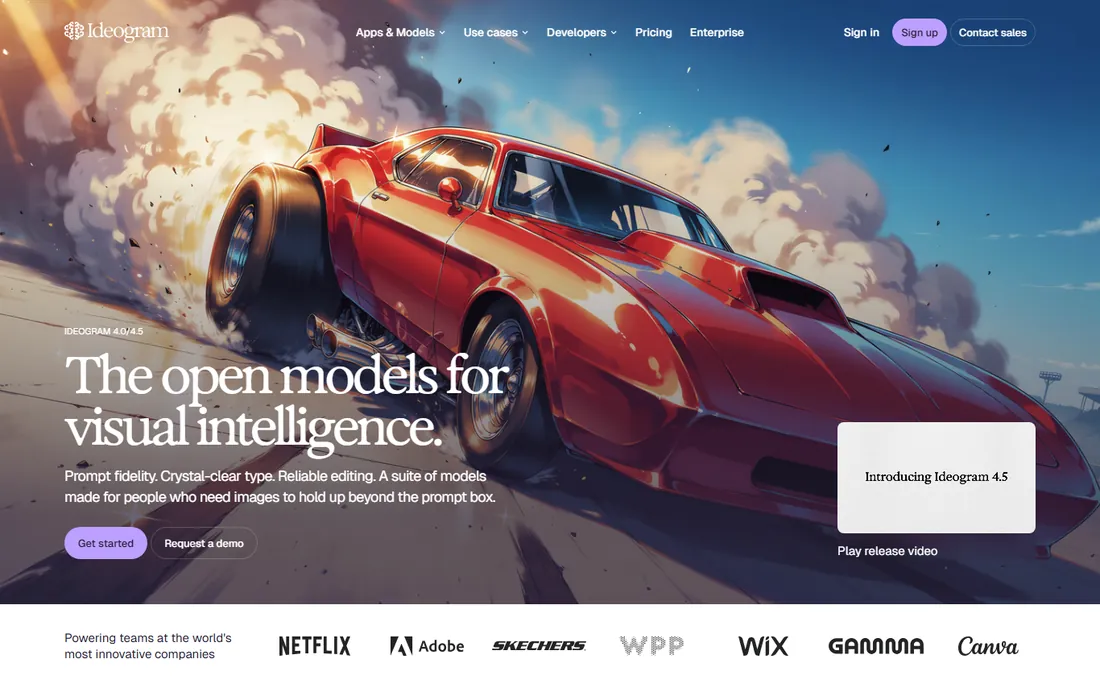
Ideogram is the AI image model that finally solved the text problem: where other generators garble letters, Ideogram 4.0 and 4.5 render legible, well-placed typography inside generated images. That makes it the natural choice for posters, social cards, logos and wordmarks where the text itself is the design.
The platform now spans creative apps, a unified API for image and video models, and MCP integration so AI agents can generate assets directly. A free tier offers a limited number of generations per day.
Test it with your hardest use case: a poster with a multi-word headline. If the text comes out clean on the first try, Ideogram has earned its place in your stack.
What we like- Best-in-class text rendering in AI images
- Readable type in every layout
- API and MCP for workflows
Watch out for- Free tier has limited daily generations
- Free downloads are reduced quality
Starting priceSee website
Free planFree trial
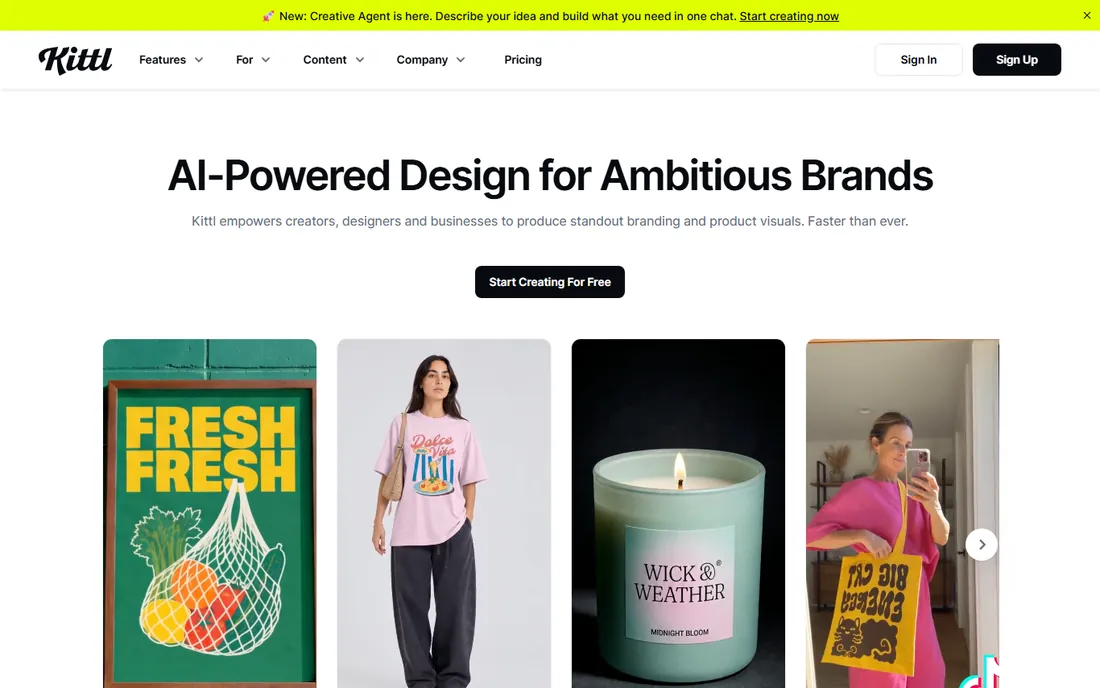
Kittl is an AI-first design platform built for creators, designers and businesses producing branding and product visuals. Its text effects module sits alongside AI image generation powered by models from OpenAI, Google, ByteDance, Ideogram, Recraft, Black Forest Labs and Kling, so you can generate an image and style its text in one place.
The company grew out of typography design, which shows in its handling of fonts and lettering. A partnership with Monotype brings professional typefaces into the platform.
Try the free trial with a real project, like a t-shirt design or poster. Compare its text effects output against what you currently make in Canva or Photoshop.
What we like- Dedicated text effects module
- Access to many top AI models
- Strong typography heritage
Watch out for- Newer brand than Canva or Adobe
- Full features need a paid plan
Starting priceSee website
Free planYes
MockoFUN is a free online graphic design platform with a deep focus on text: curved text, circular text, 800 free fonts, and a large library of text effects from 3D and neon to metallic and watercolor. It runs entirely in the browser with layers, masks and blending modes, positioning itself as a free Photoshop and Canva alternative.
Free users get high-resolution downloads without watermarks, plus 10 AI credits a month. Premium adds unlimited template access, SVG downloads and more AI credits.
If you need classic text effects without paying anything, start here. The curved text generator alone, with transparent PNG export, handles a huge share of logo and badge work.
What we like- Completely free core platform
- 800 free fonts
- Curved text and hundreds of text effects
Watch out for- Dated interface
- Premium tier needed for SVG downloads and unlimited AI credits
Starting priceSee website
Free planYes
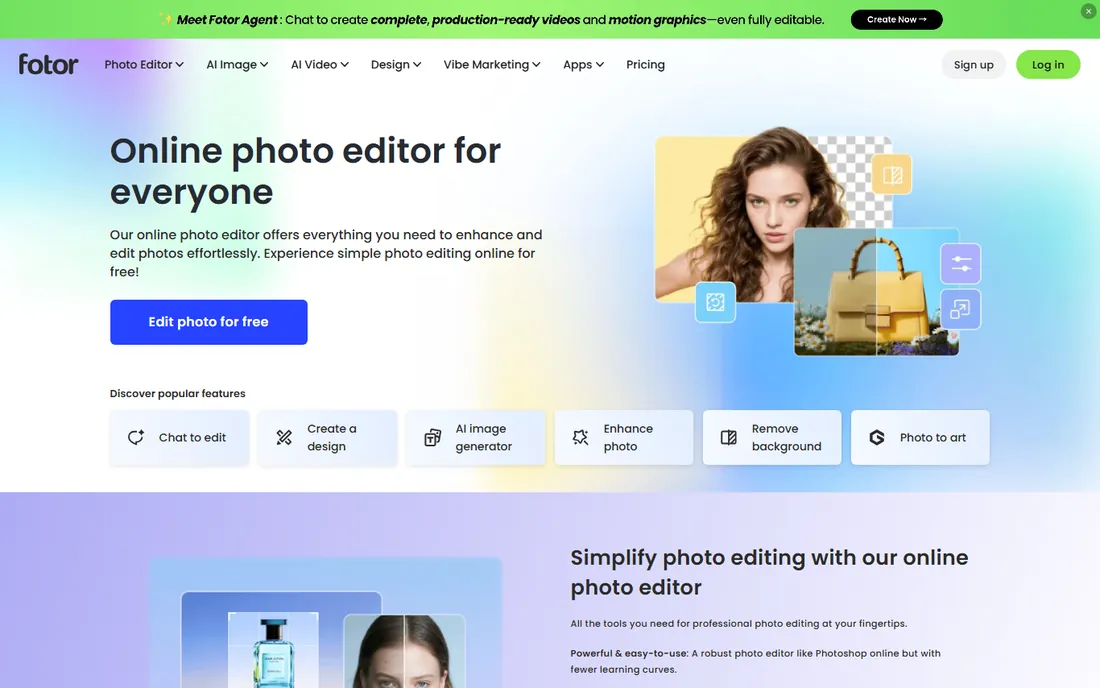
Fotor is an online photo editor with generative AI tools, and its text handling fits the same pattern: add text to any photo, choose from 100-plus fonts, adjust size, color and spacing, and curve the text for creative layouts. The free plan allows unlimited editing with watermark-free exports, which is generous.
The AI image generator, background remover and photo enhancer make Fotor a solid all-rounder when your text effects live on top of photos rather than standing alone. It works on web, desktop and mobile.
Use the free plan for photo-based graphics with styled text. Upgrade to Pro only if you need the advanced AI generation and batch features regularly.
What we like- Free plan with watermark-free exports
- Strong AI photo tools
- 100+ fonts for text styling
Watch out for- Text effects are a side feature, not the specialty
- Some tools need Fotor Pro
Starting priceFree
Free planYes
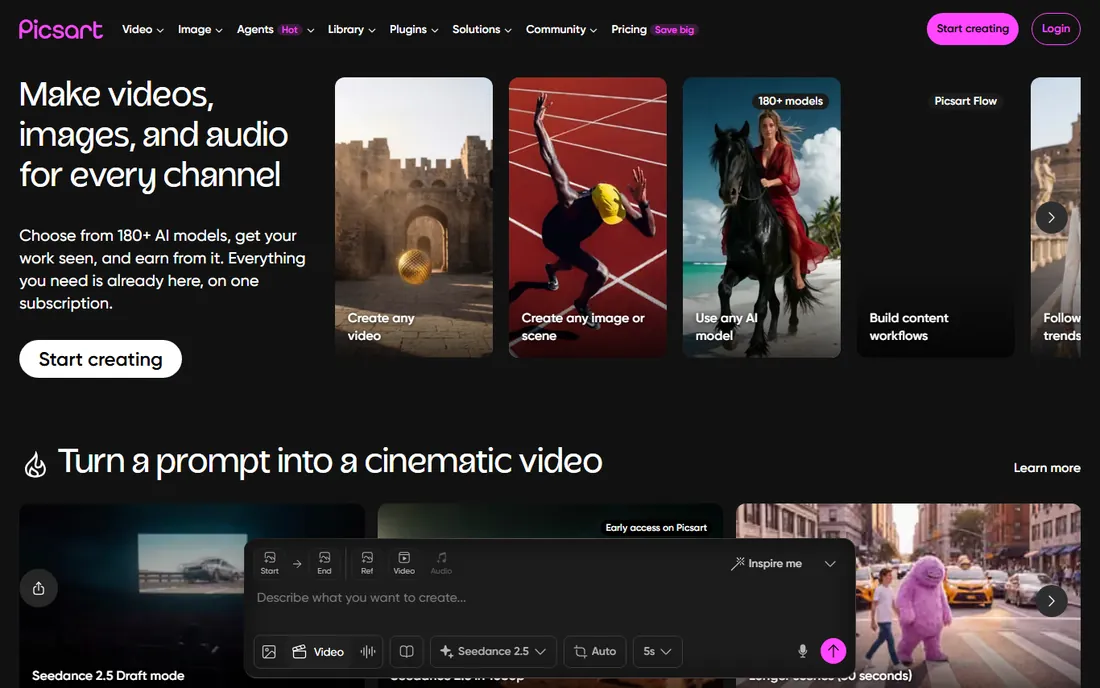
Picsart is an AI creative platform offering 180-plus AI models for generating images, video and audio, alongside its classic photo editing tools and effects. Text effects arrive through both AI image generation with readable text overlays and the platform's curated effect presets.
The vendor's own pricing data shows a free tier at $0, with paid subscriptions for heavier AI usage. With millions of daily users and strong mobile apps, Picsart suits creators who work across formats.
Start free and explore the AI Playground with a text-heavy prompt. If you generate content daily, compare the paid tiers by how much AI generation you actually use.
What we like- 180+ AI models in one subscription
- Free tier
- Strong mobile apps
Watch out for- Text effects compete with many other features for attention
- Heavy AI use needs paid tiers
Starting priceSee website
Free planYes
TextStudio is a dedicated font and 3D text effect generator with hundreds of styles: neon, chrome, gold, graffiti, retro, 3D layered, animated and more. You type your text, pick an effect, customize colors and backgrounds, and download the result.
The free option requires an attribution link to textstudio.com, while Premium removes attribution, raises quality to 4K and adds unlimited downloads and exclusive effects. For one-off graphics like YouTube thumbnails or event posters, the free tier often suffices.
Browse the effect gallery before committing to a style. If you produce text graphics regularly, the premium plan pays for itself in saved design time.
What we like- Huge library of ready-made text effects
- 4K quality on premium
- Animated text effects
Watch out for- Free option requires attribution
- Daily download limits on free
Starting priceSee website
Free planYes
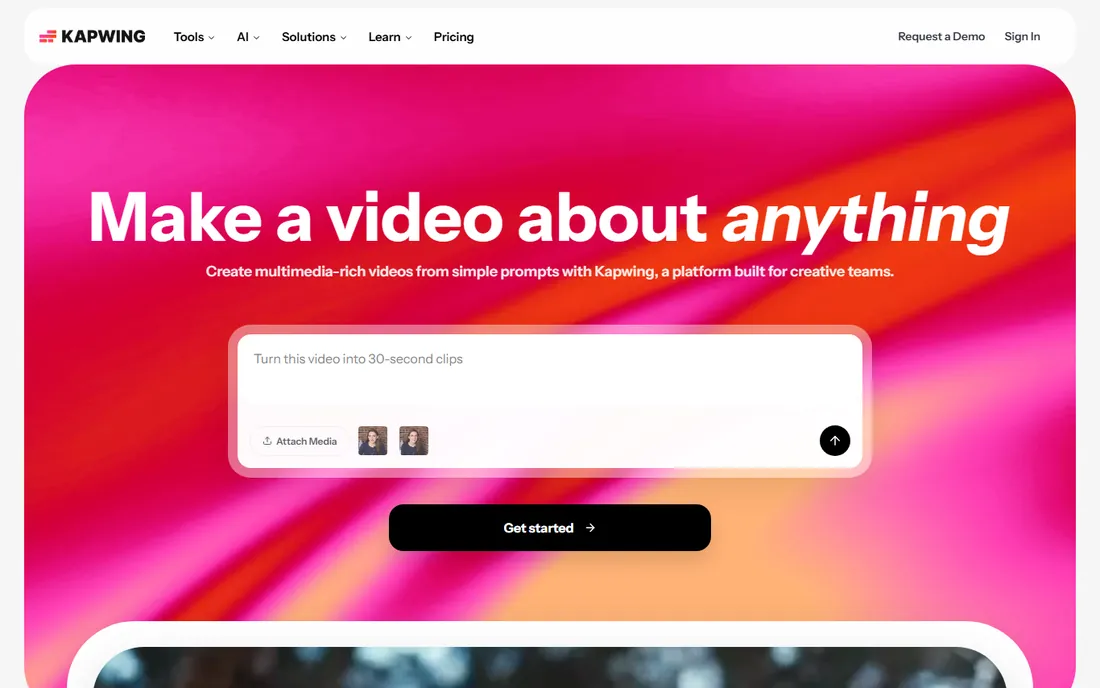
Kapwing is a browser-based video creation platform used by over 30 million creators, and its AI text effects shine in motion: animated titles, captions, kinetic typography and stylized text overlays for Reels, TikToks and YouTube. The AI generates projects from simple prompts with layered timing and sound.
For static text effects it is thinner than the dedicated tools above, but for anything that moves, Kapwing is the pick. The free plan covers short projects with watermarked exports.
Try it on your next short-form video: generate captions and an animated title in one session. Upgrade when watermark-free 4K exports matter for client work.
What we like- Text effects for video, not just images
- Collaborative editing
- Free plan to start
Watch out for- Video-first, so static text effects are basic
- Free exports are watermarked
For pure typography effects, start with TextStudio or MockoFUN. For AI-generated images where the text must be spelled right, Ideogram is unmatched. For text effects inside a full design workflow, compare Canva, Adobe Firefly, Kittl and Picsart. For photo-based graphics, Fotor works. For video, Kapwing.
Frequently asked questions
What is AI text effects software?
It is software that uses AI or automated styling to apply visual effects to text, such as 3D, neon, metallic, chrome or watercolor looks, or that generates images containing correctly rendered text from a prompt.
Can AI really generate images with readable text?
Yes, now it can. Ideogram led the way with legible in-image typography, and models available through Firefly, Kittl and Picsart have followed. For guaranteed results, dedicated generators like TextStudio render text as text rather than generating it as pixels.
Which AI text effects software is free?
MockoFUN, Canva, Fotor, Picsart and Kapwing all have free plans. Adobe Firefly and Ideogram offer free tiers with limited generations. TextStudio has a free option that requires attribution.
What is the best AI text effects software for YouTube thumbnails?
TextStudio and MockoFUN are built for exactly this: bold 3D and neon text on transparent or custom backgrounds, exported as PNG. Ideogram can generate the whole thumbnail, text included, from a prompt.
Do I need Photoshop for text effects anymore?
No. Browser tools like TextStudio, MockoFUN, Canva and Kittl produce professional text effects without any installed software. Photoshop still wins for fully custom, layered compositions, but most everyday text effects no longer need it.
Are AI-generated text effects safe for commercial use?
Adobe Firefly markets its output as commercially safe due to licensed training data. For other tools, check each vendor's terms: free tiers sometimes restrict commercial use, and TextStudio's free option requires attribution.
How we chose
We selected established AI text effect and typography tools with active vendors and current homepages, covering dedicated text-effect generators, AI image models with text rendering, all-round design platforms and video editors. We verified each vendor's website directly and compared text-effect libraries, AI generation quality, free tiers and pricing models from product pages, documentation and vendor announcements.
Sources we checked (9)
- https://www.canva.com/
- https://firefly.adobe.com
- https://ideogram.ai/
- https://www.kittl.com/
- https://mockofun.com/
- https://www.fotor.com/
- https://www.picsart.com/
- https://www.textstudio.com/
- https://www.kapwing.com/
Is your product missing or out of date?
We review this list regularly. Vendors can request a listing, send updated pricing or ask about featured placement.

Shihab Mia · Founder, Rankite
Shihab has spent more than a decade helping SaaS and e-commerce brands grow through search. He writes Rankite's software buying guides from pricing pages, documentation and public user reviews. More about Shihab.