How we make this list: we compare pricing pages, product documentation and public user reviews. Rankite is independent; if a vendor ever pays for a featured spot, that listing is clearly labeled Partner.
Key takeaways
- Aftershoot and Imagen are the two serious choices for high-volume wedding and portrait photographers, with Aftershoot the stronger value and Imagen the better learner of personal taste.
- FilterPixel and Optyx suit photographers who want culling without a subscription lock-in or who prefer a simple, affordable entry point.
- Narrative Select fits photographers who already live inside Narrative's publishing workflow and want selection in the same place.
- Photo Mechanic, Excire Foto, and Lightroom Classic are for photographers who prefer local, one-time, or catalog-based control rather than cloud AI pipelines.
Quick comparison
| Tool | Best for | Starting price | Free plan |
|---|
 Aftershoot Aftershoot | Wedding and portrait photographers who cull thousands of frames per shoot | $10/month (billed annually) | Free trial (30 days) |
 Imagen Imagen | Photographers who want AI culling that learns their personal taste | $12/month (billed annually) | Free trial |
 FilterPixel FilterPixel | Photographers who want genre-aware culling at a modest price | $14.99/month (billed annually) | Yes |
 Narrative Narrative | Photographers already using Narrative for gallery publishing | $10/month (billed annually) | Free trial |
 Optyx Optyx | Hobbyists and part-time photographers who want cheap, simple AI culling | $6.99/month (billed annually) | Yes |
 Excire Foto 2027 Excire Foto 2027 | Photographers who want local AI search and culling with no subscription | $249 one-time | Free trial (14 days) |
 Photo Mechanic Photo Mechanic | Sports and news photographers who need the fastest manual culling | See website | Free trial |
 Adobe Lightroom Classic Adobe Lightroom Classic | Photographers already inside the Adobe ecosystem | See website | Free trial |
Is your product missing or out of date?
We review this list regularly. Vendors can request a listing, send updated pricing or ask about featured placement.
The best AI culling software for photographers, compared
#1
Aftershoot
Best for: Wedding and portrait photographers who cull thousands of frames per shoot
Visit aftershoot.com
Starting price$10/month (billed annually)
Free planFree trial (30 days)
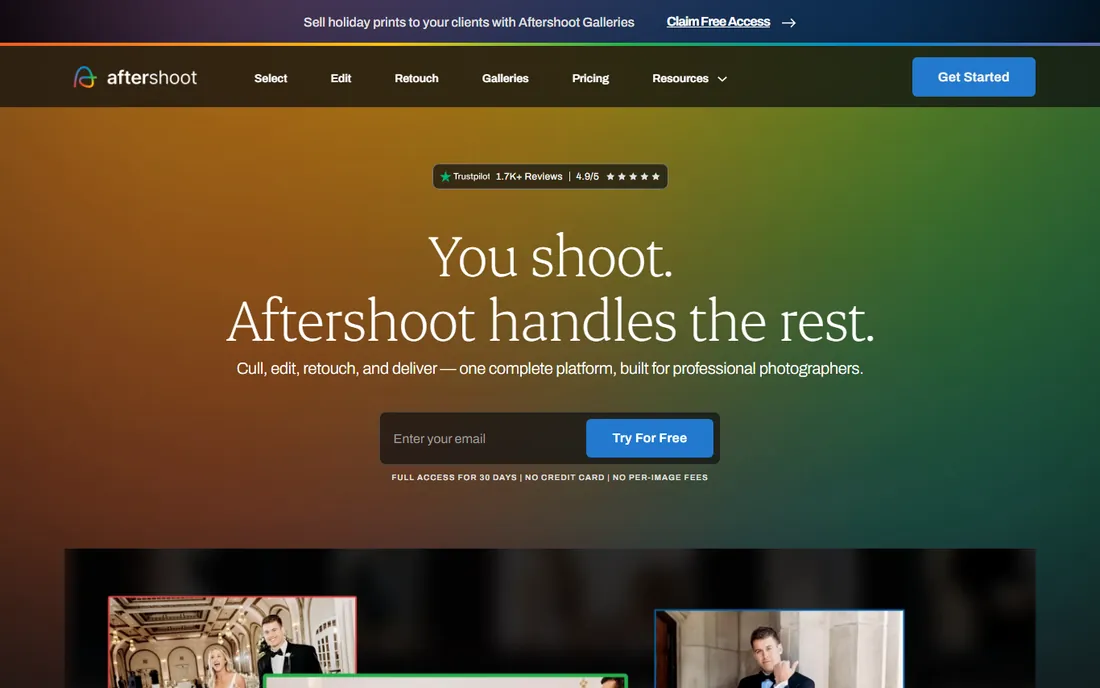
Aftershoot built its name on one promise: cull a wedding in under an hour. The AI scores every image for sharpness, eyes, duplicates, and composition, then groups bursts so you pick the best frame from each set. Processing runs locally on your machine, which matters when you are working on hotel wifi the night before a delivery deadline.
The pricing structure is the other reason it leads this list. Every plan allows unlimited images, so a 5,000-frame wedding costs the same as a 500-frame portrait session. The Select plan starts at $10 a month billed annually, and a 30-day free trial is long enough to run it through two or three real shoots. The honest catch is that the default profiles are conservative. You will want to spend one evening tuning the thresholds to your shooting style before you trust it on a paid job.
What we like- Unlimited images on every plan
- Fast local processing
- Edit and Retouch add-ons in the same app
Watch out for- Culling profiles take a few shoots to tune
- Interface is functional rather than pretty
#2
Imagen
Best for: Photographers who want AI culling that learns their personal taste
Visit imagen-ai.com
Starting price$12/month (billed annually)
Free planFree trial

Imagen takes a different approach from Aftershoot. Instead of fixed scoring rules, it builds a personal AI profile from your previously culled and edited catalogs. Over time it starts picking keepers the way you would, including your tolerance for motion blur and your preference between near-duplicates. For photographers with a consistent style, that learning curve pays off.
The culling plan starts at $12 a month billed annually, or $18 month to month, and there is a pay-as-you-go option at $0.05 per photo with a $7 monthly minimum. New users get 1,000 free edits to test the waters. The catch is the cloud dependency. Every shoot gets uploaded, which is fine on fast connections but painful on slow ones, and photographers with strict client confidentiality rules should read the privacy terms before sending raw files to a third-party server.
What we like- Personal AI profiles trained on your past edits
- Strong at duplicate and blur detection
- Pay-as-you-go option
Watch out for- Cloud-based, so you upload every shoot
- Billed annually pricing is much cheaper than monthly
#3
FilterPixel
Best for: Photographers who want genre-aware culling at a modest price
Visit filterpixel.com
Starting price$14.99/month (billed annually)
Free planYes
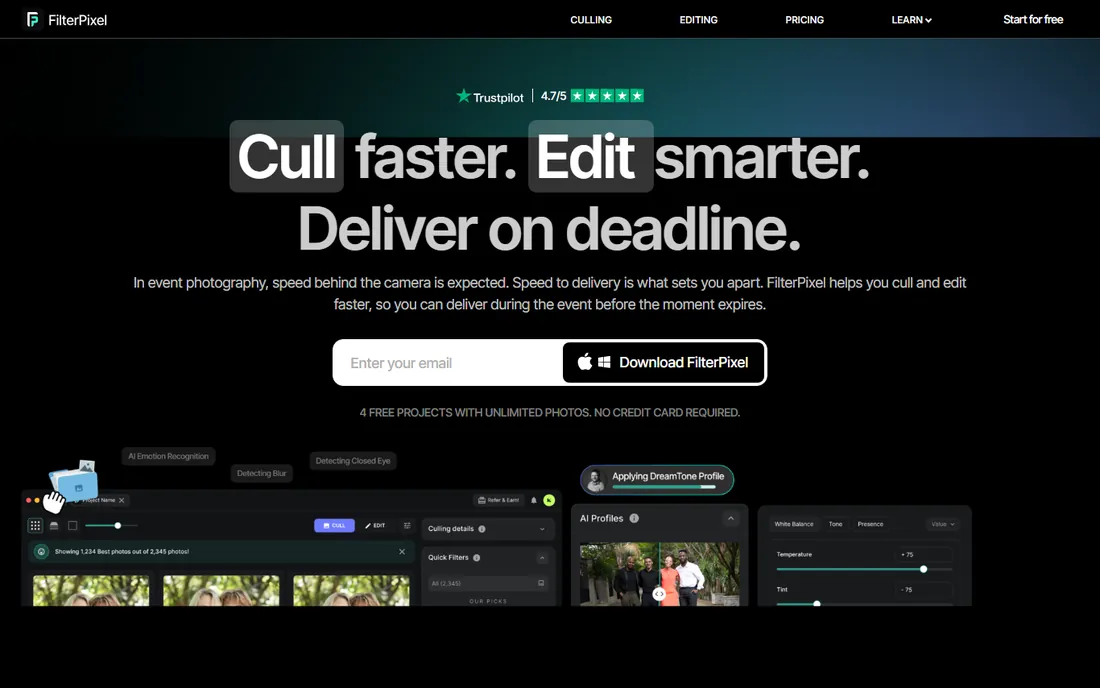
Few tools on this list are as honest about their niche as FilterPixel. Its DeepCull engine is trained with genre awareness, meaning it knows a wedding kiss shot deserves different treatment than a corporate headshot burst. That sounds like marketing until you run a mixed shoot through it and see the keeper selection adapt.
Pricing starts at $14.99 a month billed annually, $19.99 month to month, with Pro and Studio tiers above. Four free projects are included forever, which is enough to evaluate it properly. The weakness is ecosystem. With fewer users than the market leaders, you will find fewer YouTube tutorials, fewer preset profiles shared by other photographers, and slower feature rollouts. If you like figuring things out yourself, that will not bother you.
What we like- Genre-aware AI trained for weddings, portraits, and events
- 4 free projects forever
- Straightforward interface
Watch out for- Smaller user base than Aftershoot or Imagen, so fewer community presets and tutorials
#4
Narrative
Best for: Photographers already using Narrative for gallery publishing
Visit narrative.so
Starting price$10/month (billed annually)
Free planFree trial
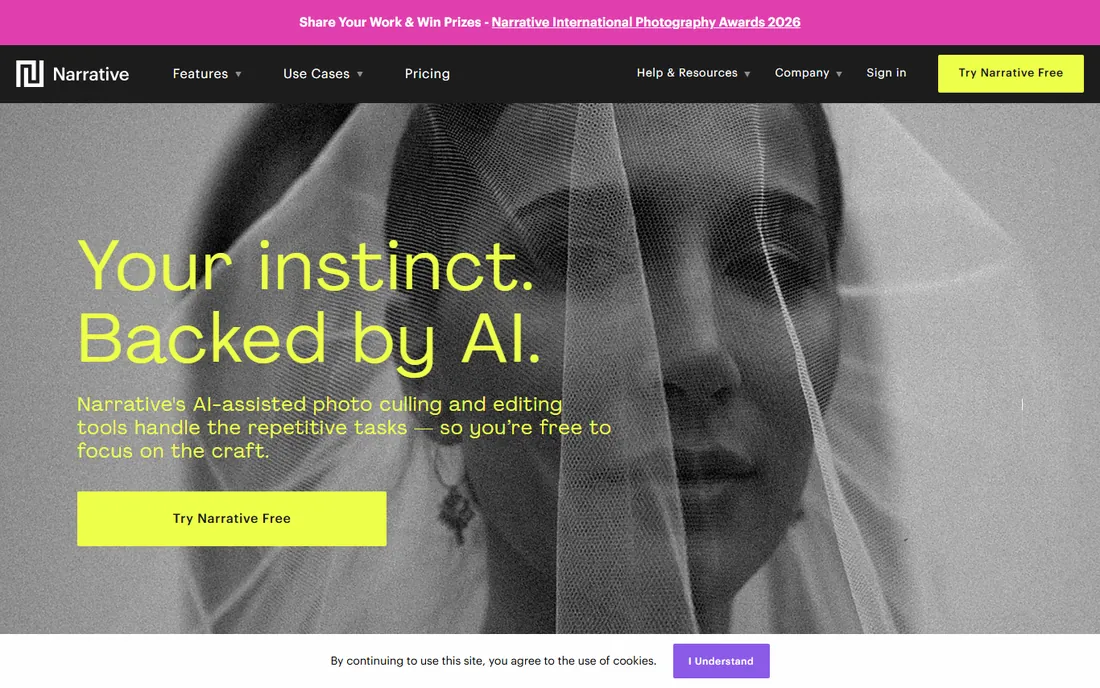
Narrative (the company behind the former Narrative Select) is best known for blog and gallery publishing, and its culling tool lives inside that same workflow. Select your keepers, and they flow straight into a gallery or blog draft without exporting and reimporting. For wedding photographers who deliver through Narrative anyway, that integration removes a whole step.
Plans start at $10 a month billed annually on the Lite tier, with Standard at $20, Premium at $40, and Ultra at $60, and there is a free trial of the top tier. The AI selection itself is competent but not as configurable as Aftershoot. Think of Narrative as the convenient choice rather than the most powerful one: if your bottleneck is delivery rather than selection, it wins.
What we like- Culling and publishing in one workflow
- Clean, modern interface
- Good for blog and gallery delivery
Watch out for- Less aggressive AI tuning options than dedicated culling apps
- Best value only if you use the publishing side
#5
Optyx
Best for: Hobbyists and part-time photographers who want cheap, simple AI culling
Visit optyx.app
Starting price$6.99/month (billed annually)
Free planYes

Optyx is the budget pick, and it does not pretend otherwise. The free tier handles small shoots, and the Pro plan at $6.99 a month billed annually ($9.99 monthly) is the cheapest paid culling on this list. Setup takes minutes: point it at a folder, let it score, review the picks.
That simplicity is both the appeal and the limit. Optyx lacks the burst grouping depth and threshold tuning of the bigger tools, and it will struggle with the volume and complexity of a full wedding day. For family sessions, real estate shoots, and hobbyist work, it is more than enough, and the price is hard to argue with.
What we like- Lowest paid price on this list
- Genuinely free tier
- Simple setup with no learning curve
Watch out for- Fewer advanced controls
- Not built for 5,000-frame wedding days
#6
Excire Foto 2027
Best for: Photographers who want local AI search and culling with no subscription
Visit excire.com
Starting price$249 one-time
Free planFree trial (14 days)
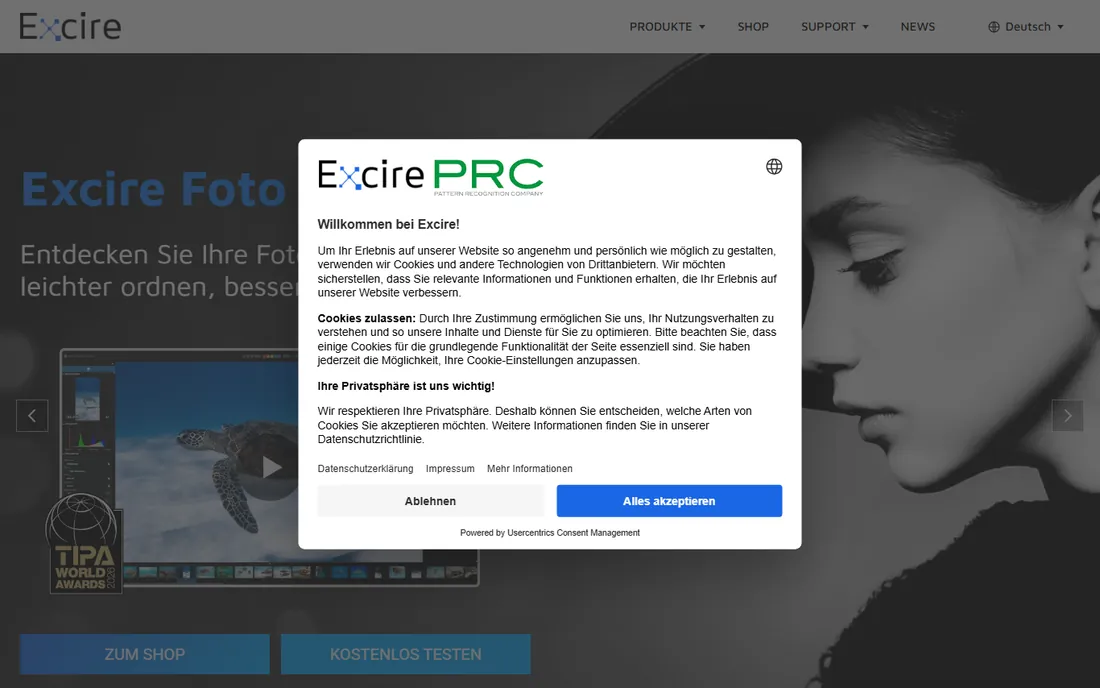
Excire Foto 2027 takes the opposite approach from the cloud tools: everything runs on your own machine, and you pay once. The AI handles face recognition, aesthetic scoring, duplicate detection, and automatic keywording, and it works as a Lightroom plugin or a standalone app. For photographers who refuse subscriptions on principle, this is the serious option.
The price is $249 as a one-time purchase, with a launch price of $219 and a 14-day trial. The catch is that Excire is more of an AI search and organization tool than a pure culling machine. It will find your best shots and group similar ones, but the automated keep-or-reject pipeline is less aggressive than Aftershoot. You stay in control, which some photographers prefer and others find slow.
What we like- One-time purchase, no subscription
- Everything runs locally
- Powerful AI keywording and face recognition
Watch out for- Higher upfront cost
- Culling workflow is less automated than Aftershoot or Imagen
Starting priceSee website
Free planFree trial
Photo Mechanic earns its place on an AI culling list by being the tool every AI culling app is measured against. It does not use AI to pick keepers. Instead, it renders previews faster than anything else on the market, so a skilled photographer can fly through thousands of frames with keyboard shortcuts. Sports and news photographers working on deadline still swear by it.
Pricing was not published on the vendor page at the time of writing, so check the site directly. Historically it has been sold as an annual subscription or a perpetual license. The honest assessment: if you want AI to do the deciding, buy Aftershoot. If you want to do the deciding at maximum speed, buy Photo Mechanic.
What we like- Fastest ingest and preview in the business
- Trusted by working photojournalists
- Rock-solid reliability
Watch out for- No true AI culling
- You still make every keep-or-reject decision yourself
#8
Adobe Lightroom Classic
Best for: Photographers already inside the Adobe ecosystem
Visit adobe.com
Starting priceSee website
Free planFree trial
Lightroom Classic added AI-assisted culling features that flag blurry shots and duplicates inside your existing catalog. For photographers who already pay for the Photography plan, this is effectively free culling with zero new software to learn. The flags appear as part of your normal import and review flow.
The limitation is depth. Lightroom's AI assistance is a helper, not a culling engine: it suggests, you decide, and there is no burst grouping or learned personal profile like Imagen offers. Pricing was not listed on the vendor homepage, so see Adobe's site for current plan pricing. If you already live in Lightroom, start here before paying for a dedicated tool.
What we like- AI-assisted culling built into the catalog you already use
- No new app to learn
- Strong organization tools
Watch out for- AI culling is basic compared to dedicated tools
- Tied to an Adobe subscription
How we chose
We started from each vendor's own website and pricing pages, checking that the product is sold today and actually offers AI-assisted culling or selection, not just keywording. We cross-checked features and pricing against public reviews on G2 and Capterra and against working-photographer discussions on Reddit, where culling tools get brutally honest treatment. We looked at how each tool fits different business sizes, from solo hobbyists to high-volume wedding studios, and noted integrations, export options, and support quality. We did not run hands-on benchmark tests; this ranking reflects documented features, public pricing, and reviewer consensus.
What to check before you pay
A culling tool lives or dies on fit with your shooting volume. If you shoot 3,000-plus frames per wedding, unlimited-image plans like Aftershoot's matter more than per-photo pricing. If you shoot 300-frame portrait sessions, a cheap tool like Optyx or a free tier may be all you need.
Decide how you feel about the cloud. Imagen's learning profiles require uploading every shoot, which needs fast internet and comfort with third-party servers. Aftershoot and Excire process locally, which is slower on old machines but keeps your files at home.
Test with a real shoot, not sample images. Every tool on this list offers a free trial or free tier. Run the same 1,000-frame wedding through two finalists and compare the keeper sets honestly. The right tool is the one whose rejects you agree with, because that is the trust you need before it touches a paid job.
Finally, check the export path. A culling tool that does not hand off cleanly to your editor, whether that is Lightroom, Capture One, or Aftershoot's own Edit module, will cost you the time it saved.
Culling, editing, and publishing are three different jobs
It is worth being clear about what these tools do not do. AI culling picks your keepers. It does not edit them, and with the exception of Aftershoot's Edit and Retouch modules, it does not finish them. Pair your culling choice with your editing workflow deliberately: Aftershoot users often stay inside Aftershoot, Imagen users typically export to Lightroom, and Narrative users flow into galleries.
The other distinction is selection versus search. Excire Foto is brilliant at finding the photo you need from a 200,000-image archive, but it is not trying to cull a wedding in 40 minutes. Buy the tool for the job you actually have, not the job that sounds impressive.
Frequently asked questions
How accurate is AI culling software?
On technical criteria like blur, closed eyes, and exact duplicates, the best tools are very accurate and consistent. On subjective calls, like which of five near-identical smiles is the keeper, they are good assistants but not replacements for your judgment. Most photographers use AI to reduce 4,000 frames to 800 candidates, then finish the selection themselves.
Does AI culling work for genres other than weddings?
Yes. Portraits, events, sports, and real estate all benefit, though the tuning differs. Wedding-focused tools like FilterPixel have genre-specific profiles, while general tools like Aftershoot let you build custom profiles per shoot type.
Will AI culling software delete my photos?
No. Every tool on this list flags and groups images rather than deleting them. Rejected frames stay on your drive or in your catalog until you delete them yourself. You always get the final say.
Is cloud-based culling safe for client photos?
It depends on your contracts. Cloud tools like Imagen upload your images for processing, and their terms cover data handling and retention. If you shoot under strict confidentiality agreements, prefer local-processing tools like Aftershoot or Excire Foto, or get written client consent first.
Can I use AI culling with Lightroom or Capture One?
Yes. Most tools export selections as starred, flagged, or rated files that Lightroom and Capture One read natively. Excire Foto works as a Lightroom plugin, and Aftershoot can hand off to its own editing modules or export for external editors.
Sources we checked (8)
- https://aftershoot.com/
- https://imagen-ai.com/
- https://filterpixel.com
- https://narrative.so
- https://www.optyx.app/
- https://excire.com/
- https://home.camerabits.com/
- https://www.adobe.com
Is your product missing or out of date?
We review this list regularly. Vendors can request a listing, send updated pricing or ask about featured placement.

Shihab Mia · Founder, Rankite
Shihab has spent more than a decade helping SaaS and e-commerce brands grow through search. He writes Rankite's software buying guides from pricing pages, documentation and public user reviews. More about Shihab.