How we make this list: we compare pricing pages, product documentation and public user reviews. Rankite is independent; if a vendor ever pays for a featured spot, that listing is clearly labeled Partner.
Key takeaways
- GitHub Copilot remains the safest default for most teams: a free tier, Pro at $10 per month, and the widest IDE and GitHub integration.
- Cursor leads the AI-native editor category with a free tier and paid plans from $8 per month, plus a choice of underlying models.
- Claude Code is the pick for terminal-first developers on large codebases, included in Claude Pro at $20 per month.
- Tabnine, now part of Tricentis, is the compliance-first option with private deployment, but at $39 per user per month it is the priciest seat in this group.
- Amazon Q Developer gives AWS-heavy teams a genuinely useful free tier and Pro at $19 per user per month, though it lags on general-purpose coding.
Quick comparison
| Tool | Best for | Starting price | Free plan |
|---|
 GitHub Copilot GitHub Copilot | developers who want the broadest integration with their existing workflow | From $10 per month (Pro) | Yes |
 Cursor Cursor | professional developers who live in their editor all day | From $8 per month (Plus) | Yes |
 Claude Code Claude Code | terminal-first developers working in serious codebases | From $20 per month (Claude Pro, includes Claude Code) | Yes |
 Tabnine Tabnine | regulated industries where code cannot leave the building | From $39 per user/month (Code Assistant, billed annually) | No |
 Amazon Q Developer Amazon Q Developer | development teams deeply invested in AWS | From $19 per user/month (Pro) | Yes |
 Windsurf Windsurf | developers who want an agentic IDE backed by cloud agents | From $20 per month (Pro) | Yes |
 Replit Replit | rapid prototyping and building in the browser | From $20 per month (Core) | Yes |
 Sourcegraph Cody Sourcegraph Cody | enterprises with codebases too large for other tools to comprehend | See website | No |
Is your product missing or out of date?
We review this list regularly. Vendors can request a listing, send updated pricing or ask about featured placement.
The best AI code generation software
#1
GitHub Copilot
Best for: developers who want the broadest integration with their existing workflow
Visit github.com
Starting priceFrom $10 per month (Pro)
Free planYes
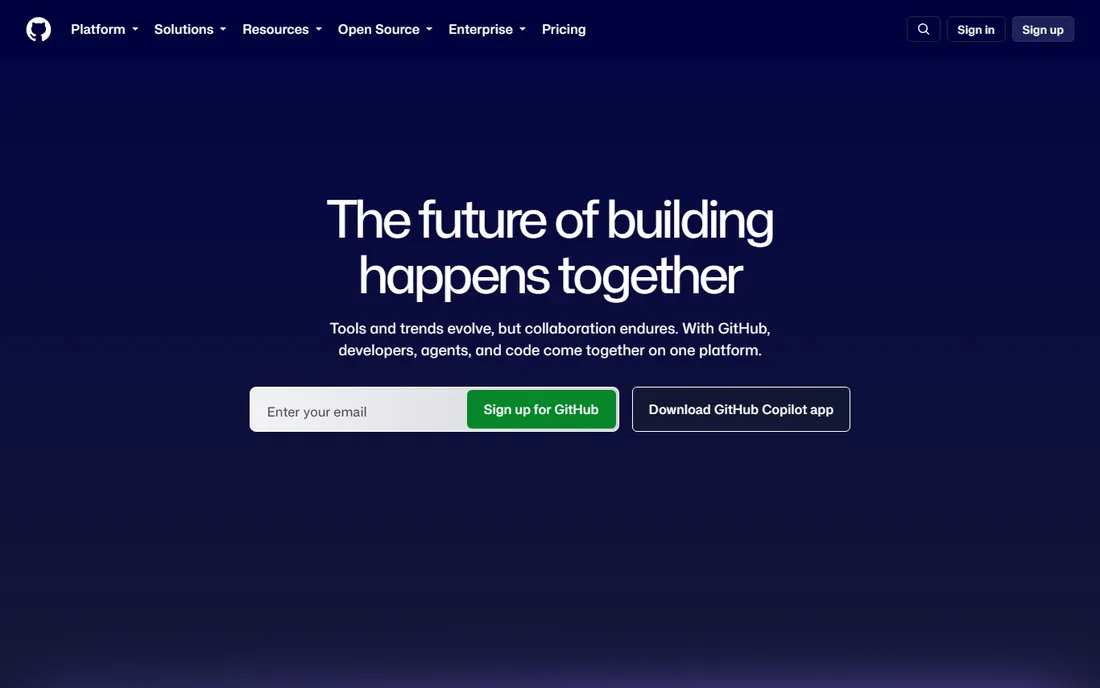
It is 2 p.m. on a Tuesday and you are staring at a half-written API handler. This is the exact moment GitHub Copilot was built for. The free tier gives you 2,000 completions a month, Pro costs $10 a month with unlimited completions, and the tool lives in practically every editor that matters: VS Code, JetBrains IDEs, Vim, Neovim and the GitHub.com web editor.
Recent versions added an agent mode that executes multi-step tasks across files, runs terminal commands and opens pull requests. Business ($19 per user per month) adds org management and policy controls, while Enterprise ($39) adds fine-tuning on your own codebase. The one hard limit is architectural: your code goes to Microsoft and GitHub servers for processing. If your employer prohibits that, Copilot is off the table no matter how good the suggestions are.
What we like- Free tier with 2,000 completions per month
- Works across VS Code, JetBrains, Vim and the GitHub web editor
- Agent mode handles multi-file tasks
Watch out for- Cloud-only with no self-hosted option
- Premium models sit in higher tiers
#2
Cursor
Best for: professional developers who live in their editor all day
Visit cursor.com
Starting priceFrom $8 per month (Plus)
Free planYes
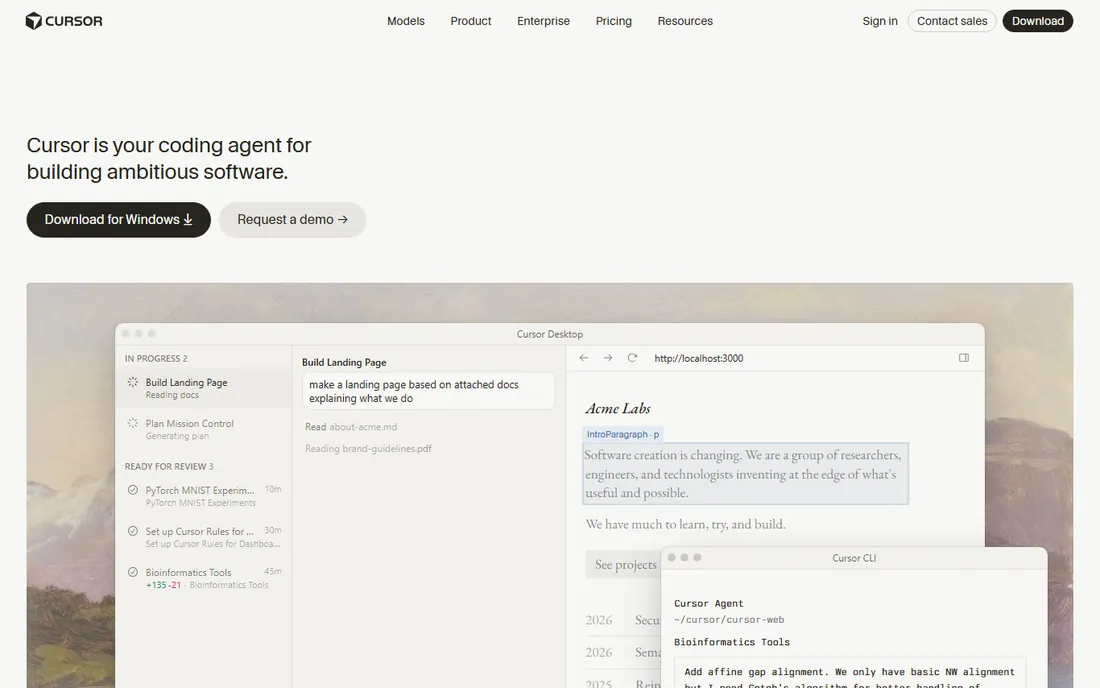
Cursor's pitch is simple: what if the AI was load-bearing instead of bolted on. It is forked from VS Code, so your extensions, keybindings and muscle memory come along, and there is effectively no re-learning curve. Agent mode chews through multi-file edits, and you can choose which underlying model does the thinking, from OpenAI and Anthropic to Gemini and others.
The current pricing page shows a free tier with limited agent and chat requests, Plus at $8 per month as the introductory plan, Premium at $30, Super at $100 and Ultra at $200, with Teams from $30 per user per month. Usage draws from a shared pool that refreshes weekly, which is friendlier than monthly caps but still means very heavy users pay more. It remains the safest recommendation for the widest range of developers.
What we like- Free tier with limited agent and chat requests
- Forked from VS Code so extensions and keybindings carry over
- Choice of frontier models
Watch out for- Usage is quota-based, so heavy months cost more
- Aggressive refactors need careful prompting
#3
Claude Code
Best for: terminal-first developers working in serious codebases
Visit claude.com
Starting priceFrom $20 per month (Claude Pro, includes Claude Code)
Free planYes
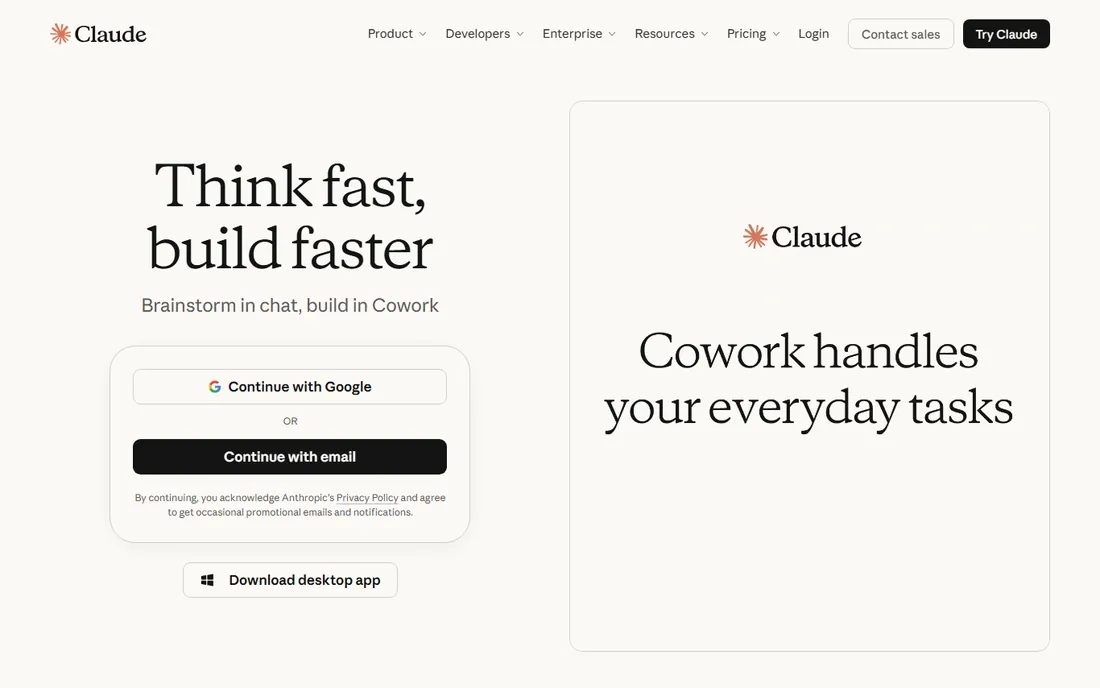
Some developers never embraced the IDE-does-everything philosophy, and Claude Code is built for them. It runs from the command line and its defining trait is a large context window that can hold an entire substantial codebase, which matters when a change in one module ripples through twelve others. Recent benchmark rankings have put it near the top on agentic coding tasks.
Access comes through Claude's subscription: Pro at $20 per month ($17 with annual billing) includes Claude Code, and Max from $100 per month buys 5x to 20x more usage. There is also API-based usage pricing. The free tier of Claude gives limited access. If your team lives in the terminal and works on repos big enough that other tools quietly forget half the context, this is the first tool to try.
What we like- Very large context window for big repositories
- Strong reasoning for complex refactors
- Included in Claude Pro and Max subscriptions
Watch out for- Terminal-centric workflow is not for everyone
- Heavy usage pushes you toward the $100+ Max tiers
#4
Tabnine
Best for: regulated industries where code cannot leave the building
Visit tabnine.com
Starting priceFrom $39 per user/month (Code Assistant, billed annually)
Free planNo
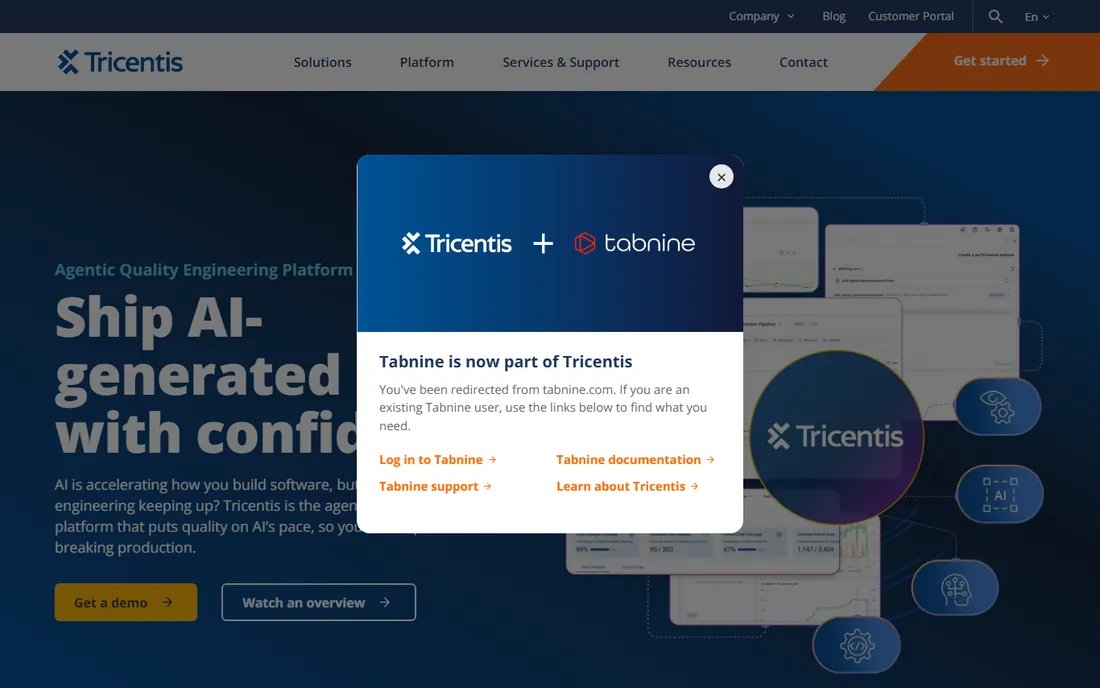
Tabnine has been in the AI coding space since 2018, making it one of the longest-running assistants, and it now operates as part of Tricentis. The company pivoted hard toward enterprise customers, removed its free tier, and repositioned around data sovereignty: the Enterprise deployment can run the entire model stack on your own infrastructure, so no code ever leaves your network. For healthcare, finance and defense teams, that is the deciding factor.
The price reflects the positioning. The Code Assistant plan is $39 per user per month billed annually, the Agentic Platform is $59, and a 14-day free trial is available on paid plans with no credit card. Stacked against Copilot Pro at $10 or Cursor from $8, Tabnine is the most expensive seat here. The premium only pays off if private deployment and compliance are non-negotiable; for general development teams, the cheaper tools do more.
What we like- Private, VPC, on-prem and air-gapped deployment
- Never trains on your proprietary code
- Strong compliance certifications
Watch out for- Highest per-seat price in this group
- Free tier was removed
- Agentic features trail Cursor and Copilot
Starting priceFrom $19 per user/month (Pro)
Free planYes

Amazon Q Developer, formerly CodeWhisperer, is the obvious choice inside the AWS ecosystem and a harder sell outside it. The free tier is generous: 50 agentic requests per month, 1,000 lines of code transformation, inline suggestions, security scanning and CLI access with just an AWS Builder ID. Pro costs $19 per user per month and adds 1,000 agentic requests, IP indemnity, SSO through IAM Identity Center, centralized policy management and usage analytics.
Where Q shines is AWS-native work: CloudFormation, Lambda, IAM policies and infrastructure code get suggestions that reflect real service knowledge. For general application code, independent comparisons consistently rank it behind Copilot and Cursor. If your team deploys to AWS daily, the free tier alone is worth adopting. If you are multi-cloud or mostly frontend, look elsewhere.
What we like- Genuinely useful free tier for individuals
- Unmatched AWS service knowledge
- Built-in security scanning
Watch out for- Weaker at general-purpose, non-AWS coding
- Smaller effective context than rivals
#6
Windsurf
Best for: developers who want an agentic IDE backed by cloud agents
Visit windsurf.com
Starting priceFrom $20 per month (Pro)
Free planYes
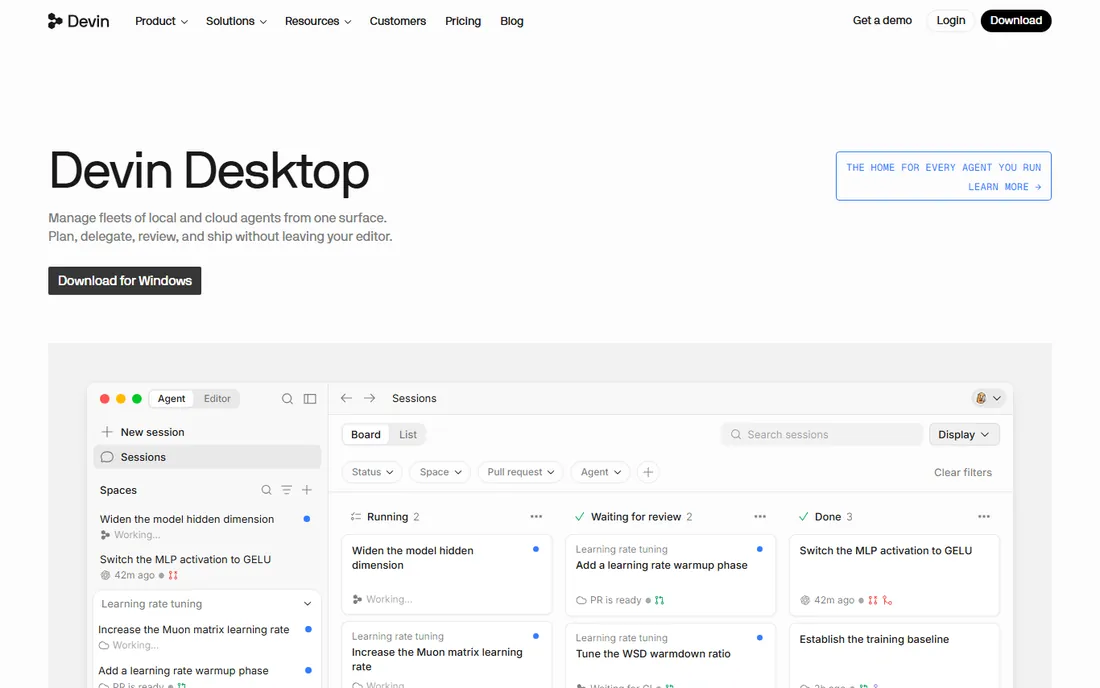
Windsurf, formerly Codeium's editor product, is now part of Cognition, the company behind Devin. The homepage still brands it as Windsurf, but the pricing page has been folded into Devin's plans: a free tier with a light agent quota, unlimited inline edits and unlimited tab completions, Pro at $20 per month with increased quotas and full model availability, and Max at $200 for power users.
The product's signature is the Cascade agent, which collaborates on multi-file changes with strong awareness of the codebase, plus cloud agents that work in parallel. For individual developers the free tier is genuinely usable, which keeps Windsurf competitive against Cursor's free offering. The ownership change is the thing to watch: the product's future now depends on Cognition's priorities rather than an independent roadmap.
What we like- Free tier with unlimited tab completions and inline edits
- Cascade agent for collaborative multi-file work
- Cloud agents for parallel tasks
Watch out for- Now owned by Cognition (the Devin maker), so the roadmap follows their strategy
- Premium model usage draws from quotas
#7
Replit
Best for: rapid prototyping and building in the browser
Visit replit.com
Starting priceFrom $20 per month (Core)
Free planYes
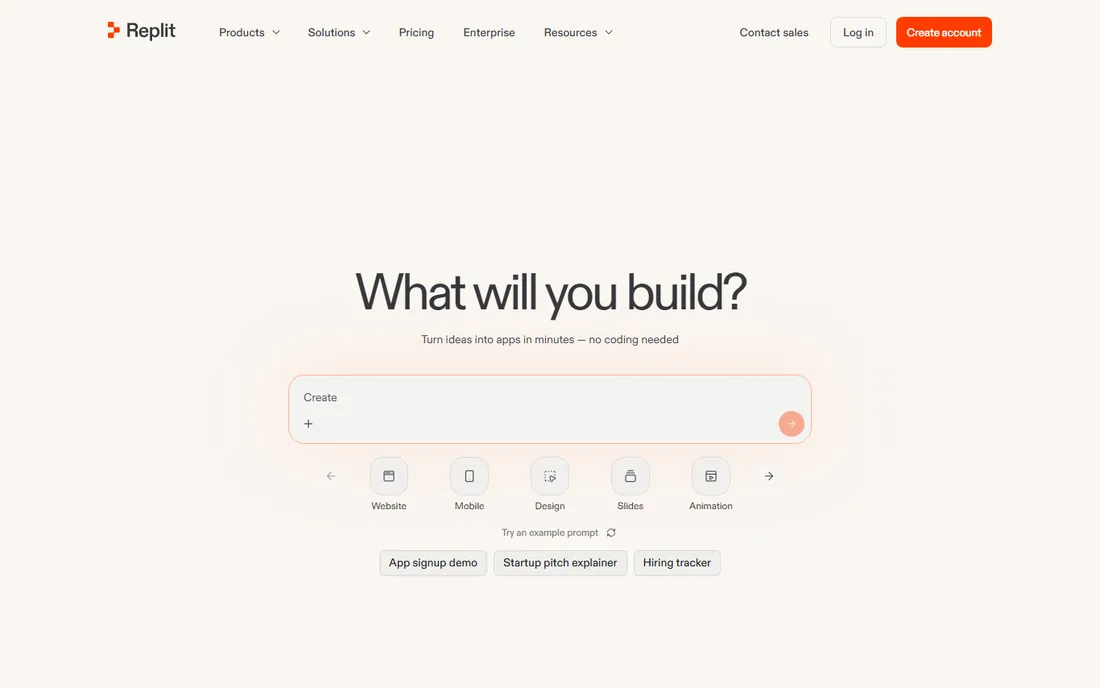
Replit occupies a different corner of this category: instead of assisting inside your editor, it is the whole environment. Describe an app, and the Agent writes the code, sets up the database and deploys it, all in the browser. The free Starter tier includes daily agent credits and one published app, Core costs $20 per month ($18 billed annually) with a monthly credit allowance, and Pro at $100 per month serves teams up to 15 builders.
The catch is the credit model. The subscription buys a pool of effort-based credits, and heavy Agent use, deployments and storage all draw from it. Users regularly report spending well above the base plan once building gets serious. Replit is excellent for prototypes, MVPs, hackathons and learning. For production work at a professional team, pair it with a real IDE and one of the assistants above.
What we like- Free Starter tier to try the Agent
- Full-stack building and deployment in one browser tab
- No local setup
Watch out for- Effort-based credit pricing makes costs unpredictable at scale
- Not a daily driver for professional teams
#8
Sourcegraph Cody
Best for: enterprises with codebases too large for other tools to comprehend
Visit sourcegraph.com
Starting priceSee website
Free planNo
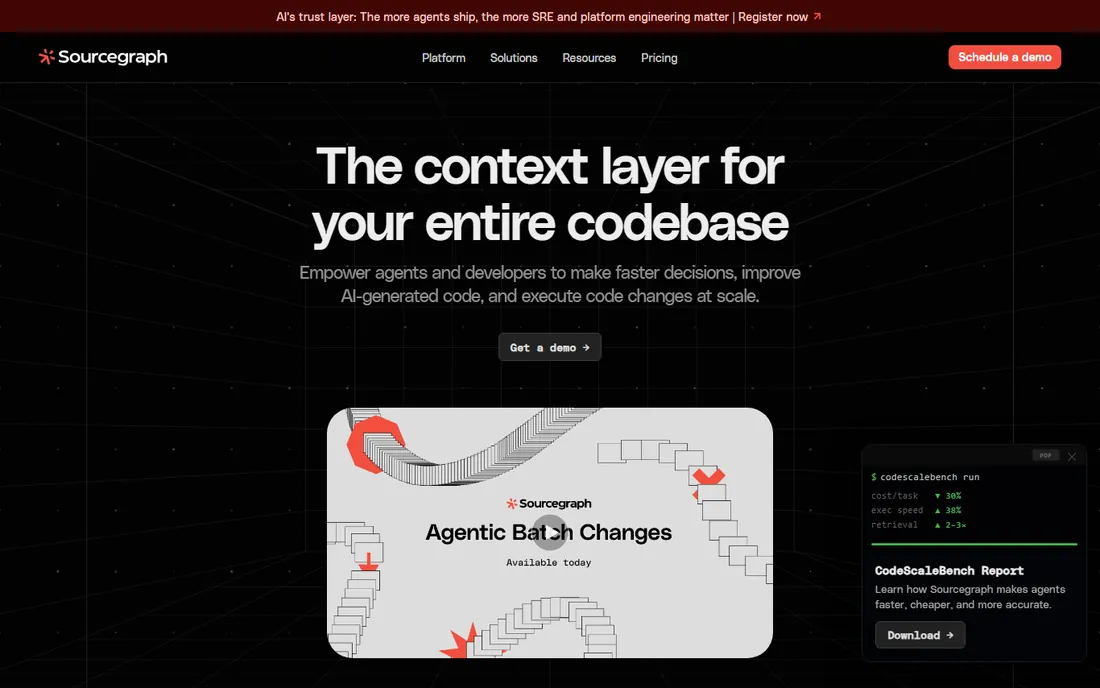
Cody is Sourcegraph's AI assistant, and its advantage is context. Sourcegraph indexes entire codebases into a code graph, so Cody can reason across repositories, find every caller of a function and plan changes with awareness that other tools simply cannot match at scale. For organizations with giant monorepos, that is the whole ballgame.
The current Sourcegraph site is enterprise-focused, with demos rather than self-serve pricing, so we list pricing as "See website." Cody historically offered a free tier and a low-cost Pro plan, but the product is now sold as part of the broader Sourcegraph platform. If your codebase is genuinely enormous and your team already uses Sourcegraph, Cody is the natural choice. If not, the setup cost argues for starting with Copilot or Cursor.
What we like- Codebase-wide context from Sourcegraph's code graph
- Strong on monorepos and multi-repo architectures
- Enterprise security and admin controls
Watch out for- No public pricing
- Setup complexity if you are not already on Sourcegraph
- Agent features less mature than Cursor or Windsurf
Where the bill actually comes from
Sticker prices in AI coding tools are only half the story. Most tools now combine a subscription with usage quotas, and the quota is where surprise bills live.
Cursor, Windsurf and Replit all meter AI usage. Cursor's shared pool refreshes weekly; exceed it and you buy top-ups or wait. Windsurf's Pro plan includes increased quotas with extra usage at API pricing. Replit's effort-based credits are the most volatile: the subscription is really a credit allowance, and heavy agent sessions, deployments and storage each draw from it. If you prototype on Replit, set a calendar reminder to check credit burn in week one.
GitHub Copilot's Pro plan at $10 per month is the closest to flat-rate in this group, with unlimited completions, though premium models draw from a monthly credit allowance. Claude Code through a Pro subscription is similarly predictable until you outgrow it and step up to Max. Amazon Q's flat $19 Pro is predictable too. Tabnine's per-seat price is high but at least it is fixed.
The practical advice: track one month of real usage before committing a team. The free tiers on Copilot, Cursor, Windsurf, Claude and Replit exist precisely so you can measure your burn rate before anyone signs a contract.
How to choose the right AI coding assistant
Start with your non-negotiables. If code cannot leave your network, the shortlist is Tabnine and self-hosted options, full stop. If your team deploys to AWS all day, Amazon Q's free tier is worth adopting regardless of what else you buy. If your codebase is a giant monorepo, Sourcegraph Cody's code graph is unmatched.
For everyone else, the decision is about workflow. Editor-first developers should trial Cursor against Copilot for two weeks and keep whichever produces better suggestions in their stack; both have free tiers, so the test costs nothing. Terminal-first developers should start with Claude Code. Builders who want full apps from prompts rather than assistance in an IDE are shopping in a different category, and Replit is the representative here.
Two cautions apply no matter which tool you pick. First, a joint Stanford and MIT study published in March 2026 found 14.3 percent of AI-generated code snippets contained at least one security vulnerability, versus 9.1 percent in human-written code. Treat every tool like a fast junior developer: capable, but in need of code review and automated scanning. Second, check the data terms. Most vendors promise not to train on your code, but the exact guarantees differ by tier, and the enterprise tiers are where the strong guarantees live.
How we chose
We researched each tool through its vendor pricing page, product documentation and public reviews on G2, Capterra and Reddit, and verified every homepage URL by opening it directly. Prices reflect what vendors publish today: several vendors restructured pricing during 2026, so we used current pricing pages rather than older roundups. Every tool on this list is a live product you can sign up for now. We excluded general chatbots and full app builders that do not assist with real code workflows, and we did not claim hands-on testing: our method is documentation, pricing pages, reviews and feature analysis, applied the same way to every tool.
Frequently asked questions
Is there a good free AI code generator?
Yes. GitHub Copilot's free tier includes 2,000 completions per month, Cursor and Windsurf both offer free tiers with limited agent usage, Amazon Q Developer has a generous free tier for individuals, and Replit's free Starter tier lets you try its Agent. For learning and light use, the free tiers are genuinely usable. Professional daily use usually justifies a paid plan.
Which AI coding tool is best for beginners?
GitHub Copilot is the easiest on-ramp: $10 per month for Pro, a free tier to start, and it works inside the editors beginners already use. Replit is even simpler if the goal is building a first app rather than learning professional workflows, since everything happens in the browser. Avoid the enterprise-focused tools until you know what problem you are solving.
Do AI code generators replace developers?
No. They accelerate boilerplate, autocomplete and refactoring, but the March 2026 Stanford and MIT research showing 14.3 percent of AI-generated snippets contain security vulnerabilities is a reminder that generated code needs review. The tools are strongest as pair programmers for developers who can judge the output, not as replacements for that judgment.
How much should a team budget per developer?
For most teams, $10 to $20 per developer per month covers Copilot Pro, Cursor Plus or Q Developer Pro. Regulated teams needing private deployment should budget $39 to $59 per seat for Tabnine. Power users on usage-based plans can exceed those numbers, so measure one month of real usage on free tiers before committing the team.
Can I use these tools with my private codebase?
It depends on the vendor and tier. Tabnine offers on-prem and air-gapped deployment where code never leaves your network. Sourcegraph Cody is built for private enterprise codebases. Copilot, Cursor, Claude Code and others process code on their servers but promise not to train models on it, with the strongest guarantees on business and enterprise tiers. Read the data terms for your specific plan before connecting proprietary code.
Sources we checked (21)
- https://github.com
- https://cursor.com
- https://cursor.com/pricing
- https://claude.com
- https://www.tabnine.com
- https://aws.amazon.com
- https://windsurf.com/
- https://windsurf.com/pricing
- https://replit.com/
- https://sourcegraph.com
- https://aitoolpick.org/blog/tabnine-vs-github-copilot-2026/
- https://nexversal.com/blog/github-copilot-vs-tabnine
- https://dev.to/jovan_chan_9500711396d4e6/tabnine-review-2026-is-privacy-first-ai-coding-worth-39-a-month-1ebf
- https://www.toolstackerai.com/compare/tabnine-vs-cline
- https://www.superblocks.com/blog/amazon-qdeveloper-pricing
- https://cloudvisor.co/amazon-q/
- https://github.com/vaproh/awesome-coding-plans/blob/HEAD/plans/amazon-q-developer.md
- https://www.superblocks.com/blog/replit-pricing
- https://flowstep.ai/blog/replit-review/
- https://livemy.app/blog/replit-pricing
- https://tech-insider.org/ai-coding-tools-2026-transforming-software-development/
Is your product missing or out of date?
We review this list regularly. Vendors can request a listing, send updated pricing or ask about featured placement.

Shihab Mia · Founder, Rankite
Shihab has spent more than a decade helping SaaS and e-commerce brands grow through search. He writes Rankite's software buying guides from pricing pages, documentation and public user reviews. More about Shihab.