How we make this list: we compare pricing pages, product documentation and public user reviews. Rankite is independent; if a vendor ever pays for a featured spot, that listing is clearly labeled Partner.
Key takeaways
- Wave and Zoho Books offer genuinely free accounting, making them the lowest-risk starting point for new businesses.
- FreshBooks and Kashoo are the easiest to learn if you have never done bookkeeping, with invoicing-first workflows.
- QuickBooks Online and Xero are the safe long-term picks: every accountant knows them, and they scale as you grow.
- Sage, FreeAgent and ZipBooks suit specific regions and niches, so match the tool to where you file taxes.
- Start free or cheap, and switch only when your accountant or your transaction volume tells you to.
If you have never kept books before, accounting software should feel like a helpful assistant, not an exam. The tools below are ranked for beginners: simple setup, plain-language interfaces, invoicing built in, and pricing that does not punish you for being small.
Quick comparison
| Tool | Best for | Starting price | Free plan |
|---|
 Wave Wave | Free accounting for small businesses | Free | Yes |
 FreshBooks FreshBooks | Easiest invoicing for freelancers | See website | Free trial |
 QuickBooks Online QuickBooks Online | The safe standard accountants know | See website | Free trial |
 Xero Xero | Growing businesses with an advisor | See website | Free trial |
 Zoho Books Zoho Books | Free accounting in the Zoho ecosystem | Free | Yes |
 Kashoo Kashoo | Simplicity-first bookkeeping | See website | Free trial |
 FreeAgent FreeAgent | UK freelancers and small businesses | See website | Free trial |
 Sage Sage | Small businesses wanting an established brand | See website | Free trial |
 ZipBooks ZipBooks | Simple free starter accounting | Free | Yes |
Is your product missing or out of date?
We review this list regularly. Vendors can request a listing, send updated pricing or ask about featured placement.
The best accounting software for beginners
Starting priceFree
Free planYes
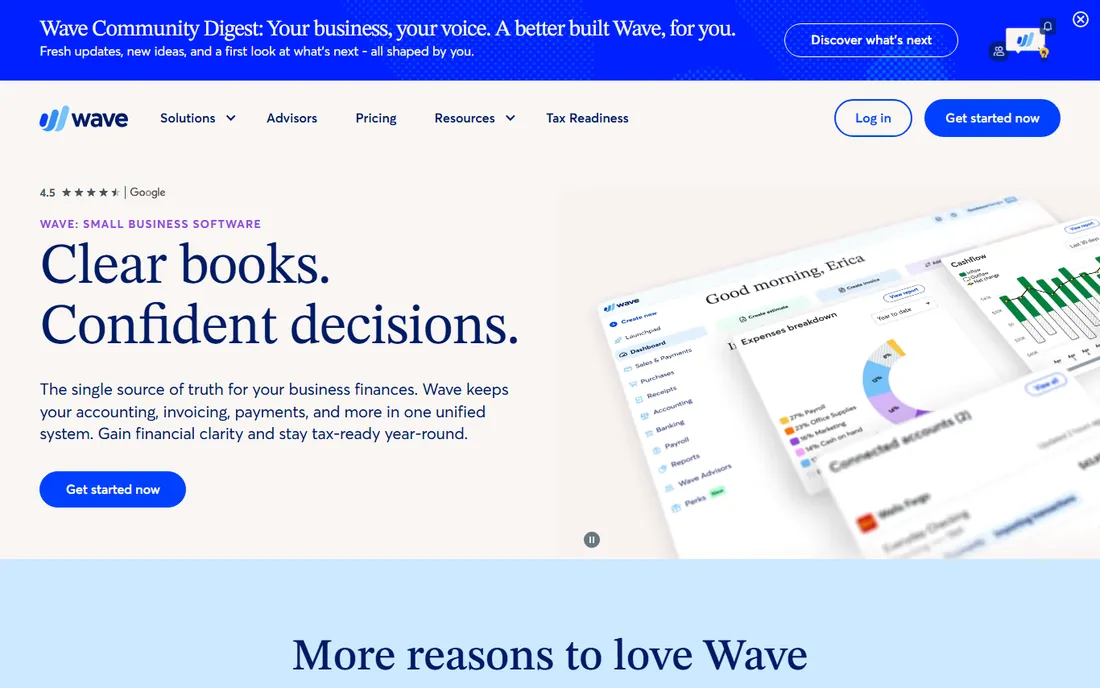
Wave gives small businesses actual accounting software, invoicing and receipt scanning for free, which is remarkable. Setup walks you through connecting bank accounts, and the dashboard speaks plain English rather than accountant jargon.
The catch is the ecosystem: payroll is a paid add-on available in limited regions, and support is not the white-glove kind. For a new business watching every dollar, nothing beats the price.
Wave rewards beginners who connect their bank on day one and categorize weekly. The habit matters more than the tool: thirty minutes every Friday keeps the books clean. Snap receipts with the mobile app immediately instead of stuffing them in a drawer.
What we like- Real double-entry accounting for free
- Invoicing and receipts included
- No trial expiry
Watch out for- Payroll costs extra and is limited by region
- Support is lighter than paid rivals
Starting priceSee website
Free planFree trial
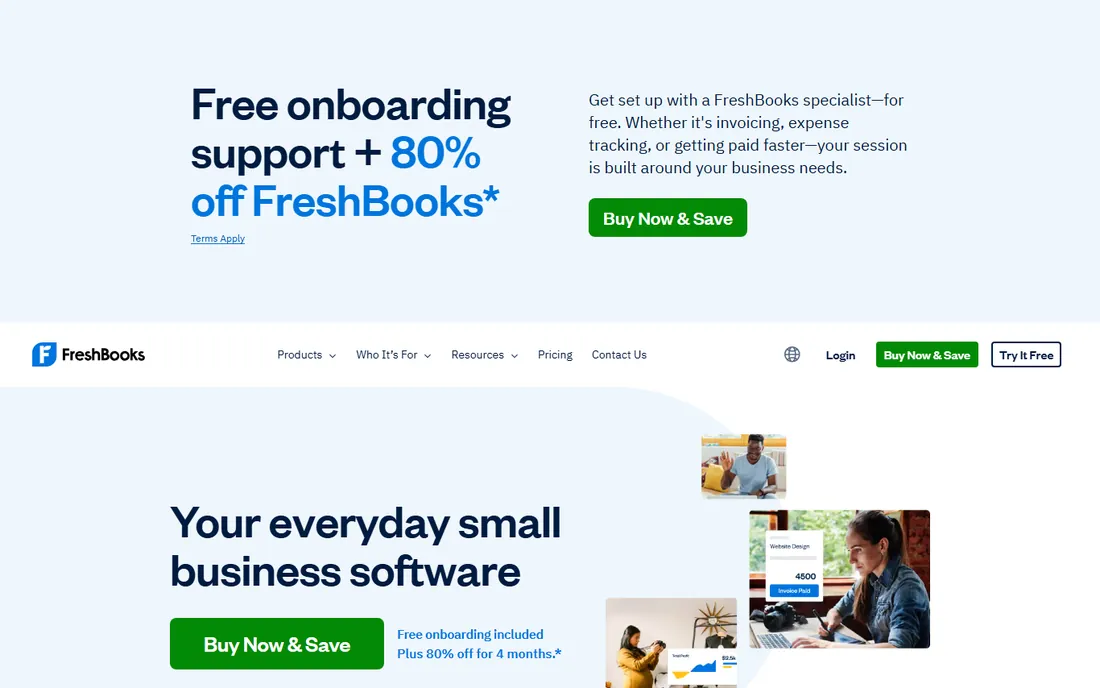
FreshBooks was built for people who would rather be working than bookkeeping. Invoicing takes minutes, expenses snap in from your phone, and time tracking flows straight onto invoices. The interface is the friendliest in the category.
It is invoicing-first, so businesses with inventory or complex needs will outgrow it. Freelancers and service businesses that live on billable hours should start here.
FreshBooks works best when invoicing is your main bookkeeping event. Send invoices the day work completes and set up automatic late reminders; cash flow improves measurably. Track time in the app rather than reconstructing it later.
What we like- Beautiful, simple invoicing
- Time tracking built in
- Clients can pay online easily
Watch out for- Full accounting features thinner than QuickBooks
- Pricing per client tier
Starting priceSee website
Free planFree trial
QuickBooks Online is the default recommendation for a reason: your accountant already knows it, your bank connects to it, and there is an app for almost every edge case. Beginners can start on the simplest tier and grow without migrating.
The simplicity crown has slipped as features piled up, and the tier jumps sting. But for a business that plans to grow, starting on the platform you will still use in five years has real value.
QuickBooks beginners should resist the advanced features for the first quarter and master invoicing, expenses and reconciliation first. Invite your accountant early so the chart of accounts is set up right. Clean setup prevents expensive cleanups later.
What we like- Every accountant supports it
- Huge app ecosystem
- Scales from sole trader to mid-size
Watch out for- Interface has grown complex
- Pricing rises steeply across tiers
Starting priceSee website
Free planFree trial
Xero is QuickBooks' most credible rival: a clean cloud ledger with excellent bank feeds, invoicing and reporting, and a large global advisor network. The interface feels more modern, and multi-currency support is strong.
Check the transaction limits on the starter plan against your volume, and confirm payroll coverage in your country. For businesses that want a polished alternative to QuickBooks, Xero delivers.
Xero beginners benefit from the bank rules feature: teach it your recurring transactions once and reconciliation becomes minutes. Reconcile weekly without fail, because unreconciled months snowball. Use tracking categories from the start if you run projects.
What we like- Clean, modern interface
- Strong bank reconciliation
- Popular with accountants worldwide
Watch out for- Payroll limited in some regions
- Entry tier caps transactions
#5
Zoho Books
Best for: Free accounting in the Zoho ecosystem
Visit zoho.com
Starting priceFree
Free planYes
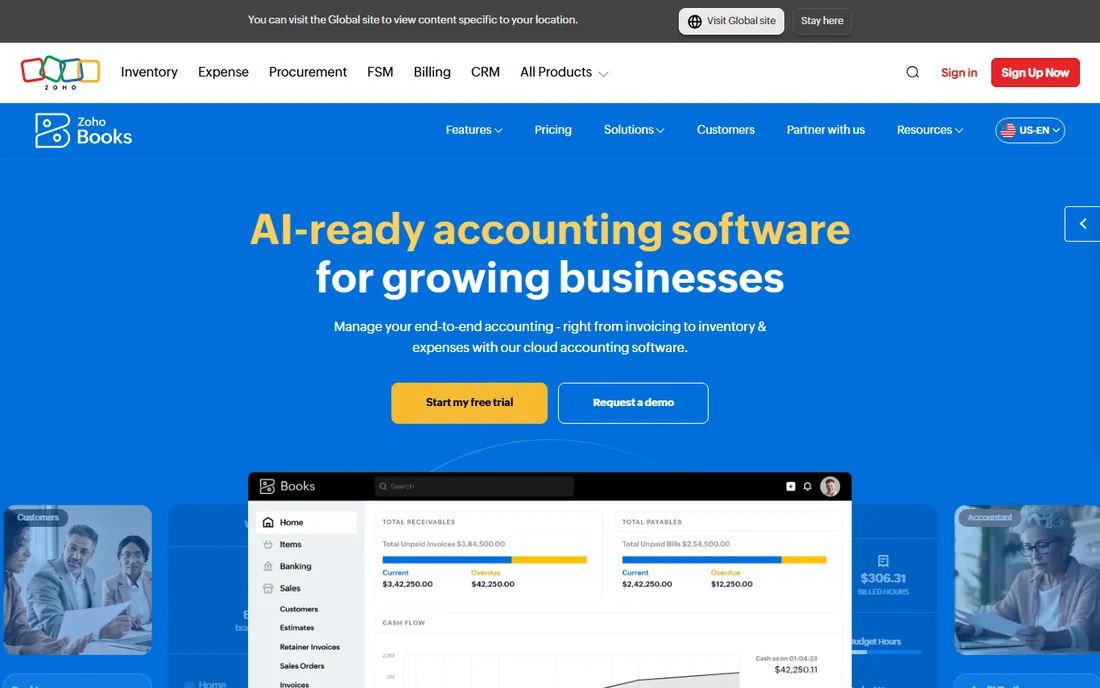
Zoho Books offers a genuinely useful free tier plus affordable paid plans, with the workflow automation and integrations Zoho is known for. If you already use Zoho CRM or other Zoho apps, the data flow is smooth.
Outside the Zoho world it is less of a standout, and some accountants prefer the bigger names. Zoho users and budget-conscious beginners should look closely.
Zoho Books beginners inside the Zoho ecosystem should connect CRM from the beginning so deals flow into invoices automatically. The free tier is generous enough to learn properly before paying. Explore the automation rules once basics feel comfortable.
What we like- Generous free tier
- Integrates with Zoho CRM and apps
- Good automation for the price
Watch out for- Best inside the Zoho stack
- Brand recognition lower with accountants
Starting priceSee website
Free planFree trial
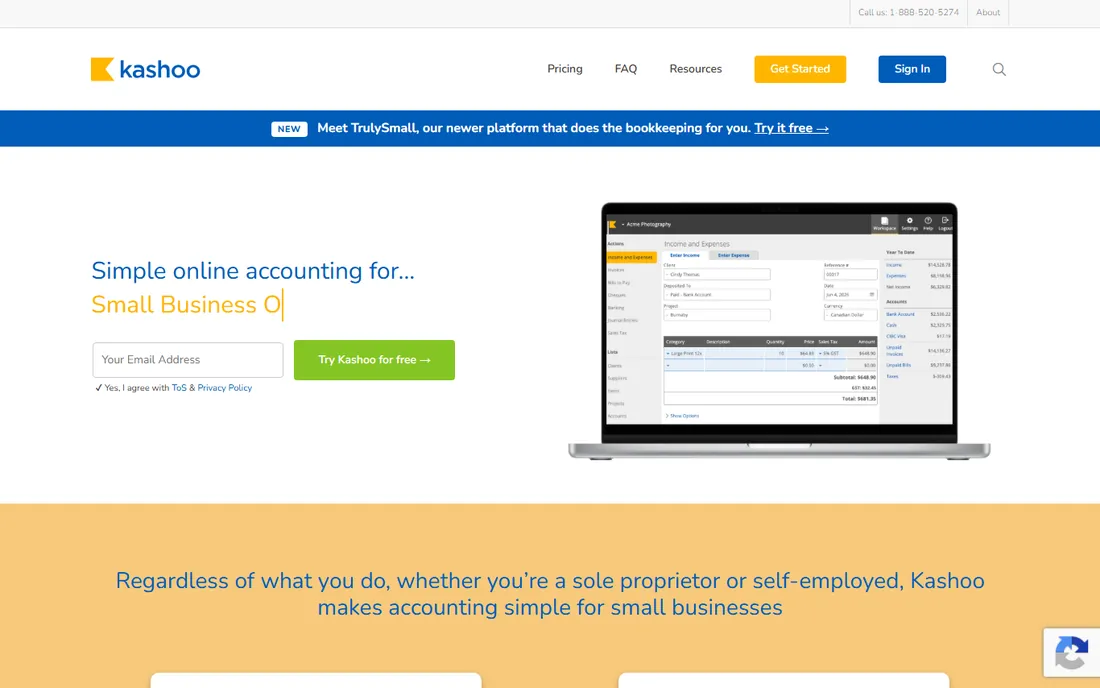
Kashoo keeps bookkeeping deliberately simple: connect accounts, categorize, invoice, done. Owners who do their own books without accounting training find it less intimidating than the big platforms.
The simplicity caps the ceiling. Businesses with inventory, multiple entities or complex reporting need more. For straightforward service businesses, it is refreshingly uncluttered.
Kashoo suits owners who check the books themselves each week. Keep the transaction list short by connecting fewer, well-chosen accounts. The simplicity only works if you actually open it regularly, so set a weekly reminder.
What we like- Extremely simple interface
- Good for owners doing their own books
- Straightforward pricing
Watch out for- Fewer integrations
- Less suitable for complex businesses
Starting priceSee website
Free planFree trial
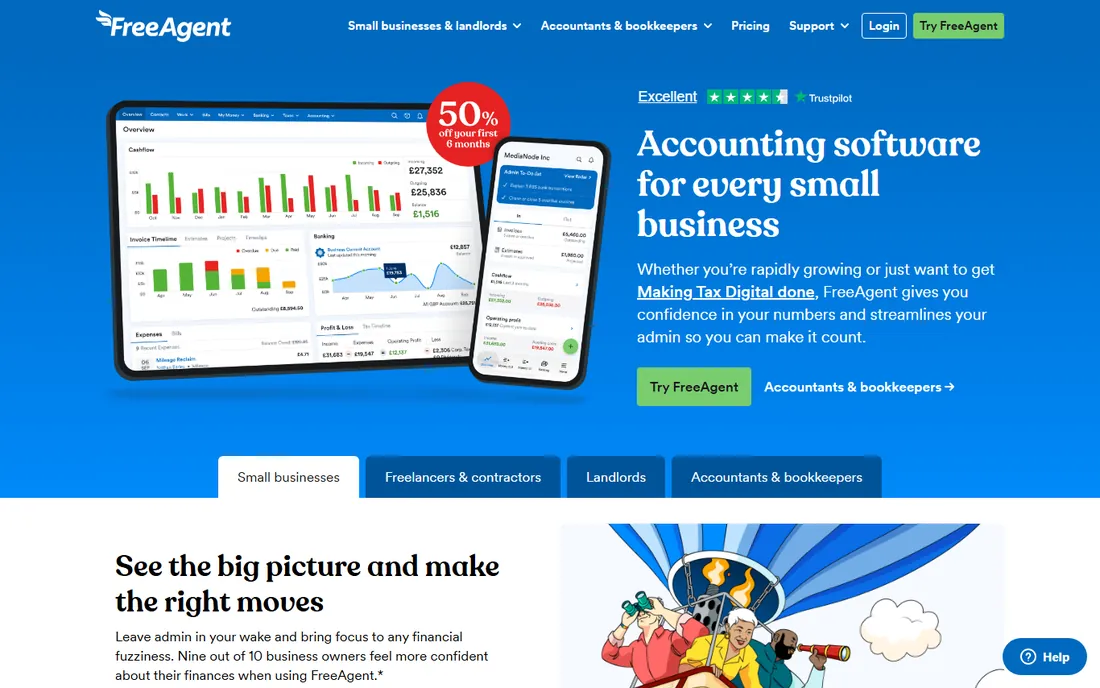
FreeAgent is designed around UK freelancers, contractors and small businesses, with tax timelines, MTD compliance and dividend handling baked in. Several UK banks bundle it free with business accounts, which makes the effective price zero for many users.
Outside the UK it makes little sense. British beginners should check whether their bank includes it before paying for anything else.
FreeAgent beginners should complete the tax timeline setup for their business type; the deadline reminders alone justify the tool. Link a UK business bank account that bundles it free if yours qualifies. File the confirmation statement from inside the app.
What we like- Built for UK tax rules
- Freelancers and contractors love it
- Often bundled free with bank accounts
Watch out for- UK-focused
- Less relevant outside Britain
#8
Sage
Best for: Small businesses wanting an established brand
Visit sage.com
Starting priceSee website
Free planFree trial
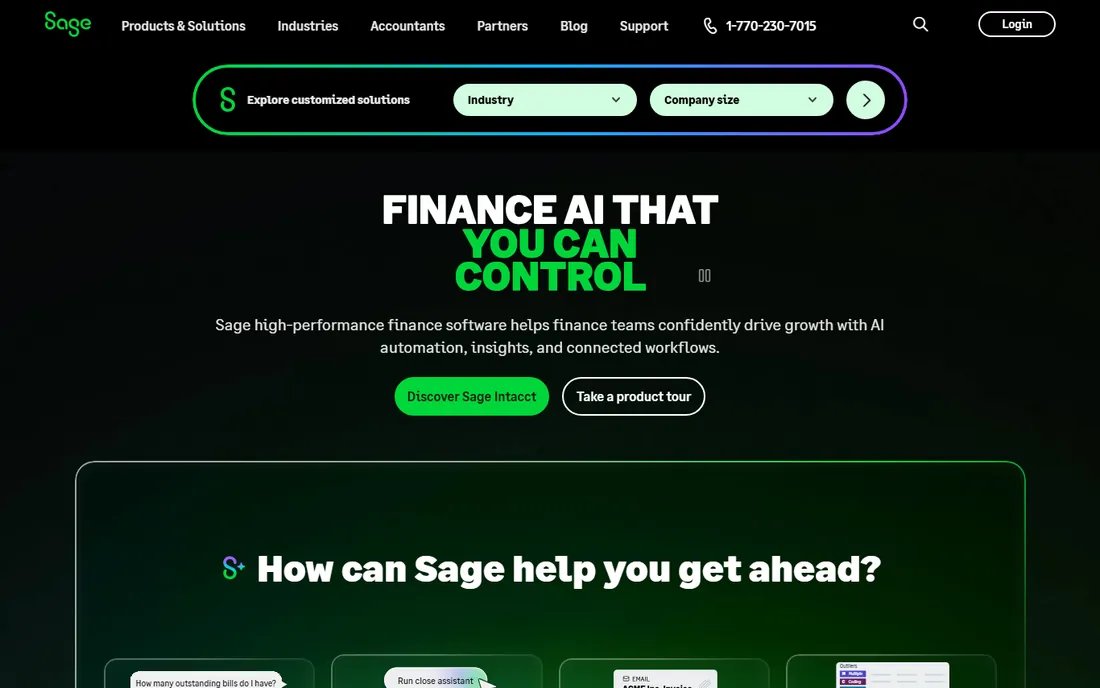
Sage has sold accounting software for decades, and its small business products bring that credibility to beginners who want a safe, established name. Invoicing, expenses and reporting cover the essentials.
The range of Sage products can confuse new buyers, and the cloud experience feels less modern than Xero or FreshBooks. Buyers who value an established vendor over the slickest interface will be comfortable.
Sage beginners should pick one product and ignore the rest of the lineup to avoid confusion. Start with invoicing and expenses, then add payroll only when hiring. Ask your accountant which Sage edition they support before subscribing.
What we like- Decades of accounting credibility
- Solid small business range
- Wide accountant familiarity
Watch out for- Product lineup can confuse
- Cloud experience less modern than rivals
Starting priceFree
Free planYes
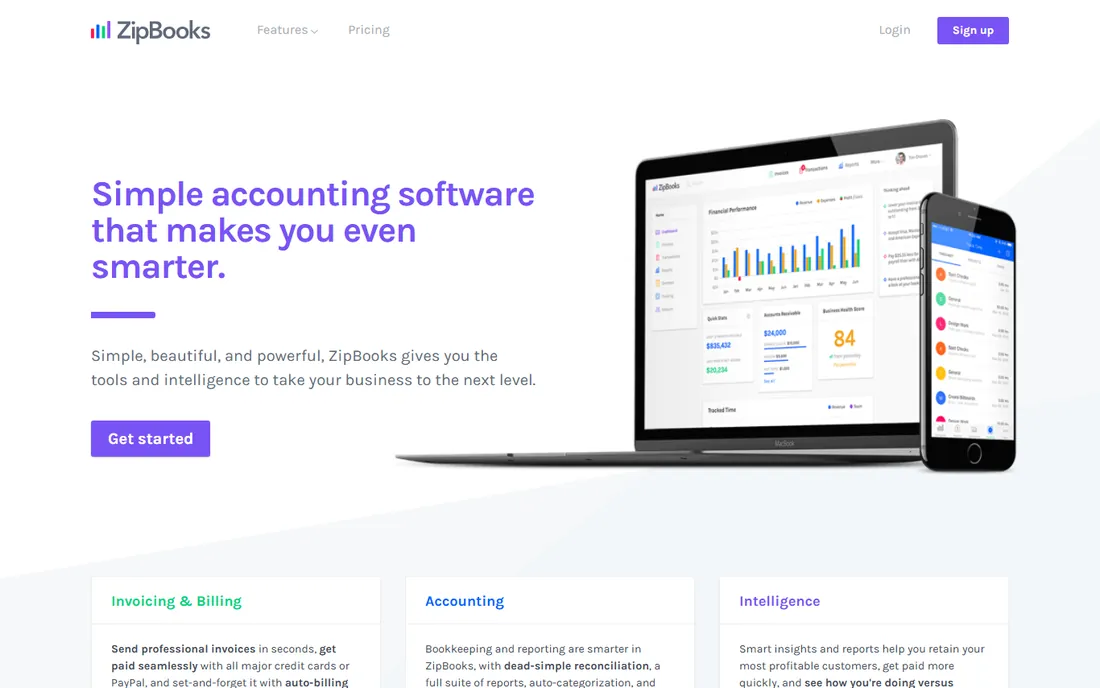
ZipBooks offers a free starter tier with invoicing and basic accounting in a clean, simple package. It is an honest option for very small businesses that want to start free without Wave's upsell ecosystem.
The company is smaller, so integrations and support depth trail the leaders. As a free starting point for simple needs, it does the job.
ZipBooks beginners get a clean start free; use the starter tier to learn double-entry basics before deciding whether to upgrade or switch. Export your data quarterly as a backup habit regardless of vendor promises.
What we like- Free starter tier
- Simple and approachable
- Invoicing included
Watch out for- Smaller company with fewer integrations
- Advanced features limited
How we chose
We verified each vendor's homepage and kept only tools with a genuine beginner-friendly product: simple onboarding, plain-language interfaces and invoicing included. We excluded enterprise accounting and professional tax tools that assume training. Free plan status comes from vendor sites; paid pricing changes often, so most entries show "See website".
What to get right before you buy
Ask your accountant first. The best software is the one your accountant will actually support; a perfect tool they refuse to touch costs more in fees than it saves.
Start free, upgrade on evidence. Wave, Zoho Books and ZipBooks let you learn bookkeeping at zero cost. Move to paid only when you hit a real limit.
Connect your bank on day one. Automatic bank feeds are the single biggest time-saver in small business accounting; manual entry is where beginners quit.
Frequently asked questions
What is the easiest accounting software for beginners?
FreshBooks and Wave are consistently the easiest to learn. FreshBooks wins on invoicing simplicity; Wave wins on being free.
Is there really free accounting software?
Yes. Wave and Zoho Books offer free tiers with real accounting features, and ZipBooks has a free starter plan. Free plans usually limit users, transactions or add-ons.
Should a beginner use QuickBooks?
QuickBooks Online is a safe choice because accountants universally support it, but its interface has grown complex. Beginners who want the simplest start should try Wave or FreshBooks first.
Do I still need an accountant if I use accounting software?
Software handles recording; accountants handle judgment: tax strategy, compliance and year-end. Most small businesses need both, with software reducing the accountant's billable hours.
Can accounting software do my taxes?
It prepares the books your tax return is based on, and some tools estimate quarterly taxes. Filing itself usually needs an accountant or tax software.
When should I switch from a free plan to paid?
When you hit transaction or user limits, need payroll, or your accountant asks for features the free tier lacks. Do not pay for capacity you are not using.
Beginner bookkeeping habits that matter more than software
The software you choose matters less than the habits you build around it. The first habit is weekly reconciliation: matching your books to bank statements every week takes twenty minutes, while doing it yearly takes days and costs accountant fees. Pick any tool on this list and reconcile every Friday.
The second habit is separating business and personal money completely. One business account, one business card, no exceptions. Mixed finances make every other bookkeeping task harder and give your accountant billable hours to untangle.
The third habit is invoicing immediately. Businesses fail from cash flow, not lack of profit, and late invoicing is the most common beginner mistake. Send the invoice the day work is done, set payment terms you actually enforce, and automate reminders without guilt.
The fourth habit is saving for taxes as you earn. Set aside a percentage of every payment received into a separate tax account. Quarterly estimates then feel routine instead of catastrophic. Your accounting software can estimate the amount; the discipline is yours.
Finally, review a simple profit and loss monthly. You do not need to understand every line, but you should know revenue, major expenses and net profit each month. Ten minutes with the report builds the financial awareness that separates surviving businesses from thriving ones. Software makes this easy; only habit makes it happen.
Sources we checked (9)
- https://www.waveapps.com/
- https://www.freshbooks.com/
- https://quickbooks.intuit.com/
- https://www.xero.com/
- https://www.zoho.com/us/books/
- https://kashoo.com/
- https://www.freeagent.com/
- https://www.sage.com/en-us/
- https://zipbooks.com/
Is your product missing or out of date?
We review this list regularly. Vendors can request a listing, send updated pricing or ask about featured placement.

Shihab Mia · Founder, Rankite
Shihab has spent more than a decade helping SaaS and e-commerce brands grow through search. He writes Rankite's software buying guides from pricing pages, documentation and public user reviews. More about Shihab.