How we make this list: we compare pricing pages, product documentation and public user reviews. Rankite is independent; if a vendor ever pays for a featured spot, that listing is clearly labeled Partner.
Key takeaways
- V-Ray is the safest pick for studios that sell photoreal stills, since it runs inside nearly every major 3D app and has the deepest material and lighting controls.
- If you want renders without leaving Revit or SketchUp, Enscape is the path of least resistance, while Twinmotion gives small firms a genuinely free full-featured option.
- Budget arch-viz teams should look at D5 Render first: a free Community edition and a $360 per year Pro plan undercut every other real-time tool here.
- Product designers who live in CAD should shortlist KeyShot for its drag-and-drop materials and live CAD link, not a general-purpose path tracer.
- GPU owners on a budget get the most for their money from OctaneRender and Redshift, but both demand serious graphics hardware and patience for complex scenes.
Quick comparison
| Tool | Best for | Starting price | Free plan |
|---|
 V-Ray V-Ray | Production-quality arch-viz and VFX rendering | $45 per user/month (billed annually) | Free trial (14 days) |
 KeyShot KeyShot | Product rendering directly from CAD files | $1,299 per year | Free trial |
 Enscape Enscape | Instant visualization inside Revit, SketchUp and Rhino | $47.90 per user/month (billed annually) | Free trial (14 days) |
 Lumion Lumion | Quick cinematic exteriors and animations | See website | Free trial |
 Twinmotion Twinmotion | Free real-time visualization for small practices | Free (full version for revenue under $1M per year) | Yes |
 D5 Render D5 Render | Photoreal real-time rendering on a budget | $38 per user/month (billed annually) | Yes (Community edition) |
 Chaos Corona Chaos Corona | Effortless photorealism in 3ds Max and Cinema 4D | $34.50 per user/month (billed annually) | Free trial (30 days) |
 Arnold Arnold | Film, TV and high-end VFX rendering | $430 per year | Free trial |
 OctaneRender OctaneRender | Unbiased GPU rendering on your own machines | €19.99 per user/month (billed annually) | Yes (Prime edition) |
 Redshift Redshift | GPU rendering for motion graphics and Cinema 4D | $289 per year | Free trial (14 days) |
Is your product missing or out of date?
We review this list regularly. Vendors can request a listing, send updated pricing or ask about featured placement.
The best 3D rendering software, matched to the work you actually do
#1
V-Ray
Best for: Production-quality arch-viz and VFX rendering
Visit chaos.com
Starting price$45 per user/month (billed annually)
Free planFree trial (14 days)
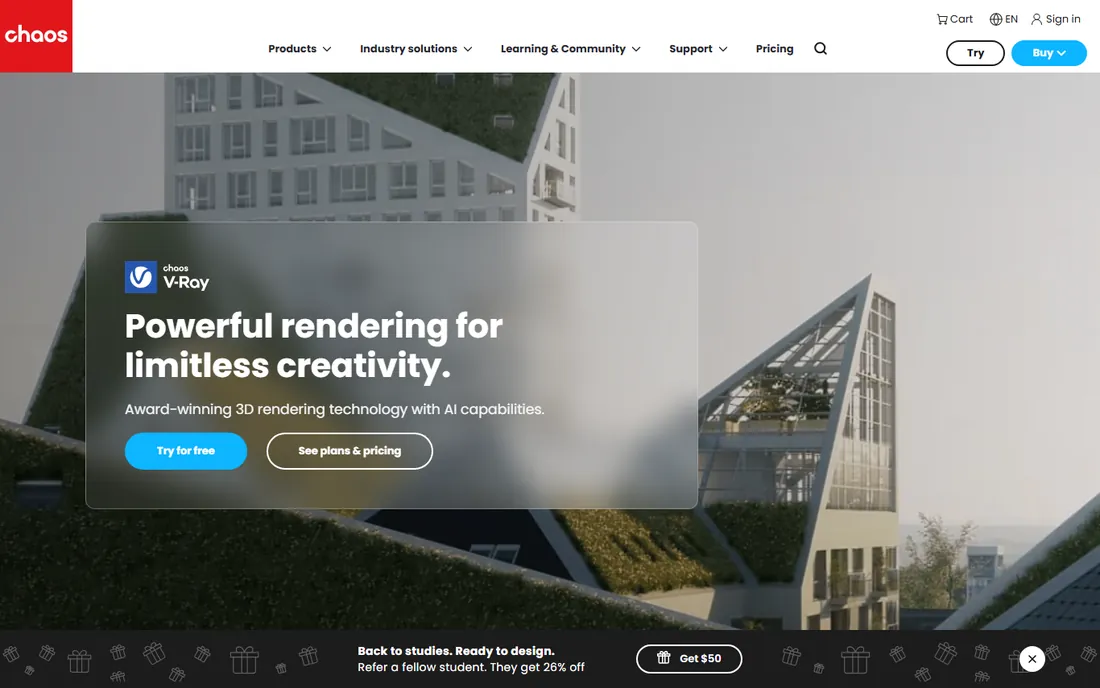
V-Ray remains the default answer when a studio cannot afford to get the lighting wrong. It is a full offline renderer that plugs into the modeling software you already use, so you keep your existing workflow and gain physically based lights, a huge material library and dependable output for client presentations.
The honest catch is complexity. V-Ray rewards artists who learn its sampling and lighting controls, and it punishes anyone hoping for one-click results. Solo freelancers should weigh whether they will use its depth before paying for the top tier, though the Solo plan at $45 per month keeps the core engine accessible.
What we like- Runs inside 3ds Max, SketchUp, Rhino, Revit, Cinema 4D, Blender and more
- Deep control over lights, materials and render passes
- GPU and CPU rendering in one license
Watch out for- Steep learning curve for beginners
- Subscription tiers bundle AI credits you may never use
Starting price$1,299 per year
Free planFree trial
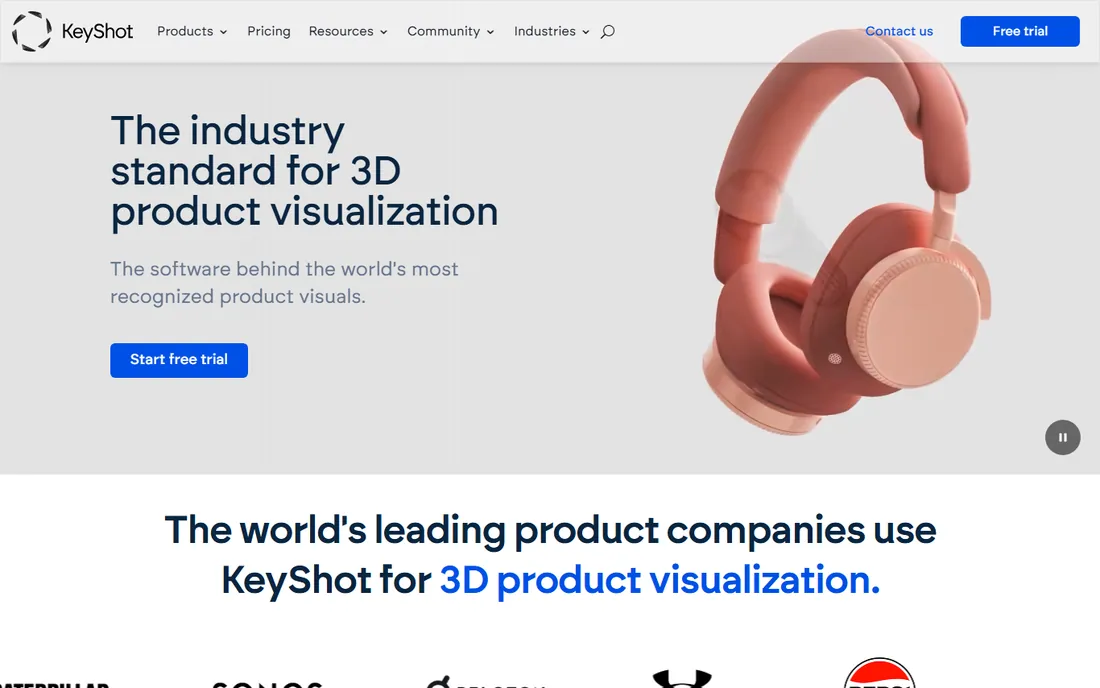
KeyShot is built for one job: turning CAD models into marketing-ready product images with minimum fuss. Import a model, assign physically accurate materials from its library, set up studio lighting in a few clicks, and you have a render that holds up on a product page.
It is the easiest professional renderer on this list to learn, which is exactly why industrial designers love it. The trade-off is scope. If your work is buildings, interiors or animated characters, KeyShot is the wrong tool, and at $1,299 per year you should be sure product visualization is your main income before committing.
What we like- Drag-and-drop materials built for product designers
- Live link to major CAD packages keeps geometry accurate
- Fast CPU-based real-time preview
Watch out for- Single-seat price is high for freelancers
- Weaker fit for architecture or character animation
Starting price$47.90 per user/month (billed annually)
Free planFree trial (14 days)
Enscape wins on speed of iteration. Because it lives inside Revit, SketchUp, Rhino, Archicad or Vectorworks, every model change appears in the rendered view immediately, which makes design reviews feel live rather than staged.
That convenience comes with a ceiling. For competition boards and hero images, most firms still export to an offline renderer. Enscape is best understood as a communication tool that happens to render, and at $47.90 per month it pays for itself the first time a client approves a scheme in a live walkthrough.
What we like- Runs as a plugin so you never leave your modeling app
- One-click walkthroughs and VR exports for client meetings
- Low learning curve for design staff
Watch out for- Output quality trails offline renderers on final stills
- Tied to the host CAD license you already pay for
Starting priceSee website
Free planFree trial

Lumion is the tool architects reach for when a deadline is measured in hours. Import a model from SketchUp, Revit or Archicad, dress the scene from its library of roughly ten thousand objects, and you can have a presentable still or flythrough the same afternoon.
The library is the whole pitch, and it is genuinely good for exteriors and site context. Interiors take more tuning to avoid a flat look, and the license cost puts it out of reach for casual users. Check current pricing on the vendor site before budgeting, since Lumion sells annual named-user and floating licenses rather than monthly plans.
What we like- Enormous built-in library of vegetation, people and materials
- Very fast output for stills and flythrough video
- Designed so non-specialists can learn it
Watch out for- Premium pricing with no free tier
- Windows only, and it wants a strong GPU
Starting priceFree (full version for revenue under $1M per year)
Free planYes
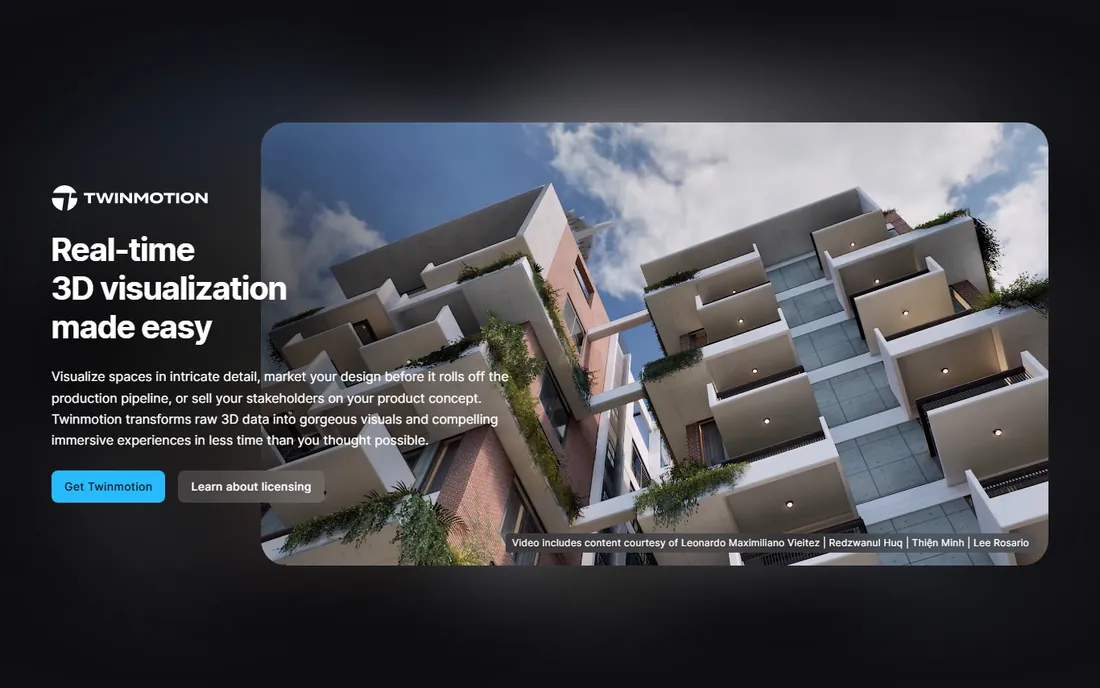
Twinmotion is the best value in this entire category for anyone who qualifies for the free tier. Individuals and studios under $1M in annual revenue get the complete application, not a trial or a watermarked edition, which makes it a standard teaching tool in architecture schools.
For paid users the math stays friendly at $445 per seat per year. The honest weakness is content: the built-in asset library is smaller than Lumion's, though Epic's ecosystem and import options close much of the gap if you are willing to source assets yourself.
What we like- Full application free below $1M annual revenue
- Unreal Engine quality with a simple interface
- Good path tracer mode for higher-quality stills
Watch out for- Asset library is thinner than Lumion without add-ons
- Larger firms pay per seat once they cross the revenue line
Starting price$38 per user/month (billed annually)
Free planYes (Community edition)
D5 Render has grown fast because it answers an obvious question: what if Lumion-quality output cost a third of the price. The Community edition is free, and Pro at $360 per year includes the full asset library and high-resolution output.
The renderer itself is strong, with real-time ray tracing that handles interiors, glass and reflections better than most tools at this price. Watch the fine print on the free tier, since watermarks and output limits make it unsuitable for client work, and you will need an NVIDIA RTX-class GPU to get the advertised look.
What we like- Free Community edition for learning and personal work
- RTX-based global illumination looks convincingly physical
- Live-sync plugins for all major CAD tools
Watch out for- Windows only
- Free tier watermarks output and caps resolution
#7
Chaos Corona
Best for: Effortless photorealism in 3ds Max and Cinema 4D
Visit chaos.com
Starting price$34.50 per user/month (billed annually)
Free planFree trial (30 days)

Corona is the renderer people recommend to friends who are tired of fighting settings. It is a CPU-based engine for 3ds Max and Cinema 4D with a reputation for producing clean, believable interiors almost out of the box.
That simplicity is deliberate and it works, especially for arch-viz artists who render stills all day. The price is the catch: because it is CPU only, large scenes render on your processor threads, so a fast multi-core workstation matters more here than with GPU engines.
What we like- Famously easy to learn, with smart defaults
- Excellent interior lighting with minimal setup
- 30-day trial is generous for evaluation
Watch out for- CPU only, so no GPU acceleration
- Limited to 3ds Max and Cinema 4D hosts
Starting price$430 per year
Free planFree trial
Arnold is the renderer behind a long list of feature films, and it shows in the way it handles hair, fur, skin and volumes. If your pipeline already runs on Maya or Houdini, Arnold slots in with the least friction of any engine here.
For anyone outside film and episodic work, it is hard to justify. The $430 annual subscription buys more renderer than most arch-viz or product projects need, and you will spend real time learning its sampling controls before it pays off.
What we like- Industry-standard Monte Carlo ray tracer
- Tight integration with Maya, 3ds Max and Houdini
- Predictable, physically based results
Watch out for- Overkill and overpriced for simple arch-viz
- Demands serious hardware and render management
Starting price€19.99 per user/month (billed annually)
Free planYes (Prime edition)
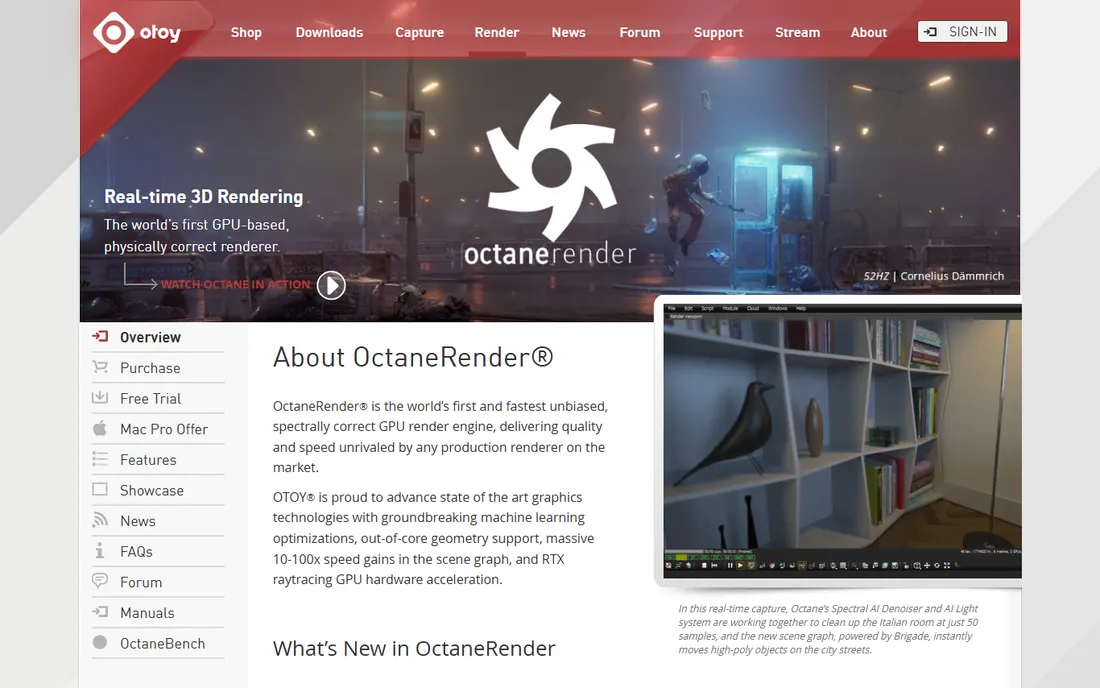
OctaneRender was the first widely used unbiased GPU renderer, and it still appeals to artists who own strong graphics cards and want maximum quality per dollar. The Studio subscription at €19.99 per month includes the full plugin ecosystem, and the free Prime edition lets you learn on a single GPU.
The hardware requirement is non-negotiable: without a capable NVIDIA GPU, Octane is not an option, and even with one, scenes that exceed VRAM become a problem. If your workstation qualifies, though, few renderers match its price-to-quality ratio.
What we like- Spectrally correct path tracing on the GPU
- Free Prime edition for single-GPU learning
- Huge plugin ecosystem across DCC apps
Watch out for- Needs an NVIDIA CUDA GPU on Windows or Linux
- Scene must fit in GPU memory, which limits very large scenes
#10
Redshift
Best for: GPU rendering for motion graphics and Cinema 4D
Visit maxon.net
Starting price$289 per year
Free planFree trial (14 days)
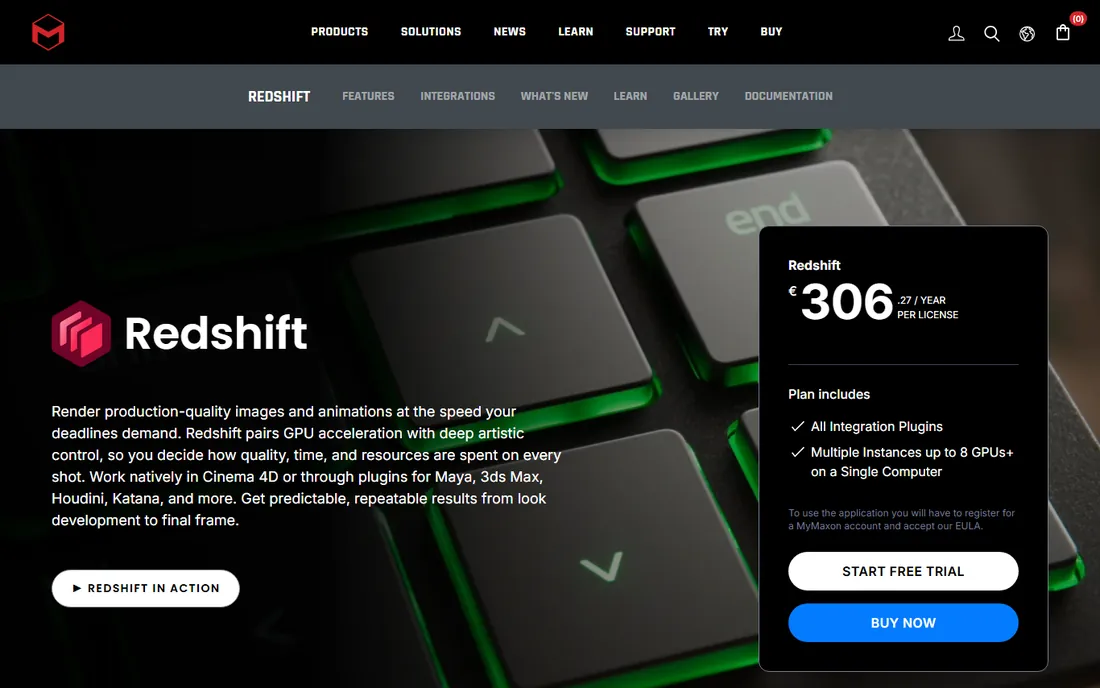
Redshift takes a different philosophy from Octane: it is a biased GPU renderer, which means you can trade a little physical accuracy for a lot of speed. Motion designers love it because the interactive preview keeps up with fast iteration.
At $289 per year per license it is also one of the cheaper professional options, and Cinema 4D users get it included. Newcomers should expect a learning curve around sampling settings, since Redshift assumes you know what quality shortcuts you are willing to take.
What we like- Biased GPU engine tuned for speed
- Built into every Cinema 4D subscription
- One license covers all host app plugins
Watch out for- Less forgiving defaults than Corona for beginners
- Best value only if you already use Maxon tools
How we chose
We started from vendor pricing pages, documentation and feature lists, then cross-checked against public reviews on G2 and Capterra, community discussion on Reddit and CG forums, and current comparison write-ups from arch-viz publications. We weighted host-app compatibility, output quality for the stated use case, pricing transparency and the realism of the free or trial tier. We did not run hands-on tests, so performance claims reflect vendor specifications and reported user experience, not our own benchmarks.
Buying guide: match the renderer to the job, not the hype
Start by naming the deliverable. If you sell still images to clients, an offline engine like V-Ray, Corona or Arnold gives you the most control over final quality. If you sell decisions in meetings, a real-time tool like Enscape, Twinmotion or D5 Render earns its keep through speed, since the render updates while the client watches.
Next, check the host application. Most renderers on this list are plugins, not standalone apps, which means your modeling software decides half the shortlist. A Revit shop choosing between Enscape and V-Ray is really choosing between instant feedback and final-frame control, and many firms end up owning both.
Hardware decides more than marketing admits. GPU renderers such as OctaneRender, Redshift and D5 need a capable graphics card, and the scene has to fit in its memory. CPU renderers like Corona and Arnold lean on multi-core processors and system RAM instead. Price the workstation alongside the license, because a $360 renderer on a $3,000 GPU upgrade is not a $360 renderer.
Finally, read the license terms before you buy. Free tiers here range from genuinely free (Twinmotion under $1M revenue, D5 Community) to watermarked or resolution-capped. Annual billing usually saves 15 to 20 percent over monthly, and floating licenses cost more than named-user seats but let a team share. If you render commercially, confirm the license covers commercial use, since educational and trial editions often do not.
Real-time vs offline rendering: which camp are you in
Real-time renderers (Enscape, Lumion, Twinmotion, D5) show you the image as you work and export in minutes. They are ideal for design development, client walkthroughs and animation, where speed matters more than the last 5 percent of realism. Their weakness shows up in tricky lighting, such as sun bouncing through multiple rooms, where shortcuts become visible.
Offline renderers (V-Ray, Corona, Arnold, OctaneRender, Redshift) calculate light more thoroughly and take longer, from minutes to hours per frame. They remain the standard for hero images, print work and film, where quality is the whole point. Many professionals use both: real-time for the meeting, offline for the final board.
Frequently asked questions
Do I need a powerful computer for 3D rendering software?
Yes, though the requirement differs by engine. GPU renderers need a strong graphics card with plenty of VRAM, while CPU renderers benefit from many processor cores and lots of RAM. Real-time tools like Enscape and Twinmotion are the most forgiving, since they are designed to run while you model.
Which rendering software is easiest for beginners?
Twinmotion and Enscape have the gentlest learning curves because they prioritize immediate visual feedback over settings. D5 Render is also approachable. V-Ray, Arnold and Redshift assume more technical knowledge and reward study, so they suit users who will render daily.
Can I get professional results from free rendering software?
For many jobs, yes. Twinmotion is free for individuals and small firms under $1M revenue with no watermark, and Blender's Cycles engine (not on this list) is fully free. D5 Render's free Community edition works for learning, though its watermark rules out client delivery.
Should I choose a plugin or a standalone renderer?
Choose the plugin if you already model in Revit, SketchUp, 3ds Max or Cinema 4D, since staying in one app saves enormous time. Standalone renderers like Lumion, Twinmotion and KeyShot make sense when you import models from several sources or want a dedicated presentation environment.
How much should a small studio budget for rendering software?
A realistic range is $360 to $1,200 per seat per year for real-time tools, or $430 to $540 for an offline engine seat. Add hardware: a capable GPU workstation is the larger investment. Start with a free tier or trial on a real project before committing, since workflow fit matters more than feature lists.
Is GPU or CPU rendering better?
Neither is universally better. GPU rendering is faster for interactive work and iterations when the scene fits in graphics memory. CPU rendering handles very large scenes and complex effects more gracefully and scales across render farms. Your existing hardware usually makes the decision for you.
Sources we checked (14)
- https://www.chaos.com/vray
- https://www.chaos.com/corona
- https://enscape3d.com/
- https://lumion.com/
- https://www.twinmotion.com/en-US
- https://d5render.com/
- https://www.d5render.com/enscape-compare
- https://www.keyshot.com/
- https://www.autodesk.com/products/arnold/overview
- https://www.autodesk.com/eu/collections/media-entertainment/overview?panel=buy
- https://home.otoy.com/render/octane-render/
- http://www.otoy.com/render/octane-render/purchase/
- https://www.maxon.net/en/redshift
- https://illustrarch.com/articles/design-softwares/73606-lumion-vs-enscape-vs-twinmotion.html
Is your product missing or out of date?
We review this list regularly. Vendors can request a listing, send updated pricing or ask about featured placement.

Shihab Mia · Founder, Rankite
Shihab has spent more than a decade helping SaaS and e-commerce brands grow through search. He writes Rankite's software buying guides from pricing pages, documentation and public user reviews. More about Shihab.