How we make this list: we compare pricing pages, product documentation and public user reviews. Ratings come from G2, Capterra or Trustpilot, with the date we checked them.
Key takeaways
- Tinkercad is the easiest start: most people make a first printable model within an hour.
- Fusion 360 is the best overall design-to-print tool, free for personal use.
- FreeCAD 1.1 is the best fully free option for parametric mechanical work.
- Blender is the free standard for organic shapes, sculpting, and miniatures.
- Onshape and SketchUp Free are the best browser-based options, with public-document catches.
Quick comparison
| Tool | Best for | Starting price | Free plan |
|---|
 Tinkercad Tinkercad | Absolute beginners | Free | Yes |
 Autodesk Fusion Autodesk Fusion | Serious hobby projects | Free for personal use; paid from $680 per year | Yes |
 FreeCAD FreeCAD | Free parametric modeling | Free | Yes |
 Blender Blender | Organic shapes and sculpting | Free | Yes |
 SketchUp SketchUp | Fast concept modeling | Free web; paid from $129 per year | Yes |
 Onshape Onshape | Cloud CAD collaboration | Free; paid tiers available | Yes |
 Shapr3D Shapr3D | iPad modeling | Free Basic; Pro from $299 per year | Yes |
 OpenSCAD OpenSCAD | Programmers who model with code | Free | Yes |
Is your product missing or out of date?
We review this list regularly. Vendors can request a listing, send updated pricing or ask about featured placement.
The best 3D modeling software for 3D printing
Starting priceFree
Free planYes
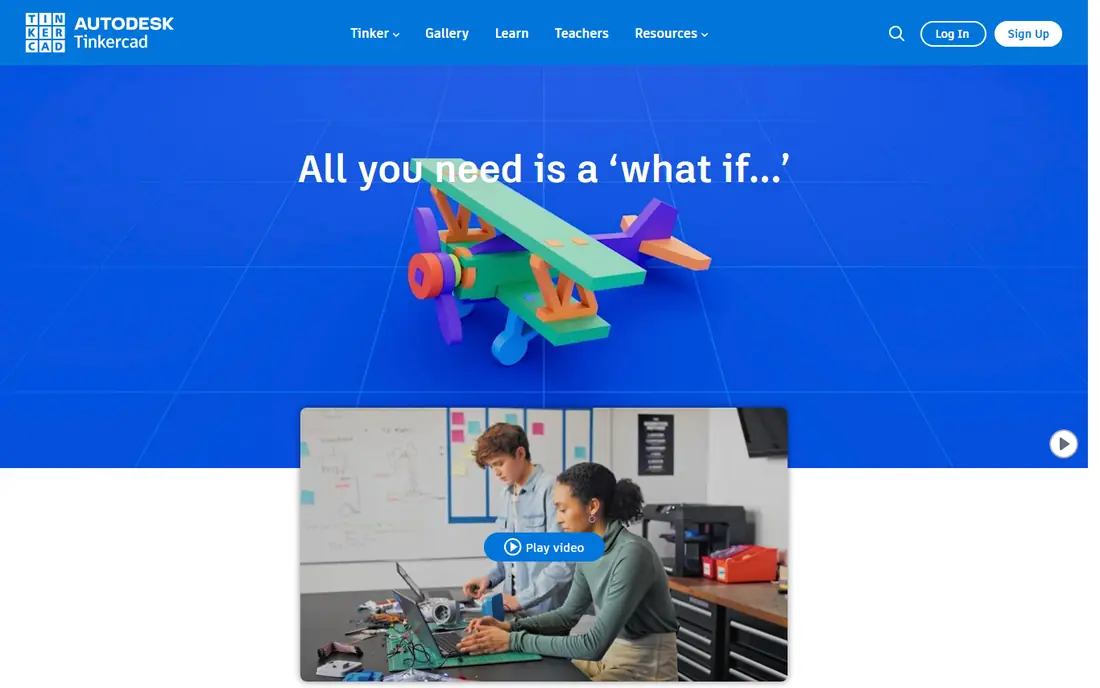
Tinkercad is the easiest 3D modeling software for beginners. It runs in a browser, uses drag-and-drop blocks, needs no install, and exports straight to STL or 3MF. Most people make their first printable model within an hour, then move to Fusion or FreeCAD when they need precise dimensions. Classrooms love it because students start designing in minutes.
Precision is limited for engineering parts, and there is no parametric history to edit dimensions later. For a first model today, open Tinkercad in a browser: it is the fastest path from idea to printer.
What we like- Runs in a browser, no install
- Drag-and-drop blocks
- Exports straight to STL
- Great for kids and classrooms
Watch out for- Limited precision for engineering parts
- No parametric history
- Simple shapes only
#2Autodesk Fusion
Best for: Serious hobby projects4.5/5 on
G2 (519 reviews, checked Oct 2026)
Visit autodesk.com
Starting priceFree for personal use; paid from $680 per year
Free planYes
Autodesk Fusion is the best overall design-to-print tool for most people. It is full parametric CAD, free for personal use through a renewable 3-year license for users earning under about $1,000 a year from their work, and it exports clean STL, 3MF, and STEP files. Parametric history means changing one dimension updates the whole part, which matters for brackets, enclosures, and mechanical assemblies.
The free tier caps 10 active editable documents, with older files turning read-only until reactivated, and CAM is limited. Paid plans start at $680 a year. For a hobbyist who wants near-professional CAD without paying, Fusion is the closest you get.
What we like- Full parametric CAD near professional level
- Clean STL, 3MF, and STEP export
- Built-in mesh analysis
Watch out for- Free tier caps 10 active editable documents
- Limited CAM on personal tier
- Non-commercial use only on free tier
#3FreeCAD
Best for: Free parametric modeling4.1/5 on
G2 (62 reviews, checked Oct 2026)
Visit freecad.org
Starting priceFree
Free planYes
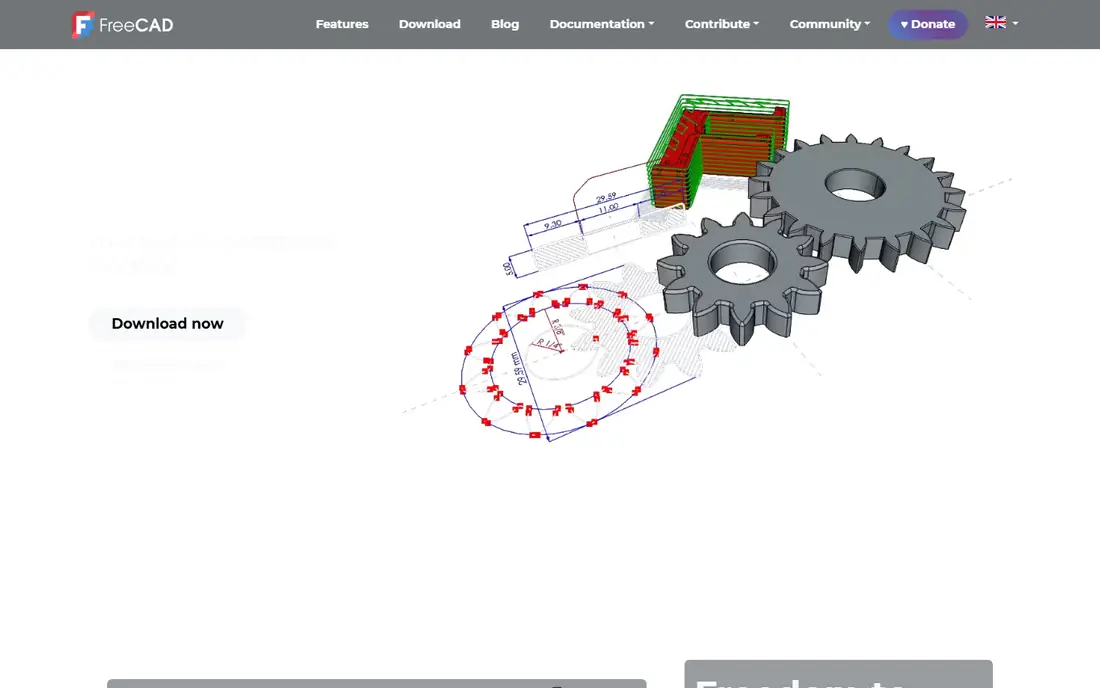
FreeCAD 1.1 is the best fully free option for parametric and mechanical work. It is open source with no commercial restriction, so hobbyists and small businesses use it without license worries. Parametric modeling, assemblies, and technical drawings cover real engineering work, and export includes STL, OBJ, STEP, and IGES for printing and manufacturing.
It is less polished than Fusion, and beginners face a learning curve. For a user who wants zero restrictions and real CAD, FreeCAD is the strongest free choice, and its 1.1 release closed much of the polish gap.
What we like- Fully free open source with no commercial restriction
- Real parametric modeling
- STL, STEP, and IGES export
Watch out for- Less polished than Fusion
- Learning curve for beginners
- Community support only
#4Blender
Best for: Organic shapes and sculpting4.6/5 on
G2 (319 reviews, checked Oct 2026)
Visit blender.org
Starting priceFree
Free planYes
Blender is the free standard for organic models and miniatures. Sculpting tools shape characters, creatures, and figurines that CAD tools handle poorly, and the 3D Print Toolbox add-on checks meshes for printability, finding non-manifold edges and thin walls before slicing. The community produces endless tutorials, which softens the steep learning curve.
It is not parametric CAD, so precise mechanical parts are harder than in Fusion or FreeCAD. For miniatures, art pieces, and organic shapes, especially for resin printing, Blender is the tool to learn.
What we like- Free open source
- Best sculpting for miniatures and characters
- 3D Print Toolbox checks meshes
- Huge community
Watch out for- Steep learning curve
- Not parametric CAD
- Overkill for simple brackets
#5SketchUp
Best for: Fast concept modeling4.5/5 on
G2 (1,327 reviews, checked Oct 2026)
Visit sketchup.com
Starting priceFree web; paid from $129 per year
Free planYes
SketchUp Free is the best browser-based option for fast concept modeling. Push-pull tools turn flat shapes into 3D forms in seconds, which suits rooms, furniture, architectural mock-ups, and quick prototypes. The free web version needs no install, and paid plans start at $129 a year for commercial use and desktop features.
The free subscription is not for commercial use, and STL export needs care on some tiers. For a maker sketching ideas fast or modeling a room layout before printing fittings, SketchUp is the quickest tool here.
What we like- Fastest concept modeling in a browser
- Intuitive push-pull tools
- Great for rooms, furniture, and mock-ups
Watch out for- Free version is not for commercial use
- STL export needs a plugin on some tiers
- Less precise than CAD tools
#6Onshape
Best for: Cloud CAD collaboration4.7/5 on
G2 (724 reviews, checked Oct 2026)
Visit onshape.com
Starting priceFree; paid tiers available
Free planYes
Onshape is cloud CAD with real collaboration. Version control, branching, and simultaneous editing work like modern software tools, and the browser app runs anywhere without install. Export covers STL, 3MF, STEP, Parasolid, IGES, and OBJ, so printed parts and manufactured parts share one model.
The catch is privacy: free plan documents are public and non-commercial only. For a team, classroom, or open-source project that values collaboration over secrecy, Onshape is the strongest cloud CAD option.
What we like- Real cloud CAD with version control
- Collaboration built in
- Exports STL, 3MF, STEP, and more
- Runs in a browser
Watch out for- Free documents are public
- Non-commercial use only on free tier
- Needs internet access
Starting priceFree Basic; Pro from $299 per year
Free planYes
Shapr3D is the standout for iPad modeling. Direct modeling with Apple Pencil feels natural for sketching and shaping parts, and the app runs on macOS and Windows as well. The free Basic plan covers two designs with basic-resolution export, which suits trying the workflow before paying.
Pro costs $299 a year and removes limits. For a maker who models on a tablet, on the couch or in the workshop, Shapr3D is the only tool here built for touch first.
What we like- Genuinely usable on iPad with Apple Pencil
- Direct modeling feels natural
- Runs on macOS and Windows too
Watch out for- Basic plan limited to 2 designs
- Pro at $299 a year
- Touch workflow differs from desktop CAD
#8OpenSCAD
Best for: Programmers who model with code4.3/5 on
G2 (31 reviews, checked Oct 2026)
Visit openscad.org
Starting priceFree
Free planYes
OpenSCAD suits programmers who model with code. Instead of shaping things visually, you write code that generates models, which makes parametric parts trivial: change one variable and every related dimension updates. Customizable designs, such as a box generator with user-set dimensions, are natural here, and export covers STL, 3MF, OFF, and AMF.
There is no visual modeling, so non-coders will struggle, and organic shapes are slow to build. For a programmer who wants precision and repeatability, OpenSCAD turns modeling into a script you can version and share.
What we like- Free open source
- Models as code, fully parametric
- Perfect for repeatable and customizable parts
- Exports STL and 3MF
Watch out for- No visual modeling
- Needs coding skill
- Slow for organic shapes
How we chose
We compared tools on ease of use, parametric modeling, print export, pricing, and platform, using vendor pages and published comparisons from 2026. We favored tools US makers can use today with a distinct strength. We did not claim hands-on testing, and where free tiers carried limits we named them. License terms change often, so check the vendor page before building a workflow on a free tier.
How to pick the right 3D modeling software for printing
Start with what you want to make. Brackets, enclosures, and mechanical parts need parametric CAD: Fusion, FreeCAD, or Onshape. Miniatures, characters, and art need sculpting: Blender. Rooms and furniture need fast concept modeling: SketchUp. Quick first prints need Tinkercad. Programmers who want repeatable parts should try OpenSCAD, and tablet modelers should try Shapr3D.
Then follow the path from model to print. Build geometry as a closed solid in CAD or a watertight mesh in Blender, run a mesh check with tools like Blender 3D Print Toolbox or Fusion mesh analysis, and export 3MF where your slicer supports it, falling back to STL otherwise. In the slicer, orient the part, set supports, and choose layer height and infill. A clean model at this stage prevents most failed prints, since slicers cannot fix broken geometry.
Also mind the free-tier catches. Onshape free documents are public, Fusion free caps active documents at ten, and SketchUp Free is not for commercial use. If you sell prints or keep designs private, a paid tier or a fully free tool like FreeCAD or Blender avoids surprises. Finally, consider the learning investment: Tinkercad teaches concepts in an hour, Fusion and FreeCAD take weeks to learn well, and Blender takes months to master. Pick the tool whose learning curve matches how long you plan to keep making.
Common mistakes waste filament. Beginners print models with walls too thin, overhangs too steep, or meshes that are not watertight, then blame the printer. Run the mesh check before every first print, start with a small test piece, and learn support settings on a simple model before attempting a complex one. The right software makes good geometry easy, but checking the mesh before slicing saves the most plastic.
Slicer choice matters after modeling, and it deserves a quick note. Free slicers like PrusaSlicer, OrcaSlicer, and UltiMaker Cura turn your exported model into printer instructions, and each suits different printers and skill levels. Modeling software and slicing software serve different purposes, so budget learning time for both, and keep your model files organized by project so revisions stay findable.
Frequently asked questions
What is the best 3D modeling software for 3D printing?
For most people, Autodesk Fusion: full parametric CAD, free for personal use, with clean STL, 3MF, and STEP export. FreeCAD 1.1 is the best fully free option, and Tinkercad is best for a first model.
What is the best free 3D modeling software?
FreeCAD 1.1 for parametric work, Blender for organic models, and Tinkercad for quick beginner projects, all completely free. Onshape free and Fusion personal tiers are capable with public-document and document-cap catches.
Is Fusion 360 still free in 2026?
Yes, through the free Personal-use license, with limits: non-commercial use, users earning under about $1,000 a year, limited CAM, and a cap of 10 active editable documents.
Do I need CAD software or sculpting software?
Mechanical parts need CAD, such as Fusion or FreeCAD. Organic shapes and miniatures need sculpting, such as Blender. Many makers use both for different projects.
What file format should I export for printing?
Prefer 3MF where your slicer supports it, since it carries more information than STL. Fall back to STL if your slicer requires it, and check the mesh before slicing.
Can I model on an iPad for 3D printing?
Yes. Shapr3D offers a genuinely usable free Basic plan limited to two designs, with Pro at $299 a year. Tinkercad and Onshape also run in a browser on tablets.
Sources we checked (8)
- https://www.tinkercad.com
- https://www.autodesk.com/products/fusion-360
- https://www.freecad.org
- https://www.blender.org
- https://www.sketchup.com
- https://www.onshape.com
- https://www.shapr3d.com
- https://openscad.org
Is your product missing or out of date?
We review this list regularly. Vendors can request a listing, send updated pricing or ask about featured placement.

Shihab Mia · Founder, Rankite
Shihab has 5+ years in B2B and SaaS SEO. He writes Rankite's software buying guides from pricing pages, documentation and public user reviews. More about Shihab.