How we make this list: we compare pricing pages, product documentation and public user reviews. Ratings come from G2, Capterra or Trustpilot, with the date we checked them.
Key takeaways
- Neovim is the closest Vim replacement, with Lua configuration, built-in language server support and a large plugin community.
- Helix gives you modal editing with almost no setup, but it has no plugin system yet, so check that limit first.
- If you want to leave modal editing behind, Visual Studio Code, Sublime Text and Zed are the strongest graphical options.
- Most terminal alternatives are free and open source, so the real cost is learning time, not a license.
- Keep Vim installed for servers even after you switch, because it is still the editor you will find on a remote machine.
Quick comparison
| Tool | Best for | Starting price | Free plan |
|---|
 Neovim Neovim | modern Vim experience with plugins | Free | Yes |
 Helix Helix | modal editing with no setup | Free | Yes |
 Kakoune Kakoune | selection-first editing and refactoring | Free | Yes |
 GNU Emacs GNU Emacs | deep customization and a full environment | Free | Yes |
 Visual Studio Code Visual Studio Code | largest extension ecosystem | Free | Yes |
 Sublime Text Sublime Text | speed and huge files | $99 one-time | Free trial |
 Zed Zed | fast native editing with Vim mode | Free | Yes |
 Kate Kate | full-featured graphical editing on Linux | Free | Yes |
 Micro Micro | simple terminal editing for beginners | Free | Yes |
Is your product missing or out of date?
We review this list regularly. Vendors can request a listing, send updated pricing or ask about featured placement.
The best alternatives to Vim
Starting priceFree
Free planYes
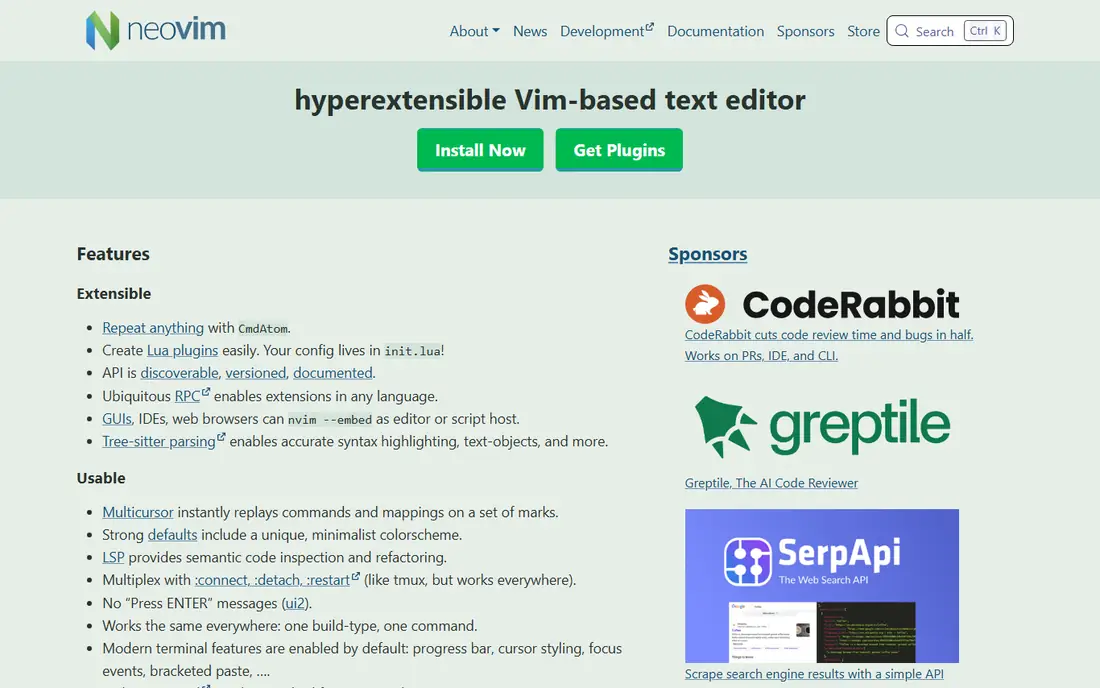
Neovim is the natural first stop for a Vim user who likes modal editing but wants a more modern base. It keeps Vim motions and Vimscript compatibility, while adding Lua as a first-class configuration language, a built-in language server client, and tree-sitter highlighting. That combination means you can get completion, diagnostics, goto definition and refactoring without the patchwork that older Vim setups required. The plugin community is large, with managers such as lazy.nvim making it easier to install and update plugins.
The cost is time, not money. A minimal Neovim install works at once, but a full setup with a file explorer, fuzzy finder, status line and language servers takes an evening of reading and testing. If you already know Vim, the learning curve is gentle, because your muscle memory carries over. If you are new to modal editing, Neovim is still a big first step, and a simpler editor on this list may be a better starting point.
What we like- Lua configuration is cleaner than Vimscript for many users
- Built-in language server and tree-sitter support
- Huge plugin community
Watch out for- Setup still takes time for a full IDE feel
- Plugin choices can overwhelm new users
- Terminal only, so GUI features need a separate front end
Starting priceFree
Free planYes
Helix takes a different path from Neovim: instead of asking you to build an IDE from plugins, it ships with the essentials already working. Open a file and you get syntax highlighting, completion, diagnostics and a fuzzy finder, with a single configuration file for themes and language settings. Its editing model is selection first, inspired by Kakoune, so you select text and then act on it, which many users find easier to reason about than Vim verb-first commands. Multiple selections are central, not an add-on, so refactoring across many matches feels direct.
The main limit is extensibility. Helix has no plugin system at the time of writing, so if you rely on a specific Vim plugin for a language, a debugger or a git workflow, you may not find an equivalent. Vim users also need to relearn some keys, because Helix deliberately breaks from Vim in places. For a new modal editor user who wants a working setup in minutes, Helix is hard to beat, and for a Vim veteran, it is worth a week of real work before judging it.
What we like- Language server and tree-sitter support built in
- Multiple selections as a core feature
- Fast Rust terminal editor
Watch out for- No plugin system yet
- Keybindings differ from Vim, so Vim users must relearn some habits
- Smaller community than Neovim
Starting priceFree
Free planYes
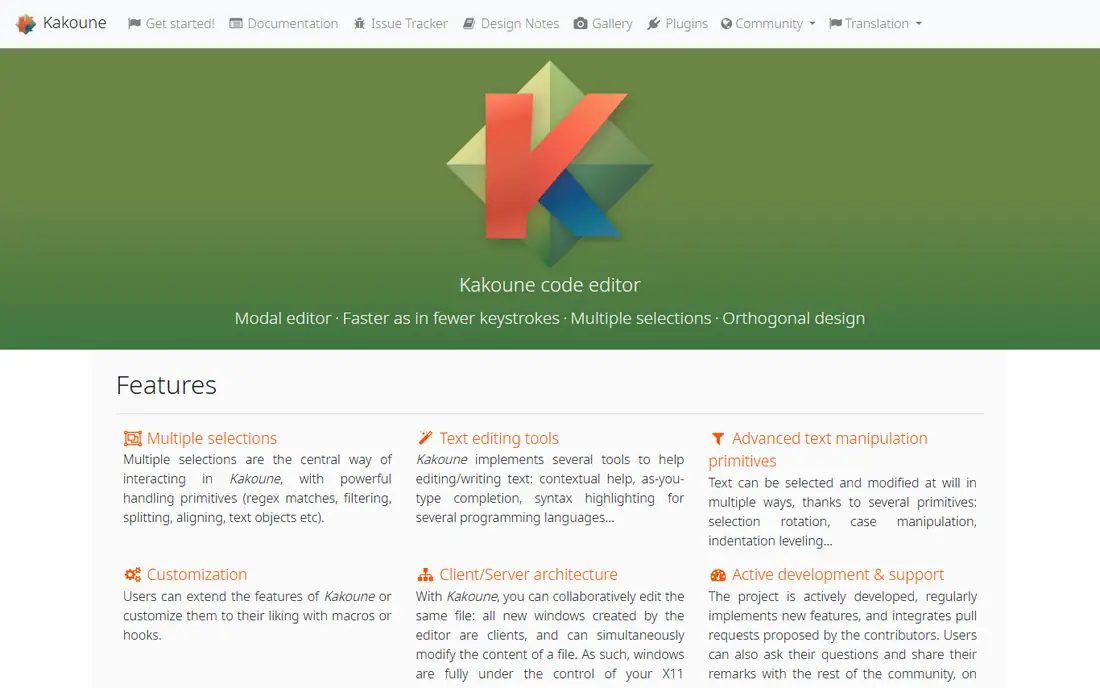
Kakoune is the editor that inspired Helix, and it remains a distinct choice for people who think in selections. You pick what you want to change, often with a regex or a text object, and then apply one command to every selection at once. That workflow shines when you need to rename, reformat or restructure many similar lines, and it can feel faster than repeating a Vim macro. Its client and server design also lets several windows share one editing session, which suits pair work and multi-pane terminal setups.
Kakoune is less complete out of the box than Helix. Language server support, file finding and other IDE features usually come from external scripts and tools, so you will assemble a setup rather than open one. The community is smaller, so answers and plugins are fewer. Choose Kakoune if the selection model clicks for you and you enjoy building a personal setup, and choose Helix if you want the same idea with more built in.
What we like- Multiple selections make batch edits fast
- Client and server design allows shared sessions
- Small, focused codebase
Watch out for- Smaller ecosystem than Neovim
- Language server support needs external tools
- Vim users face a steeper relearn than expected
#4
GNU Emacs
Best for: deep customization and a full environment
Visit gnu.org
Starting priceFree
Free planYes
Emacs is less an editor than a workspace that happens to edit text. You can read mail, run a terminal, manage tasks in org mode, edit code with language servers, and script almost any behavior in Emacs Lisp, all without leaving the program. For users who want one environment for writing, coding and planning, that depth is unmatched, and the package archive covers languages and workflows that smaller editors never reach. Vim users can add Evil mode for modal editing, which keeps Vim motions inside an Emacs frame.
The trade-off is complexity and weight. Emacs default keys use long chord combinations, and a polished setup takes days, not minutes, even with a starter distribution. It also starts slower and uses more memory than Neovim or Helix, so it is less suited to a quick config edit over SSH. If you want a tool you can shape for years and you enjoy Lisp, Emacs rewards the effort, but if you want a fast replacement for Vim, start with Neovim or Helix instead.
What we like- Endlessly extensible in Lisp
- Org mode, email, terminal and more in one program
- Large package archive
Watch out for- Default keybindings are chord heavy
- Full setup takes real time
- Heavier than a terminal editor for quick edits
Starting priceFree
Free planYes
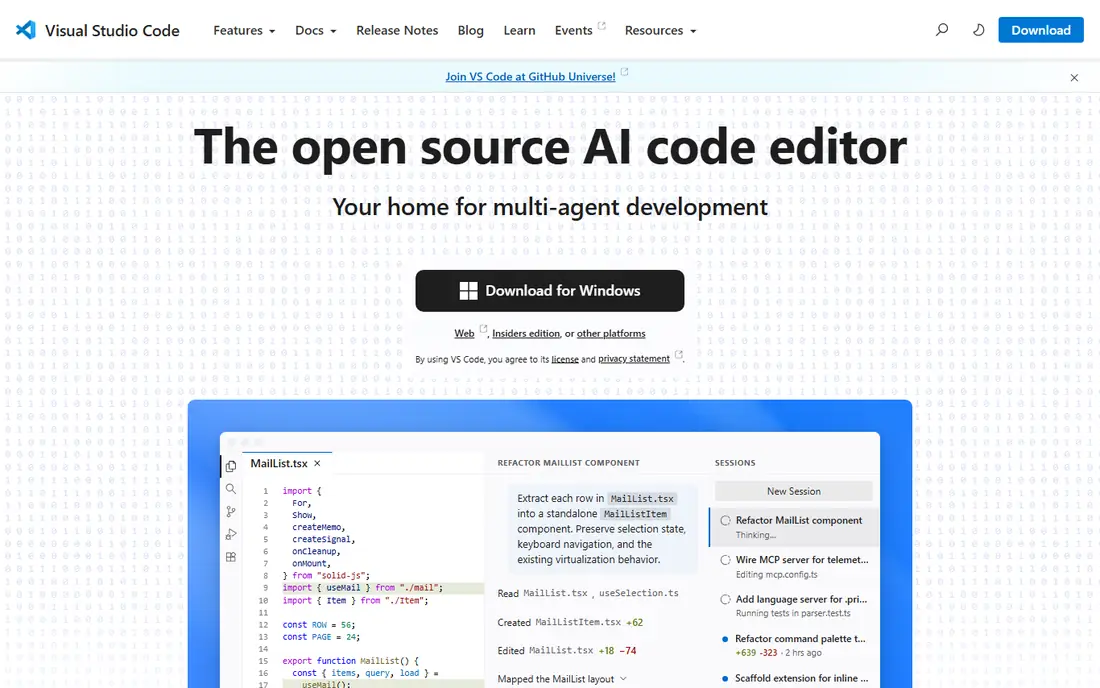
Visual Studio Code is the safe graphical choice for most developers leaving Vim. It is free, cross-platform, and its extension marketplace covers almost every language, framework and workflow, from Python and JavaScript to Docker and remote servers. Built-in Git, an integrated terminal, debugging and remote SSH support mean you rarely need a second tool for daily work, and team tutorials usually assume VS Code, which helps when you join a new project. The Vim extension adds modal editing, so you can keep Vim motions while gaining a graphical interface.
The cost is resources and feel. VS Code uses more memory and starts slower than a terminal editor, and on older hardware that difference is noticeable. Vim mode is good, but it is not a perfect copy of Vim, and some motions and plugins behave differently. If your priority is ecosystem and team compatibility over raw speed, VS Code wins, and if your priority is staying in a terminal, Neovim or Helix will feel more at home.
What we like- Huge extension marketplace
- Built-in Git, terminal and debugging
- Remote development over SSH and containers
Watch out for- Heavier than terminal editors
- Electron base uses more memory
- Vim mode is an extension, not native modal editing
Starting price$99 one-time
Free planFree trial
Sublime Text has built its reputation on speed. It opens instantly, handles multi-megabyte log files without stalling, and stays responsive when VS Code would lag, which matters for sysadmins and developers who open large files daily. Goto Anything lets you jump to files, symbols and lines with a few keystrokes, and Package Control adds language servers, linters and themes. The interface is clean, and the editor stays out of the way in a way that heavier IDEs do not.
Sublime Text is not free in the same way as the open source editors here. A personal license costs $99 one-time, with an unlimited evaluation period that shows purchase prompts, so budget for the license if you use it for work. It also has fewer built-in features than VS Code, so debugging and remote work need packages. If speed and large files matter most, and you are willing to pay once, Sublime Text is a strong Vim alternative that does not require modal editing.
What we like- Very fast startup and file handling
- Handles large files well
- Cross-platform with a large package community
Watch out for- Paid license for continued use without prompts
- Fewer built-in IDE features than VS Code
- Vim mode is a package, not core
Starting priceFree
Free planYes
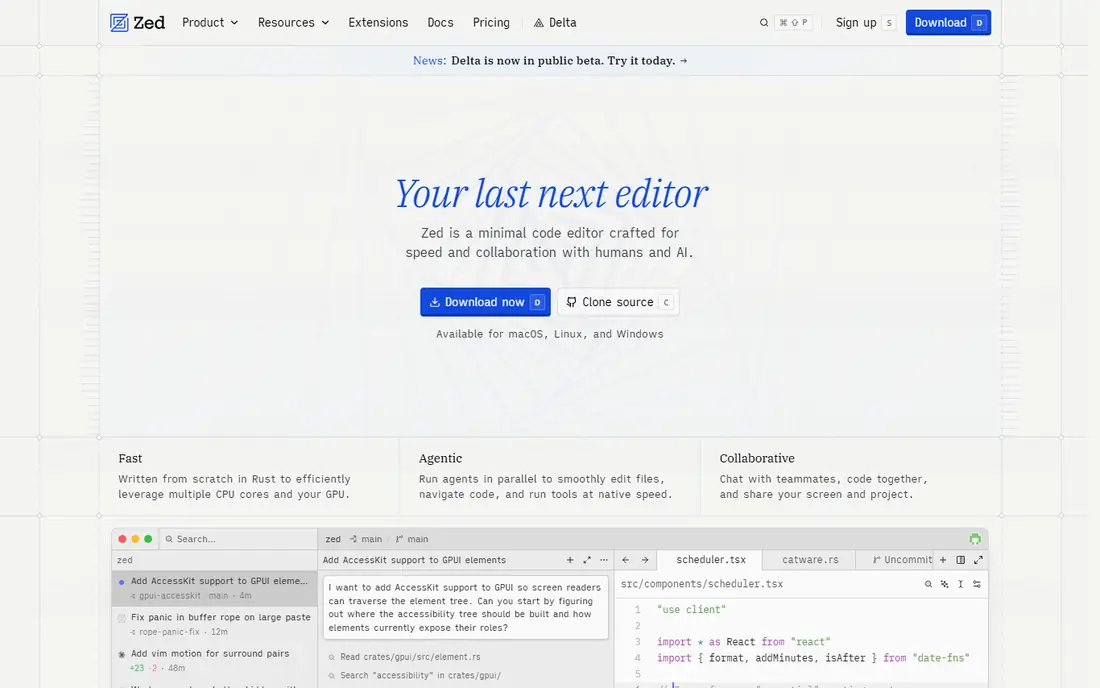
Zed is a native editor built in Rust, and speed is its clearest advantage. Typing, scrolling and searching feel immediate, even in large projects, and the editor uses far less memory than Electron-based tools. It includes Vim mode with text objects and marks, multibuffer editing that lets you edit excerpts from many files in one view, and built-in collaboration for pair programming. For a Vim user who wants a graphical editor without giving up modal keys, Zed feels closer to a terminal editor than VS Code does.
The ecosystem is the limit. Zed has hundreds of extensions, but not the tens of thousands that VS Code offers, so a niche language or workflow may lack a polished extension. Windows support arrived later than macOS and Linux, so check the current status for your platform before switching. If you value speed and a modern graphical editor, and your languages are well covered, Zed is a compelling free option.
What we like- Native Rust speed and low latency
- Built-in collaboration and multibuffer editing
- First-class Vim mode
Watch out for- Extension ecosystem is still growing
- Windows support has lagged macOS and Linux
- Some IDE features are newer than VS Code
Starting priceFree
Free planYes
Kate is the KDE advanced text editor, and it is a good graphical pick for Linux users who want a full editor without an Electron app. It supports over 300 languages for highlighting, offers split views, projects, search across a project, multi-cursor editing and language server completion, and it includes an integrated terminal and many plugins. A VI input mode lets Vim users keep familiar motions for basic editing, while the graphical interface stays available for mouse work and menus.
Kate runs on Windows and macOS as well, but it feels most at home on Linux, and on other desktops it pulls in KDE libraries that some users prefer to avoid. The settings are extensive, which is a strength for power users and a hurdle for beginners. If you work on Linux and want a free, capable graphical editor with Vim keys as an option, Kate deserves a trial, especially for projects where VS Code feels heavy.
What we like- Split views, projects and LSP support built in
- VI input mode for Vim users
- Integrated terminal and plugins
Watch out for- Best on Linux and KDE, less native elsewhere
- Interface has many options, which can overwhelm beginners
- Smaller community than VS Code
Starting priceFree
Free planYes
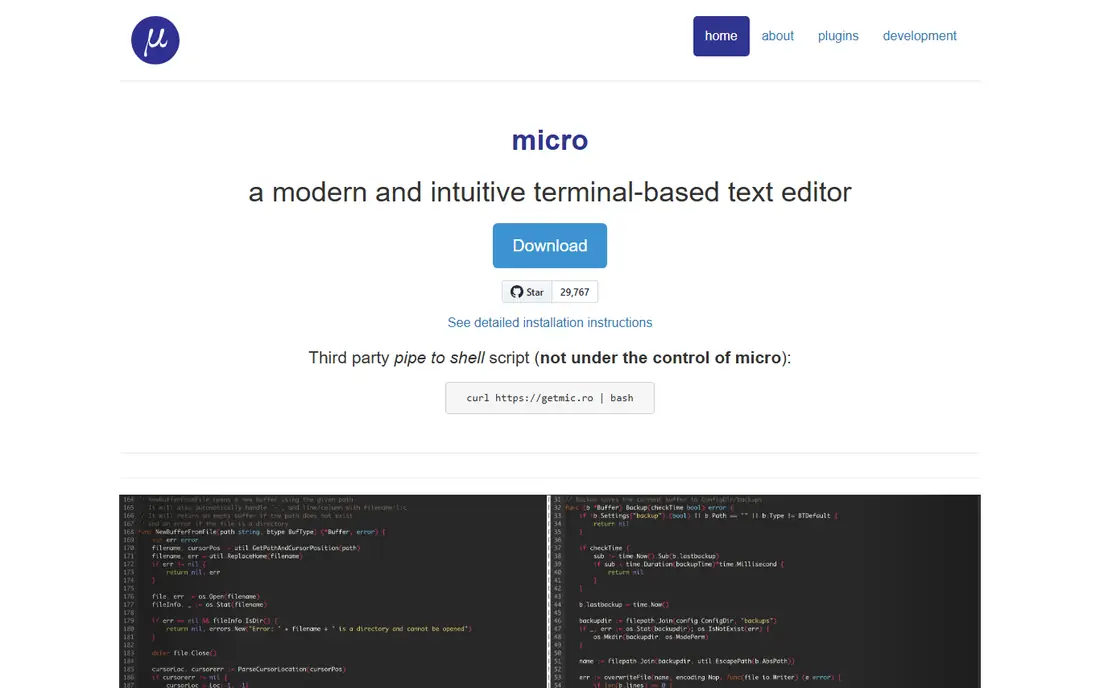
Micro is the terminal editor for people who find Vim confusing and just want to edit a file. It uses the keys you already know from graphical editors, supports the mouse, offers multiple cursors, syntax highlighting for many languages, and a plugin system in Lua. Installation is a single static binary, so it works on servers and laptops alike, and it is a clear upgrade from Nano for users who want a bit more power without learning modes.
Micro is not a Vim replacement for Vim users, because it drops modal editing entirely. If your goal is to keep Vim motions, choose Neovim, Helix or Zed with Vim mode instead. If your goal is to leave Vim behind for something simple, fast and terminal based, Micro is the easiest switch on this list, and it pairs well with a graphical editor for larger projects.
What we like- Familiar keys such as Ctrl plus S and Ctrl plus C
- Mouse support and multiple cursors
- Single static binary with no dependencies
Watch out for- Not modal, so Vim users lose their motions
- Plugin ecosystem is smaller
- Less suited to large IDE-style projects
How we chose
We compared vendor documentation, project homepages and public reviews, and we checked each homepage to confirm the product exists and matches the name on this list. We favored editors that are actively maintained, run on current systems, and offer a clear reason to switch from Vim, whether that is a modern Vim base, a simpler setup, a graphical interface or a different editing model. Prices shown are starting prices from vendor pages or pricing summaries checked in October 2026, and where a price could not be confirmed we wrote See website rather than guessing.
Switching without losing your workflow
The fastest way to judge an editor is to use it for one real project for a week, not to open it for ten minutes and compare feature lists. Pick a project you know well, set up the language server for its main language, learn the file finder and the search commands, and do your normal edits, commits and debugging in the new tool. Note where you slow down, because those friction points tell you more than a demo.
Keep your Vim habits where they help
If you switch to a graphical editor, install its Vim mode on day one and keep your core motions, rather than learning a new mouse workflow at the same time. In Neovim, start with a minimal config and add plugins one at a time, so you know what each one does. In Helix or Kakoune, spend an hour with the built-in tutor or docs to learn selection-first editing, because trying to use Vim keys directly will frustrate you. Keep a cheat sheet for the first week, and do not judge speed until the second week.
Plan for servers and shared machines
Even after you switch, keep Vim or Vi available for remote work, because you cannot install your preferred editor on every server, container or recovery system. Learn the basic Vim commands for opening, editing, saving and quitting, even if you no longer use Vim daily, so a server edit does not become a crisis. For your main machine, export your new config to a dotfiles repo, so a fresh install restores your setup in minutes.
Frequently asked questions
Is Neovim the same as Vim?
No, but it is close. Neovim keeps Vim editing motions and Vimscript compatibility, while adding Lua configuration, built-in language server support and tree-sitter highlighting. Most Vim users can move their habits over, though their config files will need changes.
Which Vim alternative needs the least setup?
Helix needs the least setup among modal editors, because language support and a fuzzy finder are built in. Among graphical editors, Visual Studio Code and Zed work well with little setup, while Neovim and Emacs reward more configuration time.
Can I use Vim keybindings in a graphical editor?
Yes. Visual Studio Code has a Vim extension, Zed has first-class Vim mode, Kate has a VI input mode, and Sublime Text has a Vintage package. None is a perfect copy of Vim, so test your most used motions before committing.
Is there a free alternative that is easy for beginners?
Micro is the easiest terminal option, because it uses familiar keys and needs no modal learning. For a graphical start, Visual Studio Code is free and has the most tutorials, which helps when you get stuck.
Should I switch from Vim at all?
Only if Vim limits you in a specific way, such as setup time, language support, collaboration or a graphical workflow. Vim remains fast, universal and free, and many developers keep it for servers while using a different editor for daily projects.
What if I work mostly over SSH?
Choose a terminal editor such as Neovim, Helix, Kakoune or Micro, because they run inside the terminal and work over SSH without a graphical interface. Graphical editors with remote support, such as VS Code, can also work, but they need a server component and more setup.
Sources we checked (9)
- https://neovim.io
- https://helix-editor.com/
- https://kakoune.org
- https://www.gnu.org/software/emacs/
- https://code.visualstudio.com
- https://www.sublimetext.com
- https://zed.dev
- https://kate-editor.org
- https://micro-editor.github.io
Is your product missing or out of date?
We review this list regularly. Vendors can request a listing, send updated pricing or ask about featured placement.

Shihab Mia · Founder, Rankite
Shihab has 5+ years in B2B and SaaS SEO. He writes Rankite's software buying guides from pricing pages, documentation and public user reviews. More about Shihab.