How we make this list: we compare pricing pages, product documentation and public user reviews. Ratings come from G2, Capterra or Trustpilot, with the date we checked them.

Key takeaways
- Less is the closest syntax match for teams that want variables, mixins, and nesting with a smaller change from Sass.
- PostCSS is not a preprocessor on its own, but its plugin system replaces much of what teams used Sass for.
- Tailwind CSS suits teams that prefer utility classes and a shared design system over hand-written stylesheets.
- Lightning CSS offers fast compilation and modern CSS handling for teams that want a modern build step.
- Native CSS now covers variables and nesting in browsers, so small projects may need no preprocessor at all.
Quick comparison
| Tool | Best for | Starting price | Free plan |
|---|
 Less Less | Closest Sass-like syntax | Free | Yes |
 Stylus Stylus | Flexible preprocessor syntax | Free | Yes |
 PostCSS PostCSS | Plugin-based CSS processing | Free | Yes |
 Tailwind CSS Tailwind CSS | Utility-first styling | Free | Yes |
 Lightning CSS Lightning CSS | Fast modern CSS builds | Free | Yes |
 Bourbon Bourbon | Lightweight Sass mixins | Free | Yes |
 Bulma Bulma | CSS framework without Sass | Free | Yes |
 DaisyUI DaisyUI | Tailwind component library | Free | Yes |
Is your product missing or out of date?
We review this list regularly. Vendors can request a listing, send updated pricing or ask about featured placement.
The best alternatives to Sass
Starting priceFree
Free planYes
Less is the most direct substitute for Sass when a team wants to keep a preprocessor workflow with minimal retraining. Variables use an at sign, mixins look like classes, and nesting works much as Sass users expect. That closeness matters for a codebase that already uses preprocessor patterns, since developers can move files with mostly mechanical changes. Less also runs in the browser for quick demos, though production builds should compile ahead of time.
The ecosystem is smaller than Sass in 2026, and new CSS features sometimes arrive in Sass or PostCSS first. Less is also in maintenance mode compared with its peak, so teams should not expect a fast stream of new language features. For maintaining an existing Less codebase, or for a team that prefers its syntax, those limits are acceptable. For a brand-new project, the choice usually comes down to Less familiarity versus Tailwind or PostCSS momentum.
What we like- Familiar variables and mixins
- Runs in browser and Node
- Large legacy codebase support
Watch out for- Smaller ecosystem than Sass today
- Fewer new features in recent years
Starting priceFree
Free planYes
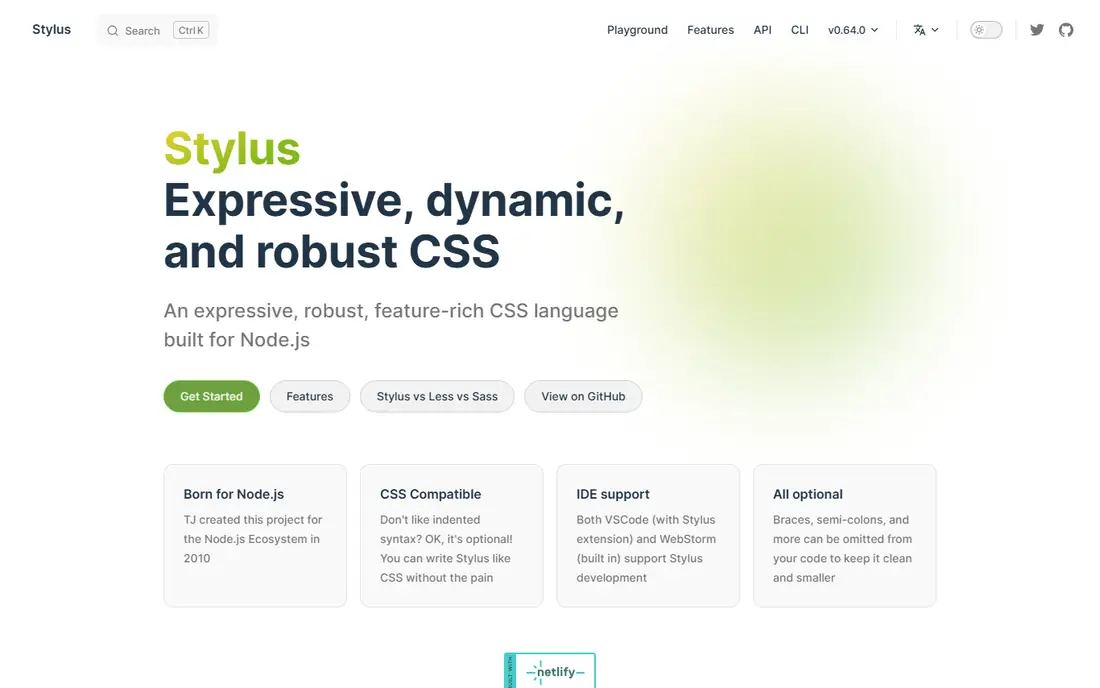
Stylus gives developers unusual freedom. Braces, colons, and semicolons are optional, so a stylesheet can read almost like plain indented text. That conciseness appeals to developers who dislike ceremony, and its mixin and function system is expressive enough for complex design systems. A team that already uses Stylus can write compact, readable styles once it agrees on a house style.
Flexibility is also the risk. Two developers can write the same rule in very different ways, and a codebase can drift without strict linting. The community is smaller than Sass or Tailwind, so examples and integrations are thinner. Stylus fits a small, disciplined team that values its syntax. Larger teams usually benefit from a stricter, more widely known tool.
What we like- Very flexible syntax with optional punctuation
- Strong mixin and function support
- Concise files
Watch out for- Smaller community and slower updates
- Flexible syntax can hurt consistency across a team
Starting priceFree
Free planYes
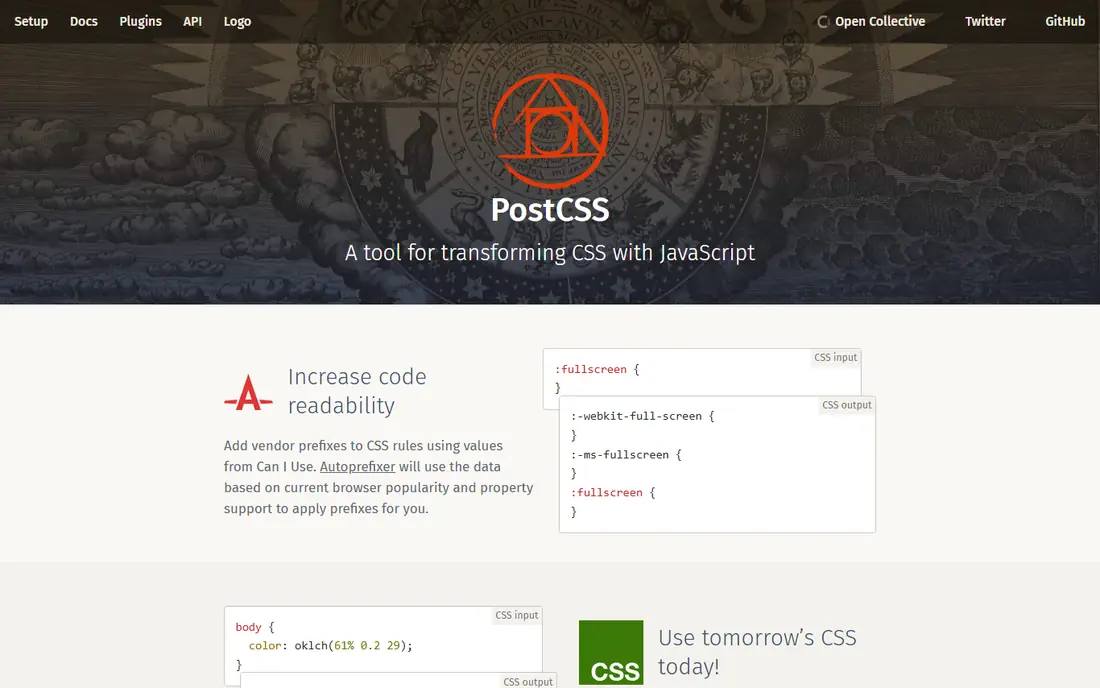
PostCSS is a tool for transforming CSS with JavaScript plugins, rather than a new stylesheet language. A typical setup pairs it with Autoprefixer for vendor prefixes, a nesting plugin for nested rules, and a minifier for production. That modular approach lets a team adopt only the features it needs, and it keeps the source close to standard CSS. Because PostCSS works with Vite, Webpack, and other build tools, it fits most modern JavaScript projects without a separate toolchain.
The cost is configuration. Choosing plugins, ordering them correctly, and keeping them updated takes more judgment than installing one preprocessor. A team that wants a single, opinionated language may find PostCSS fiddly at first. A team that wants control over exactly how CSS is processed, and that wants to use upcoming CSS features early through plugins, will find PostCSS the most flexible option on this list.
What we like- Huge plugin ecosystem
- Autoprefixer and future CSS plugins
- Fits any build tool
Watch out for- Not a language on its own
- Plugin choice and config take time to get right
Starting priceFree
Free planYes
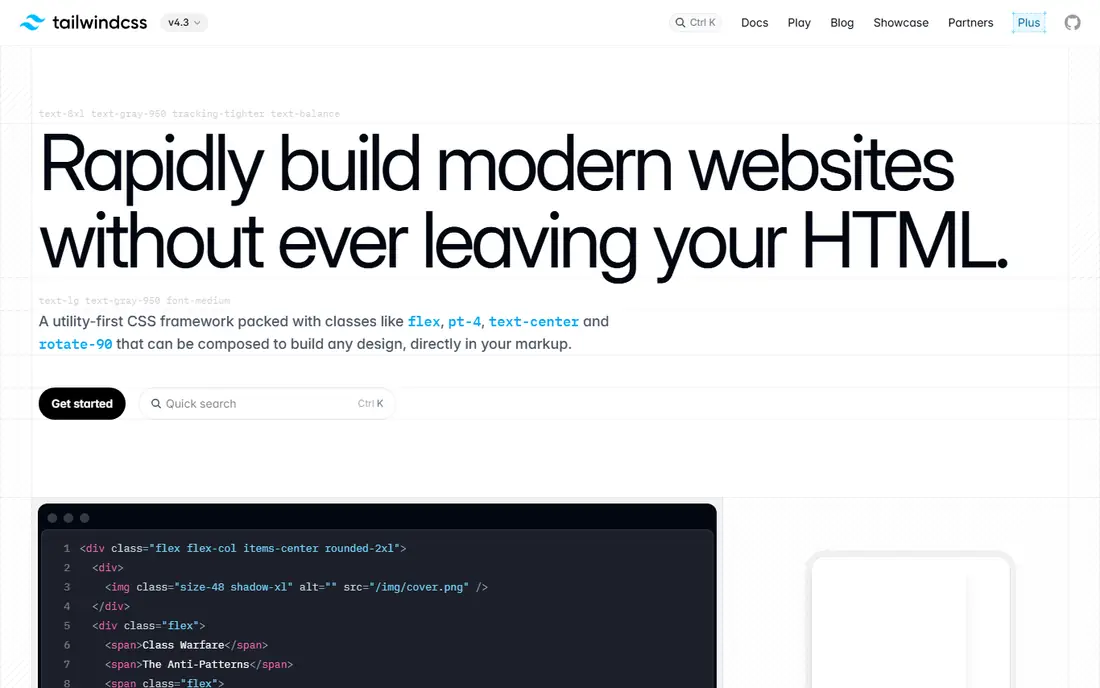
Tailwind CSS replaces much preprocessor work with utility classes applied in markup. Instead of writing a mixin for a card, a developer combines padding, border, shadow, and layout utilities, and the shared configuration keeps values consistent. That approach reduces the need for custom Sass functions for spacing and color, since the scale lives in one config file. It also makes design changes visible in the component that uses them, which helps during code review.
The markup can look busy, especially for complex components, and teams should extract repeated patterns into components in their JavaScript framework. Tailwind also needs a build step for full use, though a browser build exists for prototyping. For product teams that value speed and consistency over hand-crafted stylesheets, Tailwind is often the most practical Sass replacement.
What we like- Consistent spacing and color scales
- Large ecosystem
- Fast iteration in markup
Watch out for- Long class lists in HTML
- Learning curve for utility naming
Starting priceFree
Free planYes
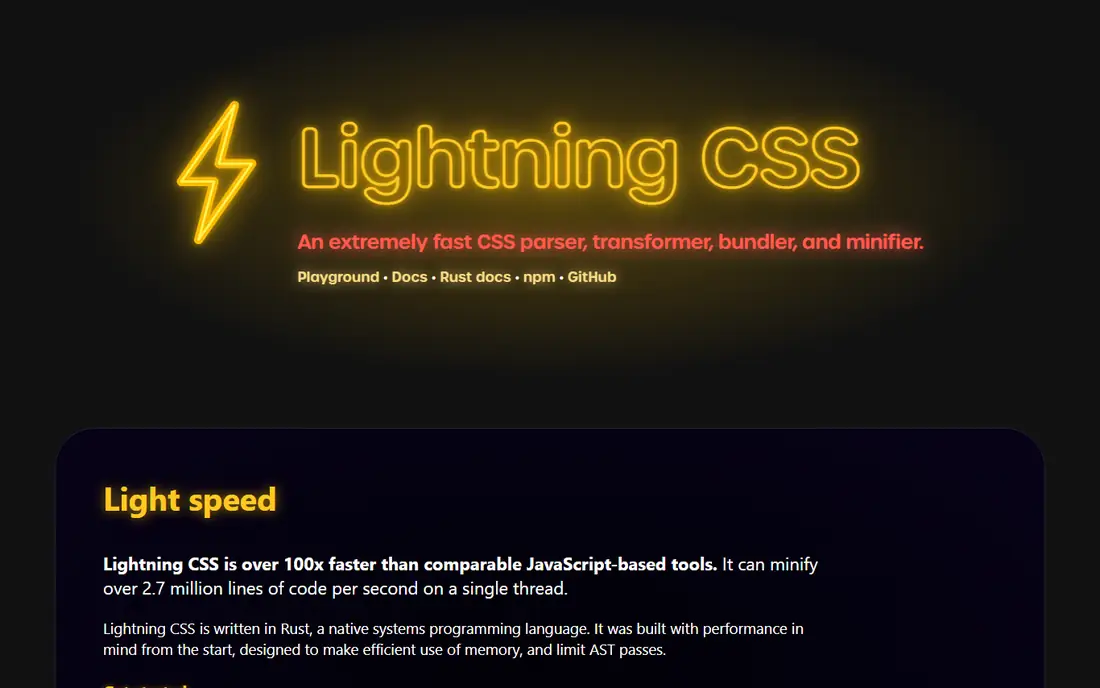
Lightning CSS is a fast CSS parser, transformer, and minifier written in Rust. It handles nesting, custom media queries, and modern syntax, then outputs CSS that browsers can use, with vendor prefixes where needed. Speed is the headline benefit: large stylesheets compile in a fraction of the time of older JavaScript tools, which keeps feedback loops short during development. Bundling and minification in the same tool also simplify a build pipeline.
Because Lightning CSS is newer than PostCSS, its plugin and integration ecosystem is smaller. Teams that rely on a specific PostCSS plugin should check for an equivalent before switching. Documentation also assumes comfort with build tools, so beginners may need extra guidance. For performance-sensitive projects and teams that already use a modern bundler, Lightning CSS is a strong, future-facing choice.
What we like- Very fast compilation
- Handles modern CSS, nesting, and bundling
- Small output
Watch out for- Newer tool with a smaller plugin ecosystem
- Documentation assumes build-tool comfort
Starting priceFree
Free planYes
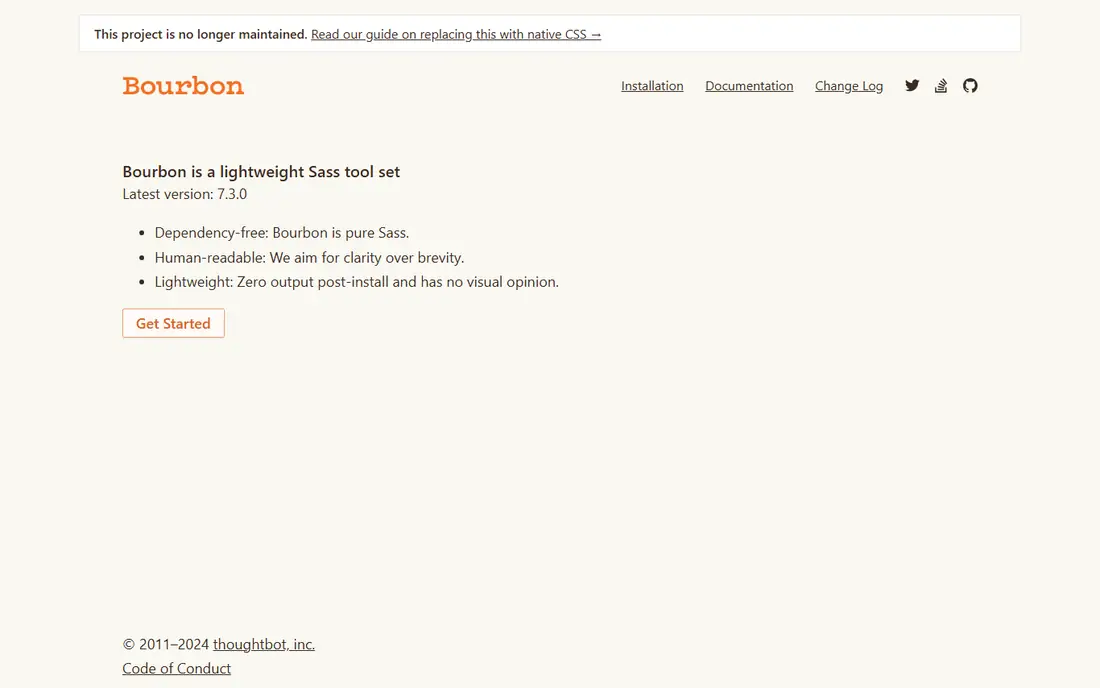
Bourbon is a library of Sass mixins, not a replacement for Sass itself, and it belongs here for a specific reason. Teams that stay with Sass but want to drop a heavier framework often keep Bourbon for its helpers, such as clearfix, font handling, and position shortcuts. It is lightweight, well documented, and easy to add to an existing Sass setup without changing the rest of the workflow. That makes it a useful middle step for teams simplifying a Sass codebase.
The limit is scope. Bourbon does not provide components, a grid, or a design system, and it still needs Sass to compile. A team that wants to leave Sass entirely should pick Less, PostCSS, or Tailwind instead. A team that wants to keep Sass but shed weight will find Bourbon a clean, low-risk addition.
What we like- Small, focused mixin library
- Works with Dart Sass
- Easy to drop into an existing Sass project
Watch out for- Still requires Sass
- Covers mixins only, not a full framework
- The project page states it is no longer maintained
Starting priceFree
Free planYes
Bulma lets a team skip preprocessors altogether for many projects. Its classes cover columns, cards, navigation, and forms, and the compiled stylesheet can be linked directly to a page. That simplicity suits marketing sites, prototypes, and internal tools where a shared component set matters more than custom Sass functions. The class names are readable, which helps designers and developers discuss layouts without extra translation.
Custom design systems are harder to express in Bulma than in Sass, since variables and mixins are not part of the daily workflow unless the team uses the Sass source. JavaScript behaviour for modals and dropdowns must also come from elsewhere. Bulma fits teams that want a finished look with minimal tooling, and it pairs well with a small amount of custom CSS for brand details.
What we like- CSS-only framework
- Readable classes
- No preprocessor required for basic use
Watch out for- No JavaScript components
- Less flexibility than a preprocessor for custom design systems
Starting priceFree
Free planYes
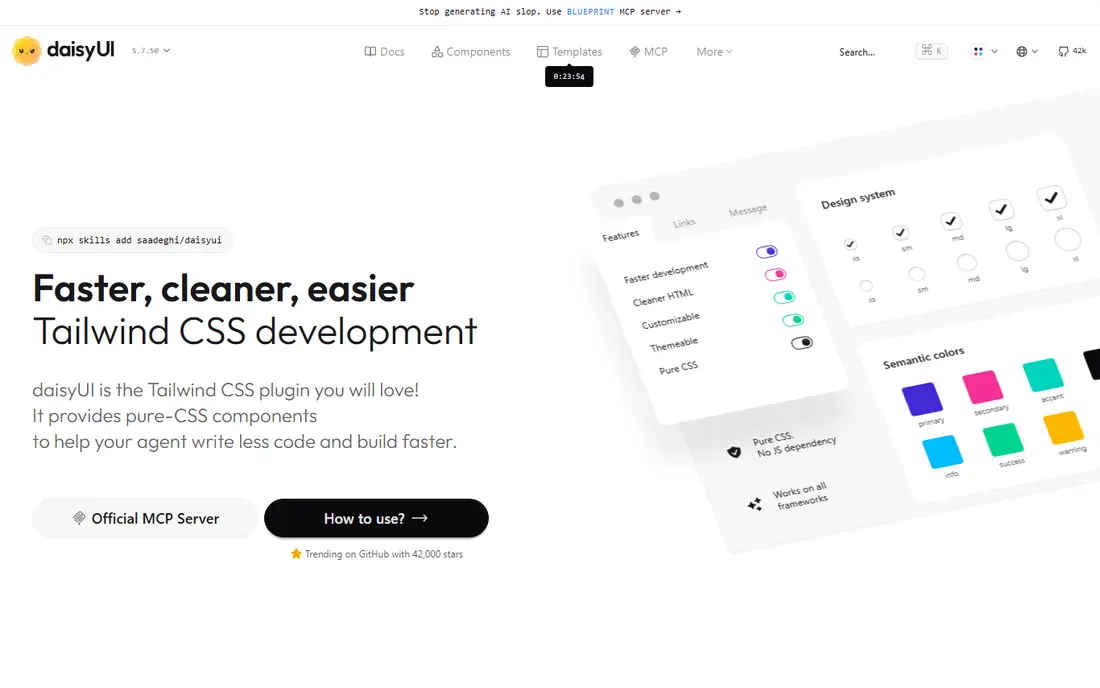
DaisyUI adds prebuilt components to Tailwind CSS, such as buttons, cards, modals, and navigation, using Tailwind classes under the hood. Teams that like Tailwind utilities but tire of rebuilding the same button or card in every project get a shortcut without leaving the utility workflow. Themes change colors across components at once, which helps when a product needs light, dark, or brand variants.
The dependency is the catch. DaisyUI only makes sense for a Tailwind project, so it is not a standalone Sass replacement. Teams that customise components heavily may fight theme defaults, and upgrades need testing against Tailwind version changes. For Tailwind teams that want components fast, DaisyUI closes the main gap between Tailwind and a full framework such as Bootstrap.
What we like- Ready components on top of Tailwind
- Theme support
- Keeps utility workflow
Watch out for- Requires Tailwind CSS
- Component styling is tied to DaisyUI themes
How we chose
We looked for tools that cover the jobs Sass actually does: variables, nesting, mixins, shared design tokens, and production CSS output. We checked each vendor homepage and documentation, noted whether the tool is a full language, a plugin system, or a framework, and weighed community size, build requirements, and learning curve. We also considered native CSS, which now handles variables and nesting, as part of the buying guidance even though it is not a separate product on the list. No hands-on testing is claimed here.
Deciding what replaces Sass in your project
Start by listing what Sass does for your codebase today. If the answer is mostly variables and nesting, native CSS or PostCSS with a nesting plugin may cover it with less tooling. If the answer includes many custom mixins and functions, Less or Stylus keeps that workflow with the least change. If the answer includes design consistency across many components, Tailwind or Bulma may solve the problem better than any preprocessor, because the system lives in classes and themes rather than in scattered mixins.
Check your build tool first
A project that already uses Vite or Webpack can add PostCSS, Tailwind, or Lightning CSS with little friction. A static site with no build step benefits more from a linked stylesheet such as Bulma, or from native CSS alone. Adding a build step only to keep a preprocessor rarely pays off unless the project is large enough to need bundling and minification anyway.
Plan the migration in stages
Do not rewrite every stylesheet at once. Pick one page or component, convert it to the new tool, and compare output size, build time, and readability. Keep Sass running alongside the new tool during the transition, and move files in small batches with tests or visual checks. That staged approach catches naming and specificity problems early, when they are cheap to fix.
Keep design tokens in one place
Whatever tool you choose, store colors, spacing, font sizes, and breakpoints in a single source. In Tailwind that is the config file, in PostCSS it may be custom properties, and in Less it is a variables file. A single source prevents the slow drift that made the old Sass codebase hard to maintain, and it makes future tool changes far simpler.
Frequently asked questions
What is the best alternative to Sass?
Less is the closest direct replacement for Sass syntax and workflow. Tailwind CSS is the best choice for teams that want a utility system instead of hand-written stylesheets, while PostCSS suits teams that want plugin-based control over modern CSS.
Can I use native CSS instead of Sass now?
Yes, for many projects. Native CSS supports custom properties for variables and nesting in modern browsers, which covers the most common Sass uses. Larger codebases may still want Sass, Less, or PostCSS for mixins, functions, and shared logic that native CSS handles less neatly.
Is Less still maintained?
Less remains available and usable, with documentation and releases on its official site, but its ecosystem is smaller than Sass and Tailwind in 2026. It is a safe choice for maintaining existing Less code and for teams that prefer its syntax, rather than a fast-moving new platform.
Do Tailwind and PostCSS work together?
Yes. Tailwind CSS is commonly used as a PostCSS plugin, so the two tools complement each other. PostCSS handles transformation and optimisation, while Tailwind provides the utility classes and design system on top of it.
How hard is it to migrate from Sass to Tailwind?
Migration effort depends on codebase size and mixin use. Simple stylesheets convert quickly, while heavy mixin and function use takes longer and benefits from a staged move. Start with new components in Tailwind, keep Sass for legacy files, and convert old files when they change.
Should beginners learn Sass or an alternative first?
Beginners should learn plain CSS first, including custom properties, nesting, and Grid. That foundation makes any preprocessor easier to judge. After that, Tailwind is a practical next step for product work, while Less is a gentle introduction to preprocessor concepts.
Sources we checked (8)
- https://lesscss.org
- https://stylus-lang.com
- https://postcss.org
- https://tailwindcss.com
- https://lightningcss.dev
- https://www.bourbon.io
- https://bulma.io
- https://daisyui.com
Is your product missing or out of date?
We review this list regularly. Vendors can request a listing, send updated pricing or ask about featured placement.

Shihab Mia · Founder, Rankite
Shihab has 5+ years in B2B and SaaS SEO. He writes Rankite's software buying guides from pricing pages, documentation and public user reviews. More about Shihab.