How we make this list: we compare pricing pages, product documentation and public user reviews. Ratings come from G2, Capterra or Trustpilot, with the date we checked them.

Key takeaways
- Sass is the most complete preprocessor replacement for Less, with the largest ecosystem and longest track record.
- Stylus suits small teams that want flexible syntax and expressive mixins.
- PostCSS replaces Less processing with plugins, keeping source CSS close to the standard.
- Tailwind CSS changes the workflow entirely, using utilities and a shared config instead of preprocessor files.
- Bulma and DaisyUI suit teams that want finished components without managing a preprocessor at all.
Quick comparison
| Tool | Best for | Starting price | Free plan |
|---|
 Sass Sass | Full preprocessor replacement | Free | Yes |
 Stylus Stylus | Flexible syntax | Free | Yes |
 PostCSS PostCSS | Plugin-based processing | Free | Yes |
 Tailwind CSS Tailwind CSS | Utility-first styling | Free | Yes |
 Lightning CSS Lightning CSS | Fast modern builds | Free | Yes |
 Bulma Bulma | CSS-only framework | Free | Yes |
 DaisyUI DaisyUI | Tailwind components | Free | Yes |
 Bootstrap Bootstrap | Complete component set | Free | Yes |
Is your product missing or out of date?
We review this list regularly. Vendors can request a listing, send updated pricing or ask about featured placement.
The best alternatives to Less
Starting priceFree
Free planYes
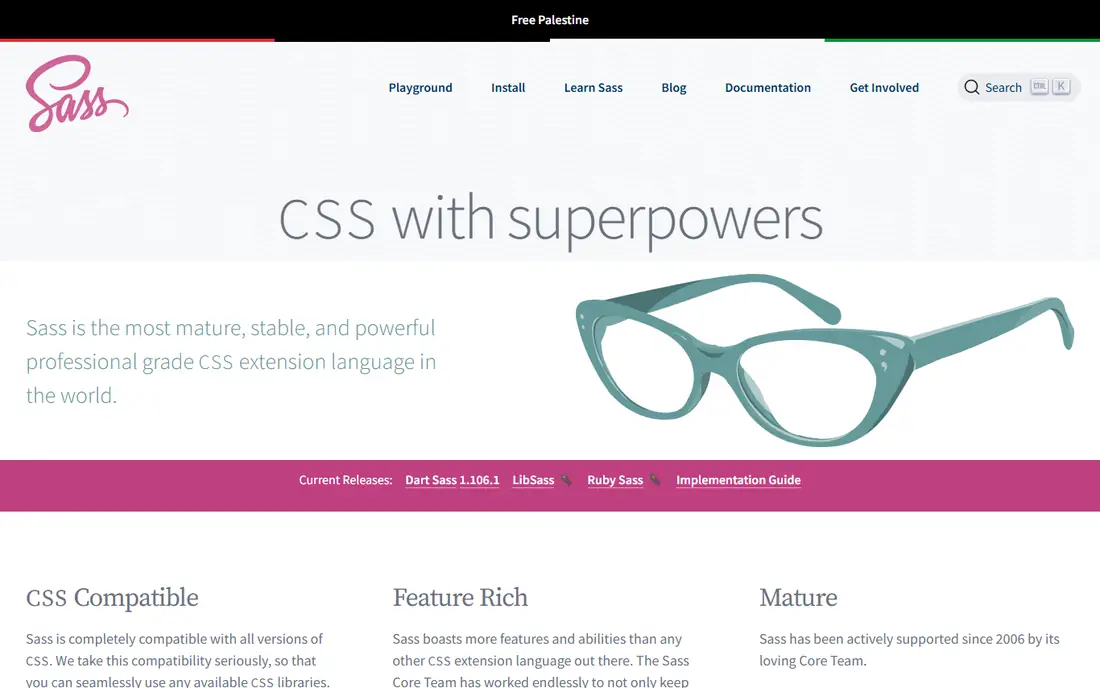
Sass is the standard preprocessor most Less users move to, and for good reason. Its SCSS syntax looks like CSS with variables, nesting, mixins, and functions added, so Less developers can transfer most of their habits with small changes. The module system, using at-use and at-forward, gives large codebases cleaner scoping than older global imports, and built-in modules cover color, math, maps, and lists. Dart Sass, the current reference implementation, compiles quickly and works with Vite, Webpack, and other modern tools.
The main adjustment is syntax detail. Sass uses a dollar sign for variables where Less uses an at sign, and mixin definitions and calls differ in wording. Those changes are mechanical, but they touch every file in a migration, so teams should plan a staged move. For a team that wants a preprocessor with the deepest library support and the most hiring familiarity, Sass is the clearest Less replacement.
What we like- Largest preprocessor ecosystem
- Mature modules and functions
- Dart Sass is fast
Watch out for- Learning curve for modules and built-in functions
- Build step required
Starting priceFree
Free planYes
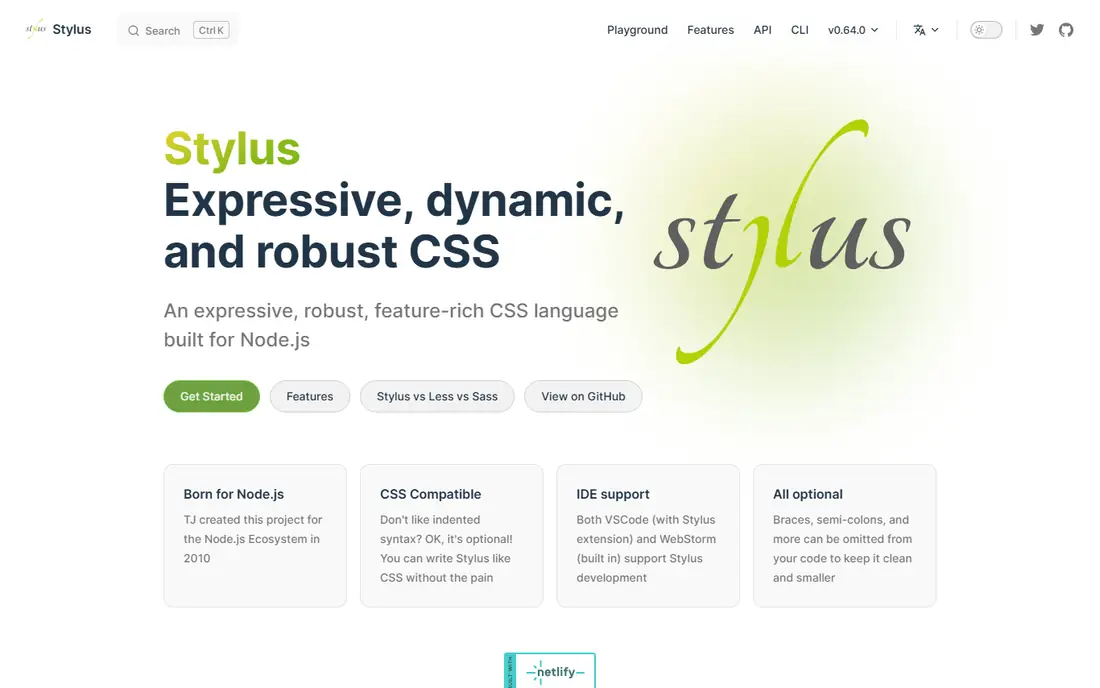
Stylus appeals to developers who found Less syntax a little rigid. Braces, colons, and semicolons are optional, so stylesheets can be written in a compact, indented style. Its mixin and function system is expressive, and it handles color and unit operations with little ceremony. A small team with a shared house style can write Stylus quickly and keep files short.
The risk is drift. When punctuation is optional, two developers may format the same rule differently, and code review must enforce a style guide. The community is also smaller than Sass or Tailwind, so new integrations arrive less often. Stylus fits a disciplined small team that values its syntax. Larger teams usually gain more from Sass consistency or Tailwind shared scales.
What we like- Optional punctuation keeps files short
- Expressive mixins and functions
- Node-based tooling
Watch out for- Smaller community
- Flexible syntax can reduce consistency without linting
Starting priceFree
Free planYes
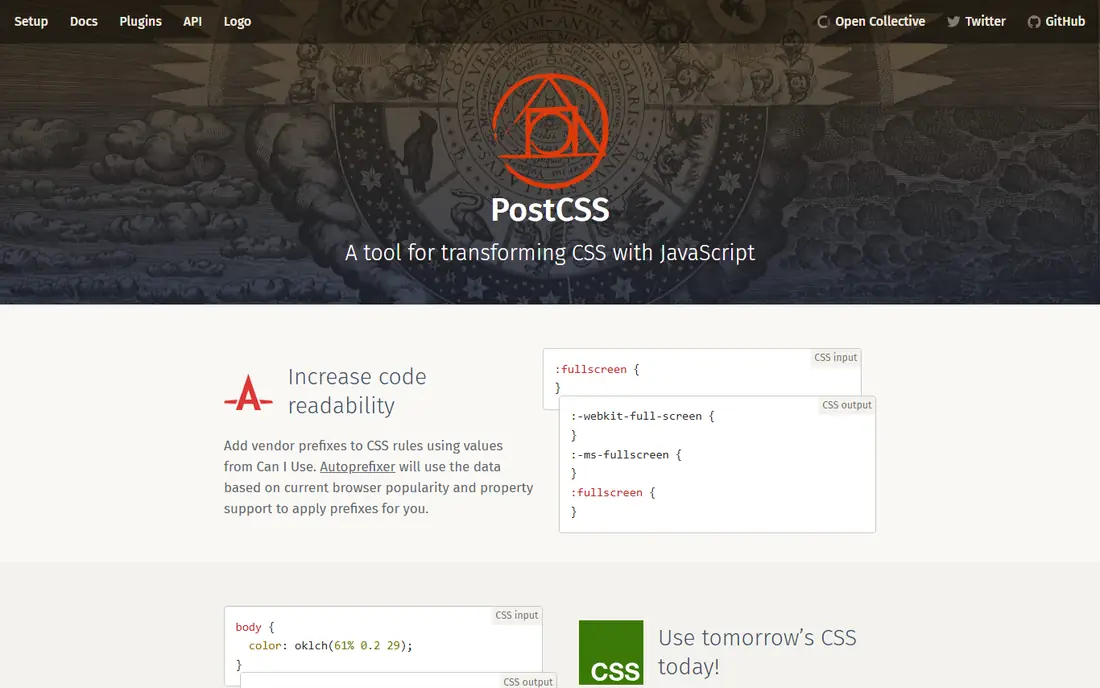
PostCSS transforms CSS through JavaScript plugins, so a team can assemble exactly the processing it needs. A common setup uses a nesting plugin, Autoprefixer for vendor prefixes, and a minifier for production. That modularity keeps the source close to standard CSS, which helps when a developer moves between projects or when native CSS adds a feature that makes a plugin unnecessary. PostCSS also integrates with Vite, Webpack, and Tailwind, so it rarely forces a toolchain change.
Configuration is the cost. A team must choose plugins, order them, and keep them updated, and a poor plugin choice can cause subtle output differences. Teams that want one opinionated language with a single guide may prefer Sass. Teams that want precise control, and that like keeping source CSS standard, will find PostCSS the most adaptable Less replacement.
What we like- Autoprefixer and nesting plugins
- Works with any build tool
- Source stays close to CSS
Watch out for- Plugin selection takes judgment
- Not a single language with one manual
Starting priceFree
Free planYes
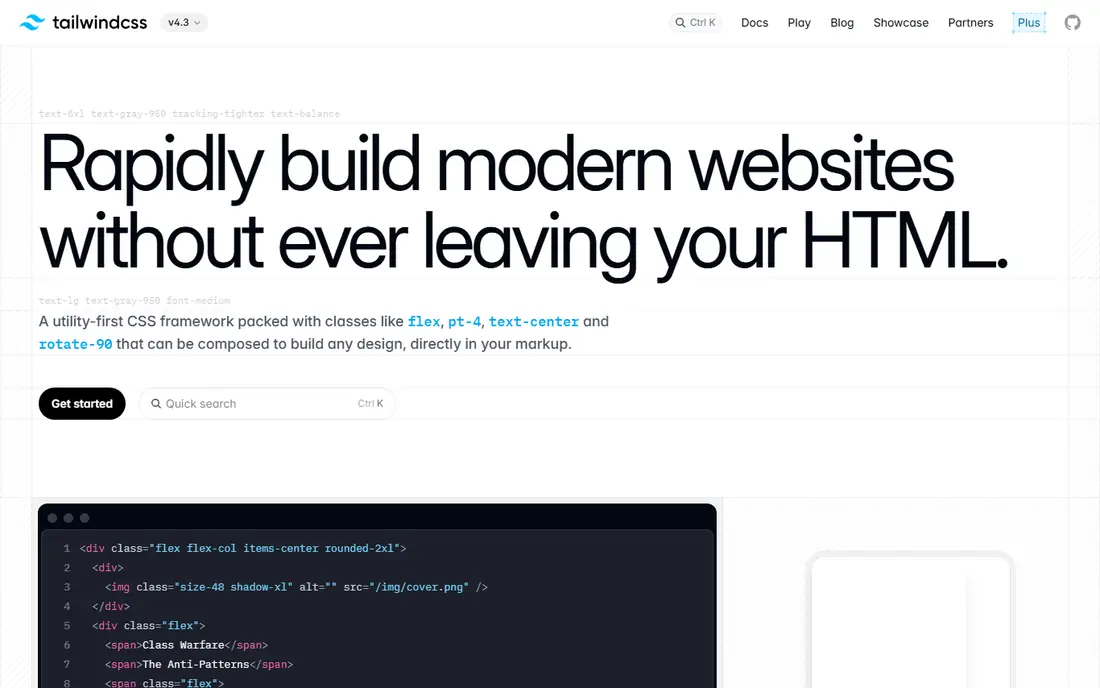
Tailwind CSS moves styling from preprocessor files into utility classes in markup, backed by a configuration file for spacing, colors, fonts, and breakpoints. That change removes much of the need for Less variables and mixins, since the scale itself becomes the shared system. Developers iterate quickly, because a spacing or color change is a class change in the component, not a hunt through stylesheet files. The ecosystem of templates, plugins, and UI kits also speeds up product work.
Markup verbosity is the familiar drawback, and teams should extract repeated patterns into components in their JavaScript framework. Tailwind also needs a build step for full use. For product teams that struggled with Less file organisation across many developers, Tailwind often solves the underlying problem better than another preprocessor, by making the design system explicit and shared.
What we like- Shared spacing and color scales
- Fast iteration
- Large template and plugin ecosystem
Watch out for- Verbose class lists
- Design system still needs discipline to stay consistent
Starting priceFree
Free planYes
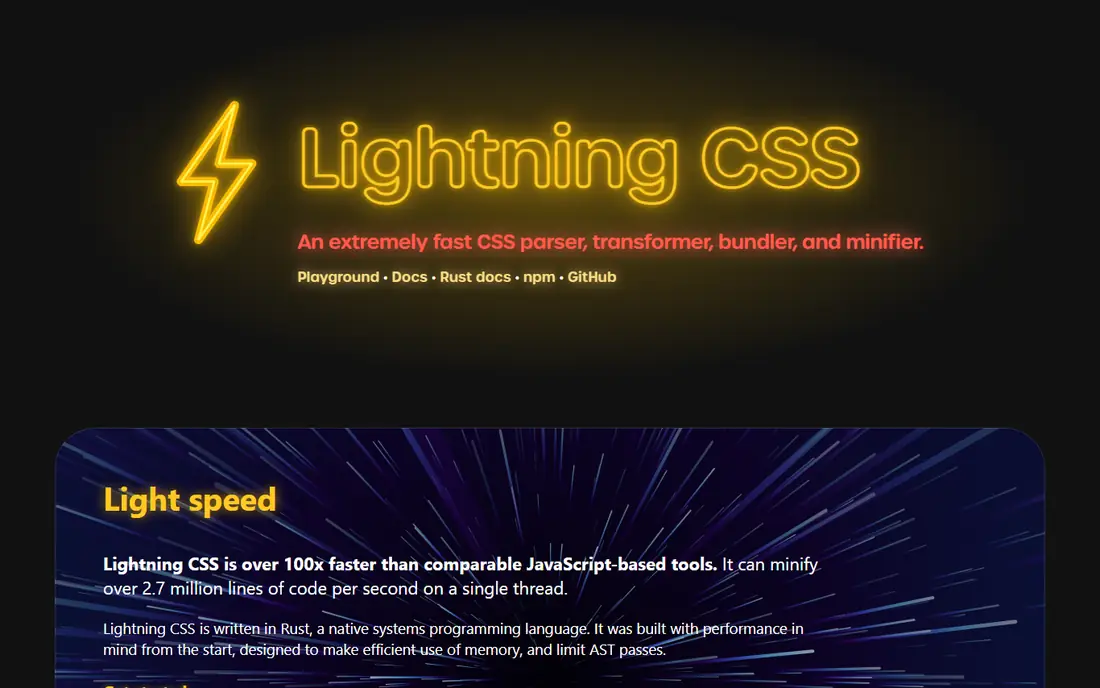
Lightning CSS parses, transforms, bundles, and minifies CSS at high speed. It supports nesting, custom media queries, and other modern features, then outputs browser-ready CSS with prefixes where needed. For large codebases, the speed difference is noticeable in development, where rebuilds happen constantly. Bundling and minification in one tool also reduce the number of build plugins a team must maintain.
The ecosystem is newer and smaller than PostCSS, so a team tied to a specific PostCSS plugin should verify an alternative exists. Documentation assumes comfort with bundlers, which can slow beginners. Lightning CSS suits performance-focused teams and modern JavaScript projects that want a fast, simple CSS pipeline without a preprocessor language.
What we like- Very fast Rust-based compilation
- Modern CSS handling
- Bundling and minification included
Watch out for- Smaller plugin ecosystem
- Assumes build-tool experience
Starting priceFree
Free planYes
Bulma offers a way to leave preprocessors behind for many sites. Its stylesheet covers layout, cards, navigation, forms, and other common patterns, and it can be linked directly to a page. That simplicity suits marketing sites, prototypes, and internal tools where a tidy, consistent look matters more than custom preprocessor logic. Class names read plainly, which helps collaboration between designers and developers.
Custom branding beyond colors and spacing takes extra CSS, since Bulma does not offer Less-style mixins in daily use unless the team uses its Sass source. Interactive components also need separate JavaScript. Bulma fits teams that want a finished look with minimal tooling, and it is a practical step for a Less project that mainly used the preprocessor for organisation rather than complex logic.
What we like- No preprocessor needed for basic use
- Readable classes
- Clean defaults
Watch out for- No JavaScript components
- Custom design systems need extra CSS work
Starting priceFree
Free planYes
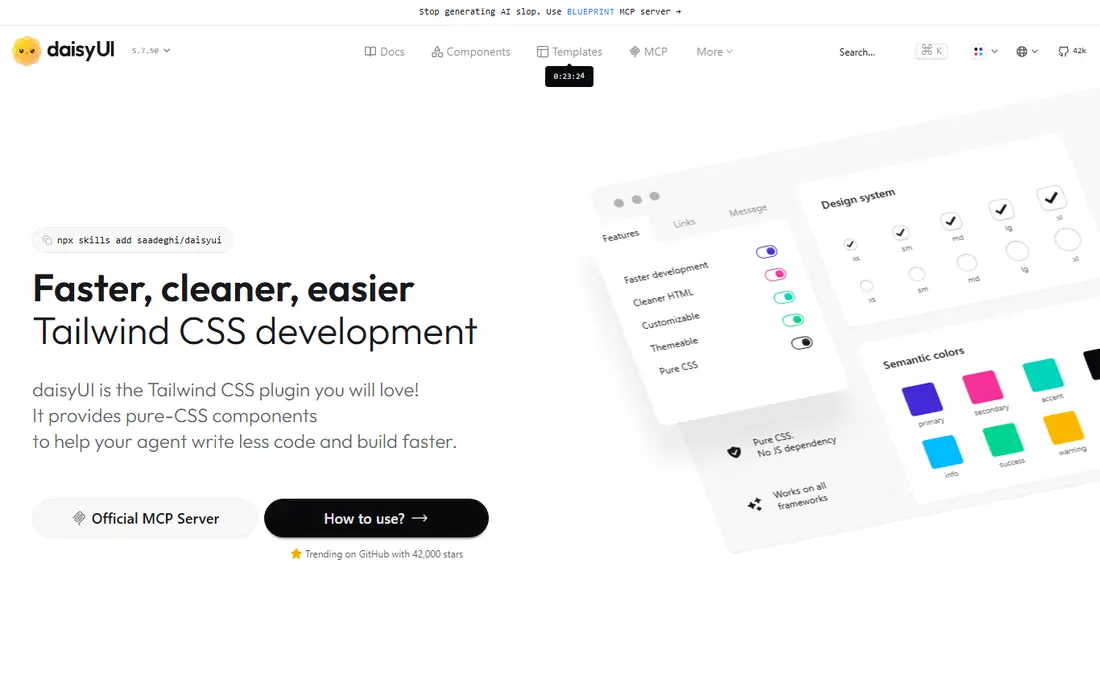
DaisyUI adds components such as buttons, cards, modals, and menus to Tailwind CSS, using Tailwind utilities underneath. A team moving from Less to Tailwind often misses ready-made components, and DaisyUI fills that gap without forcing a move to a separate framework. Themes let a product switch color schemes across components at once, which helps with dark mode and brand variants.
DaisyUI only works inside a Tailwind project, so it is not a standalone Less replacement. Heavy customisation can fight theme defaults, and version changes need testing with the Tailwind version in use. For Tailwind teams that want components quickly, DaisyUI is a useful addition that keeps the utility workflow intact.
What we like- Components on top of Tailwind
- Theme switching
- Keeps utility workflow
Watch out for- Requires Tailwind
- Theme defaults may need overriding for custom brands
Starting priceFree
Free planYes
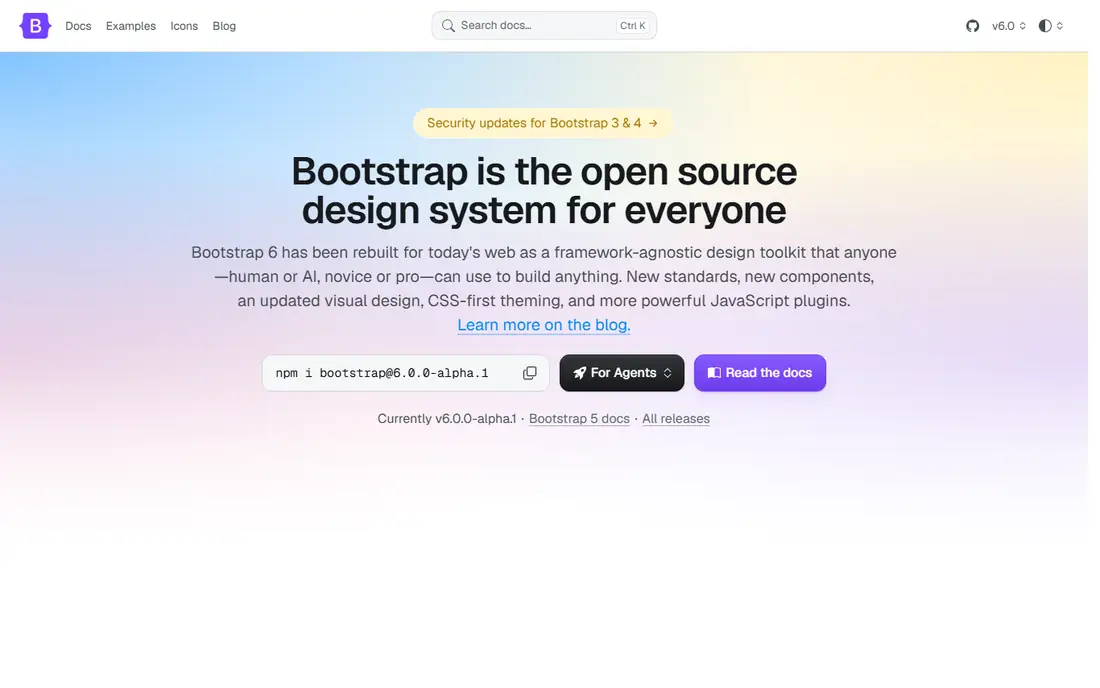
Bootstrap remains the most complete off-the-shelf option for teams leaving Less. Its grid, components, and utilities cover most product and marketing pages, and its documentation and examples are extensive. Teams that want Sass theming can still use it, since Bootstrap source is written in Sass, but teams that prefer a plain stylesheet can use the compiled CSS without touching a preprocessor. That flexibility makes Bootstrap a low-risk migration target.
The default styling is widely recognised, so a distinct brand needs theming time. The full bundle is also larger than a minimal framework, though importing only needed parts reduces that cost. For teams that used Less mainly to organise a growing stylesheet, Bootstrap gives structure, components, and a large hiring pool in one package.
What we like- Mature grid and components
- Extensive docs
- Sass source for theming
Watch out for- Default look is recognisable
- Full bundle is heavier than minimal tools
How we chose
We compared tools on how well they replace Less jobs: variables, nesting, mixins, shared tokens, and production output. We checked each vendor homepage and documentation, noted build requirements and community size, and weighed whether the tool is a language, a plugin system, or a framework. We also considered native CSS, which now covers variables and nesting for small projects. No hands-on testing is claimed here.
Moving a Less codebase without breaking it
Start with an inventory. List the Less features your codebase actually uses, such as variables, nested rules, parametric mixins, imports, and color functions. Many codebases use only a subset, and that subset decides the replacement. A codebase that uses mostly variables and nesting can move to native CSS or PostCSS quickly. A codebase built on parametric mixins needs Sass, Stylus, or Tailwind components to replace that logic cleanly.
Migrate in small batches
Convert one section at a time, starting with low-risk pages such as marketing or settings screens. Keep Less compiling alongside the new tool during the transition, and compare rendered output visually before removing old files. Small batches make it easier to find specificity and ordering problems, which are the most common migration faults.
Keep tokens in one file
Whatever replacement you choose, store colors, spacing, breakpoints, and fonts in a single place. In Sass that is a variables module, in Tailwind it is the config file, and in PostCSS it may be custom properties. A single token source prevents the drift that made the Less codebase hard to maintain, and it makes the next tool change simpler.
Test the build, not only the look
Check build time, output size, and source maps after migration. A replacement that looks right but doubles build time or output size is a poor trade. Remove unused utilities and components in production, and confirm that minification and prefixing still run as expected in your pipeline.
Frequently asked questions
What is the best alternative to Less?
Sass is the best direct replacement, with the largest ecosystem and a familiar preprocessor workflow. Tailwind CSS is the best choice for teams that want to change the workflow to utilities, while PostCSS suits teams that want plugin-based control.
Is Sass hard to learn if I know Less?
No, the concepts transfer directly. Variables, nesting, mixins, and imports work similarly, with different syntax details such as the dollar sign for variables. Most Less developers become productive in Sass within a few days, with the module system taking a little longer to learn well.
Can I replace Less with plain CSS?
Yes, for small and medium projects. Native CSS now supports custom properties and nesting in modern browsers, which covers common Less uses. Larger projects may still want Sass or PostCSS for mixins, functions, and shared logic.
Should I migrate an old Less codebase at all?
Not always. A stable Less codebase with little active development may be fine as it is. Migrate when the codebase is growing, when hiring for Less is hard, or when the build toolchain needs modernisation anyway. A working system does not need a rewrite for its own sake.
Do Tailwind and Sass work together?
They can, but most teams choose one primary approach. Tailwind is often used with PostCSS, and Sass can sit alongside it for legacy files during a migration. Running both long term adds complexity, so plan to settle on one system for new code.
Which alternative has the smallest learning curve?
Bulma has the smallest curve for basic use, since it is a linked stylesheet with readable classes. For a preprocessor, Less developers will find Sass the easiest transition, because the mental model is almost identical.
Sources we checked (8)
- https://sass-lang.com
- https://stylus-lang.com
- https://postcss.org
- https://tailwindcss.com
- https://lightningcss.dev
- https://bulma.io
- https://daisyui.com
- https://getbootstrap.com
Is your product missing or out of date?
We review this list regularly. Vendors can request a listing, send updated pricing or ask about featured placement.

Shihab Mia · Founder, Rankite
Shihab has 5+ years in B2B and SaaS SEO. He writes Rankite's software buying guides from pricing pages, documentation and public user reviews. More about Shihab.