How we make this list: we compare pricing pages, product documentation and public user reviews. Ratings come from G2, Capterra or Trustpilot, with the date we checked them.
Key takeaways
- Tailwind CSS is the most flexible route, with utility classes that adapt layouts at any breakpoint without prebuilt component styles.
- Bootstrap remains the fastest way to ship a responsive site when a conventional look and ready-made components are acceptable.
- Bulma and UIkit suit lightweight marketing pages where a small CSS footprint matters more than a huge component catalog.
- MUI and Chakra UI are the picks for React teams that want accessible, themeable components rather than raw CSS.
- Foundation still fits enterprise teams that need accessibility-led components and responsive email templates.
Quick comparison
| Tool | Best for | Starting price | Free plan |
|---|
 Tailwind CSS Tailwind CSS | Custom responsive product UI | Free | Yes |
 Bootstrap Bootstrap | Fast prototypes and dashboards | Free | Yes |
 Foundation Foundation | Enterprise and email templates | Free | Yes |
 Bulma Bulma | Lightweight marketing pages | Free | Yes |
 UIkit UIkit | Polished agency landing pages | Free | Yes |
 MUI MUI | React SaaS dashboards | Free | Yes |
 Chakra UI Chakra UI | Accessible React components | Free | Yes |
 daisyUI daisyUI | Themed Tailwind components | Free | Yes |
Is your product missing or out of date?
We review this list regularly. Vendors can request a listing, send updated pricing or ask about featured placement.
The best alternatives to responsive web design
Starting priceFree
Free planYes
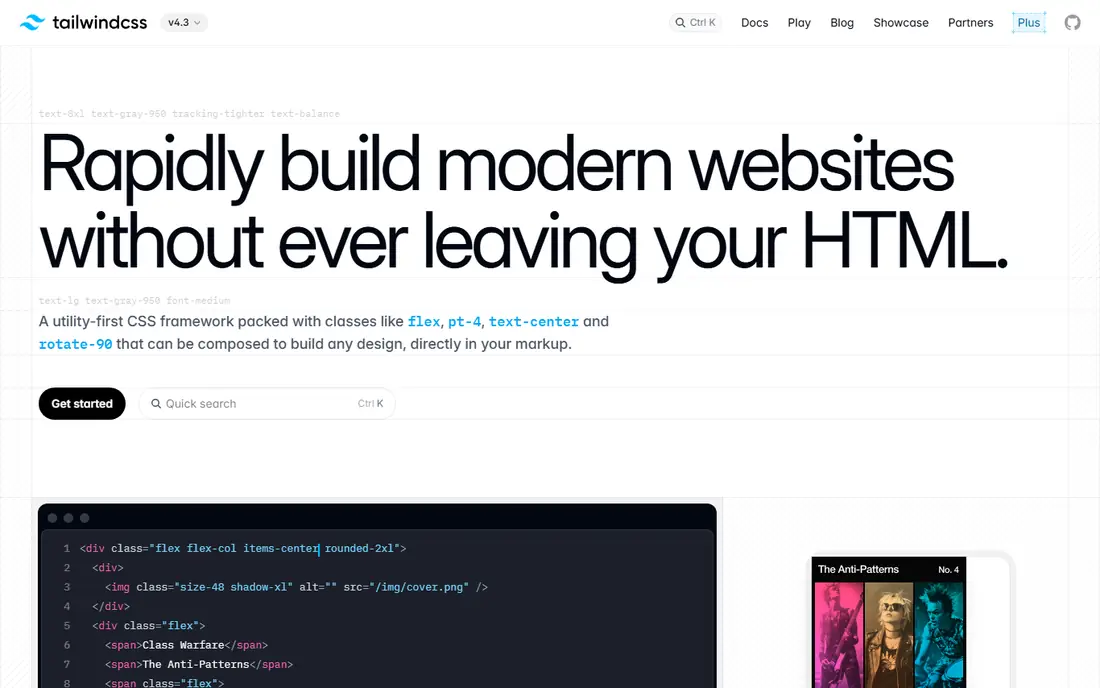
Tailwind CSS replaces hand-written responsive stylesheets with small utility classes applied directly in markup. Instead of writing media queries for each layout change, a developer adds breakpoint prefixes such as md or lg to classes, and the framework handles the rest. The result is a design that adapts across phones, tablets, and desktops without a separate stylesheet per screen size.
The practical win is bundle size. Tailwind removes unused CSS when building for production, so most projects ship less than 10KB of CSS. That helps page speed scores, which matter for both search rankings and conversion. The cost is verbosity: templates fill with class names, and teams without solid CSS fundamentals can produce inconsistent spacing and typography. For product teams that want a custom look, it is the strongest alternative to writing responsive CSS from scratch.
What we like- Utility classes for every breakpoint
- Production builds purge unused CSS to under 10KB in most projects
- Works with React, Vue, and Svelte
Watch out for- HTML gets verbose with long class lists
- Teams need real CSS knowledge to use it well
Starting priceFree
Free planYes
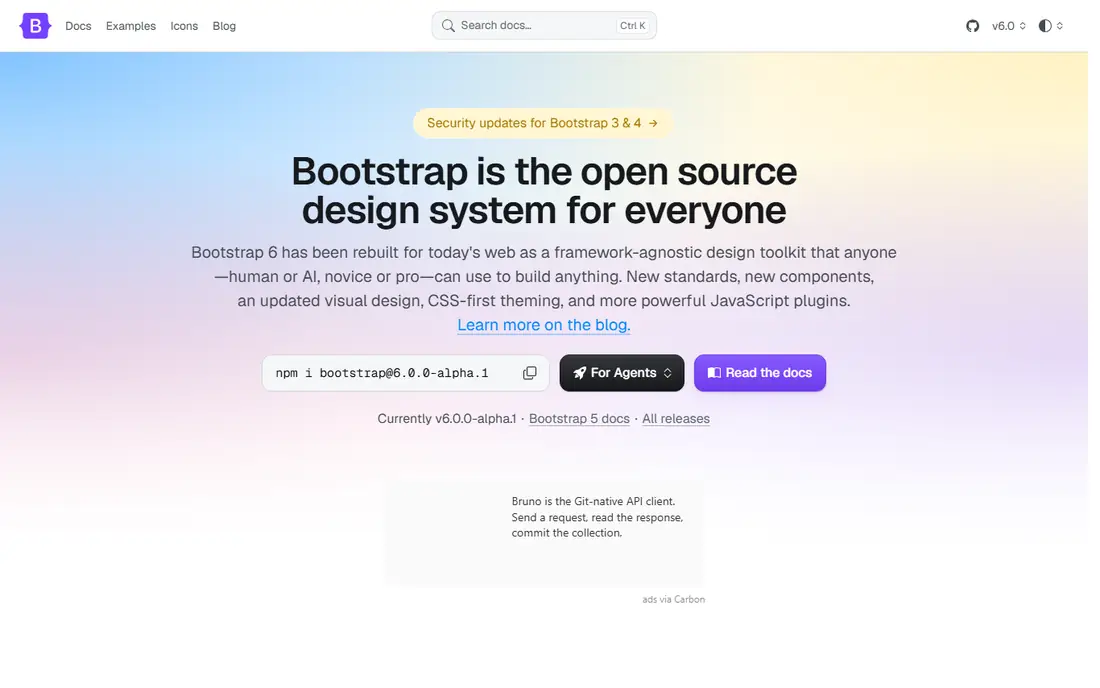
Bootstrap is the pragmatic choice when speed matters more than originality. Its grid, components, and utilities cover navigation, forms, modals, cards, and tables out of the box, so a team can assemble a responsive admin dashboard or content site in days. Version 5 dropped jQuery for vanilla JavaScript and added CSS variables for theming, which keeps it current.
The familiar complaint still holds: uncustomized Bootstrap sites look alike. Theming through Sass or CSS variables fixes much of that, but it takes deliberate work. Bundle weight is also a factor, since the full CSS and JavaScript run heavier than a purged Tailwind build. For prototypes, internal tools, and content sites where a clean conventional look is fine, Bootstrap remains the fastest route to responsive.
What we like- Huge component library and 12-column grid
- Extensive documentation
- Works with any JavaScript stack
Watch out for- Sites can look generic without heavy customization
- JavaScript bundle adds weight
Starting priceFree
Free planYes
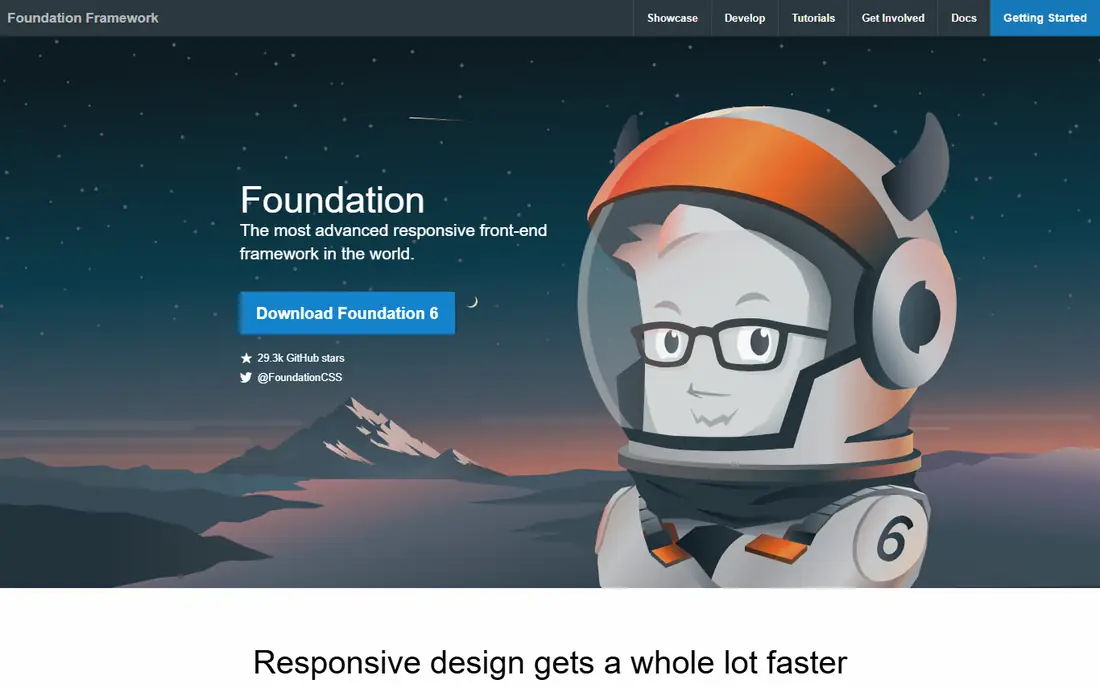
Foundation targets enterprise teams and agencies that need rigor. Its components are built with accessibility in mind, its XY grid handles complex layouts, and it ships a separate framework for responsive email, a niche most rivals ignore. Large organizations with design systems and compliance requirements often prefer that discipline.
The trade-off is ecosystem size. Fewer tutorials, themes, and third-party components exist than for Bootstrap or Tailwind, so teams solve more problems themselves. The bundles are also heavier, which needs attention on performance budgets. Foundation makes sense when accessibility, email, and enterprise scale outrank trendiness.
What we like- Accessibility-led components
- XY grid with Flexbox and CSS Grid
- Dedicated responsive email framework
Watch out for- Smaller community than Bootstrap or Tailwind
- Heavier CSS and JavaScript bundles
Starting priceFree
Free planYes
Bulma is a CSS-only framework built on Flexbox, which makes it a light and readable choice for marketing pages and simple apps. There is no JavaScript to load, so pages stay fast, and the class names are semantic enough that new developers can read templates without a long onboarding. Its modifiers for color, size, and spacing cover most everyday layout needs.
What Bulma lacks is interactivity. Dropdowns, modals, and tabs need custom JavaScript or a small helper library, since the framework ships styles only. Its component catalog is also thinner than Bootstrap's. For a landing page or a content site where design is clean and interactions are simple, Bulma delivers responsive layouts with minimal weight.
What we like- Pure CSS with no JavaScript required
- Clean Flexbox grid
- Easy to learn and read
Watch out for- Component library is smaller than Bootstrap
- No JavaScript behaviors built in
Starting priceFree
Free planYes
UIkit is a modular front-end framework aimed at agencies and product sites that want a polished result quickly. Its components include navigation, sliders, lightboxes, and animations, and the modular structure lets teams include only what they use. The default theme is refined enough that a landing page can look finished with little custom styling.
The framework's community is smaller than Bootstrap's or Tailwind's, so finding ready-made themes and answers takes more effort. Its styling is also opinionated, which suits teams that like the look but frustrates those chasing a fully custom brand. For agency sites and portfolios where presentation matters, UIkit is a strong responsive option.
What we like- Modular components with animations
- Polished default styling
- Good for Vue and React projects
Watch out for- Smaller community than the leaders
- Default look can feel opinionated
Starting priceFree
Free planYes
MUI, formerly Material-UI, gives React teams a complete component library built on Google's Material Design. Data grids, date pickers, dialogs, and navigation all arrive as React components with theming, dark mode, and accessibility handling included. For SaaS dashboards and internal tools, that completeness saves weeks of component building.
MUI only makes sense inside React, so teams on other stacks should skip it. The bundle can also grow large if many components are imported without care, and the Material look is recognizable unless themed deliberately. React teams that accept those terms get one of the most productive responsive toolkits available.
What we like- Full Material Design component set for React
- Built-in theming and dark mode
- Strong accessibility work
Watch out for- React only
- Bundle can grow large
- Material look needs theming to feel custom
Starting priceFree
Free planYes
Chakra UI takes a simpler approach to React interfaces. Components accept style props directly, so spacing, color, and responsive breakpoints live in the component code rather than in separate stylesheets. Accessibility is a core promise: focus management, keyboard behavior, and ARIA attributes are handled by default.
The cost is the CSS-in-JS runtime, which adds JavaScript overhead compared with static CSS frameworks. The component set is also smaller than MUI's, so complex data grids or date pickers may need extra libraries. For React teams that value accessibility and fast iteration over the largest catalog, Chakra UI is a thoughtful responsive choice.
What we like- Accessible components with sensible defaults
- Style props speed up layout work
- Theming and dark mode built in
Watch out for- React only
- CSS-in-JS runtime adds overhead
- Smaller component set than MUI
Starting priceFree
Free planYes
daisyUI bridges the gap between Tailwind's utilities and Bootstrap's ready components. It adds component classes such as buttons, cards, and menus to Tailwind projects, plus dozens of built-in themes with dark mode support, all without JavaScript. Teams that like Tailwind's control but miss prebuilt components get both.
The requirement is Tailwind itself: daisyUI is a plugin, not a standalone framework, so projects must already run Tailwind. Its component catalog is also thinner than Bootstrap's, and heavy theme customization still needs Tailwind configuration work. For Tailwind teams that want faster shipping without losing utility control, daisyUI is the natural addition.
What we like- Ready-made components on top of Tailwind
- Dozens of built-in themes
- No JavaScript required
Watch out for- Requires Tailwind CSS
- Theme switching needs setup
- Component depth trails Bootstrap
How we chose
We treated "alternatives to responsive web design" as the practical question behind the keyword: how else do teams build sites that adapt to any screen. We compared frameworks on grid and breakpoint handling, component depth, bundle weight, accessibility, and ecosystem health. All eight tools are free and open source, so pricing is not a differentiator here; the real choice is workflow, stack fit, and how much custom design a team wants.
What to check before you pick
Match the framework to your stack first. React teams should weigh MUI and Chakra UI; other stacks should start with Tailwind, Bootstrap, or Bulma. Then weigh design ambition against speed: Tailwind rewards custom brands, Bootstrap ships fastest, and Bulma keeps pages lightest. Check three practical things before committing: whether the framework's accessibility defaults meet your requirements, how large the production CSS and JavaScript bundles run on a real page, and whether the community and maintenance pace look healthy for a project you will live with for years.
Also think about hiring and handover. A framework your next developer already knows will save more time than a cleverer one nobody on the team has used. If you run an agency, standardizing on one or two frameworks across clients keeps templates, snippets, and debugging habits consistent. That consistency is worth more than chasing each new release, since clients care about stable, fast pages rather than which tool built them. Finally, test on real devices before launch. Emulators catch layout breaks, but only a physical phone reveals tap-target problems, font rendering quirks, and slow loading on a weak connection. A short device lab session at the end of a project prevents most of the responsive complaints that reach support later.
Frequently asked questions
Is responsive web design outdated?
No. Responsive design is still the standard approach for the web. These frameworks are ways of implementing it faster, not replacements for the idea that one site should adapt to phones, tablets, and desktops.
Which framework is best for beginners?
Bootstrap is the easiest starting point thanks to its documentation, examples, and component library. Bulma is also gentle for beginners who want clean CSS without JavaScript complexity.
Is Tailwind CSS better than Bootstrap?
It depends on the goal. Tailwind gives more design freedom and smaller production bundles, while Bootstrap ships complete components faster. Custom product UI favors Tailwind; prototypes and dashboards favor Bootstrap.
Do I still need media queries with these frameworks?
Mostly no. Frameworks handle breakpoints through classes or component props, though custom designs occasionally still need a hand-written media query for unusual cases.
Are these frameworks really free?
Yes. All eight are open source and free to use, including commercially. Some offer paid extras, such as premium component libraries or support, but the core frameworks cost nothing.
What about adaptive design or separate mobile sites?
Adaptive design serves different layouts per device class, and separate mobile sites duplicate maintenance. Responsive frameworks are usually simpler to maintain, which is why they dominate modern web work.
Sources we checked (8)
- https://tailwindcss.com/docs
- https://getbootstrap.com/docs/
- https://get.foundation/docs/
- https://bulma.io/documentation/
- https://getuikit.com/docs/
- https://mui.com/
- https://chakra-ui.com/docs/
- https://daisyui.com/docs/
Is your product missing or out of date?
We review this list regularly. Vendors can request a listing, send updated pricing or ask about featured placement.

Shihab Mia · Founder, Rankite
Shihab has 5+ years in B2B and SaaS SEO. He writes Rankite's software buying guides from pricing pages, documentation and public user reviews. More about Shihab.